Launch one branded video knowledge page - without building a portal
Combine video, supporting documents, access controls, analytics, and VideoGPT in one focused hosted destination for training, onboarding, partner education, or support.
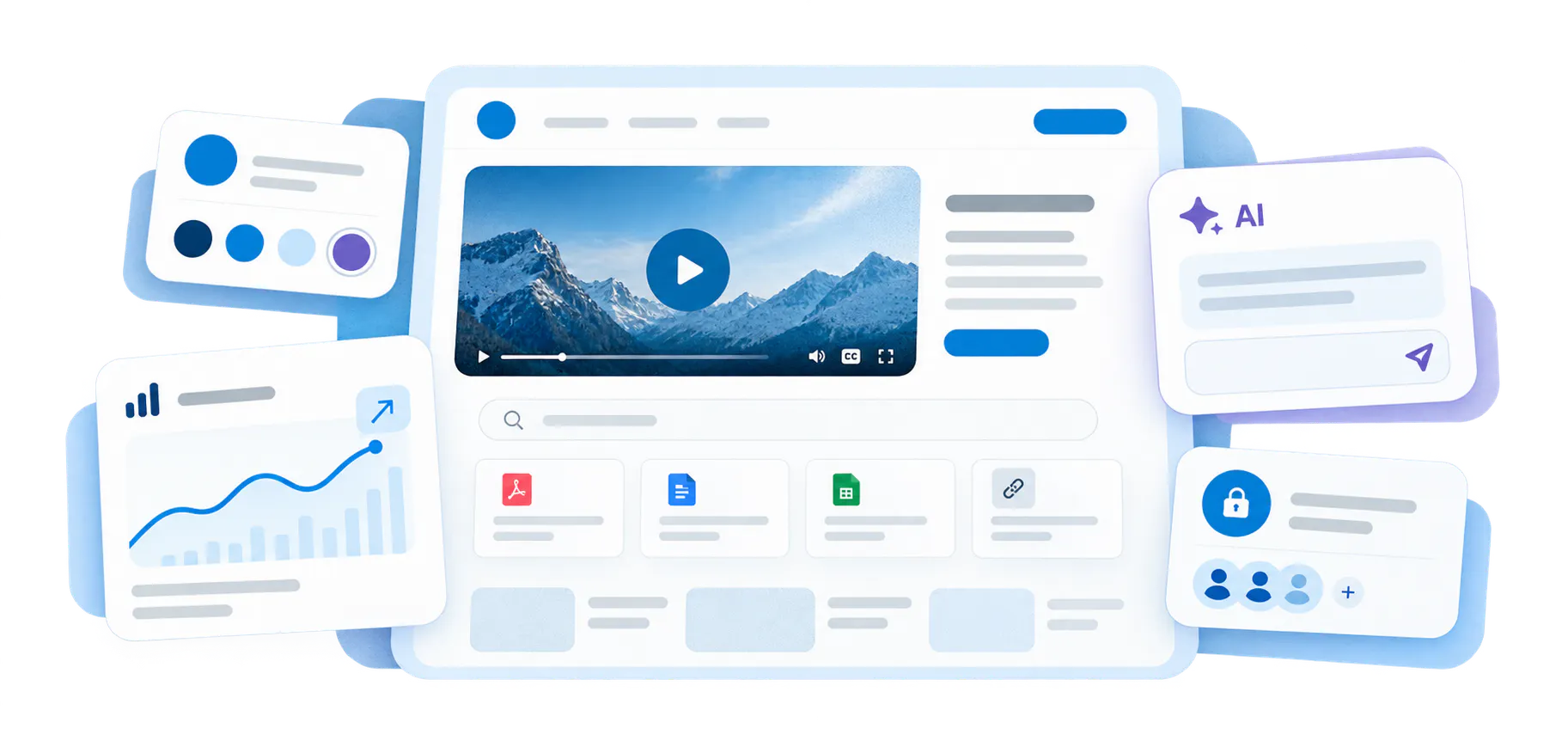
More than a page shell. More than a wrapper around a gallery.
A Page is a hosted destination built around structured video knowledge. It gives one program, one team, or one audience a dedicated place to browse, watch, ask, and retrieve knowledge with its own branding, access model, analytics context, hosted delivery layer, and optional VideoGPT Assistant.
Give the rollout its own home
Launch a dedicated destination with its own domain or CNAME, page-level experience, and focused audience path instead of sending people into a generic library or a scattered set of embeds.
Match access to the audience
Pages work well when delivery needs to be public, gated, or controlled without the extra complexity of a full workspace-and-channel portal.
See engagement in context
Track viewer behavior, page performance, and knowledge interactions around a specific program so teams can see what gets used, what gets missed, and what needs work next.
Give each rollout a destination people can trust and return to
When training, guidance, and supporting documents are scattered across embeds, files, and disconnected pages, people lose the path. Pages bring the content, the access model, and the experience together in one place.
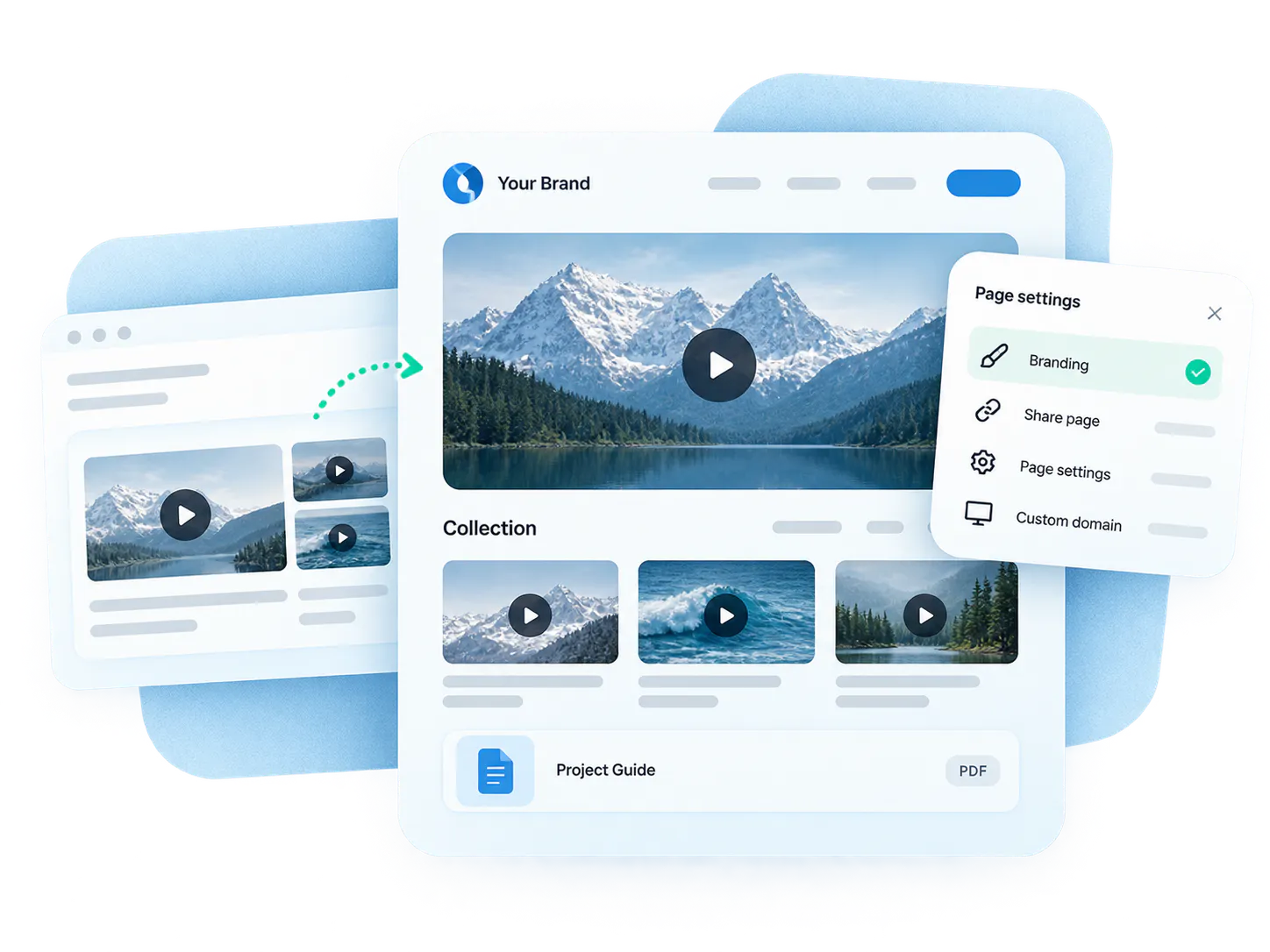
Embeds are not always enough
A gallery inside a page is powerful, but some programs need their own branded destination, not just one more component inside another system.
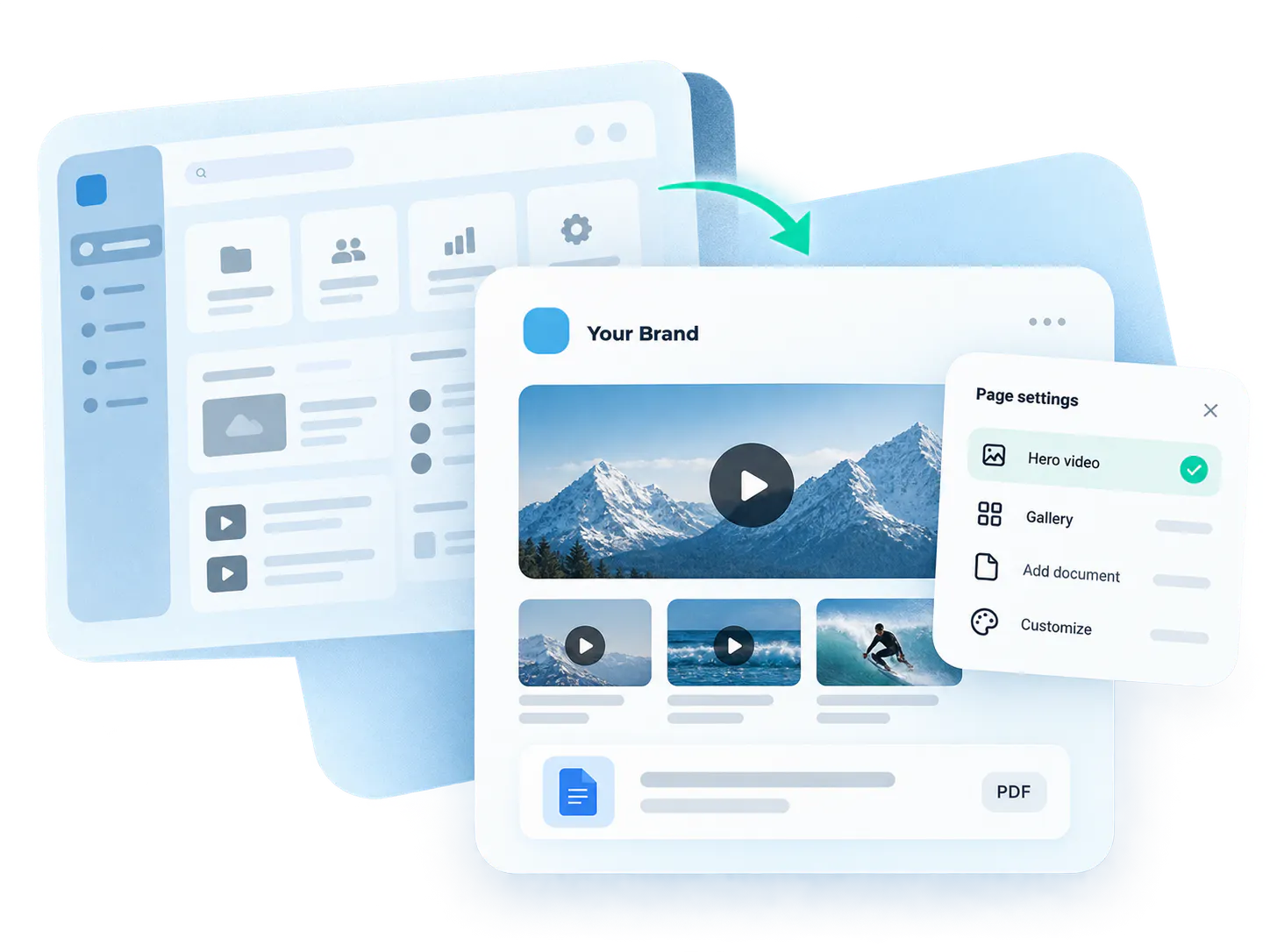
Full portals can be too much
Not every rollout needs workspaces, channels, and full portal behavior. Many teams need something lighter, faster, and more focused.
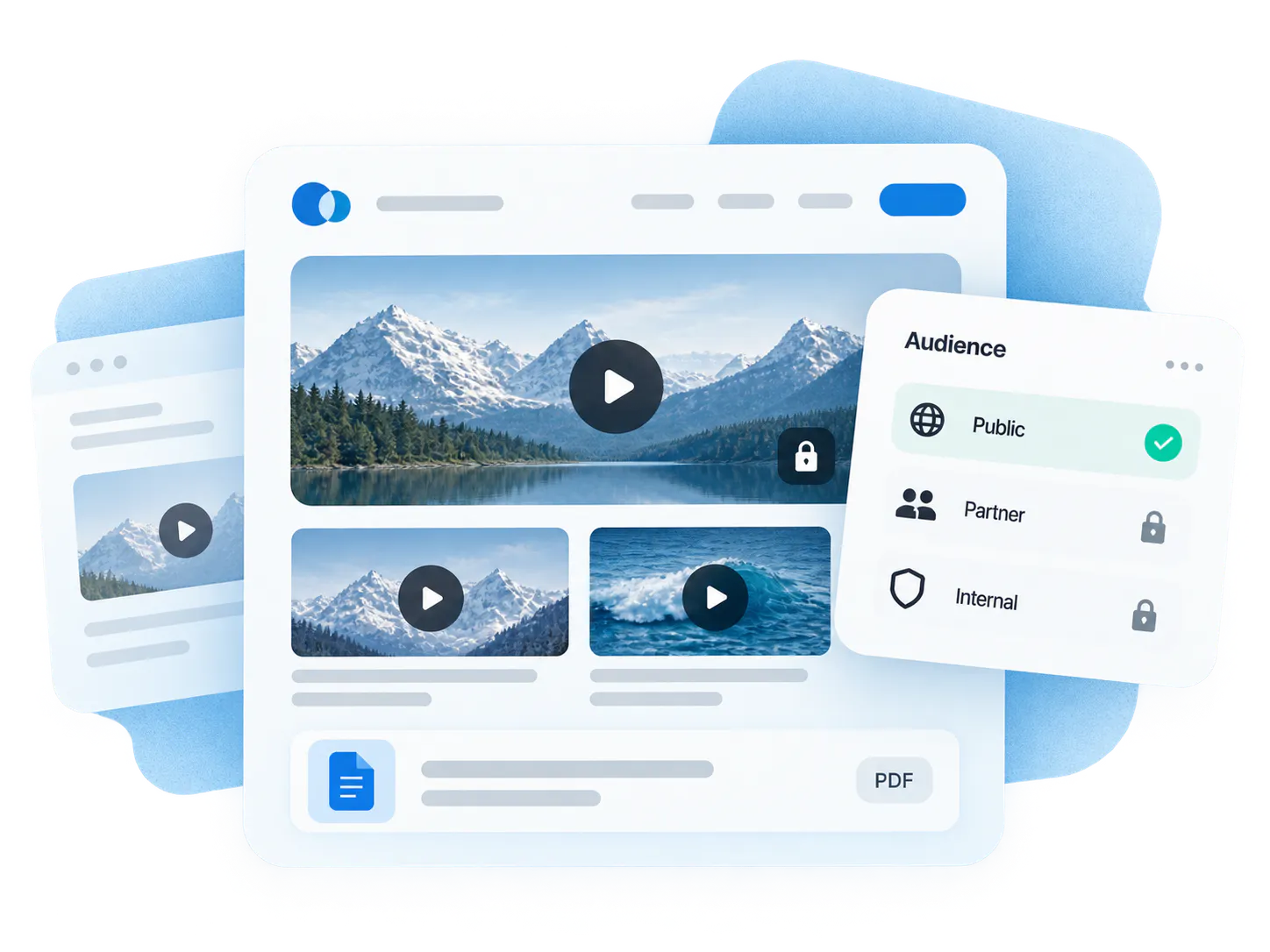
Access and audience still matter
A public education series, a partner program, and an internal library should not all behave the same way. The destination layer has to reflect the audience logic.
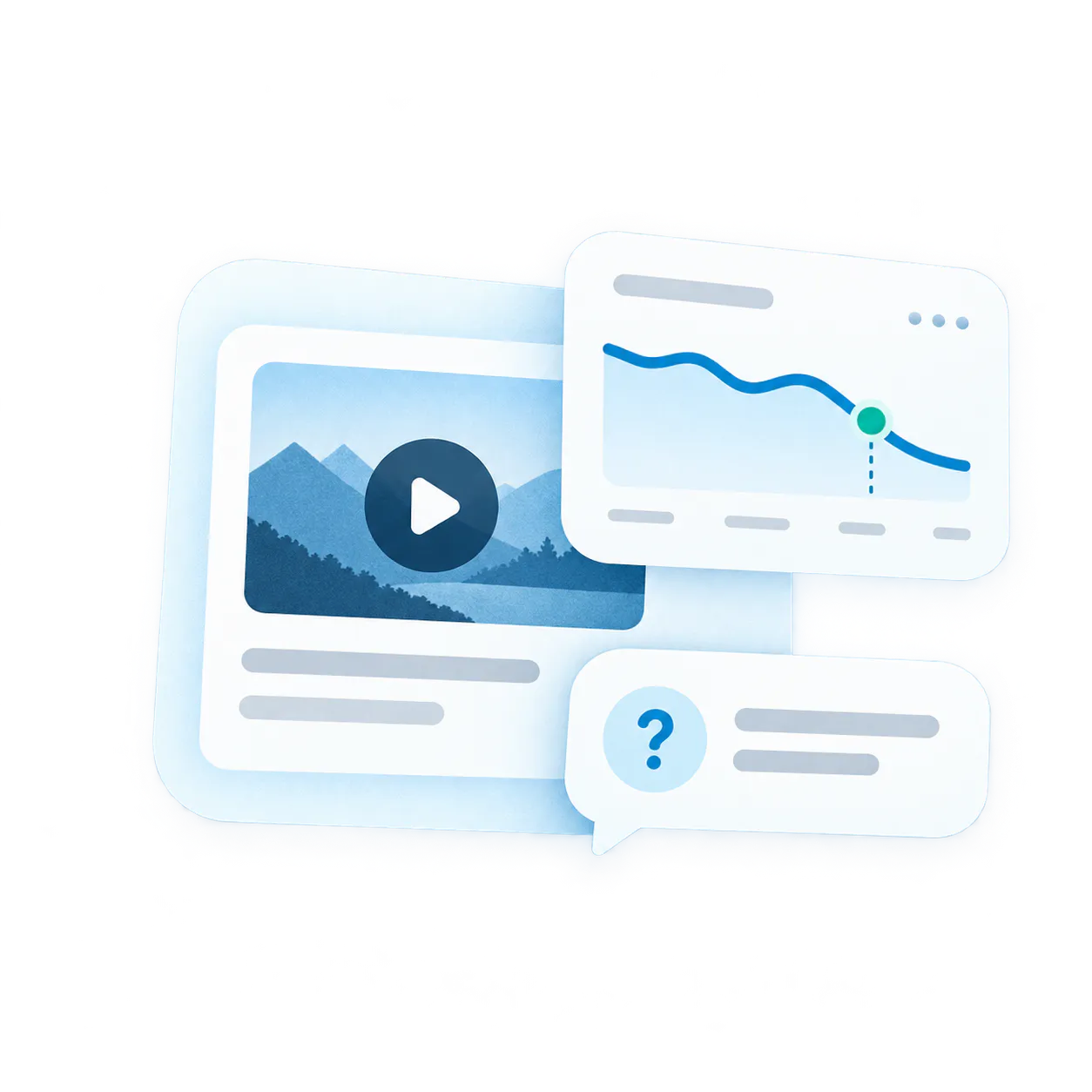
The rollout needs feedback
If the page cannot show who engaged, where people dropped off, or what they kept asking, the team has a harder time improving the program.
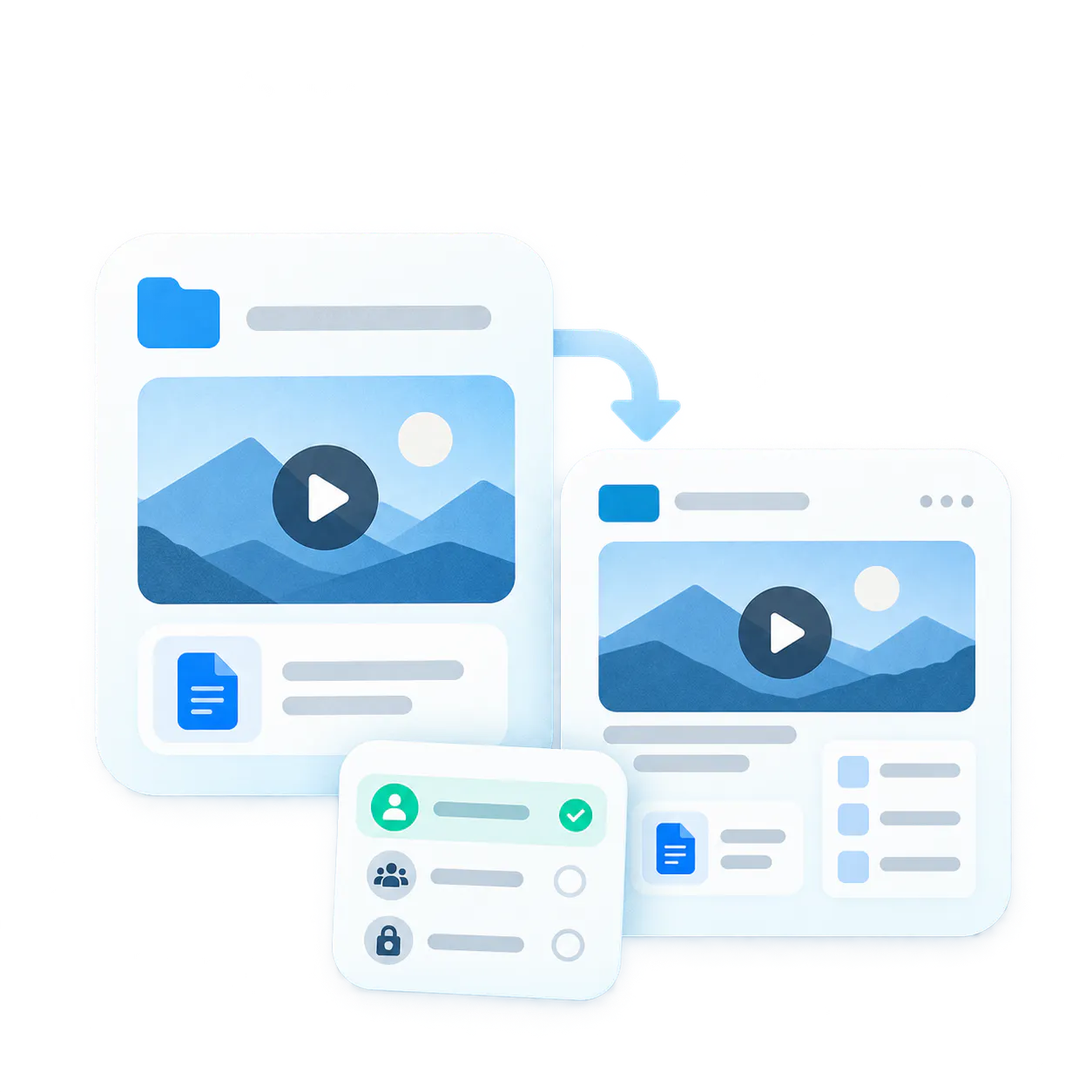
One product shape for focused rollouts
Use the same core content and knowledge layer to launch the destination that fits the audience, the program, and the access needs without rebuilding everything from scratch.
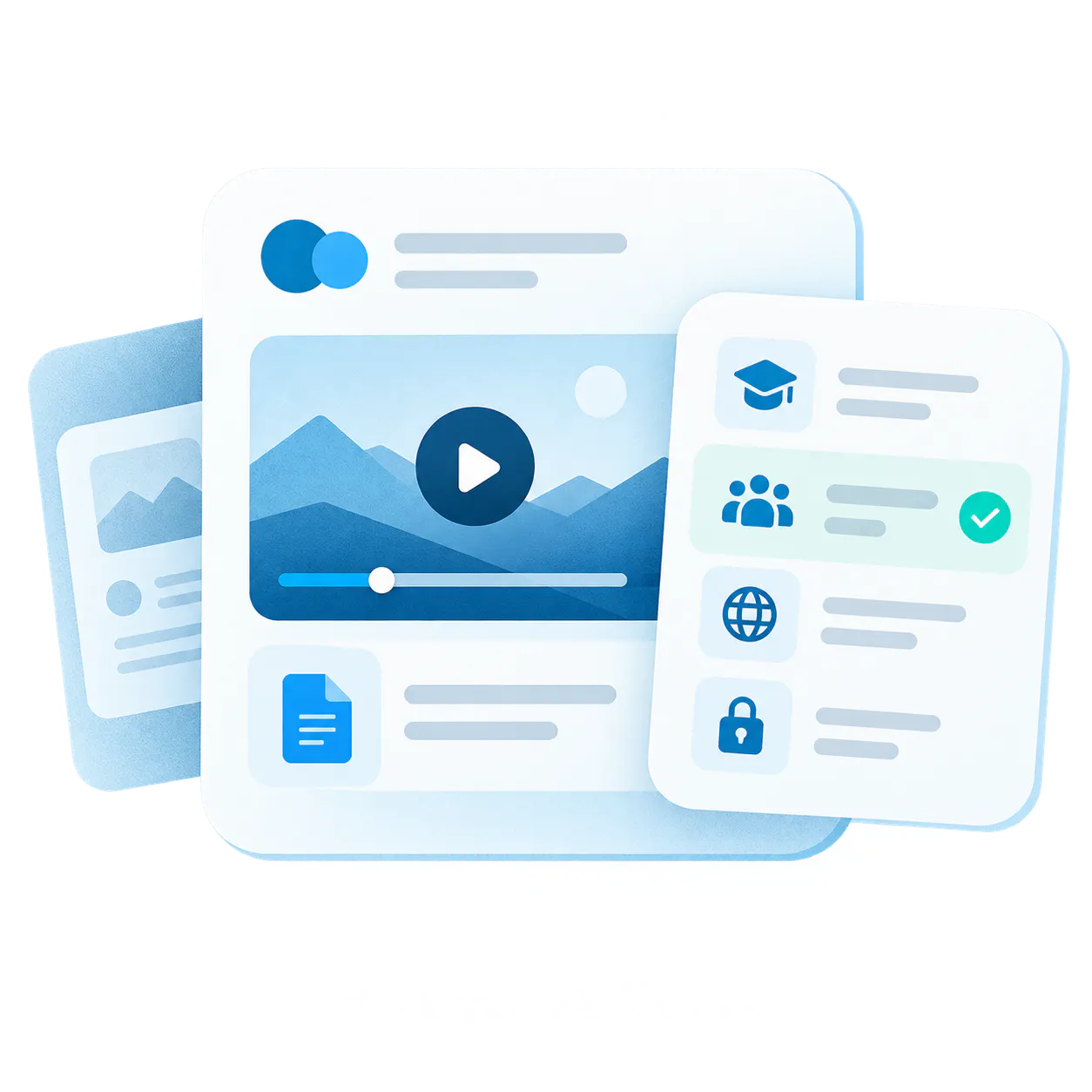
Fit for every audience program
Whether launching a branded course page, gated partner program, public education series, or lighter internal library, Pages delivers the focused experience your audience needs.
Bring content, access, and guidance together in one hosted destination
At a high level, Pages work like this: organize the content, publish it as a dedicated destination, match access to the audience, then learn from how people use it and keep improving the experience.

-
1
Structure the knowledge
Use a gallery to organize the videos, documents, order, and viewing shape the rollout needs before you package the destination around it. -
2
Package the hosted destination
Launch the knowledge as a dedicated hosted Page with its own domain or CNAME, page shell, and focused delivery experience instead of relying only on embeds or generic file links. -
3
Match the access model
Keep the rollout public, gated, or more tightly controlled depending on who should reach it and how much audience control the program requires. -
4
Add the VideoGPT Assistant
VideoGPT can appear as a floating assistant on the Page, introduce the destination, suggest useful questions, answer from the gallery or single video hosted there, and send visitors to the right source moment without taking over the hosted experience. -
5
Measure and improve
Viewer analytics, page-level context, and question patterns help the team see what is working, what content gets used, and where the destination still needs better guidance.
Core Page capabilities
Shape the experience, control access, track viewer behavior, and provide AI assistance with page-level focus.
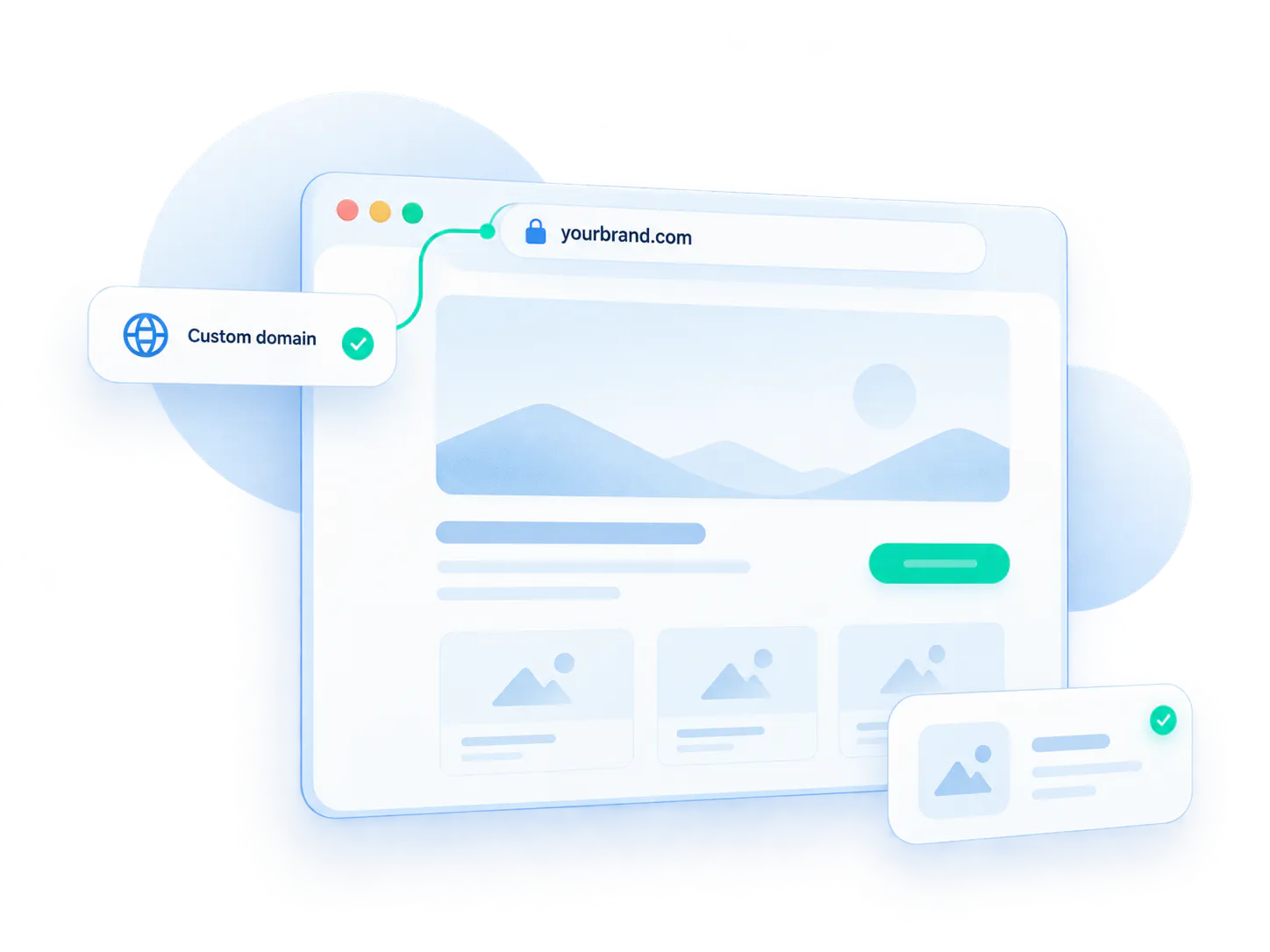
Hosted delivery
Run the destination on a dedicated hosted page with custom domain or CNAME support.
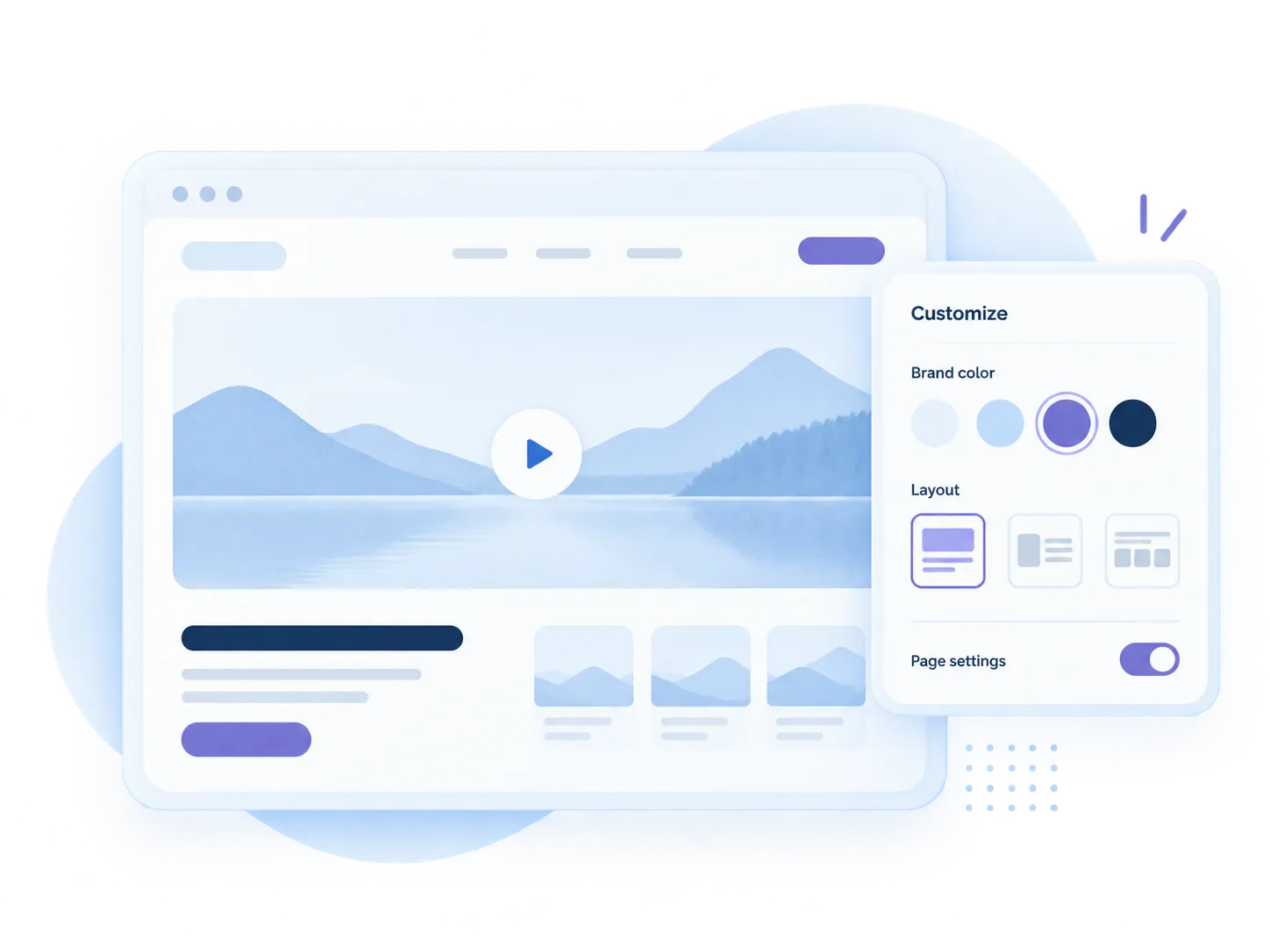
Branding and design
Shape the experience with page-level presentation and customization instead of generic links.
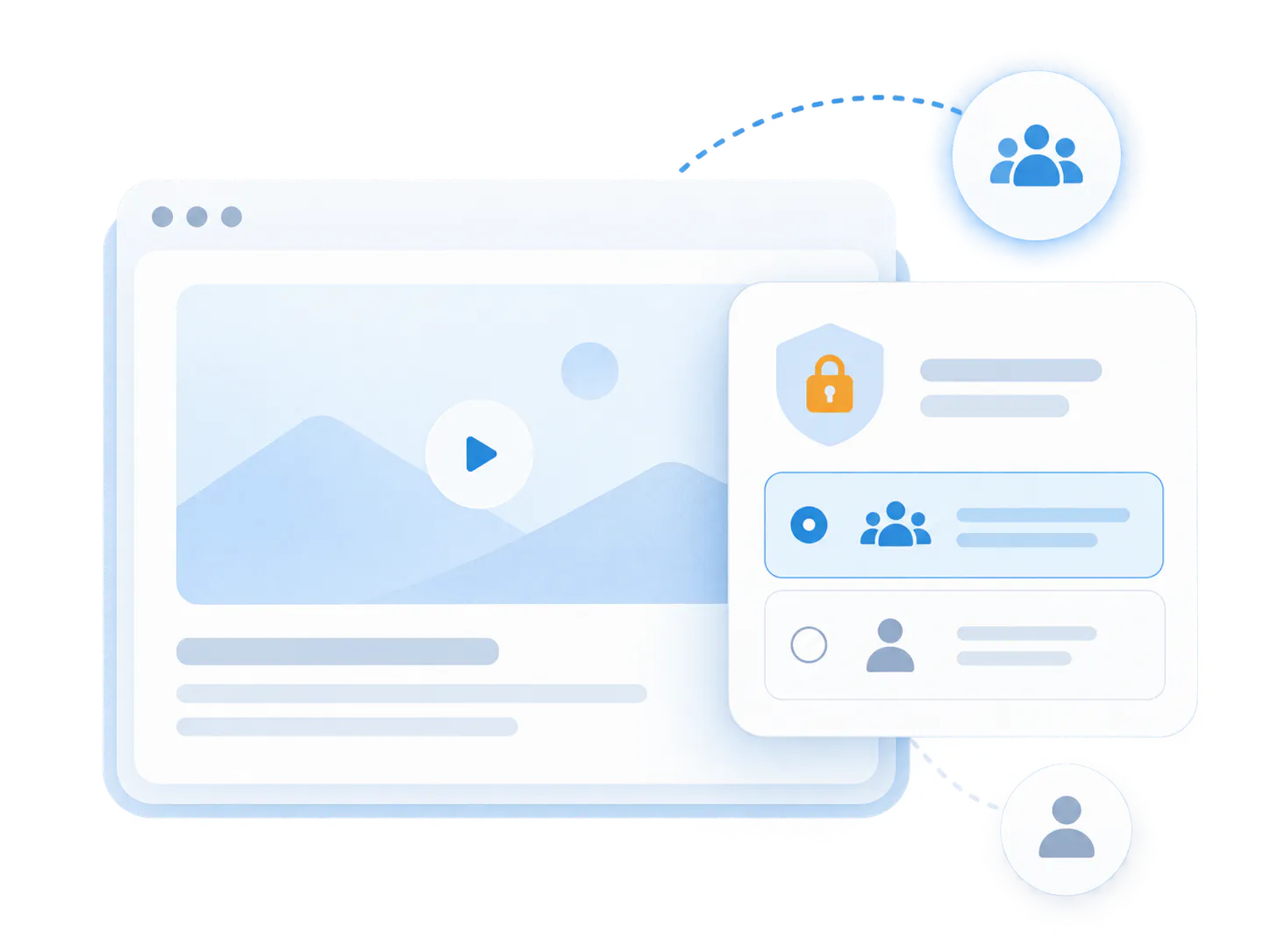
Access control
Support public or controlled delivery when the audience should not all see the same experience.
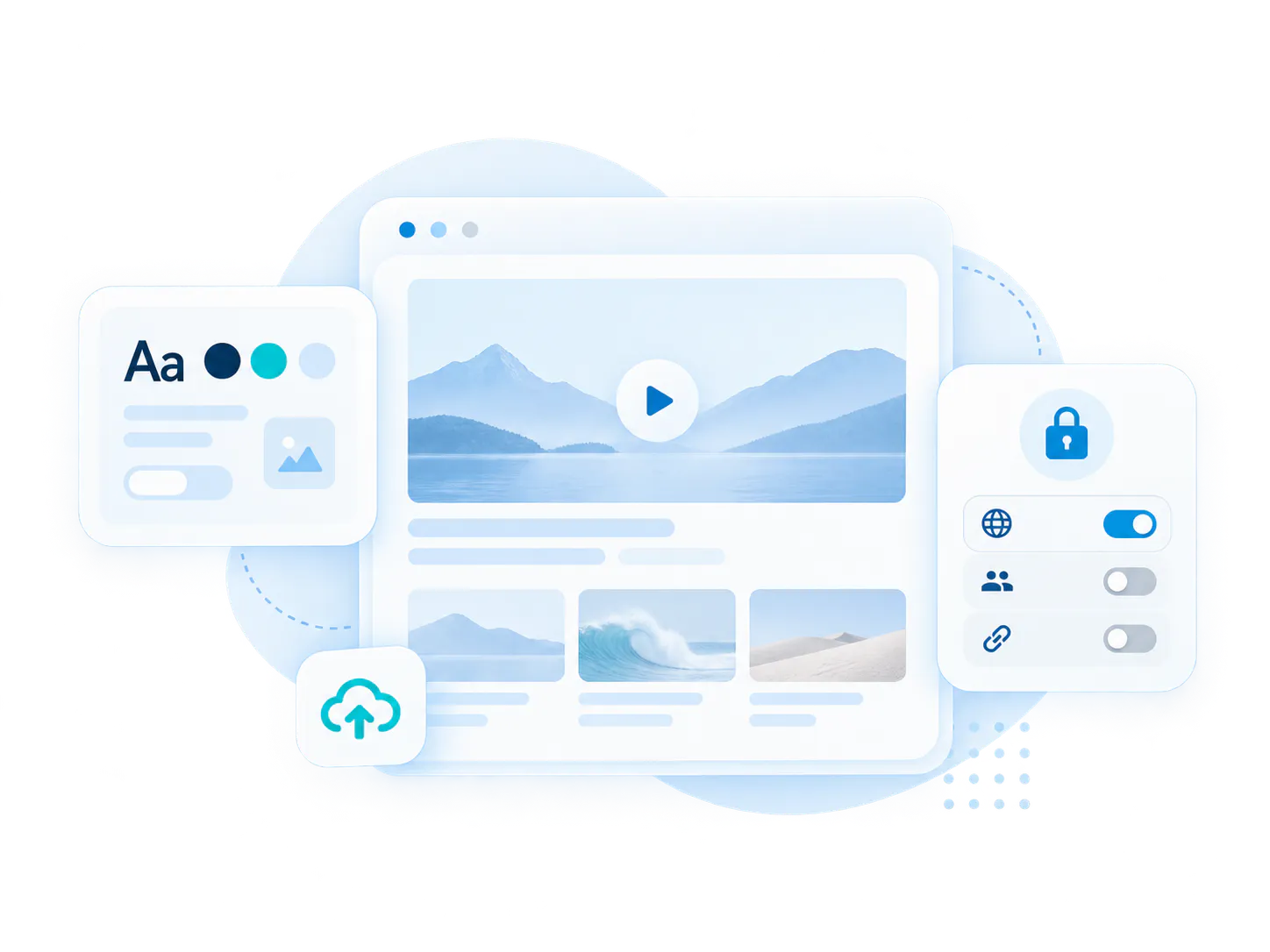
Viewer analytics
Measure engagement in the context of the specific rollout, not only at raw asset levels.
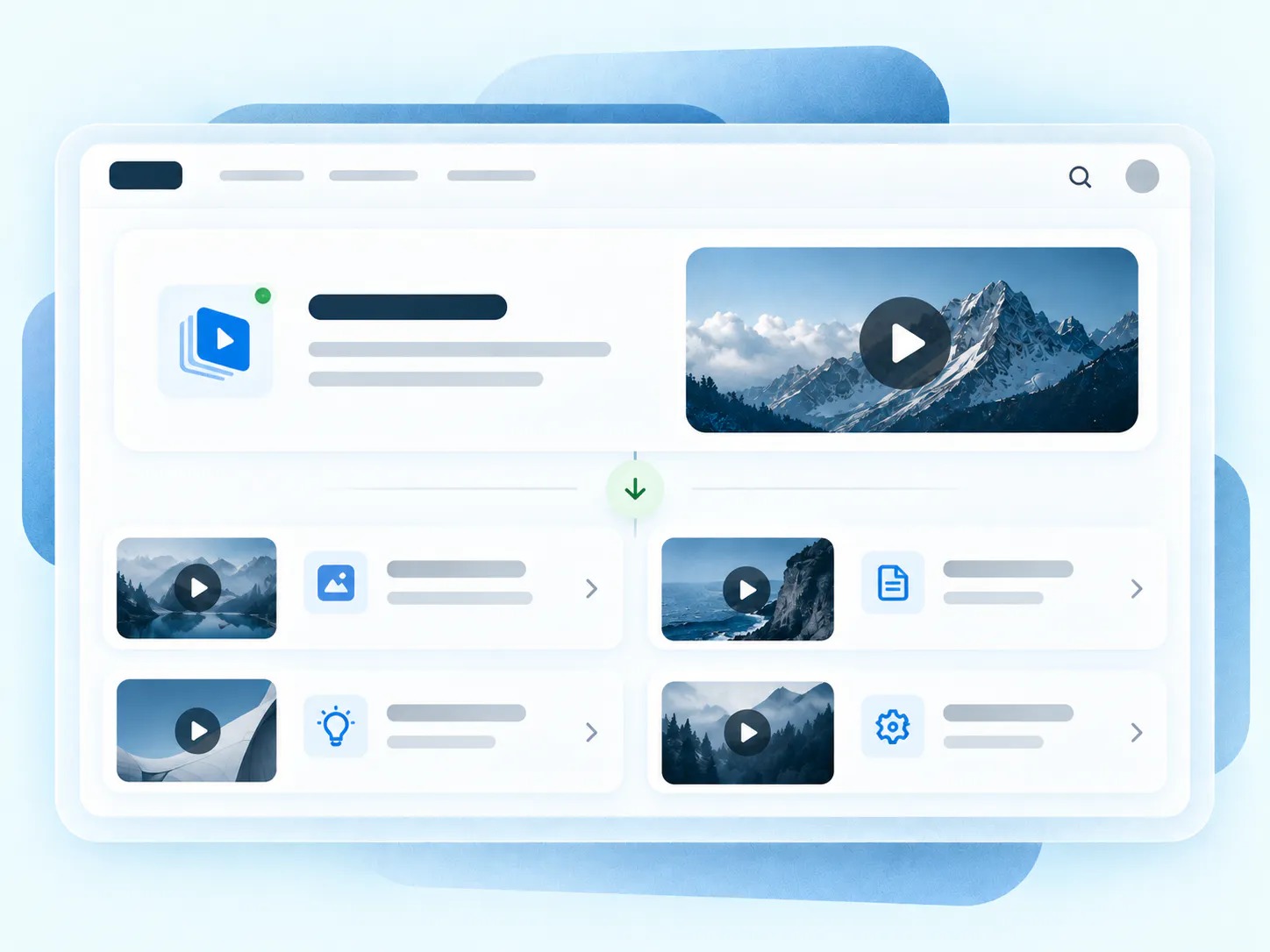
Video + doc knowledge
Keep playlists, attached PDFs, guides, and supporting assets together in one usable home.
Floating VideoGPT
Conversational video retrieval that introduces the page, suggests questions, and jumps to moments.
Where Pages fit best
Pages are strongest when one audience needs one dedicated destination with one clear job to do. Match delivery to the program without portal complexity.
When the rollout needs its own branded destination, not just a media component inside another page.
When the team wants a focused knowledge environment without workspace, channel, or permission complexity.
When one program needs one dedicated destination with one clear, measurable viewing path.
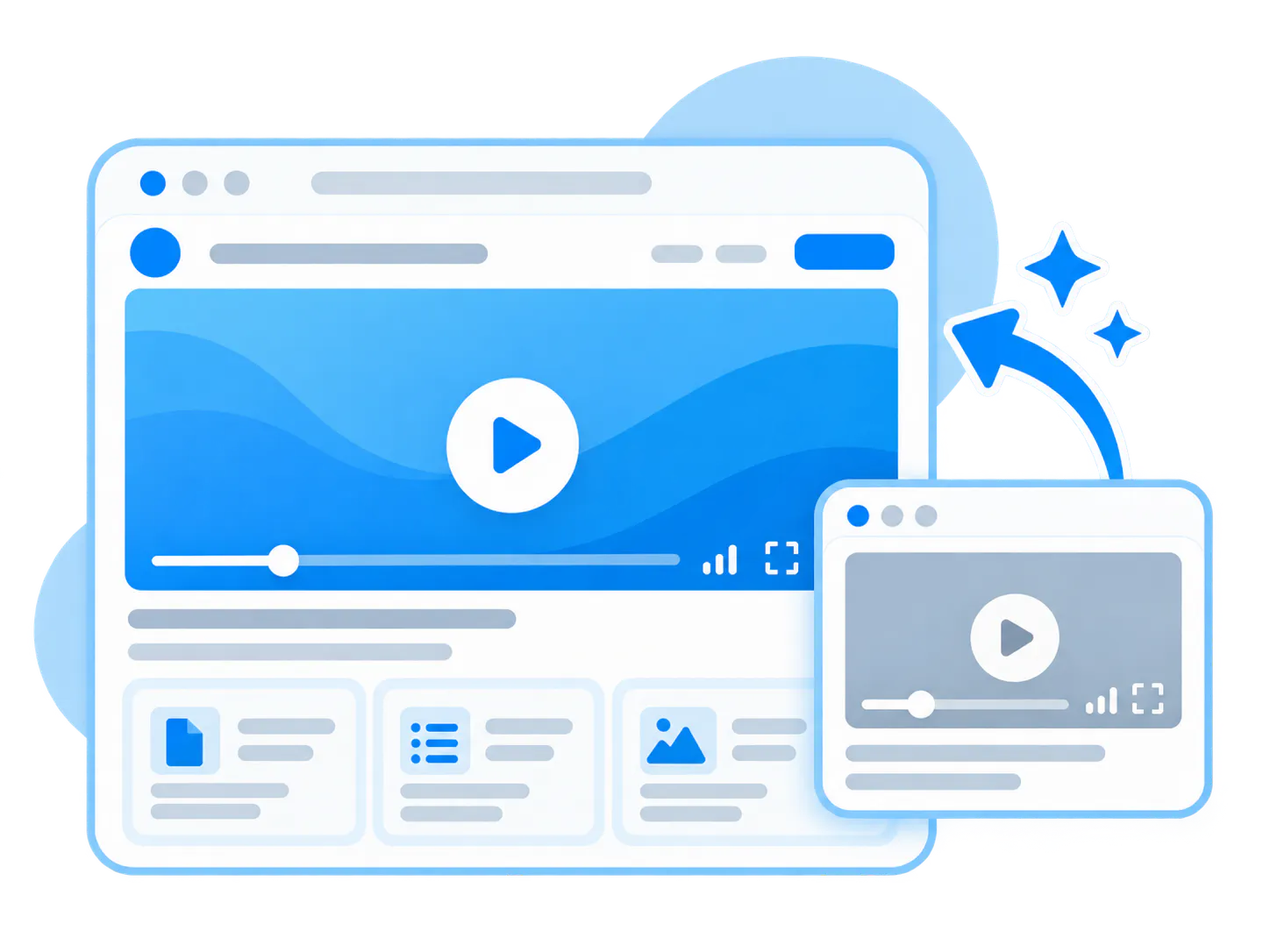
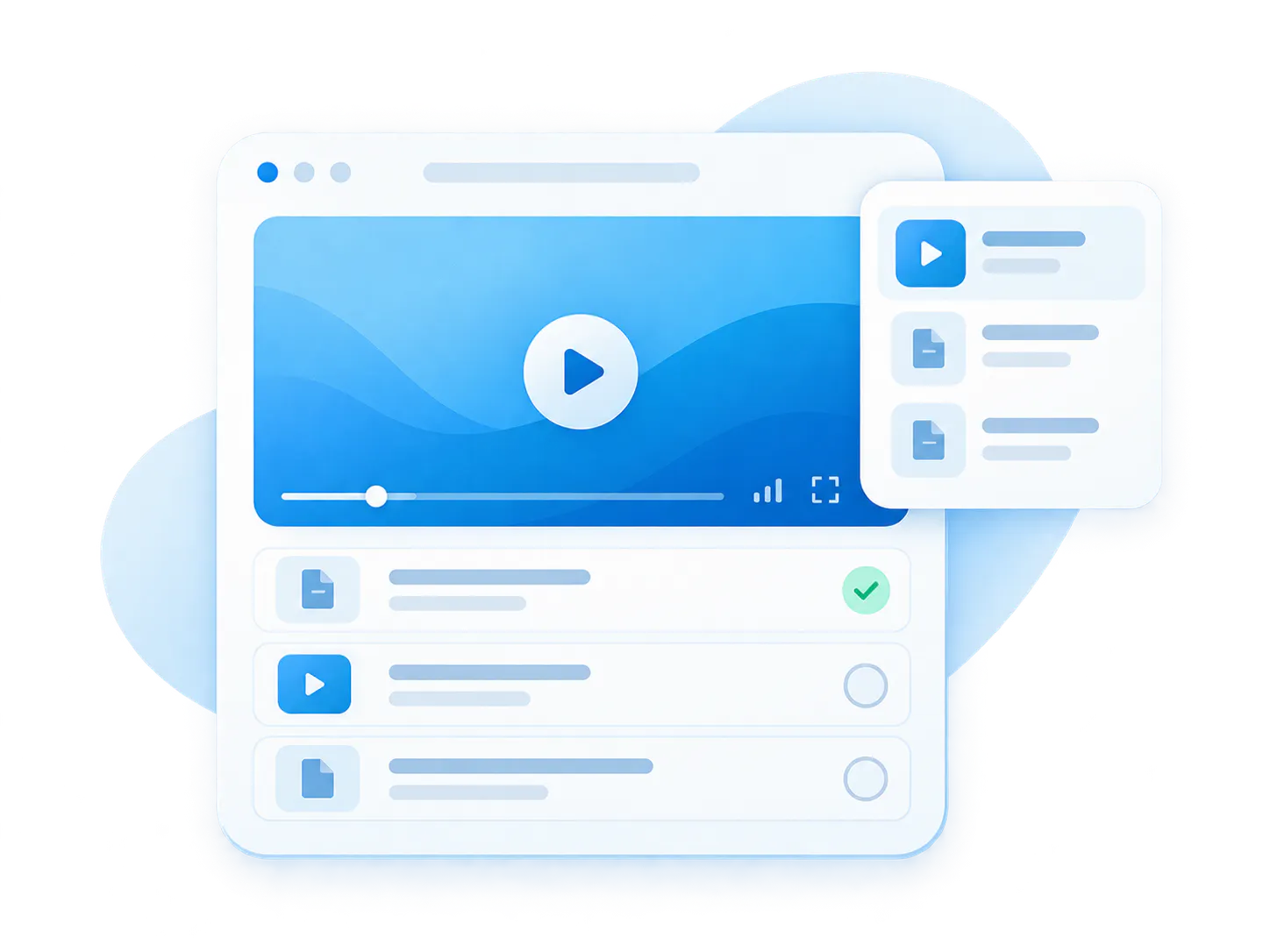
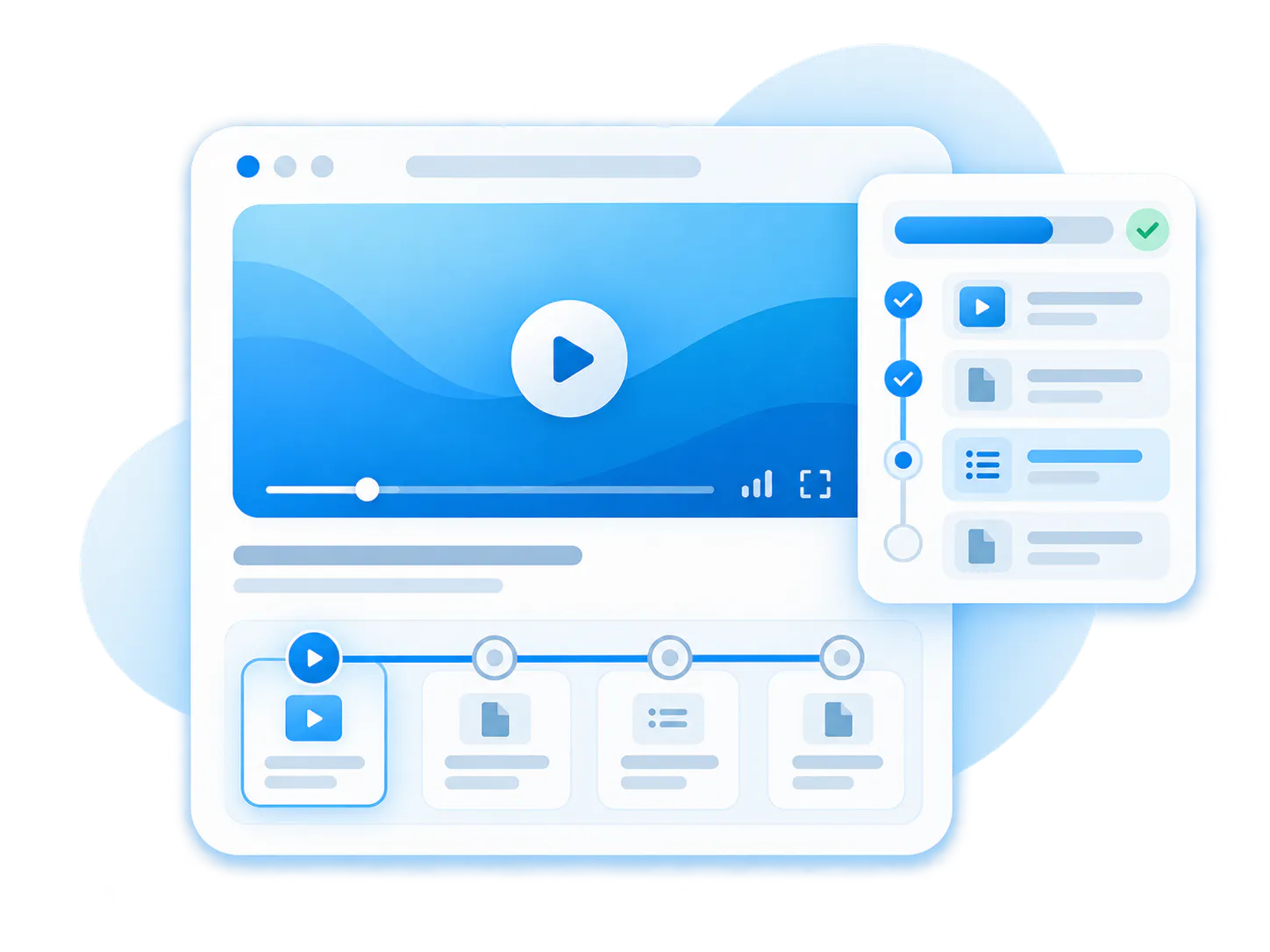
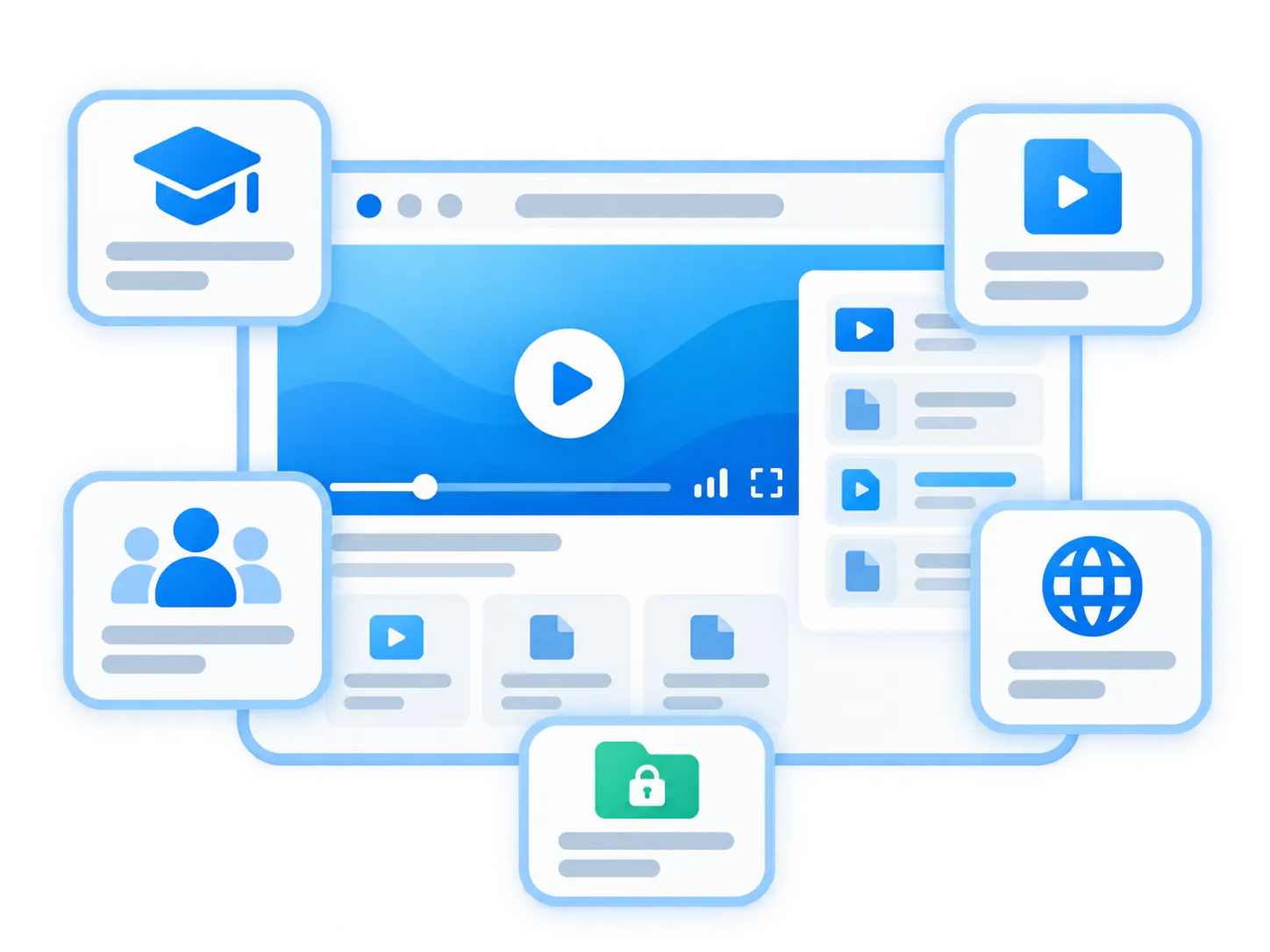
The strongest Pages bring together three essentials
Most successful Pages combine organized content, the right access model, and a smarter way to help people find answers inside the destination.
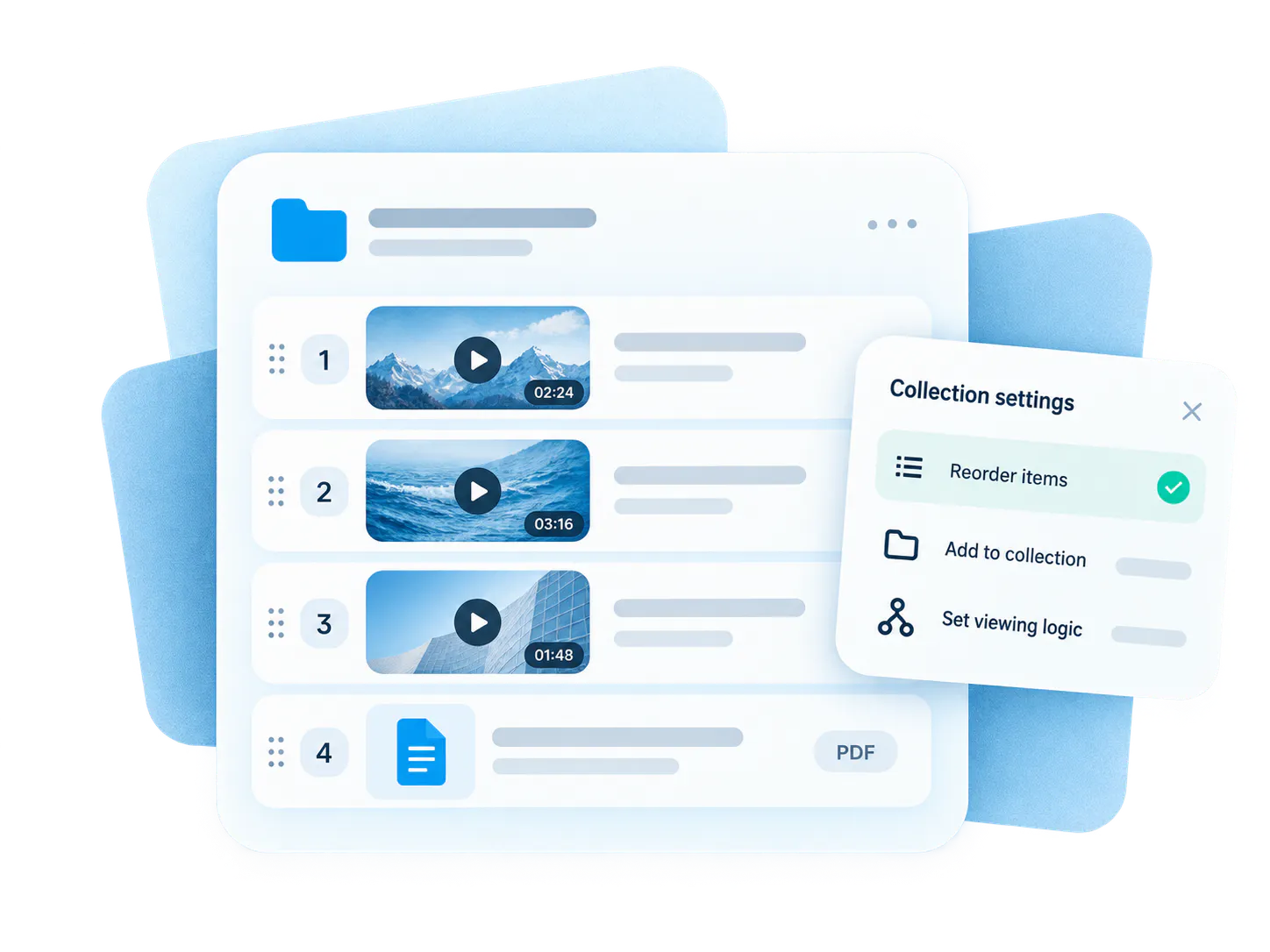
Gallery-based knowledge
The Page works best when it is built around a structured gallery that already groups the right videos, documents, and viewing logic.
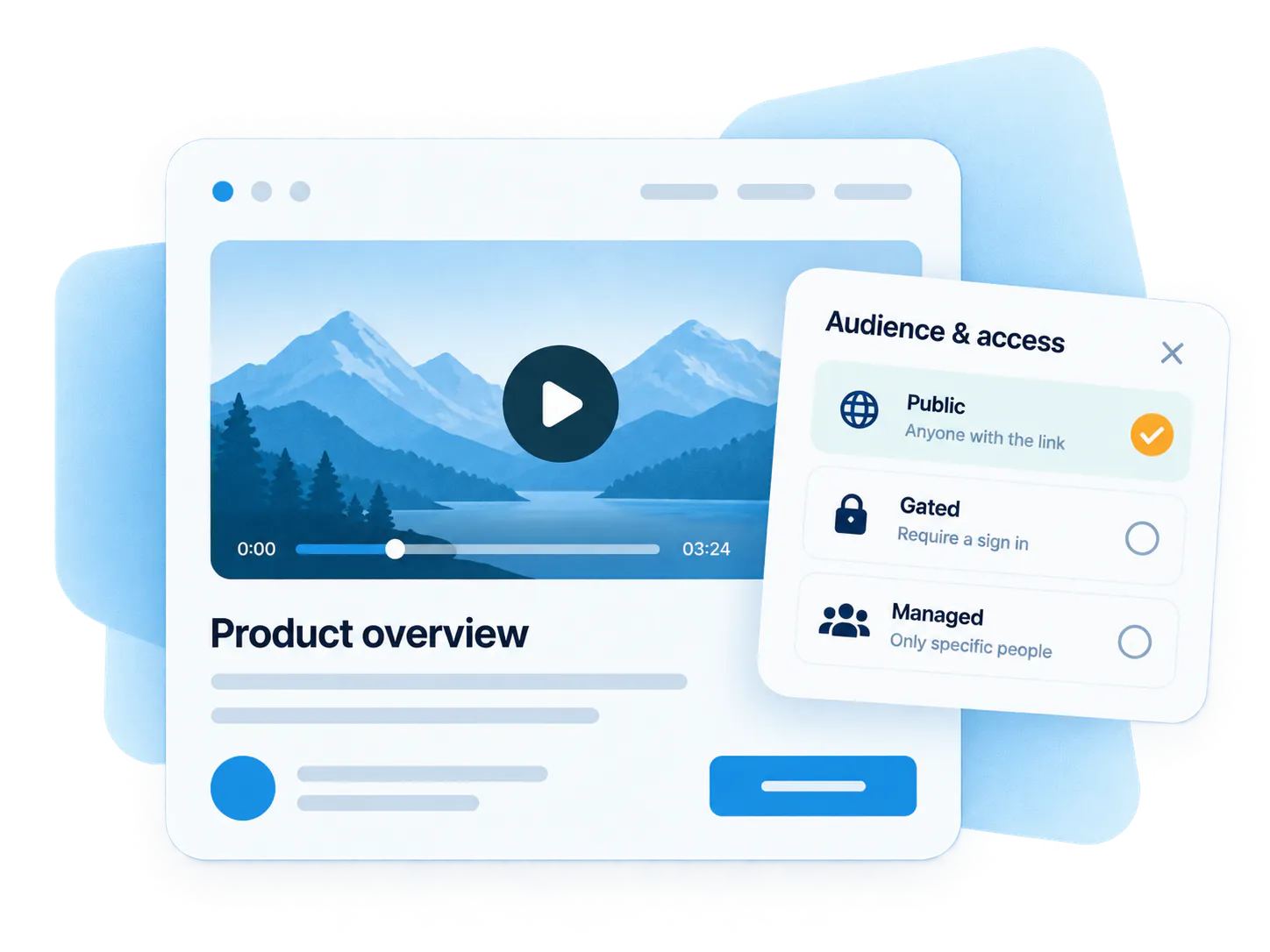
Audience and control model
The Page gives the rollout a controlled destination layer so the audience can be public, gated, or more tightly managed without portal overhead.
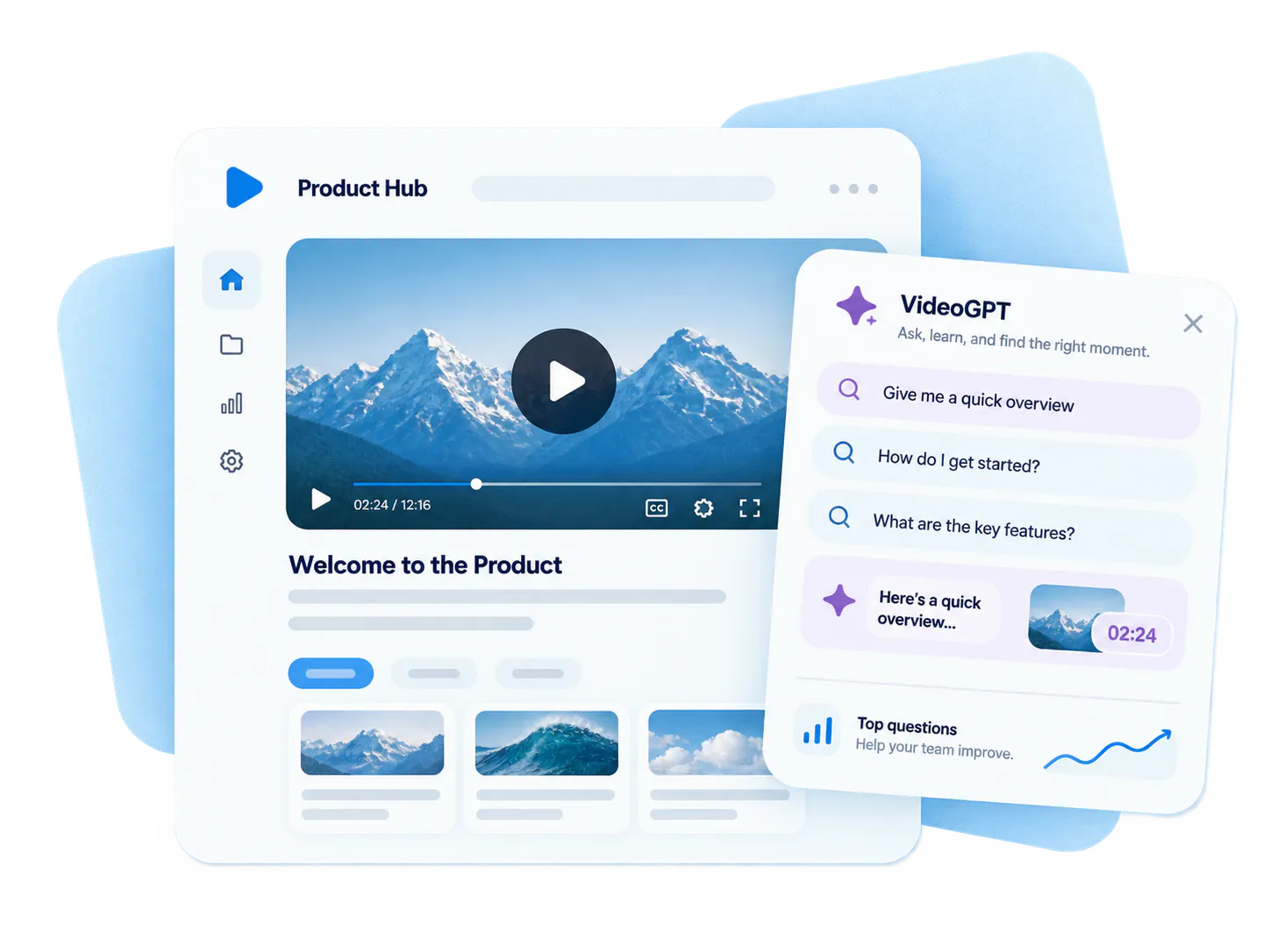
VideoGPT and insight loop
VideoGPT can add orientation, retrieval, suggested questions, and exact-moment navigation across the destination, while analytics and question signals help the team improve the Page over time.
Add a floating assistant to the hosted destination
Pages are built to give a rollout its own destination. VideoGPT can support that destination as a floating assistant that helps visitors understand what is available, ask questions, and reach the exact video moment or supporting document that answers them.
Page-level scope
Answers from the Page content
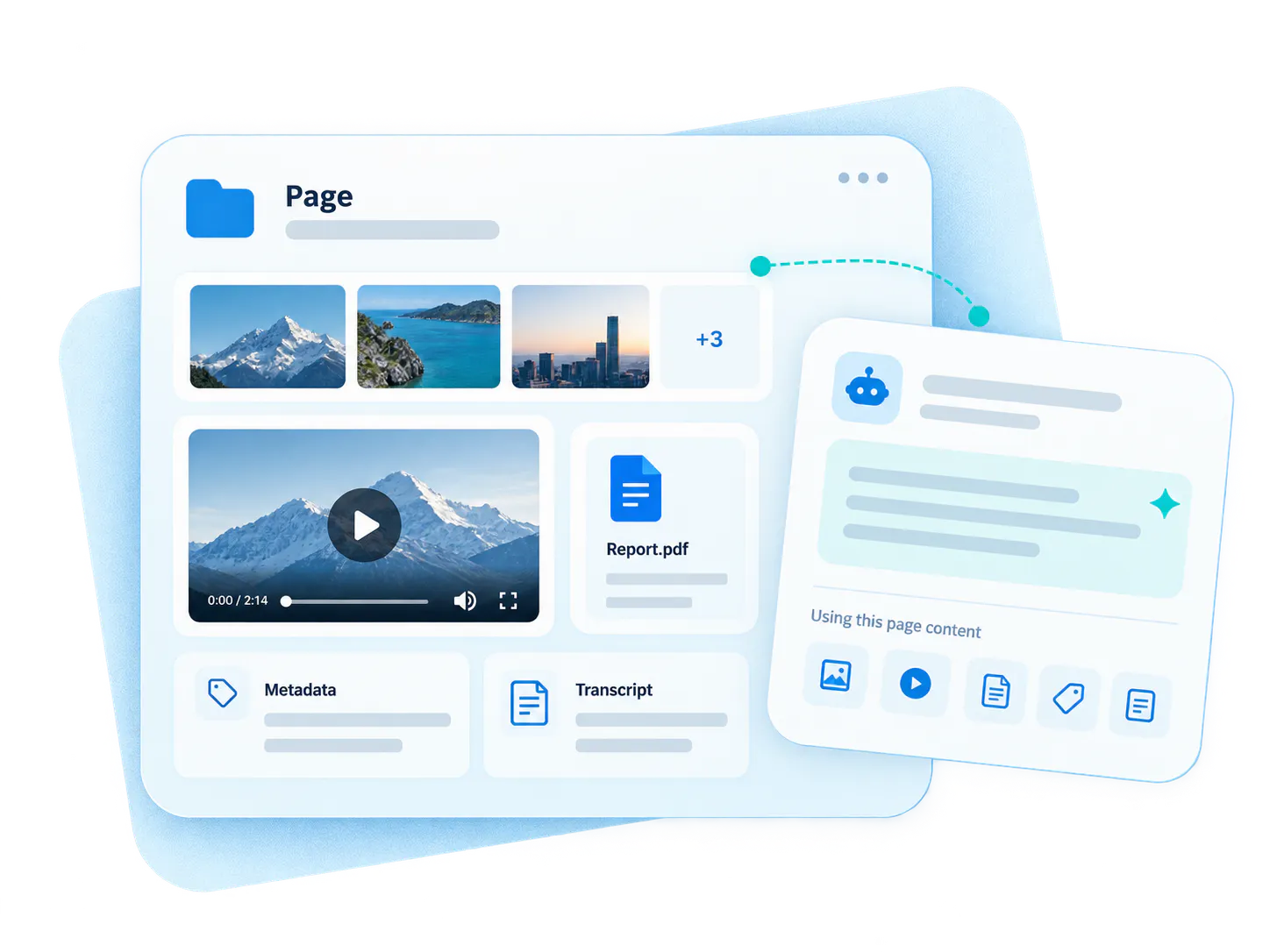
The assistant can use the gallery, single video, attached documents, metadata, and transcript context available in the Page environment.
Welcome message
Orientation before the first question
VideoGPT can introduce the Page, describe what the destination covers, and suggest useful starter questions based on the actual content.
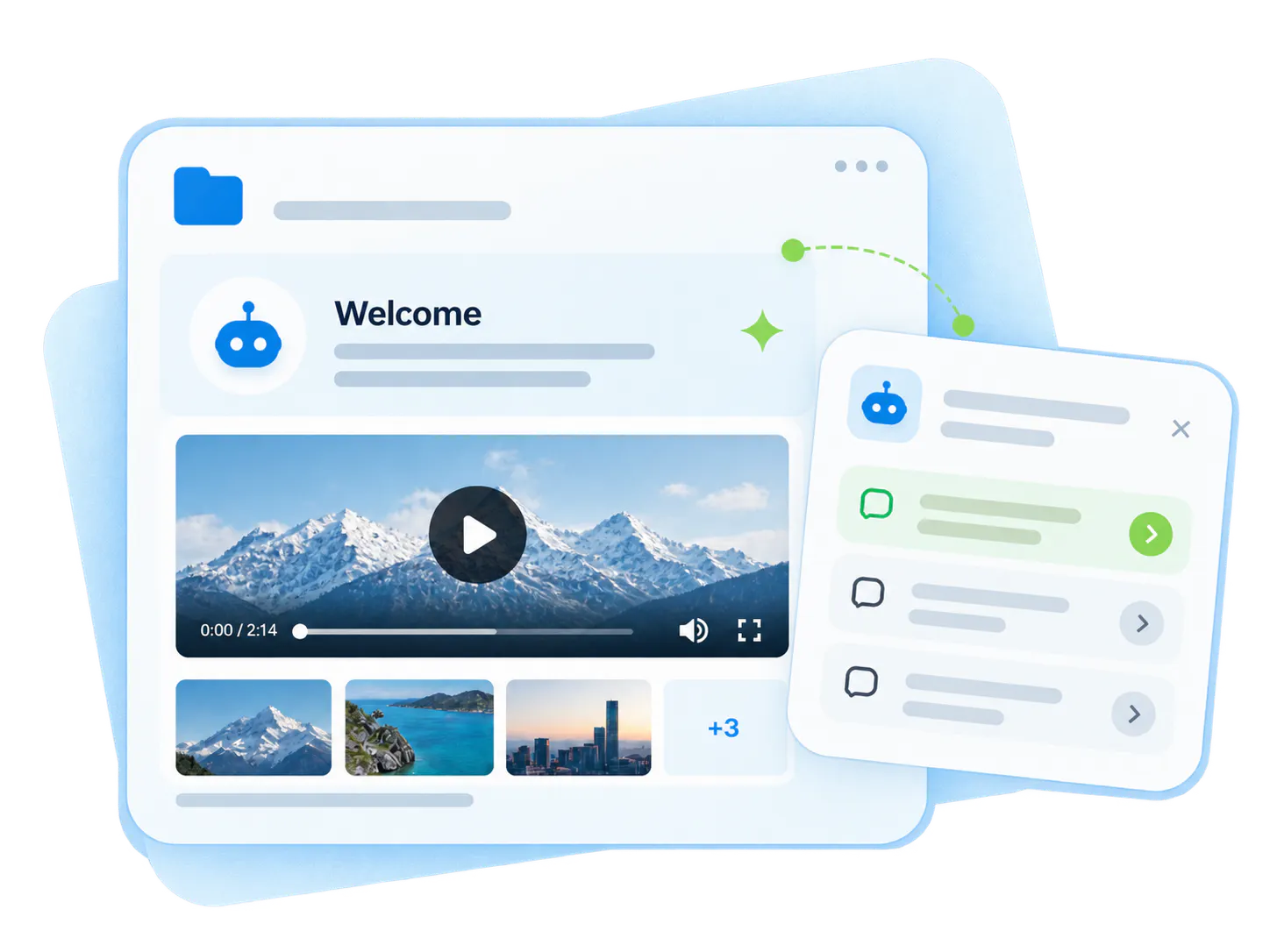
Source navigation
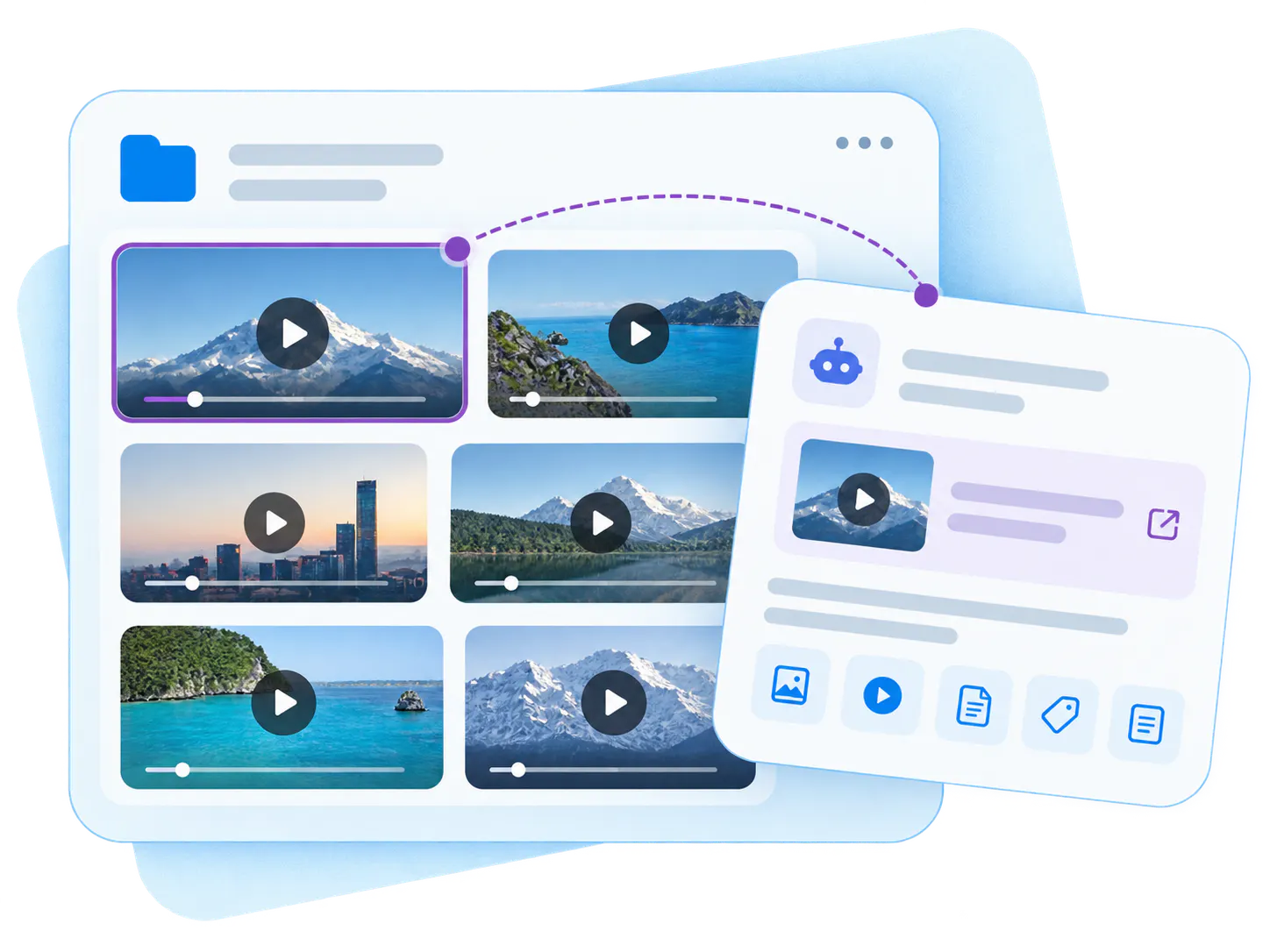
Open the right video behind the assistant
When an answer points to a video, the source can open on the Page behind the chat so the visitor stays in the same hosted experience.
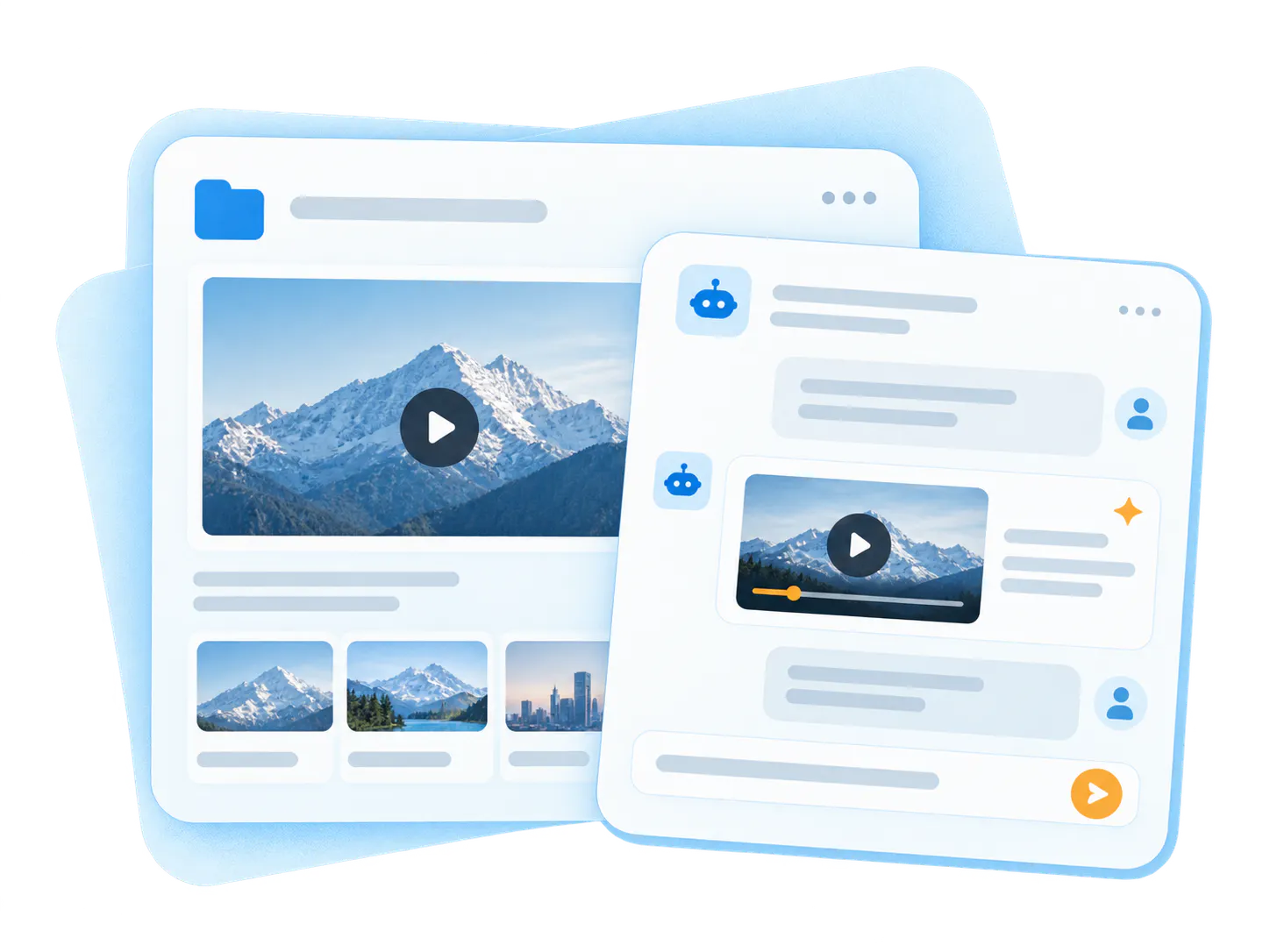
Inline video moments
Show the answer inside the chat when needed
For chatbot-style experiences, VideoGPT can also show relevant video moments inside the assistant instead of requiring a full gallery to be visible on the Page.
Five common ways teams use Pages
Pages are strongest when one audience needs one destination with one clear job to do. Start with the rollout shape that matches that need.
Customer training without full portal overhead
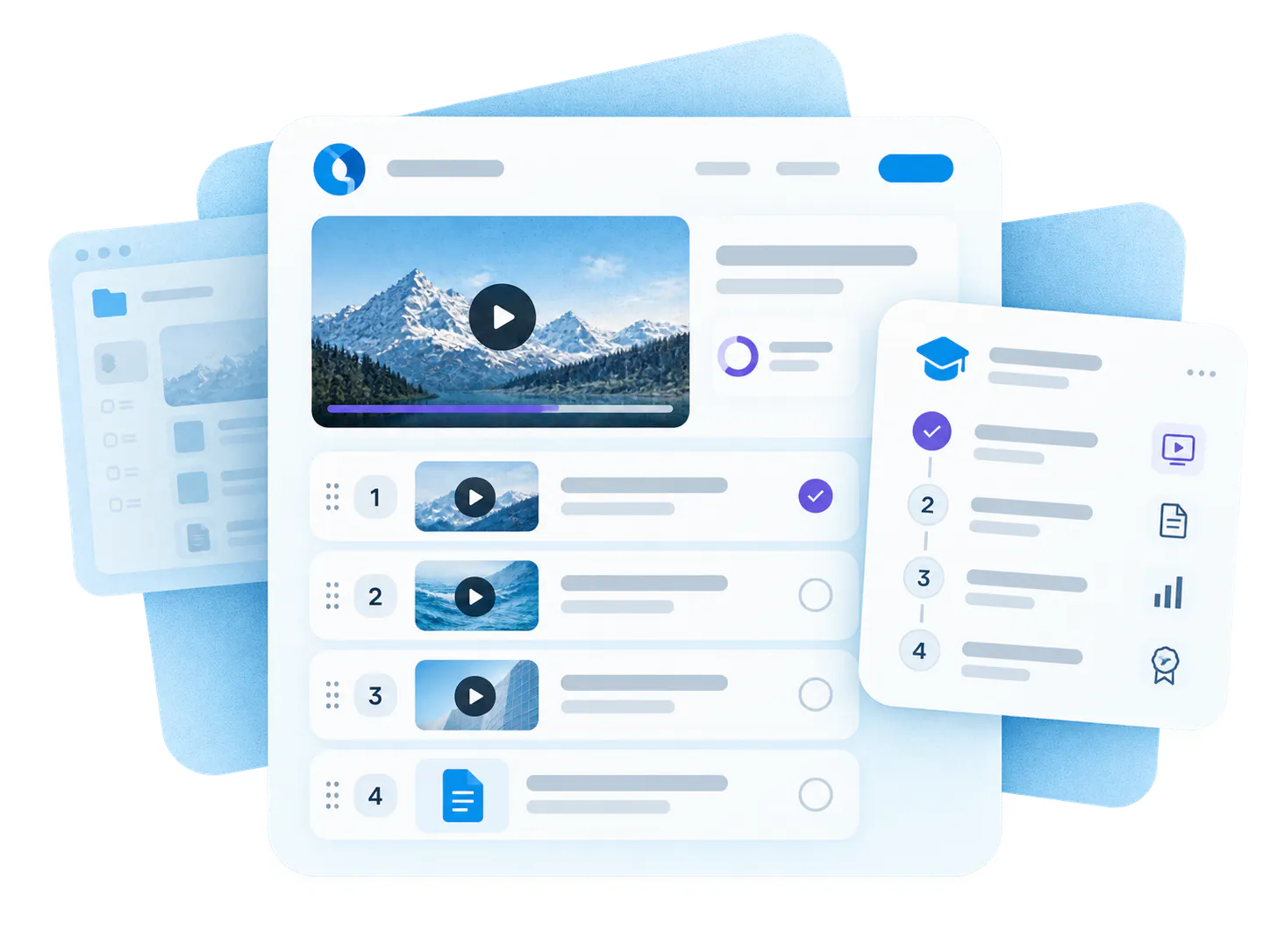
Use Pages for one academy track, one onboarding series, one certification program, or one guided learning rollout when Tube would be more than the team needs.
One destination for walkthroughs, updates, and docs
Launch a dedicated education destination when the product area needs a clearer training surface than scattered embeds and disconnected documents can provide.
Gated external knowledge for installers, lenders, or distributors
Use Pages when external audiences need a controlled destination for training, program rules, reference documents, and self-serve answers.
Use Pages for public educational series, community programs, multilingual knowledge delivery, or focused awareness campaigns that need a cleaner destination than a generic media feed.
Internal knowledge without full portal complexity
Use Pages for flatter authenticated libraries, lighter internal knowledge destinations, or controlled environments where Tube would add more structure than the team needs.
Used in real training and knowledge rollouts
Pages already support real customer environments where teams need a branded destination, a clear audience path, and a lighter alternative to a full portal.

Leidos — Dedicated Training Destinations
Leidos uses Cincopa across multiple knowledge environments, including embedded product education galleries, standalone training Pages, a public training portal, and a private internal knowledge portal.

Virginia Housing — Focused Public Education
Virginia Housing supports focused program education and public-facing learning built around structured video content, providing a dedicated, accessible destination for homebuyers and partners.
What teams can take from this
How forward-thinking teams use Pages to launch faster, serve diverse audiences, and scale their video knowledge over time.
Start with one destination
Launch a focused Page without waiting for a larger portal project. Zero portal overhead or complex custom build — give your rollout an immediate, dedicated home.
Use the same platform across audiences
Support public, gated, and internal experiences with the exact product shape and access controls that fit each one, ensuring a consistent branded experience and viewer analytics.
Grow over time
A successful Page rollout can expand seamlessly into broader education, customer training, or knowledge delivery later, effortlessly transitioning to Tube portals or embeds.
Frequently Asked Questions
Everything you need to know about launching, customizing, and scaling branded video knowledge Pages across your teams.
It is a hosted destination built around structured video knowledge. A Page can package playlists, supporting documents, access control, branding, analytics, and VideoGPT into one focused experience.
A gallery is the structured knowledge collection. A Page is the hosted destination layer around that collection. Use a Page when the rollout needs its own branded home, access model, and analytics context.
Tube is the portal-style environment for workspaces, channels, watch history, and deeper portal behavior. Pages are lighter, flatter, and better when one focused destination is enough.
Think of Pages as a focused branded knowledge destination. For many teams, that feels closer to a training microsite or hosted knowledge page than to a full multi-workspace portal.
Yes. Pages are a strong fit for public education, gated partner programs, focused customer training, and controlled knowledge delivery where the audience should not all receive the same access model.
Yes. Pages work well when the destination needs playlists, guides, policies, release notes, or other supporting assets in the same knowledge experience.
VideoGPT can appear as a floating assistant on the Page. It can introduce the destination, suggest starter questions, answer from the gallery or single video hosted there, and help visitors jump to the right moment or source.
Start with Pages when one team needs one destination for one audience and the rollout should be hosted, branded, measurable, and lighter than a full portal build.
Start with one product area, one support library, or one training flow
Launch a Page people can actually use
Start with one course page, one partner program, one product education destination, one public series, or one lighter controlled library. Then build on the same platform foundation as your rollout grows.