Internal Knowledge Base Software for Employee Training, Video, Documents, and AI Search
Build an internal knowledge base your employees can keep growing, without forcing every update into a written article, wiki page, or formal training course.
Most internal knowledge base software and employee training software depends on people writing, formatting, tagging, and maintaining content. Cincopa gives employees a faster way to capture knowledge: record walkthroughs, upload employee training videos, preserve meeting recordings, attach documents, organize everything into structured libraries, and let employees ask questions across it with VideoGPT.
Use video to lower the barrier for contribution. Use structure to keep the library clean. Use AI to make the growing knowledge base searchable, answerable, and useful at the moment employees need it. Explore Cincopa’s video knowledge base builder to see how the full experience comes together.
See how employees turn internal recordings into reusable knowledge
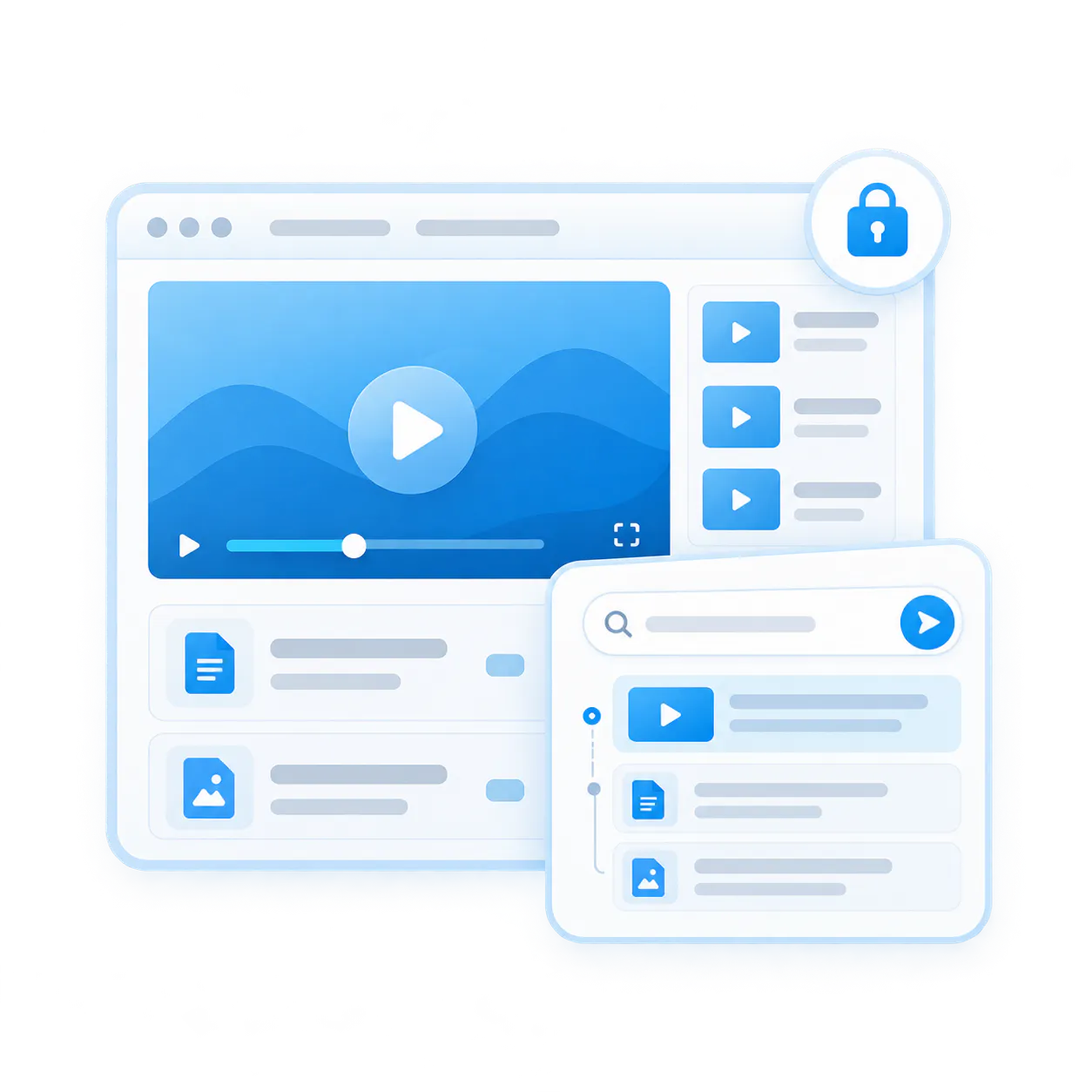
Internal knowledge bases fail when adding employee knowledge is too hard
Most companies do not have a knowledge problem because employees know too little. They have a knowledge problem because useful explanations are hard to capture, hard to structure, and hard to retrieve later.
Traditional internal knowledge base software usually depends on written articles. Traditional employee training software often depends on formal courses. Both can be useful, but they break down when knowledge changes often, lives inside workflows, or needs to be explained visually.
Articles take too long to create
Writing a clean internal article requires time, formatting, screenshots, structure, and review. As a result, many useful updates never make it into the employee knowledge base.
Formal training is too heavy for every update
Not every employee training need deserves a full course. Many updates are better captured as short walkthroughs, software training videos, recorded explanations, release briefings, or process videos.
Too few employees contribute
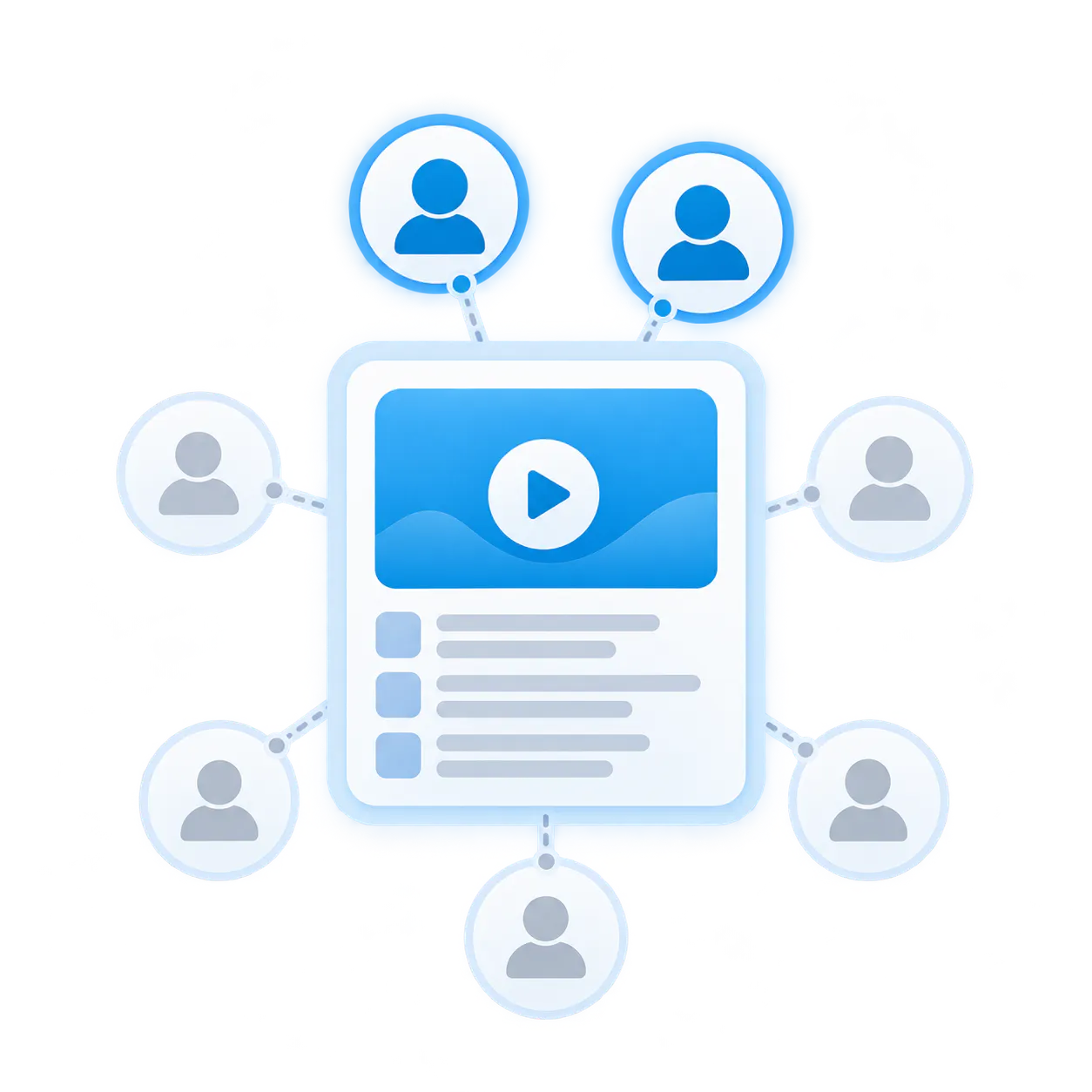
In many organizations, only a few people write documentation or build training. But the actual knowledge lives across support, product, operations, training, sales, and field employees.
Training videos get lost in folders
Employee training videos, meeting recordings, recorded webinars, workshops, and walkthroughs already contain valuable knowledge, but they are often buried in Zoom folders, drives, and flat media archives.
Taxonomy becomes a bottleneck
If employees have to design a perfect article hierarchy before publishing anything, knowledge capture slows down. Internal knowledge management works better when structure can start simple: by role, workflow, product area, release, department, or audience.
Search does not answer the real employee question
A list of files is not enough. Employees need grounded answers, supporting sources, and the ability to jump to the exact part of a video or document that explains what to do.
Not another wiki your employees have to write. Not another course they have to sit through.
Cincopa is built for a different employee knowledge motion. Instead of waiting for every piece of knowledge to become a polished article or a formal training course, employees can record walkthroughs, upload training videos, attach documents, and organize everything into a secure internal knowledge base.
Make contribution easier for employees
A support lead can record a troubleshooting walkthrough. Product can record a release update. Operations can explain a process change. Training can upload employee training videos. More employees can contribute because video is easier than writing full articles from scratch.
Organize employee knowledge without overcomplicating taxonomy
Group content by employee role, workflow, product area, department, release, or audience. Keep employee training videos, meeting recordings, recorded webinars, and supporting documents together instead of forcing everything into a rigid article tree.
Turn the growing employee knowledge base into usable answers
VideoGPT lets employees ask questions across training videos, meeting recordings, webinars, and documents, get grounded answers, and jump to the exact moment or source that explains the answer.
Use Cincopa as an internal knowledge base for employee training, operational knowledge, and recurring updates
Start with the knowledge your employees need to reuse most often. Then keep adding new knowledge as workflows, products, roles, and processes change.
Employee training and operational knowledge
Employee training video library
Create an employee training software layer for internal teams by organizing training videos for employees, walkthroughs, and supporting documents in one searchable place.
Software training videos
Help employees learn internal systems, product tools, admin workflows, and recurring software processes without rebuilding a formal course every time something changes.
Employee onboarding videos
Give new employees one searchable place to learn core workflows, internal systems, role-specific knowledge, and the recordings they need after onboarding ends.
Process and workflow updates
Capture changes to internal workflows with short videos and supporting documents instead of waiting for long documentation cycles.
Release briefings and internal release notes
Turn what's-new sessions, product updates, and internal release notes into searchable knowledge employees can revisit later.
Meeting recordings and recorded webinars
Preserve meeting recordings, recorded webinars, and workshop sessions as reusable employee knowledge instead of letting them disappear after the live event.
Internal communications videos
Present two foundational customer architectures with equal scannability, dominant media visuals, and direct exploration links.
Town hall video archives
Keep town halls available after the live event so employees can revisit announcements, priorities, and answers later.
Executive video updates
Give employees one place to catch up on leadership messages, strategy updates, and recurring executive communication.
Internal announcement videos
Preserve recurring announcements, initiative updates, and campaign messages in a searchable internal communications video archive.
Webinar archive for employees
Make strategy sessions, culture events, recorded webinars, and internal broadcasts easier to revisit across distributed employees.
The best internal knowledge base combines contribution, structure, access, training, and answers
A usable internal knowledge base is not just a private folder or a course catalog. It needs to be easy for employees to add to, easy to organize, safe to control, and easy to ask questions from.
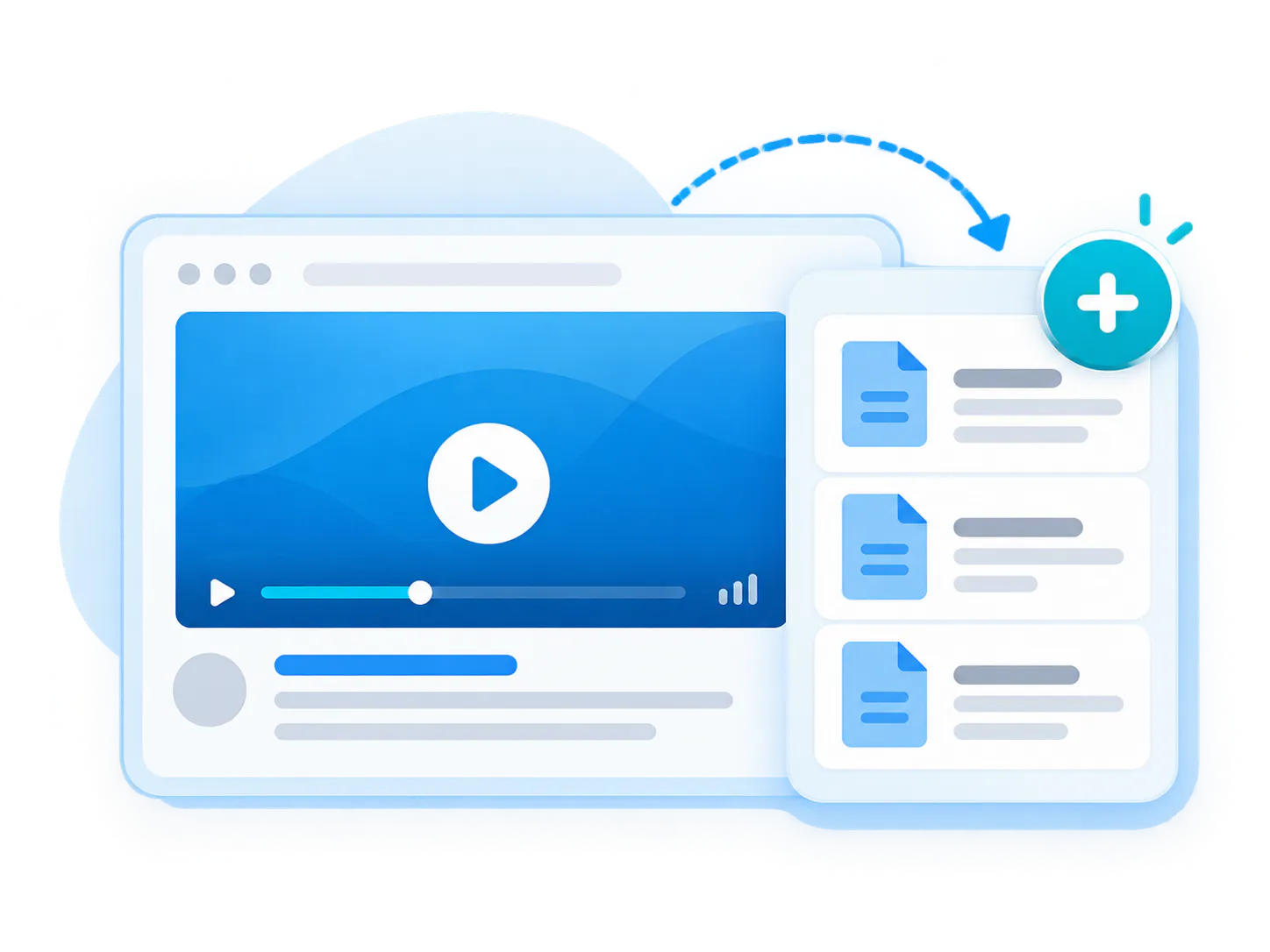
Let more employees add knowledge
Record walkthroughs, updates, explanations, and employee training videos
Add supporting PDFs, guides, release notes, and documents
Capture knowledge while it is still fresh instead of waiting for article production
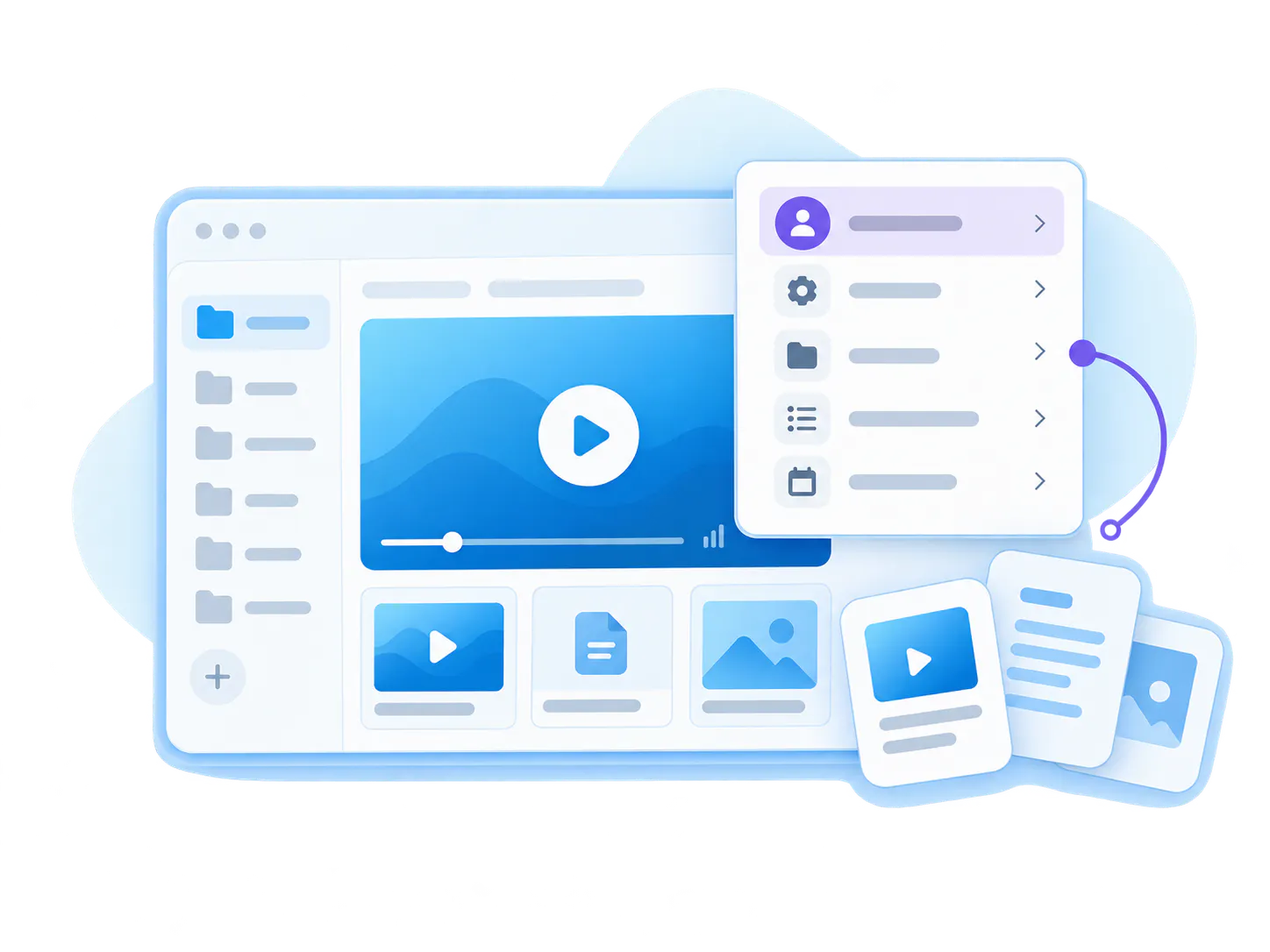
Organize employee knowledge without heavy taxonomy work
Group knowledge by employee role, workflow, topic, department, or release cycle
Keep employee training videos and documents together in the same library context
Start simple, then improve structure as real usage patterns appear
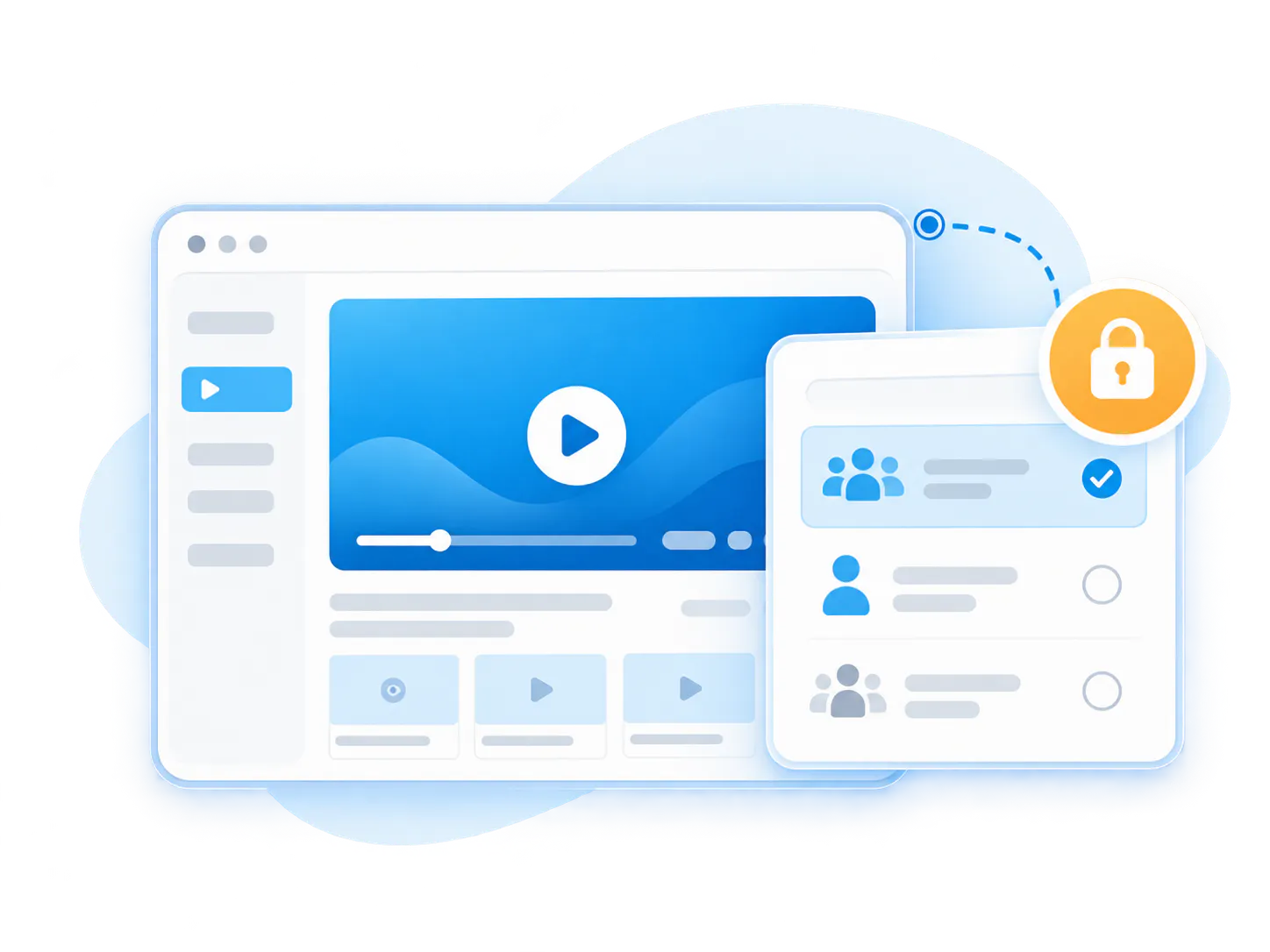
Control who can view each knowledge environment
Use private or controlled access based on employee and audience needs
Support user groups, permissions, and workspace rules where needed
Keep internal knowledge secure without scattering it across tools
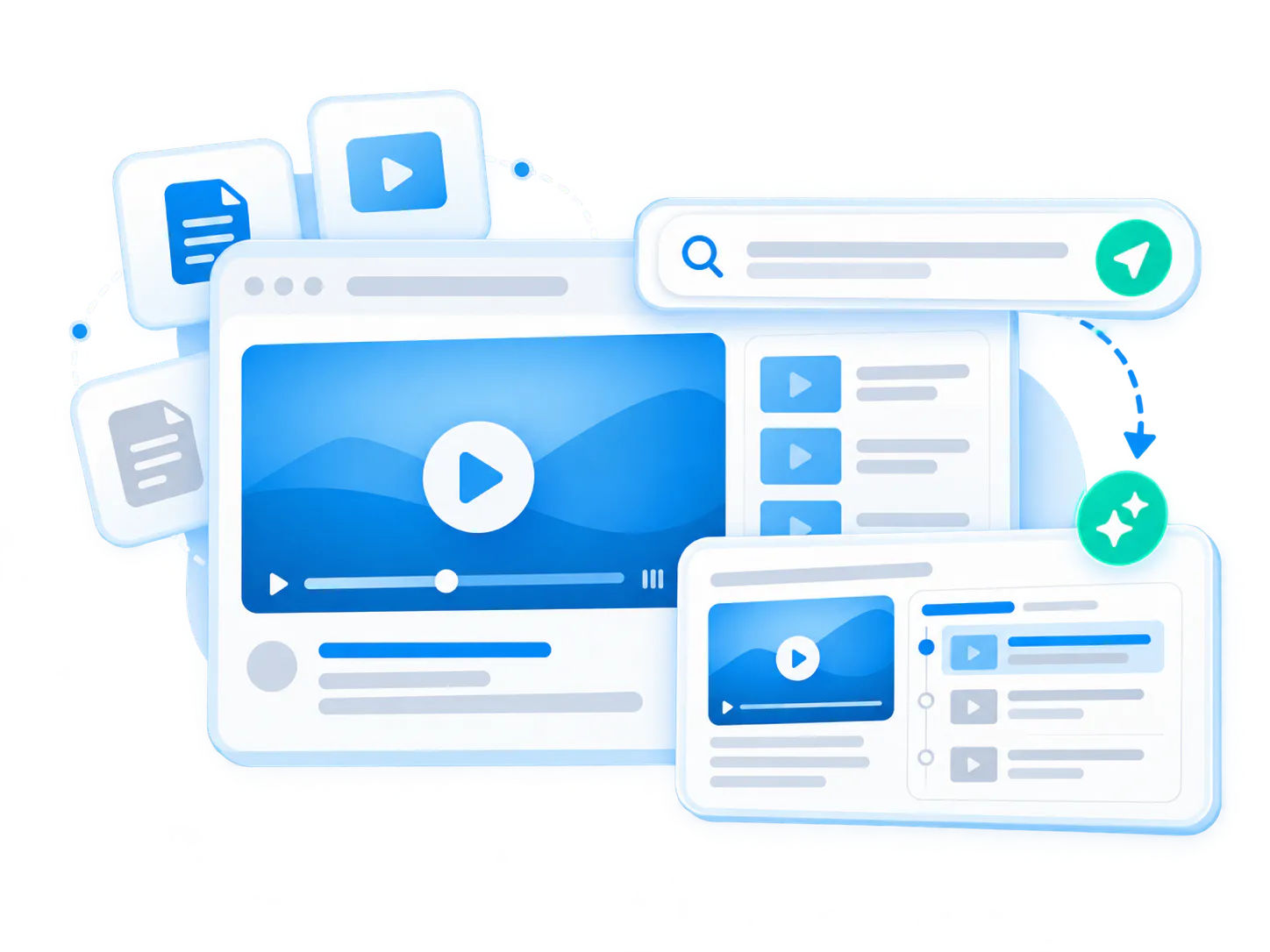
Make the library searchable and answerable
Let employees ask across videos and documents with VideoGPT
Return grounded answers with jumps to exact moments
Learn from repeated employee questions, weak answers, and missing topics
Choose the internal knowledge base format that fits the way your employees work
Launch a full employee knowledge base, a lighter controlled library, or keep the knowledge inside the internal systems your employees already use.
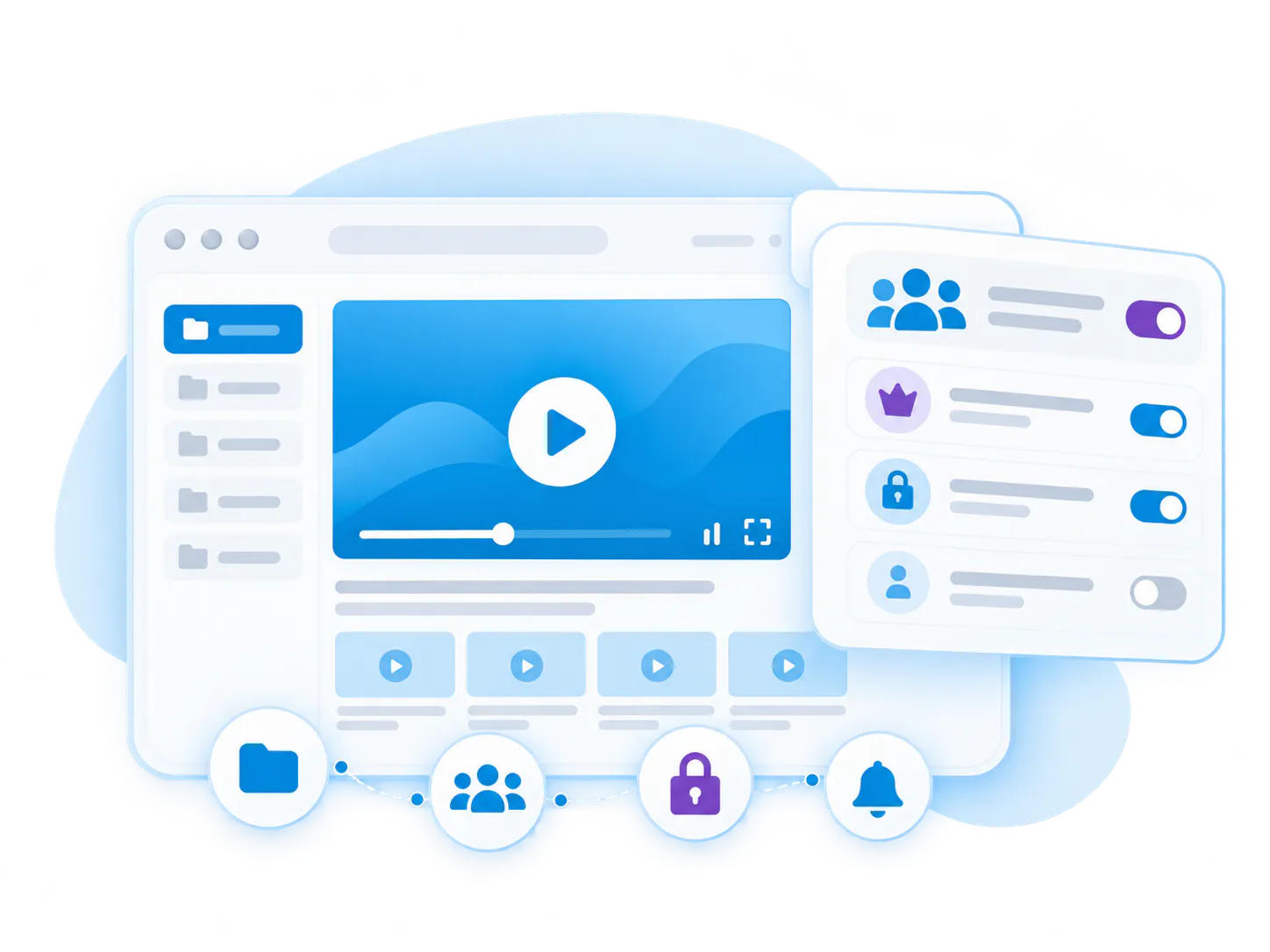
Best for structured employee knowledge bases
Tube
Tube is the strongest fit when the knowledge base needs workspaces, channels, user groups, role-based permissions, subscriptions, notifications, watch history, and recurring knowledge activity across one destination.
Good fit for
- Employee knowledge bases by department or role
- Internal employee training video libraries
- Meeting recordings, recorded webinars, and workshop archives
- VideoGPT across the full workspace
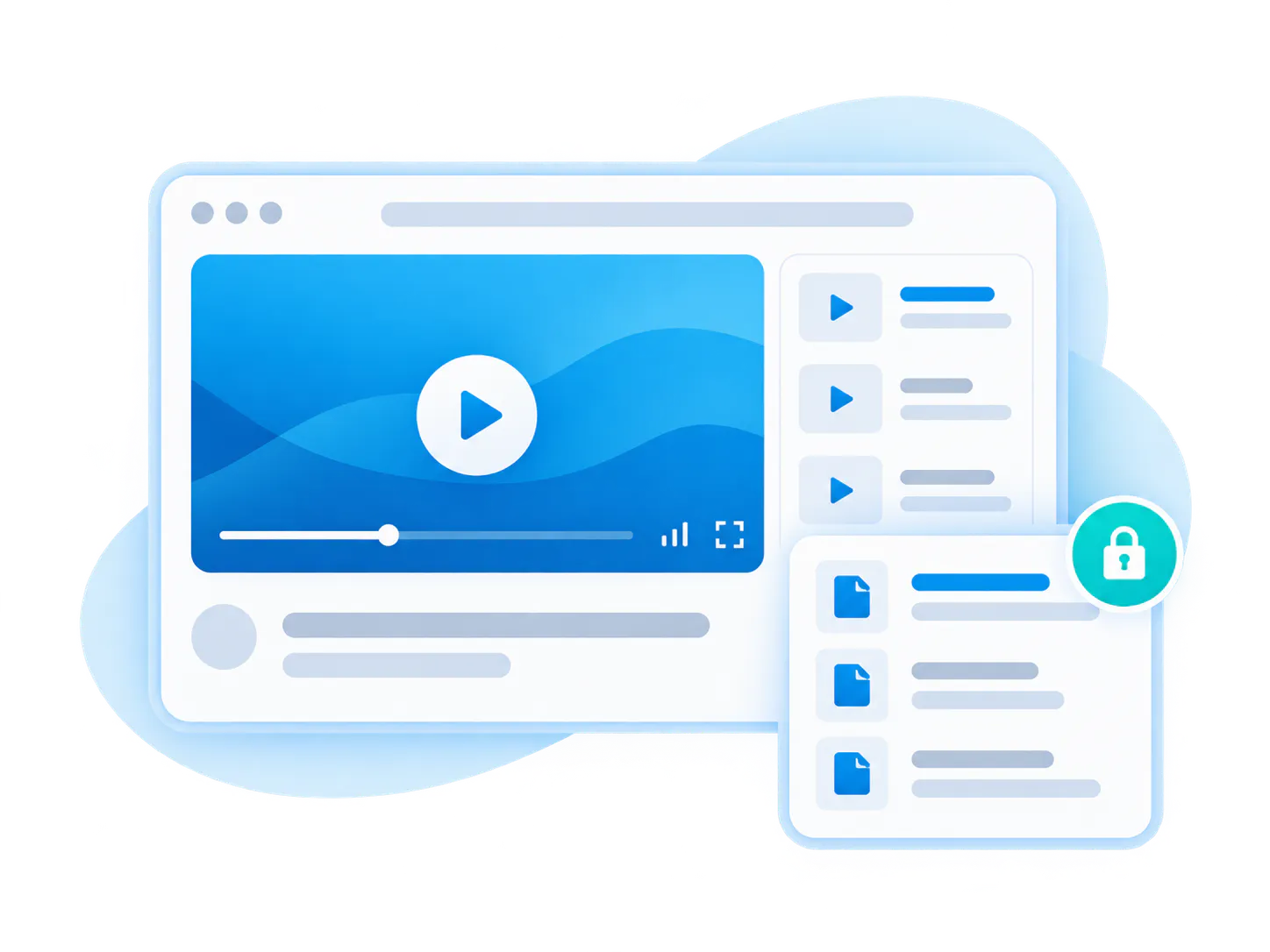
Best for lighter internal knowledge libraries
Pages
Pages work well when employees need a flatter branded destination with simpler access control and less portal complexity.
Good fit for
- One department, one audience, one focused library
- Controlled libraries with training videos and attached documents
- Hosted employee knowledge bases lighter than Tube
- VideoGPT across a focused library
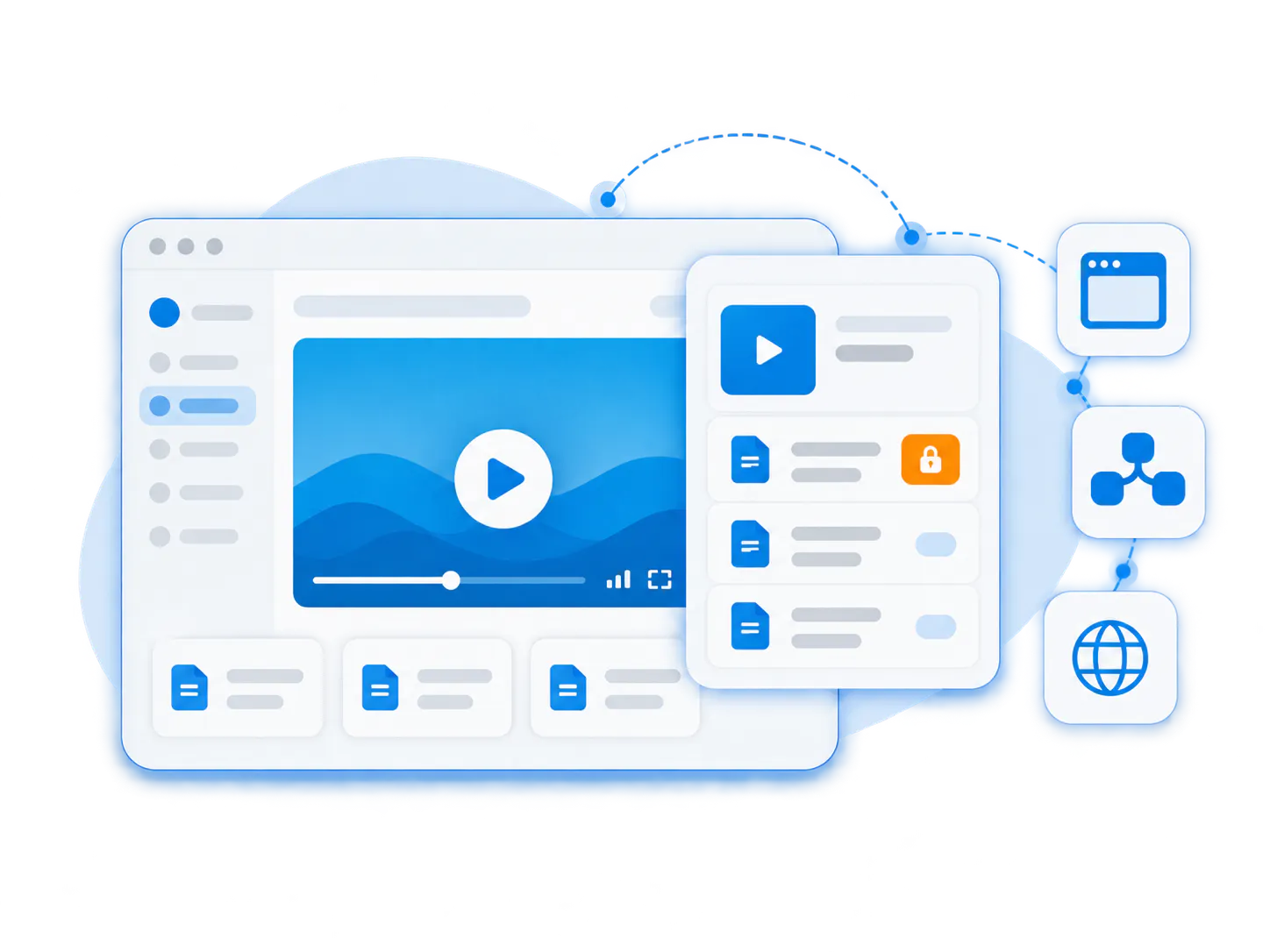
Best when employees already work in SharePoint, Salesforce, or another internal system
Embedded knowledge
Keep the knowledge inside the destination employees already use while Cincopa manages the video library, supporting documents, access, and answer layer behind it.
Good fit for
- SharePoint, Salesforce, intranet, and internal program pages
- Employees who need knowledge inside existing workflows
- Controlled internal viewing with centrally managed content
- Organizations that want to start small inside an existing portal
Ask the knowledge base. Then make the knowledge base better.
VideoGPT helps employees ask across training videos, meeting recordings, recorded webinars, and documents, get grounded answers, and jump to the exact moment that matters. It also gives knowledge owners a clearer view of the questions the library should answer better.
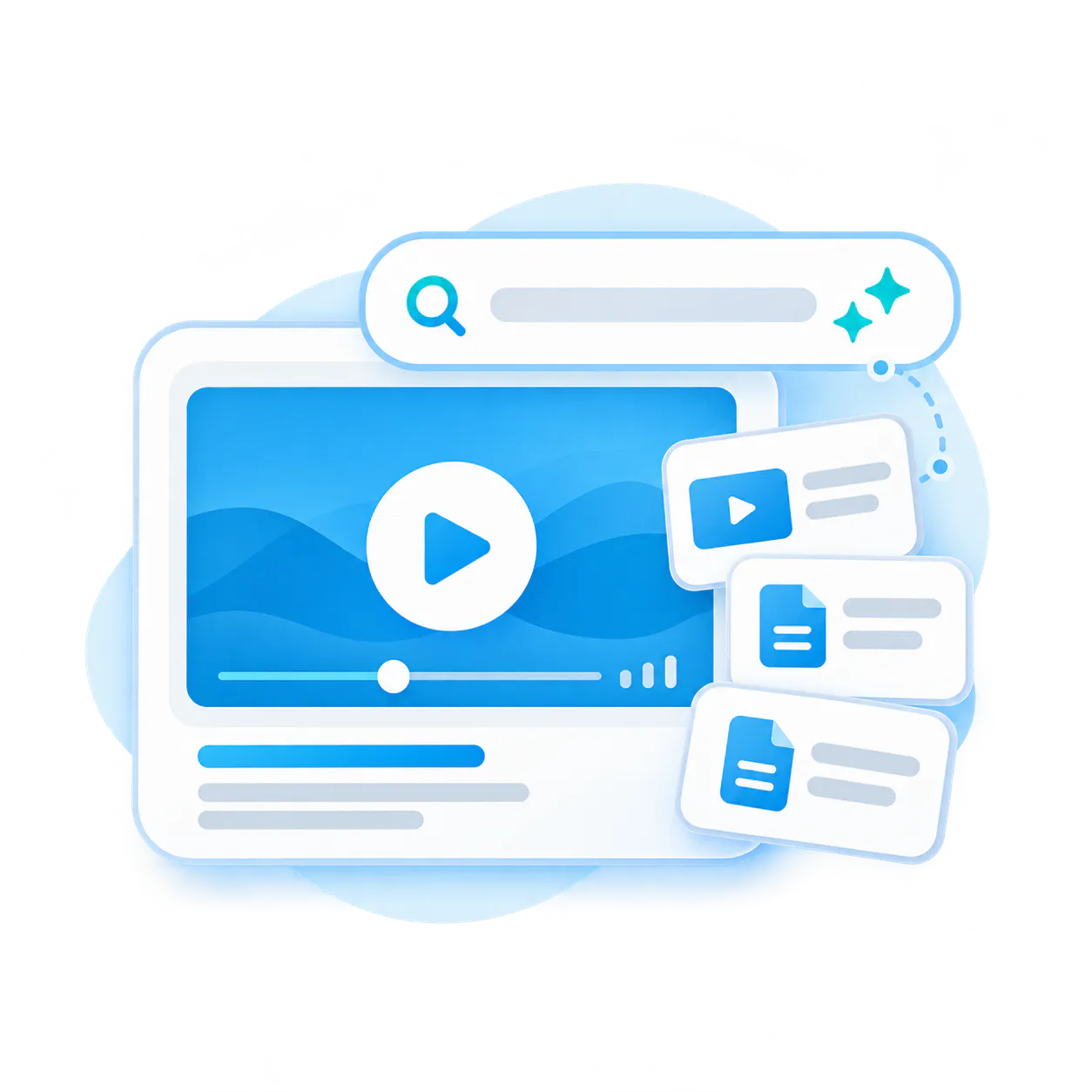
For employees
Ask across training videos, software walkthroughs, meeting recordings, recorded webinars, and documents. Get a grounded answer and jump directly to the right moment instead of searching folders or rewatching long sessions from the beginning.
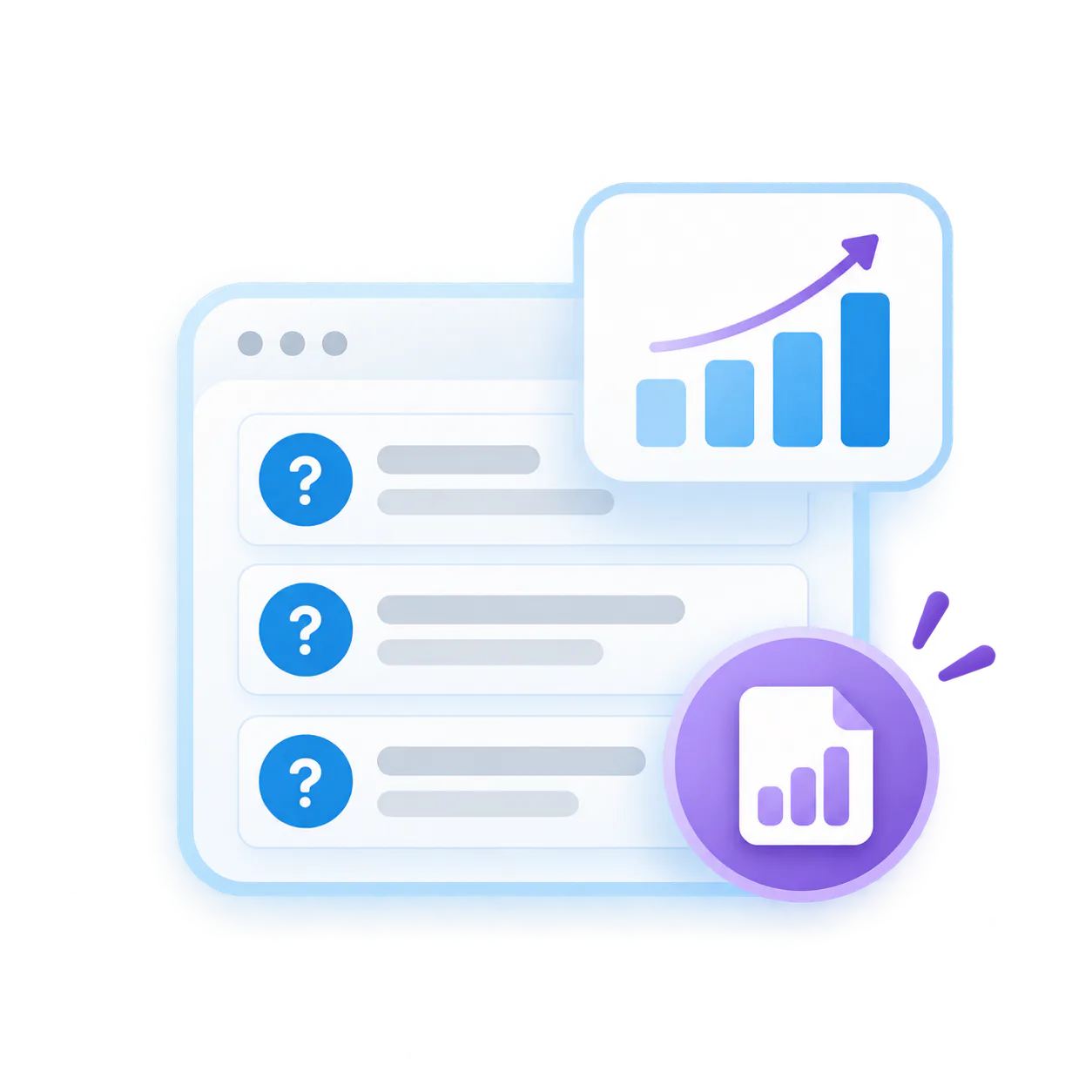
For knowledge owners
Answer visibility and oversight matter. Knowledge owners can see what employees asked, which training topics repeat, where answers are weak, and what content deserves improvement next.
Repeated employee questions
See which employee training and internal knowledge topics come up again and again.
Weak answers
Flag places where the content exists but still does not resolve the question clearly.
Missing knowledge
Identify which gaps deserve a new video, a new PDF, or stronger library structure.
Continuous improvement
Use real employee questions to decide what to record, update, reorganize, or explain next.
See how employees keep internal knowledge and training usable long after the meeting ends
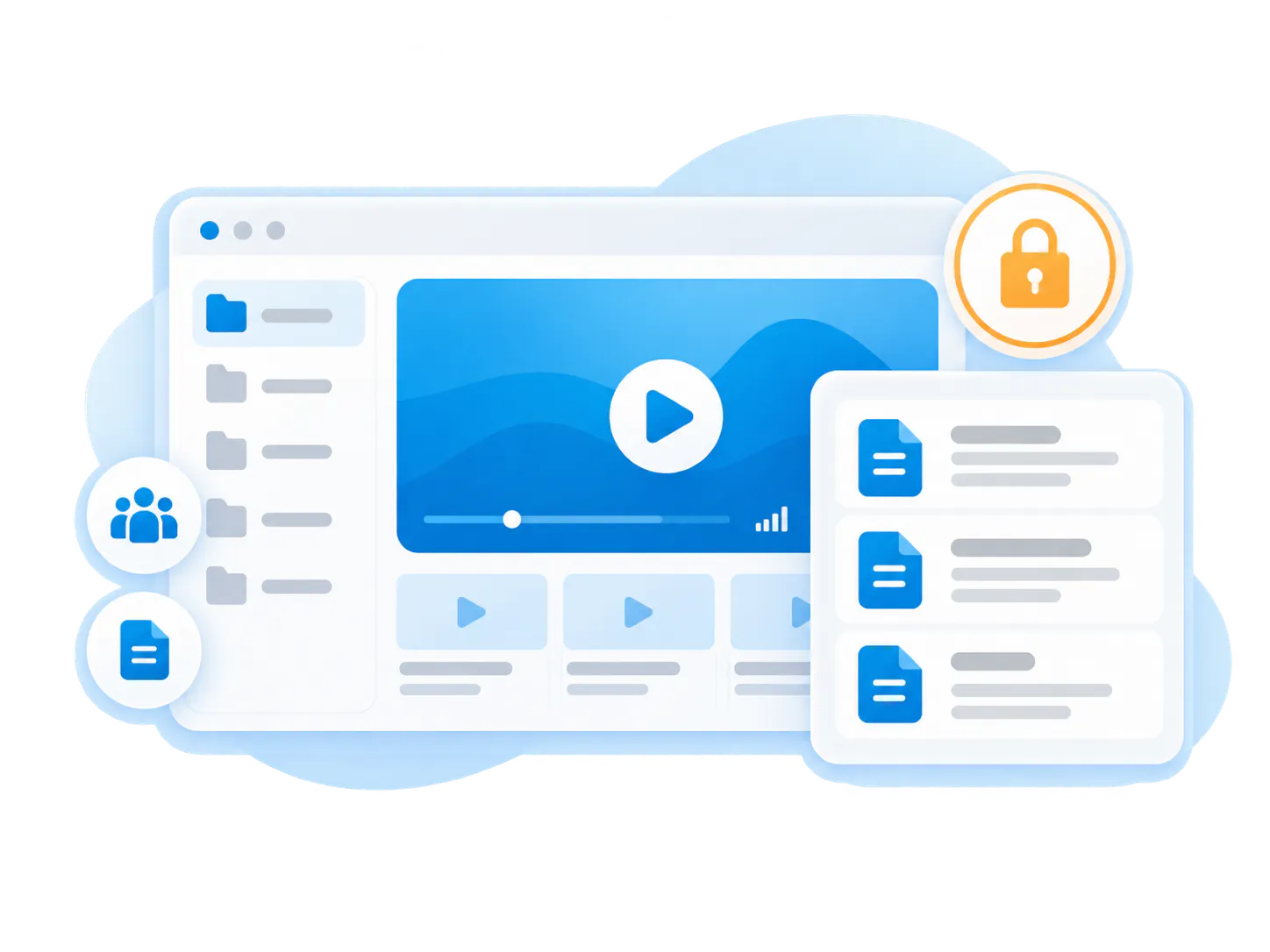
Leidos uses Cincopa for a controlled internal knowledge environment built around workshops, release updates, training modules, meeting recordings, and attached documents. Verily shows how the same model can extend across internal systems and workflows.
Leidos DSI Knowledge and Training
Featured customer
A private internal knowledge portal for the IQ CRM environment, used to preserve workshops, training modules, quick tips, webinars, release updates, and supporting documents in one controlled archive.
Environment
Private portal with controlled access and structured channels
Audience
Internal employees and selected government users
Library
~200 videos and ~30 attached PDFs
Content
Release briefings, workshops, webinars, quick tips, and training modules
“The security is also great for internal videos… we know they won't end up in the wrong hands.”
Dora Tzotchevska, Leidos
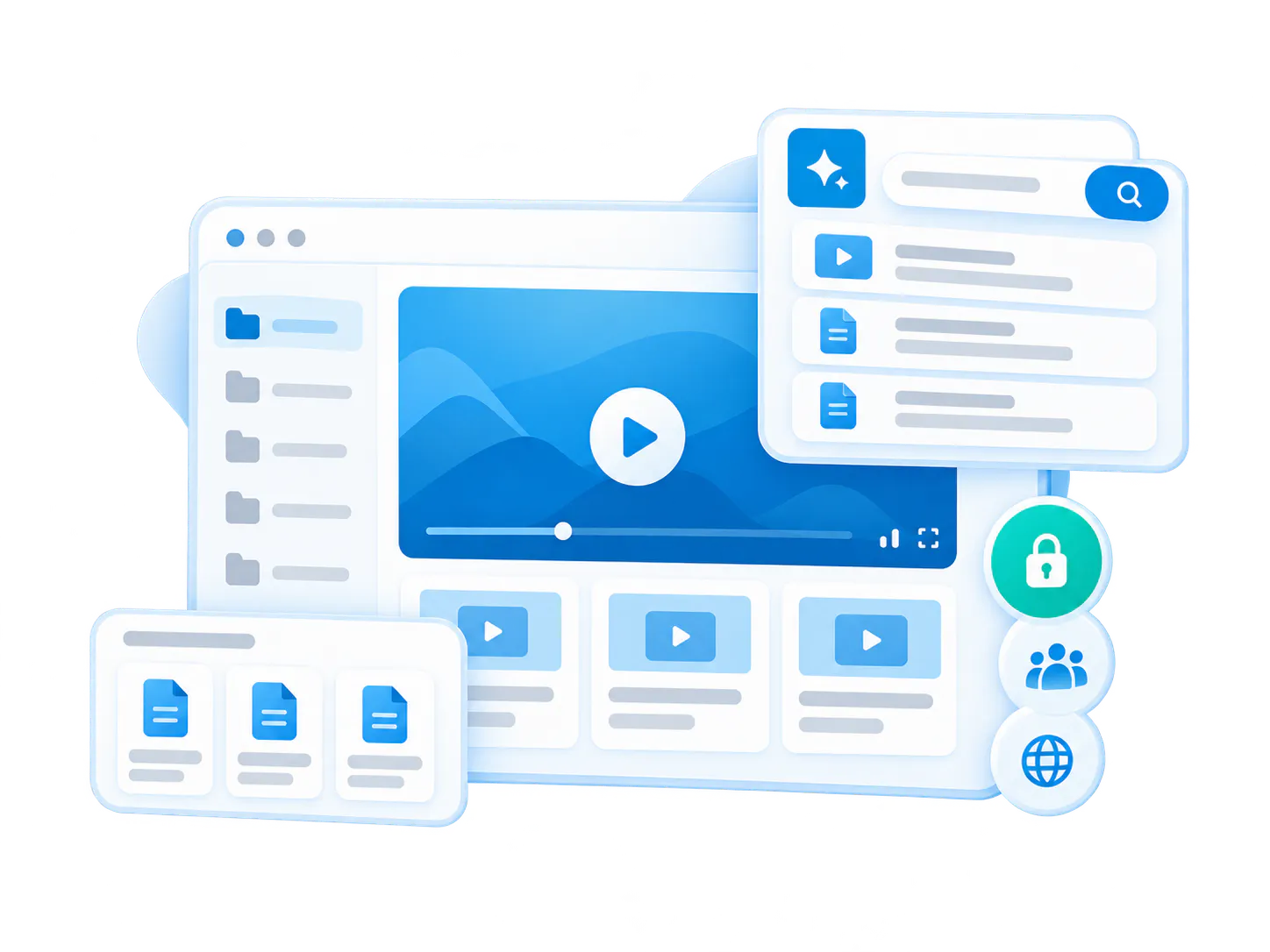
What employees can do with this model
Employee training library
Organize training modules, internal walkthroughs, quick tips, and supporting documents in one secure employee knowledge base.
Operational archive
Keep release briefings, workshops, recorded webinars, quick tips, and longer internal sessions in one reusable archive.
Controlled access
Support internal employees and selected external users with configurable access rules instead of open public delivery.
VideoGPT across the archive
Help employees retrieve answers from long recordings and supporting documents without digging through the archive manually.
Verily
Also used in broader internal systems
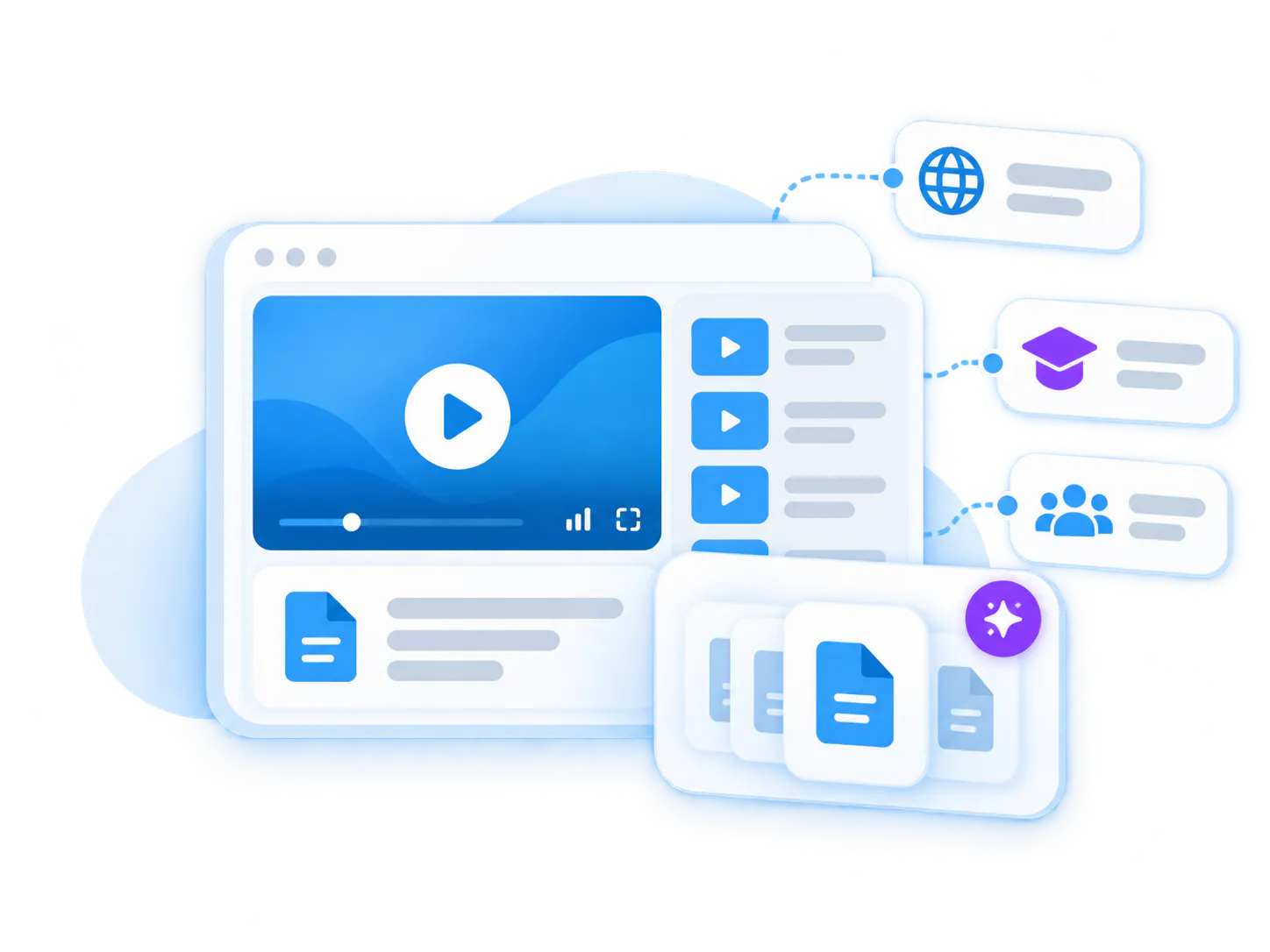
Verily shows how video and document knowledge can stay available across product interfaces, documentation, LMS environments, and internal systems instead of living in disconnected repositories.
Start with one employee knowledge base. Expand later.
The cleanest first move is one secure internal knowledge base for one department, one employee group, or one recurring knowledge job. Once that works, adjacent solution areas become much easier to launch.
Customer Education Platform
For customer onboarding, product walkthroughs, feature education, product updates, and attached guides.
Customer Self-Service Support
For point-of-need answers, visual guidance, and AI-assisted troubleshooting inside support workflows.
SOP and Workflow Documentation
For process walkthroughs, work instructions, SOPs, and reusable workflow documentation.
Clear answers for companies evaluating internal knowledge base software and employee training software
Everything you need to know about organizing, embedding, and scaling reusable video-and-document galleries across your enterprise systems.
Internal knowledge base software helps companies organize, secure, and retrieve knowledge for employees. Cincopa extends that model by making employee training videos, walkthroughs, meeting recordings, recorded webinars, and documents part of the same searchable internal knowledge base.
Yes. Cincopa can support employee training software use cases when companies need to organize training videos for employees, onboarding materials, software training videos, recorded workshops, and supporting documents in one secure knowledge base.
A wiki usually depends on written pages. Cincopa helps employees capture knowledge as video and documents, then organize and search that knowledge with VideoGPT. This makes it easier for more employees to keep adding useful knowledge over time.
An LMS is often built around courses, assignments, and completion tracking. Cincopa is better for internal knowledge that keeps changing: walkthroughs, updates, employee training videos, meeting recordings, webinars, documents, and answers employees need later.
Employee training videos are faster for many people to create than polished written documentation. They also capture workflow, context, explanation, tone, and visual steps that are hard to express in a short article.
Yes. Cincopa is strongest when employee training videos, meeting recordings, recorded webinars, PDFs, release notes, guides, and supporting documents stay together in the same knowledge environment.
Yes. VideoGPT can answer across videos and documents, return grounded answers, and jump employees to the exact part of the recording or source that matters.
Yes. Cincopa supports controlled access models, and Tube adds stronger portal behavior for companies that need deeper permission, workspace, and audience structure.
Use Tube when the internal knowledge base needs workspaces, channels, user groups, permissions, watch history, subscriptions, or deeper portal behavior. Use Pages when one flatter controlled destination is enough.
Yes. With VideoGPT enabled, knowledge owners can learn from repeated employee questions, weak answers, unresolved gaps, and missing topics so they know what to record, update, or reorganize next.
Build an internal knowledge base employees can actually use and keep growing
Start with one department, one recurring employee knowledge job, and one controlled environment. Capture knowledge with video, organize it with structure, and make it answerable with VideoGPT.