Turn training videos into an AI-searchable customer academy
Give customers one portal to watch lessons, follow progress, ask questions across videos and documents, and jump directly to the exact part that answers them.
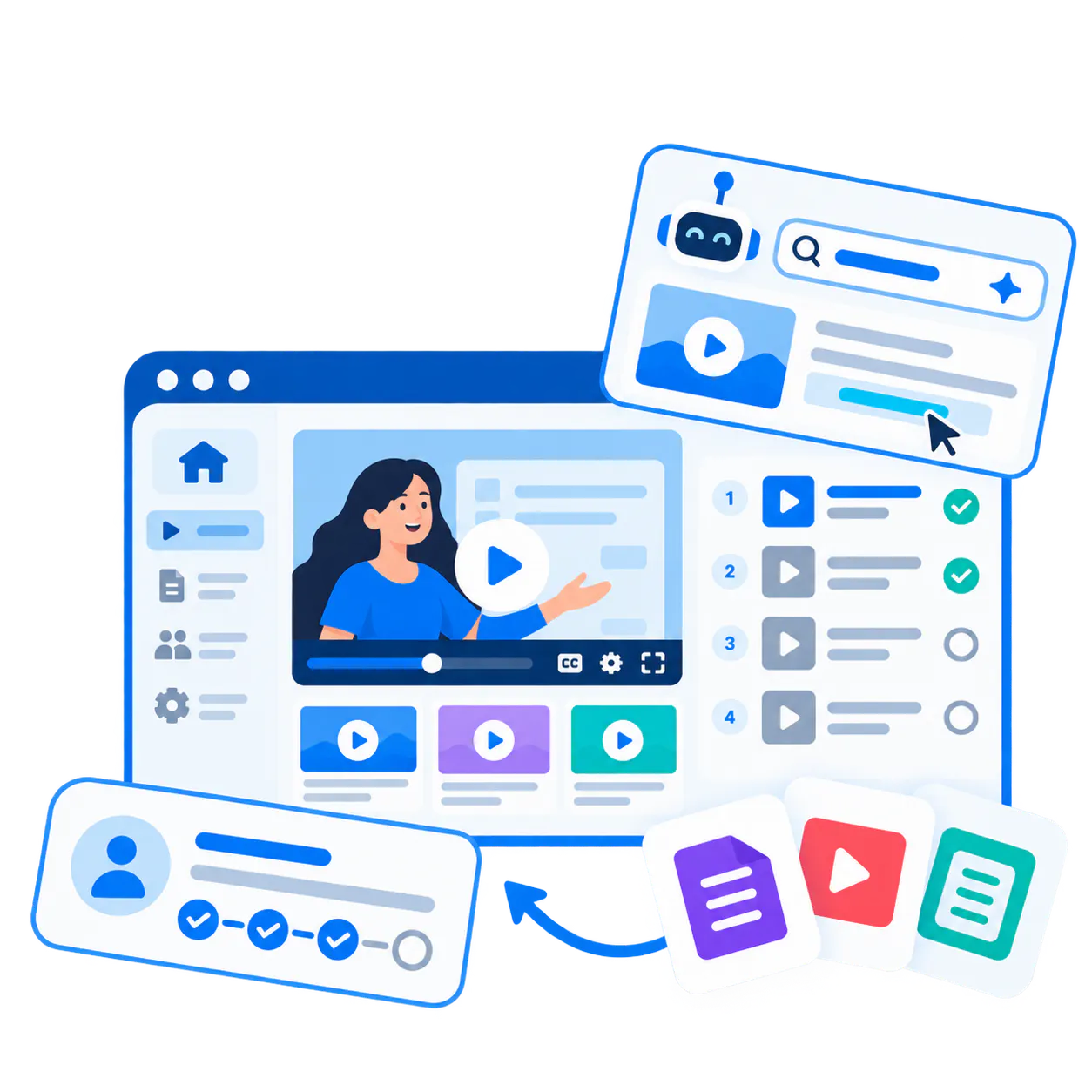
Training breaks when content exists but the delivery and retrieval layer does not.
Customers do not need another folder of recordings. They need a structured training environment that helps them follow the right path, search across the library, revisit a workflow quickly, and get answers without opening another support ticket.
Live training does not scale
Teams repeat the same onboarding and workflow guidance because the reusable version is hard to structure and hard to retrieve later.
Libraries become hard to navigate
Once training grows across products, modules, or roles, a flat list of videos turns into friction instead of self-service learning.
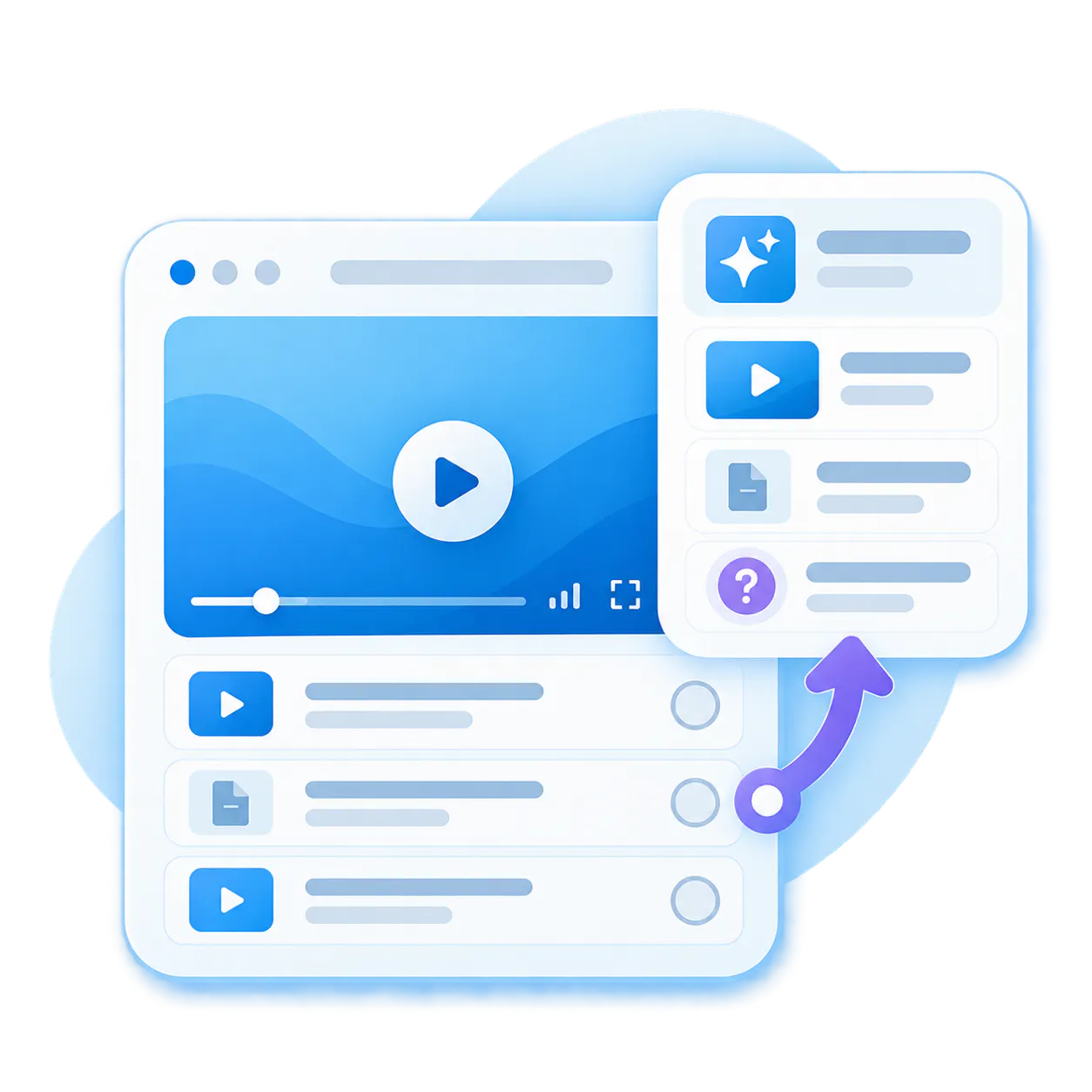
The LMS is not always enough
Some teams need a true academy. Others need a lighter rollout or a better video and AI layer inside the LMS they already have.
Built for the training programs teams actually need to launch.
Built for the training programs teams actually need to launch.
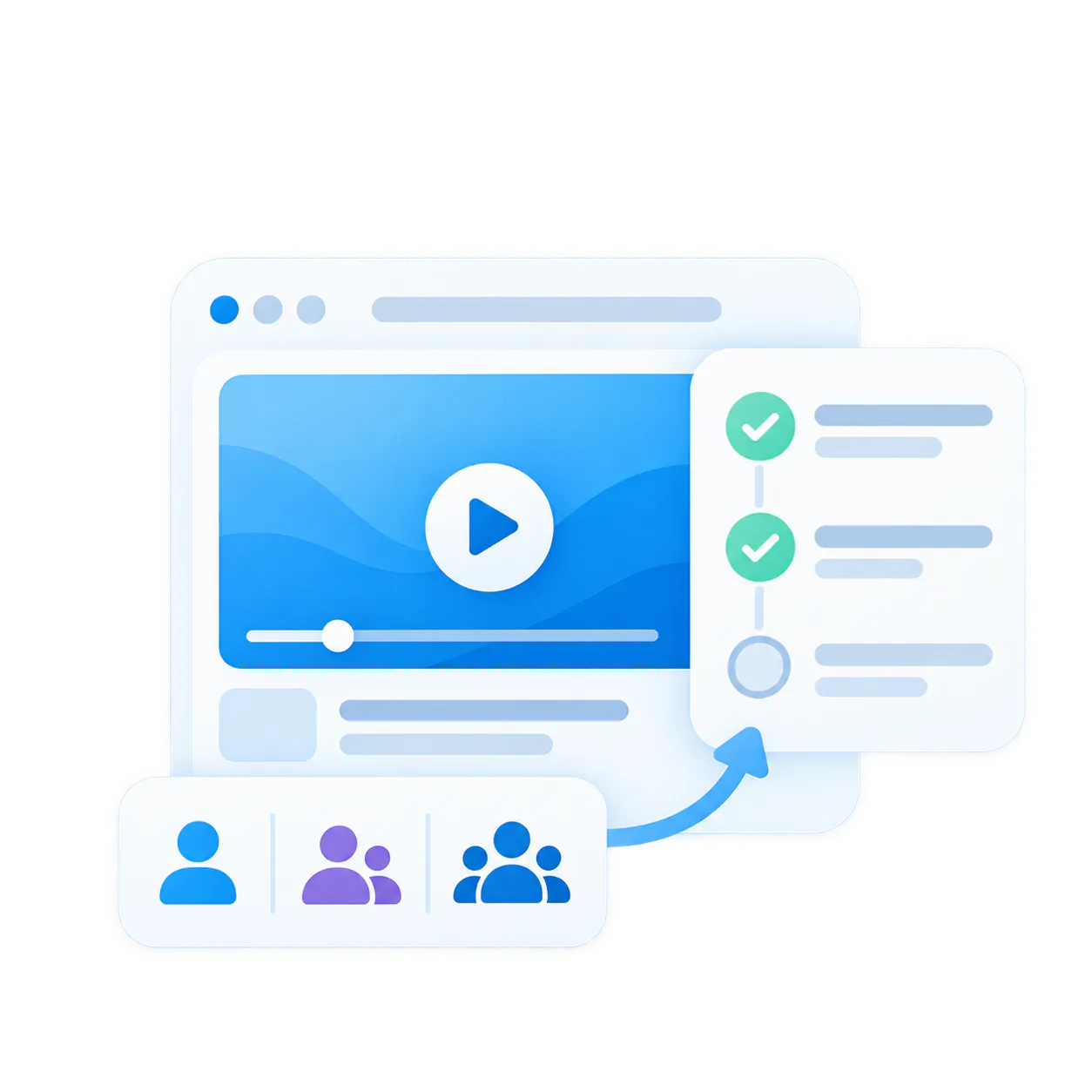
Customer onboarding
Guide new customers through role-based onboarding without repeating the same live sessions.
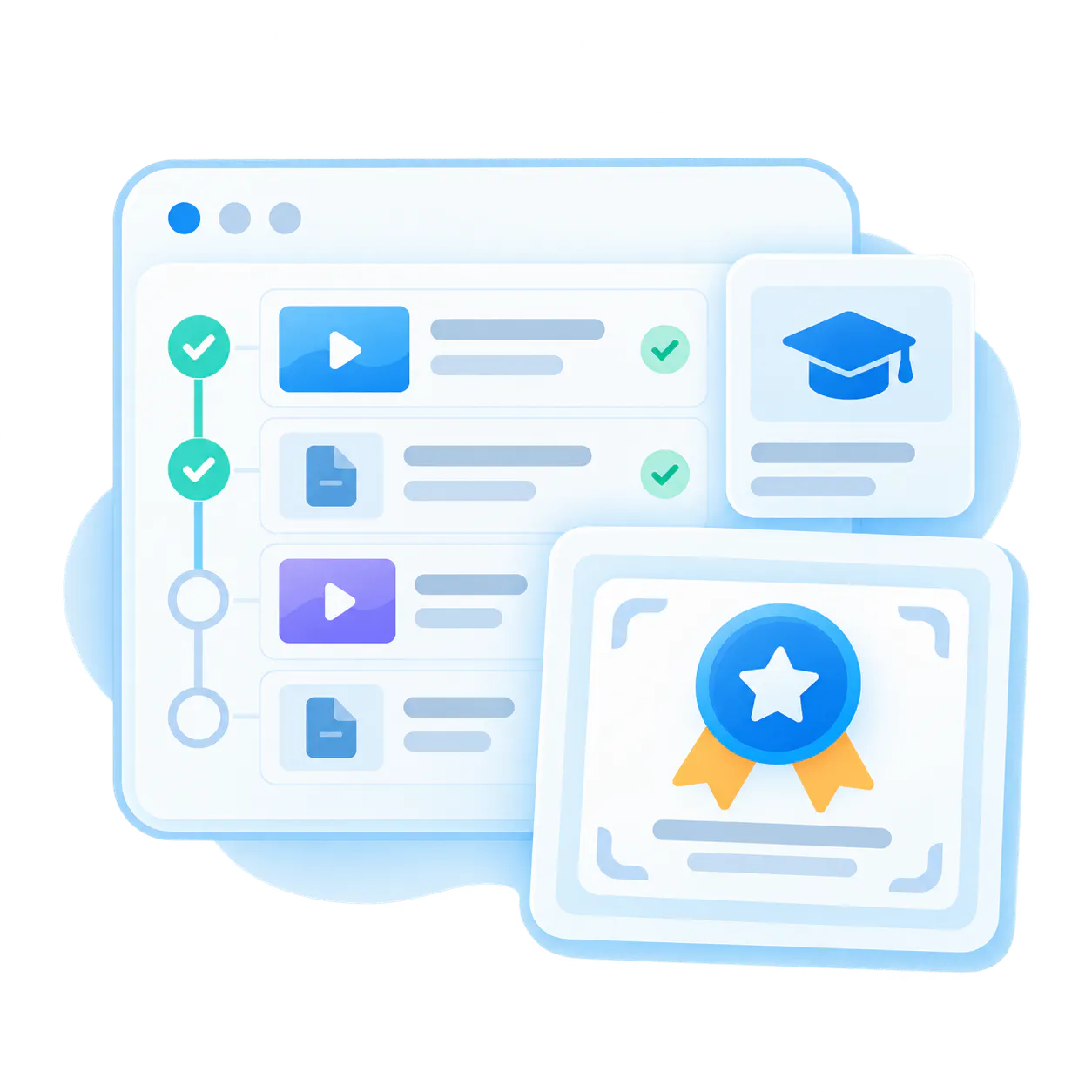
Certification training
Organize formal learning paths, prerequisite content, and repeatable assessment prep into one training portal.
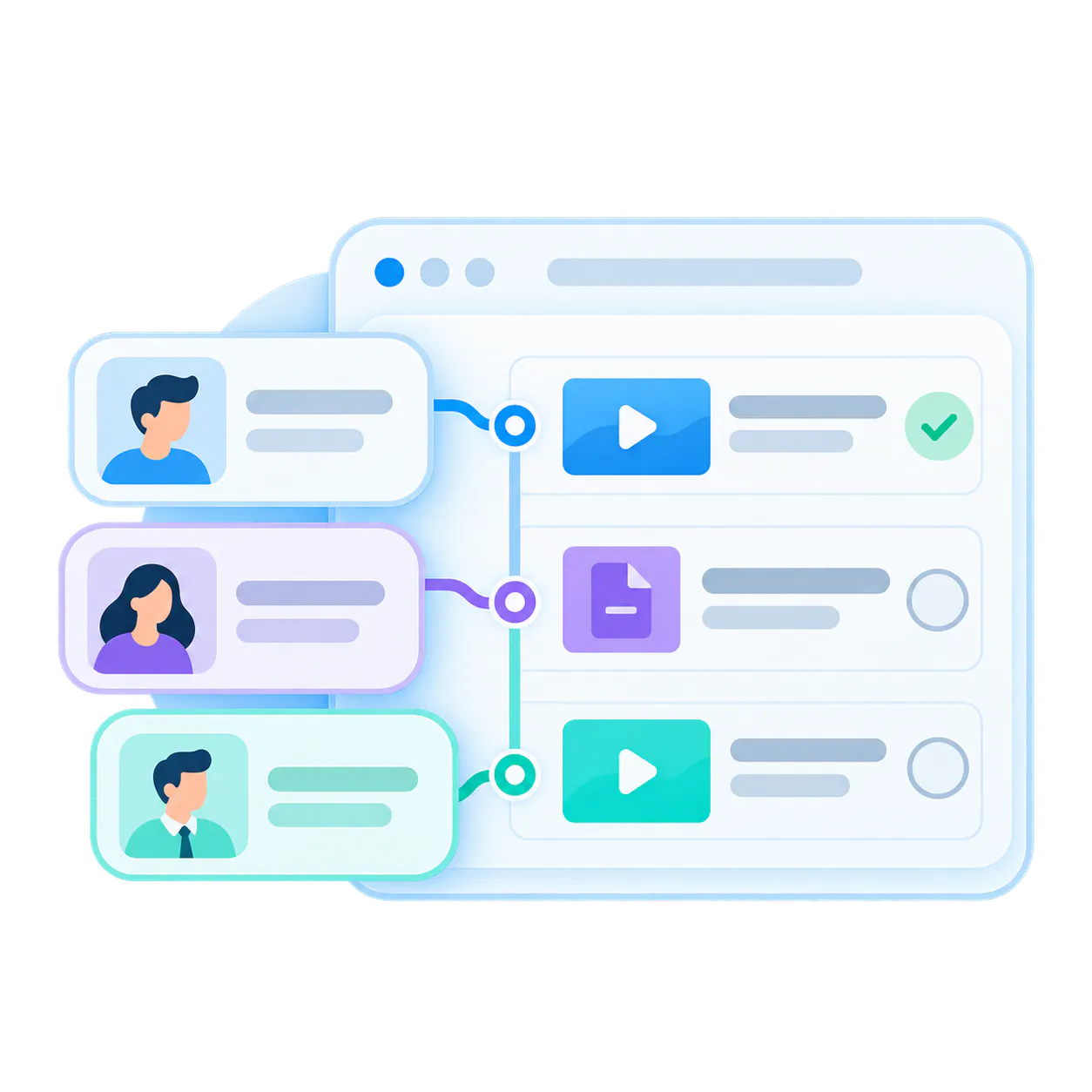
Role-based learning paths
Deliver tailored training by product area, workflow, role, or audience without duplicating the whole library.
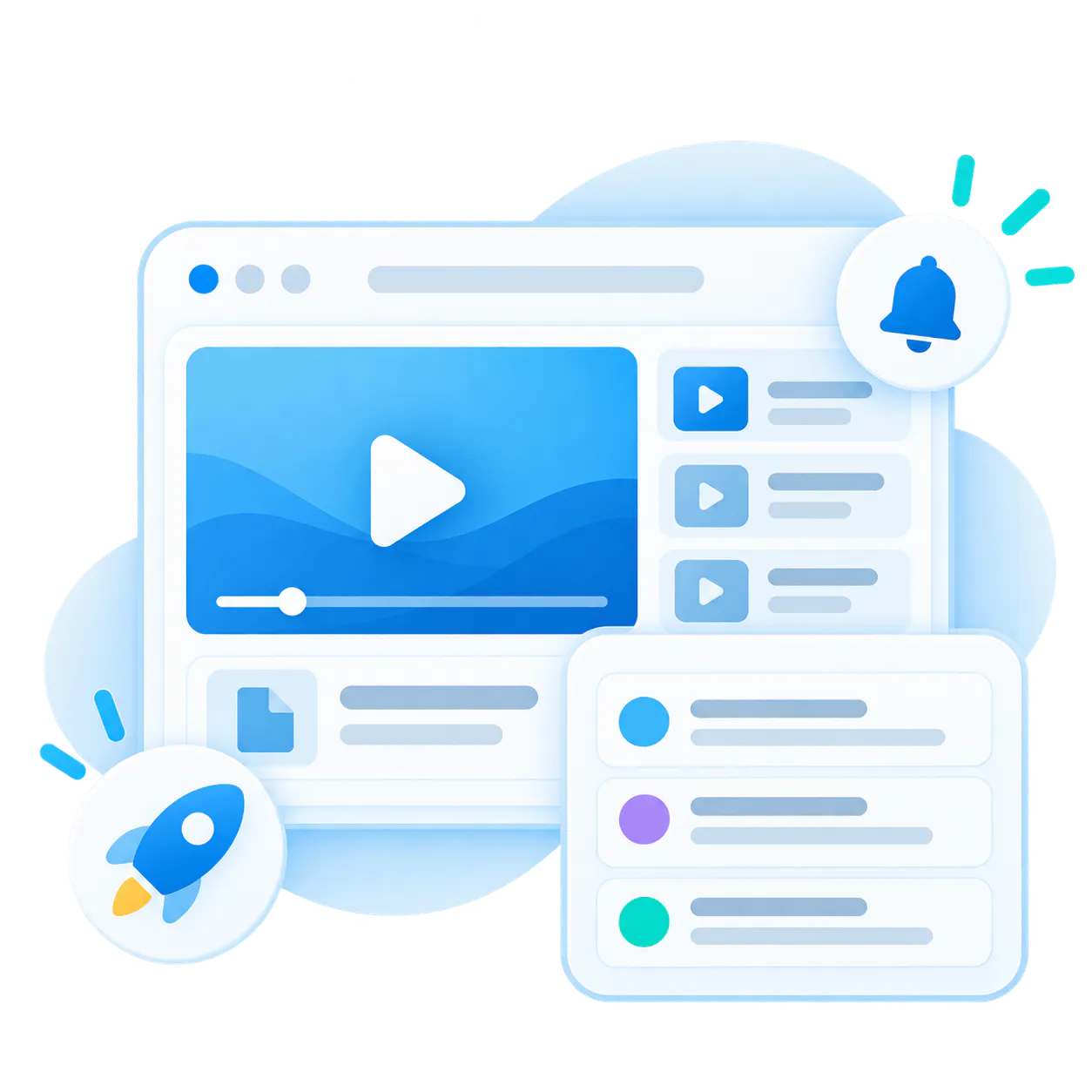
Release and feature education
Teach customers what changed and where to find the right workflow inside release videos and supporting guides.
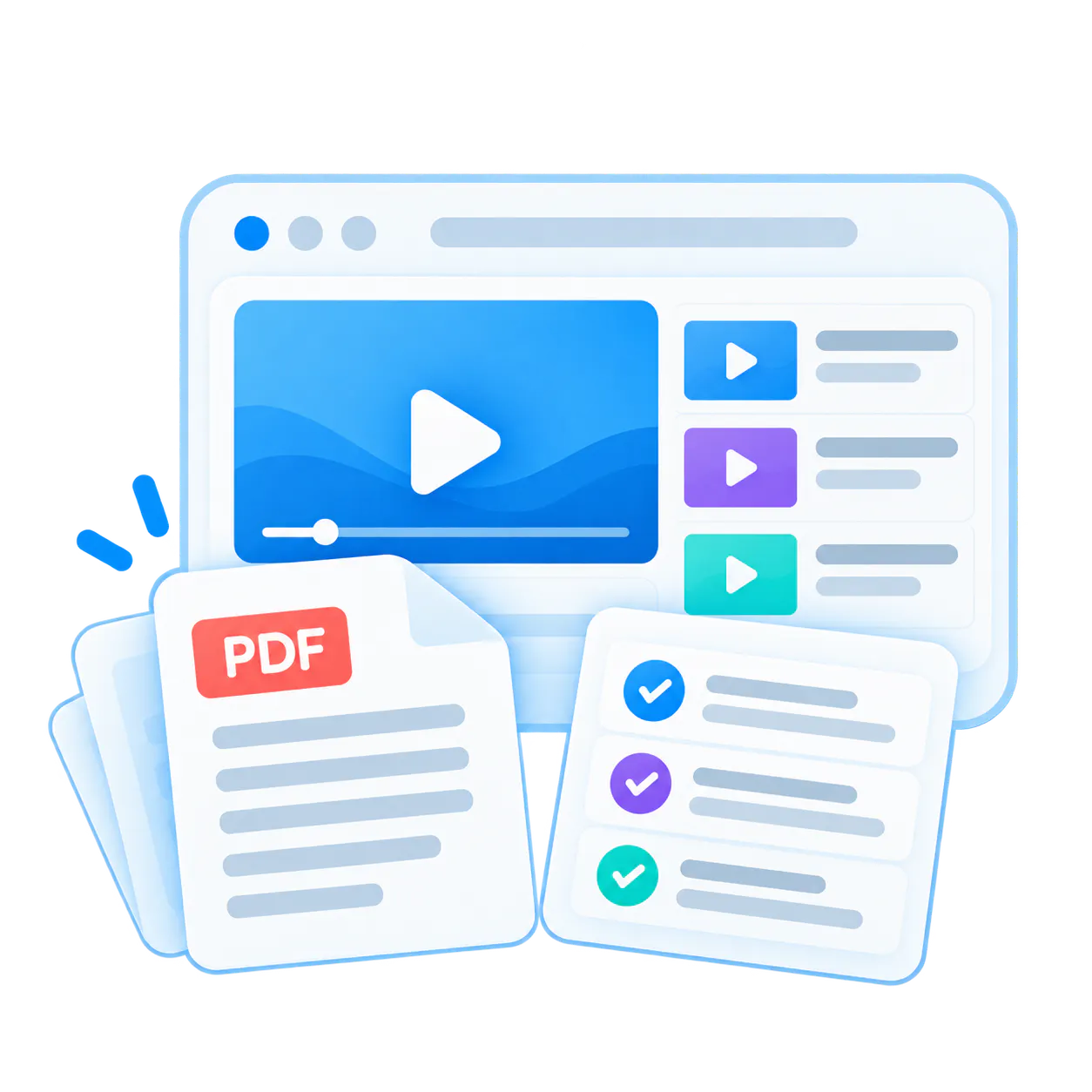
Video plus PDF knowledge
Pair walkthroughs with PDFs, release notes, checklists, and reference material in the same training surface.
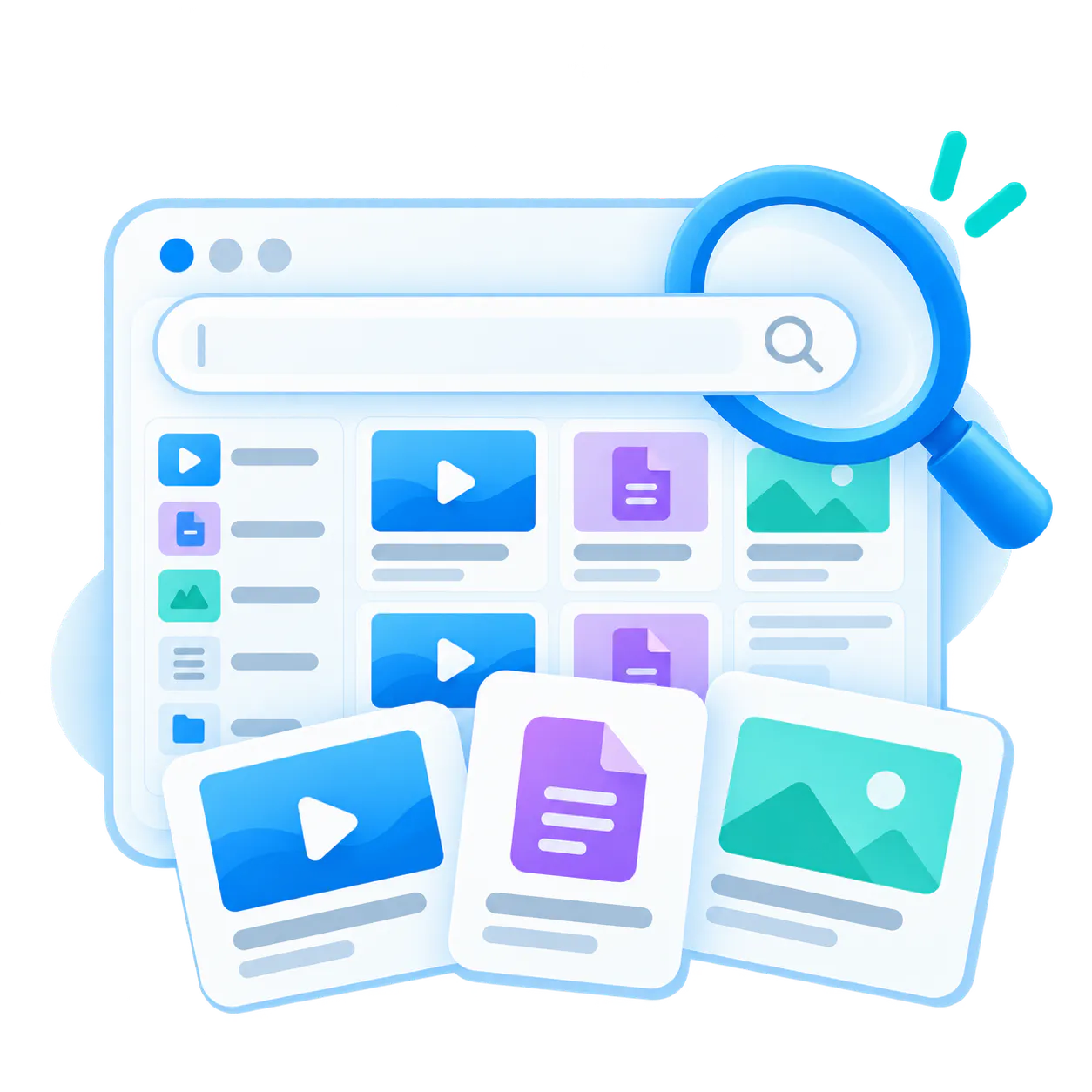
Searchable training archives
Turn a growing archive into a usable knowledge system that supports both guided learning and fast question-based retrieval.
Structure, delivery, and intelligence in one training layer.
Structure, delivery, and intelligence in one training layer.
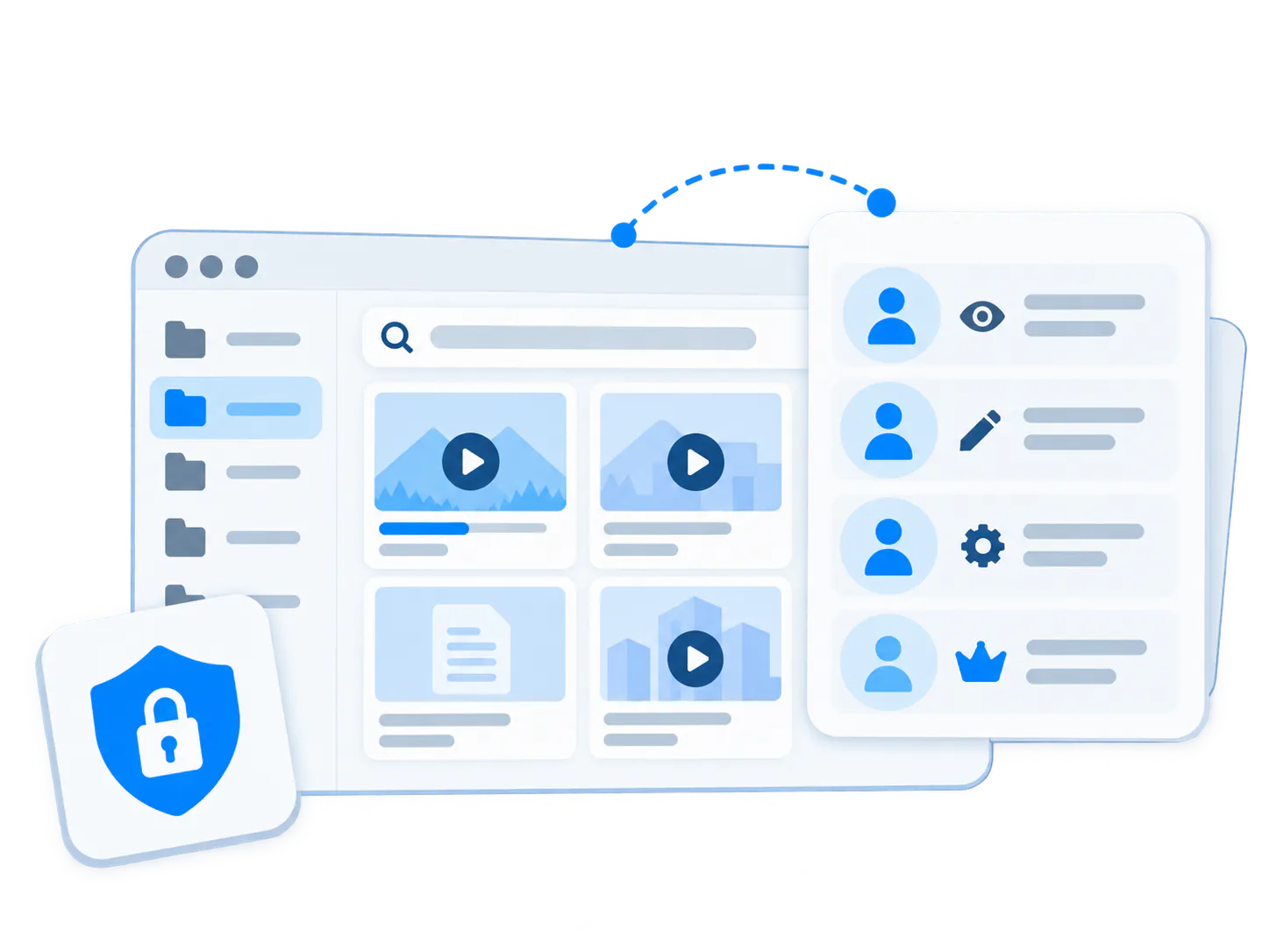
Structure
Organize training into channels, playlists, modules, and course-style pages so the library stays navigable as it grows.
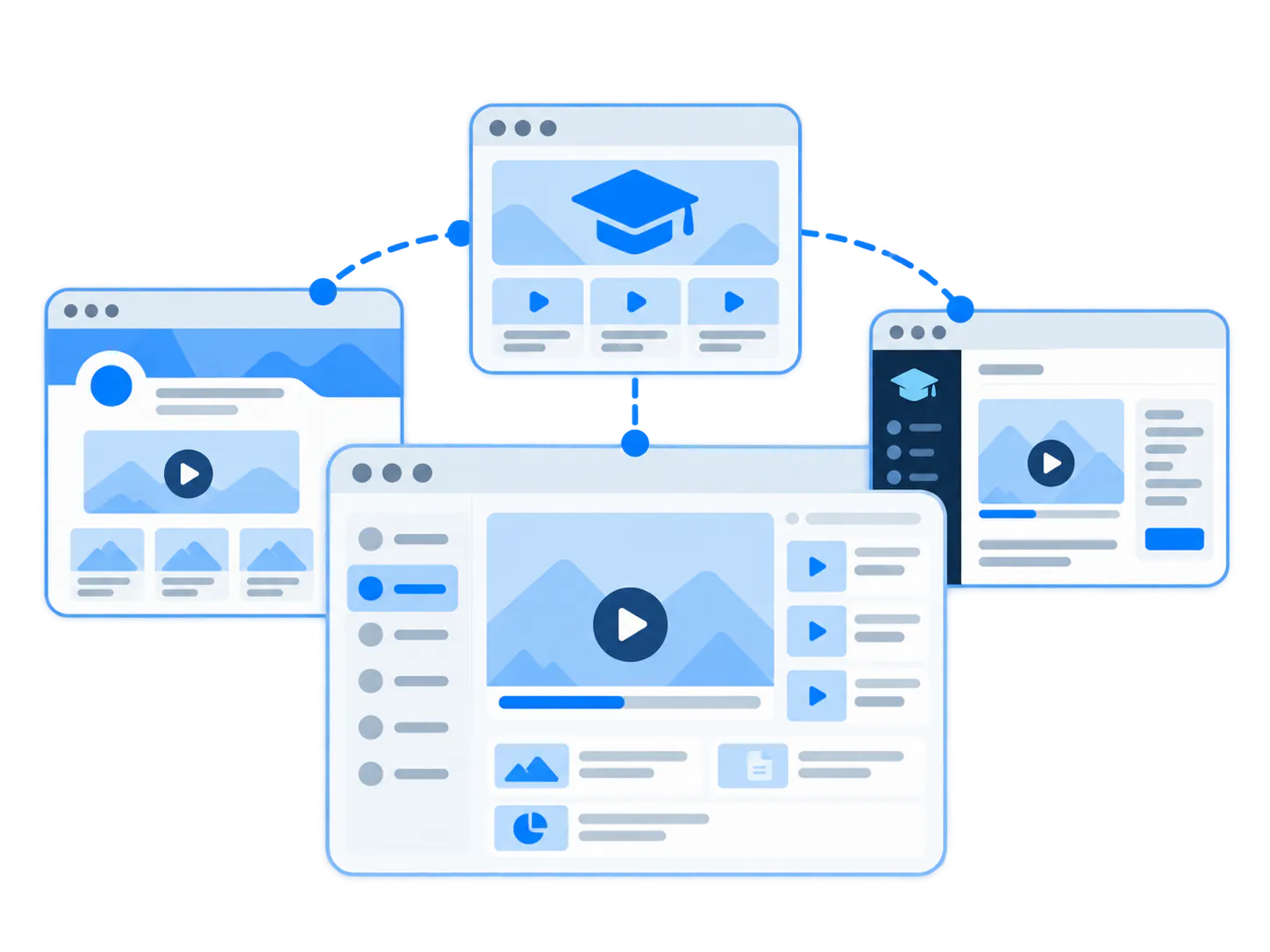
Delivery
Deploy training as a standalone academy, a branded Page, or a richer embedded layer inside the LMS and environments you already use.
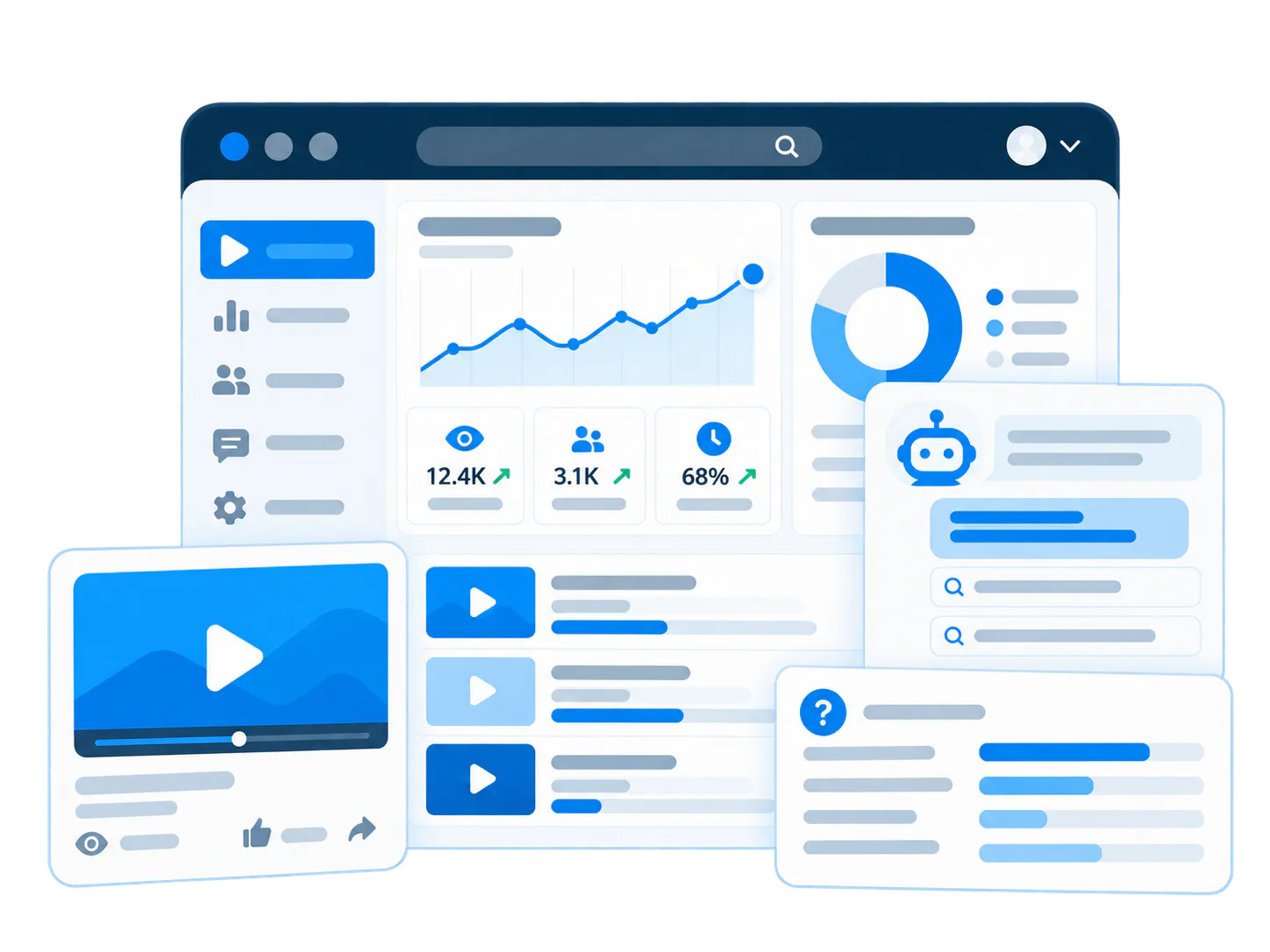
Intelligence
Combine viewer analytics, VideoGPT usage, and recurring-question insights so training owners can see where users struggle and what to improve next.
Use the delivery model that fits the training job.
The same solution can run as a customer academy, a branded course page, or an embedded training layer. The job stays the same. The surface changes.
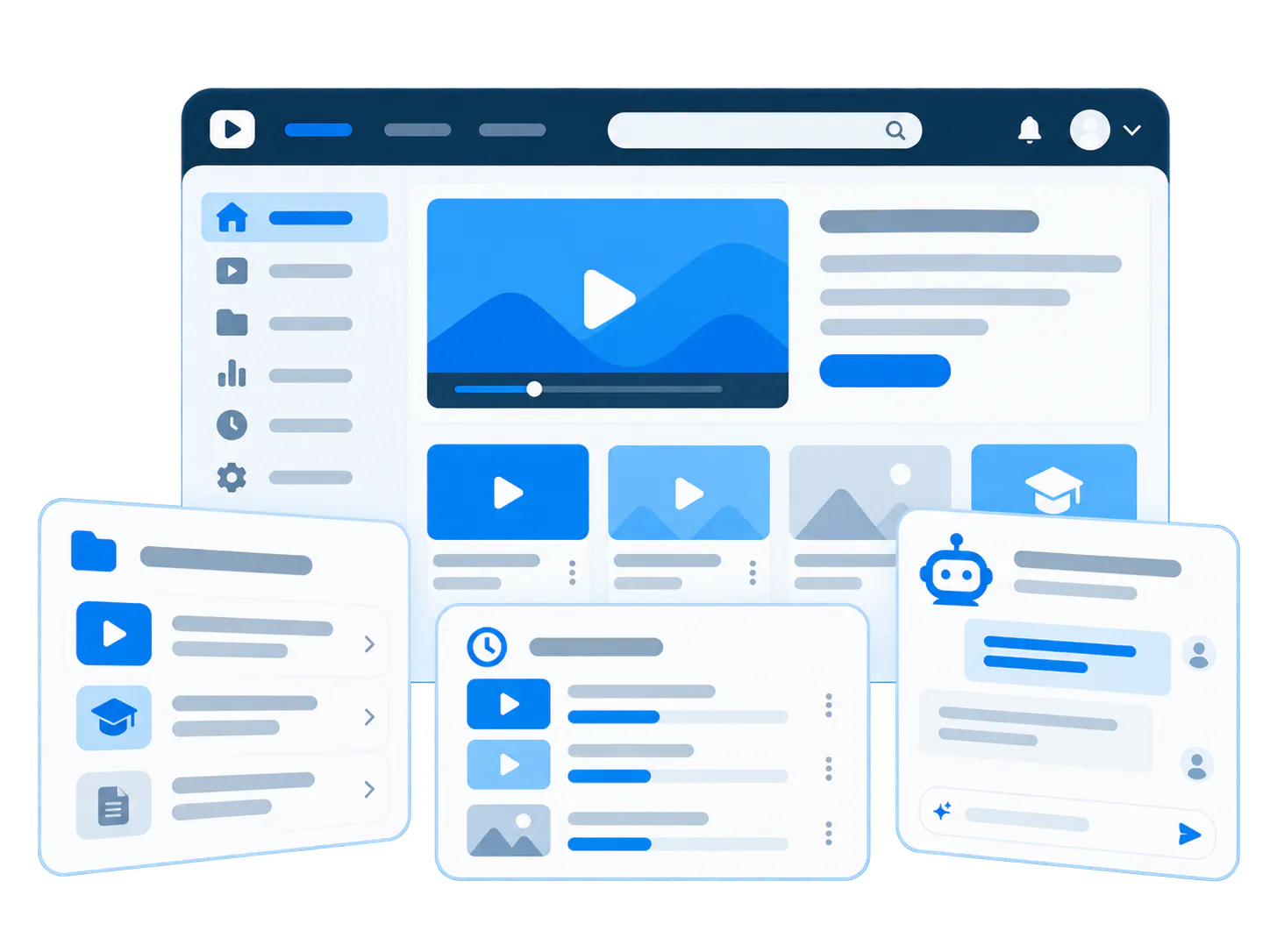
Standalone portal in CincoTube
Best for a true customer academy with channels, watch history, analytics, optional linear learning, and VideoGPT across the portal.
Shape: Tube → Workspace → Channels | Training videos + Viewer history + VideoGPT
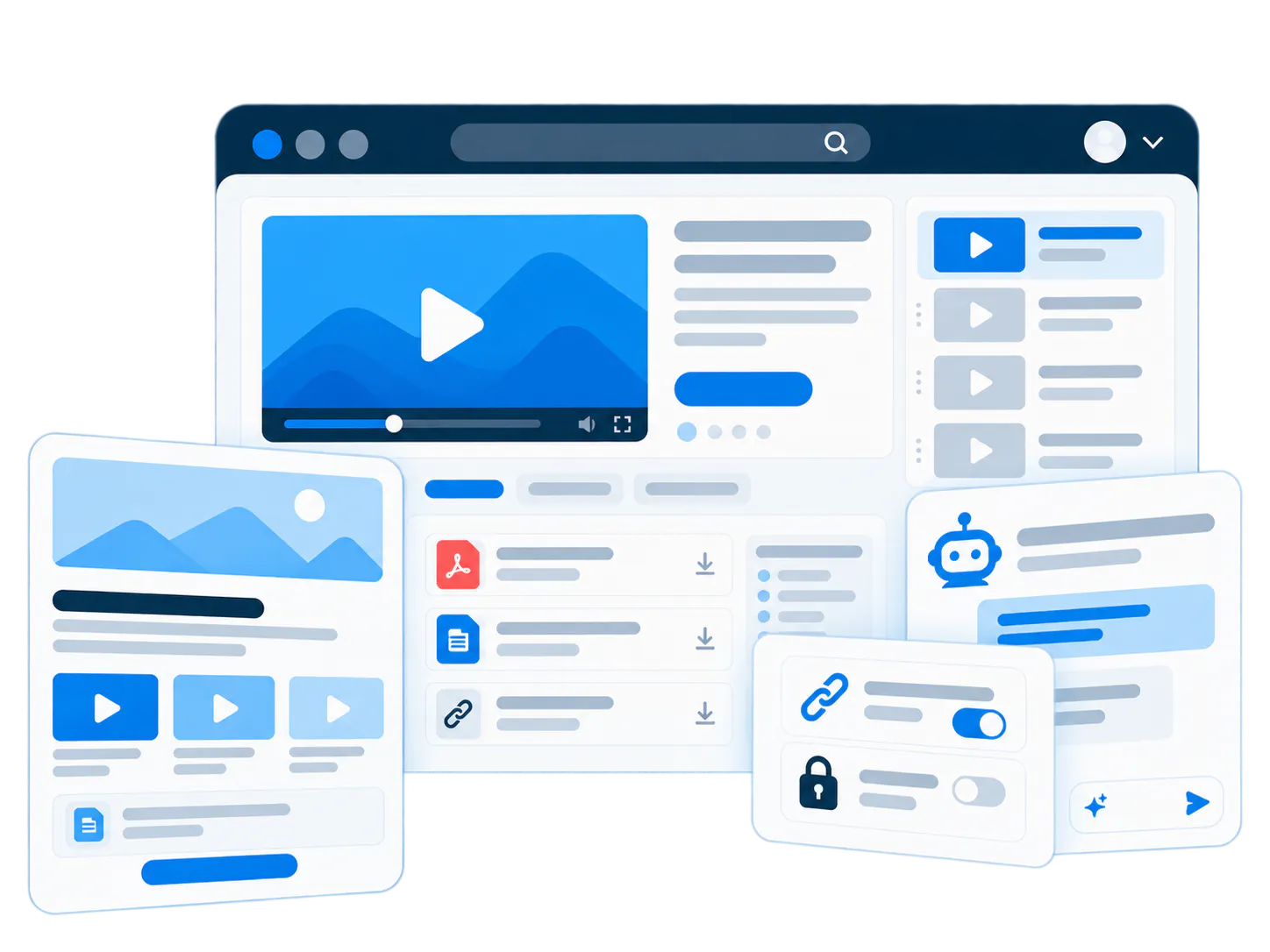
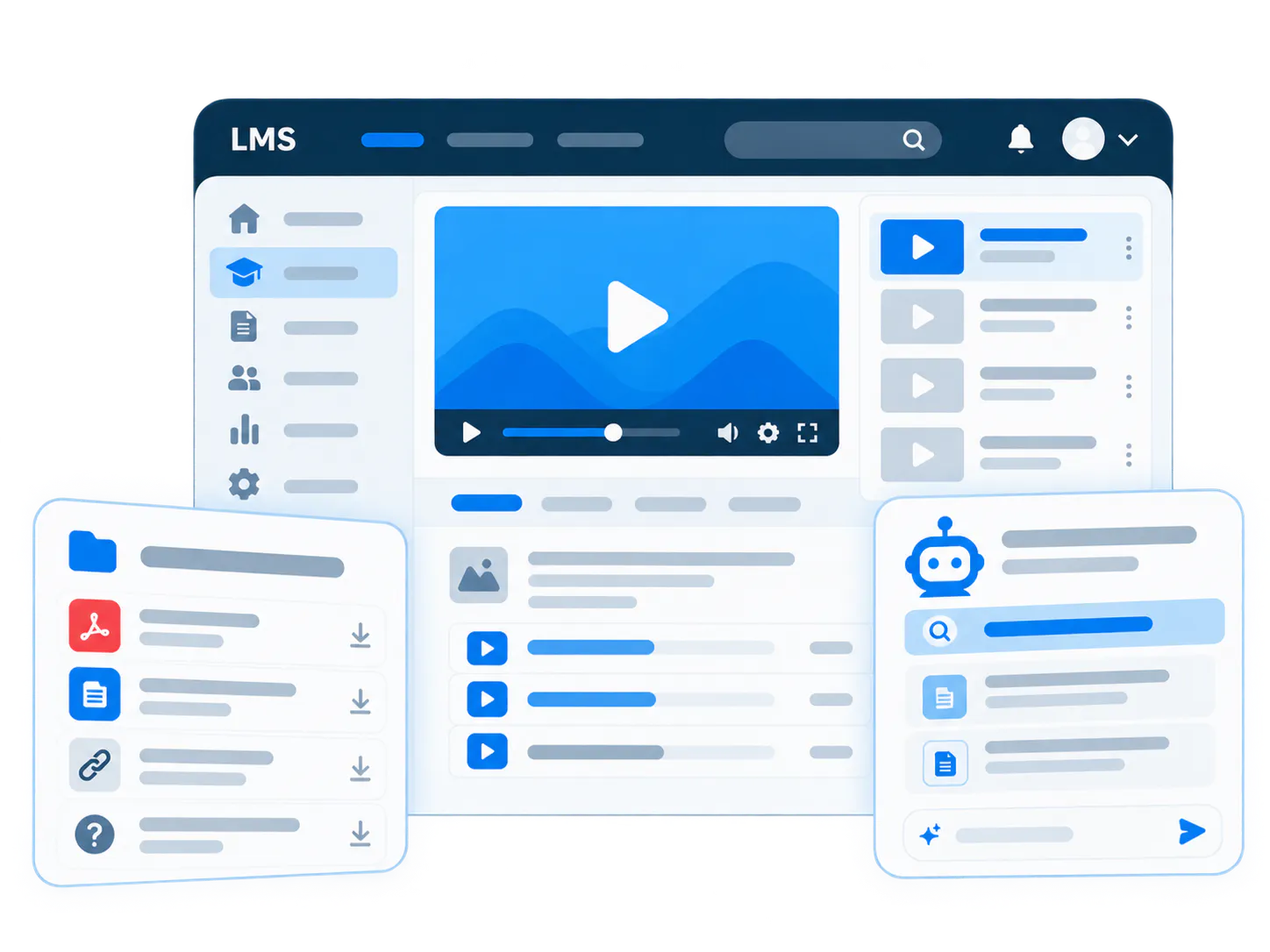
Let users ask the training library. Let operators learn from every question.
This is the disruptive layer. VideoGPT helps learners retrieve answers from the training content, while analytics and insights show training, support, and product teams what users are really asking and where friction still exists. Explore the AI video knowledge base builder to see the same publish, ask, and improve workflow in one experience.
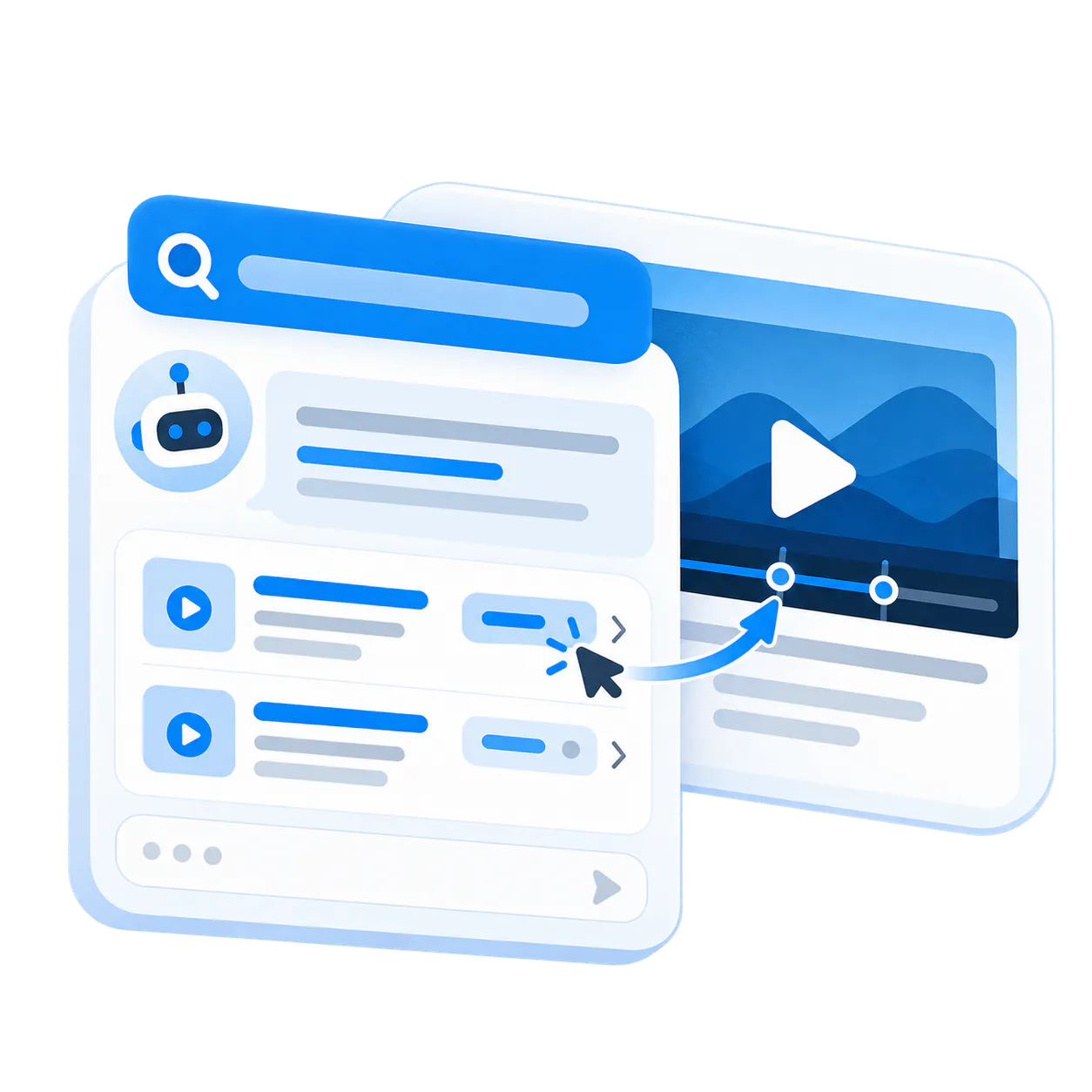
Ask, answer, jump
Learners can ask a question across the training library, get a relevant answer, and jump directly to the right moment in the right video.
Example question: How do I manage casework messages in IQ?
Example answer: Open Casework in IQ. The explanation starts with inbox filtering and then shows how to update case status and routing.
Jump to 01:42
Jump to 03:18
Step-by-step summary
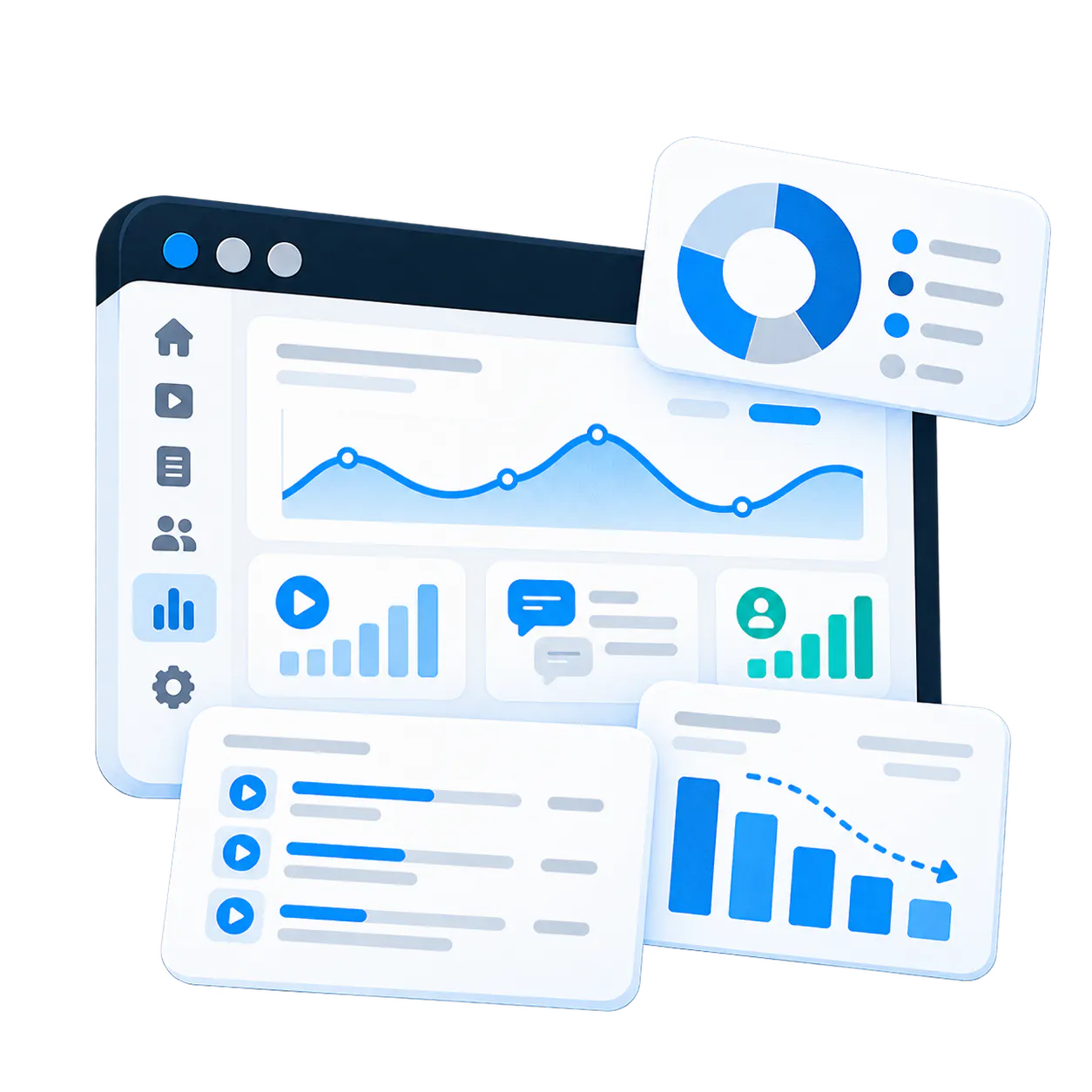
Analytics and insights on top of every training interaction
See what users watched, how they engaged, what they asked in VideoGPT, which questions repeat, and which topics reveal training, support, or product friction.
- Operational analytics: Viewer history, engagement, watch behavior, drop-off patterns, and session-level signals across the training environment.
- Conversational analytics: VideoGPT chat-session visibility across real user questions, answer paths, and topic demand inside the training library.
- Recurring-question insights: Surface repeated question clusters and friction themes so content owners know where the training still falls short.
- Cross-team value: Use the signal to improve the training itself, strengthen support content, and highlight places where the product experience may need work.
Three proof cases validate the three strongest rollout shapes.
Three proof cases validate the three strongest rollout shapes.

Leidos
Leidos runs a public product training portal for IQ CRM with about 100 videos across roughly 6 structured channels, plus engagement visibility and VideoGPT across the experience.

Chamberlain Academy
Chamberlain validates the LMS-embedded model through technical training delivered inside the LiftMaster Training Academy using Cincopa playlists as the video layer.

Virginia Housing
Virginia Housing shows the lighter rollout shape through playlist-based training delivered in Pages for focused program education and guided learning series.
Start with customer training. Expand later.
The cleanest first move is one academy, one certification path, or one onboarding program. Once it proves value, the same content and infrastructure can expand into adjacent solution areas.
Product Education
Extend the same content into embedded, in-product education and searchable product guidance.
Partner Enablement
Reuse the academy model to train distributors, installers, resellers, or contractors.
Internal Knowledge Base Software
Keep internal team knowledge and customer-facing training clearly separate, but expand into team knowledge when the time is right.
Common questions from customer training teams
Common questions from customer training teams
No. You can run customer training as a standalone portal, as branded course pages, or as an embedded video layer inside the LMS you already use.
Yes. VideoGPT can answer questions from the training content and link learners to the exact moment in the relevant video.
Training teams can see engagement, watch behavior, session-level activity, and conversational usage patterns that reveal what learners actually need.
Yes. Training can be public, access-controlled, or embedded inside another environment depending on the program and the audience.
Yes. Training can include videos, PDFs, documents, release notes, and supporting materials in the same environment.
Build one customer training program people can actually use.
Start with one academy, one certification path, or one onboarding program. Then expand once the training library proves value.