In order to Copy or Duplicate Items from one gallery to another simply follow steps below:
1. Login to your Cincopa account and go to Assets page.
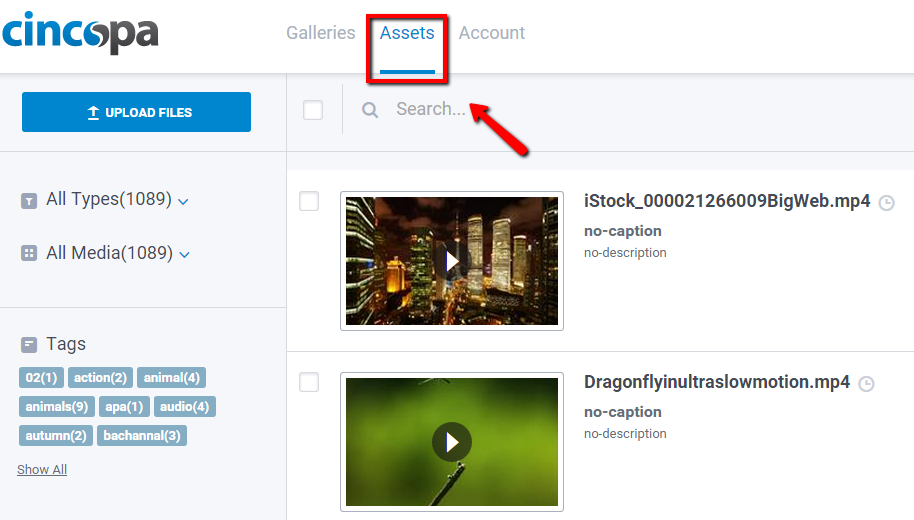
2. Search for items you are trying to copy by All types / All Media / Recently Uploaded or by tag filters:
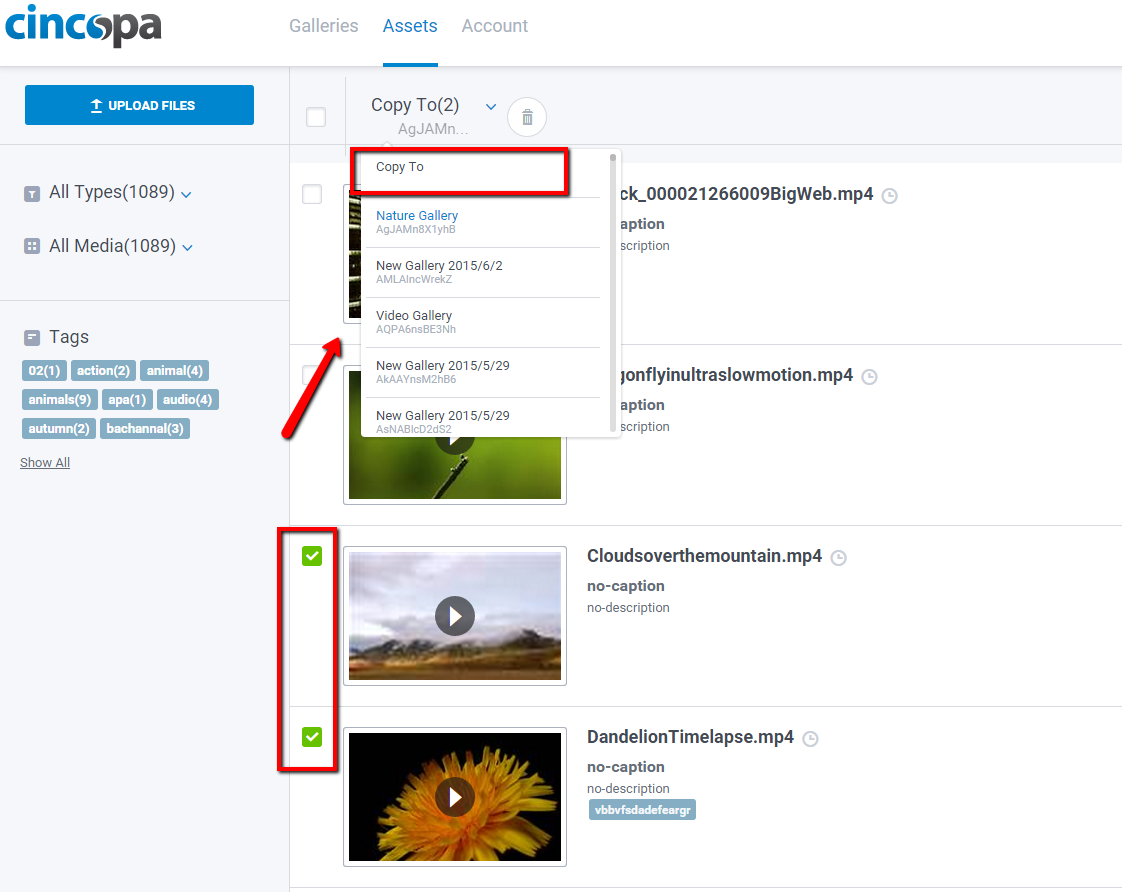
3. Check those items that you want to move and click “Copy to” . Select the destination gallery, the one you want to copy images to
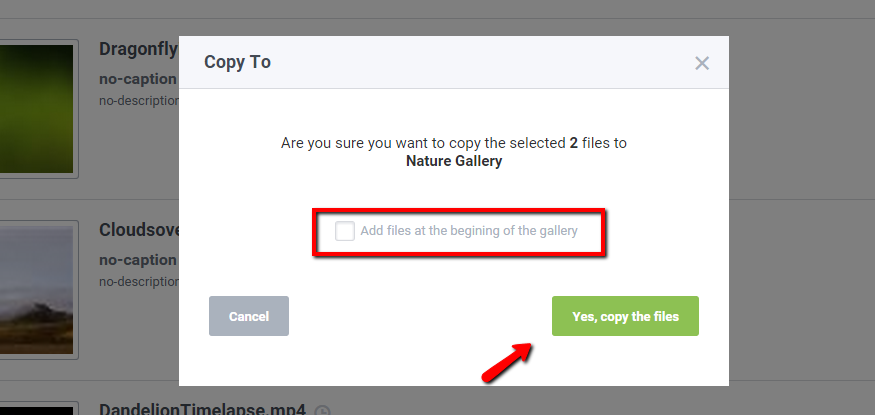
4. Check the box near “Add files at the beginning of the gallery” if needed and click “Yes, copy the files”
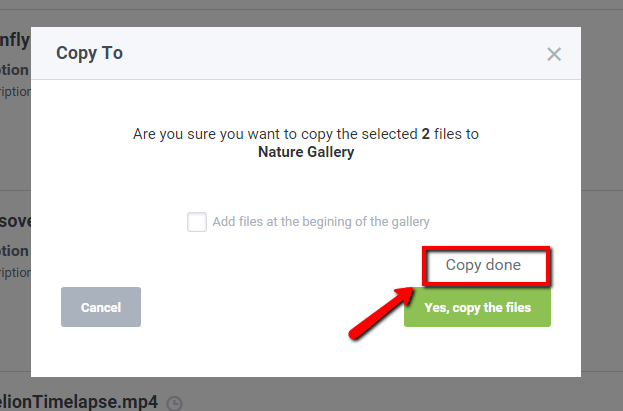
5. ‘Copy done’ message displays and pop-up will close.