


Jquery Audio Player

Add Magnificent jQuery Music to Your Site Using Cincopa's Multimedia Platform
Music and human voice have a remarkable effect on people, especially when they do not expect it. Cincopa application provides you with all the services, extensions and products you may need in order to establish, insert and routinely manage a jQuery audio player.
Using Cincopa simple wizard enables you to create and embed a dynamic jQuery audio player within merely a few minutes, even if you have no technical skills. Cincopa is responsible for handling conversions, hosting and delivery of files, using the most advanced software and security systems. You may add images, album art, menus and playlists to your jQuery music, as well as allow media download, to evolve interaction with users.
View Cincopa's Jquery Audio Players Templates and Demos
Audio Playlist Templates
-
Podcast/Audio player
Audio/Podcast audio gallery with customizable colors design and controls with branded player, with or without a playlist -
Responsive blue audio player with playlist
Fully responsive audio player, innovative, customizable and modern look -
Responsive HTML5 music audio with playlist
Responsive HTML5 audio player with playlist, simple, innovative, customizable, fully responsive, touch support -
Responsive HTML5 audio player with playlist dark background
Responsive HTML5 audio player with playlist, simple, innovative, customizable, fully responsive, touch support, dark background -
Responsive HTML5 audio player with playlist bright background
Responsive HTML5 audio player with playlist, simple, innovative, customizable, fully responsive, touch support, bright background -
Responsive HTML5 audio rounded player with playlist
Responsive HTML5 audio player with playlist, simple, innovative, customizable, fully responsive, touch support, rounded player -
Responsive HTML5 audio player with playlist with images
Responsive HTML5 audio player, simple yet innovative, customizable, fully responsive, touch support, playlist with images -
Audio player with large cover
Large cover audio player, useful for pictures, text, covers, responsive, many options for pro users -
Smooth Audio Player Light
Simple and responsive audio player with minimal design, expanded playlist, bottom control pannel. -
Smooth Audio Player Silver
Audio player with playlist and simplified control bar, smooth and adaptive design that integrates with all devices and web browsers. -
Responsive tiny audio player with playlist
Small audio player with list underneath, responsive, ergonomic, narrow control bar -
Bandcamp audio player
Bandcamp audio player, simple and fast to create, SEO friendly, detailed playlist -
Baroque audio player
Straight out audio player with a fresh, elegant and clean design, SEO friendly -
Rounded audio player
Elegant HTML5 based audio player, modern design, intuitive interface, responsive with touch screen support -
Minimalist audio player
Minimalist audio player with fresh and elegant design, responsive layout, full control bar, customizable colours -
Tiny audio player with playlist
Neat design audio player, very little space used, fully customizable playlist, user friendly, easy to manage


Fixed Audio Templates
-
Responsive bottom page audio player
Responsive bottom page audio player, scaleable width and height, audio display of cover art -
Spotify player
Spotify audio player, does not interfere with site, responsive, mobile friendly layout -
Mixcloud audio player
Mixcloud audio player, responsive design, customizable colors, dimensions and functionalities, SEO friendly -
Bottom audio player with playlist
Innovative bottom audio player, fresh design, responsive layout, customizable width and height


Audio Player Templates
-
Responsive HTML5 audio player
Fully responsive HTML5 audio player, great layout with touch support, attractive apppearance -
Responsive HTML5 dark rounded audio player
Fully responsive HTML5 audio player, great layout with touch support, attractive apppearance, dark rounded player -
Responsive HTML5 square white audio player
Fully responsive HTML5 audio player, great layout with touch support, attractive apppearance, square, white player -
Responsive HTML5 retro blue audio player
Fully responsive HTML5 audio player, great layout with touch support, attractive apppearance, retro blue player -
Sonic Uno
Minimalist single button audio player with fresh and elegant design,customizable colours


You can easily customize the template using the advanced settings or with CSS edit.
Embedding jQuery Music Has Never Been That Simple
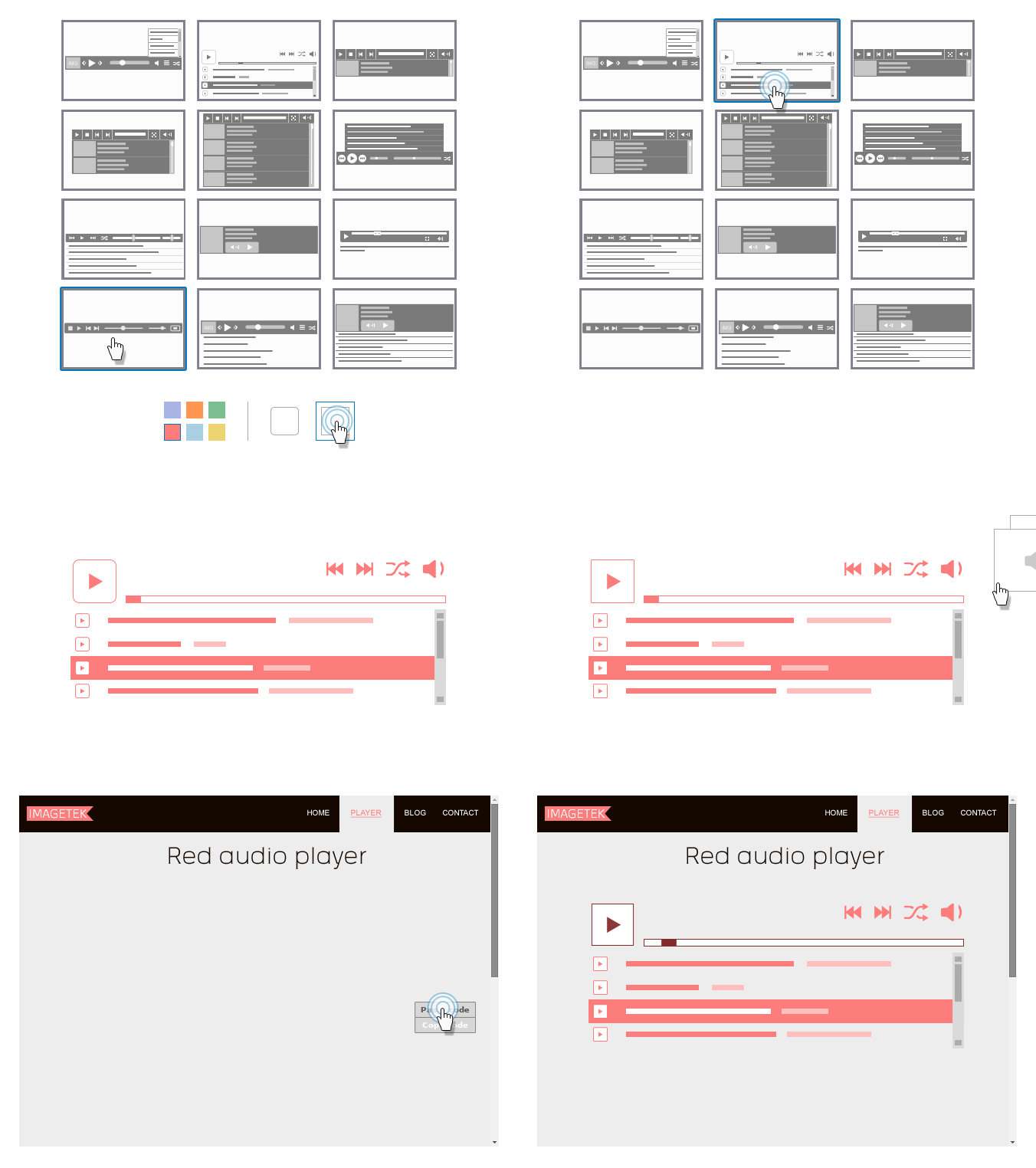
The two major decisions you should make when adding a Cincopa jQuery audio player to your site or blog are focused on content and appearance. First of all you must select the audio files, which you wish to display. Then, choose the jQuery audio template that fits you the most and customize your options. Your two other tasks are to upload the audio files and insert a simple code to your page, both made by a basic copy-paste action. Additionally, if you own a CMS based website, you should download and install an appropriate extension, offered for free by Cincopa media platform. Cincopa application is compatible to all major CMS such as Joomla, WordPress, WordPress MU, Drupal, Ning, Blogger, TypePad, vBulletin, MediaWiki, Weebly and Buddy Press.

1Choose a jQuery Audio Template
Choose one of Cincopa's elaborated jQuery audio player templates. Modify template attributes, which you may modify template features such as size, playlist, images etc., so it will perfectly fits your webpage. Set authorization options to determine if your files are offered for download. You may customize and preview a few templates to be sure you are making the right choice.

2Upload Your Audio files
Upload multiple audio and image files to Cincopa cloud-drive. You should not worry about your server's space. Cincopa provides you with both hosting and delivery services, which are not limited to your server's quota. You may upload your files from any of your devices or from any URL on the internet. File's conversion and images' resizing are automatically performed by the Cincopa application.

3Embed the code given to you
At this stage, you should select the method suitable for your page, whether it is an HTML, a type of CMS or an RSS feed. Cincopa generates a simple line of code, which you need to copy and embed into the desirable location. Remember that each CMS has different plugin or module you must install before attempting to embed your new jQuery audio player.
Cincopa's jQuery Slider Advantages
- Free hosting services for most private and small businesses sites; valid for 400MB storage space and 200MB bandwidth per month.
- Full support for portable devices.
- Full scalability.
- Compatible with all major browsers and CMS.
- Full reports and backups.
- Allow users to download your files or provide them a link they can share with friends
- Remote access.
- Easy and fast modifications - add, remove and edit your jQuery audio player via a click of a button.
- Automatic conversions to mp3 format.
- Reliable CDN
- Premium users may take off Cincopa branding from their jQuery music players and customize options such as autostart, loop, repeat etc.