Blog - Knowledge in Practice

Secure Video Hosting Platforms for Business Knowledge

Compare secure video hosting around access rules, protected delivery and the way people use private training and product knowledge.

Originally published 9 September 2023. Updated 5 November 2026.

Secure Video Hosting Platforms for Business Knowledge

Overview

Secure video hosting platforms should be evaluated against the material, audience and delivery workflow you actually have. A private training recording, a public product demonstration and a licensed course may need different controls. A broad security label does not show how a particular deployment behaves.

Define what must be protected

List who may watch, where the material will be delivered and how access should change when a role or agreement ends. Include original files, player delivery, captions and supporting documents in that review.

Distinguish authentication, permissions, encryption, download controls and DRM. They address different parts of the workflow. A hidden download button or a visible watermark does not guarantee that an authorized viewer cannot record what they see.

Cincopa Secure Video Hosting
Vimeo Secure Video Hosting

Compare the real workflow across platforms

Cincopa provides video delivery and collections through Galleries, Pages and Tube, with VideoGPT for questions across approved videos and documents. Vimeo also offers enterprise library and AI search capabilities. Wistia provides video hosting, management and analytics, and Cloudinary provides media management and delivery capabilities. Evaluate the current configuration and entitlement for each requirement.

Do not rank a service solely by a list of feature names. Ask each candidate to demonstrate the same private collection, embedded destination, allowed user, denied user and source update. Confirm the required controls and contract with the responsible team.

Vidyard Video Hosting
Wistia Secure Video Hosting

Test private knowledge as well as private playback

If users ask questions across recordings and documents, check the source scope and the answer experience with representative accounts. The video, caption and written exception need an appropriate audience, not only the portal's landing page.

Use realistic questions about a procedure and its exceptions. Check whether the result leads to the approved explanation and whether source changes are reflected in the experience. Keep a way to escalate when the material does not cover the situation.

Brightcove Video hosting
Kaltura Secure Video Hosting

Review administration and ongoing ownership

Test replacing a source, revoking a viewer and removing outdated material. Include device and browser requirements, review the available reporting and document who owns each control.

Choose the platform and configuration that satisfy the actual requirements. No vendor comparison should imply that a label alone establishes privacy compliance or prevents every form of copying.

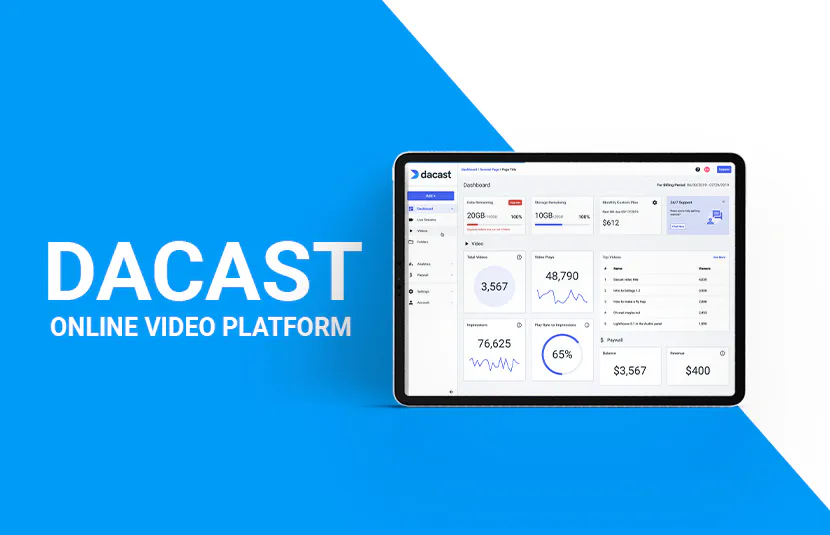
Dacast Video hosting platform

Source documentation

Frequently asked questions

No. A password can be part of an access workflow, while encryption protects data under defined conditions. Check how the actual implementation handles both.

Representative content, allowed and denied users, the real embed destination, source updates and the access requirements for supporting documents.

NEXT STEP

Build a controlled video knowledge library

Bring approved videos and documents together, with access and delivery workflows that fit your audience.