Secure video hosting for private business content
Protect training, product, partner, and internal videos with controlled access, managed video delivery, and viewer-level analytics. Add searchable Video Knowledge and VideoGPT only when a selected library needs it.
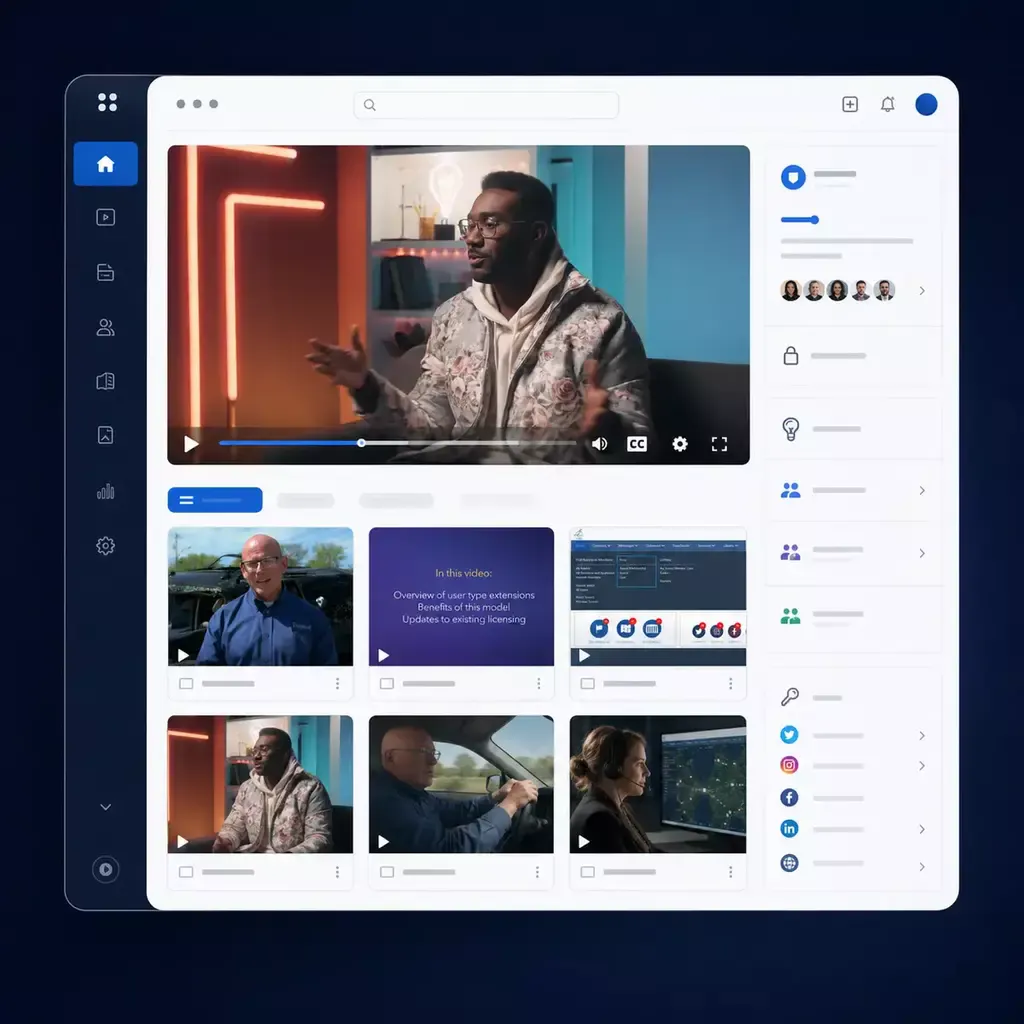
Protect access, delivery, and publishing
Protect private video with multiple controls around the viewer, the destination, and the delivery path.
Control who can watch
Use passwords, domain restrictions, SSO, user groups, roles, or audience-specific portals to match access to employees, partners, customers, or paid viewers.
Reduce unauthorized sharing and downloads
Deliver adaptive video through managed players and controlled embeds, with protected access and safeguards designed to reduce unwanted downloading and reuse.
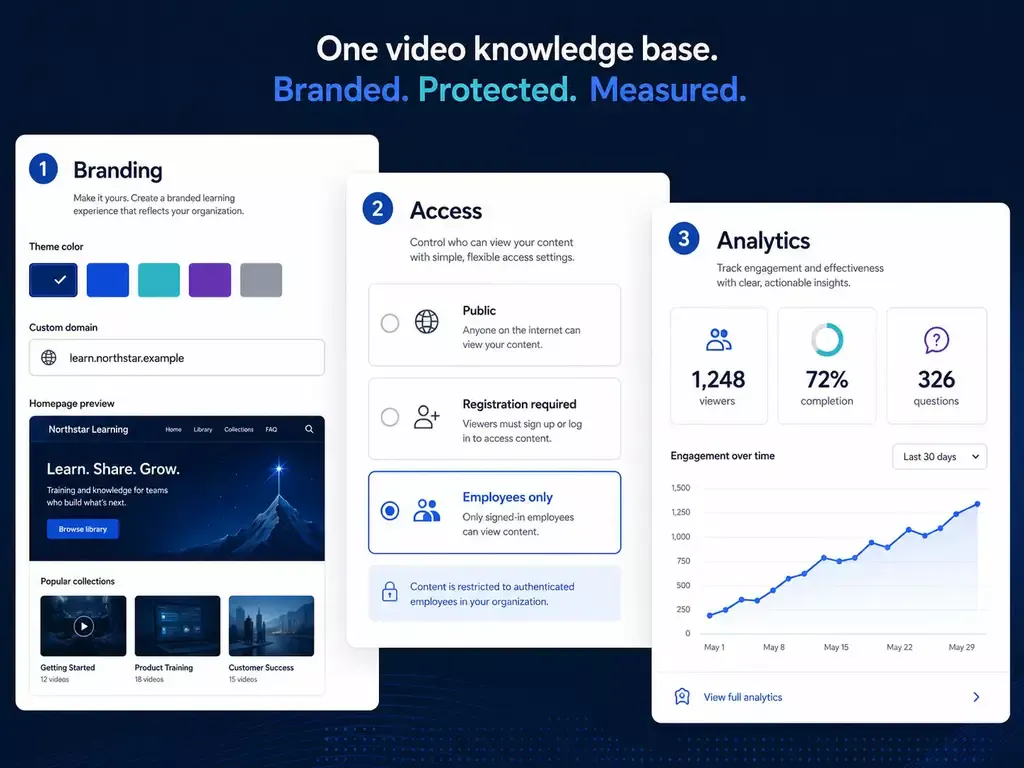
Manage publishing and analytics centrally
Keep videos, captions, transcripts, metadata, permissions, destinations, and viewer analytics in one managed video platform.
Choose the access model that matches the destination
The right protection model depends on where the video is published and how precisely the audience must be identified.
Embedded video and galleries
Keep video inside an existing website, LMS, help center, or application while controlling where and how it appears.
- Restrict playback to approved domains
- Add password protection where appropriate
- Use a managed player instead of exposing a public file
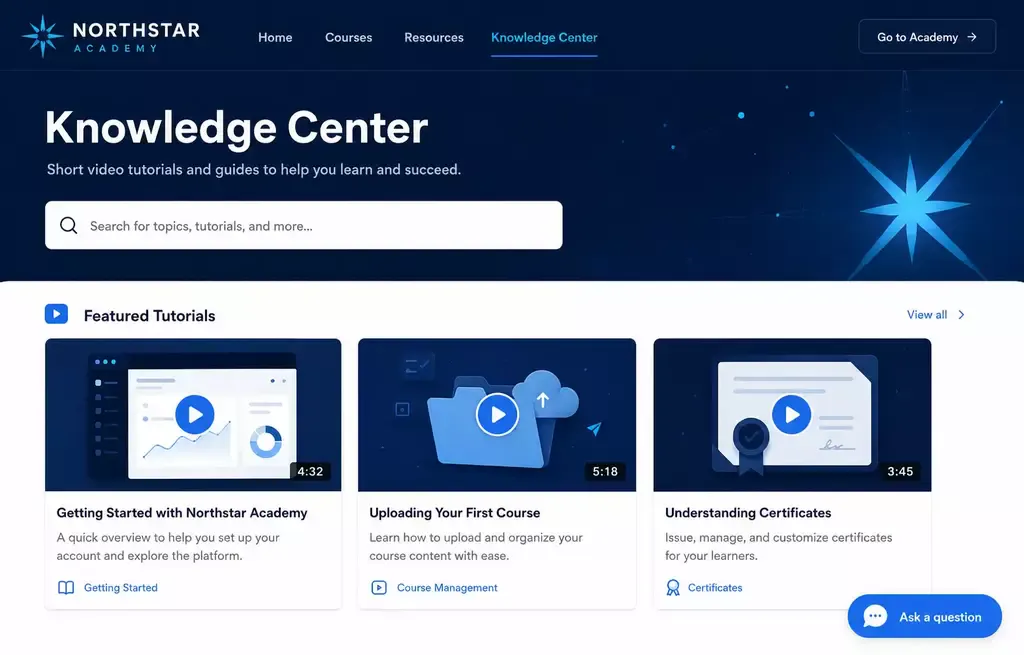
Hosted Pages for focused audiences
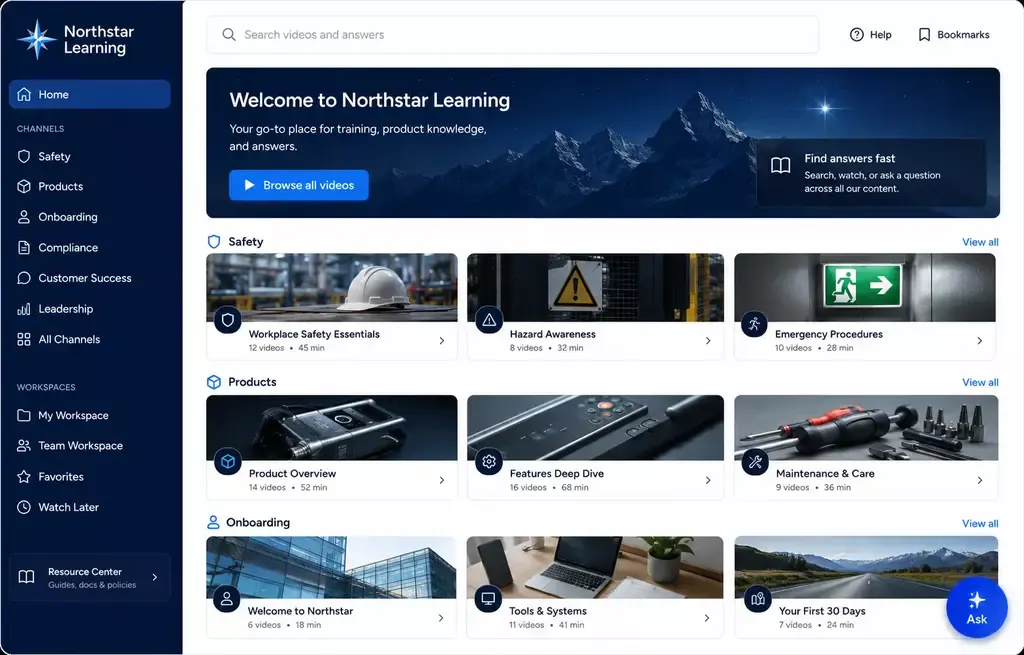
Launch a branded destination for one program, product, customer group, or training initiative without building a separate website.
- Choose public, gated, or private delivery
- Keep the viewing experience separate from the CMS
- Combine video with supporting context and documents
Tube portals for deeper control
Use a portal when the rollout needs channels, recurring viewers, user groups, roles, or a stronger identity and permission model.
- Support controlled employee, partner, or customer audiences
- Organize content by channel and responsibility
- Add SSO when the deployment requires it
Protection is layered, not one checkbox
Secure video hosting works best as a layered model: protect delivery, identify the audience, control the destination, and monitor usage.
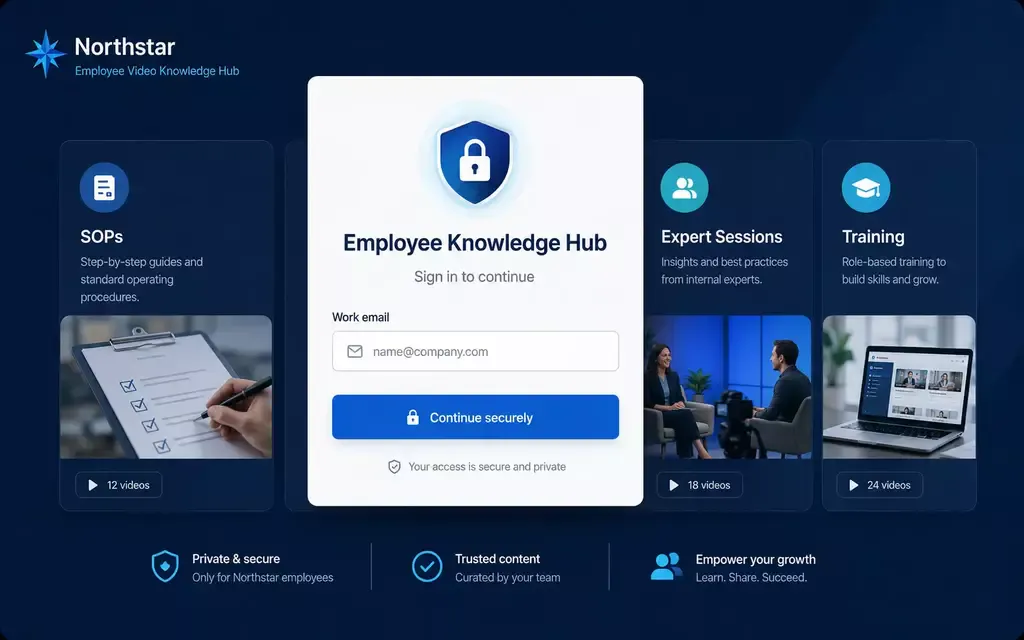
Protect delivery and reduce unwanted copying
Use managed video delivery, controlled access, and download safeguards. No browser-delivered video can prevent every screen capture, so delivery protection should be combined with identity and audience controls.
Match access controls to the people watching
Use passwords, approved domains, email gates, SSO, portal accounts, user groups, and role-based permissions according to the destination and deployment.
Launch a secure video experience in four steps
Start with the audience and destination, then choose the controls that fit the real viewing experience.
-
01
Add and organize the content
Upload videos and keep captions, transcripts, documents, metadata, and approved versions centrally managed. -
02
Define the audience
Decide whether the experience is public, gated, or private, then choose domain, password, SSO, account, group, or role controls. -
03
Publish the right surface
Use a controlled embed, Gallery, hosted Page, or Tube portal according to the size and complexity of the rollout. -
04
Monitor and refine
Review viewer activity and engagement, adjust access and publishing rules, and keep outdated video from remaining in circulation.
Private video for training, education, and internal communication
Use the same hosting foundation across private employee, partner, customer, and premium-content experiences.
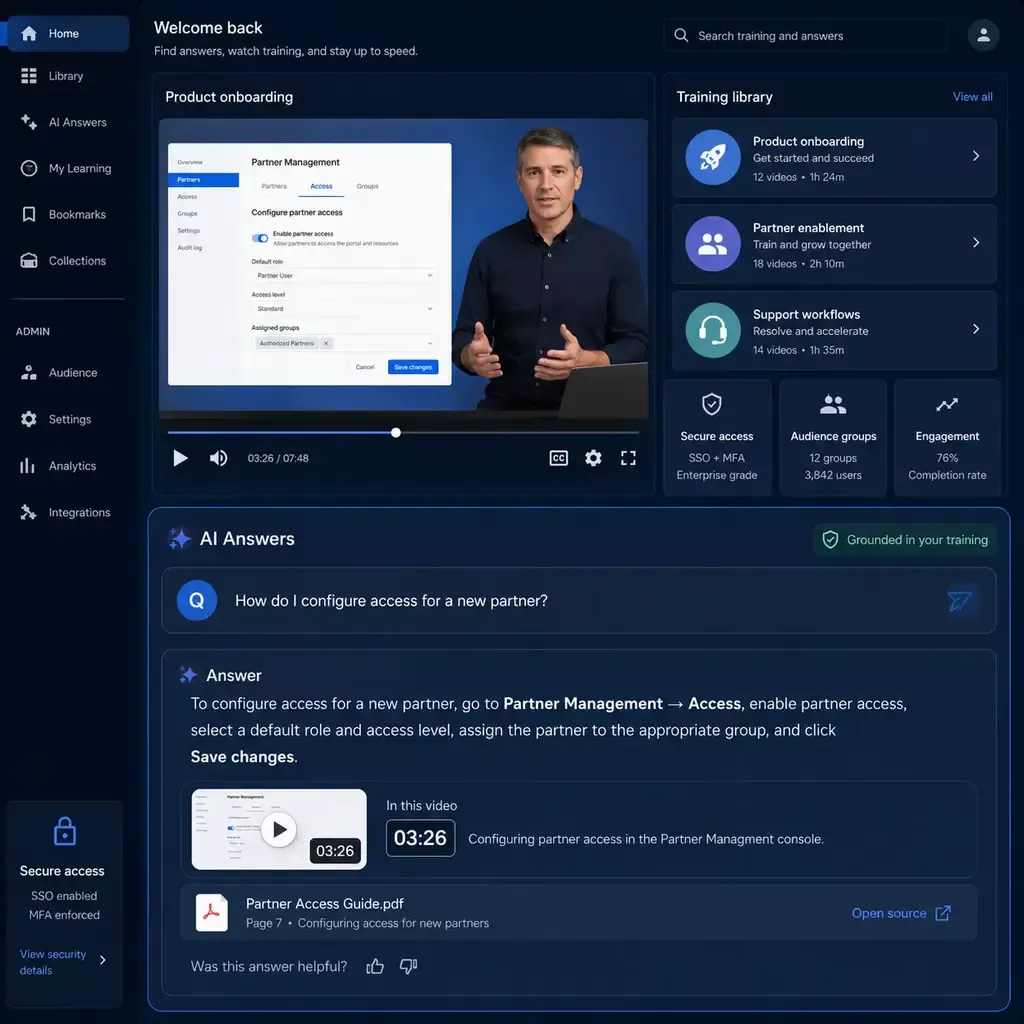
Private training and onboarding
Protect onboarding, compliance, process, and professional-development video while giving employees a consistent place to return for guidance.
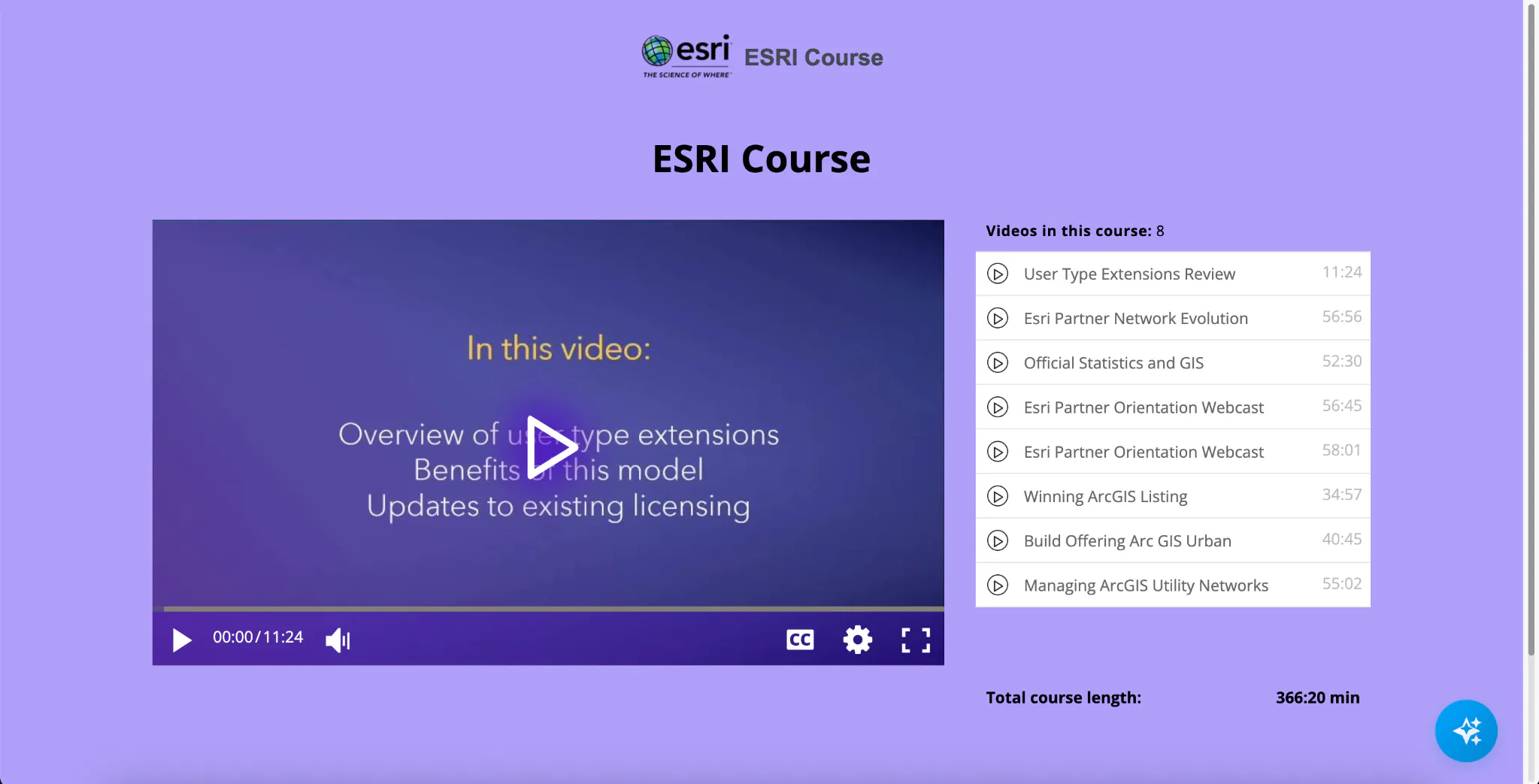
Controlled learning for external audiences
Share product demonstrations, certification material, release guidance, and partner enablement without publishing the complete library to the public web.
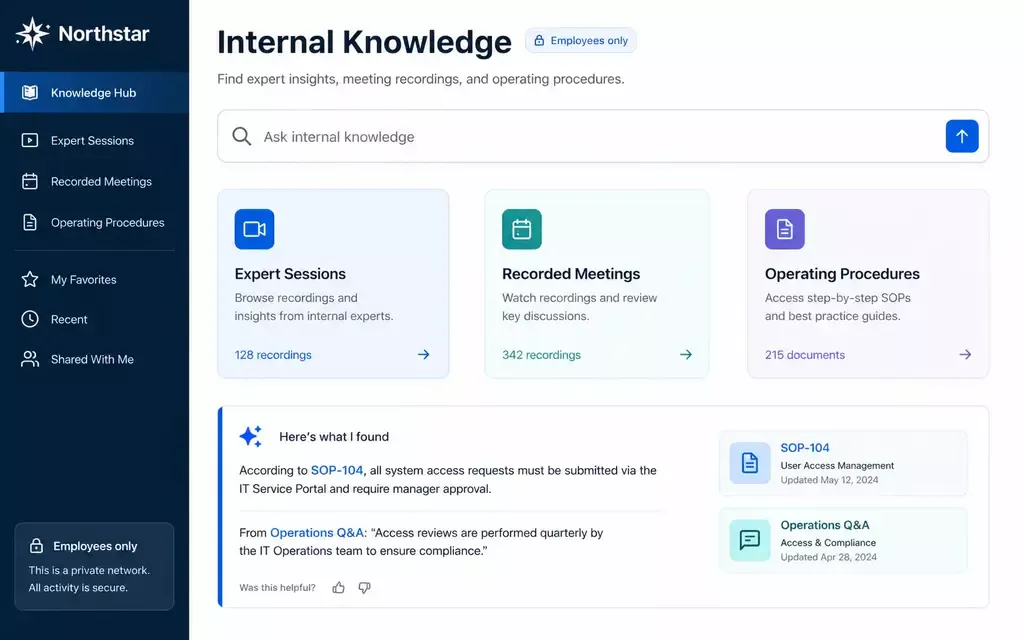
Keep procedures and expert recordings private
Preserve internal walkthroughs, recorded meetings, SOPs, and institutional expertise inside a controlled destination for the people who need them.
Protect paid and audience-specific libraries
Use gated or private video experiences for premium learning, client programs, professional content, and other libraries that should not be freely redistributed.
Secure hosting can remain hosting - or become searchable knowledge
Secure hosting is complete on its own. For selected libraries, Cincopa can add a searchable and answerable knowledge layer without replacing the hosting foundation.
Keep the library as secure video hosting
Use Cincopa for managed video, private delivery, embeds, branded destinations, access controls, and analytics.
- No VideoGPT deployment is required
- Keep conventional players and browsing experiences
- Add or change access models as the audience grows
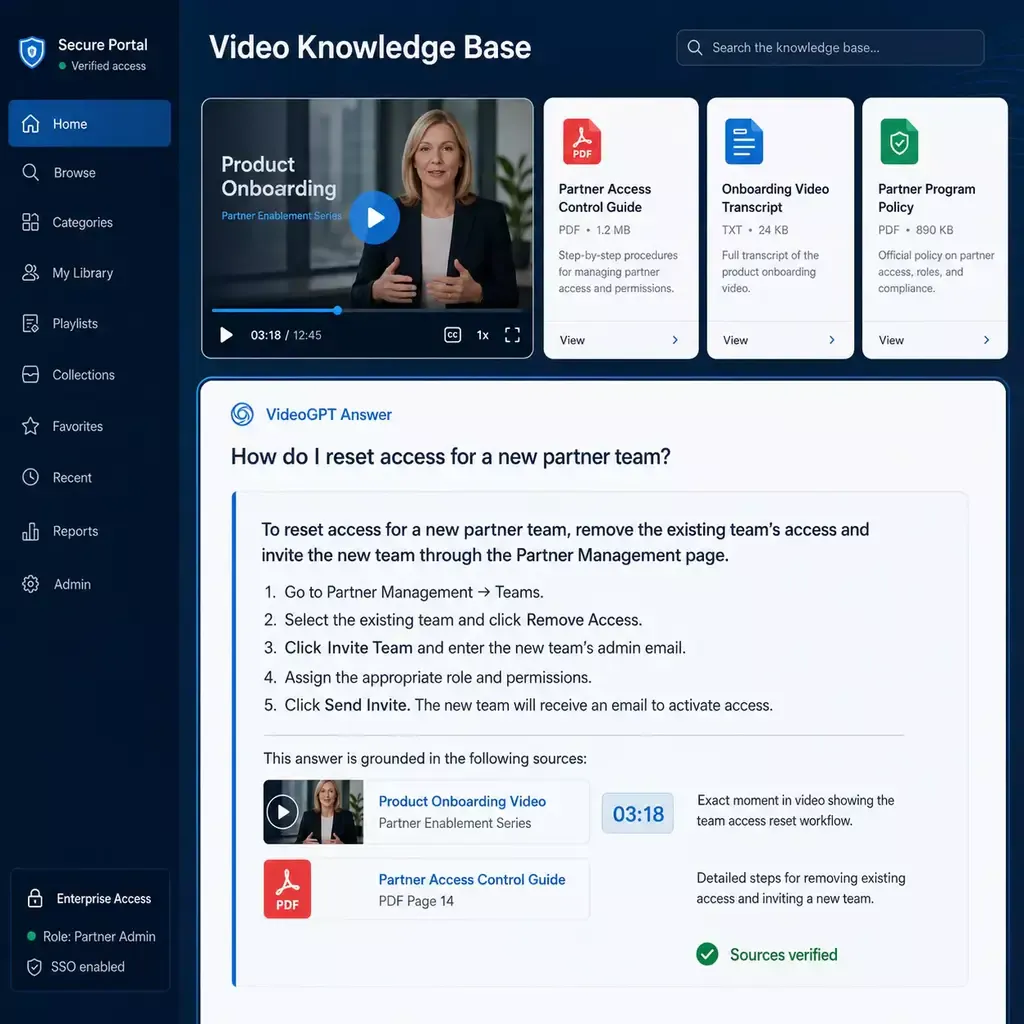
Add VideoGPT where authorized viewers need answers
When a selected library contains more knowledge than viewers can quickly browse, add VideoGPT across approved videos, transcripts, metadata, and attached documents.
- Answer questions from the selected knowledge collection
- Link viewers to the exact supporting moment
- Use real questions to identify unclear or missing guidance
Questions about protecting private video
Security requirements vary by audience and environment. Confirm any required identity provider, DRM standard, or deployment control during solution design.
Secure video hosting is a managed way to store, process, publish, and deliver video while controlling who can watch, where playback is allowed, and how the content is delivered and measured.
Depending on the destination and deployment, Cincopa can use controls such as passwords, approved domains, email gates, SSO, portal accounts, user groups, and role-based permissions. The right combination depends on whether the audience is internal, external, paid, or mixed.
Cincopa can reduce unauthorized downloading and casual reuse through controlled delivery and managed players, access restrictions, and download safeguards. No video delivered through a browser can prevent every form of screen capture, so sensitive deployments should combine delivery protection with identity, permissions, and audience controls.
DRM is one category of content protection. Secure video hosting is broader and can combine protected delivery, access control, domain restrictions, passwords, SSO, portals, and analytics. If your project requires a specific DRM standard such as FairPlay, Widevine, or PlayReady, confirm that requirement with Cincopa during solution design.
No. Secure hosting, private delivery, publishing, access control, and analytics work without VideoGPT. The Video Knowledge layer is optional and can be activated only for selected libraries where authorized viewers need question answering and exact-moment retrieval.
Protect the video library your organization depends on
Start with the audience, the content, the destination, and the required controls. Add VideoGPT only to the libraries where searchable answers create additional value.