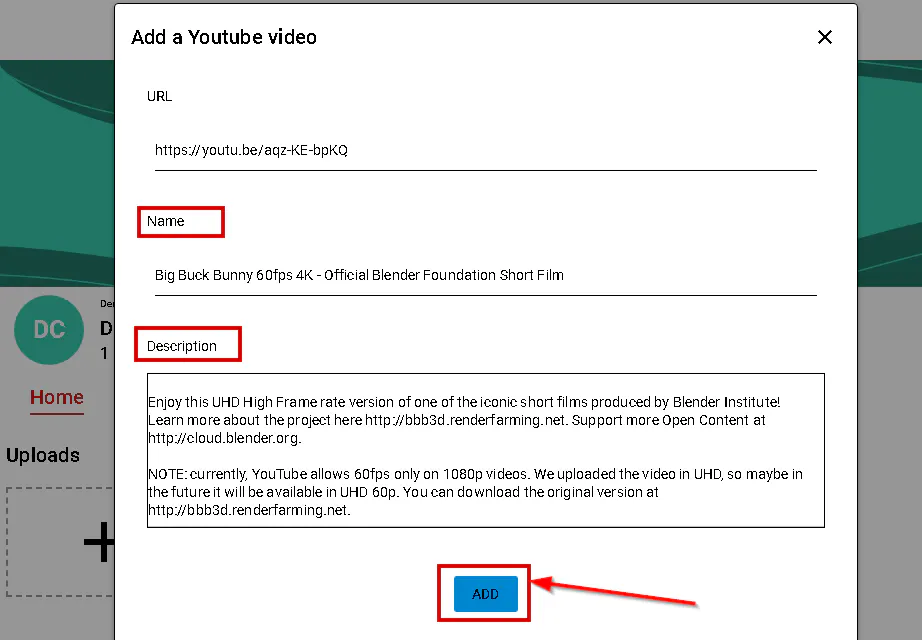
In this article, we will explore how you can easily add videos directly from YouTube to your CincoTube account without having to download or upload the video. This feature will enhance your content and make it more engaging for your audience.
Learn more about Add a video from YouTube in Cincopa.
In this article, we will explore how you can easily add videos directly from YouTube to your CincoTube account without having to download or upload the video. This feature will enhance your content and make it more engaging for your audience.
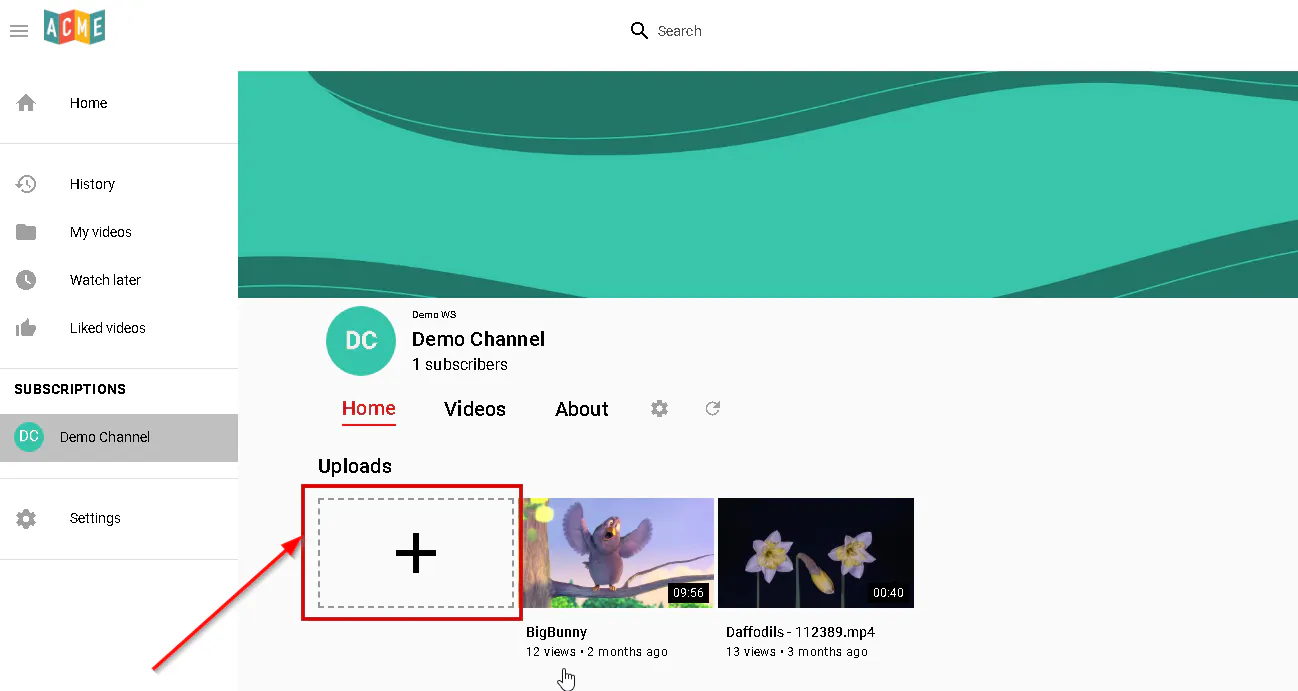
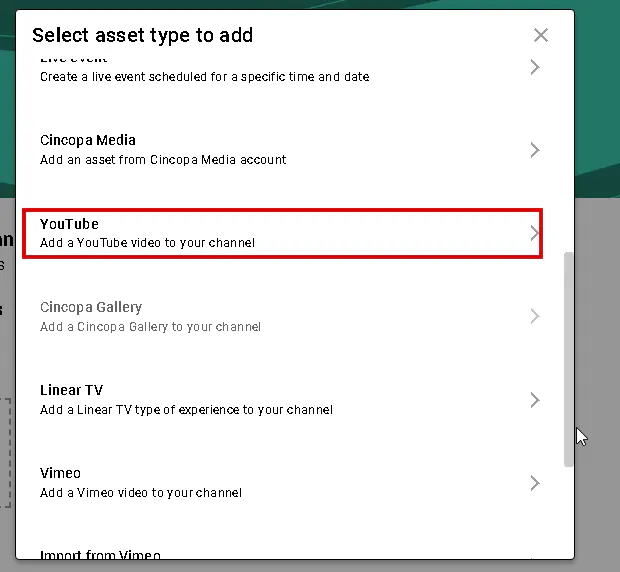
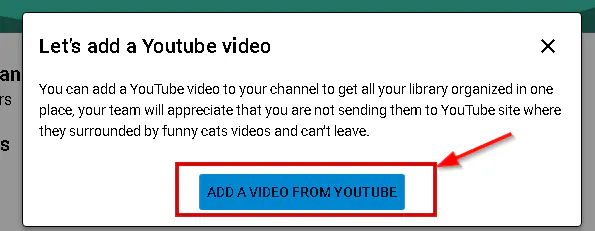
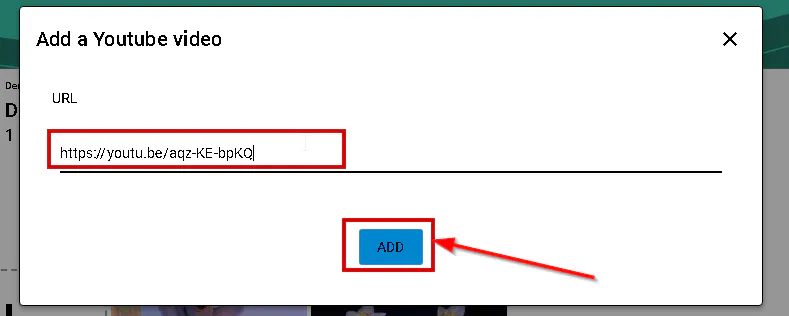
The video will added from Youtube to your CincoTube channel.