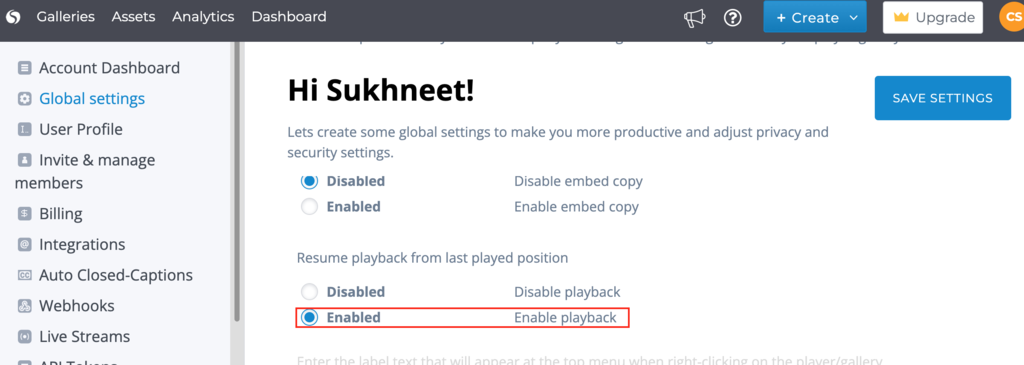
In this document we will show you how to automatically play a video from where you watched it last.
Step 1: Head over to your Cincopa account and click Dashboard in the top left hand side of the screen.
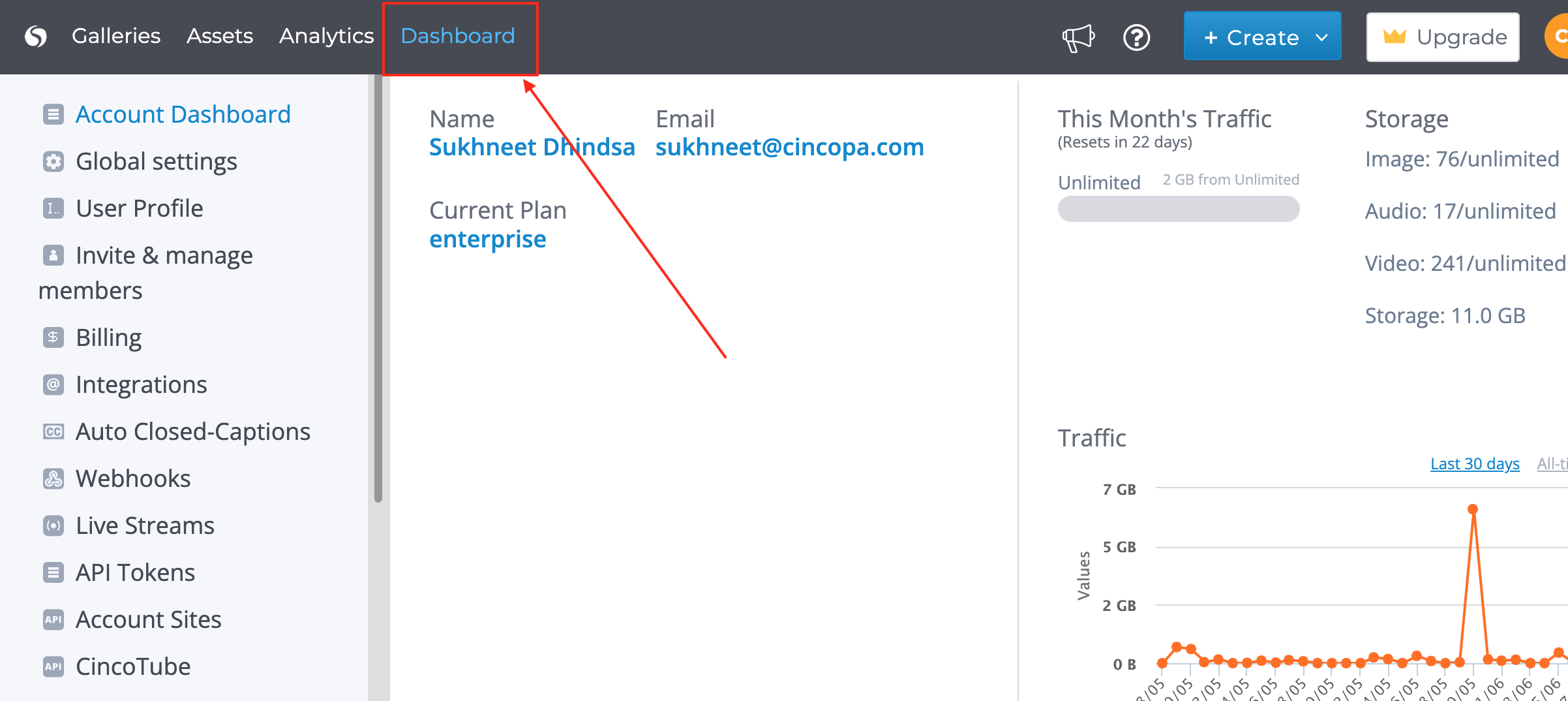
Step 2: Click Global settings right below Account Dashboard on the left hand side bar.

Step 3 : Once at Global Settings scroll down until you see “Resume Playback from Last Played Position”
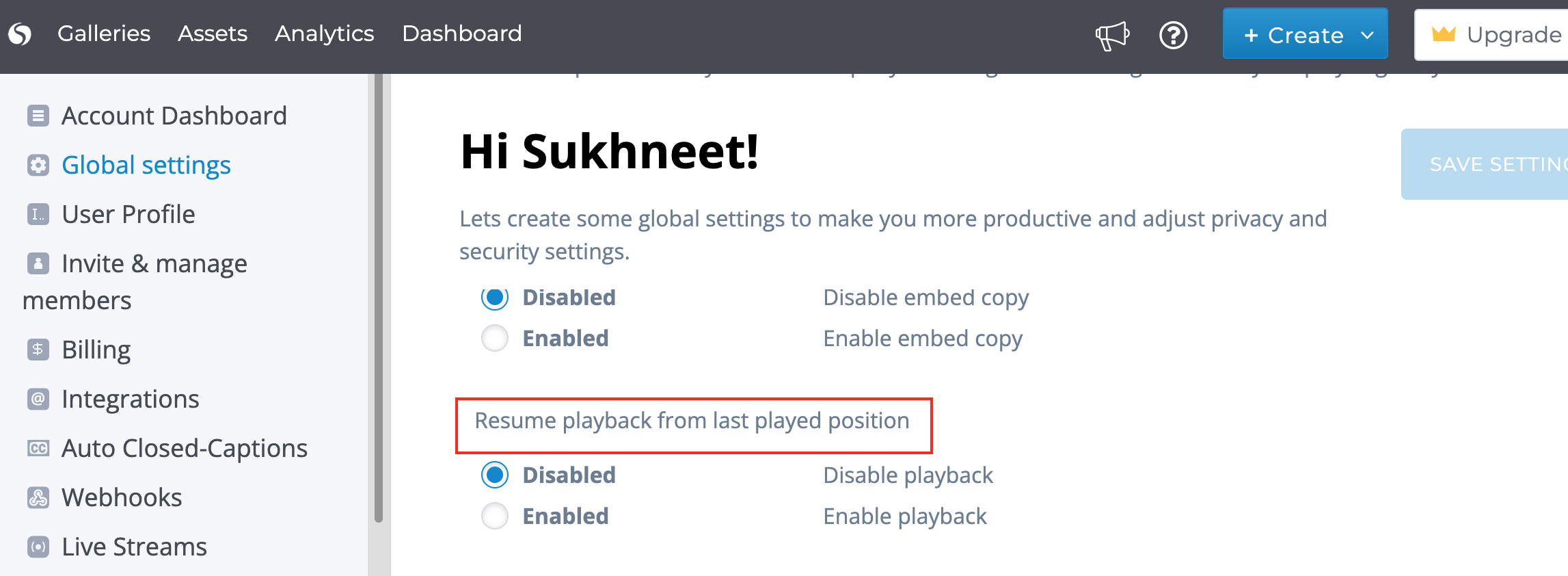
Step 4 :Switch the setting to Enabled and click on Save Settings button.