Solution / Workflow documentation
Turn workflows, SOPs, and process videos into searchable knowledge
Cincopa helps teams document how work gets done with videos, documents, checklists, guides, and answerable process knowledge.
Use Pages, Galleries, Tube, VideoGPT, captions, documents, access control, and insights to turn operational procedures into workflow documentation people can find, follow, and improve.
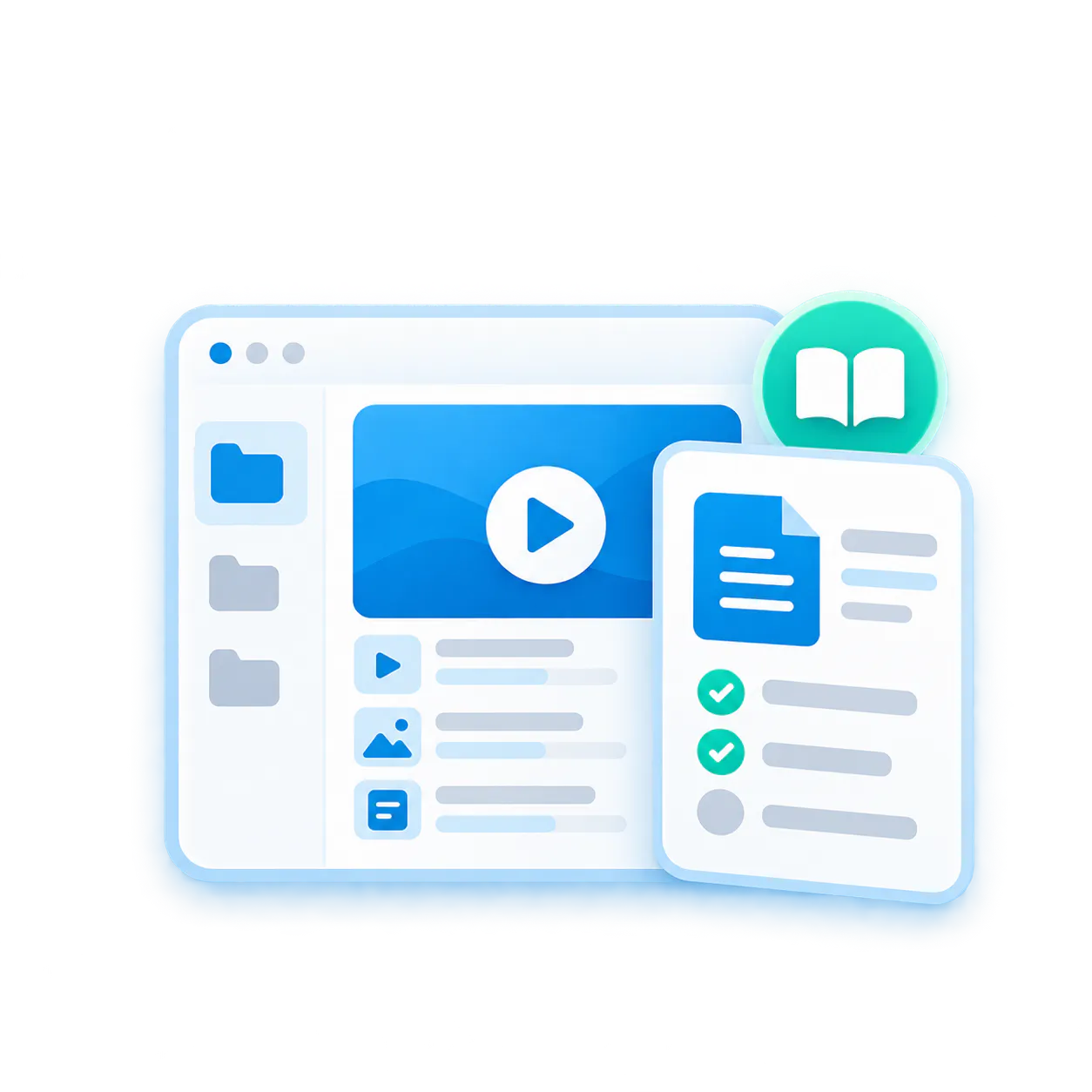
Workflow hub · Order approval SOP · Controlled

Process walkthrough — Video steps, captions, and source explanation.
Supporting documents — Checklist, SOP PDF, screenshots, and required forms.
Ask the workflow — “What approval is required before the order is released?”
What workflow documentation is
Workflow documentation explains how work gets done, not just what the policy says
Control what belongs together, how it appears, where it is used, and who can access it.
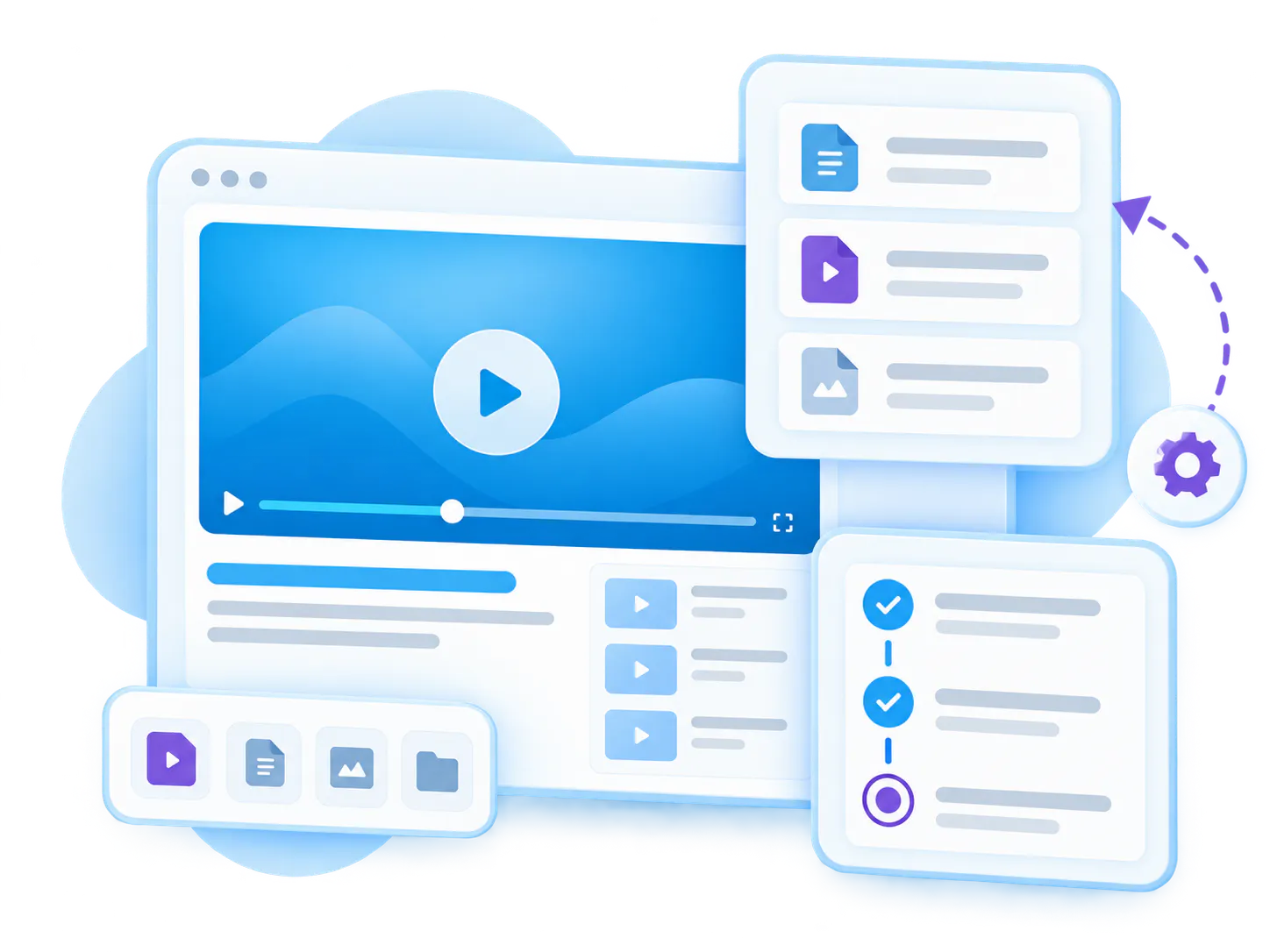
Workflow documentation captures the practical steps, decisions, handoffs, approvals, exceptions, tools, and source materials behind repeatable work. It can include SOP video guides, process walkthroughs, screen recordings, checklists, PDFs, forms, screenshots, job aids, and internal how-to videos.

Cincopa helps teams turn those materials into reusable video knowledge. Teams can publish process hubs with Pages, group videos and resources with Galleries, structure internal libraries with Tube, and let employees ask across procedures with VideoGPT.
- Publish process hubs with Pages
- Group videos and resources with Galleries
- Structure internal libraries with Tube
- Let employees ask across procedures with VideoGPT
Problems it solves
Workflow knowledge breaks when process details are trapped in people’s heads, chats, and old documents
Bring related videos and documents together, shape how people explore them, and deliver the collection inside the systems they already use.
STRUCTURE
Process steps are hard to see
Written SOPs can explain a rule, but many workflows are easier to understand when people see the actual screen, tool, or physical process.
DELIVERY
Documents become outdated storage
A shared folder can hold files, but it does not help people find the right procedure, answer a question, or identify what is missing.

DISCOVERY
Experts repeat the same walkthroughs
When workflow knowledge is not reusable, operations leaders, managers, and subject-matter experts keep explaining the same steps.
How Cincopa helps
Publish existing process knowledge first, then improve it from real questions
Teams do not always need to rebuild every SOP before the knowledge becomes useful. Cincopa helps activate the process videos, recordings, PDFs, checklists, and how-to materials teams already have, make them searchable, and use real questions to decide which workflow documentation needs improvement next. See how to turn those assets into a workflow video knowledge base.
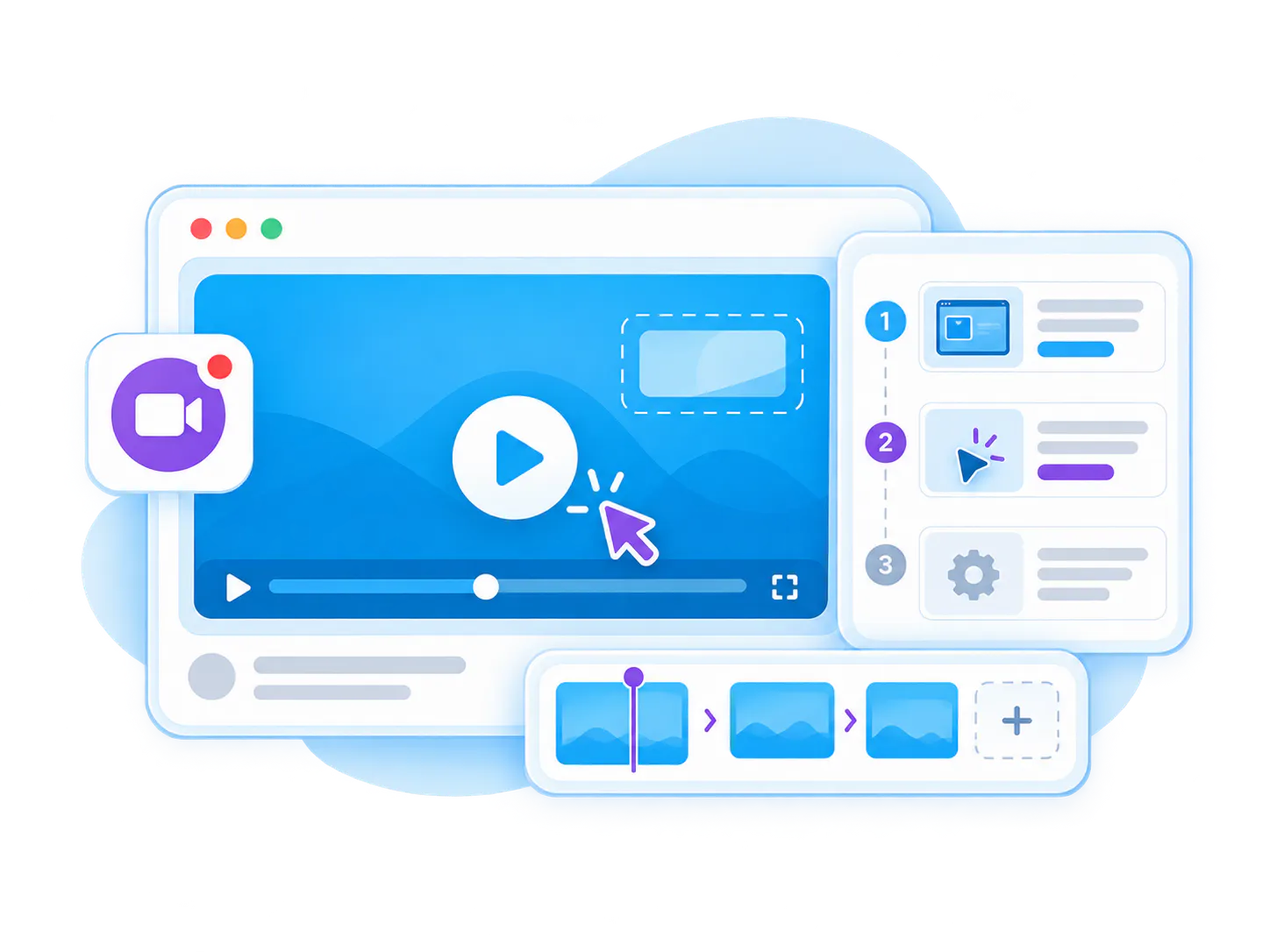
Capture visual steps
Use walkthrough videos, screen recordings, demonstrations, and process clips to show work as it actually happens.
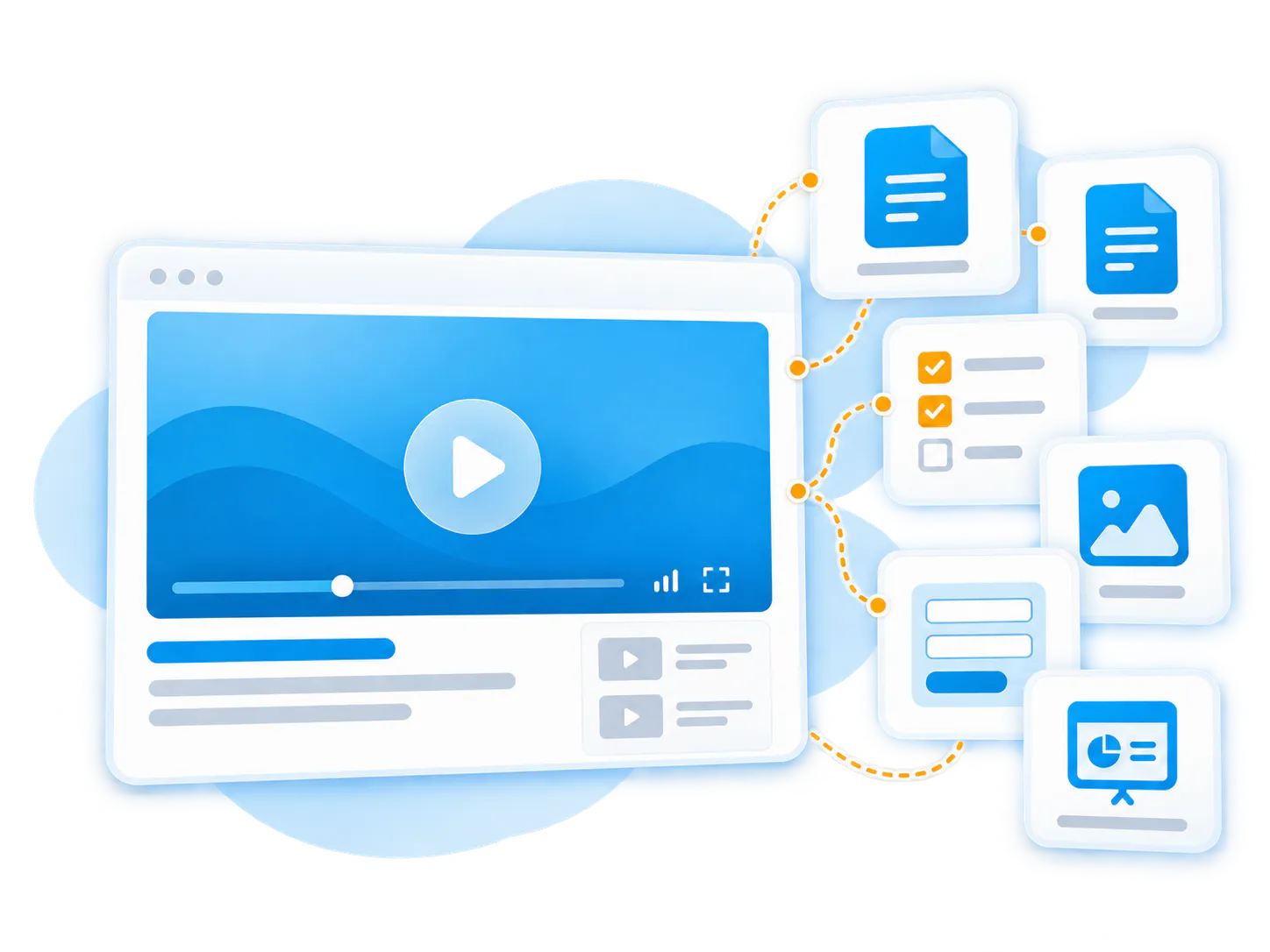
Keep source materials together
Connect videos with SOP documents, checklists, PDFs, screenshots, forms, slides, and policy references.
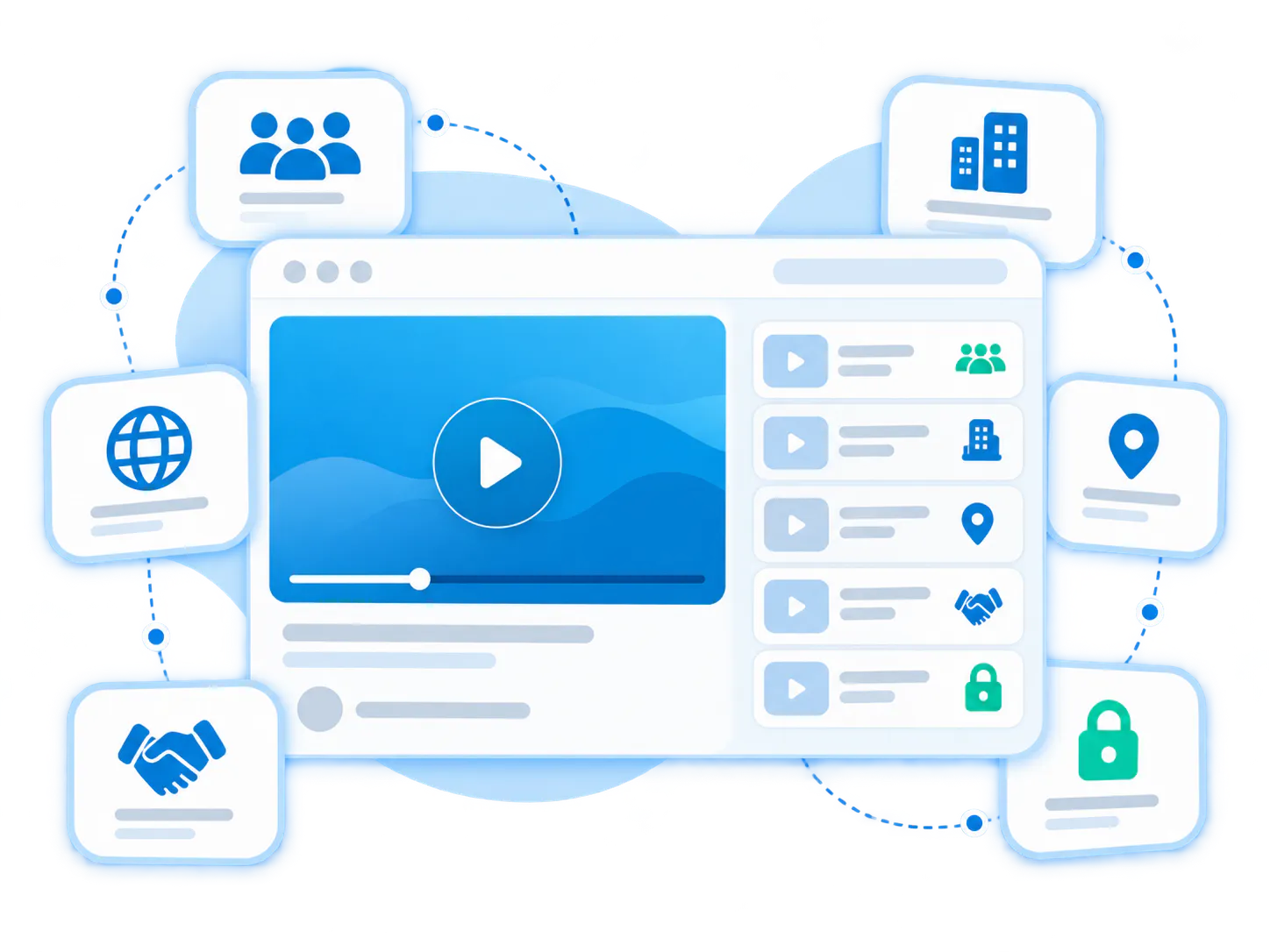
Control who can use each workflow
Share procedures with the right teams, departments, locations, partners, contractors, or private audiences.

Make procedures answerable
Let users ask across videos and documents to find the exact step, requirement, or exception they need.
Relevant platform pieces
Use video, documents, access control, and AI answers together
Use Galleries across websites, products, support, training, partner, and internal environments without moving people away from their existing workflow.
Pages
Best for focused workflow hubs, process pages, onboarding paths, and department-specific procedure destinations.
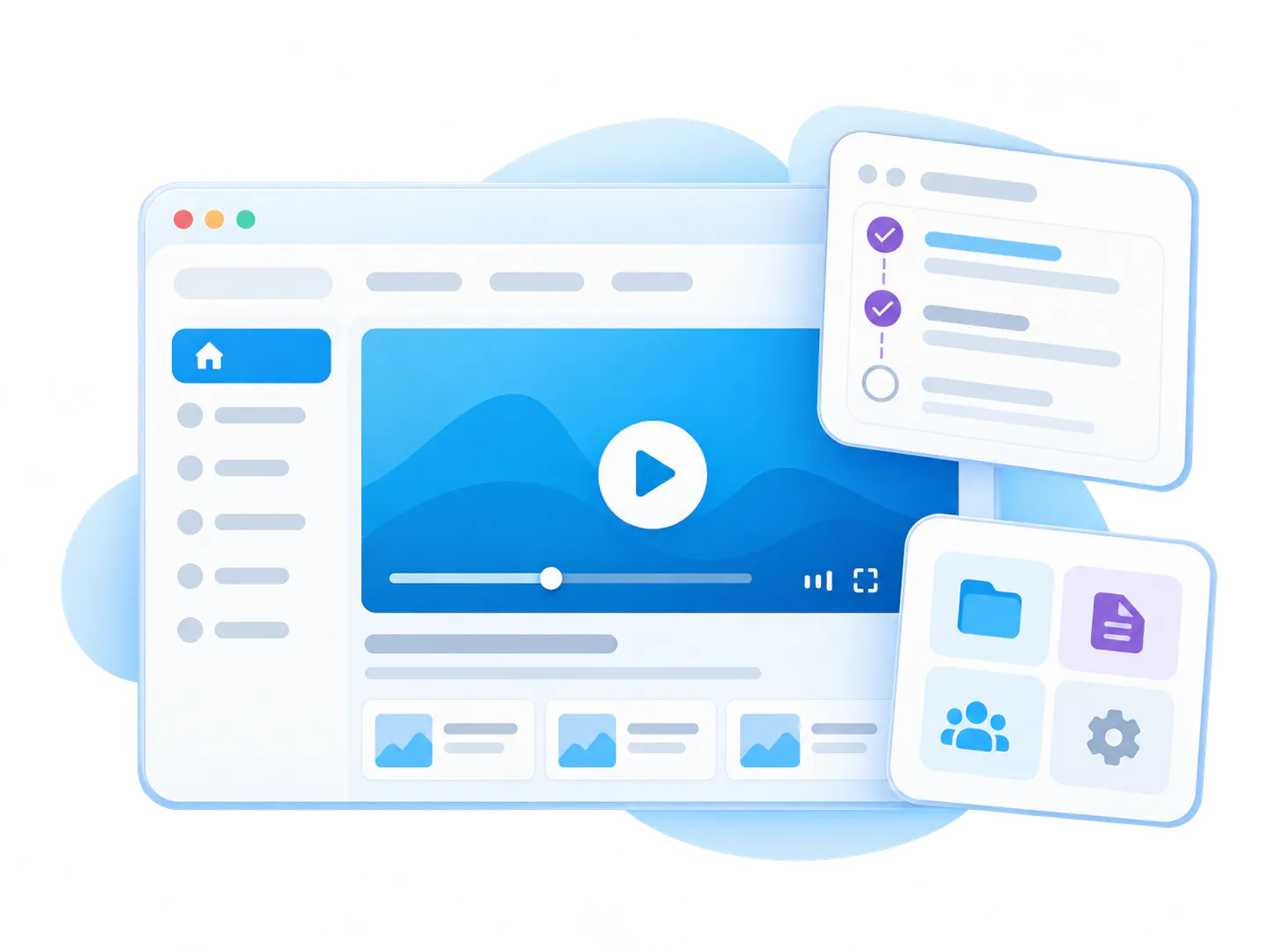
Galleries
Best for embedded SOP collections, process video libraries, how-to playlists, and workflow walkthroughs.
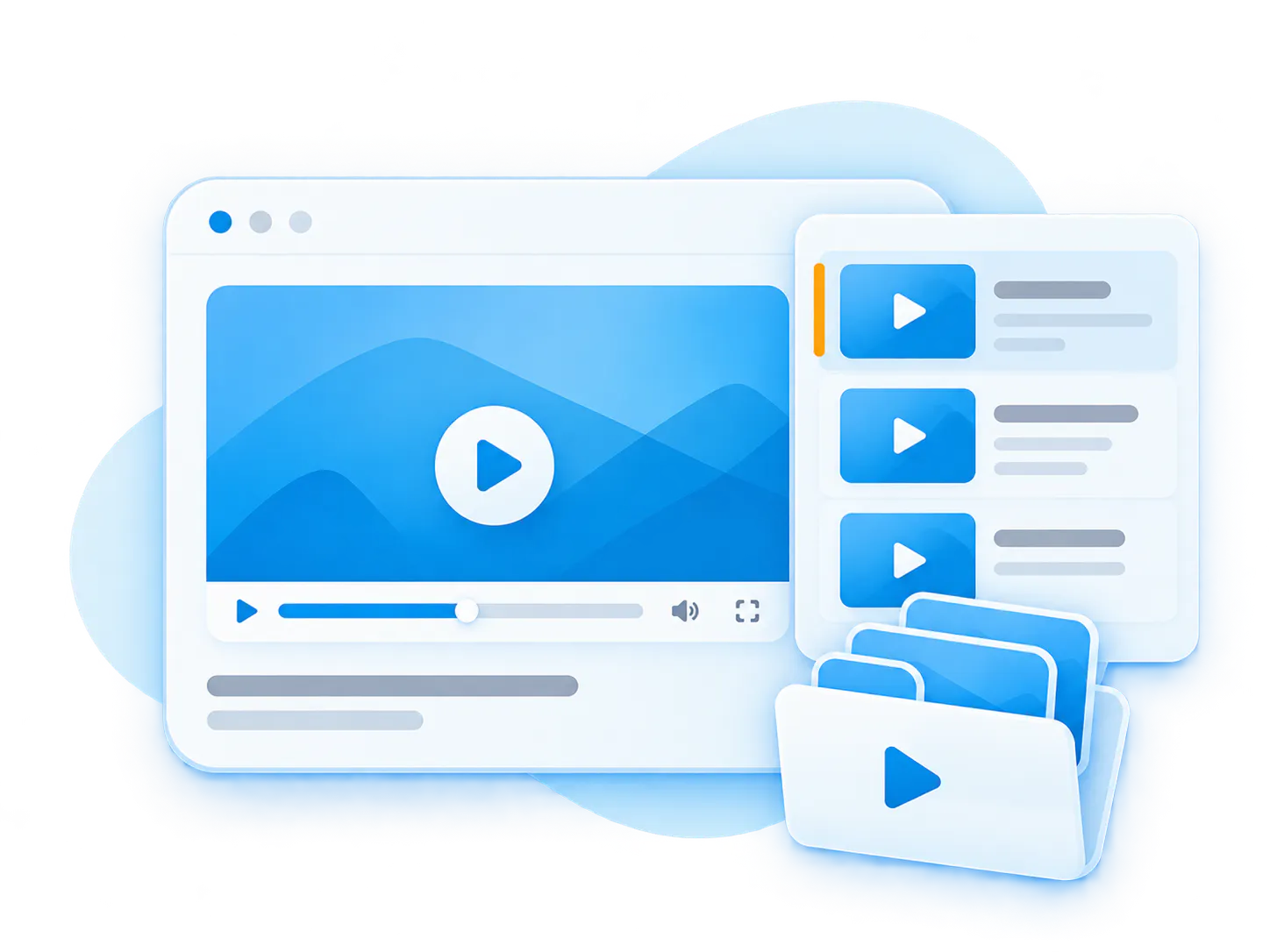
Documents
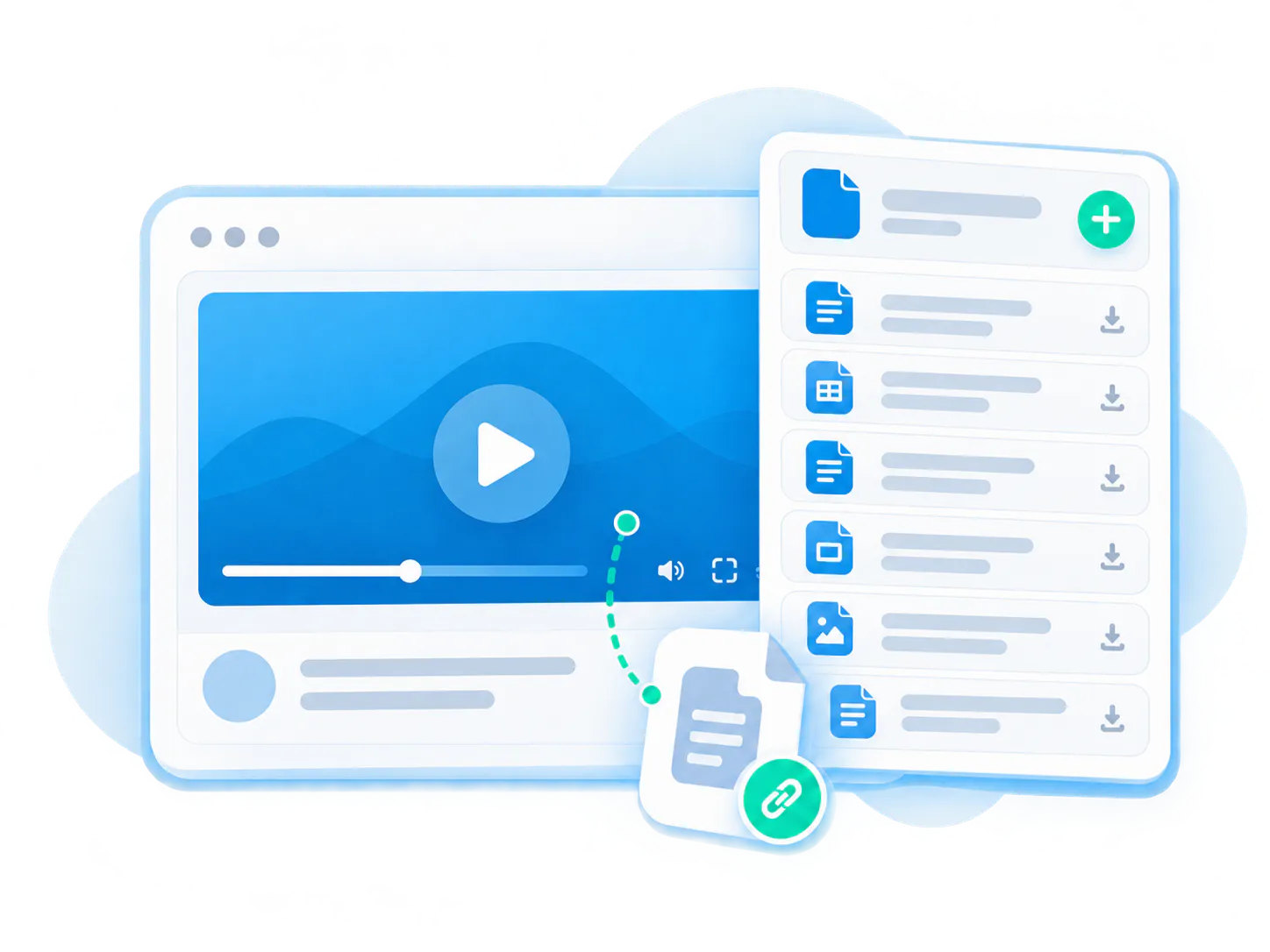
Keep videos connected to SOPs, checklists, forms, PDFs, screenshots, slides, and reference materials.
VideoGPT
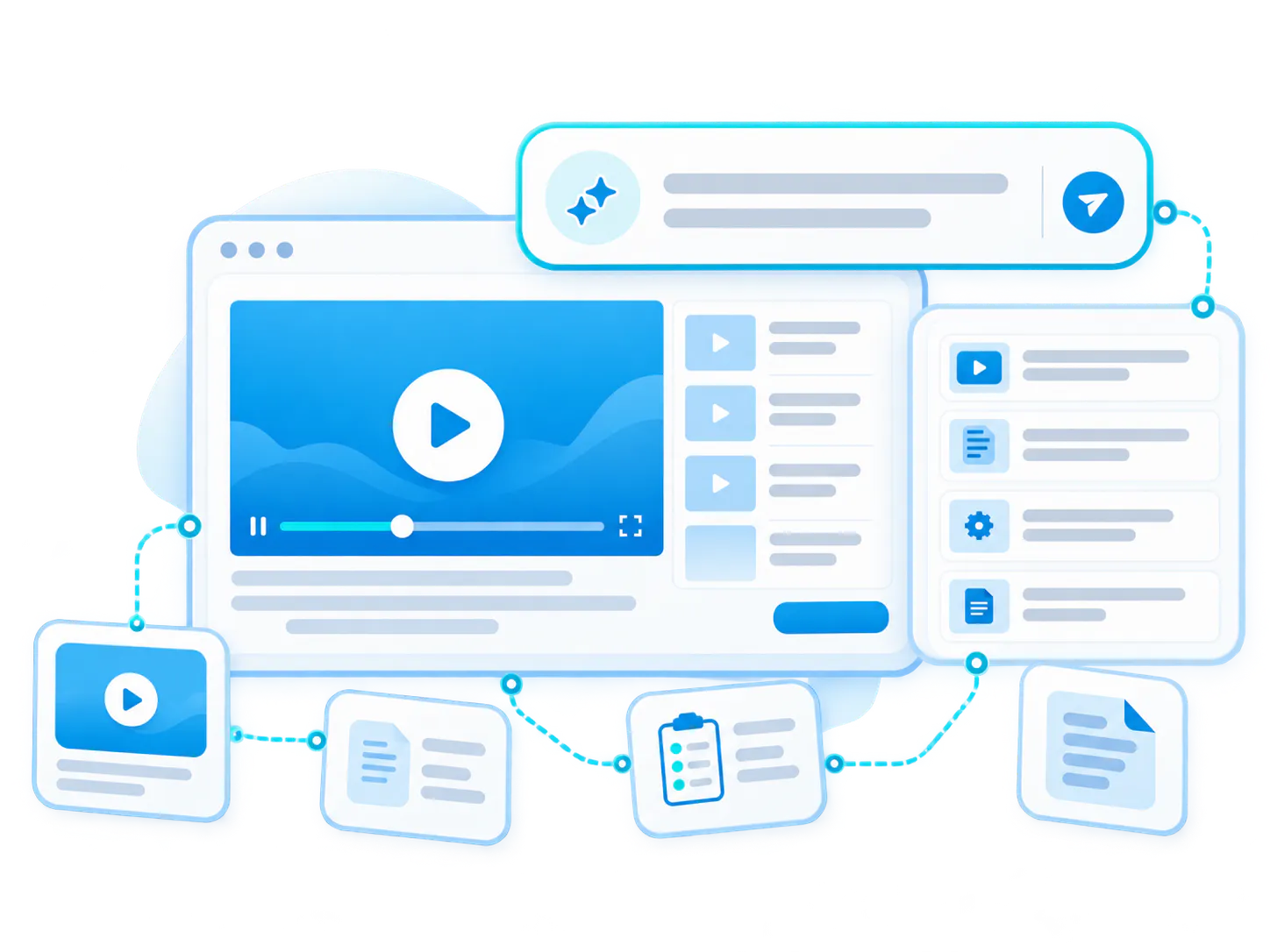
Let users ask across workflow videos, transcripts, SOPs, documents, and related resources.
Workflow documentation use cases
Document workflows for teams, operations, support, and field work
SOP video guides
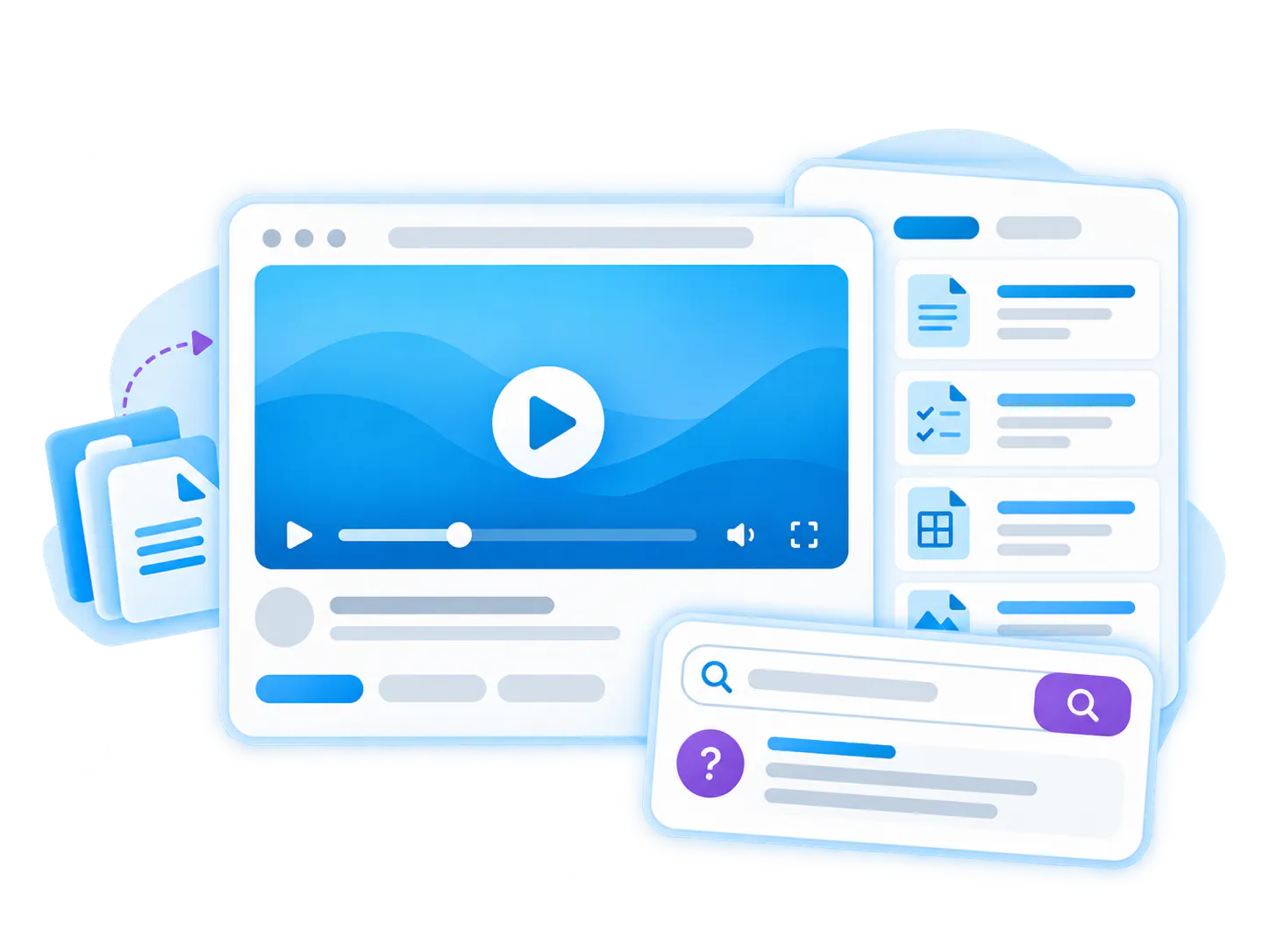
Turn standard operating procedures into visual guides with documents and searchable answers.
Team how-to video library
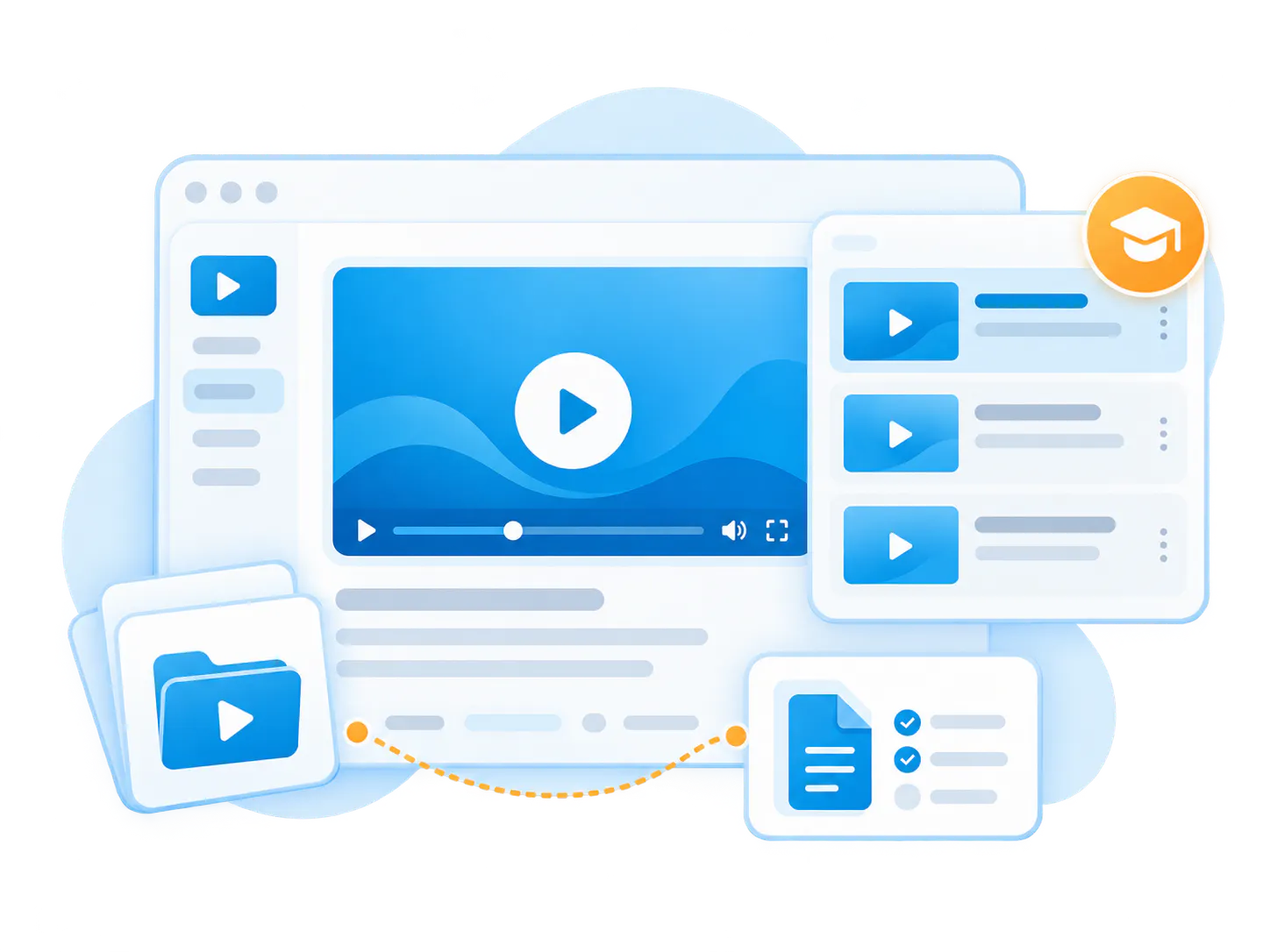
Capture lightweight internal walkthroughs and repeated team answers.
Field service video support
Help technicians and installers find visual procedures while they are in the field.
Troubleshooting videos
Show the exact steps required to identify, fix, or escalate common technical issues.
Customer proof
Proof pattern: workflow knowledge becomes more useful when it is visual, searchable, and reusable
Bring related videos and documents together, shape how people explore them, and deliver the collection inside the systems they already use.
Workflow documentation pattern
Emerson Swan
Supports the operational workflow pattern where system-specific processes, training, and procedures need to become reusable knowledge.
Technical support pattern
Chamberlain
Supports the pattern of visual technical knowledge for installers, support teams, and field-facing users.
Adjacent solution
Internal Knowledge Base Software
Workflow documentation often becomes part of a broader internal knowledge hub for teams, departments, and operations.

Frequently asked questions
Workflow documentation FAQ
Everything you need to know about organizing, embedding, and scaling reusable video-and-document galleries across your enterprise systems.
Workflow documentation explains the steps, decisions, tools, handoffs, approvals, exceptions, and resources behind repeatable work.
Video workflow documentation uses walkthrough videos, demonstrations, screen recordings, and supporting documents to show how a process is done.
Common examples include SOPs, onboarding workflows, approval processes, support steps, field service procedures, software walkthroughs, operational tasks, and team how-to guides.
Yes. Cincopa can keep videos connected to SOP PDFs, checklists, forms, screenshots, slides, policies, transcripts, and other supporting resources.
Yes. VideoGPT can help users ask questions across videos, transcripts, SOPs, documents, FAQs, and related resources.
A shared folder stores files. Workflow documentation connects videos, documents, search, access control, analytics, and answer retrieval around how work is actually done.
Get started
Make workflow documentation easier to follow, find, and improve
Use Cincopa to publish SOP videos, process walkthroughs, documents, checklists, and searchable workflow answers in one knowledge experience.