AI that orients, answers, and guides across your video library
VideoGPT helps viewers understand what is inside a Gallery, Page, or Tube before they ask, then lets them ask across videos and documents and jump to the exact moment that answers them.
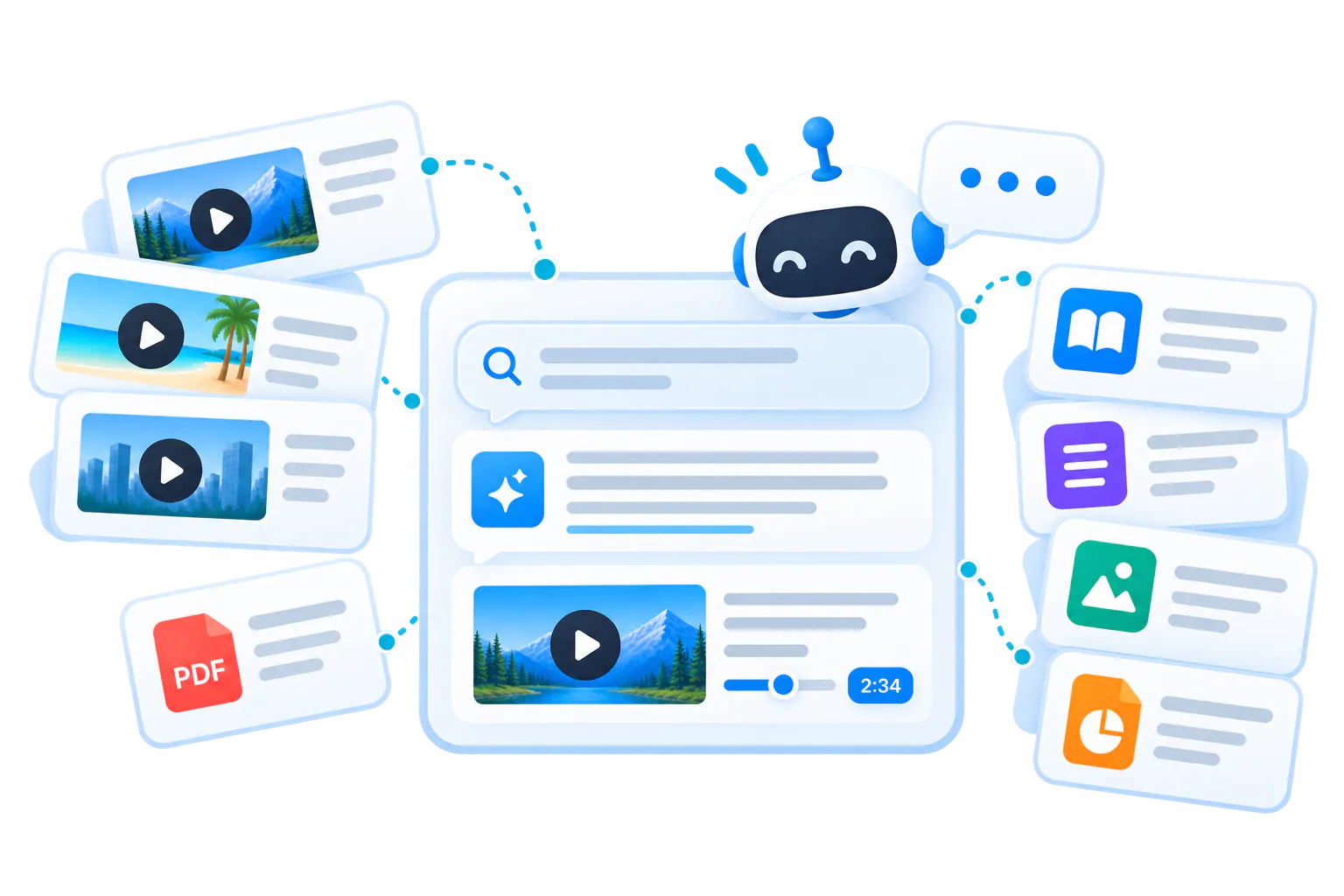
VideoGPT is the intelligence layer inside Cincopa's Video Knowledge Platform
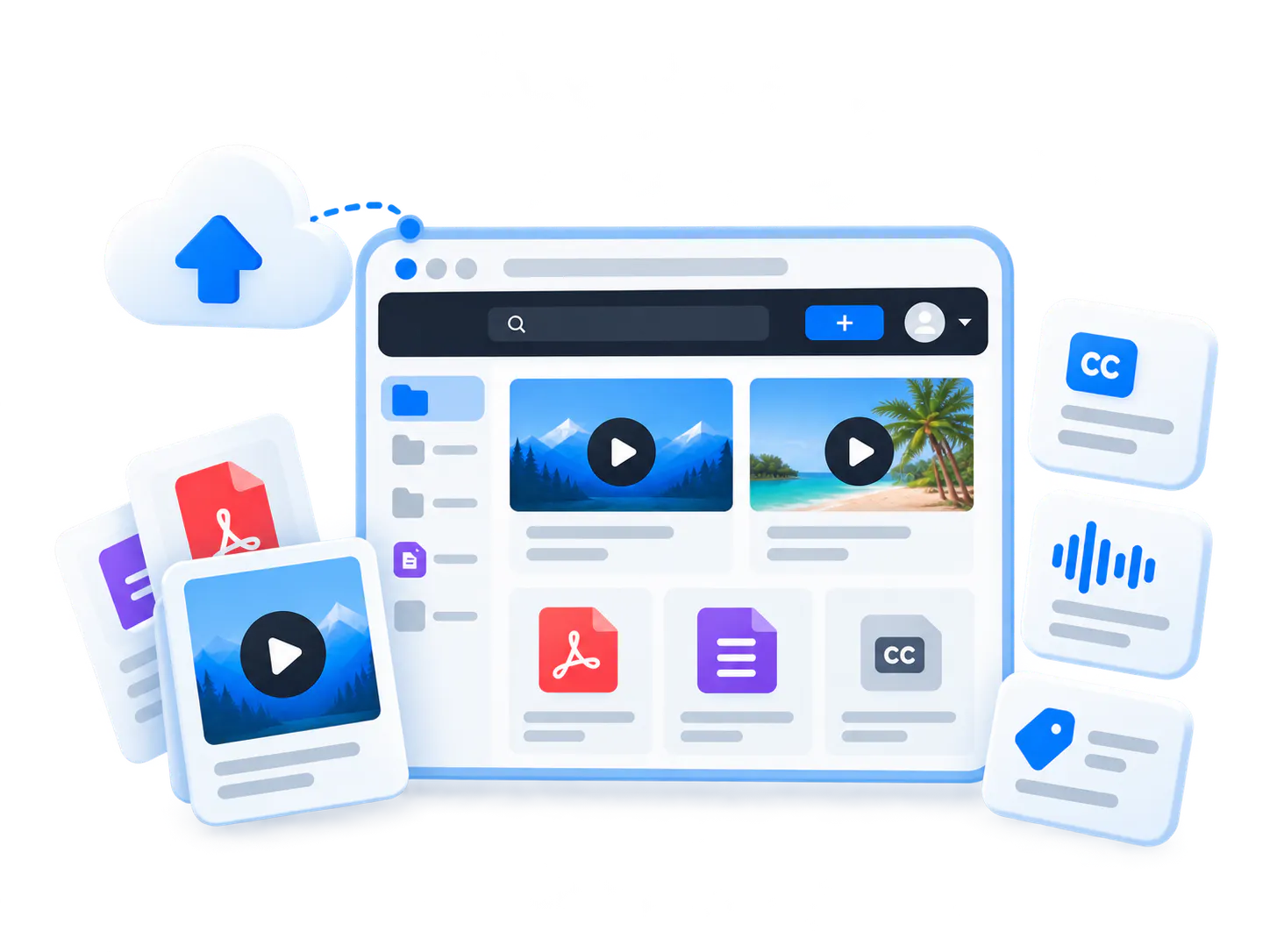
Cincopa is a Video Knowledge Platform built on top of enterprise video hosting. VideoGPT adds the answer layer that helps people discover, ask, and retrieve knowledge inside those videos and documents.
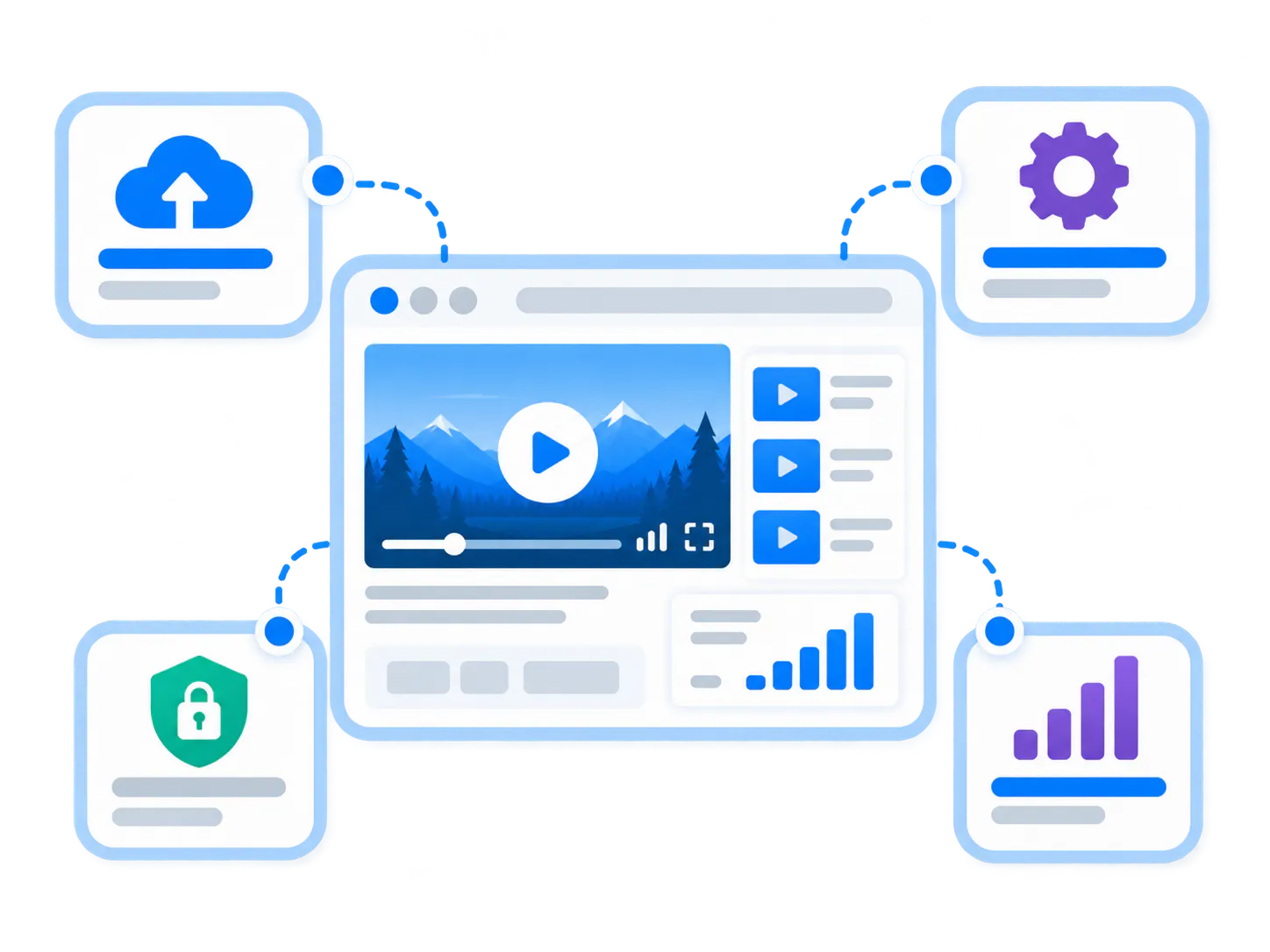
Enterprise video hosting
Videos need to be uploaded, processed, played, secured, captioned, embedded, and measured before they can become useful knowledge.
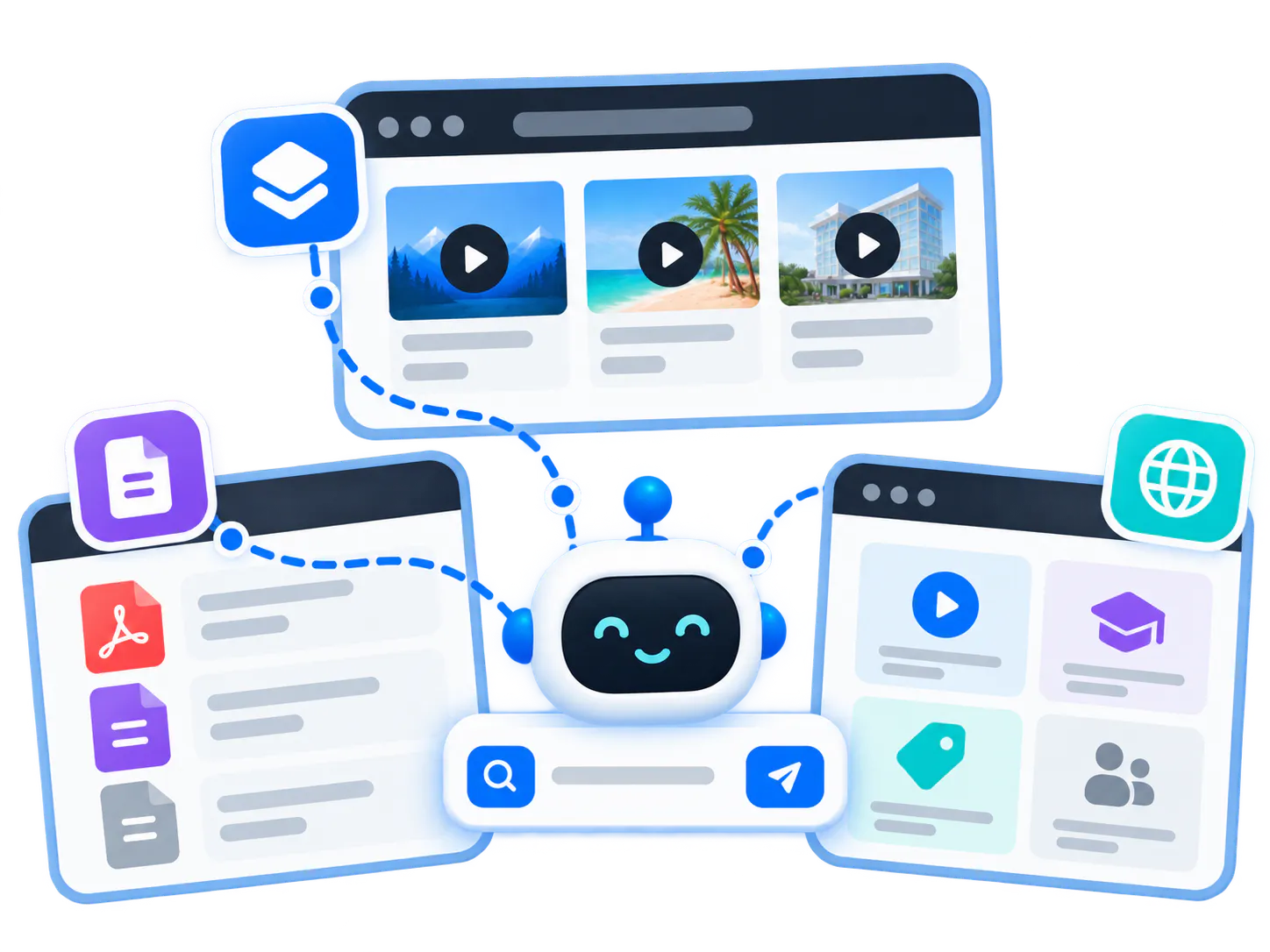
Galleries, Pages, and Tube
Cincopa organizes videos and documents into environments that match product education, training, support, and internal knowledge workflows.
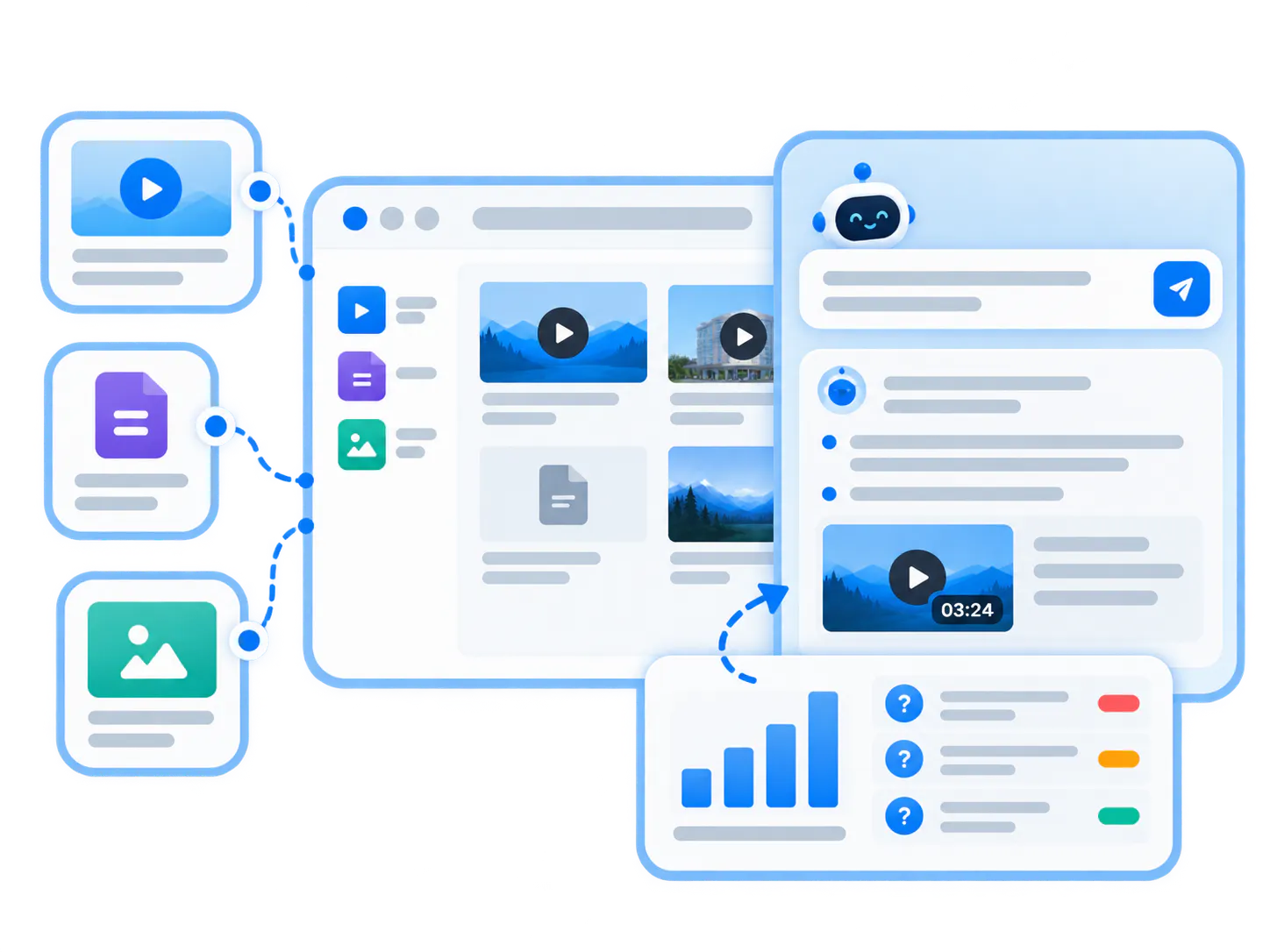
VideoGPT makes the library answerable
Users can ask across videos and documents, get grounded answers, jump to the exact moment, and help teams see repeated questions, weak answers, and missing knowledge.
Before users ask, VideoGPT helps them know what they can ask
Viewers do not always know what a video collection contains, where to begin, or which question to ask. VideoGPT can analyze the library, introduce what it covers, and suggest starter questions that give viewers a confident path into the content.
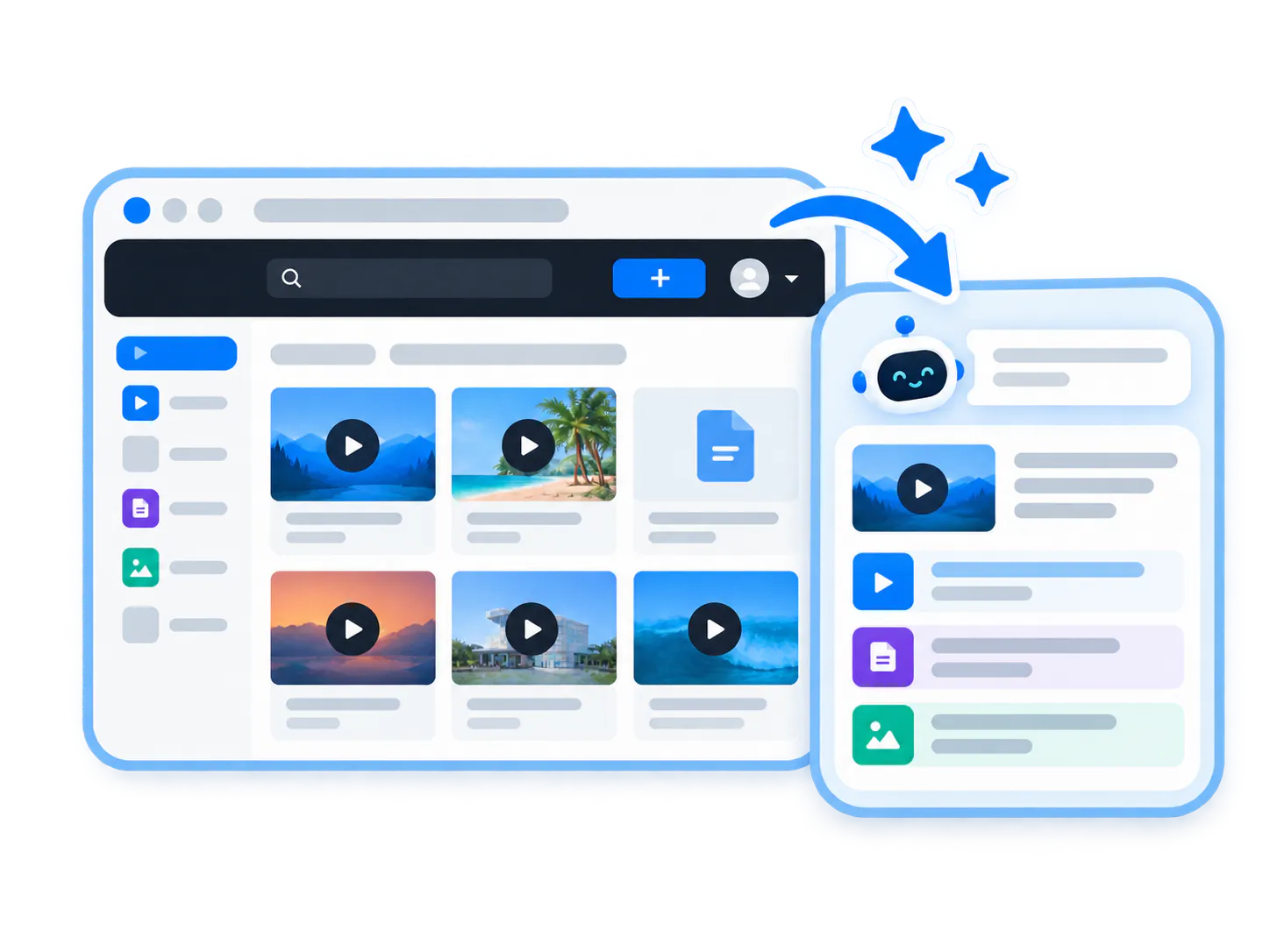
The gallery explains itself
Instead of presenting an unexplained wall of thumbnails, VideoGPT can introduce the environment, summarize the topics covered, and set expectations for what viewers can find inside.
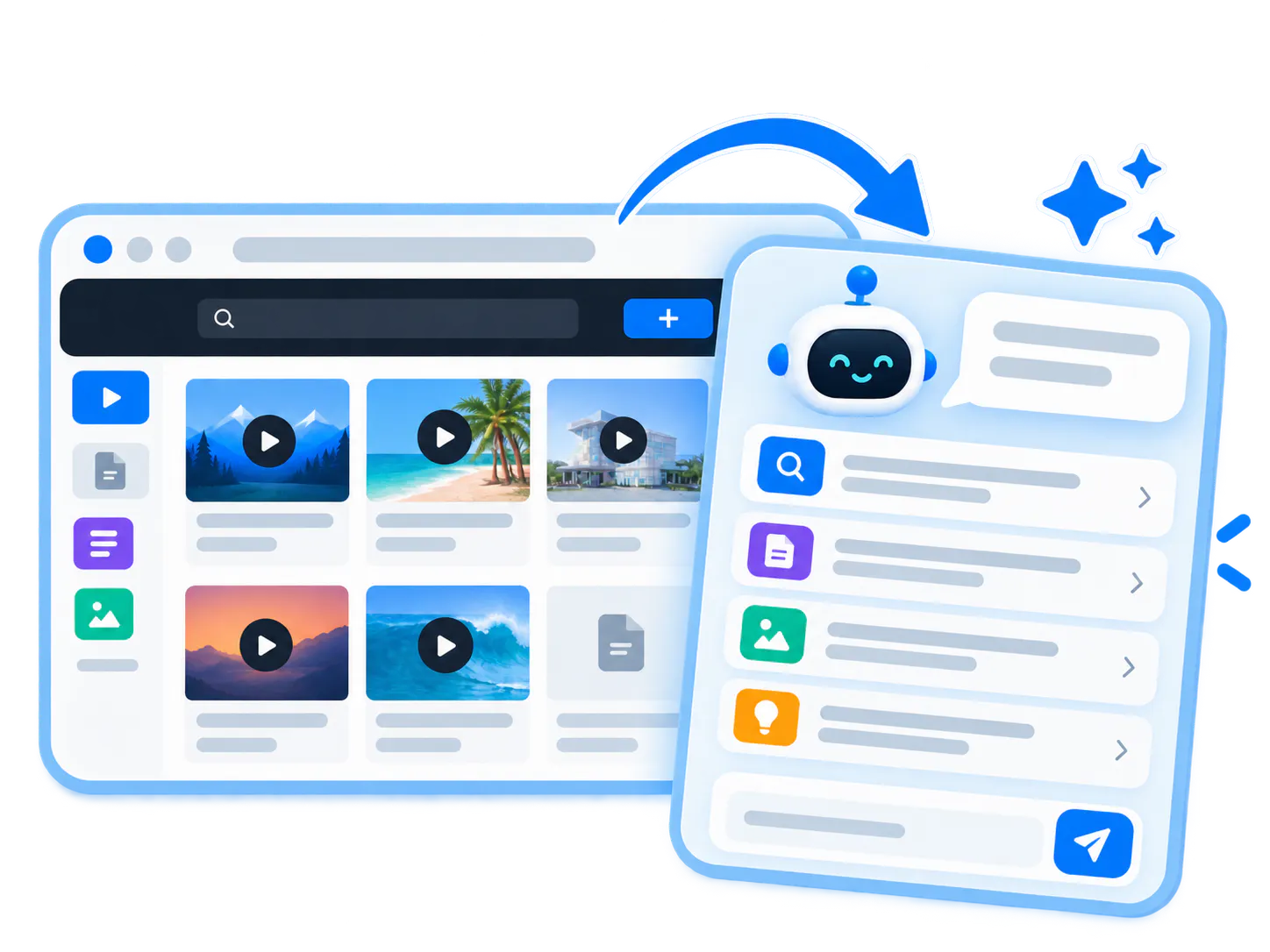
Users get a path in
Starter questions give viewers concrete examples of what they can ask. That reduces search hesitation and helps people start exploring immediately.
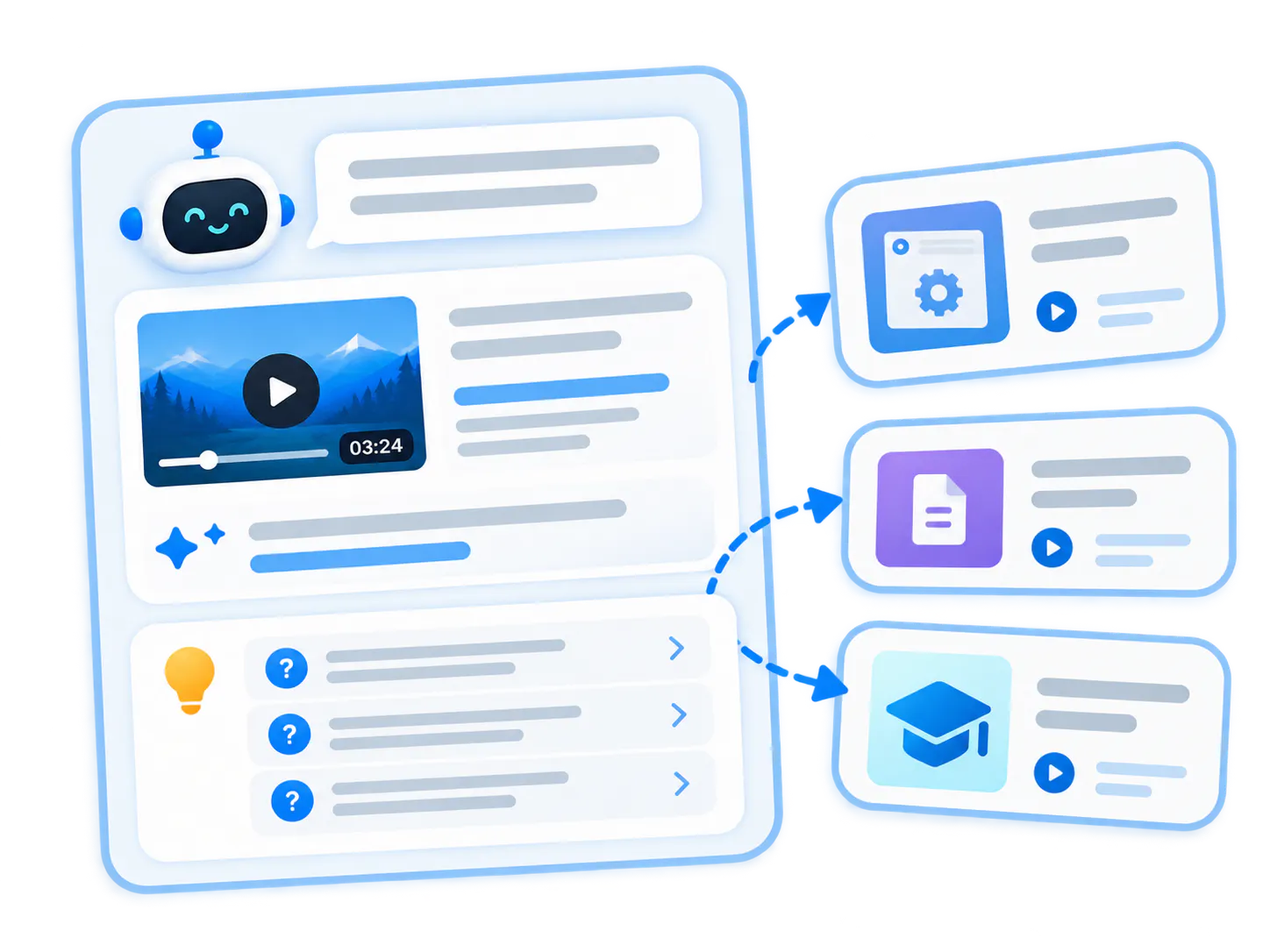
Answers keep guiding
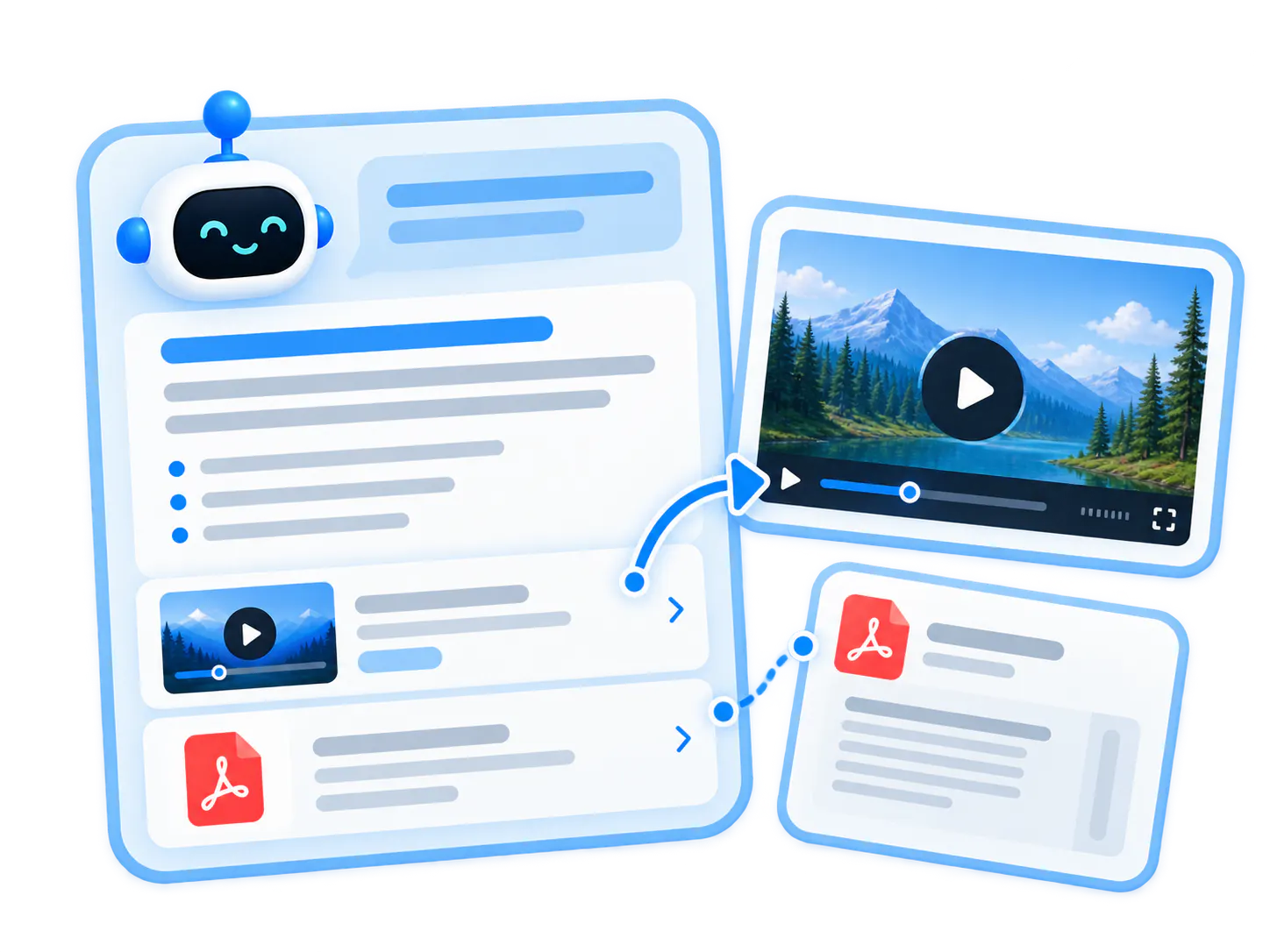
When VideoGPT answers, it does not stop at text. It suggests related questions, surfaces relevant videos or documents, and keeps the viewer moving through the topic.
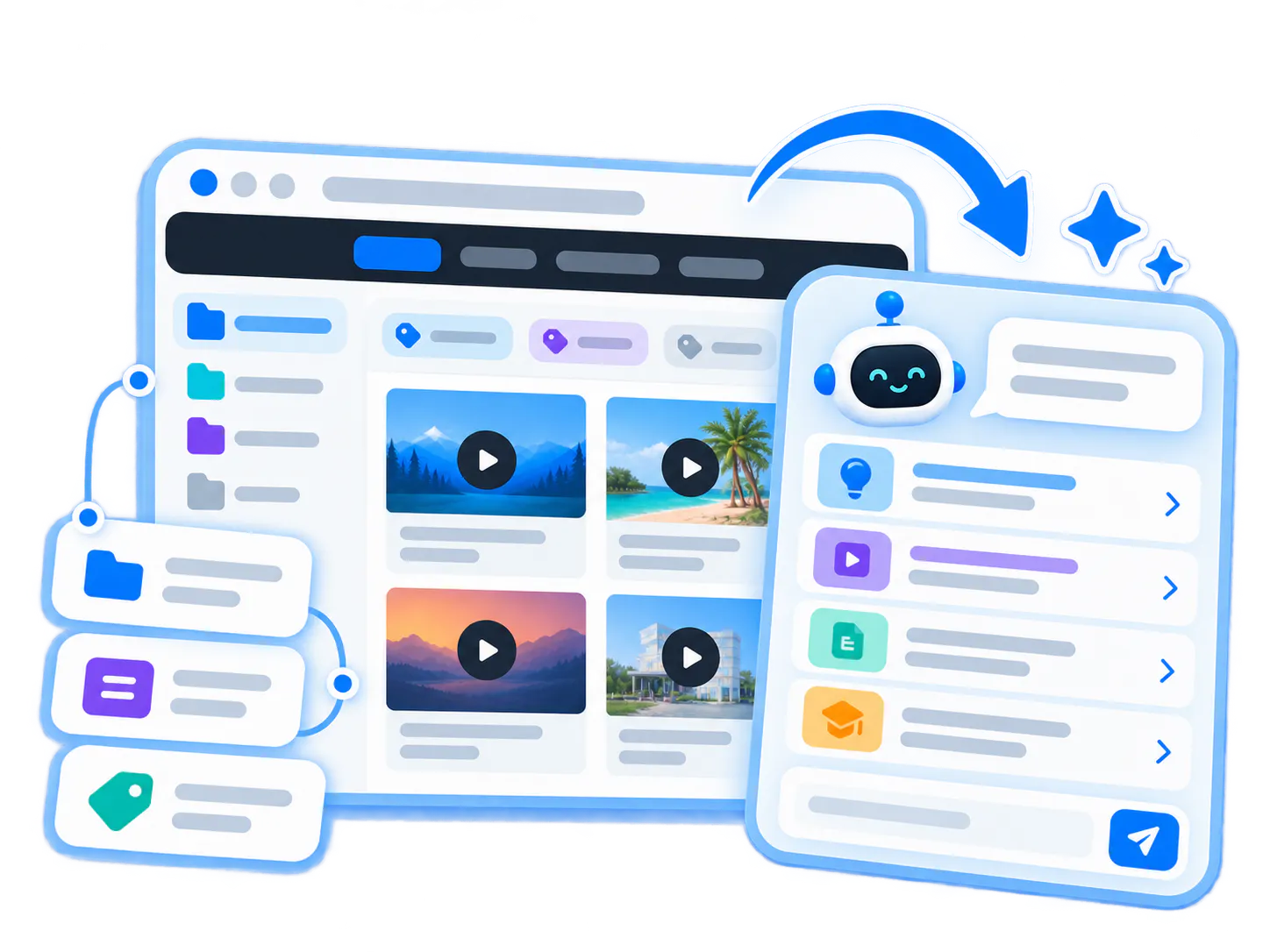
A first-pass orientation layer
Before someone types a query, clicks a filter, or opens a ticket, VideoGPT creates a first-pass explanation that helps them understand how the collection can help.
VideoGPT is stronger when it sits on a real video platform
VideoGPT is not a standard website chatbot added beside a video player. It works on top of the Cincopa platform stack: hosted videos, supporting documents, transcripts, metadata, embeds, Galleries, Pages, Tube, access controls, analytics, and real usage signals.
Answers are grounded in transcripts, metadata, documents, and chapter data that already live inside your secure video hosting environment.
VideoGPT understands the context of the container—whether embedded in an app, hosted on a branded page, or delivered inside a video portal.
Every response points viewers back to the exact video timestamp or document paragraph that resolves their question.
From video library to active knowledge system
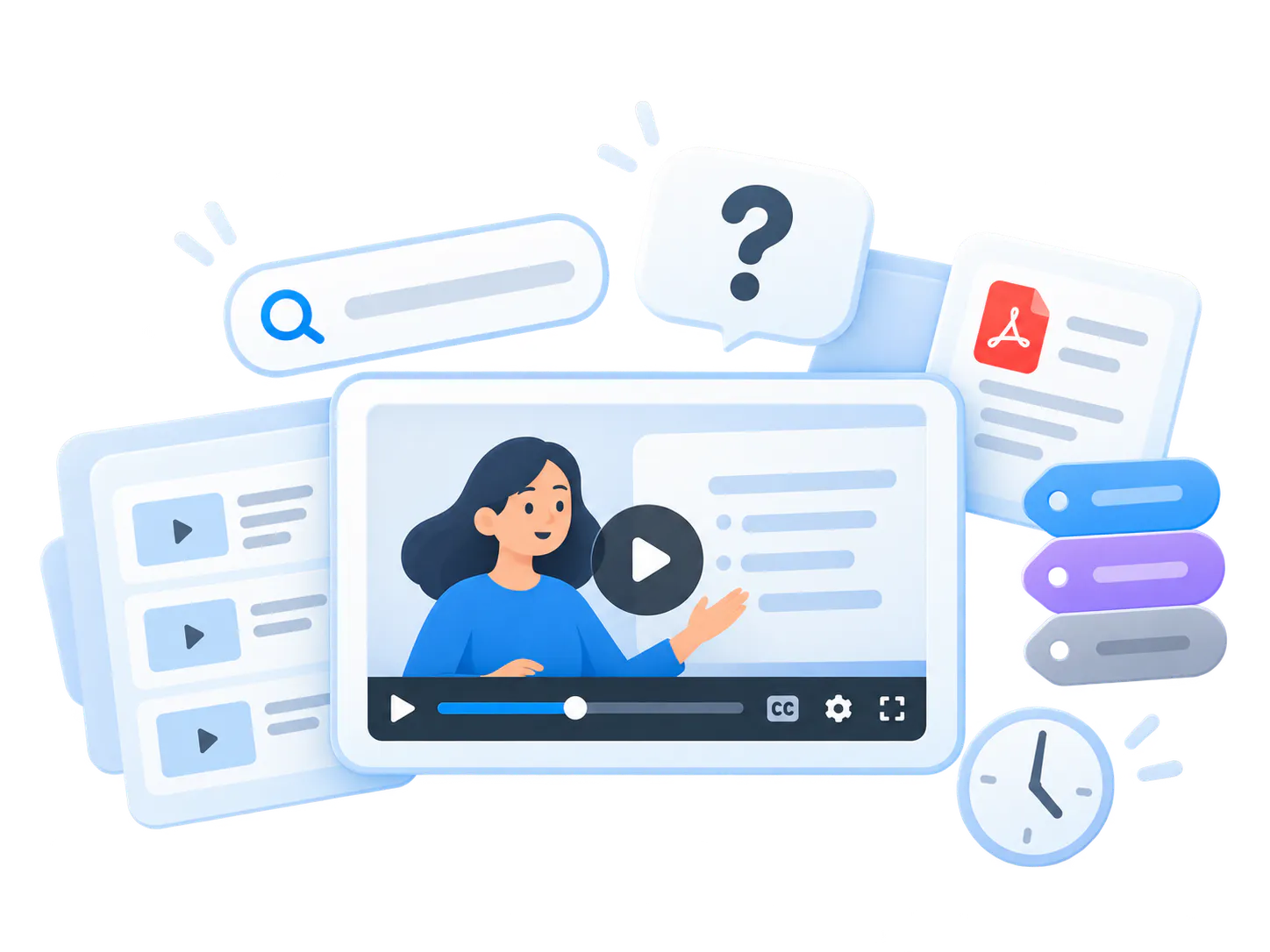
Video used to be passive. VideoGPT makes it searchable, askable, guided, and connected to the source. Instead of forcing people to browse playlists and PDFs one by one, VideoGPT orients viewers first, answers their questions, and sends them to the exact moment or supporting document.
Traditional video library
Playlists require manual browsing, long videos must be watched from the start, text documents stay disconnected from clips, and viewers leave without finding the exact answer.
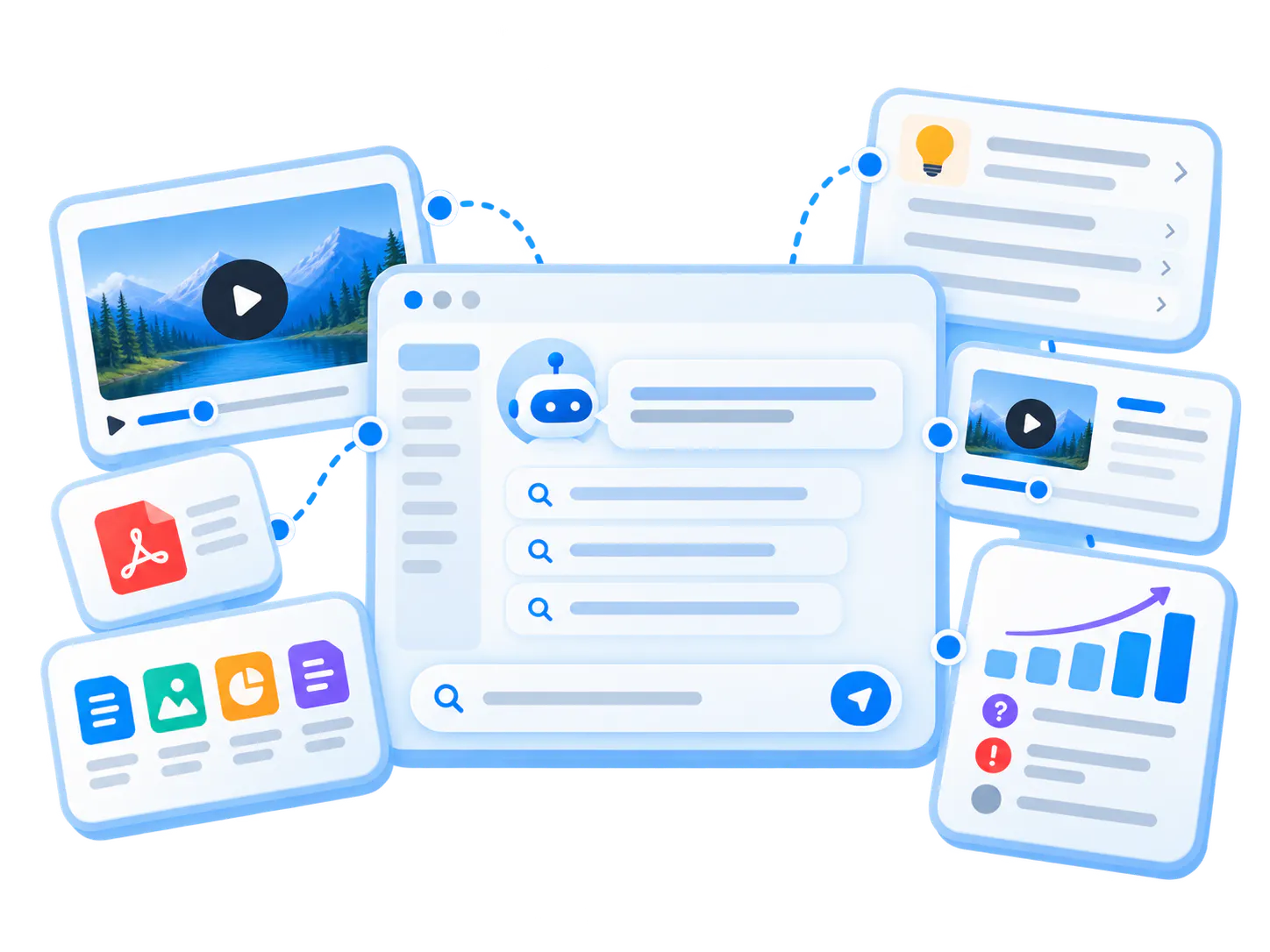
VideoGPT intelligence layer
VideoGPT orients viewers before they ask, answers across videos and documents, jumps straight to the exact visual moment, and turns questions into continuous content signals.
How VideoGPT works at a practical level
At a practical level, the flow is simple: publish the knowledge, orient the viewer, make the content queryable, answer from that knowledge layer, and return grounded results with source moments.
-
01
Content is published into a knowledge environment
Videos and documents are uploaded, processed, and organized into Galleries, Pages, or Tube portals with proper metadata and access rules. -
02
VideoGPT creates orientation before the first question
An AI-generated welcome message summarizes what the collection covers and presents starter questions to guide exploration. -
03
Transcripts, metadata, chapters, and documents make it queryable
Spoken audio, on-screen text, document pages, and chapter markers are indexed into a unified retrieval index. -
04
VideoGPT answers from that knowledge layer
When a question is asked, VideoGPT synthesizes an answer directly grounded in your library assets rather than generic web hallucinations. -
05
Users get the answer, source, and next step
The response includes direct text explanation, clickable source timestamps to jump right into the video, and suggested follow-up paths.
Why VideoGPT feels different from standard AI chat tools
Many AI chat tools stop at text or single-file chat. VideoGPT is built to orient users inside a real video knowledge environment, retrieve across assets, and send users back to the source that resolves the question.
Orientation before search
It can introduce what the collection covers and suggest useful questions before the viewer types anything.
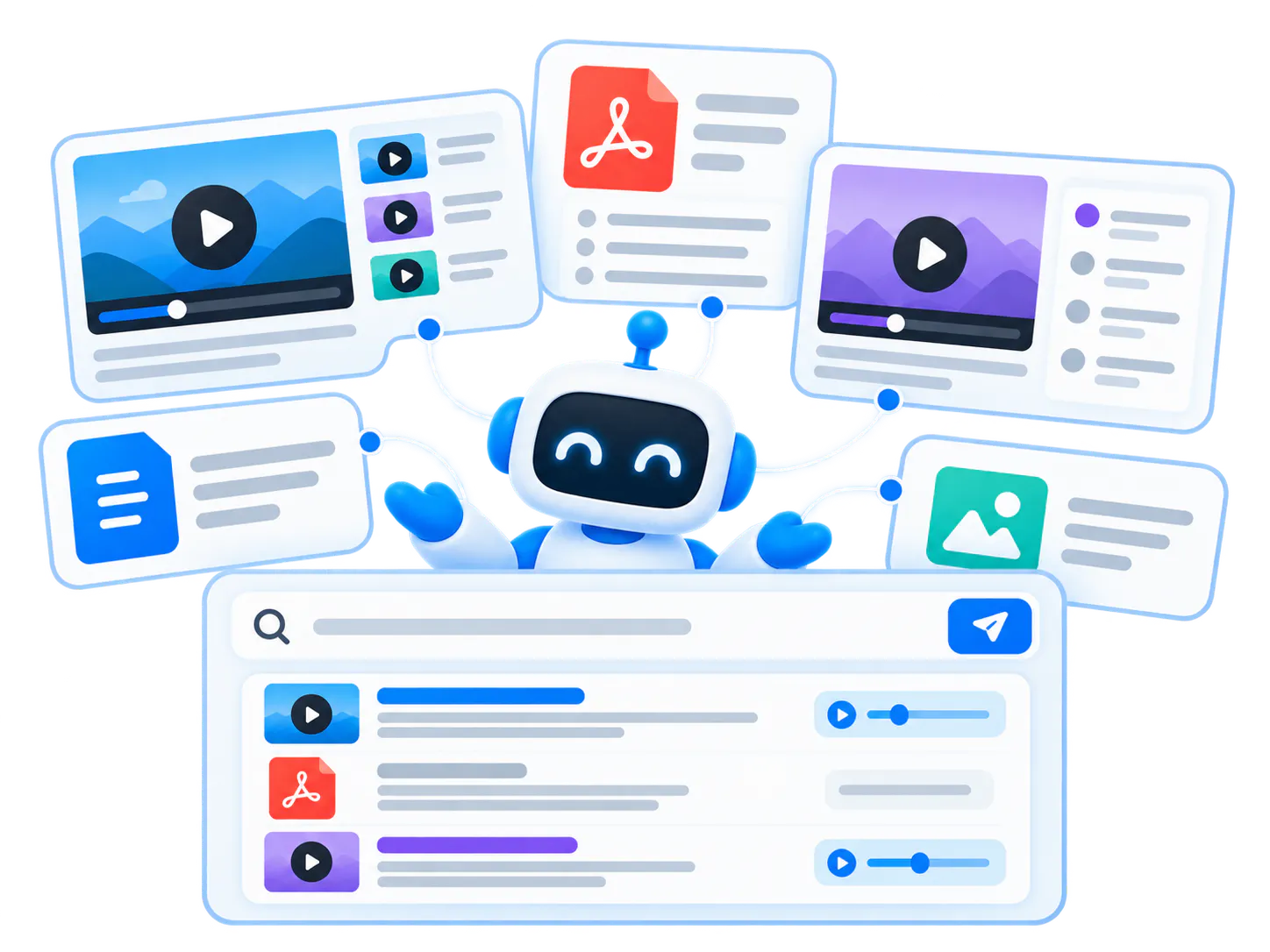
Across the library
It answers across multiple videos, chapters, and PDFs in the same environment instead of being trapped in one file.
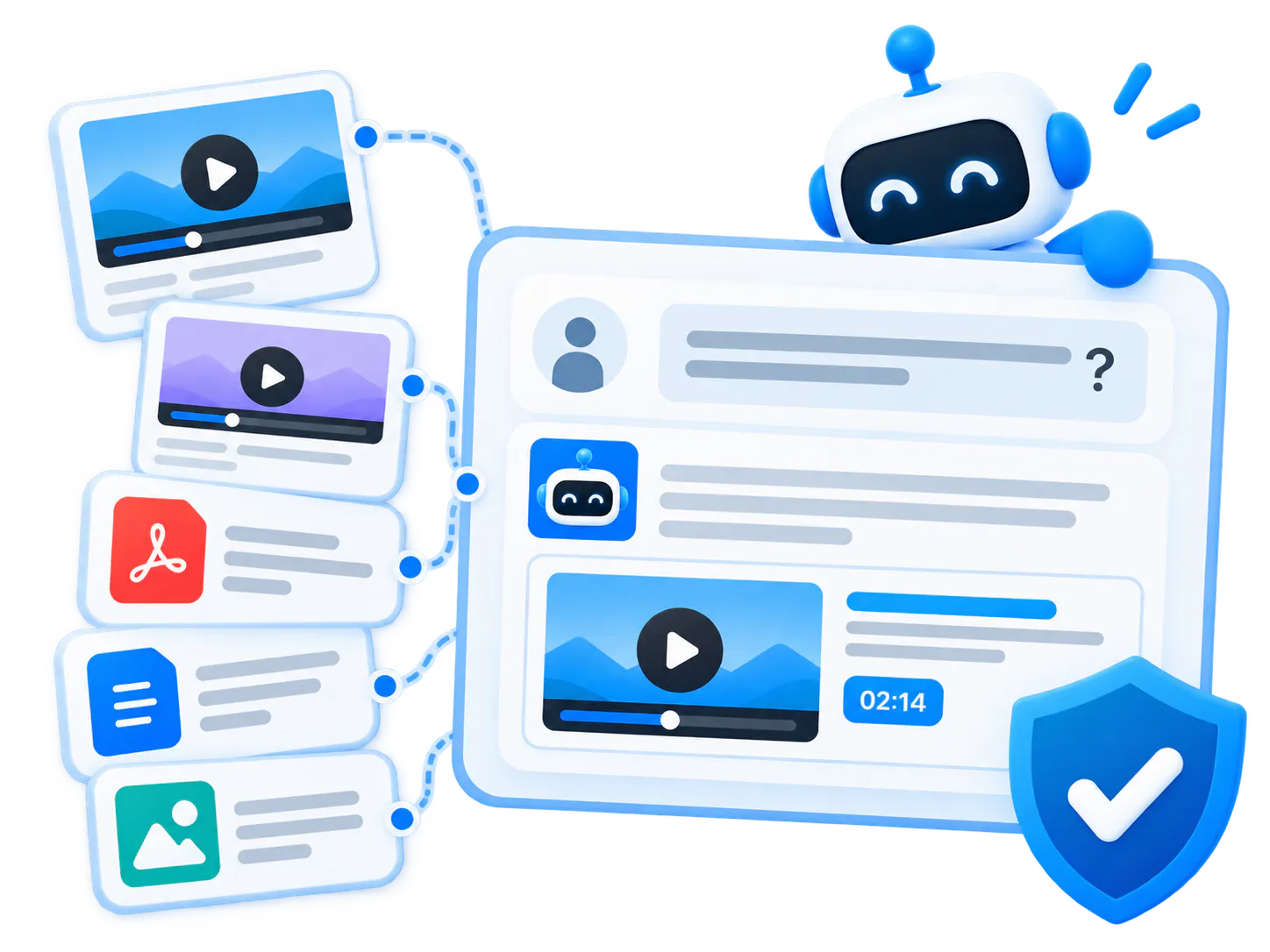
Grounded in source content
It stays tied to the videos and documents teams have already created and approved, minimizing hallucination risk.
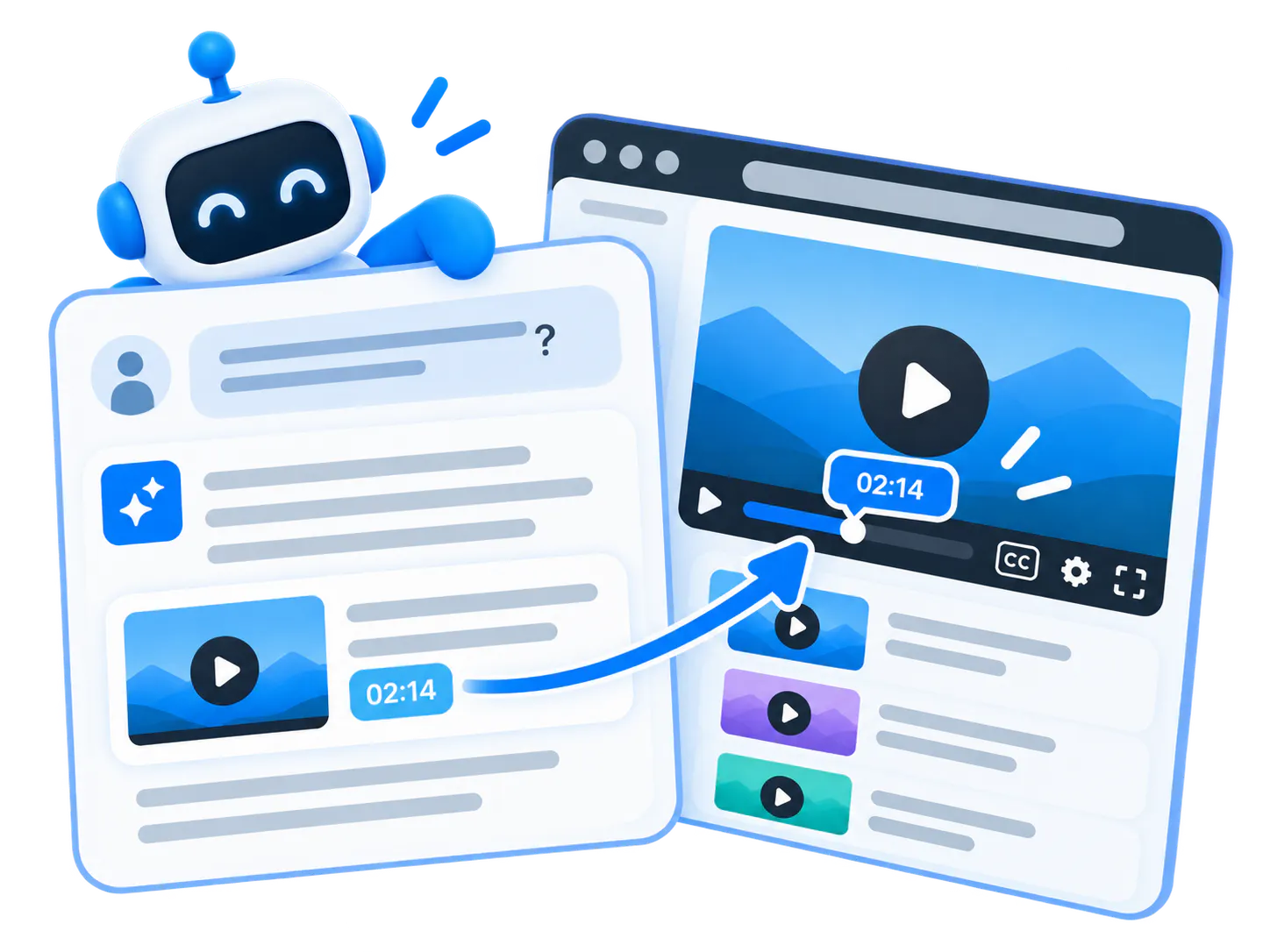
Answer and show
VideoGPT can explain an answer and display the supporting video inside the conversation. For a procedure question, it can combine a relevant PDF download with a video demonstration. Timestamped transcript data enables links to the exact spoken moment.
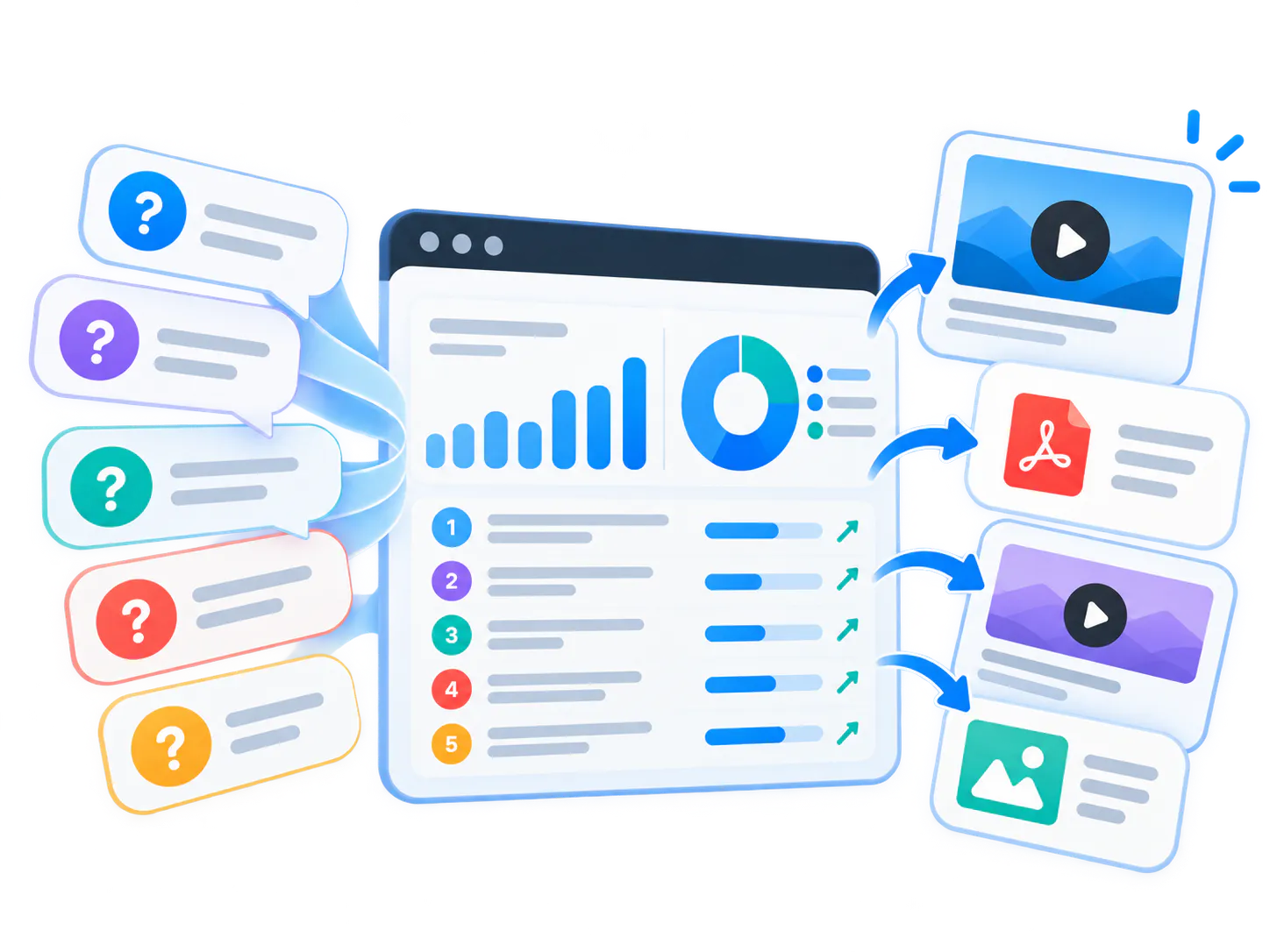
Improves with usage signals
Viewer questions reveal what is missing, what is confusing, and where new video knowledge should be published.
Work with the sources your team has
VideoGPT can use videos, PDFs and other supported documents, titles, descriptions, long descriptions, chapters, tags, channels, approved summaries and transcripts. The available source content determines what an answer can explain and how precisely it can point to the supporting material.
Transcripts can support search without public captions
Automatic transcription provides rich context about what is discussed inside a video. VideoGPT can use that transcript even when it is not displayed publicly as captions or subtitles. Timestamped transcript data enables links to exact spoken moments.
Approved summaries support specialized terminology
Scientific, medical and technical teams can use Cincopa AI to generate a summary, have a qualified subject-matter expert proofread and approve it, and use that summary with other metadata. VideoGPT can still use the available context without a transcript, although exact spoken-moment links require timestamped transcript data.
Bring answers into the Tube experience
The floating VideoGPT Bubble stays available while users browse Tube. It can welcome users, suggest starter questions and show supporting videos in the conversation. Cross-channel discovery is automatic. Read the Tube bubble announcement for the release recap and examples.
What teams learn from every question
VideoGPT is not only a retrieval layer for users. It also helps teams publish first, learn from real questions, and see where answers need improvement or content still needs work.
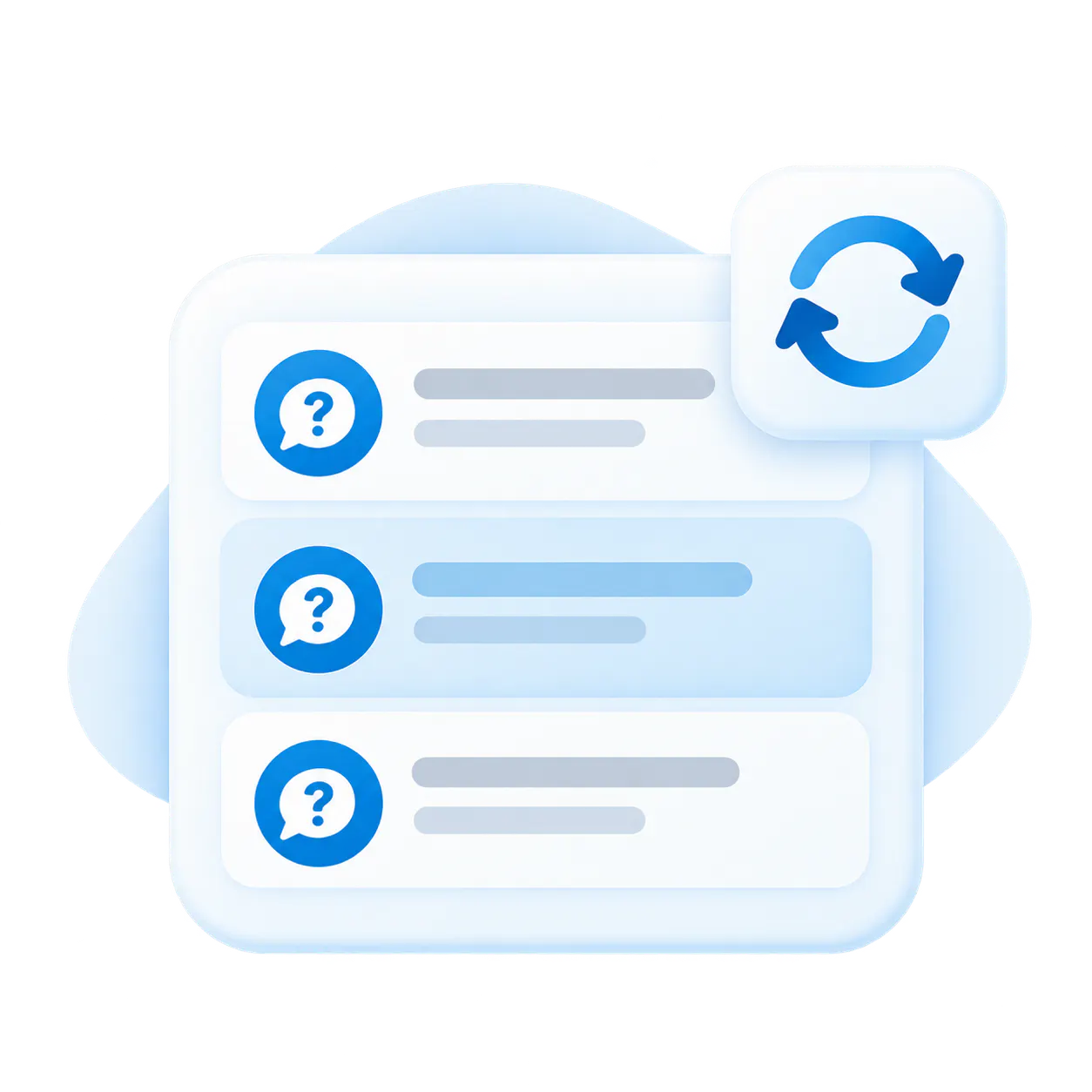
Repeated questions
Surface topics users ask again and again across support, training, and product education to identify immediate content needs.
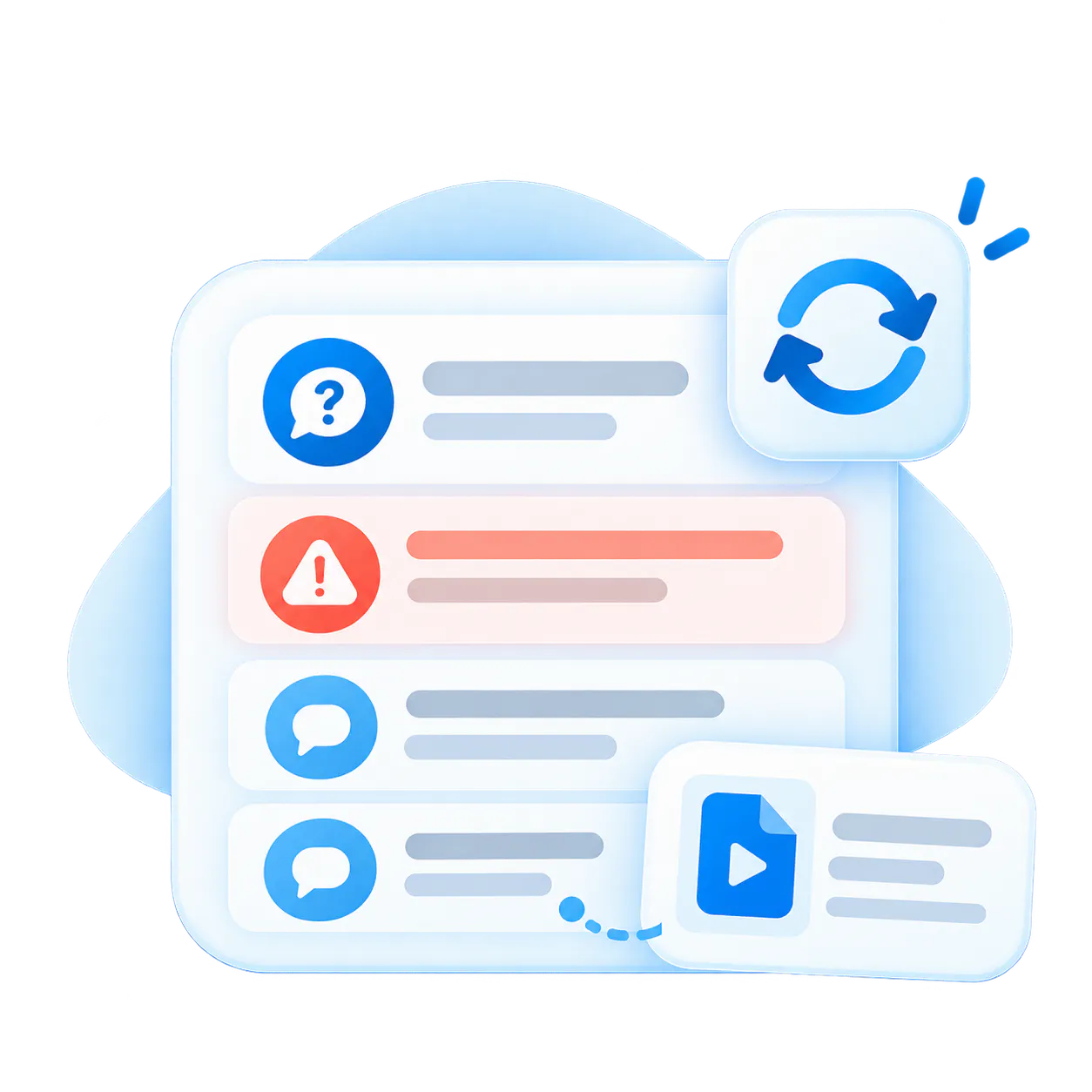
Weak or wrong answers
Identify places where source coverage is incomplete, outdated, or unclear so product specialists can refine guidance.
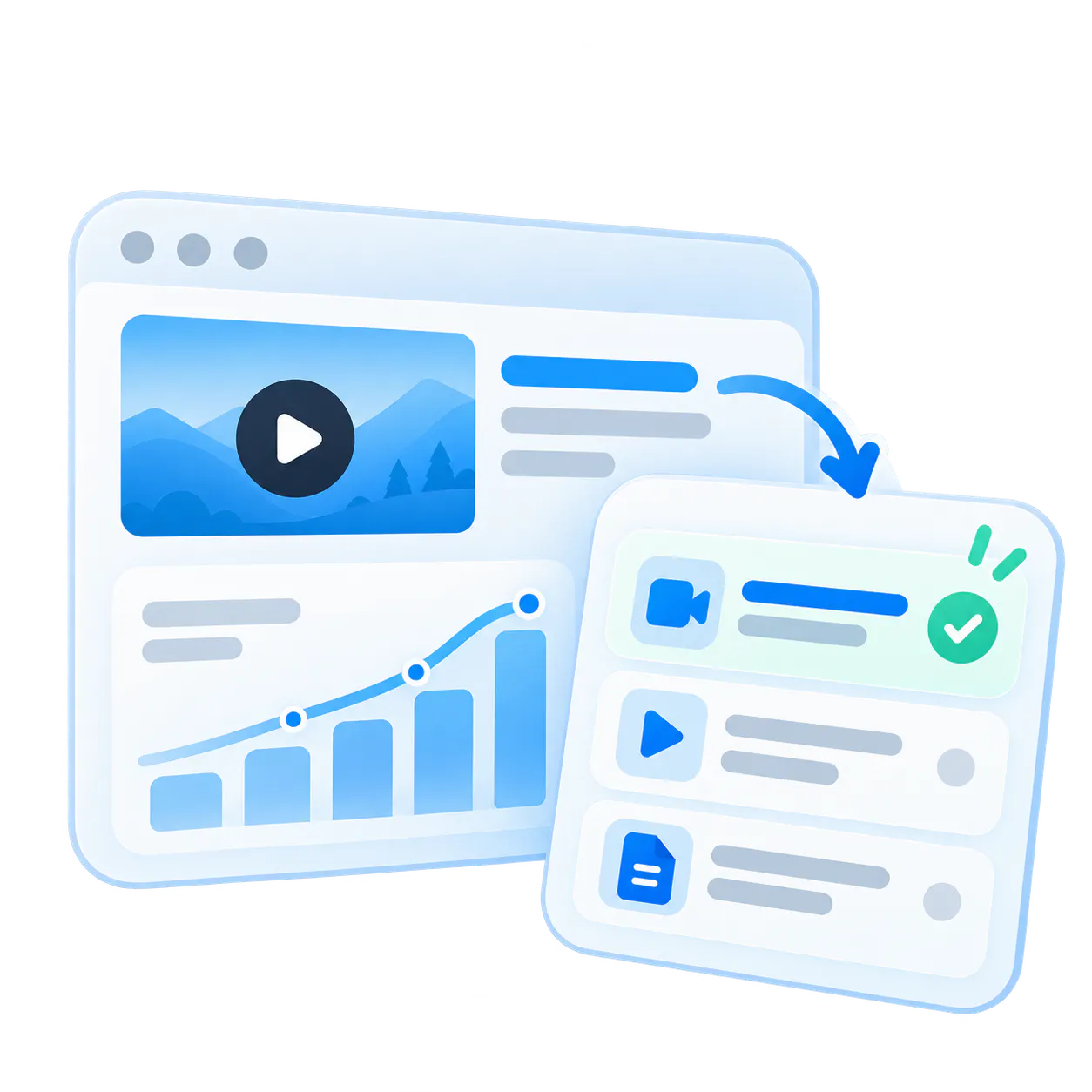
Missing topics and PDFs
Spot queries where no video or document exists yet, turning gaps into clear production tickets.

Clear roadmap for improvement
Use real usage data instead of guesses to decide which webinars, clips, or documentation updates to create next.
The value is not only showing videos. It is answering before a ticket is opened.
Putting videos on a support page can help, but a nicer playlist is not the whole business value. Support teams need users, technicians, and agents to get answers before expensive experts are pulled into repetitive requests.
LiftMaster Partner Troubleshooting
Field technicians and contractors ask questions on mobile across 100+ installation guides and jump directly to the exact wiring procedure.
Enterprise Product Onboarding Hub
New users explore complex software suites with AI welcome guidance and starter prompts that answer setup questions before onboarding calls.
How VideoGPT turns content into answers
VideoGPT uses structured video knowledge to retrieve relevant source material, generate useful answers, and guide viewers back to the right video moment or document.
A practical process view
Content is ingested, transcribed, chunked, and indexed with temporal timestamps and document page references.
Platform characteristics
Cincopa manages the underlying video streaming, CDN, DRM protection, player controls, and viewer authentication.
Where VideoGPT is strongest
Excels in technical documentation, recurring training, customer academies, product releases, and support workflows.
A realistic example of what this looks like
Imagine a product, training, or support collection with a few long webinars, a focused tutorial set, release briefings, troubleshooting clips, and attached PDFs. Users do not want to guess what is inside or browse asset by asset.
What VideoGPT can do
VideoGPT can introduce the collection, suggest starter questions, answer across videos and documents, and display the supporting video inside the conversation. Timestamped transcripts let users jump to exact spoken moments.
Why this matters
Viewers resolve problems faster without browsing asset by asset, and teams see which questions were asked and where knowledge needs updating.
Common questions about VideoGPT
Everything you need to know about Cincopa VideoGPT, AI retrieval across video libraries, and how it connects to your existing content.
VideoGPT is built on Cincopa’s structured video and document platform, not just general website text. It can orient viewers, answer from the knowledge environment, and guide users back to the source moment that matters.
Yes. Cincopa is a Video Knowledge Platform built on top of enterprise video hosting, and VideoGPT is the AI orientation and answer layer across that platform. It works with videos, transcripts, metadata, documents, Galleries, Pages, and Tube environments.
Yes. VideoGPT can retrieve relevant knowledge across videos and supporting documents in the available library. In Tube, it can also find answers across channels automatically, with no cross-channel configuration.
It is an AI-guided introduction that can explain what a collection covers, what kinds of videos or documents are included, and what questions viewers may want to ask first.
No. The value grows as a library grows, but even a small collection can be hard to navigate when it contains dense knowledge, many topics, or long videos that cover several workflows.
No. The welcome message builds on top of structure. Clean folders, channels, tags, and environments make VideoGPT’s answers and orientation even more accurate.
Yes. VideoGPT indexes transcripts alongside attached PDF manuals, guides, architecture sheets, and release notes to provide complete answers across text and video.
Answers can include supporting videos and relevant PDF links so users can review the source content. When timestamped transcript data is available, VideoGPT can link to the exact spoken moment. Without it, available summaries and metadata can still support answers and guide users to relevant content.
VideoGPT analytics aggregate question patterns, flagging topics with weak or missing video answers so production teams can prioritize high-impact content updates.
No. Teams can start with the videos and documents they already have, publish them through Galleries, Pages, or Tube, and use real questions to decide what structure or content should be improved next.
Yes. A transcript can support AI knowledge search without being displayed publicly as captions or subtitles.
Yes. Available approved summaries and metadata can support answers and guide users to relevant content. Linking to an exact spoken moment requires timestamped transcript data.
Start with one knowledge environment people can actually use
Use VideoGPT where the need is already clear: product education, customer training, support resolution, workflow documentation, or internal knowledge. Start with the videos and documents you already have, help viewers understand what they can ask, then improve the library from real questions.