Setting up your Cincopa for Slack Video Integration
With the Cincopa For Slack Video Integration, there is nothing your marketing team cant accomplish.
Slack is a team messaging application used by millions of businesses across the globe. From a project management term for float, slack is frequently used to describe how much time a project can absorb delays in milestones and tasks without consequence.
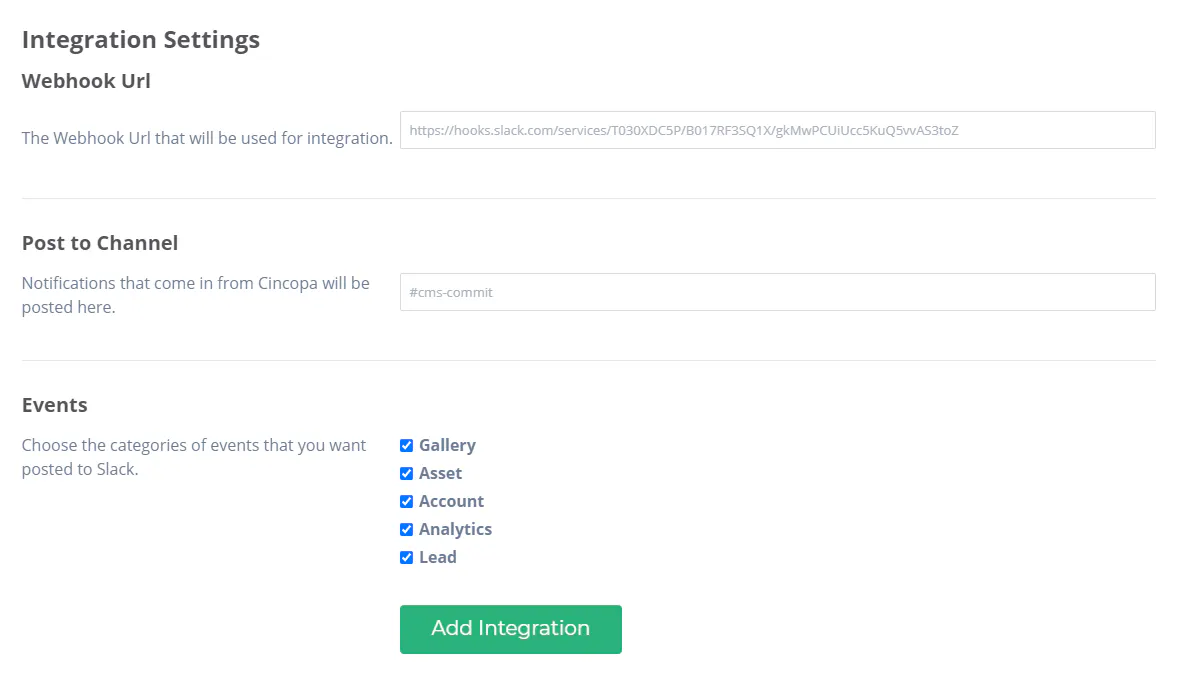
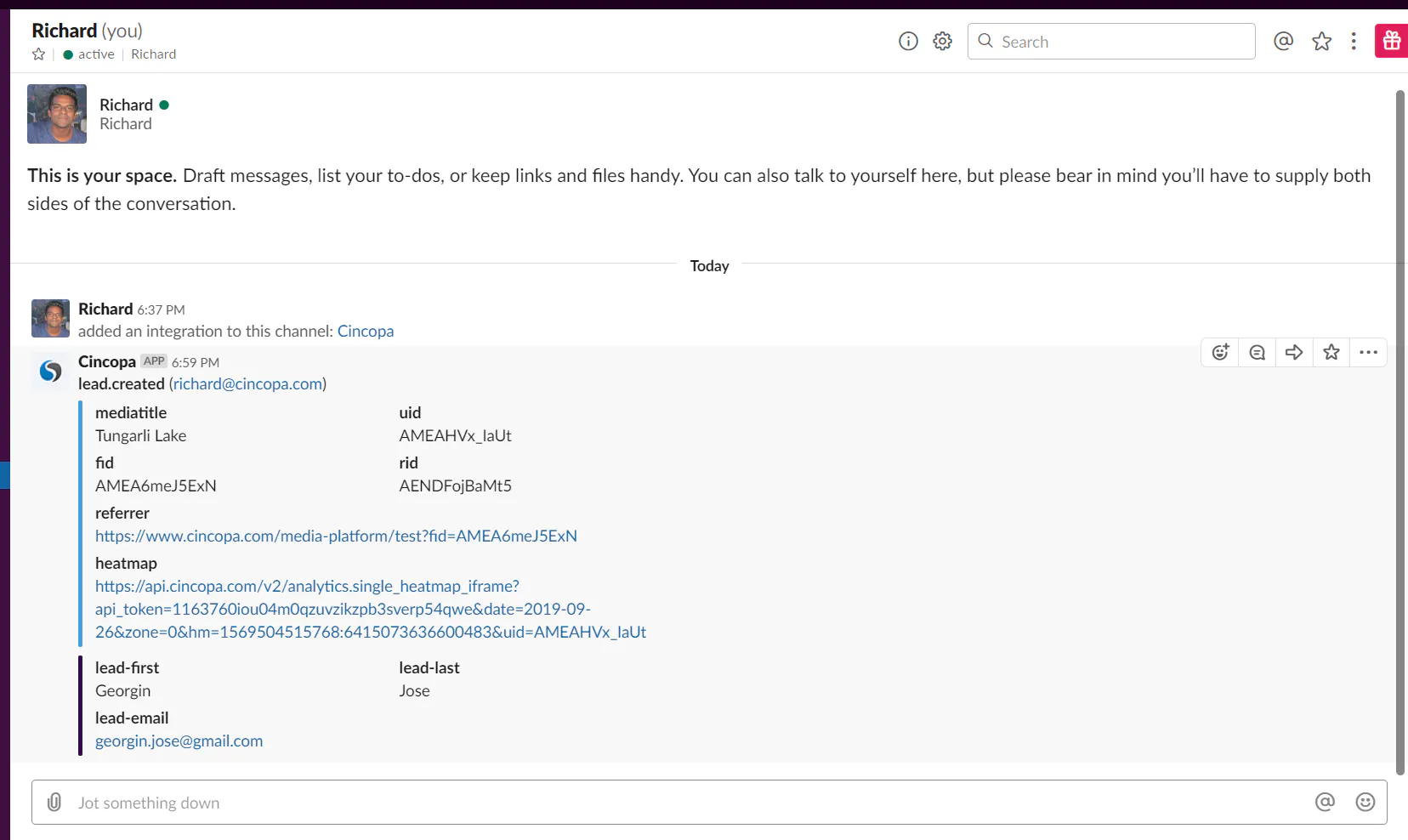
With Cincopa, it is now possible to get instant notifications regarding leads generated through your Media Content by integrating Cincopa with Slack.
You can easily install the Cincopa app on your Slack workspace and get instant notifications through selected Slack channels.
By integrating Slack within your Cincopa account, it is possible to receive the following instant notifications:
- Multimedia assets are uploaded to your Cincopa storage or deleted from your account;
- New galleries are created, changed or deleted;
- Reports from Cincopa Video Analytics;
- Changes made to your Cincopa account;
- Updates from team members managing your assets or galleries;
- New lead generation and many other marketing notifications.
Benefits of Integrating Slack in Cincopa:
- Quick integration with your Slack workspace
- Get instant notifications from your assets, galleries, account, team members, video analytics, and leads
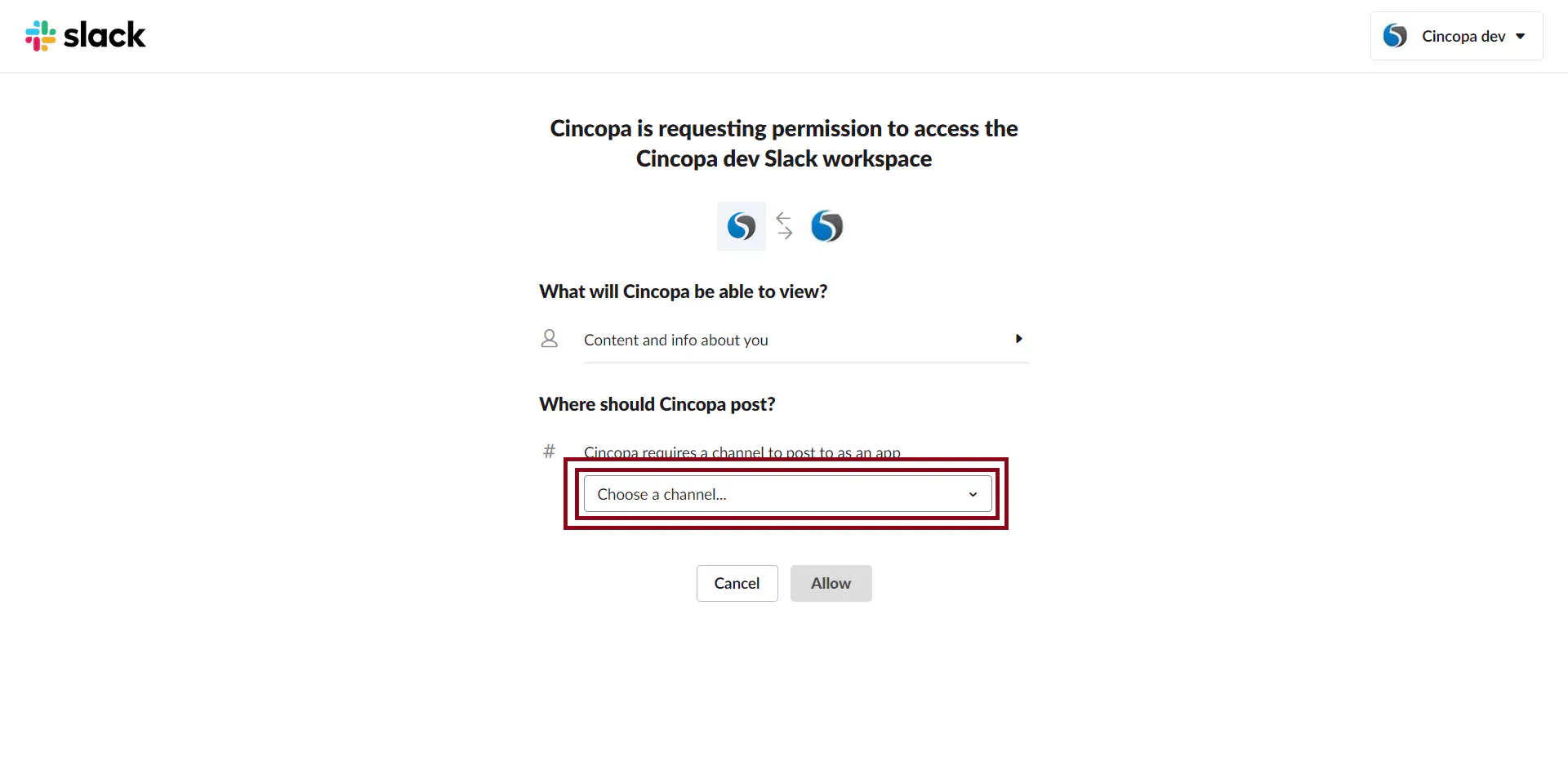
- Receive notifications to the Slack channel of your choosing
- Simple setup and intuitive customization
- Control your workflow from a mobile device
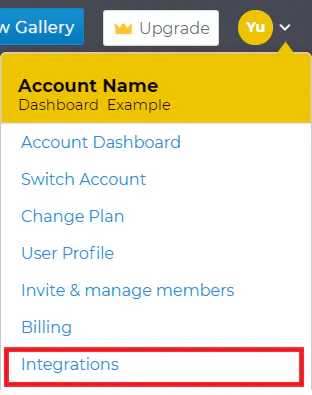
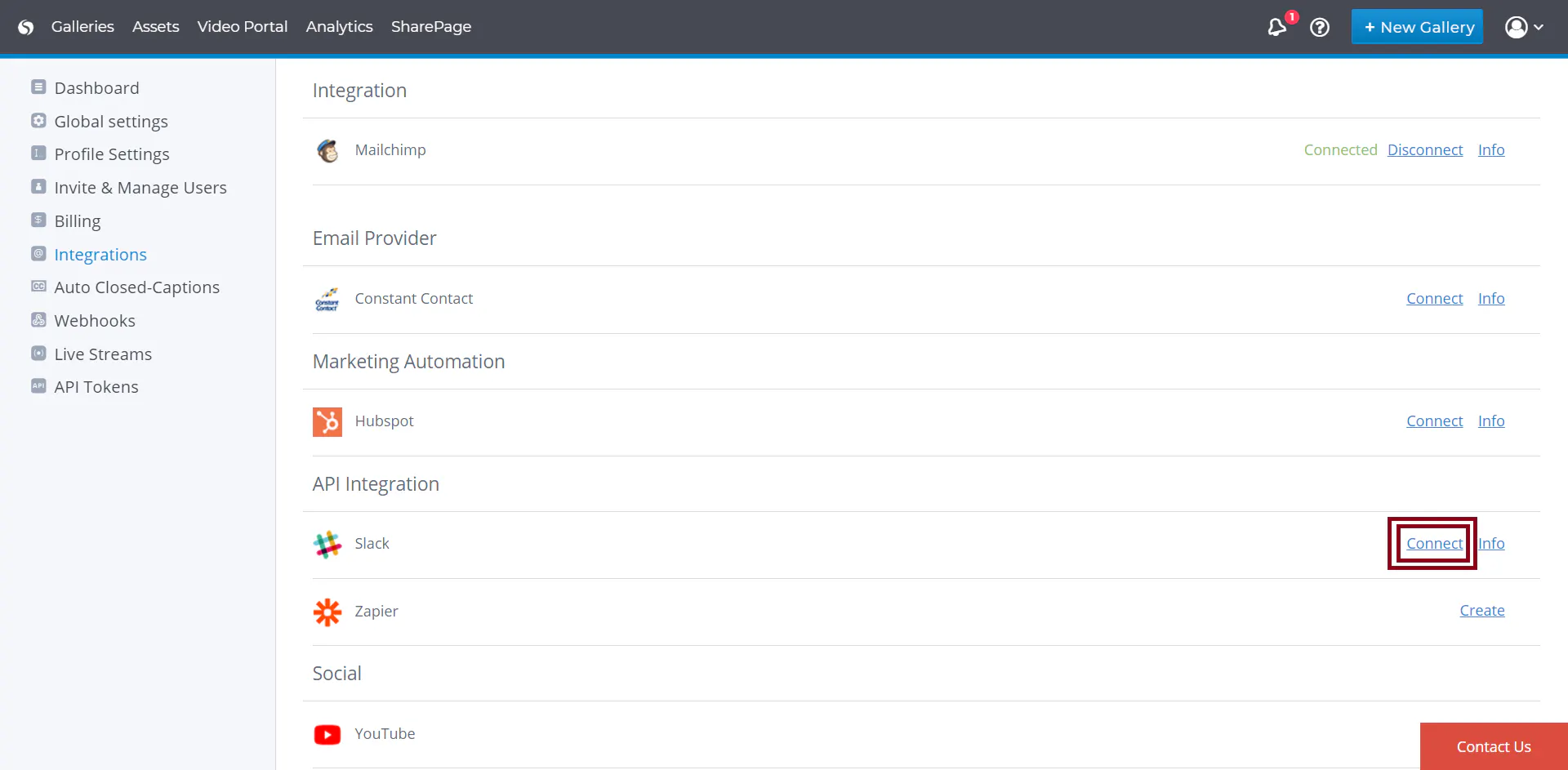
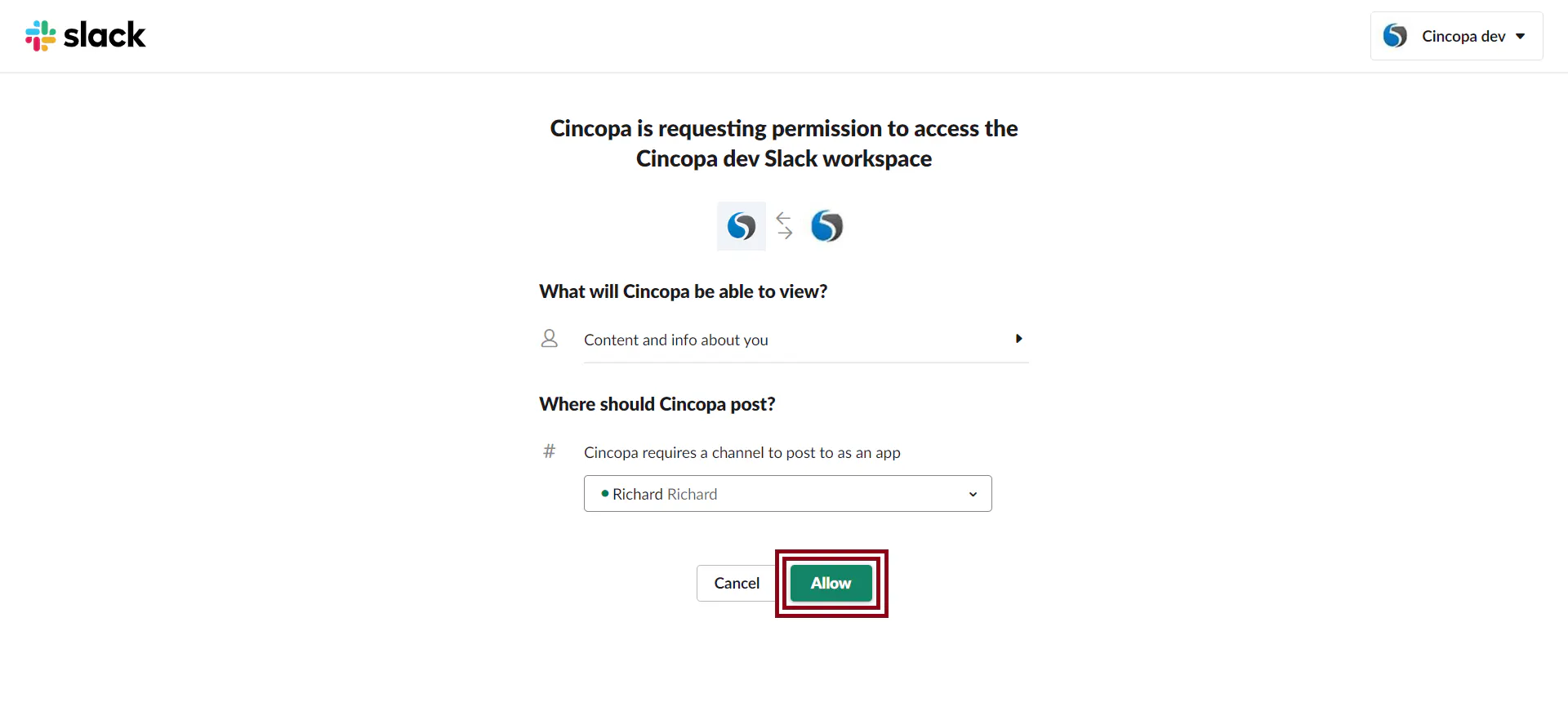
First, some directions to help orientate you:
Before you start, make sure you can sign in to your Slack account.
Not a Cincopa User? Get in touch