Blog - Knowledge in Practice

Use Video Heatmaps to Improve Training and Product Instructions

Interpret playback patterns carefully, investigate unclear steps and test a better explanation.

Originally published 17 February 2019. Updated 5 November 2026.

Use Video Heatmaps to Improve Training and Product Instructions

Overview

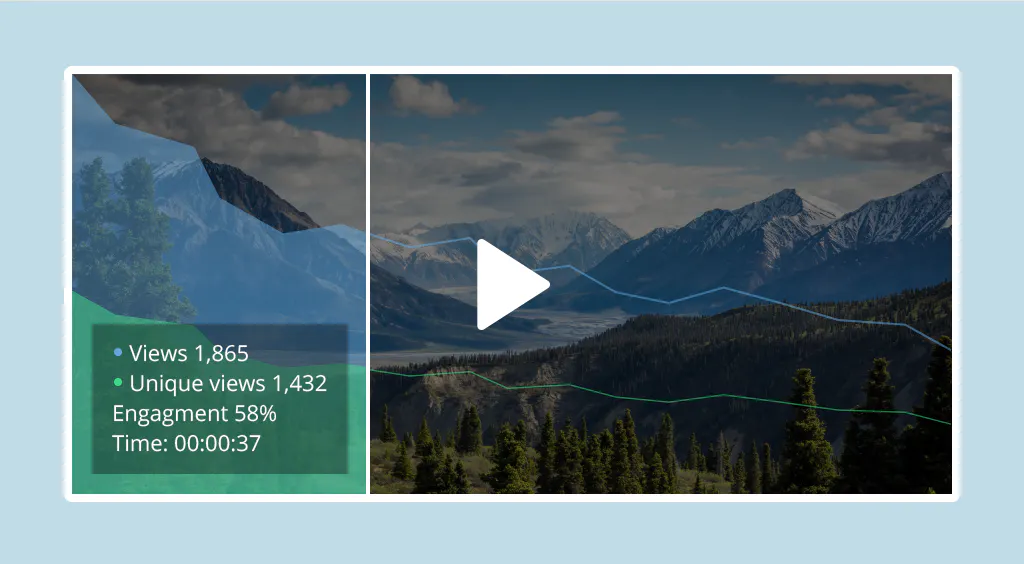
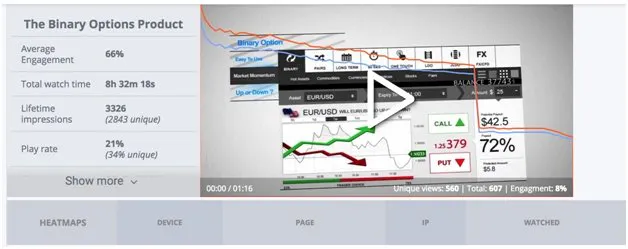
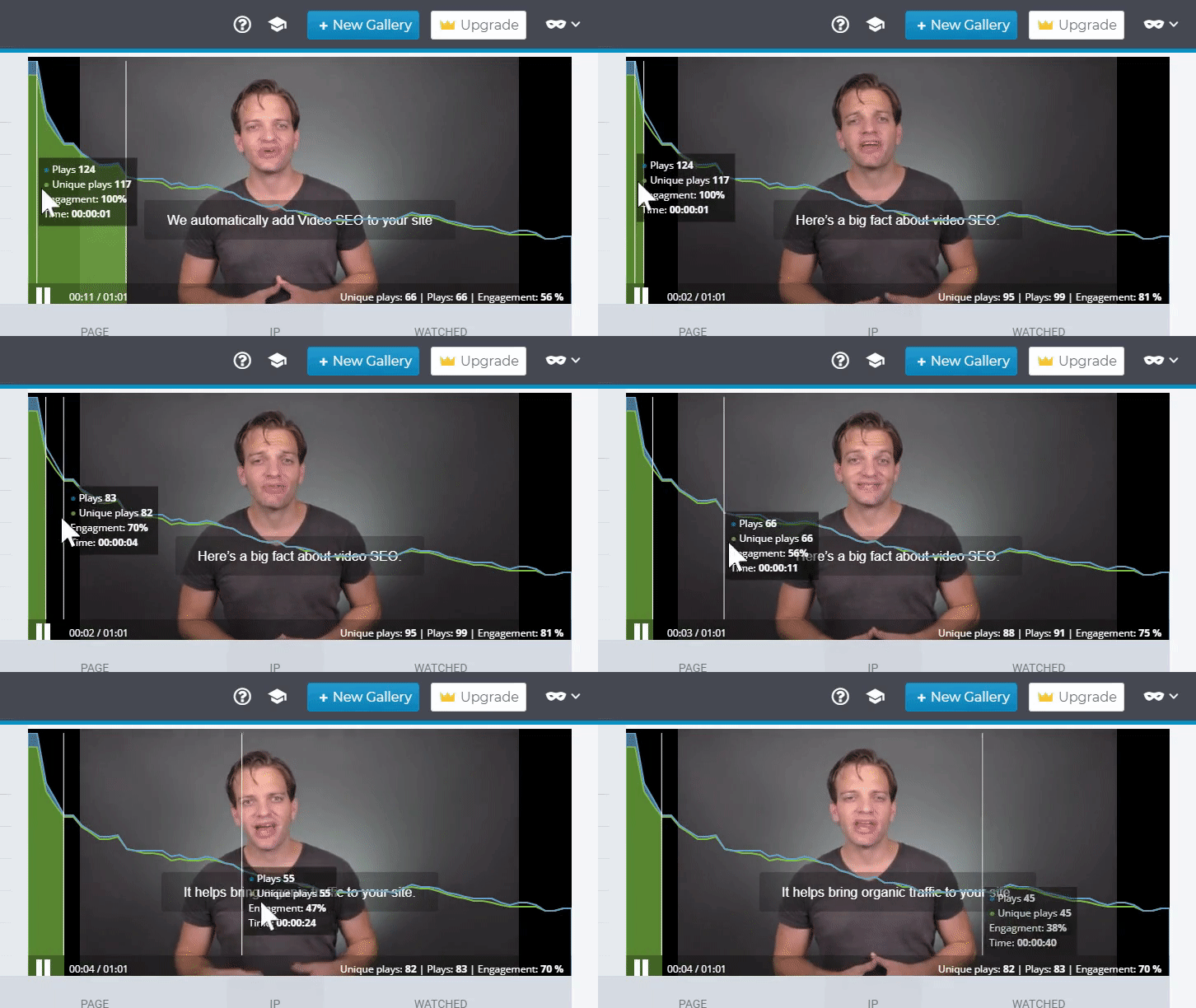
A video heatmap shows patterns of viewing across a recording. Depending on the analytics system, it may show which segments were played, skipped or replayed. These patterns can help locate a section worth reviewing, but they cannot explain a viewer's intention or prove confusion by themselves.

Understand the event before interpreting the color

Check what the report measures: one viewing session, an identified viewer or an aggregate. Read the definition of a play, replay and completion in the system you use. Autoplay, seeking and a page left open can affect interpretation.

For a procedure video, returning directly to a difficult step may be successful reference use. For an assigned introduction, an early exit might indicate a playback problem, an irrelevant audience or an explanation that needs work.

6 3 heatmap gif
Demographics

Investigate one practical question

Choose a pattern and inspect the corresponding scene. Is a control hard to see? Is a prerequisite missing? Does the narration use a different product term from the document? Compare the pattern with questions, feedback and the actual task.

Do not describe a replay as proof that someone is confused or a skipped segment as proof that they already know it. Ask for feedback or run a small task check when the distinction matters.

video heatmaps upd
traffic sources analytics

Change the source, then compare fairly

A useful edit might be a clearer close-up, a labeled chapter, a shorter explanation or a linked checklist. Record the change and compare equivalent audiences and periods where possible.

Keep the task outcome in view. Fewer repeated plays could mean that the revision is clearer, or that fewer people found the video. Use reach and successful application alongside the playback report.

conversion concept e1555948710924

Combine playback evidence with knowledge questions

Questions asked across a maintained video and document library can reveal missing terminology or an exception the recording never addresses. VideoGPT can support question-based access to approved sources, while editors remain responsible for the quality and scope of those sources.

Use the combination to prioritize an update. Keep useful original diagrams and examples, correct the instruction and reconnect the revised source from the support or training pages that use it.

Visual Content image

Frequently asked questions

It measures defined viewing events. A task, assessment or reviewed work sample is needed to evaluate learning application.

Not necessarily. It can be useful revision or point-of-need reference. Investigate the task and feedback before deciding what it means.

NEXT STEP

Turn product explanations into useful answers

Connect approved videos and documents in a maintained collection for onboarding, product questions and support.