Best Product Education Software for SaaS and Complex B2B Products
Choosing product education software is difficult because “product education” can describe several different jobs.
One company may need interactive product tours for prospects. Another may need formal customer training with courses and certifications. A third may need searchable documentation, quick screen recordings or a structured library of videos and supporting documents.
These are different requirements. No single platform is the best choice for every one of them.
The right approach is to identify the job first and then choose the software category that fits it.
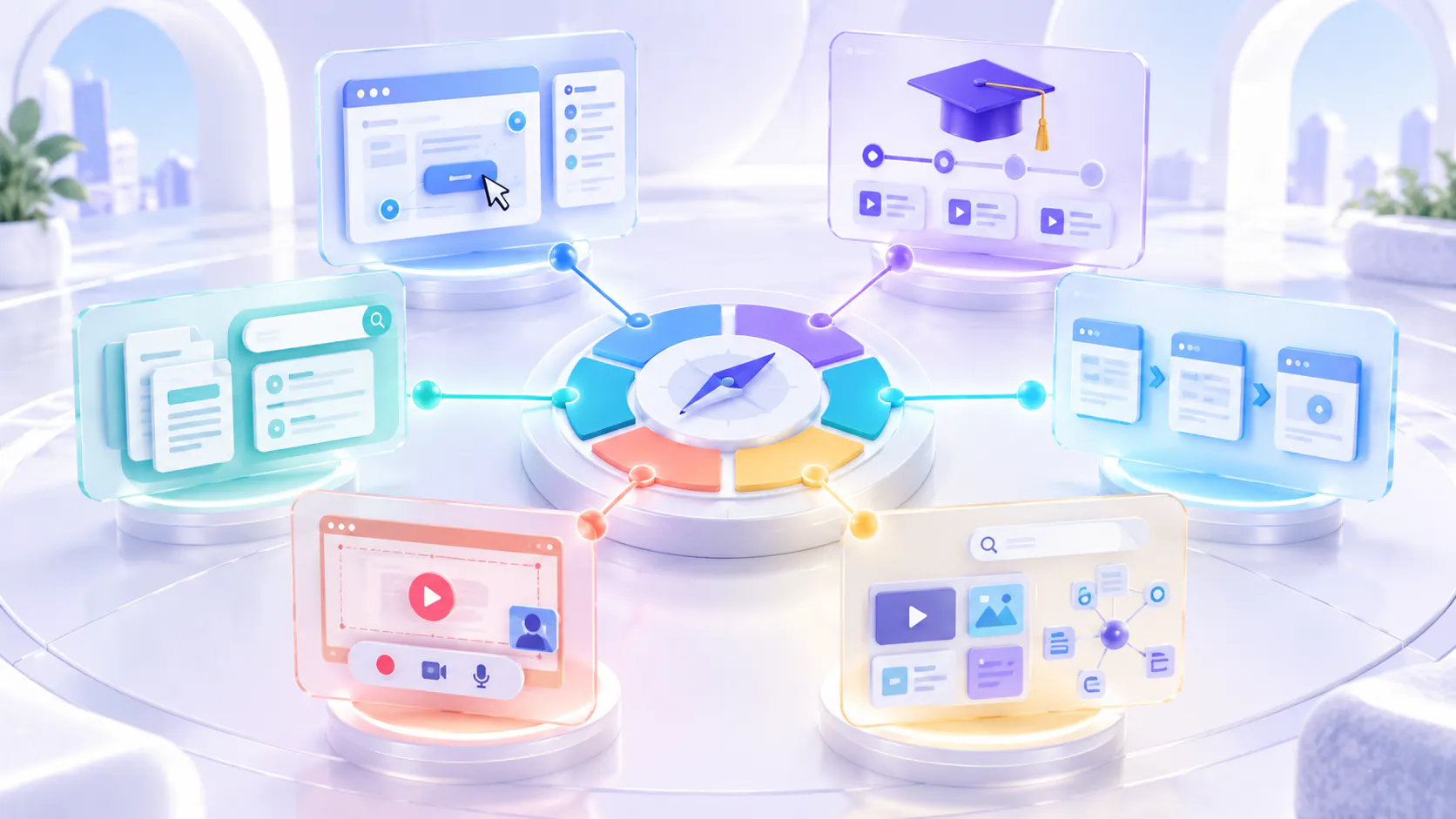
Start with the job, not the tool
Before comparing vendors, decide what users should be able to do.
Common product education jobs include:
Explore a product before buying
Follow instructions inside the product
Complete formal training
Find a written answer
Create a quick visual explanation
Follow a step-by-step process
Search across a large collection of videos and documents
Return to trusted product knowledge after onboarding
A tool designed for one job may perform poorly at another. An interactive demo can be effective during evaluation but may not become a durable knowledge library. An LMS can manage structured courses but may be unnecessarily complex for short, searchable product guidance.
Product education software categories at a glance
Primary job: Let prospects explore the product; Best-fit category: Interactive demo platform; Representative option: Storylane.
Primary job: Deliver courses, assessments and certifications; Best-fit category: Learning management system; Representative option: Docebo.
Primary job: Create visual step-by-step instructions; Best-fit category: Guide and process-capture tool; Representative option: Scribe.
Primary job: Build text-first product documentation; Best-fit category: Knowledge base platform; Representative option: Document360.
Primary job: Record and share quick explanations; Best-fit category: Screen-recording platform; Representative option: Loom.
Primary job: Organize searchable videos and supporting documents; Best-fit category: Video knowledge platform; Representative option: Cincopa.
These tools should not be treated as identical competitors. Each category solves a different part of the product education problem.
Best for interactive product demonstrations: Storylane
Storylane is designed around interactive demos, sandbox experiences and demo hubs. It is particularly relevant when prospects or buyers need to explore a simulated product experience before speaking with sales. Storylane describes its platform as supporting interactive demos, sandbox demos and digital sales rooms.
Best used for
Website product tours
Sales demonstrations
Buyer enablement
Interactive feature previews
Personalized demo experiences
Safe sandbox environments
Strengths
An interactive demo gives users a guided, hands-on view of a product. This can be more engaging than asking a prospect to watch a long video or read a feature page.
It also helps sales and marketing teams demonstrate workflows without requiring access to a live production account.
Boundaries
An interactive demo is not automatically a long-term product education library. It may show a selected workflow effectively, but users may still need videos, written documentation, release guidance and searchable reference material after the demo ends.
Choose this category when the main job is product exploration or sales enablement—not when the main requirement is durable, searchable customer knowledge.
Best for formal customer training: Docebo
Docebo is an enterprise learning platform for creating, delivering and managing learning programs. Its current platform includes learning management, personalized learning paths, reporting, integrations and support for multiple audiences. Docebo positions its platform for structured learning across employees, customers and partners.
Best used for
Formal customer academies
Structured courses
Required learning paths
Assessments and quizzes
Certifications
Compliance training
Large-scale learner administration
Strengths
An LMS is useful when an organization needs to assign training, manage learner progress and demonstrate that people completed a defined program.
It is also appropriate when training has a formal beginning, sequence and completion requirement.
Boundaries
An LMS may be more than a team needs for simple product walkthroughs, release updates or searchable how-to content.
Users with an immediate product question may not want to enter a course and complete several lessons. They may only need one answer or one step.
Choose an LMS when formal learning management is the primary requirement. Do not choose one only because the organization has educational videos.
Best for visual step-by-step guides: Scribe
Scribe focuses on capturing workflows and turning them into step-by-step documentation. Its platform is designed for SOPs, process instructions, onboarding and software implementation. Scribe’s current positioning emphasizes automatically capturing how work is performed.
Best used for
Click-by-click instructions
Standard operating procedures
Internal process documentation
Software implementation guides
Repeatable administrative tasks
Visual workflow documentation
Strengths
Step-by-step guides can be easier to scan than videos when users need exact clicks, field names or short procedural instructions.
They are particularly useful for predictable workflows that can be divided into a clear sequence.
Boundaries
A static guide may not provide the context, voice explanation or realistic demonstration available in video. It may also require maintenance whenever the interface changes.
A guide creator is not necessarily the best system for managing a large library of product videos, webinars, release briefings and supporting documents.
Choose this category when the main job is documenting a repeatable visual process.
Best for text-first documentation: Document360
Document360 is a knowledge base platform designed for product documentation, help centers, SOPs, user manuals and API documentation. It includes authoring, workflow, search, access and site-management capabilities. Document360 positions its platform around creating and managing structured knowledge bases.
Best used for
Product documentation
Help centers
User manuals
API documentation
Long-form reference content
Text-first troubleshooting
Documentation review workflows
Strengths
Written documentation is effective when users need information they can scan, copy, compare or update precisely.
A dedicated knowledge base also provides stronger authoring and editorial workflows than a basic collection of videos.
Boundaries
A text-first knowledge base may not fully explain visual or complex workflows. Users may understand a task faster when they can see the product being used.
Video can be added to documentation, but simply embedding videos does not automatically create a structured, searchable video knowledge system.
Choose this category when written documentation is the primary source of truth.
Best for quick asynchronous explanations: Loom
Loom is built for recording and sharing video messages. It supports screen and camera recording, editing, sharing, embedding, transcripts and viewer insights. Loom describes its primary use as quickly recording and sharing video messages.
Best used for
Quick screen recordings
Asynchronous team communication
Personal customer explanations
Design or engineering feedback
Short support responses
One-to-one walkthroughs
Strengths
A screen recorder makes it easy for subject-matter experts to explain something without writing a complete document or arranging a meeting.
This is valuable when speed and simplicity are more important than building a formal education program.
Boundaries
Recording more videos does not automatically create an organized product education library.
As the number of recordings increases, teams may need stronger content ownership, role-based organization, supporting documents, reusable collections and cross-library retrieval.
Choose a recorder when the main job is fast video creation and sharing. Consider an additional knowledge layer when those recordings become reusable organizational knowledge.
Best for searchable video and document knowledge: Cincopa
Cincopa is a strong fit when a company already has product videos, walkthroughs, release materials and supporting documents but needs to organize and deliver them as reusable product knowledge.
The platform combines Galleries, hosted Pages, portal-style environments and VideoGPT answer retrieval. Its Product Education solution supports onboarding, feature walkthroughs, release education, role-based organization and video-plus-document knowledge. See Cincopa’s Product Education platform.
Best used for
Product video libraries
Customer onboarding resources
Feature walkthrough collections
Release education
Role-based product knowledge
Video and document collections
Product education embedded in help centers or websites
Search and question answering across product knowledge
Strengths
Cincopa helps teams organize existing videos and supporting documents into reusable Galleries and Pages. The same approved content can be used across product pages, help centers and dedicated education destinations.
VideoGPT can provide an answer layer across available product knowledge and direct users to the relevant source or video moment.
This makes Cincopa useful when the problem is no longer recording or publishing one video. The problem is helping users retrieve useful knowledge from a growing collection.
Where Cincopa is not the best fit
Cincopa should not be presented as the best choice for every product education requirement.
It may not be the best primary tool when:
You need formal assessments, certifications and required course completion. A dedicated LMS may be more appropriate.
You mainly need clickable product simulations for prospects. An interactive demo platform may be a better fit.
Your primary requirement is text-first technical or API documentation with detailed editorial workflows. A dedicated knowledge base platform may be stronger.
You only need to record and send occasional video messages. A simple screen recorder may be sufficient.
You need native in-product tooltips, checklists and interface overlays. A specialized digital-adoption or in-app-guidance platform may be more suitable.
You only manage a few videos and do not need structured collections, supporting documents or answer retrieval. Standard video hosting may be enough.
Cincopa is strongest when video is becoming a significant and reusable form of product knowledge—not when another category more directly matches the core job.
What complex B2B products usually need
Complex B2B products often serve several audiences:
New users
Administrators
Operators
Technical teams
Customer-support teams
Partners
Buyers and evaluators
These audiences do not always need the same experience.
A prospect may need an interactive demo. An administrator may need a formal setup course. An operator may need a short workflow video. A developer may need API documentation. An existing customer may need to ask a specific question across release videos and supporting documents.
For this reason, the best product education system is often a connected stack rather than one platform.
When to combine tools
Different categories can complement one another.
Interactive demo plus video knowledge
Use an interactive demo to help buyers explore the product. Use a video knowledge library for deeper onboarding, workflow education and ongoing reference.
LMS plus video platform
Use the LMS for assignments, assessments and completion tracking. Use a video platform to host, manage and analyze the video content delivered through the learning experience.
Knowledge base plus video knowledge
Use the knowledge base for precise written guidance. Add videos for workflows that are easier to demonstrate. Connect the formats so users can move between written instructions and visual explanations.
Screen recorder plus structured library
Use a recorder to capture expertise quickly. Move approved recordings into an organized library so useful explanations do not remain scattered across individual links and conversations.
In-app guidance plus persistent education
Use tooltips and checklists to guide users during a specific action. Support them with persistent videos and documents they can search, revisit and share later.
A practical buying checklist
Before choosing software, ask the following questions.
What is the primary job?
Decide whether the immediate need is demonstration, formal learning, documentation, recording, in-product guidance or knowledge retrieval.
What content already exists?
Review existing videos, documents, webinars, help articles, walkthroughs and release materials before planning a complete rebuild.
How will users look for answers?
Consider whether users will browse categories, search keywords, follow a course, click through a demo or ask a natural-language question.
Does the information need to remain available?
A temporary sales demo and a long-term customer knowledge resource have different requirements.
Who owns updates?
Define who will review content when the product, interface or policy changes.
Do users need proof of completion?
If assignments, assessments or certifications are required, an LMS may be necessary.
Is the experience primarily visual or textual?
Choose a platform that supports the format users genuinely need rather than forcing every explanation into one medium.
Where should education appear?
Decide whether guidance belongs on a public website, inside a help center, in the product, in a dedicated portal or across several locations.
What must be measured?
Possible requirements include video engagement, course completion, demo interaction, search behavior, repeated questions, content feedback or product adoption.
What are the security requirements?
Review access controls, user management, authentication, data handling and integration requirements before making a final decision.
Avoid shallow feature comparisons
Long feature checklists can make very different products appear interchangeable.
A demo tool, LMS, knowledge base, recorder and video knowledge platform may all claim to support onboarding. However, each one supports a different type of onboarding experience.
Instead of asking whether a tool has “onboarding,” ask:
Does it demonstrate the product?
Does it assign a learning path?
Does it document the workflow?
Does it capture an expert explanation?
Does it help users retrieve an answer later?
Does it connect videos with supporting documents?
Does it fit where customers already look for help?
These questions produce a more useful comparison than counting features.
Choose the smallest system that solves the real problem
The best product education software is the platform—or combination of platforms—that matches the job users need to complete.
Choose an interactive demo platform for guided product exploration. Choose an LMS for formal training. Choose a guide creator for repeatable visual instructions. Choose a knowledge base for text-first documentation. Choose a recorder for fast asynchronous explanations. Choose Cincopa when product videos and supporting documents need to become structured, reusable and searchable knowledge.
Do not begin by asking which vendor ranks first.
Begin by asking what users are trying to learn, where they need that knowledge and what must happen after they find it.