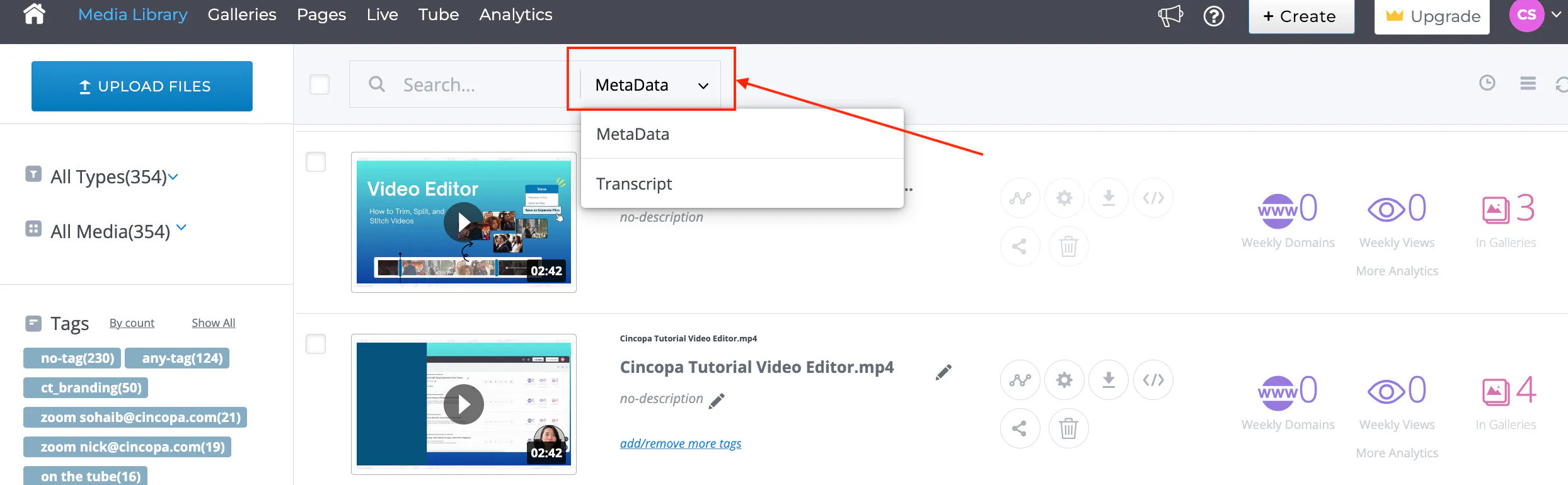
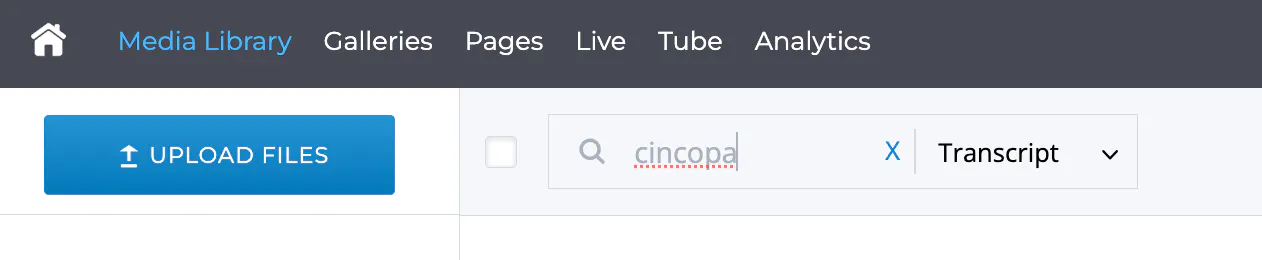
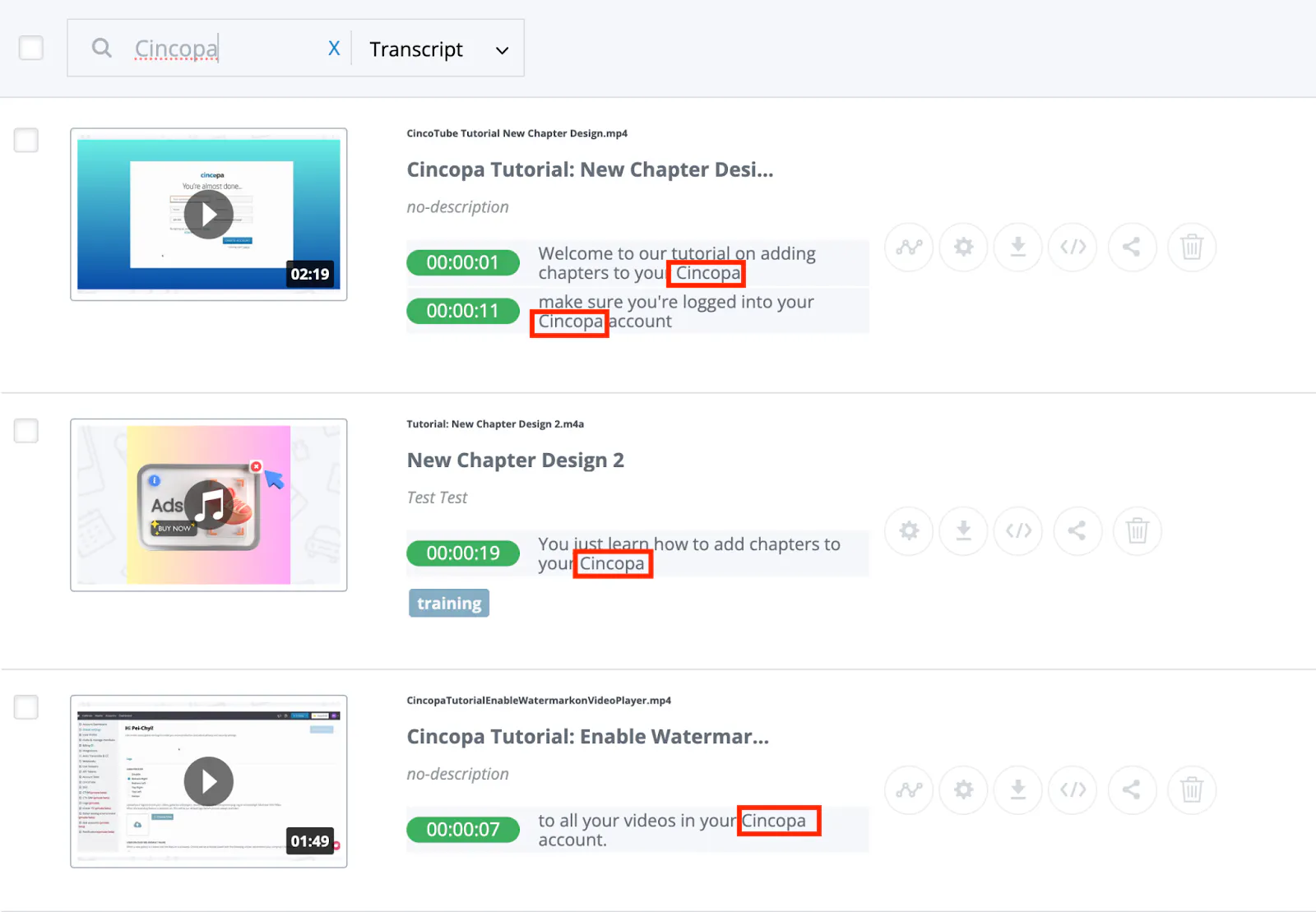
This article explains how the in-video search works. With the new in-video search feature, users can type in keywords to quickly find the asset they need in the Media Library. Users can search within (1) metadata OR (2) video transcript using keywords to pull up a list of media files that contain the search query.
[ht_message mstyle="alert" title="" show_icon="true" id="" class="" style="" ]1. Only the exact word or phrase match can now be used in the search. For example, if you type in 'Cinco' instead of 'Cincopa', you’ll not be able to find results of the videos that contain the 'Cincopa' in the MetaData or Transcript.
2. The search can be done either in MetaData or Transcript, but not both.
3. In-video search is available for videos and audios with closed captions. You can use our automated captioning feature to make your videos searchable.[/ht_message]