How to Audit a Scattered Knowledge Base Before You Consolidate It

Before moving knowledge into a new system, establish what exists, which answers deserve trust, and who will improve them. Start with collections, inspect priority content, and turn findings into an actionable backlog.

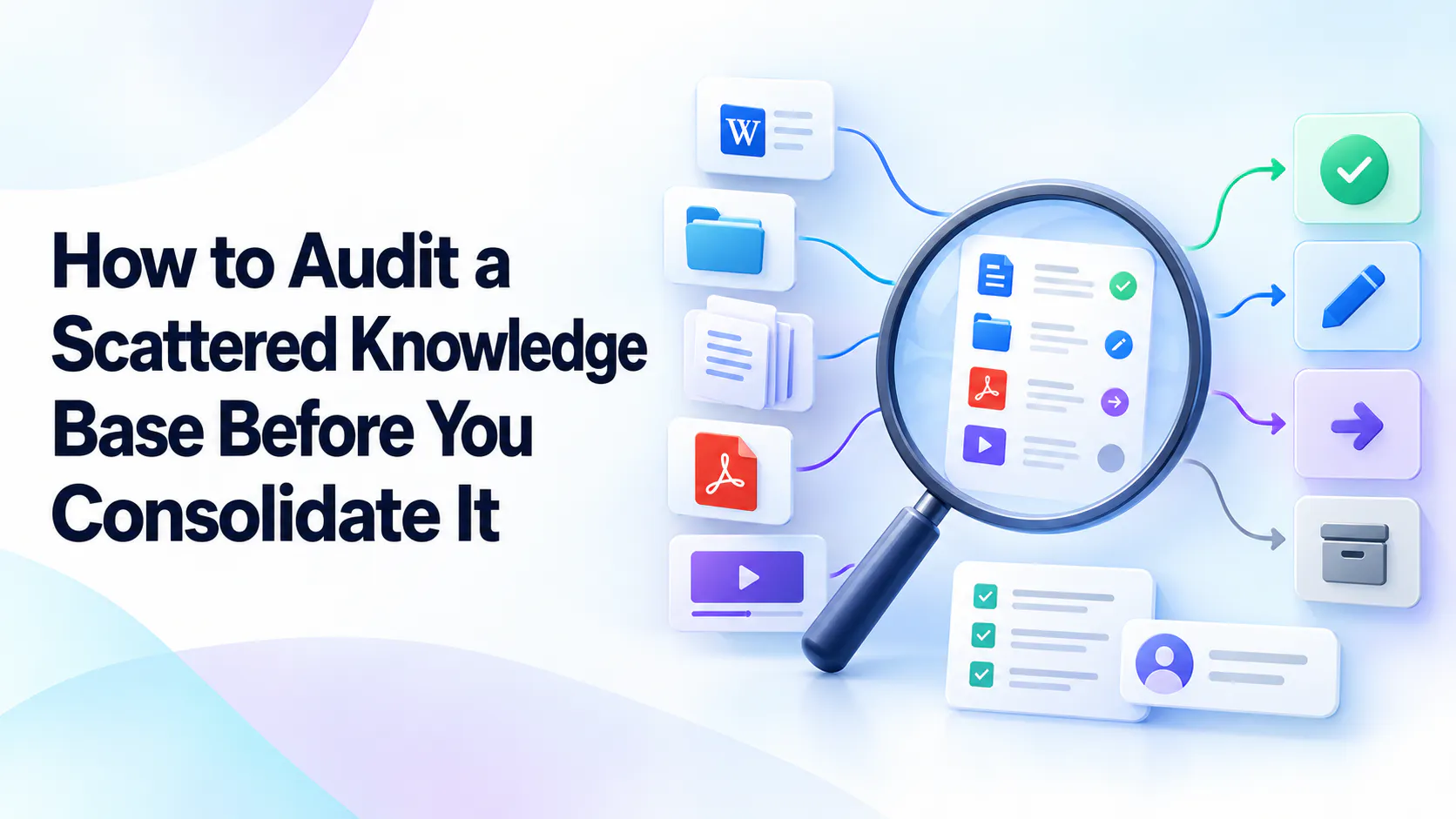
A magnifying glass reviewing documents, folders, PDFs, and recordings for keep, update, migrate, or archive decisions.

Start by defining what the audit needs to answer

A knowledge audit should help a team make decisions before it moves content. Where does useful guidance live? Which source should employees trust? What needs correcting, who can verify it, and what should happen next? Without those questions, an inventory can become a long list of files with little practical value.

Define an initial scope around a team, workflow, or business need. “Support onboarding and escalation guidance” is easier to assess than “all company knowledge.” Record excluded areas so nobody mistakes a focused review for a complete organizational audit.

Throughout this article, consider a clearly hypothetical support team reviewing its wiki, shared-drive procedures, and onboarding recordings. Its goal is to identify dependable guidance for new agents before choosing what to consolidate. It is not yet moving every file or retiring tools.

Find the places where knowledge actually lives

Start with formal systems: wikis, intranets, document repositories, and help portals. Then ask employees which resources they actually use. Shared folders, pinned chat messages, personal documents circulated among colleagues, PDFs, slide decks, and recorded training may contain essential instructions that the formal directory overlooks.

Use recent employee questions to make interviews concrete. Ask someone to show how they found the last escalation procedure they needed, or which link they send to new hires. Follow the path they demonstrate rather than relying only on a list supplied by system administrators.

Respect access permissions during discovery. Ask an authorized owner to describe restricted collections instead of copying their contents into a broadly shared spreadsheet. Even a title or source link may reveal sensitive information; agree what the audit record can safely expose.

Build a source-level inventory first

Begin with a collection, folder, workspace, or channel as the unit of review. This establishes boundaries, likely owners, and areas of concern without demanding an immediate inspection of every item. Break important collections into individual records when their risks or decisions differ.

The following rows describe the hypothetical support team. They are starting assessments to investigate, not completed findings.

Hypothetical source inventory

Source or collection
Topics and audience
Owner status
Evidence of use
Quality concern
Initial action
Team wiki
Escalation; support agents
Support manager
Links shared in team questions
Conflicts with drive copy
Update
Shared-drive procedures
Case handling; agents
Owner to confirm
Referenced by ticket templates
Duplicate instructions
Migrate after verification
Onboarding recordings
Training; new starters
Training lead
Included in onboarding checklist
Old contact details
Update
Legacy intranet
Retired process; employees
Operations lead
No current use confirmed
Superseded content
Archive after checks
Team wiki
Topics and audience
Escalation; support agents
Owner status
Support manager
Evidence of use
Links shared in team questions
Quality concern
Conflicts with drive copy
Initial action
Update
Shared-drive procedures
Topics and audience
Case handling; agents
Owner status
Owner to confirm
Evidence of use
Referenced by ticket templates
Quality concern
Duplicate instructions
Initial action
Migrate after verification
Onboarding recordings
Topics and audience
Training; new starters
Owner status
Training lead
Evidence of use
Included in onboarding checklist
Quality concern
Old contact details
Initial action
Update
Legacy intranet
Topics and audience
Retired process; employees
Owner status
Operations lead
Evidence of use
No current use confirmed
Quality concern
Superseded content
Initial action
Archive after checks

Keep the visible inventory compact, with detailed fields available in each record: source link, formats, access restrictions, last verified date, dependencies, destination if applicable, and next review date. Distinguish “not checked” from “accurate” so an empty field cannot quietly become approval.

Give every collection a stable identifier. That lets owners connect detailed findings and backlog tasks to the original source without maintaining several disconnected copies of the same inventory.

Inspect high-use and high-risk content in more detail

Prioritize essential procedures, onboarding guidance, frequently requested answers, and instructions where an error could have significant consequences. A rarely opened recovery runbook may be more important than a popular general introduction. Low recorded traffic does not automatically mean low value.

Evaluate accuracy against the current process, completeness of prerequisites and steps, findability, relevance to the audience, ownership, accessibility, and permissions. Check whether a reader can understand the expected result and knows when to escalate. A recent edit date may reflect a wording change rather than a meaningful accuracy review.

When analytics are unavailable, interview employees, review recurring questions, and observe task walkthroughs. Record the evidence and its limits. “Three new starters could not find the approval form during walkthroughs” is more useful than an unsupported label such as “poor discoverability.”

  • Record the source, audience, and supporting evidence.
  • Confirm accuracy with a responsible owner.
  • Check permissions, accessibility, and dependencies.
  • Assign an action, prerequisite, and completion condition.

Identify duplicates and conflicting answers

Separate exact copies from overlapping guidance and genuine contradictions. An exported copy may repeat a wiki page exactly. Two guides may cover different stages of the same workflow. Contradictory instructions tell the same audience to take incompatible actions under the same conditions.

Ask the responsible subject expert to establish authority. Do not assume the newest document is correct; a recent copy may reproduce an older mistake. Check process approvals, applicable roles, and whether the instructions work in the current environment.

In the hypothetical team, the wiki and drive folder name different escalation contacts. The support manager confirms the current route and identifies an exception for restricted cases. The audit records which content should merge, which source becomes authoritative, and which copies need superseded notices. It also records references from onboarding checklists and ticket templates before any copy is removed.

Assign a decision: keep, update, migrate, or archive

Use a small decision vocabulary so owners can understand what each record requires. A useful source does not need to move simply because it appears in the inventory. Conversely, moving inaccurate content does not make it trustworthy.

Decision guide

Action
When it applies
Required checks
Example
Keep
Useful, accurate content belongs where it is.
Confirm owner, access, discovery, and review date.
Retain a controlled runbook in its specialist system.
Update
Content needs correction or completion.
Owner verifies changes against the current process.
Correct an escalation route and its exception.
Migrate
Worthwhile content belongs in the agreed destination.
Check quality, permissions, links, dependencies, and ownership.
Move verified case-handling guidance from the drive.
Archive
Material is superseded or no longer relevant to active work.
Check retention, dependencies, replacement, and access.
Archive the retired intranet procedure.
Keep
When it applies
Useful, accurate content belongs where it is.
Required checks
Confirm owner, access, discovery, and review date.
Example
Retain a controlled runbook in its specialist system.
Update
When it applies
Content needs correction or completion.
Required checks
Owner verifies changes against the current process.
Example
Correct an escalation route and its exception.
Migrate
When it applies
Worthwhile content belongs in the agreed destination.
Required checks
Check quality, permissions, links, dependencies, and ownership.
Example
Move verified case-handling guidance from the drive.
Archive
When it applies
Material is superseded or no longer relevant to active work.
Required checks
Check retention, dependencies, replacement, and access.
Example
Archive the retired intranet procedure.

Actions can occur in sequence. Record one primary decision and any prerequisite: “Migrate after the support owner verifies the escalation exception.” If the correct destination is undecided, mark it unresolved rather than inventing a location just to complete the row.

Archiving should distinguish historical records from active instructions. Agree retention requirements, access, labeling, and how employees will reach the replacement. Deletion is a separate decision and should not follow automatically from an archive recommendation.

Audit recordings and supporting documents alongside written pages

Review whether recordings still show the current process, permissions, and interface. Inspect the useful explanation rather than judging only the recording date. Related PDFs and slides may contain different instructions, so assess the collection together and record any contradictions.

Retain a useful recording when its guidance remains valid. Improve its title and description, add chapters where supported, or create a short written summary that points to the relevant explanation. Replace obsolete guidance when a disclaimer cannot adequately prevent readers from following incorrect steps.

For the hypothetical team, an onboarding recording still explains the reasoning behind escalation, but its contact details are outdated. The audit separates the reusable explanation from the obsolete instruction and assigns an owner to decide whether to replace the segment or recording.

Cincopa is one example of a platform for organizing video and supporting materials into knowledge collections. It can be relevant when planning how recorded knowledge will be presented. This does not imply automatic auditing, importing, or synchronization of all external sources.

Turn the inventory into an actionable backlog

Translate findings into assigned work. Each decision needs an owner, priority, next action, target date, and completion condition. Separate urgent corrections that protect current users from lower-priority cleanup that can wait for a consolidation phase.

Illustrative action backlog

Item and priority
Owner
Next action
Target
Completion condition
Escalation conflict — urgent
Support manager
Confirm route and exception
Week 1
Owner approves one authoritative answer.
Drive procedures — next
Support operations
Verify content and map dependencies
Week 2
Destination and access checks accepted.
Onboarding recording — next
Training lead
Review obsolete contact guidance
Week 2
Replacement plan approved; current users warned.
Legacy intranet — later
Operations lead
Check retention and incoming links
Week 4
Archive disposition approved and replacement identified.
Escalation conflict — urgent
Owner
Support manager
Next action
Confirm route and exception
Target
Week 1
Completion condition
Owner approves one authoritative answer.
Drive procedures — next
Owner
Support operations
Next action
Verify content and map dependencies
Target
Week 2
Completion condition
Destination and access checks accepted.
Onboarding recording — next
Owner
Training lead
Next action
Review obsolete contact guidance
Target
Week 2
Completion condition
Replacement plan approved; current users warned.
Legacy intranet — later
Owner
Operations lead
Next action
Check retention and incoming links
Target
Week 4
Completion condition
Archive disposition approved and replacement identified.

The example dates below are relative planning targets for the hypothetical team, not an implementation promise. Owners should accept them and adjust them to the review effort required.

Validate important decisions before moving content: have the owner confirm accuracy, check destination access with an intended reader, and verify dependencies. Migration completion alone does not establish that an employee can find or apply the answer. Completion conditions should describe the usable result.

Test the audit against real employee tasks

Choose representative questions such as “How do I escalate a restricted case?” or “Which onboarding procedure applies to my role?” Ask intended users to find the source, open it with their normal permissions, identify its authority, and explain the next action.

Observe rather than guiding them toward the answer. A failed task may reveal an overlooked folder, an inaccessible attachment, unfamiliar wording, or a mistaken assumption about which source matters. Add those findings to the inventory and revise priorities where necessary.

In the hypothetical team, a new starter finds the wiki but follows an old link to a drive copy. That test shows why the audit must capture incoming links and dependencies, not just the quality of the destination page. Recheck the task after the owner resolves the conflicting route.

Frequently asked questions

Do we need to audit every document before consolidating?

No. Inventory collections first, then inspect priority content in detail. Record the unreviewed scope and avoid treating a sampled collection as fully verified.

How do we audit content without usage analytics?

Use employee interviews, recurring questions, shared links, and observed task walkthroughs. Record what the evidence supports and where uncertainty remains.

What should we do when a source has no owner?

Assign a temporary accountable team to investigate ownership and risk. Do not label the source authoritative until someone qualified accepts responsibility for verification.

How do we choose between conflicting versions?

Ask the responsible subject expert to check the current process, intended audience, and approved exceptions. Confirm the authoritative version and document what should happen to competing copies.

Should outdated content be deleted or archived?

Assess retention obligations, dependencies, and historical value first. Remove superseded material from active use with clear labeling and replacement links; approve deletion separately when appropriate.

What should the completed audit deliver?

A scoped inventory, evidence-based decisions for priority sources, unresolved risks, named owners, and a prioritized backlog with next steps and completion conditions.

A practical takeaway

The audit is complete enough to begin consolidation when priority sources have evidence-based decisions, owners, and clear next steps. Keep unresolved questions visible, correct urgent problems early, and maintain the backlog as work proceeds. The useful output is a set of decisions people can act on.