Turn product onboarding videos into answerable product knowledge
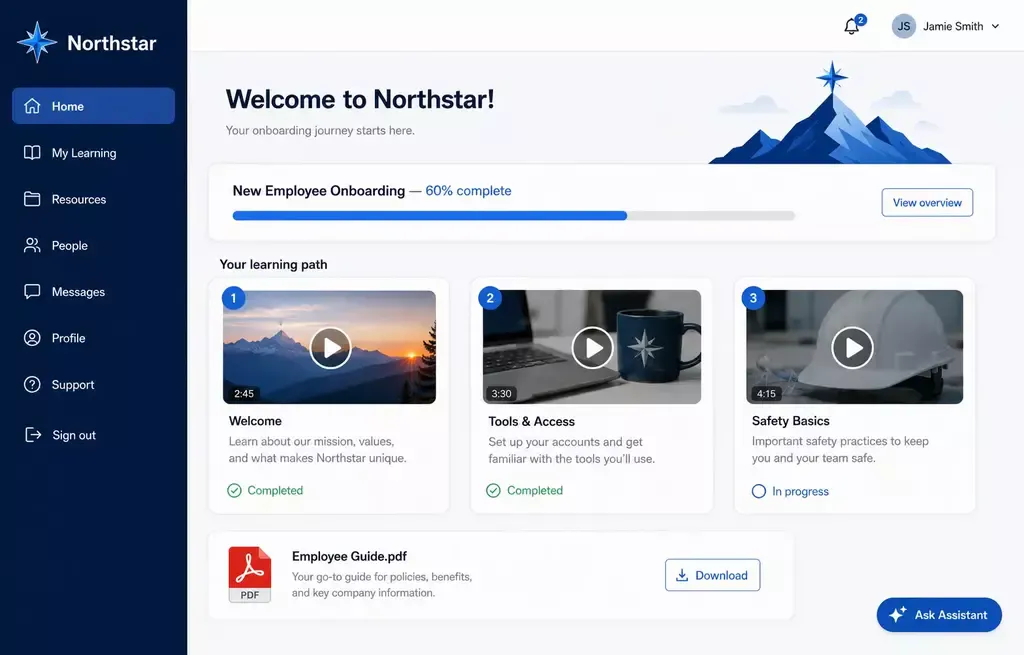
Product onboarding videos help new users understand setup, first workflows, product concepts, and the actions that lead to first value.
Cincopa helps product education and customer enablement teams publish existing videos and documents through embedded Galleries or branded Pages, then make the library searchable and askable with VideoGPT.
Parent solution Product Education
Onboarding path
Product onboarding videos help users understand the product while they are trying to use it
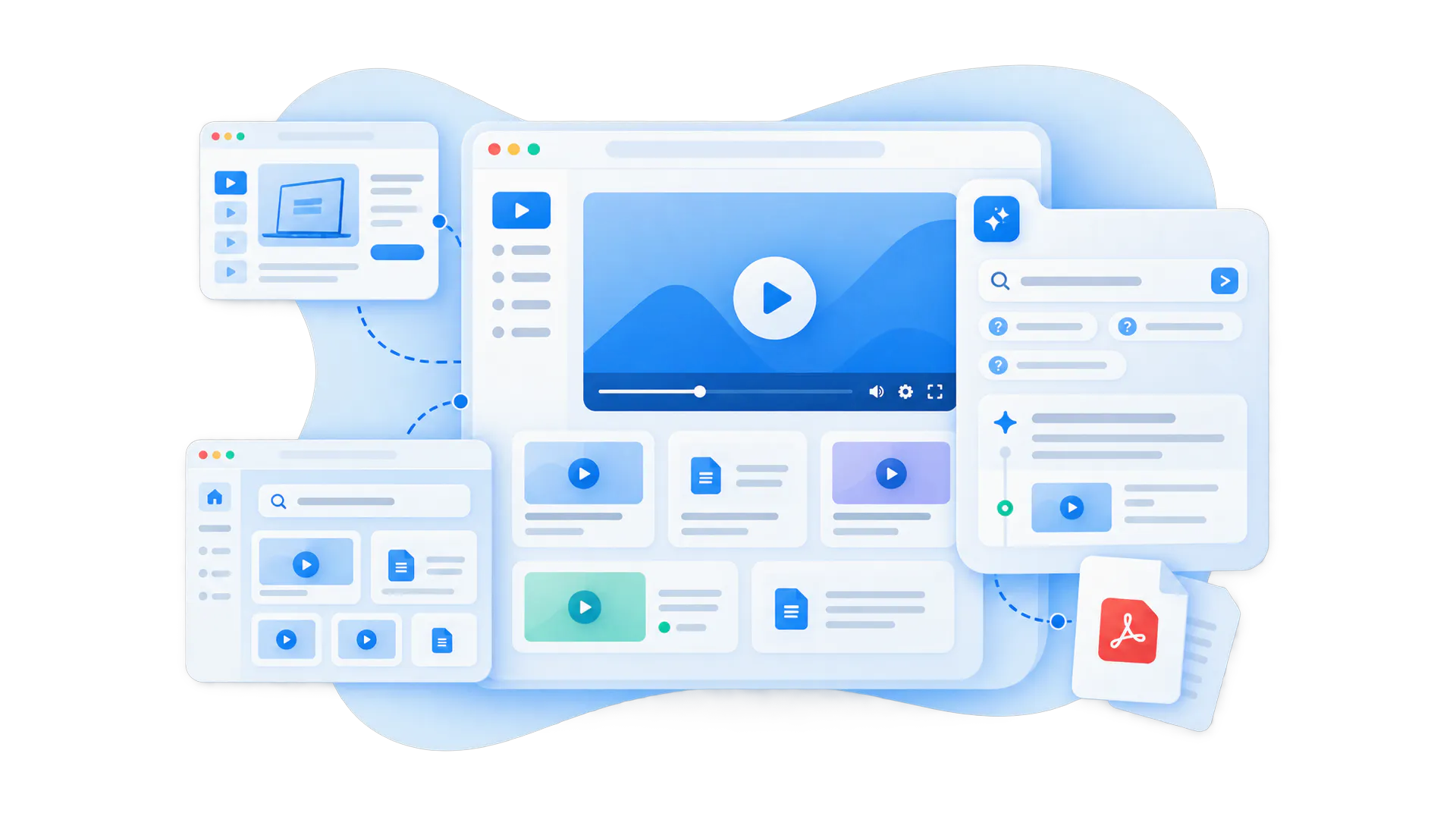
Control what belongs together, how it appears, where it is used, and who can access it.
A product onboarding video library explains how to set up the product, understand the first workflow, use important features, avoid common mistakes, and know what to do next. It can support new customers, new users inside an existing account, trial users, admins, partners, or internal teams who need to learn a product quickly.
The strongest version is not just a playlist of tutorials. It is a structured product education layer that combines videos, supporting documents, release notes, workflow guidance, and AI answer retrieval so users can find the right answer without watching every video from the beginning.
Best fit for
- Product education teams explaining product workflows
- Customer enablement teams reducing repeated onboarding calls
- Product-led teams guiding users from signup to first value
- Software, healthcare, manufacturing, or public-sector products with complex workflows
Onboarding breaks when product knowledge is scattered across videos, docs, and live calls
Bring related videos and documents together, shape how people explore them, and deliver the collection inside the systems they already use.
Users do not know where to start
New users may have access to tutorials, help articles, and release notes, but they still need a clear path from setup to first useful outcome.
Live onboarding repeats the same explanations
Customer success and product teams end up teaching the same first workflows again and again instead of improving the education experience.
Long videos hide short answers
A user may only need one answer, one step, or one workflow moment. Without AI-guided retrieval, they have to guess which video to open.
Docs and videos live apart
Setup guides, PDFs, help articles, walkthrough videos, and update notes become separate assets instead of one usable knowledge layer.
Product updates are hard to explain
New features and workflow changes need repeatable education, especially when users learn inside product pages, help centers, or onboarding flows.
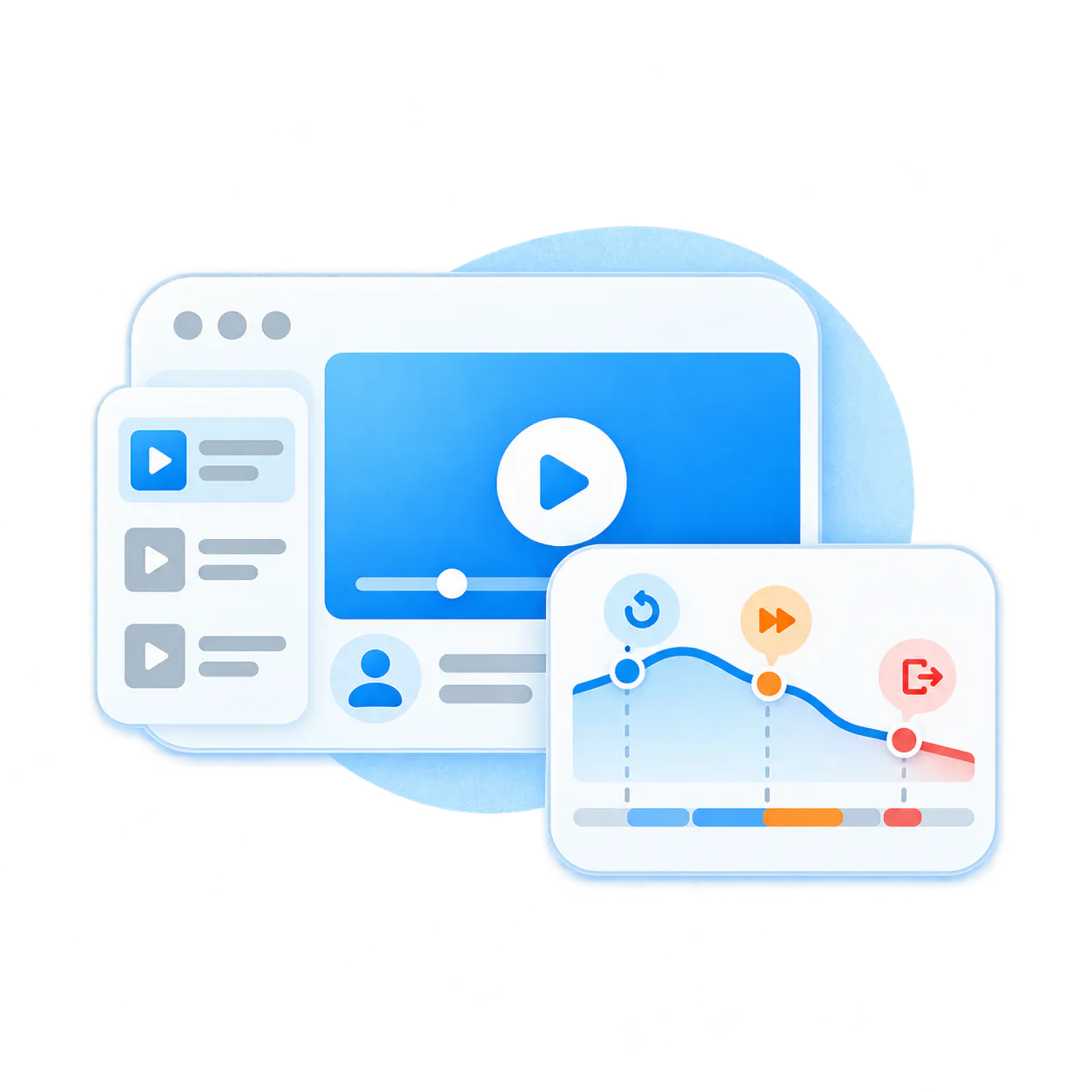
Teams guess what content is missing
Traditional feedback forms rarely show the full picture. Real questions reveal where users are confused and what onboarding content should be improved.
Publish the product knowledge you already have, then improve from what users ask
Cincopa does not force teams to rebuild product education from scratch before they get value. Start with existing onboarding videos, walkthroughs, webinars, documents, and guides. Publish them in a focused product education environment, make them answerable with VideoGPT, then use real question patterns to decide what to create next.
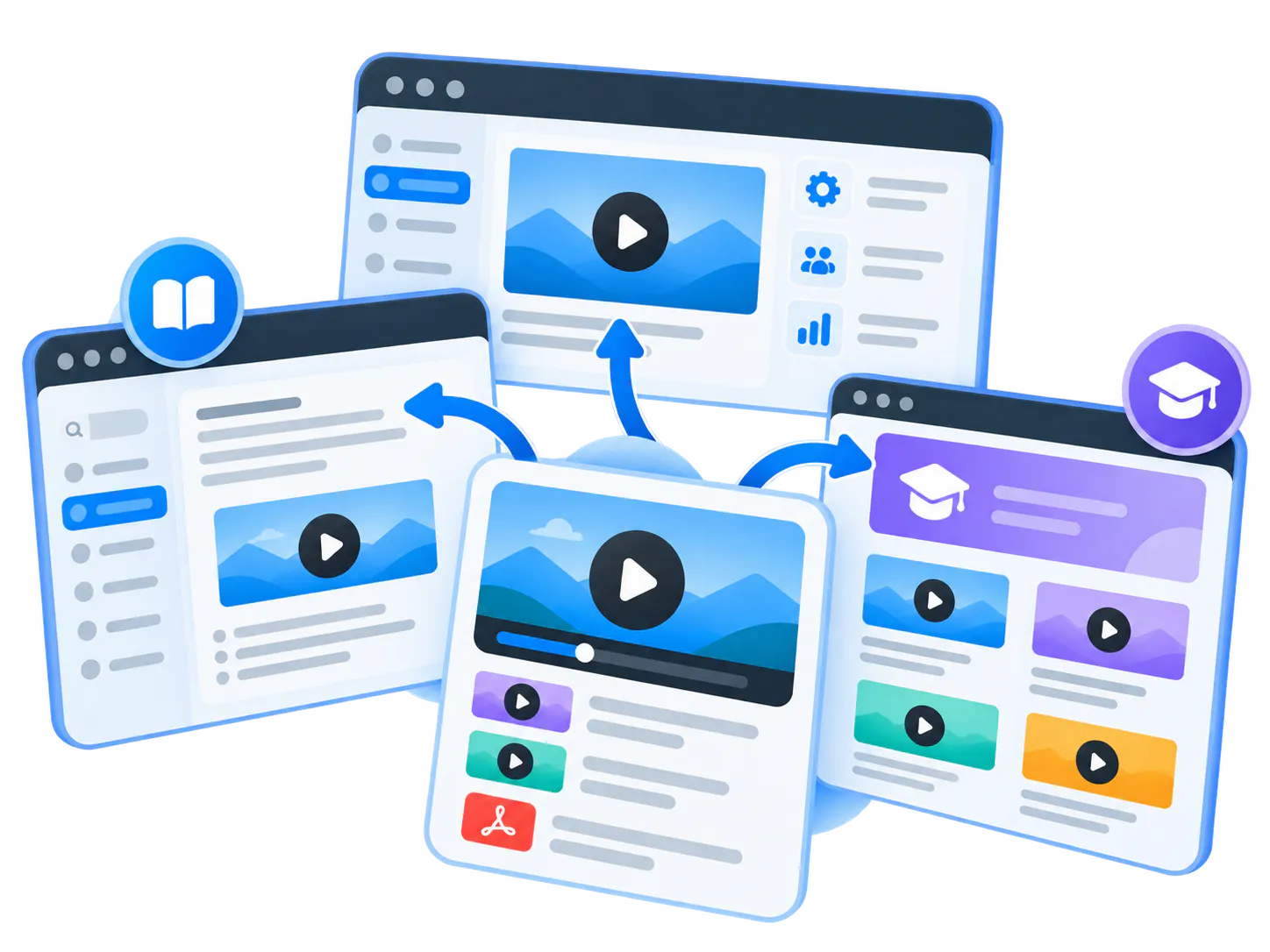
Create embedded onboarding galleries
01
Group videos by setup step, feature, workflow, role, or customer segment and embed them where users already look for help.
Pair video with documents
02
Keep walkthroughs, PDFs, quick-start guides, release notes, and other supporting materials together in one education layer.
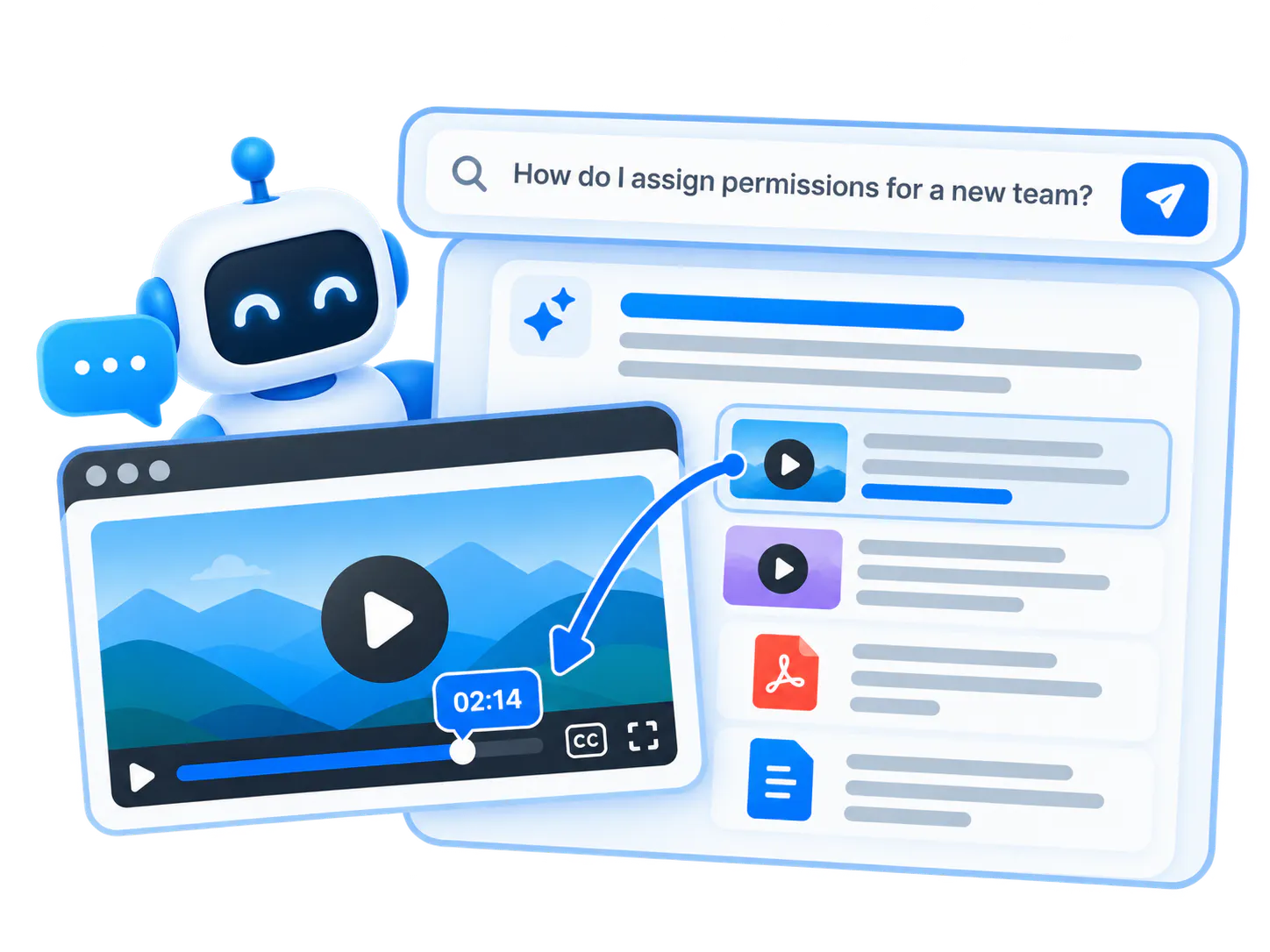
Let users ask across the library
03
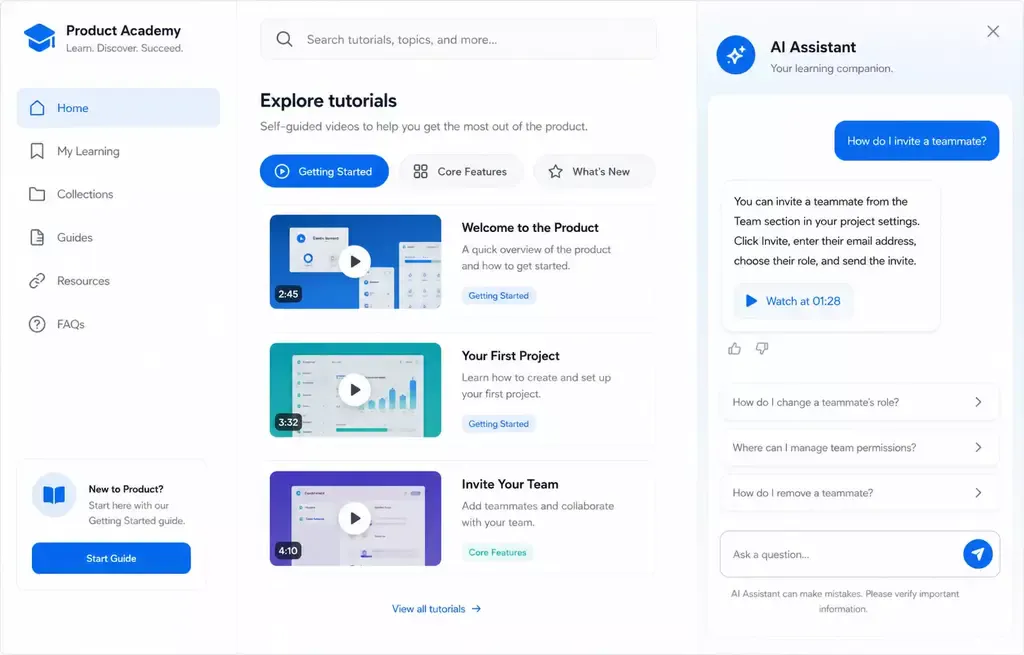
VideoGPT helps users ask natural questions and jump to the right video moment or document instead of browsing every tutorial.
Turn gaps into a content roadmap
04
Repeated questions, weak answers, and failed searches show where onboarding needs another explanation, better structure, or new content.
Pages vs. Tube
Choose between a standalone destination page and a multi-channel video portal.
Pages are stronger when
One team needs one branded, hosted, measurable destination and a flatter structure is enough.
Tube is stronger when
The audience needs channel-based navigation, ongoing portal behavior, deeper permissions, and a knowledge environment that keeps expanding without becoming a mess.
Start with one product area, not a company-wide academy
Product onboarding is strongest when the first rollout is specific. Choose one product, one role, one workflow, or one onboarding surface. Publish the existing assets, make them easy to find, and expand after the first onboarding experience proves value.
Galleries
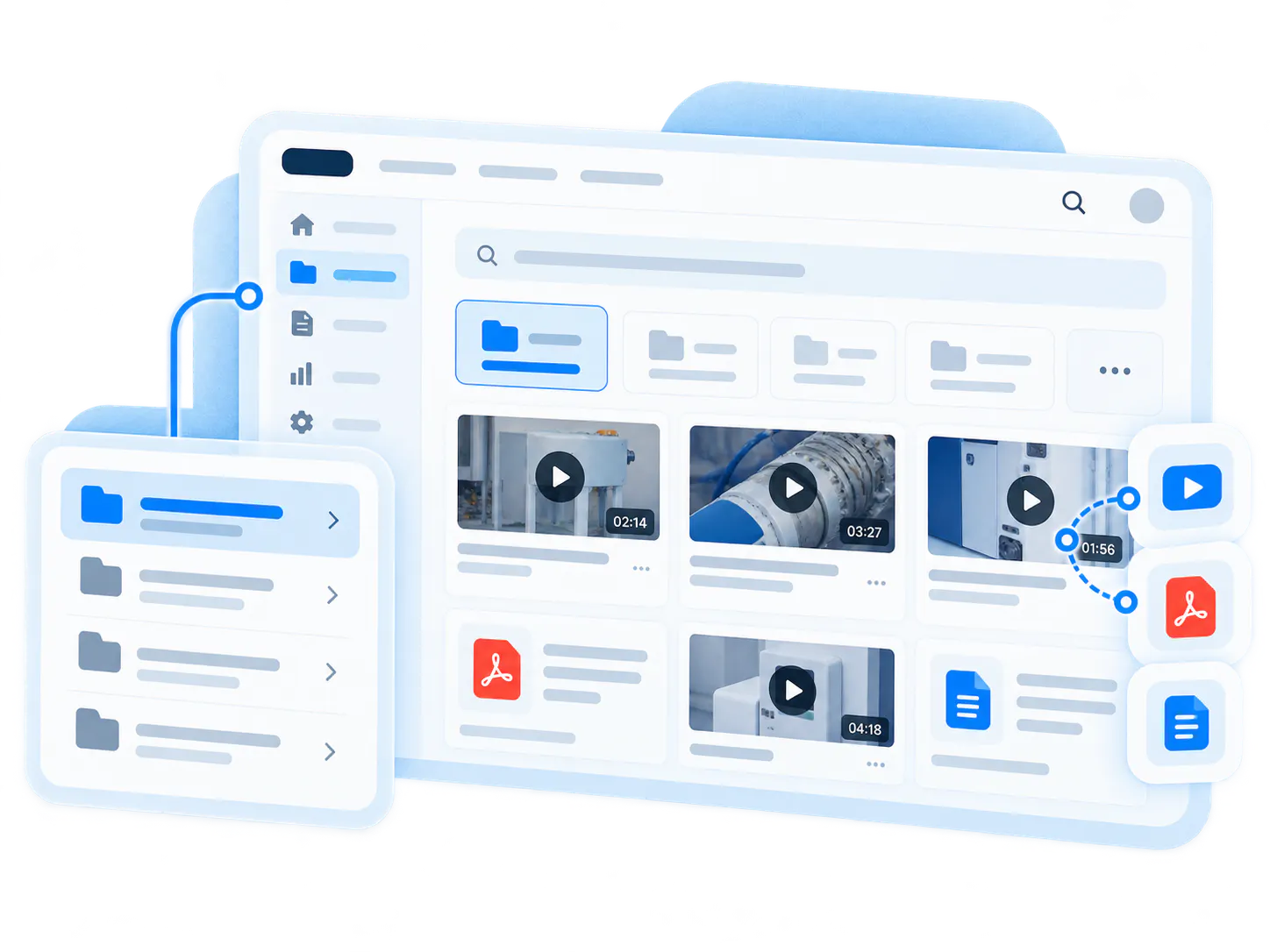
Best for embedded onboarding libraries inside product pages, documentation, support articles, and customer success resources.
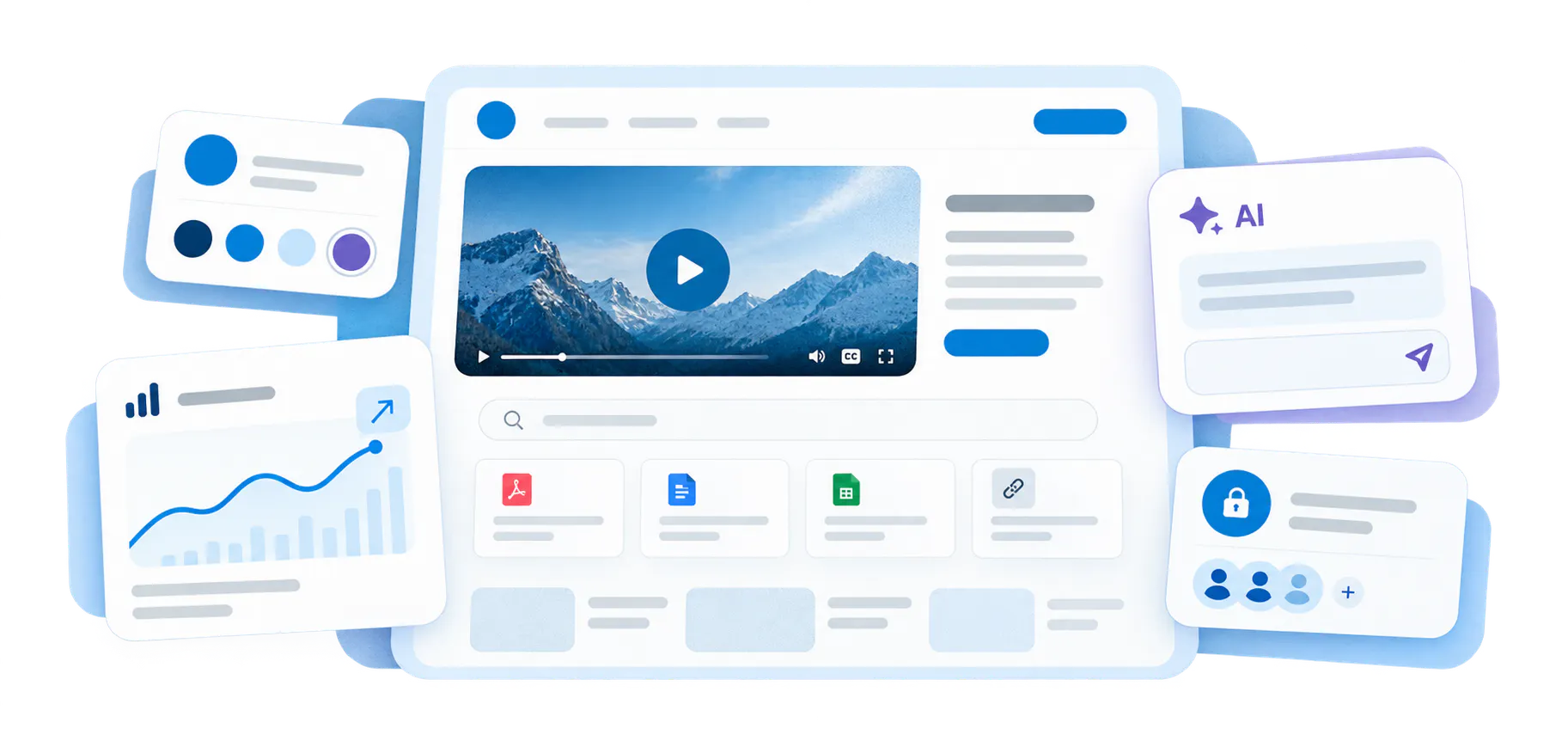
Pages
Best for branded onboarding destinations, quick-start centers, campaign-specific education pages, or focused product rollout hubs.
VideoGPT
Best for answer retrieval across onboarding videos and documents, exact-moment jumps, and insight into questions users keep asking.
Proven by product education deployments, not generic video hosting
This use case sits inside the Product Education solution. It is for teams that need product knowledge to appear where users are learning the product, not only inside a separate media library.
Leidos
Leidos validates the product education pattern with embedded galleries, attached documents, onboarding tutorials, workflow explanations, software updates, and role-based training across a large product education environment.
Verily
Verily validates the distributed version of this model, where product knowledge is embedded across product UI, documentation, LMS environments, internal systems, and development workflows instead of living in one destination.
Where to go next
Product Education
Video Training Portals
Support & Troubleshooting
Product onboarding video questions
Everything you need to know about organizing, embedding, and scaling reusable video-and-document galleries across your enterprise systems.
Product onboarding videos are short or structured walkthroughs that help users understand setup, key concepts, first workflows, important features, and next steps. They are usually part of a broader product education experience.
Product onboarding videos focus on helping users reach first value inside a product or workflow. Customer training videos can be broader and may include courses, certification, partner education, or deeper product mastery.
They can live in product pages, help centers, documentation, onboarding checklists, branded Pages, or embedded Galleries. The best placement is usually where the user is already trying to understand the product.
Yes. VideoGPT can help users ask questions across videos and documents, receive a grounded answer, and jump to the relevant video moment or supporting document.
No. A practical starting point is to publish the useful videos and documents you already have, make them searchable, and then improve the structure and missing content based on what users actually ask.
Help users reach first value without another repeated onboarding call
Start with one product area, one onboarding flow, or one workflow that users struggle to understand. Publish what you already have, make it answerable, and use real questions to improve the next version.