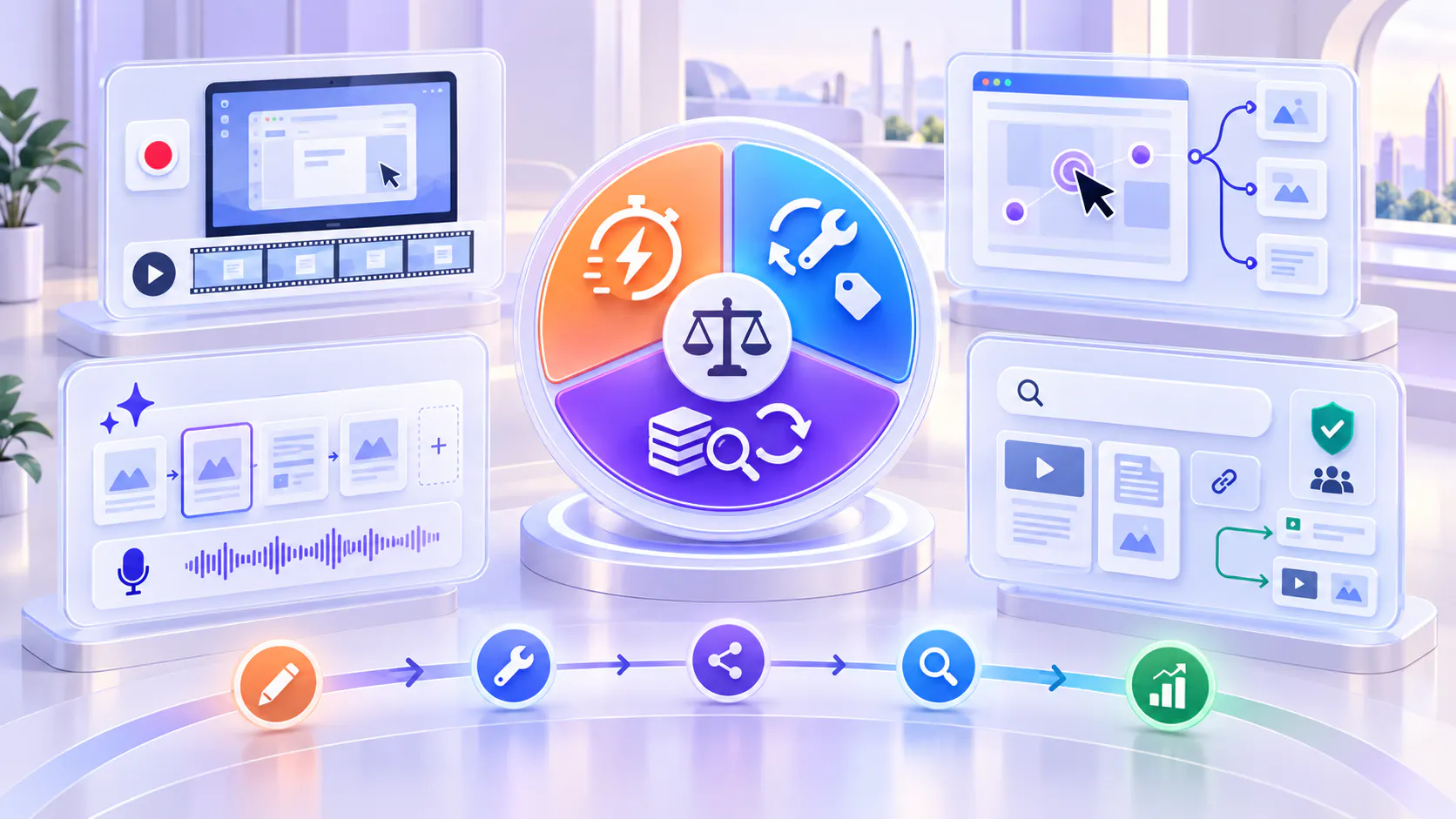
How to Choose a Product Walkthrough Tool: Creation Speed vs. Maintenance vs. Knowledge Reuse
A lifecycle guide to choosing between fast screen recording, AI-generated guides, interactive demos, and a persistent product knowledge layer.
Choose the creation method for the immediate walkthrough experience, then evaluate how the resulting knowledge will be maintained, distributed, discovered, governed, and reused.
Introduction
The fastest tool for creating a product walkthrough is not always the most efficient tool six months later.
A screen recording may be ready in minutes. An AI guide can turn a captured workflow into a polished explanation. An interactive demo can let users click through a controlled product experience. A video knowledge platform can organize the resulting walkthroughs, documents, and updates so people can find and reuse them after publication.
Each architecture solves a different problem. The right choice depends not only on how quickly the first walkthrough can be created, but also on what happens when the interface changes, the workflow branches, more teams need the same knowledge, or users begin asking questions the original walkthrough did not anticipate.
This guide compares product walkthrough tools across the complete content lifecycle: creation, editing, maintenance, distribution, discovery, governance, and knowledge reuse.
What is a product walkthrough tool?
A product walkthrough tool helps a team explain how a product, feature, or workflow works. Depending on the tool, the result may be a narrated screen recording, an AI-generated video guide, a clickable product simulation, or a structured library of walkthroughs and supporting documents.
The category is broad because “walkthrough” can describe several different user needs:
Show a process quickly to one person or team.
Create repeatable customer-facing product documentation.
Let a prospect explore a controlled product workflow.
Teach customers how features connect across a larger process.
Preserve walkthroughs so they can be searched, reused, governed, and improved over time.
A useful evaluation begins by separating the creation format from the knowledge system around it. A tool may be excellent at making one asset and still be incomplete for organizing hundreds of assets, connecting videos to documents, or helping users retrieve the right answer later.
The four main product walkthrough architectures
Most product walkthrough tools fit primarily into one of four architectures. Some products cross category boundaries, but their strongest workflow usually starts in one of these places.
Fast screen recording
Fast screen-recording tools capture the screen, microphone, camera, or a combination while the creator demonstrates a process. Loom is a familiar example of this model. Its current product experience emphasizes quick recording, link-based sharing, trimming, stitching, transcript-based improvements, annotations, and AI-generated titles, summaries, and chapters.
Best for: Rapid explanations, internal handoffs, customer follow-ups, bug reproduction, lightweight tutorials, and situations where the creator’s voice and context are important.
Creation advantage: The subject-matter expert can explain the workflow naturally while performing it, with minimal preparation.
Maintenance tradeoff: If the interface or sequence changes materially, the clearest fix may still be to rerecord part or all of the walkthrough. Editing can remove mistakes or update limited sections, but visual changes remain tied to the captured footage.
Reuse tradeoff: A recording can be shared and embedded widely, but a growing collection needs stronger organization, permissions, retrieval, and content-gap analysis if it is to become durable product knowledge.
AI-generated video guides
AI guide-creation tools capture a workflow and automate parts of scripting, narration, captions, highlights, branding, and visual editing. Guidde is an example of this architecture. Its public product positioning emphasizes turning expert workflows into video documentation with automated voiceover, captions, and highlights, then embedding guidance inside the tools people use.
Best for: Repeatable how-to documentation, standardized training, multilingual or synthetic narration, and teams that need consistent output without traditional video production skills.
Creation advantage: Automation reduces the manual work between performing a process and publishing a polished guide.
Maintenance advantage: Editable scripts and regenerated narration can make text or voice updates faster than rerecording a fully narrated video.
Maintenance tradeoff: When the underlying product screens or workflow change, the visual steps may still require recapture, reordering, or validation. AI reduces production work but does not remove the need for source accuracy and review.
Reuse tradeoff: The guide is easier to standardize, but organizations still need a plan for ownership, library structure, audience access, related documents, search, and lifecycle management.
Interactive product demos
Interactive demo tools turn product screens and actions into a controlled click-through experience. Arcade is an example of this model. Its public product and documentation pages describe creating product stories and interactive demos, editing scenes, embedding experiences, and using analytics to understand which parts of a demo attract attention.
Best for: Product marketing, self-guided evaluation, feature launches, sales follow-up, and onboarding moments where users should click through a curated workflow.
Creation advantage: The creator can build a guided experience without exposing a live environment or requiring the viewer to obtain product access.
Maintenance advantage: Individual steps, prompts, and flows may be edited without reproducing a continuous narrated recording.
Maintenance tradeoff: Captured screens and interactions can become outdated as the interface changes. Complex branching increases the number of paths that must be reviewed and maintained.
Reuse tradeoff: An interactive demo can be embedded across channels, but it is optimized for guided exploration rather than open-ended knowledge retrieval across many videos and documents.
Post-creation knowledge organization
A post-creation knowledge platform begins after—or alongside—walkthrough creation. It organizes feature videos, workflow demonstrations, webinars, supporting documents, update notes, and related assets into a persistent knowledge environment.
Cincopa fits this architecture as a Video Knowledge Platform. Teams can create recordings with RecTrace or other tools, publish them through Galleries, Pages, or Tube, and use VideoGPT to let users ask across approved video and document collections, receive grounded answers, and navigate to the relevant moment in a video.
Best for: Product education programs, feature walkthrough libraries, customer training, release education, support, and organizations that need to reuse knowledge across multiple audiences and channels.
Creation tradeoff: This layer does not replace specialist guide authoring or interactive-demo creation. Its value is in activating, structuring, distributing, retrieving, and improving knowledge after assets exist.
Maintenance advantage: Teams can update the library, replace or add assets, connect supporting documents, control access, and reuse the same approved knowledge across different experiences.
Reuse advantage: Walkthroughs become part of an answerable knowledge system rather than isolated links. Real questions can reveal which content is missing, weak, or outdated.
Why creation speed is only the first cost
Creation speed is easy to compare because it is visible: how long does it take to record, edit, brand, and publish the first walkthrough? The larger cost appears later.
Every walkthrough accumulates maintenance obligations:
Product screens change.
Navigation labels move.
Steps are added, removed, or reordered.
Permissions and audience needs evolve.
Narration or captions require correction.
The same explanation is requested by sales, support, onboarding, and product teams.
New documents, release notes, or policy guidance must be connected.
Users ask questions that the original walkthrough does not answer.
A tool that saves ten minutes at creation but requires a complete rebuild for every small product change may be more expensive than a slower tool with modular editing. Likewise, a tool that produces a polished asset but leaves it isolated in a folder may create a discovery and reuse problem later.
Evaluate update cost before you buy
Ask the vendor to demonstrate an update, not only the initial creation workflow. Use a realistic change: rename a menu item, replace one screen, add a step, change the voiceover, update a caption, and republish without breaking existing embeds or links.
Evaluate these maintenance questions:
Can one step or scene be replaced independently?
Can narration be edited without recording a new voice track?
Can captions and transcripts be corrected?
Can existing URLs and embeds remain stable after an update?
Can the team see which walkthroughs use an outdated screen or message?
Can owners and reviewers be assigned?
Can older versions be identified or restored?
Can updates be distributed across multiple destinations without duplicating the asset?
The answers reveal the tool’s real architecture. Continuous screen recordings, modular scenes, generated scripts, and library-based publishing behave differently when change arrives.
Evaluate knowledge reuse, not just sharing
Sharing answers the question, “Can I send this walkthrough somewhere?” Knowledge reuse answers a harder question: “Can different audiences find, trust, and apply the knowledge later without asking the creator again?”
A walkthrough becomes reusable knowledge when it can be:
organized by product, feature, workflow, role, or customer goal
embedded in product pages, help centers, portals, emails, and training environments
paired with PDFs, release notes, guides, or other supporting material
protected with the appropriate audience and access controls
searched beyond the title and description
retrieved through questions across an approved collection
linked back to the source and relevant video moment
measured to reveal repeated questions and knowledge gaps
updated once and reused without creating competing copies
This is where a product walkthrough library differs from a folder of recordings. The library is designed not only to store media, but to shorten time to knowledge and keep the same approved explanation useful across the customer lifecycle.
A lifecycle comparison of the four architectures
Use the following decision lens rather than looking for one universal winner.
Fast screen recording
Strongest dimension: Speed and human context.
Typical update method: Edit small issues or rerecord changed visual sequences.
Long-term risk: A large number of standalone links and recordings can become difficult to govern and retrieve.
Choose it when: The immediate explanation matters more than building a formal, long-lived knowledge asset.
AI-generated guide creation
Strongest dimension: Standardized production with automated scripting, narration, captions, and highlighting.
Typical update method: Edit generated text or narration and recapture visual steps when necessary.
Long-term risk: Fast creation can produce more content than the organization is prepared to review, organize, and maintain.
Choose it when: The team needs repeatable documentation output and wants to reduce manual editing work.
Interactive demos
Strongest dimension: Controlled, hands-on product exploration.
Typical update method: Replace screens, prompts, scenes, hotspots, or branches.
Long-term risk: Branching experiences and captured interfaces create multiple paths that must stay current.
Choose it when: The user must experience a workflow rather than only watch or read about it.
Knowledge organization and retrieval
Strongest dimension: Reuse, distribution, permissions, search, question answering, and improvement across a collection.
Typical update method: Replace, add, reorganize, or reconnect approved assets while preserving the broader knowledge experience.
Long-term risk: The platform still depends on accurate source content and clear ownership; retrieval cannot repair outdated instructions.
Choose it when: Walkthroughs must remain useful across products, audiences, teams, and customer lifecycle stages.
How to choose the right product walkthrough stack
Most mature programs use more than one layer. Choose the creation method based on the walkthrough experience, then choose the knowledge layer based on how the content must be reused.
1. Define the user’s immediate action. Decide whether the user should watch, follow a generated explanation, click through a simulation, or ask a question across an existing collection.
2. Estimate the change rate. Identify how often the interface, steps, messaging, and supporting documents change. High-change workflows benefit from modular editing and clear ownership.
3. Calculate maintenance at library scale. Do not test only one walkthrough. Estimate the work required to review and update 50, 100, or 500 assets after a major release.
4. Map every destination. List the product pages, help-center articles, onboarding programs, customer portals, sales workflows, partner environments, and internal systems that need the content.
5. Define access boundaries. Separate public education from customer-only, partner, account-specific, or internal knowledge.
6. Decide how users will retrieve answers. Browsing works for small, well-labeled collections. Dense libraries may also need transcript search, natural-language questions, grounded answers, and exact-moment navigation.
7. Assign ownership before scaling creation. Define who approves, updates, archives, and measures each walkthrough. Faster authoring without governance accelerates content debt.
Recommended stacks by use case
One-off explanation or asynchronous handoff
Start with a fast screen recorder. Optimize for clarity and speed. Move the recording into a structured knowledge layer only if the explanation becomes reusable or repeatedly requested.
Repeatable product documentation
Use AI-assisted guide creation when consistent voiceover, captions, highlights, branding, and fast production matter. Pair it with a governed library when the number of guides begins to grow.
Buyer-facing product exploration
Use an interactive demo when prospects need to click through a controlled product story. Connect the demo to persistent product education so buyers and customers can learn beyond the curated flow.
Feature education across the customer lifecycle
Use the best creation tool for each asset, then organize approved feature videos, workflow walkthroughs, update notes, and documents in a product knowledge layer. This allows one body of knowledge to support onboarding, adoption, support, release education, and customer training.
How Cincopa fits into the walkthrough stack
Cincopa should not be evaluated as a universal replacement for Loom, Guidde, or Arcade. Each serves a different primary role.
Use a screen recorder when the priority is capturing an explanation quickly.
Use an AI guide tool when the priority is automating production and standardizing documentation.
Use an interactive demo platform when the priority is controlled, clickable product exploration.
Use Cincopa when the resulting videos and documents must become structured, reusable, searchable product knowledge.
Cincopa helps product education teams activate the walkthrough content they already have. Feature videos, workflow demonstrations, supporting documents, and update notes can be published through Galleries, Pages, or Tube. VideoGPT lets users ask questions across the approved collection, receive grounded answers, and jump to the relevant moment in a source video.
The insight loop then shows what to improve. Repeated questions, weak answers, and missing-content signals can guide the next update or new walkthrough. Structure becomes the improvement path, not a prerequisite for activating every useful recording.
Activate existing videos and documents → let users ask → identify gaps → improve from real questions
Product walkthrough tool evaluation checklist
Can subject-matter experts create content without a production team?
Can the tool update one step without rebuilding the full walkthrough?
Can scripts, narration, captions, and transcripts be edited separately?
Do existing links and embeds survive content updates?
Can the same asset be reused across multiple destinations?
Can videos stay connected to supporting documents and release notes?
Can access be controlled by audience?
Can users search or ask across the full approved collection?
Can answers return users to the supporting source or exact video moment?
Can analytics reveal not only viewing, but recurring questions and content gaps?
Can owners identify outdated content after a release?
Does the workflow remain manageable when the library grows?
Product walkthrough tool FAQs
Choose for the full lifecycle, not the first recording
The right product walkthrough tool is the one that matches both the immediate learning experience and the long-term knowledge responsibility.
Creation speed matters when a subject-matter expert needs to explain something now. Maintenance matters when the product changes next month. Knowledge reuse matters when sales, support, onboarding, partners, and customers all need the explanation in different places.
Choose the authoring architecture for the experience you need to create. Then choose the knowledge architecture for how that experience must be organized, governed, retrieved, and improved over time.
Cincopa helps teams take the next step: turn feature walkthroughs, workflow videos, update notes, and supporting documents into a searchable product knowledge layer that remains useful after the first share link is sent.
Turn product walkthroughs into reusable video knowledge
Organize feature walkthroughs, workflow videos, update notes and supporting documents into a searchable product knowledge layer that remains useful after the first share link is sent.