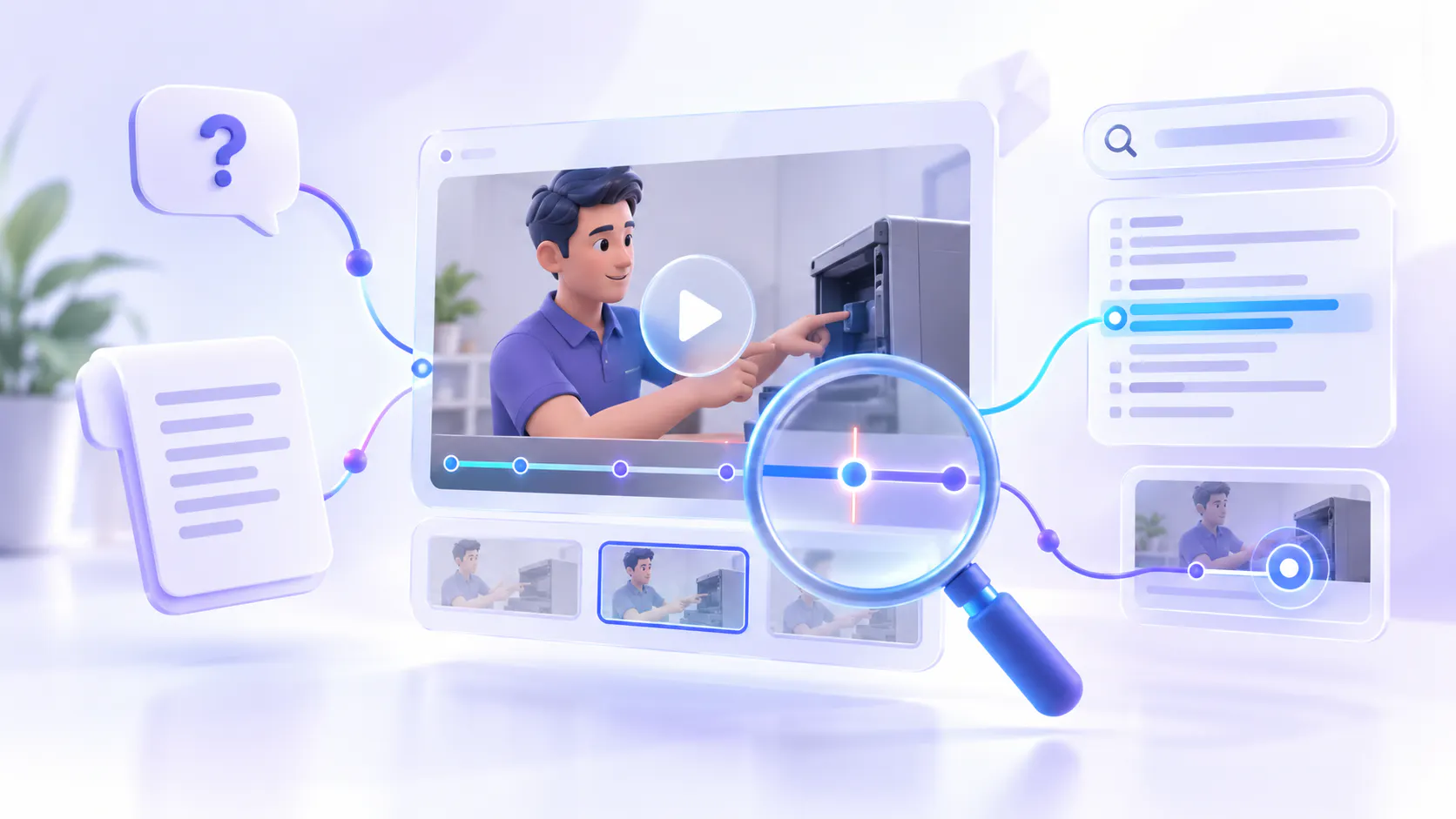
How to Make Technical Support Videos Searchable
Technical support videos can help customers understand setup processes, product features, and troubleshooting steps. However, these videos are only useful when customers can find the right information quickly.
If users must browse several folders or watch an entire video to locate one solution, they may contact the support team instead. Making support videos searchable helps users find answers using their own questions and move directly to the most relevant information.
Here are the main steps involved.
1. Give every video a clear title
The title should describe the exact problem or task covered in the video. Instead of using a broad title such as “Account Settings,” use something more specific, such as “How to Reset Your Password” or “How to Fix an SSO Login Error.” Clear titles help customers understand which video is relevant before opening it.
Video platforms such as YouTube, Vimeo, and Cincopa allow teams to add titles and descriptions to their videos. Include the product name, feature, or problem naturally, but avoid filling the title with unnecessary keywords.
2. Add transcripts and captions
Transcripts turn the spoken content of a video into text. This allows search tools to understand what is being discussed inside the recording, not just what appears in its title.
Captions also help customers follow technical instructions without relying only on audio. After generating captions automatically, review important product names, error codes, commands, and technical terms for accuracy.
Tools such as YouTube and Vimeo support automatic captions. Cincopa also supports video transcription and captions, which can help turn spoken explanations into searchable information.
3. Organize videos into useful categories
Support videos should be organized according to the way customers look for help. Useful categories might include installation, account access, integrations, common errors, configuration, security, and maintenance.
You can also organize videos by product, feature, device, or customer type. Keep the structure simple so users do not have to move through too many folders before finding the right content.
Cincopa Galleries can help teams group related support videos into collections. Other video platforms and knowledge-base tools can also use playlists, folders, or categories to organize support content.
4. Add descriptions and keywords
A short description helps explain what the video covers. It should include the problem, the product or feature involved, and what the customer will learn.
You can also include alternative words customers may use. For example, customers might describe the same problem as “login failed,” “cannot sign in,” or “authentication error.” Including these natural variations can make the correct video easier to discover.
Most video hosting and knowledge-base platforms allow teams to add descriptions, tags, and other information to videos.
5. Help users find the correct moment
Finding the right video is only the first step. Customers should also be able to reach the part of the video that contains the answer.
For longer videos, add chapters or timestamps for each major step. A 20-minute troubleshooting video might include separate sections for checking the problem, changing a setting, testing the solution, and contacting support.
Some platforms allow users to search a transcript or select a timestamp. Cincopa’s VideoGPT can let users ask questions across a video collection and direct them to a relevant video or moment when the source supports it.
6. Connect videos with support documents
A video may show how to complete a process, while a written article provides commands, settings, warnings, or links. Keeping these resources connected gives customers a more complete answer.
For example, a video about fixing an installation problem could be placed next to a troubleshooting checklist and the relevant product manual.
Knowledge-base platforms such as Zendesk, Help Scout, and Document360 can be used to publish written support articles. Video platforms such as Cincopa can be used to embed and organize the related videos within support pages.
7. Let users ask questions
Customers do not always know the title of the video they need. They usually arrive with a direct question, such as:
“Why can’t I log in?”
“How do I reconnect the integration?”
“Where can I change this setting?”
“What does this error code mean?”
An AI search or question-and-answer tool can help connect these questions with information inside support videos and documents.
Cincopa’s VideoGPT allows users to ask questions across an approved collection of videos and supporting documents. It can provide an answer based on that content and point the user toward the relevant source. This can be more useful than requiring customers to search each video separately.
8. Keep support videos current
Technical videos can become outdated when a product interface, feature, or process changes. Each video should show which product or version it covers and when it was last reviewed.
Remove or archive outdated videos when they are no longer useful. If customers still use an older product version, clearly label the related videos so they are not confused with current instructions.
A video management platform can make it easier to update or replace support content without rebuilding the entire support page.
9. Review what customers cannot find
Search data and customer questions can reveal gaps in the support library. If many users search for the same topic but do not find a useful answer, the company may need to create a new video or improve an existing one.
Cincopa’s VideoGPT Insights can help teams review the questions users ask and identify areas where the available content may not provide a clear answer. Support tickets and help-center search reports can provide similar information.
Final takeaway
Making technical support videos searchable does not have to be complicated. Start by using clear titles, accurate transcripts, simple categories, helpful descriptions, and timestamps. Connect videos with written support materials and keep them updated as the product changes.
Tools such as YouTube and Vimeo can help with basic video publishing and captions, while knowledge-base platforms such as Zendesk can organize written support content. Cincopa can bring videos and documents into a searchable collection, while VideoGPT helps users ask questions and find relevant answers across that content.
The goal is simple: customers should be able to describe their problem, find the right support resource, and reach the useful part of the video without watching everything or opening a support ticket.