AI Image Tagging and OCR
Make a growing corporate image library easier to organize and find. Cincopa AI analyzes visual content and text inside images to suggest useful tags, which customers can review before publication.
Combine AI assistance with your team’s knowledge of products, terminology and content categories.
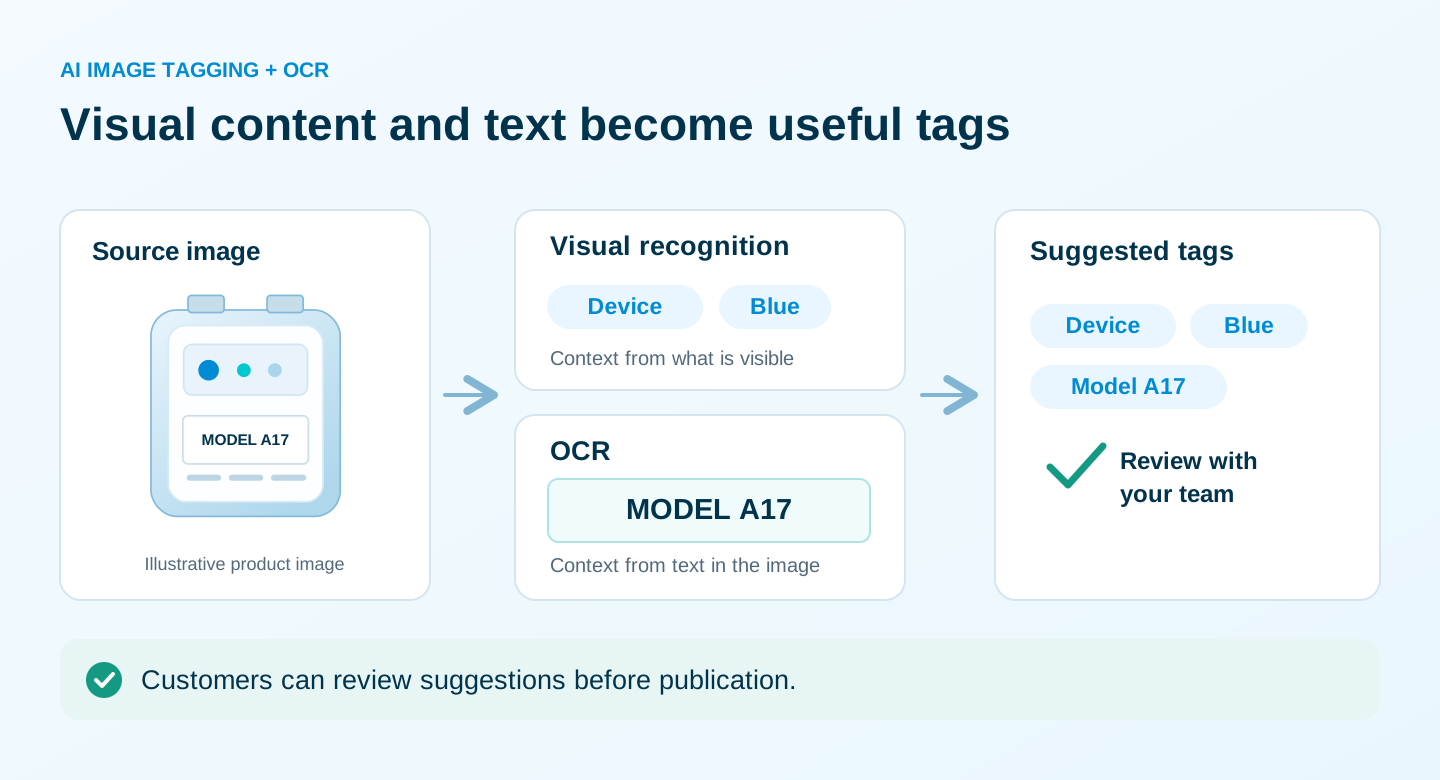
Give your image library more ways to be found
Visual recognition and OCR create a starting point for organization. Reviewed tags help people browse the library and describe the content they need.
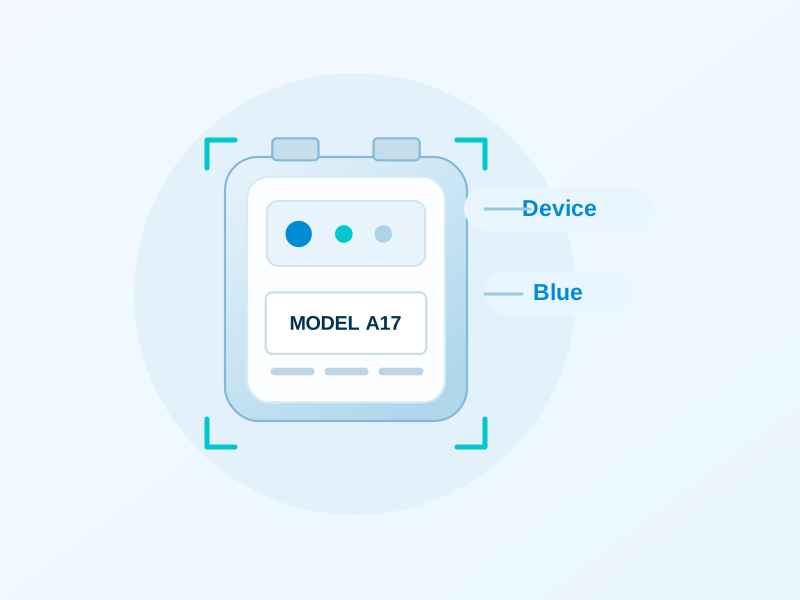
Understand what an image contains
Suggest tags from the image’s visual content, reducing the need to describe every asset from scratch.
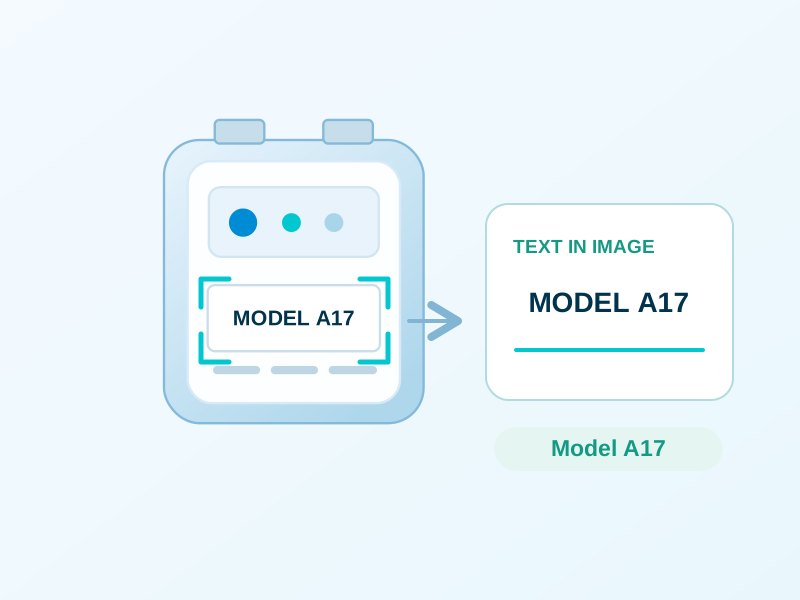
Use the text inside the image
Analyze written information such as labels or signs so tag suggestions can reflect more than the visual scene.
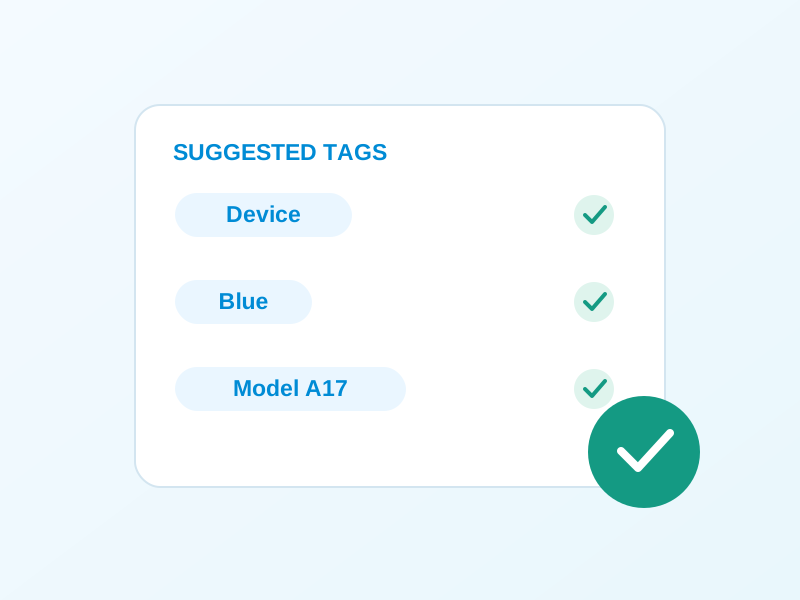
Keep terminology in your hands
Review and approve suggestions before publication. Check product names, specialized terms and the categories your team uses.
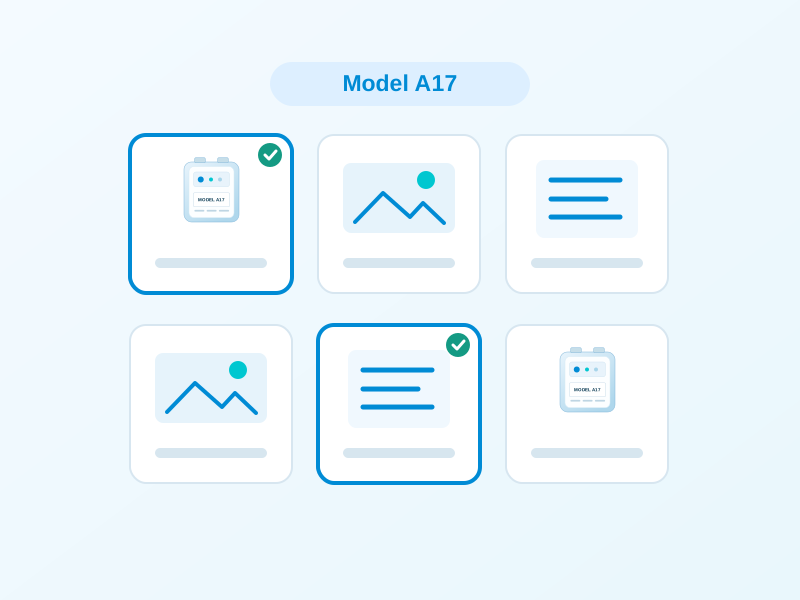
Filter with reviewed tags
Use tags to narrow a library by relevant topics, products or content categories instead of inspecting every image individually.
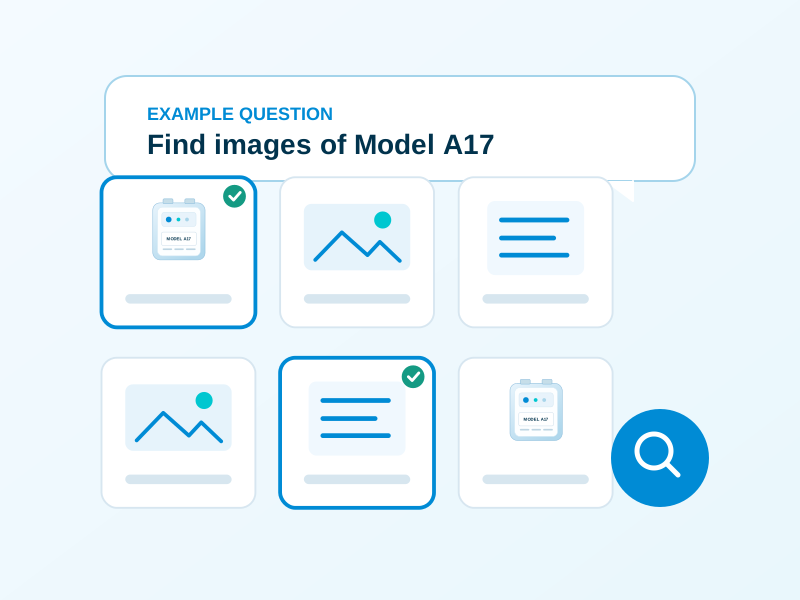
Ask for the content you need
Tags can also provide context for natural-language questions in VideoGPT, helping users describe the content they want to find.
Spend more time checking, less time starting
AI suggestions reduce repetitive organization work across large image collections. Your team adds the business context that visual content alone cannot provide.
AI suggests. Your team reviews. Tags support discovery.
Keep image organization grounded in the source content and your organization’s terminology.

Start with visual content and text
Visual recognition and OCR analyze images to suggest useful tags. A labeled product photo, for example, can provide both visual cues and written information.

Check the suggestions before publication
Customers review and approve the suggestions. Check product or model names and add the organization-specific context needed to make the library useful.

Use reviewed tags in the library
Tags support manual filtering and conversational discovery by topic, product or category. People can describe what they need even when they do not know an image’s title.
Organize images around the work they support
AI image tagging and OCR are useful wherever a team needs to turn a large collection of approved images into a library people can navigate.
Corporate image libraries
Give large collections of corporate imagery a useful starting set of tags, then review those tags against the organization’s content categories.
Product and model imagery
Use visual content and visible labels as context. A reviewer can confirm product names and model terminology before the tags are used.
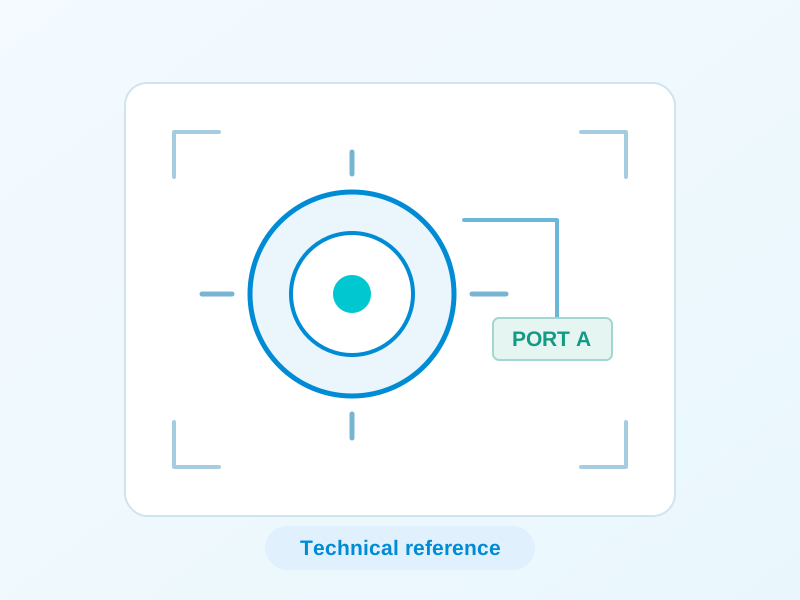
Technical reference images
Organize screenshots, diagrams and other reference images using the information they contain and the specialized terms your team verifies.
Training and process resources
Make supporting images easier to locate alongside learning resources in a training portal or internal knowledge hub.
Visual recognition and OCR work together
Two sources of context can inform useful image tag suggestions.
Visual recognition
Analyzes the visual content of an image to suggest useful tags.
Optical character recognition
Analyzes text contained in an image, adding written information as another source of context for tag suggestions.
Common questions about AI image tagging and OCR
How visual content, text and customer review contribute to image organization.
AI image tagging analyzes an image and suggests tags that describe useful aspects of its content. In Cincopa, visual recognition and OCR can both inform those suggestions.
Optical character recognition analyzes text inside an image. Written information can add context that visual recognition alone would miss, such as text on a product label or sign.
Yes. Customers can review and approve the suggestions before publication, checking terminology and deciding which tags are useful.
Reviewed tags support manual filtering and can provide context for conversational questions about a topic, product or content category.
No. OCR analyzes text contained in images. Video transcription captures spoken content. VideoGPT can use the available sources and metadata to help users find relevant knowledge.
Build an image library people can find their way through
Use AI suggestions as a starting point, keep customer review in the process and make the resulting tags useful for discovery.