Customer hub · Verily
Verily connects product guidance across the tools people use
Verily embeds video and documents in product onboarding, support articles, and employee training while maintaining the media in one place.
1,000+ videos
1,000+ PDFs
Product, support and learning delivery
Stable embeds and in-place replacement
Customer and product snapshot
Verily at a glance
A precision-health software environment needs guidance that stays close to changing products and working practices.

Customer context
Product learning in precision health
Verily’s rollout began with SignalPath and expanded to support research workflows and users of specialized health software.
Content owners · Learning designers, program managers, and coordinators
Integration · Engineering teams place and maintain the embeds
Knowledge context
A library shared across Verily tools
Tutorials, walkthroughs, and training videos sit alongside PDFs for release information, formal guidance, and reference material.
Destinations · Product interfaces, Workbench, support, Cornerstone, and Atlassian
Quick proof
One maintained library, several delivery environments
The deployment’s scale is useful because the content participates in real product and learning workflows.
Video knowledge
More than 1,000 videos
The collection supports product tutorials, feature walkthroughs, help articles, and internal training from one maintained media source.
Supporting material
More than 1,000 PDFs
Most documents are attached to the relevant video. A smaller collection of standalone PDFs provides written reference material.
Primary delivery
Individual video embeds
Focused embeds carry most of the learning. Galleries and share pages serve supporting use cases.
Content upkeep
Stable embeds when videos change
In-place replacement lets learning teams update a source video while preserving its entry points in product, support, and training.
Ownership
Learning teams own the content
Learning designers and program owners maintain the content, with technical teams helping to distribute it.
Environment 1 · Product guidance
Feature onboarding within the product experience
Short explanations meet the learner in the workflow where a feature or procedure needs to be understood.
Audience and delivery
Short tutorials inside the product
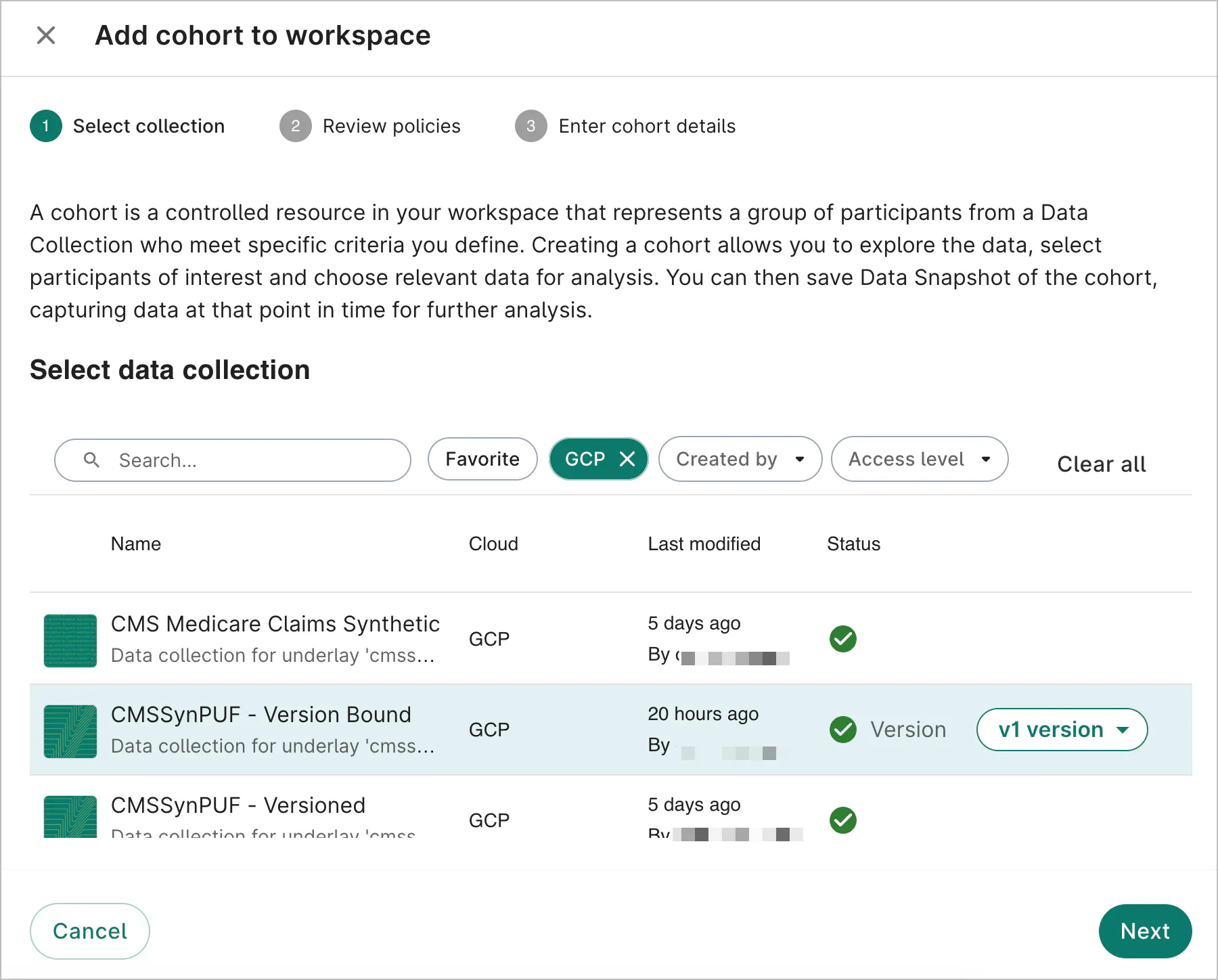
Verily uses one- to two-minute videos in guided product flows supported by Pendo and Embedly to demonstrate controls and procedures.
Content and maintenance
Update the source as features change
The team records walkthroughs in tools such as Camtasia, adds captions and tags, and updates the source as product features change.
Workflow · Subject experts explain the feature, designers record it, and engineers place the embed
Galleries · Document attachments · Keeping walkthroughs current
Environment 2 · Product support
Visual tutorials beside the written explanation
Workbench and help documentation provide a second context for the same kind of reusable product knowledge.
Support knowledge
Help articles that show the steps
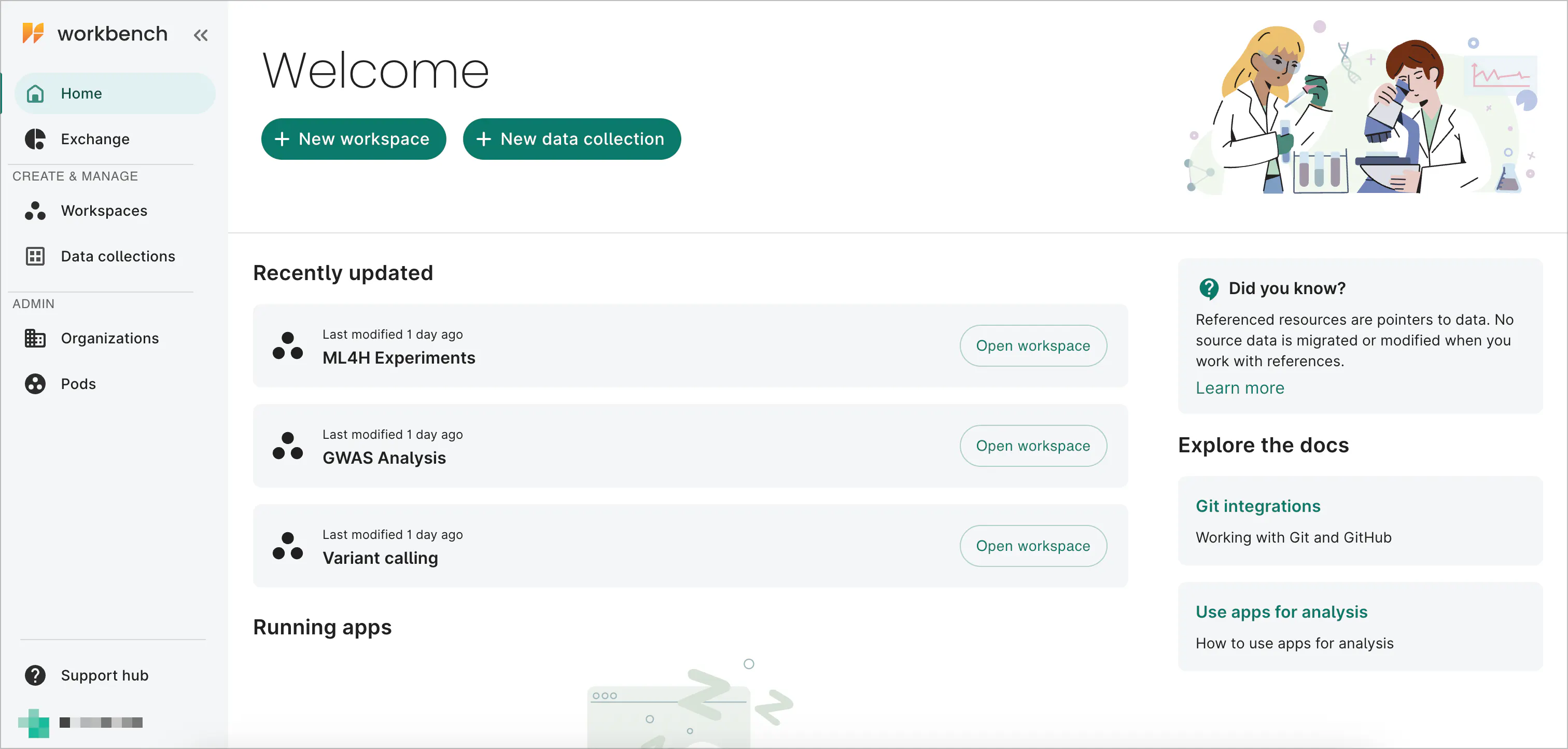
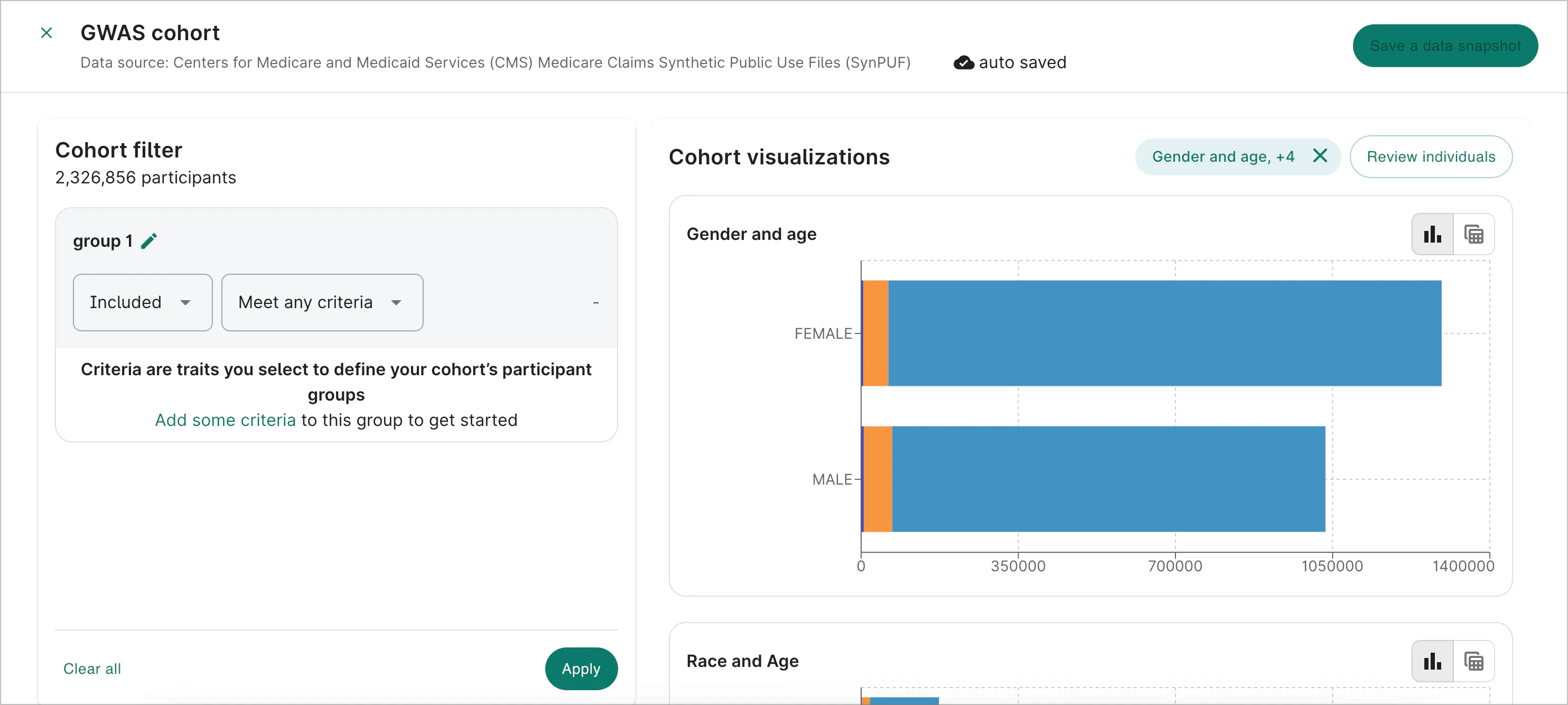
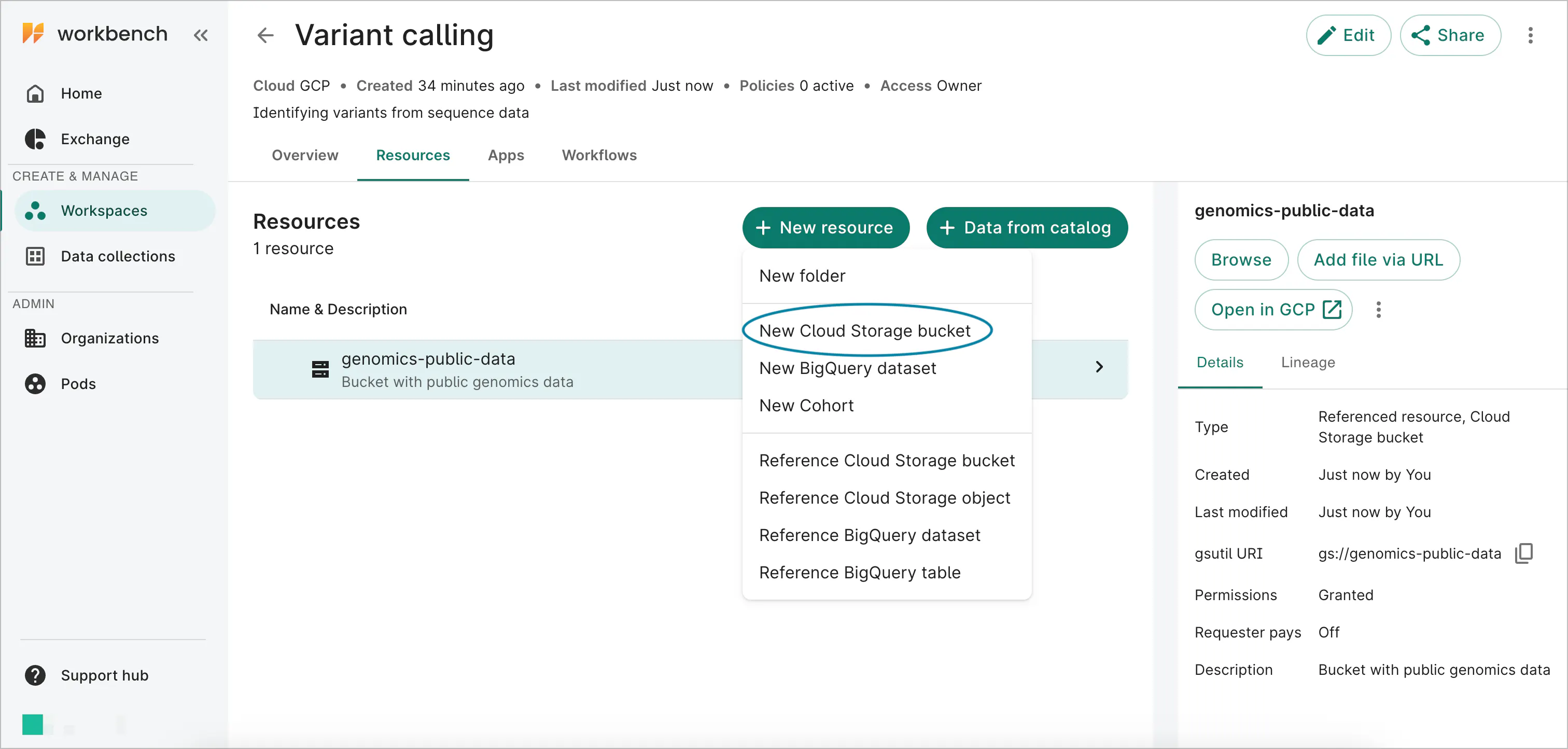
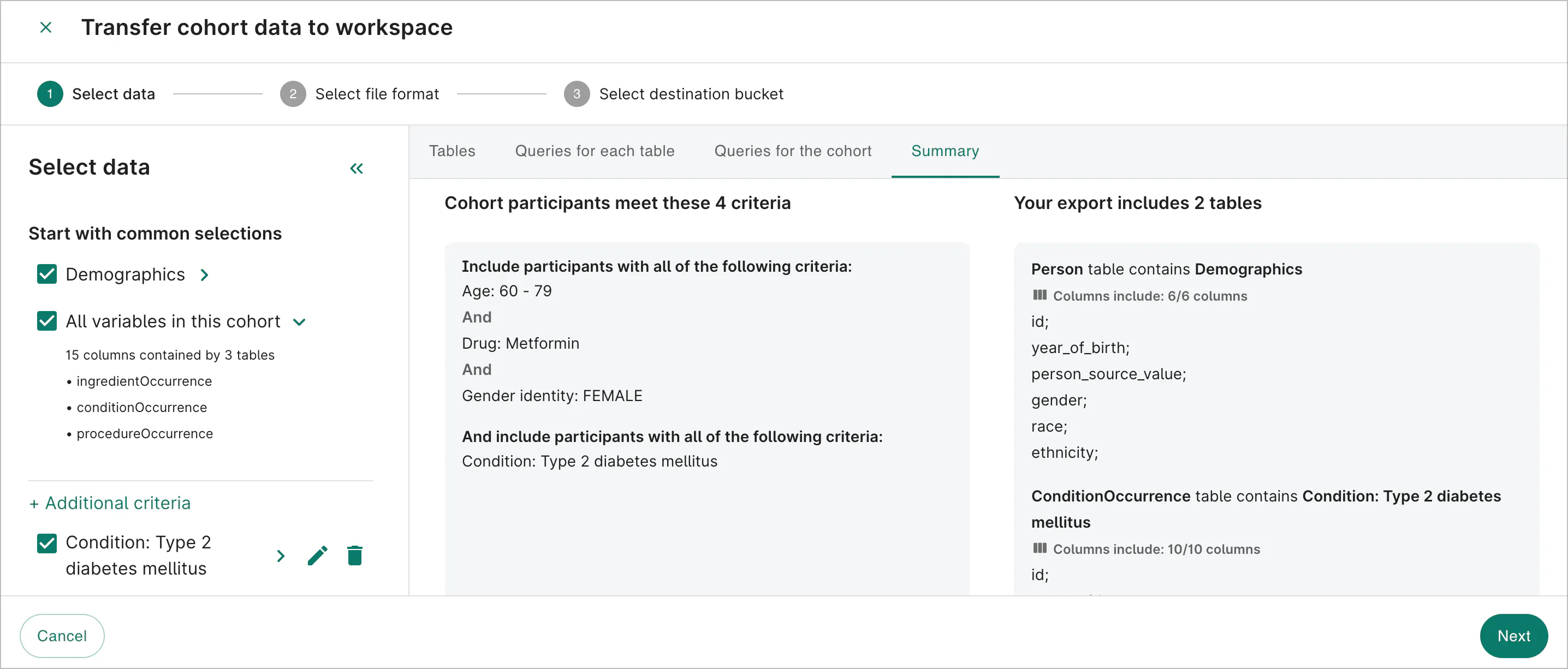
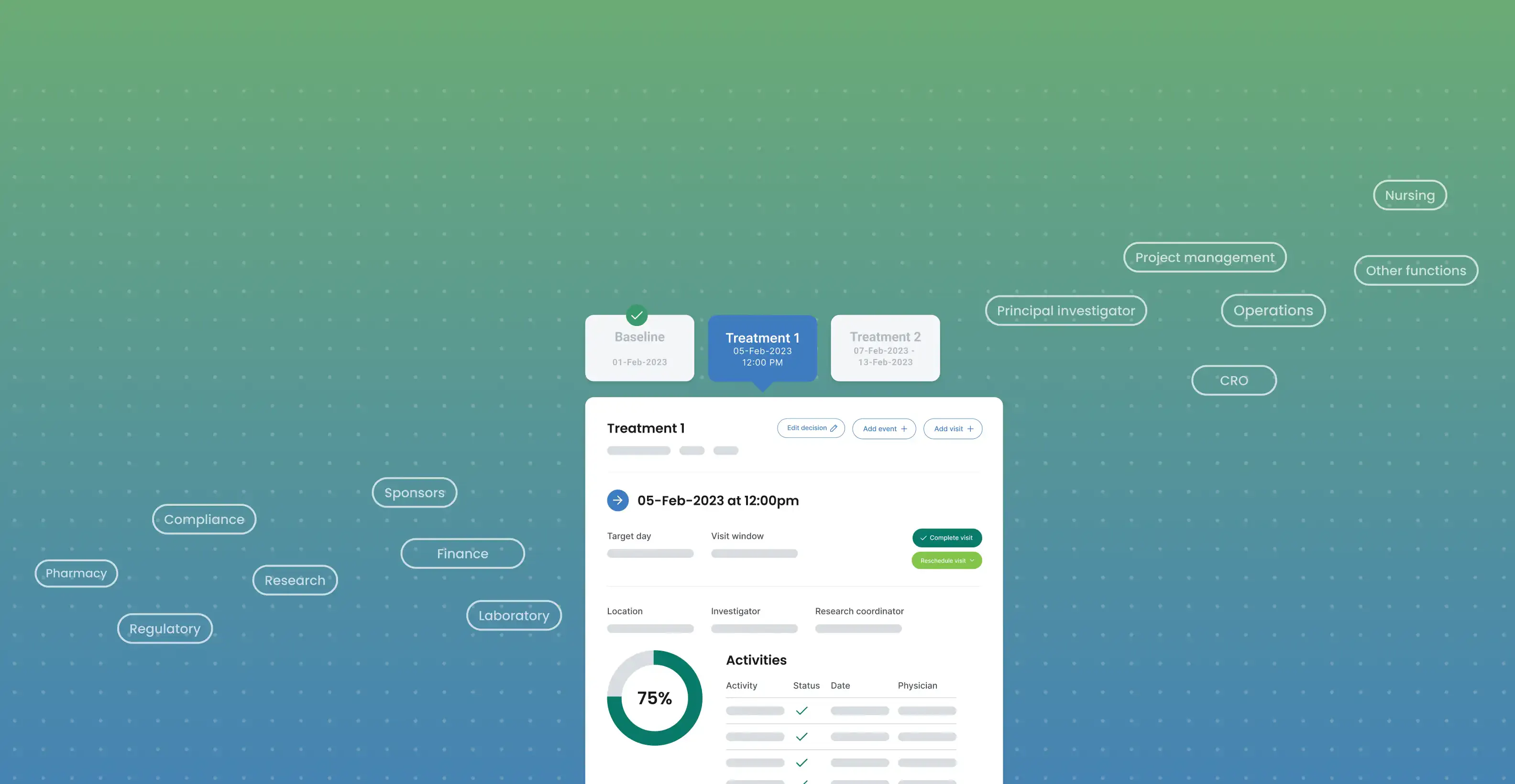
The public Workbench Data Explorer guide pairs videos with instructions and screenshots for creating and working with cohorts.
User experience
Guidance inside the help destination
Readers watch the walkthrough inside the help article. The article supplies context, and Cincopa delivers video and attached references.
Environment 3 · Employee learning
One source for training and documentation
Employee training has different navigation and ownership needs from an in-product explanation, even when the underlying media is reusable.
Learning management
Cornerstone learning programs
Cornerstone organizes employee onboarding and courses, with Cincopa videos embedded inside the learning programs.
Internal documentation
Atlassian knowledge sharing
Internal Atlassian documentation places recordings alongside written processes, so teams can revisit a procedure later.
Product lifecycle
Development and staging
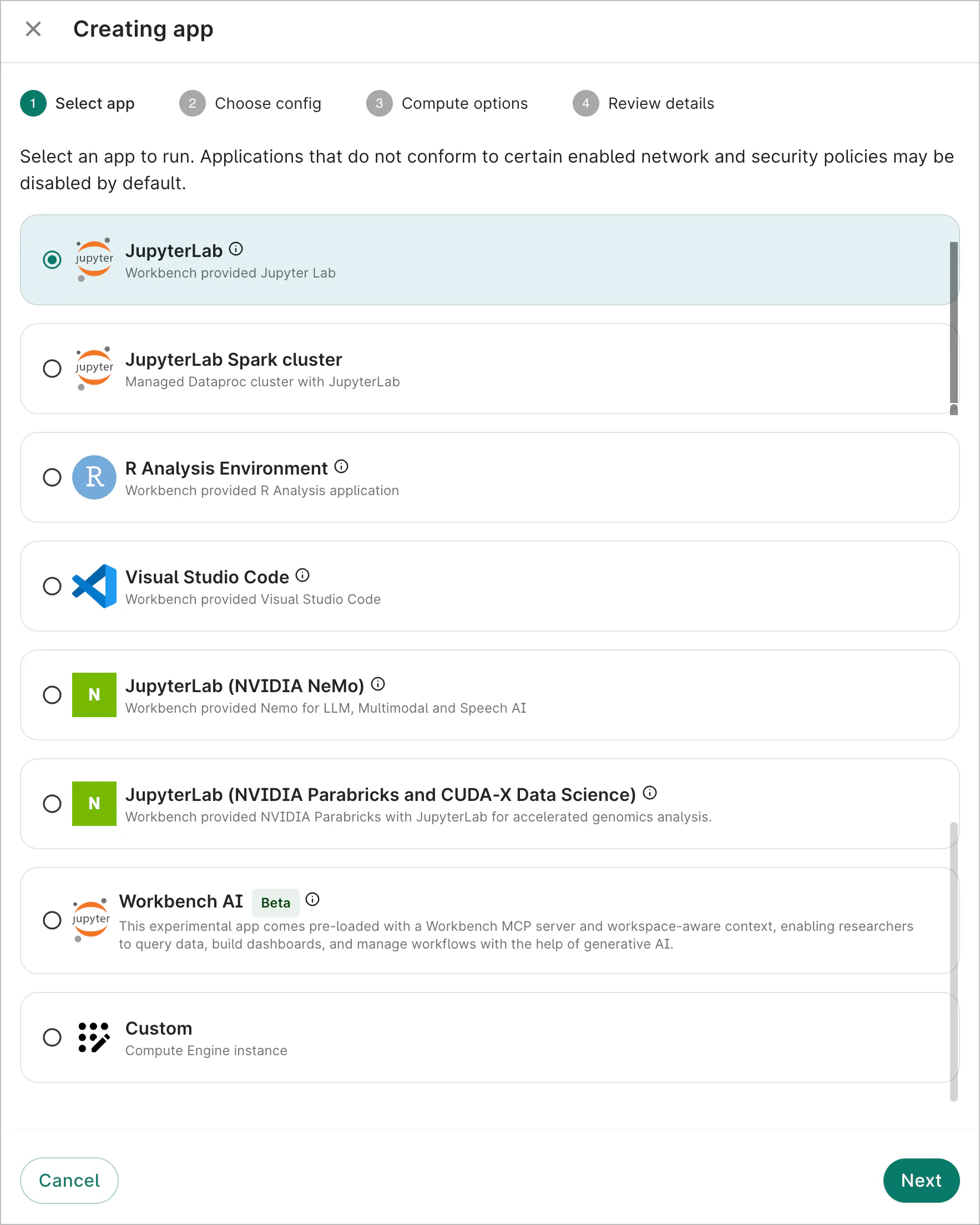
Development and testing teams use embeds to check where product guidance appears before it reaches learners.
Sharing
Hosted pages for sharing
Hosted share pages give selected recordings a direct destination. Explore Video Training Portals.
Operating model
A source across destinations
Product, learning, and support teams reuse the same maintained recordings, captions, tags, and documents.
How the knowledge stays usable
Create once, organize carefully, update the source
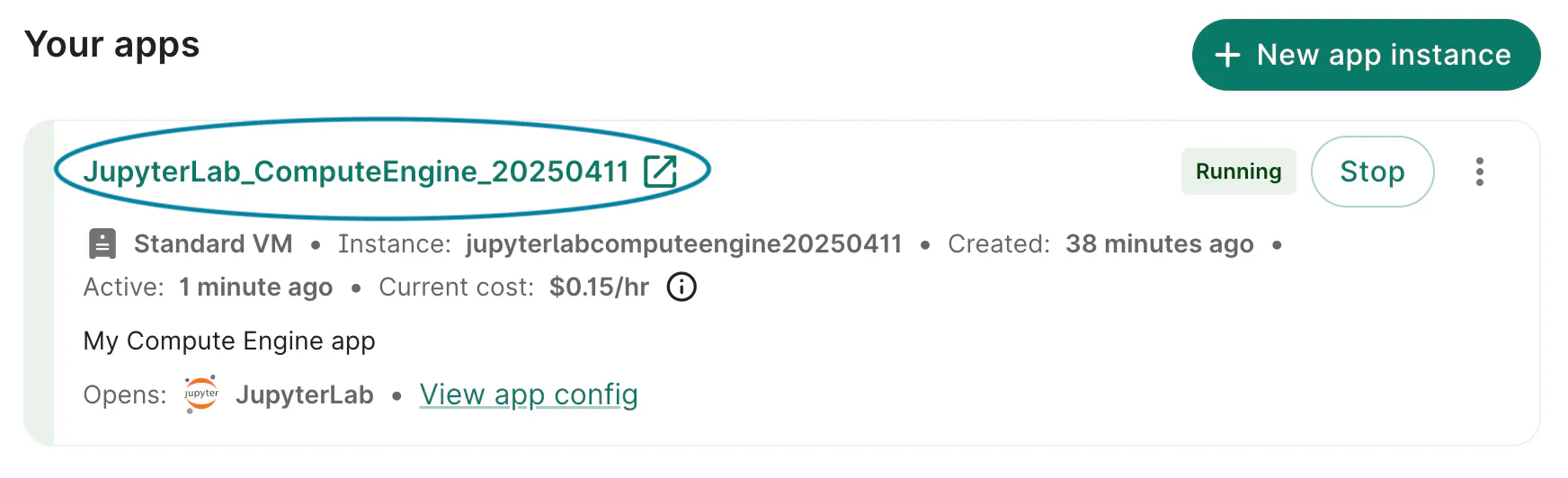
Verily records focused explanations, adds reference material, and keeps each source current wherever the team embeds it.
Create
Record a focused explanation
Learning designers record a specific feature or workflow for a short tutorial and develop longer material for training and onboarding.
Prepare
Add captions and written references
Captions and attached PDFs give learners a written way to follow or revisit the same topic as the video.
Organize
Organize the library with tags
Tags help the team maintain a library that spans multiple product features, topics, and destinations.
Distribute
Embed where people need the video
Place the explanation in a product flow, help article, internal platform, or course, where the task provides context.
Maintain
Keep each embed current
Replace the source video in place. Explore searchable product knowledge.
Customer perspective
A delivery approach that began with SignalPath
The original customer story explains the value of making training available within the learner’s own context.
Original customer quote
Marcus Southern, Learning Experience Design
“The flexibility and simplicity of video embedding rendered Cincopa the perfect choice. Now, our training videos can reach our clients where they need it and when they need it.”
What the deployment shows
Guidance in established systems
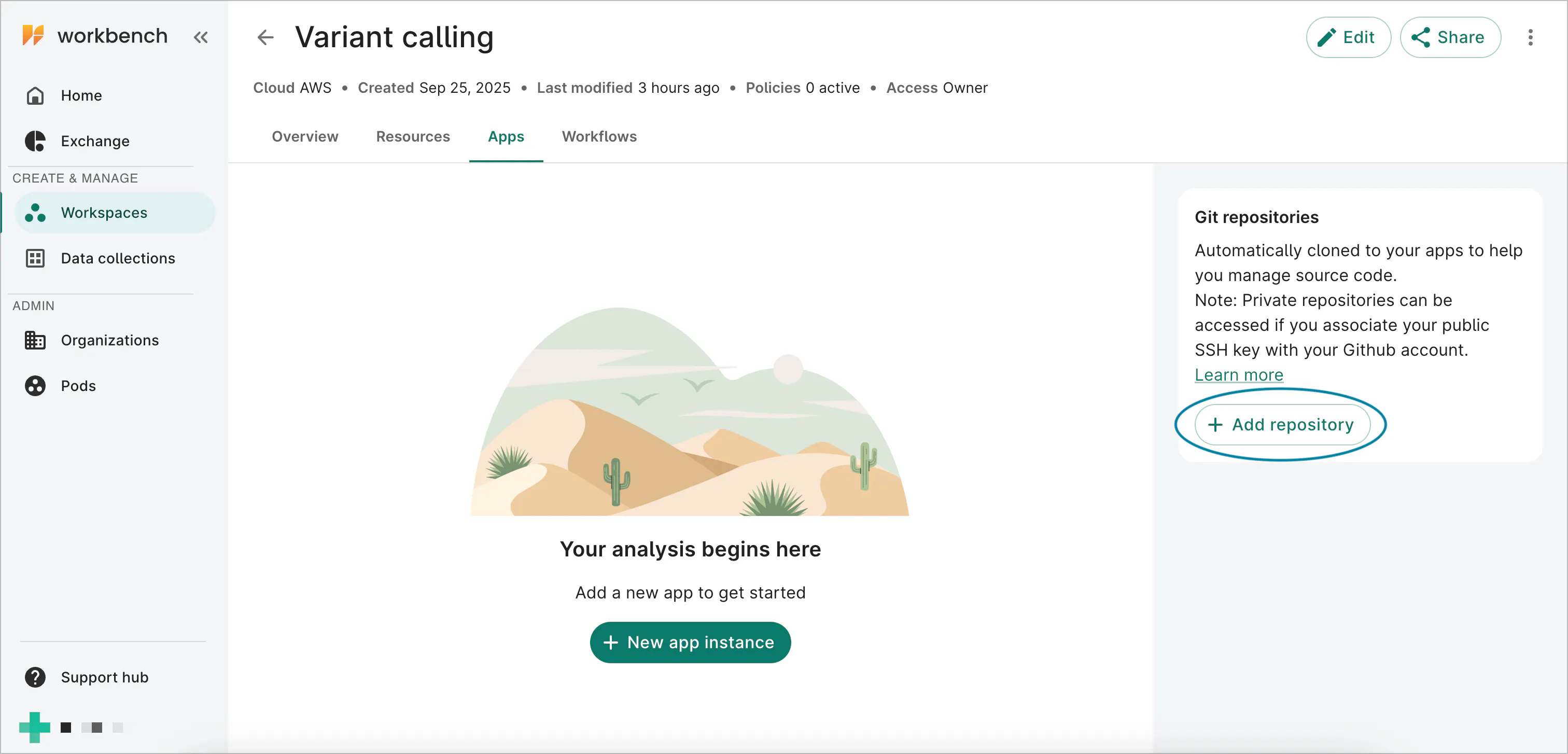
Verily places guidance inside existing product, support, and learning tools. Leidos organizes it in dedicated environments.
FAQ
Questions about the Verily deployment
The documented deployment primarily uses individual video embeds across product, support and learning systems. Galleries and share pages play supporting roles.
Next steps
Put product knowledge into the learner’s workflow
Connect focused recordings and supporting documents to the product, support and learning destinations your audience already uses.