Customer hub · Texas Mutual
Texas Mutual brings organizational video into the flow of work
Texas Mutual uses Cincopa to publish town halls on its intranet and deliver claims and safety guidance on its website and inside its claims app.
Customer since 2018
Employee town halls and updates
Claims and safety education
Intranet, web and application embeds
Deployment snapshot
One library serves several destinations
Texas Mutual provides workers’ compensation insurance. Its video library serves employee communications, customer guidance and recruiting.
Employees
Town halls in the intranet
Long-form recordings let employees revisit leadership updates, events, and company conversations through the existing Simpplr intranet.
Public guidance
Claims and workplace safety
Public pages pair videos or galleries with written claims and safety guidance for employers and injured workers.
Customer workflows
Help inside the claims app
Selected claims videos give viewers an explanation inside the application as they complete a step in the process.
Candidates
Recruiting in context
Recruiting videos introduce candidates to the company and the people behind its work during their job search.
Direct distribution
A share page for one recording
Hosted share pages give selected webinars, training videos, and employee communications a direct link.
Employee communications
Recordings give company updates a place to live
The intranet is the primary employee-facing video environment in the documented deployment.
Audience and delivery
Leadership updates in the intranet
Communications embeds town halls, leadership updates, and company or community events inside the Simpplr intranet posts employees already use.
Communication workflow
Keep the recording with its context
An intranet post can keep the date, summary, and related material beside its recording so employees can catch up or revisit the update.
Public website
Public guidance groups related explanations
Texas Mutual uses a mix of single players and galleries across public pages, depending on the information the audience needs.
Policyholder education
Show a process beside its instructions
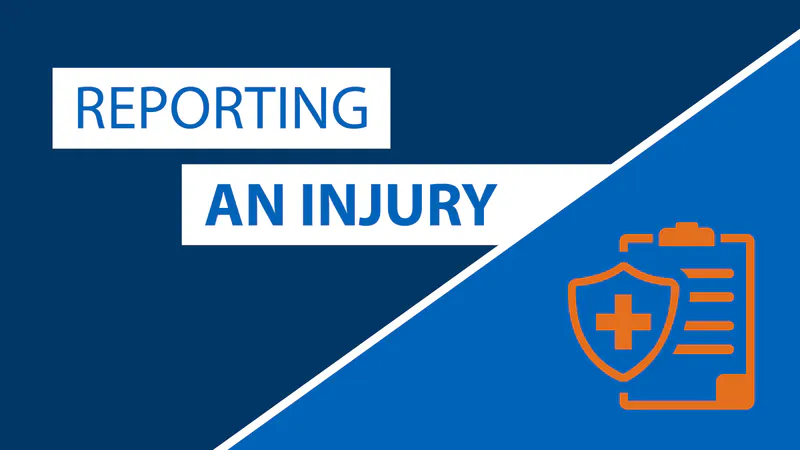
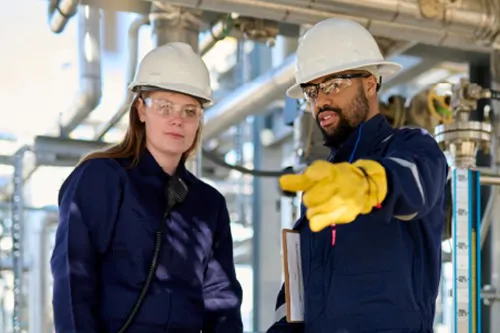
Texas Mutual’s agent onboarding pairs an injury-reporting video with written instructions. Viewers see the procedure within the relevant page.
Public education
Organize safety videos by topic
Texas Mutual groups workplace safety videos by topic on its public site so employers and workers can browse related resources and training.
Embedded guidance
Each destination gives video a different job
Application embeds, recruiting pages and direct links extend the communications library beyond the intranet and public site.
Claims application
Help during the claims workflow
The claims application embeds selected videos alongside its own instructions so viewers can watch an explanation and return to the task.
Recruiting and sharing
Direct video for candidates and learners
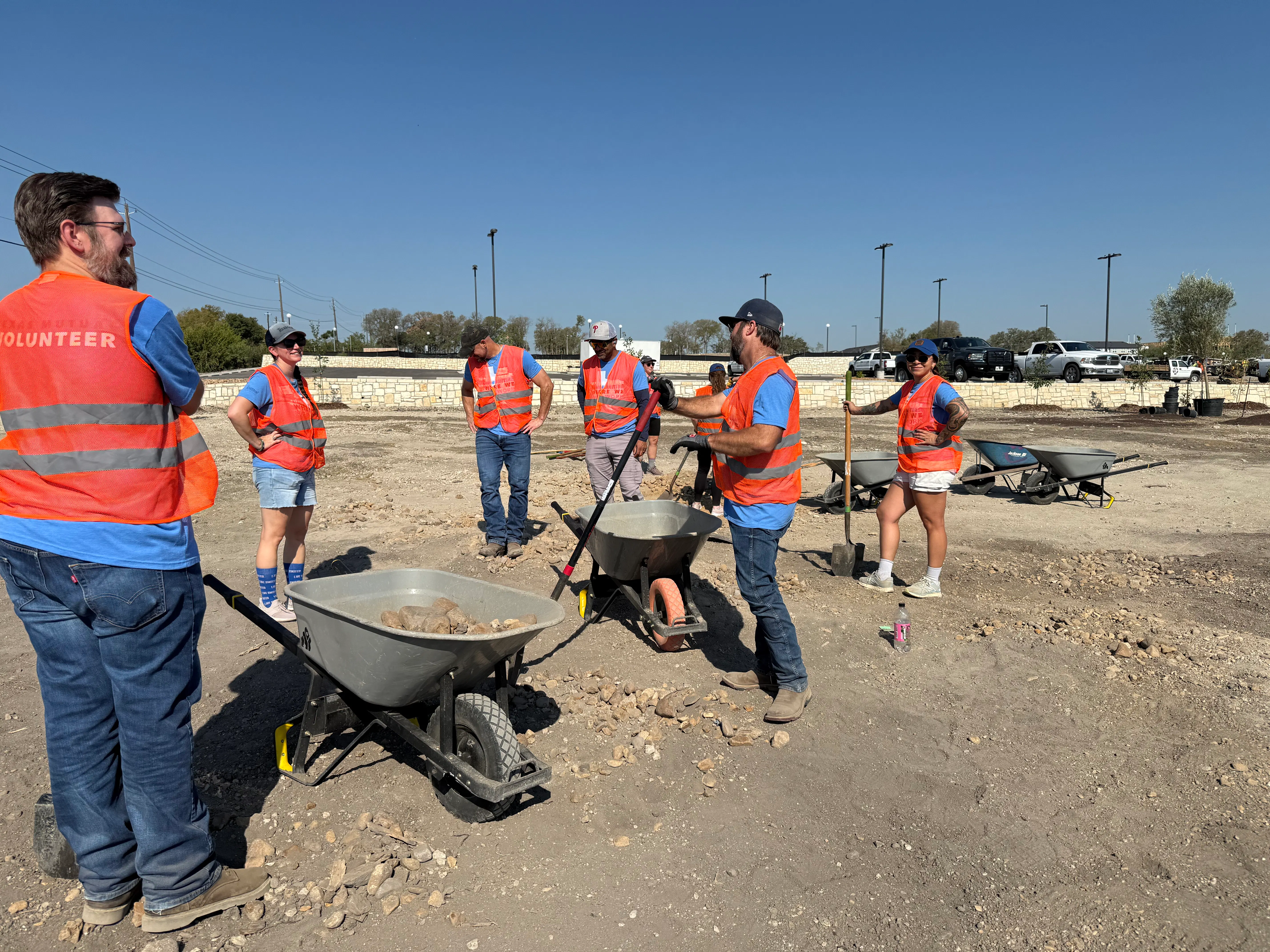
Recruiting pages show candidates Texas Mutual’s people and work. Hosted share pages give selected webinars and training a direct link.
Operating model
Communications leads the publishing workflow
The work spans communications, video production, design and the people who know the subject being explained.
Ownership
Communications sets the agenda
The communications team chooses which updates, events, and guidance to produce and plans for the intended audience and destination.
Production
Video captures the explanation
A producer turns an event, discussion, or procedure into a recording people can view when they need it.
Editorial
Writing gives recordings context
Writers explain what the video covers, why it appears on that page, and where the viewer should go next.
Design
Design organizes public media
Designers and publishers organize video, images, and written guidance into public collections people can browse.
Operations
Subject experts guide the details
Claims and operations specialists help make sure process videos reflect how the work is done.
Deployment lessons
Choose a delivery format for each audience
Texas Mutual’s deployment starts with the destination people already use and the knowledge they need there.
Intranet
Keep a recording with its update
Embed one recording inside an intranet announcement so employees can find it alongside its original message and related material.
Website
Group related public videos
A gallery brings related public videos together on one page. Explore Public Education.
Application
Show one step inside the app
An application embed explains a specific workflow step while the interface continues to guide the task.
Direct link
Give one recording a direct link
A standalone page gives a webinar or training recording a direct link that can be shared from another system.
Delivery
Maintain the media at its source
Decide who maintains each video and which audiences can open it. Explore Access Control.
FAQ
Questions about the Texas Mutual deployment
It distributes employee communications and event recordings, public claims and safety guidance, selected videos in its claims application, recruiting content and recordings on hosted share pages.
Next steps
Put each recording where people will use it
Choose a format that fits the audience, whether you’re sharing an employee update, a public resource, or help inside an app.