AI Metadata Enrichment
Enrich video knowledge with AI summaries, tags and chapters
Give recordings the context people need to find and understand them. Cincopa AI generates summaries and chapters from subtitles and suggests tags for your media. Your team reviews the results and adds useful titles and descriptions for searchable video knowledge.
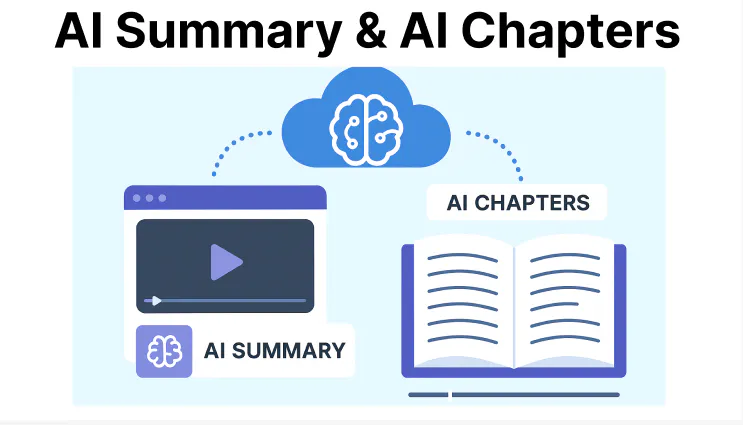
Summarize the key points
Suggest useful tags
Create navigable chapters
Capabilities
Summaries, tags and chapters add context
Use subtitles and AI suggestions to prepare useful context, then let your team review it.
01
Summarize the key points
Generate a concise summary from a video's subtitles and save it in the Notes field, so teams can capture the useful takeaways.
02
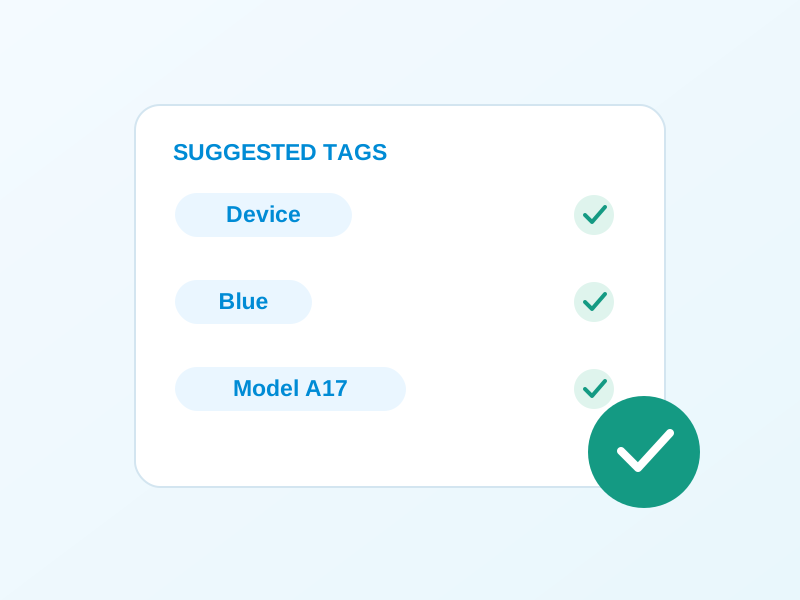
Suggest useful tags
Use AI suggestions for videos, documents and images, then review the tags so product, topic and category labels reflect your content.
03
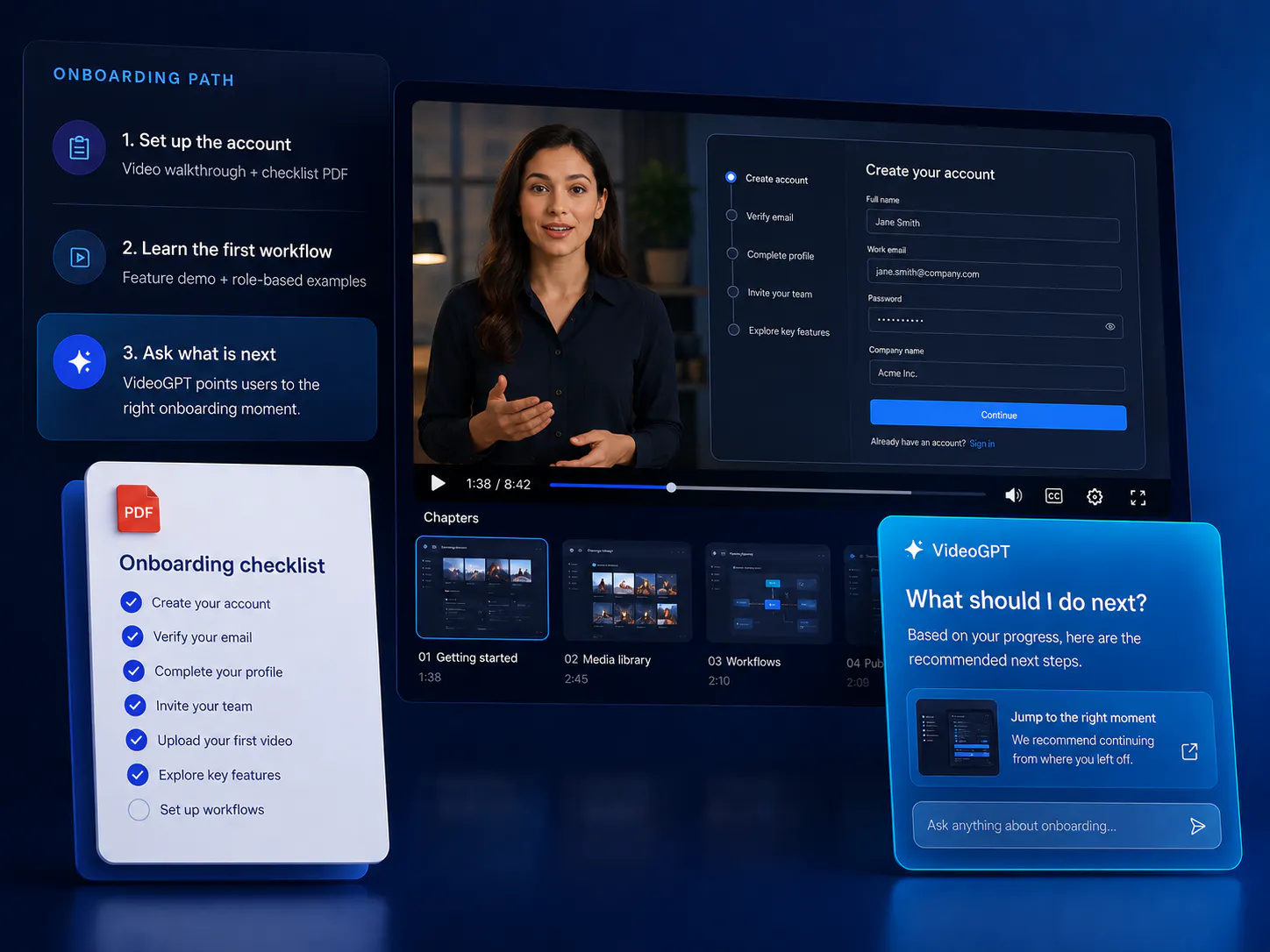
Create navigable chapters
Generate chapters from subtitles with titles and timestamps, so viewers can move directly to the section they need.
Product workflow
Turn recordings into useful knowledge
Control what belongs together, how it appears, where it is used, and who can access it.
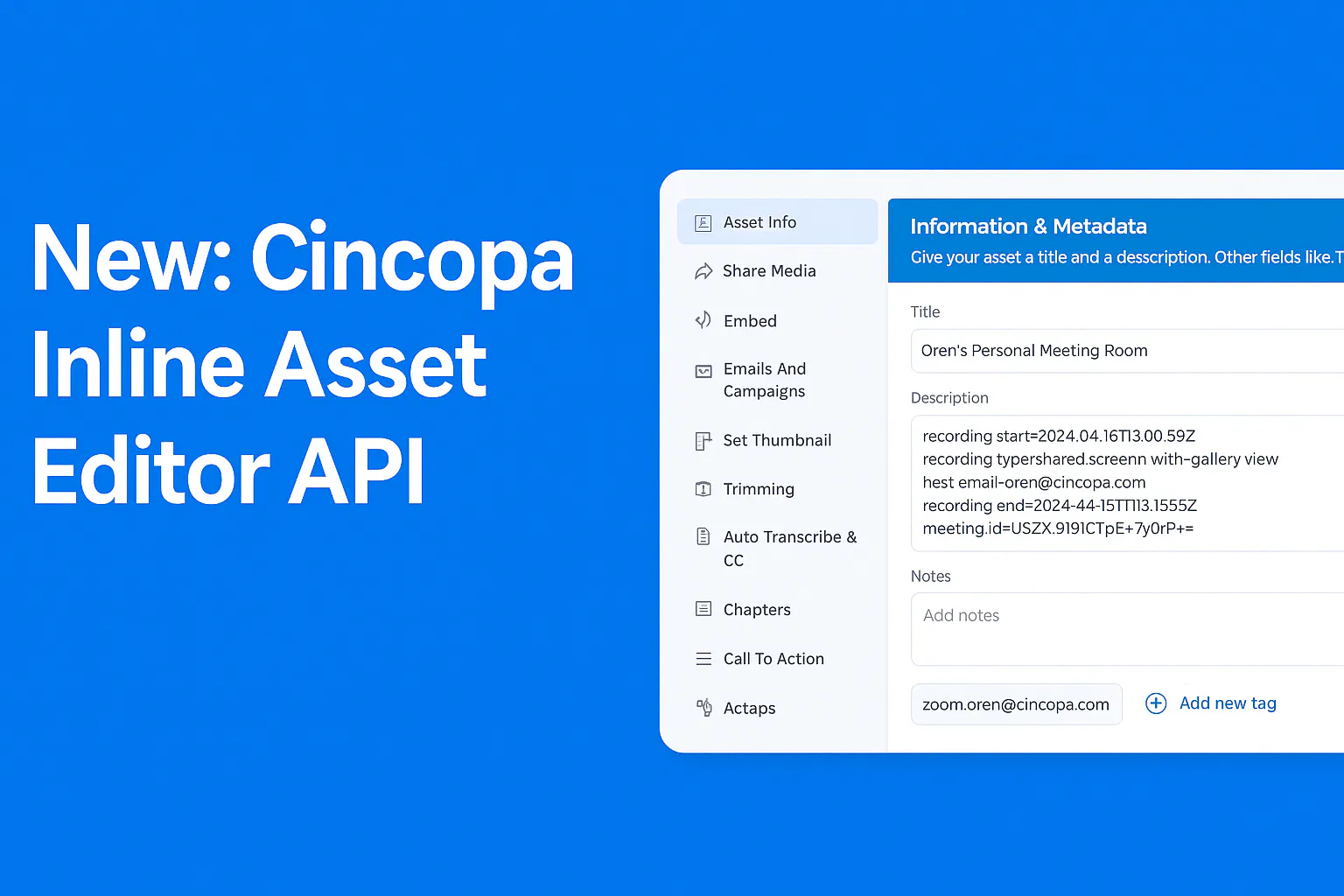
From an unnamed recording to useful knowledge
Illustrative example: a file called onboarding-session.mp4 becomes a video titled Set up your first training portal. Your editor writes the title and description; AI adds a draft summary covering setup, access and publishing, suggests relevant tags, and creates chapters from the subtitles.
Review the results before sharing.
Give VideoGPT reviewed context
Review AI tag suggestions for videos, documents and images before publication. VideoGPT can use titles, descriptions, approved summaries, chapters and tags alongside transcripts and supported documents.
Consistent metadata helps users discover related material across a Tube library, while timestamped transcripts let answers link to the exact spoken moment.
How it works
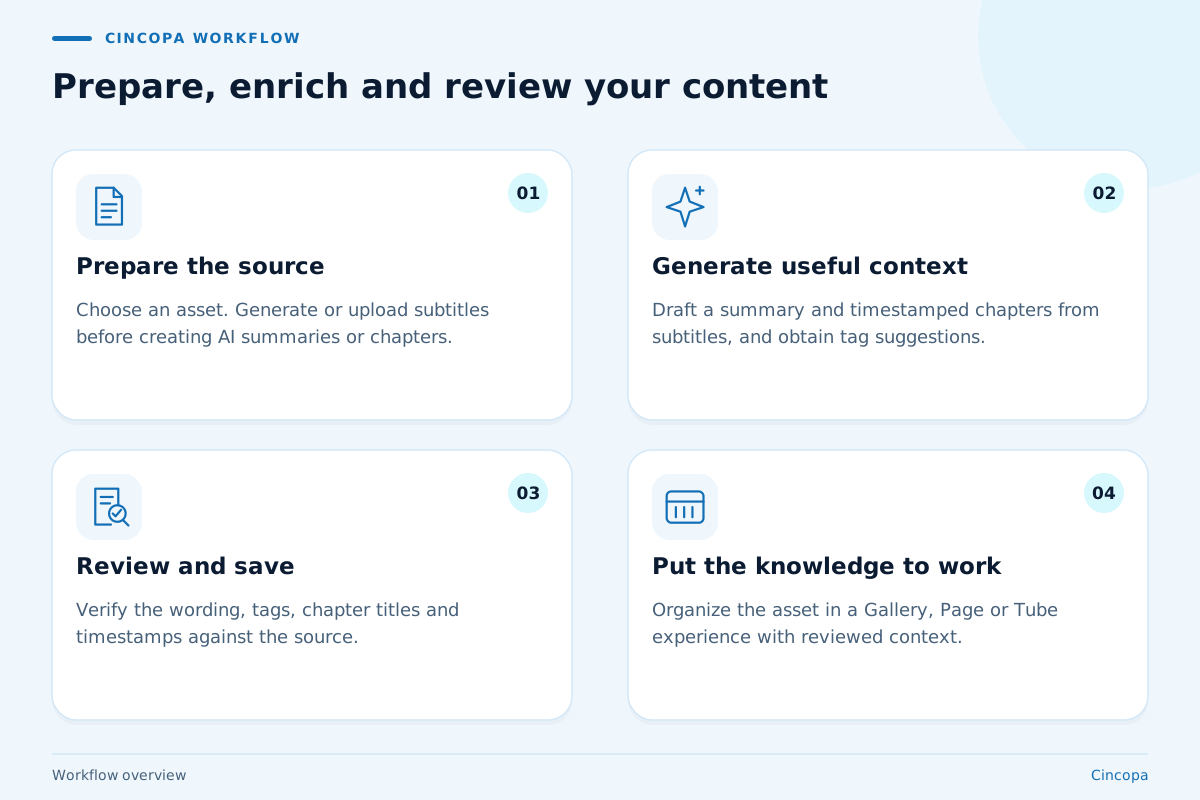
Prepare, enrich and review your content
Start with an onboarding video, troubleshooting walkthrough or recorded training session. Keep AI-generated context aligned with the source and your team's terminology.
-
01
Prepare the source
Choose a media asset and add a clear title and description. Generate or upload subtitles before creating an AI summary or AI chapters. -
02
Generate useful context
Use Cincopa AI to draft a summary and timestamped chapters from the subtitles, and obtain tag suggestions for the media you want to organize. -
03
Review and save
Check the summary against the recording, review suggested tags, and edit chapter titles or timestamps. For technical material, ask a subject-matter expert to verify the terminology. -
04
Put the knowledge to work
Organize the asset in a Gallery, Page or Tube experience. Use reviewed tags for filtering and approved metadata to support VideoGPT discovery in your library.
Library essentials
Make enrichment part of how your library grows
Useful metadata connects the people who create content with the people who need it later. Establish shared terminology, revisit valuable recordings and carry reviewed context into your applications. These practices help a library stay understandable as more teams contribute videos and supporting resources.
Build a vocabulary your teams share
A growing library needs labels that mean the same thing to different contributors. Agree on a small set of product, audience and topic names before reviewing AI suggestions. For example, choose whether onboarding content uses Customer onboarding or Getting started, then apply that choice consistently in the editor.
An AI suggestion is a starting point for that decision. A subject-matter expert can remove a plausible but irrelevant tag, correct a product name or add a label the recording only implies. Use the same approach for supporting documents and images. This gives content owners a practical review checklist and helps viewers recognize related resources without needing to know who uploaded them.
Find material worth using again
Recorded sessions often contain useful answers long after the original event ends. A library owner can use a summary to assess whether a session belongs in a customer training collection, then inspect the chapter list to identify a relevant walkthrough. Chapters give viewers entry points into the recording while the summary explains its overall scope.
When revisiting an older session, check whether the procedure still matches the current product. Add that context to the description and review the relevant chapter before sharing it in a new collection. An accurate recording date, product name and audience description can help a colleague judge its relevance. Treat enrichment as part of maintaining useful knowledge, alongside your regular editorial review.
Connect your media to your application
Developers can carry editorial context into the systems their teams already use. The Assets API supports titles, descriptions, long descriptions, tags, reference IDs and related links. Use a reference ID to connect a media asset to a record in your own catalogue; your application can then look up the asset using that identifier.
Plan field ownership before building that connection. A CMS may own the public title while a subject-matter expert maintains the explanatory description in Cincopa. Document those responsibilities so an integration does not overwrite a reviewed description with an old value. A related link can point viewers toward supporting documentation. This lets the media retain useful context as it appears in different learning or support experiences.
FAQ
Questions about AI metadata enrichment
Practical answers for teams planning a training, product education or support experience.
AI metadata enrichment adds useful context around a media asset. In Cincopa, this includes AI-generated summaries and chapters based on video subtitles, plus suggested tags that customers can review before publication. The goal is to make useful content easier to recognize.
Cincopa generates summary notes from subtitles, creates timestamped chapters, and suggests tags for videos, documents and images. Teams write and manage titles, descriptions and other asset metadata in the editor or through the API; these fields remain editorial decisions.
Yes. The summary and chapter-generation workflow uses the video's subtitles. Generate or upload subtitles first. If they are missing, Cincopa prompts you to add them before generating a summary. Review technical terms in the subtitles before generating context.
Yes. Review AI summaries and suggested tags before relying on them. The asset editor lets you manage metadata, and the Chapters editor lets you change chapter titles and timestamps or remove chapters. Keep product terminology consistent across your library.
VideoGPT can use approved summaries, chapters, tags, titles and descriptions together with transcripts and supported documents. This gives the assistant more context for finding relevant material across the Tube library.
A summary captures key points; a transcript preserves spoken content. VideoGPT can use available summaries and metadata without a transcript, but links to an exact spoken moment require timestamped transcript data.
Yes. The Cincopa Assets API supports updating the title, description, long description, tags, reference ID and related link for an asset. Developers can align those fields with their CMS or application. Define which system owns each field.
Use the same assets in embedded Galleries, hosted Pages or a structured Tube portal. Select a player or Gallery template that supports chapter display when chapter navigation is part of the viewing experience.
Next step
Make your next video library easier to use
Bring a few product walkthroughs or training recordings. We will show how summaries, reviewed tags, chapters and VideoGPT can work together in your knowledge experience.