September 14, 2026 · Tube · VideoGPT

New Feature: VideoGPT Bubble for Tube

VideoGPT is now directly accessible throughout Tube, the Cincopa video portal formerly known as CincoTube. Open the floating bubble while browsing, ask a question and view the supporting video without leaving the conversation.

The new bubble brings VideoGPT’s existing library-wide knowledge search into the portal experience. Cross-channel discovery works automatically; there is no cross-channel configuration.

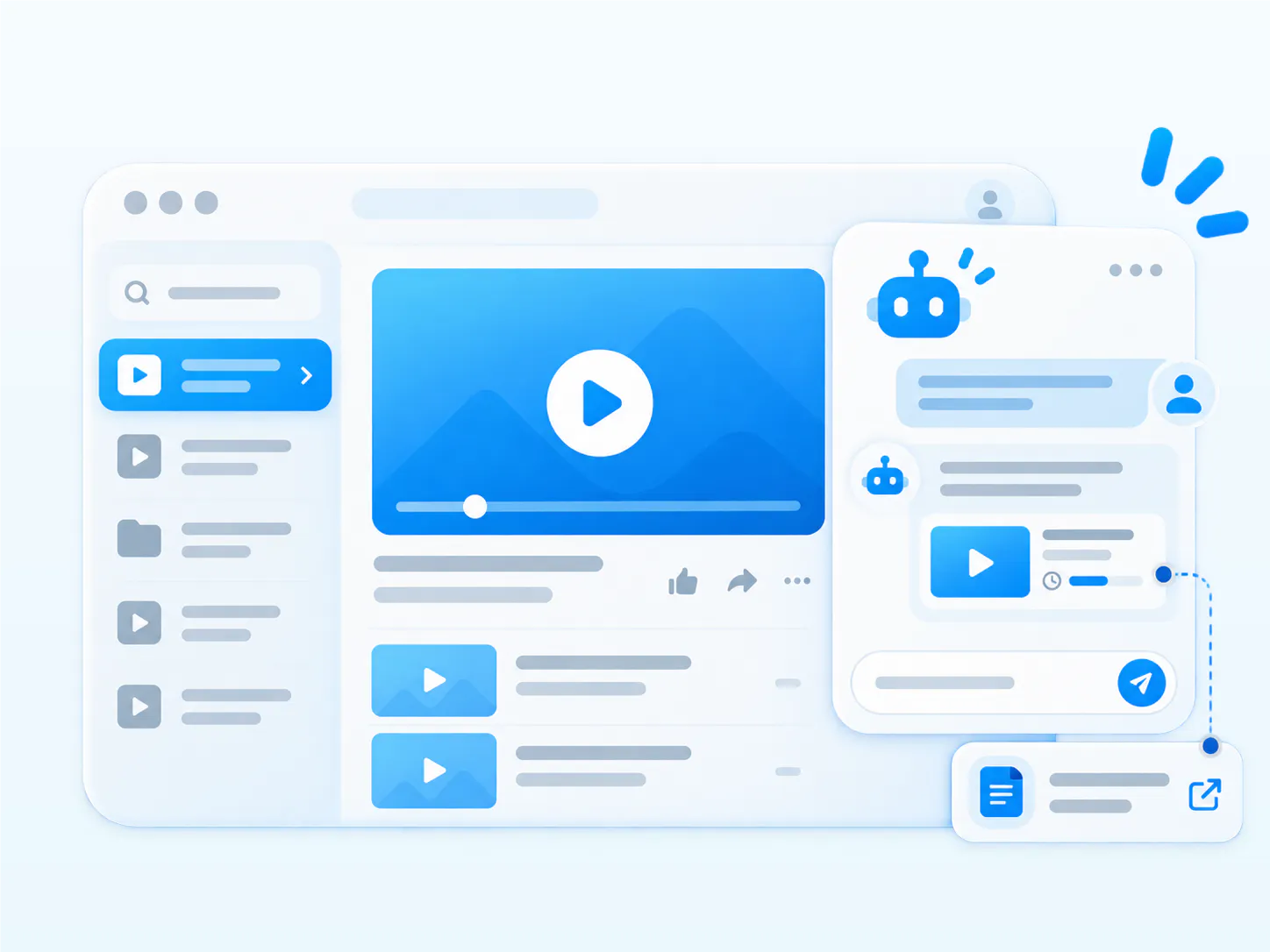
Illustration of VideoGPT answering a question with a supporting video and document inside a Tube portal

What’s new

Ask from anywhere in the portal

The floating VideoGPT Bubble stays available while users browse channels, videos, training programs and knowledge collections. Users can start with their current channel and find relevant answers elsewhere in the Tube library without opening a separate search tool.

A welcome message and useful starter questions

VideoGPT can introduce what the channel or collection covers and suggest questions that help users begin. Someone arriving at an onboarding channel, for example, can start with “What should I watch first?” rather than guess a video title.

Answer and show

VideoGPT can explain an answer and display the supporting video inside the conversation. A response can also include a relevant PDF with a download link and a video linked to the supporting moment.

For example, a technician could ask: “Find the relevant PDF and the video that demonstrates this procedure.” The answer can bring the written instructions and video demonstration together. Links to exact spoken moments depend on timestamped transcript data.

A recap: the knowledge behind the answer

VideoGPT can use the knowledge available in the portal, including:

  • Videos and transcripts
  • PDFs and other supported documents
  • Titles, descriptions and long descriptions
  • Chapters and approved summaries
  • Tags, channels and other metadata

Transcripts can support search without public captions

Automatic transcription provides rich context about what is discussed inside a video. VideoGPT can use a transcript even when the organization does not display it publicly as captions or subtitles. Timestamped transcripts enable links to the exact spoken moment.

Approved summaries and reviewed tags

For scientific, medical or technical content, teams can use Cincopa AI to generate a summary, have an appropriate subject-matter expert proofread and approve it, and use that summary alongside other metadata. VideoGPT can still use the available context without a transcript, although it cannot identify an exact spoken moment without timestamped transcript data.

Cincopa AI can also suggest tags for videos, documents and images. Customers can review those tags before publication, then use them for manual filtering or questions about a topic, product model or content category.

Useful questions across a growing portal

  • “What should a new employee watch first?”
  • “Show me the approved troubleshooting steps for this issue.”
  • “Which procedure applies to this product or model?”
  • “Where did the expert explain this workflow?”
  • “What should Tier 1 check before escalating this issue?”

Use the bubble in customer training, employee learning, internal knowledge hubs, partner enablement and support workflows. Users can describe what they need even when they do not know the correct channel, video title or location inside a long recording.

Also available: AI image tagging and OCR

Released in early September 2026, Cincopa AI image tagging and OCR use visual recognition and text in images to suggest useful tags. Customers can review the suggestions before publication. Read the separate product update or explore the AI image tagging platform page for the full explanation.

Frequently asked questions

The floating VideoGPT Bubble brings the assistant directly into the Tube portal experience, so users can ask and review supporting content while browsing.

No. VideoGPT already finds relevant answers across Tube channels automatically. This update adds the floating bubble; it does not introduce cross-channel search.

Yes. An answer can include a relevant PDF download and a supporting video displayed inside the conversation.

Yes. It can use available summaries and metadata. Linking to an exact spoken moment requires timestamped transcript data.

Continue exploring

Explore the Tube and VideoGPT experience

Keep structured channel browsing and conversational answers together in one knowledge portal.