Use case / Educational video series platform
Turn educational video series into searchable learning hubs
An educational video series platform helps organizations publish structured video lessons, explainers, webinar series, public learning tracks, documents, and answers in one searchable experience.
Cincopa helps teams organize video series with Pages, Galleries, captions, documents, VideoGPT, analytics, and public or gated access.
Parent solution Public Education
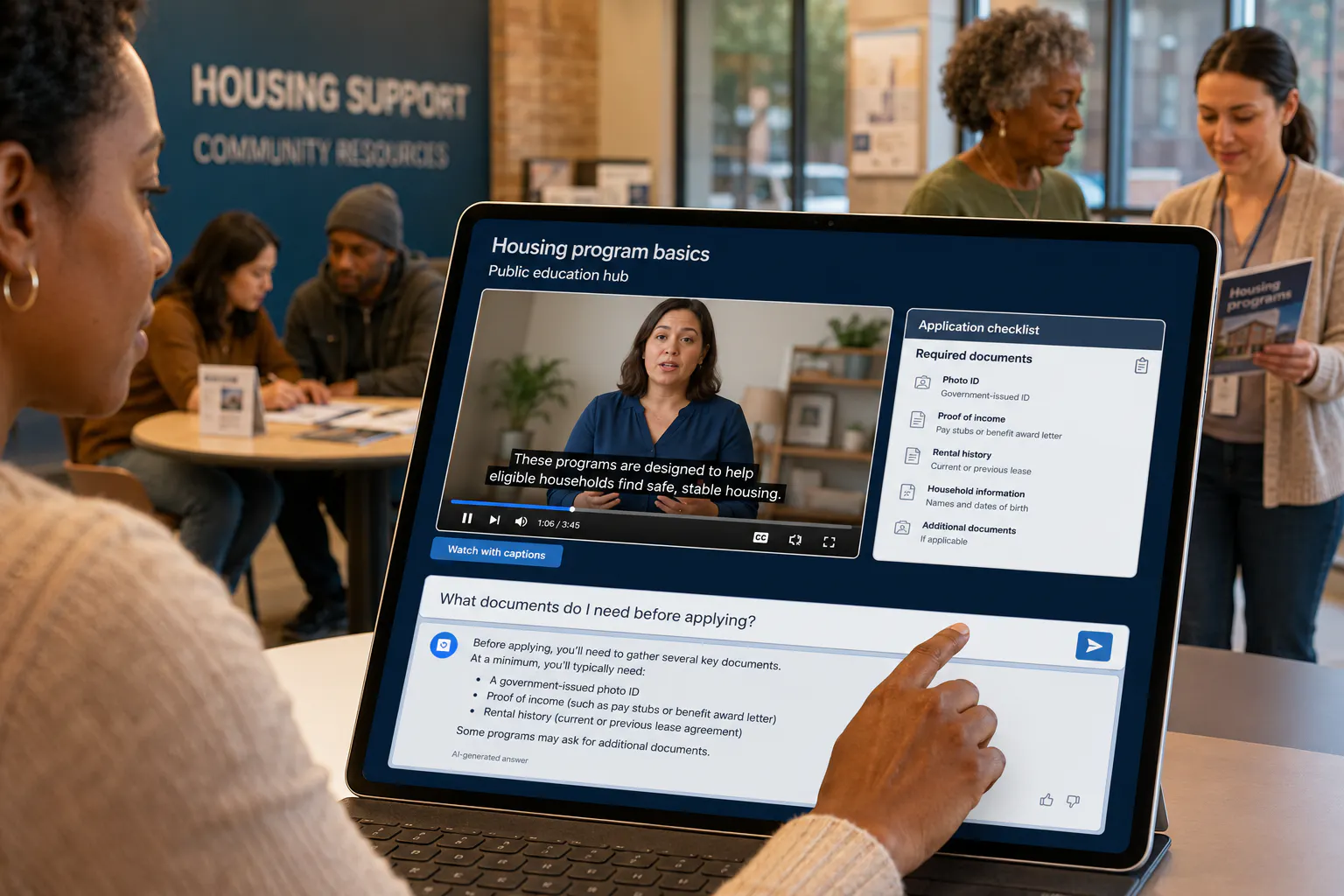
Video series hub
Public learning series
Series
Lesson 1: Overview
Intro video, transcript, and key resources.
Lesson 2: Step-by-step
Detailed walkthrough with supporting documents.
Ask the series
“Which lesson explains the required documents?”
What this use case is
An educational video series platform organizes learning into a structured sequence people can search
Control what belongs together, how it appears, where it is used, and who can access it.
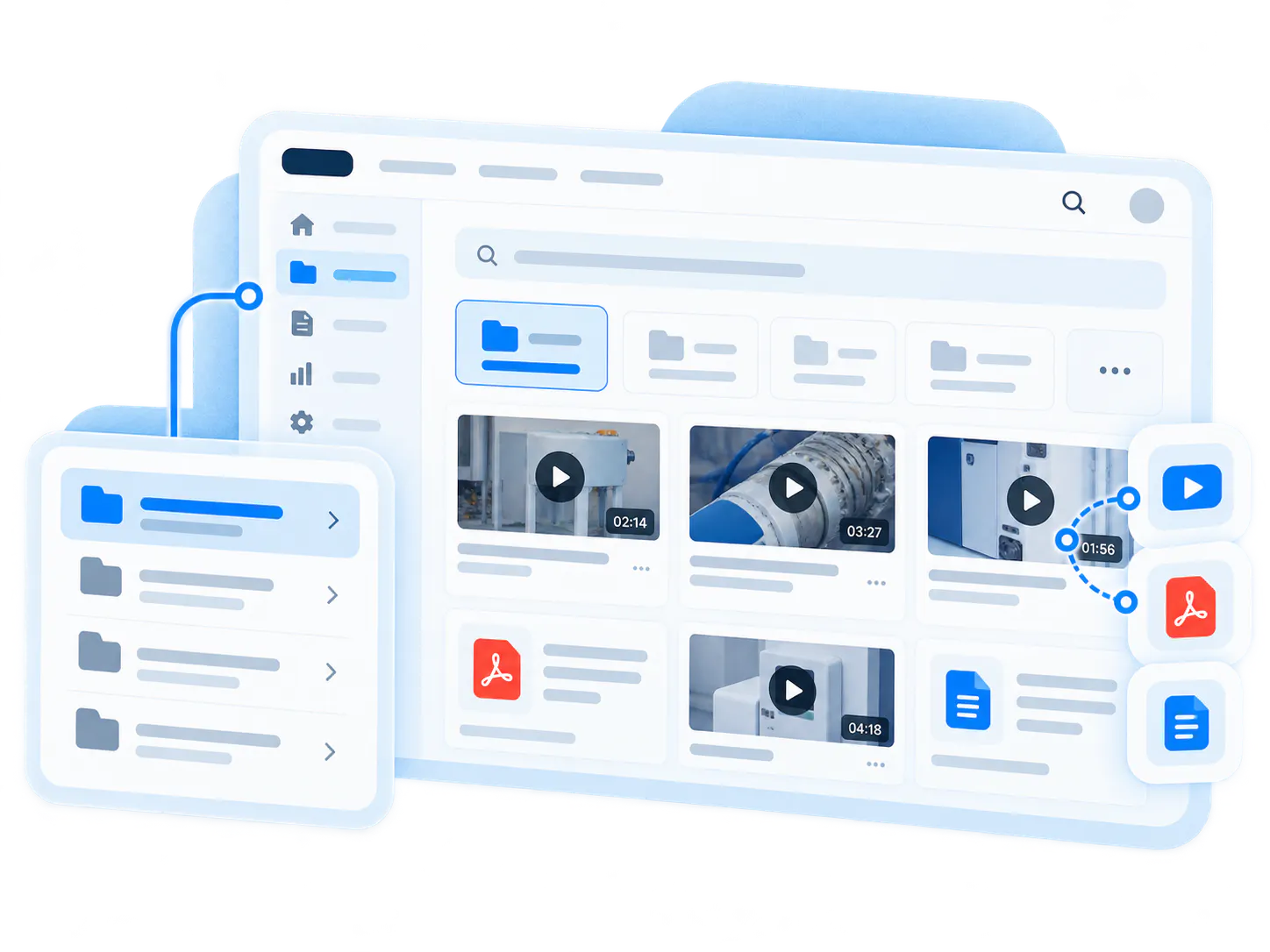
Educational video series are useful when one video is not enough. Organizations use them to explain a topic in stages, teach a process over multiple lessons, publish a webinar series, create public learning tracks, support customer education, or guide external audiences through a program, service, or set of responsibilities.
This use case supports Public Education. With Cincopa, teams can create series hubs with Pages, organize episodes with Galleries, support learning with transcription and captions, and make the full series answerable with VideoGPT.
Problems it solves
Educational series lose value when lessons, documents, and answers are disconnected
Bring related videos and documents together, shape how people explore them, and deliver the collection inside the systems they already use.
STRUCTURE
Series are published as loose videos
When episodes are scattered, viewers do not know where to start, what to watch next, or which lesson has the answer.
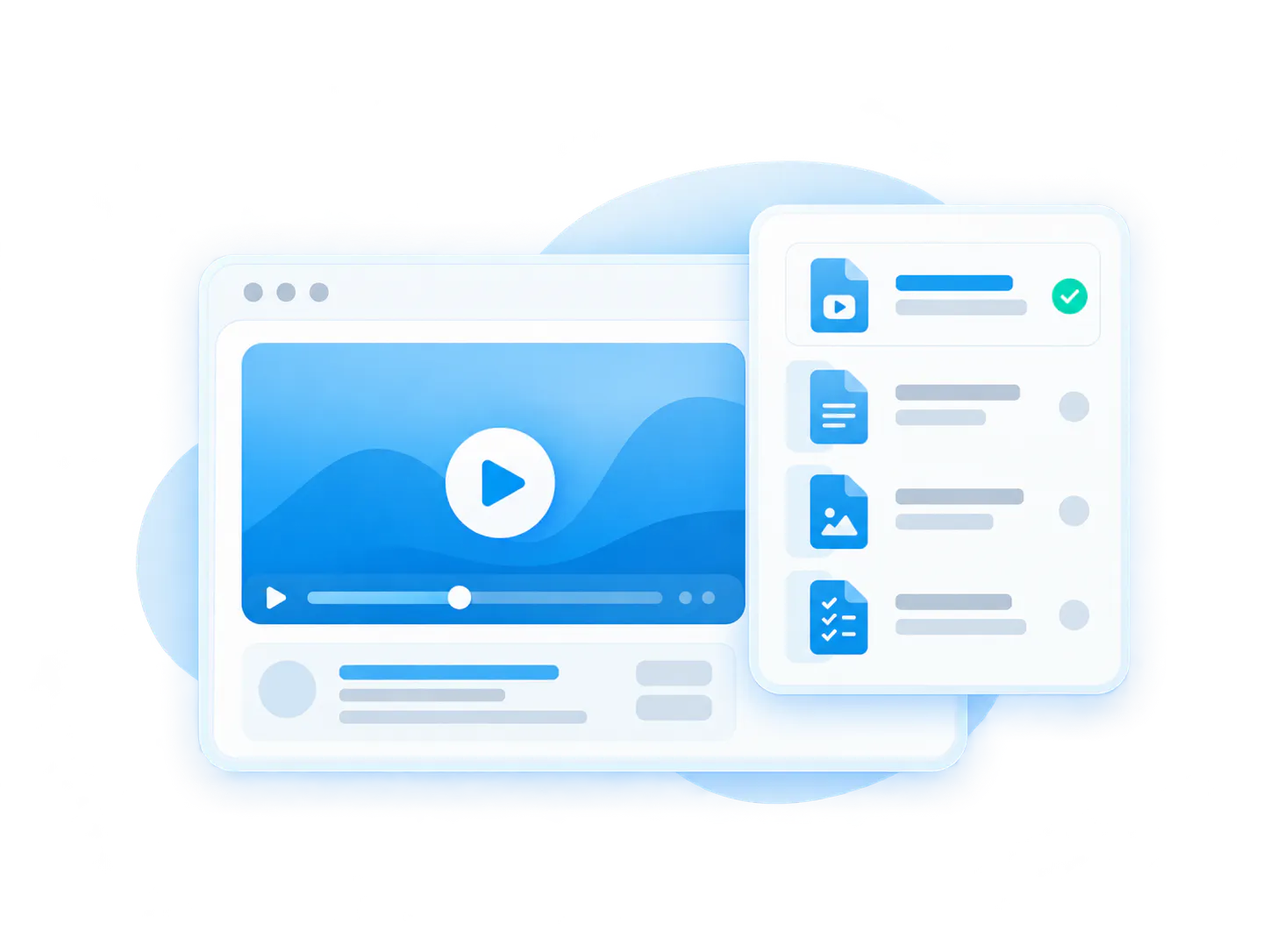
DELIVERY
Documents sit outside the learning flow
Slides, PDFs, checklists, forms, and guides are often separated from the videos that explain them.
DISCOVERY
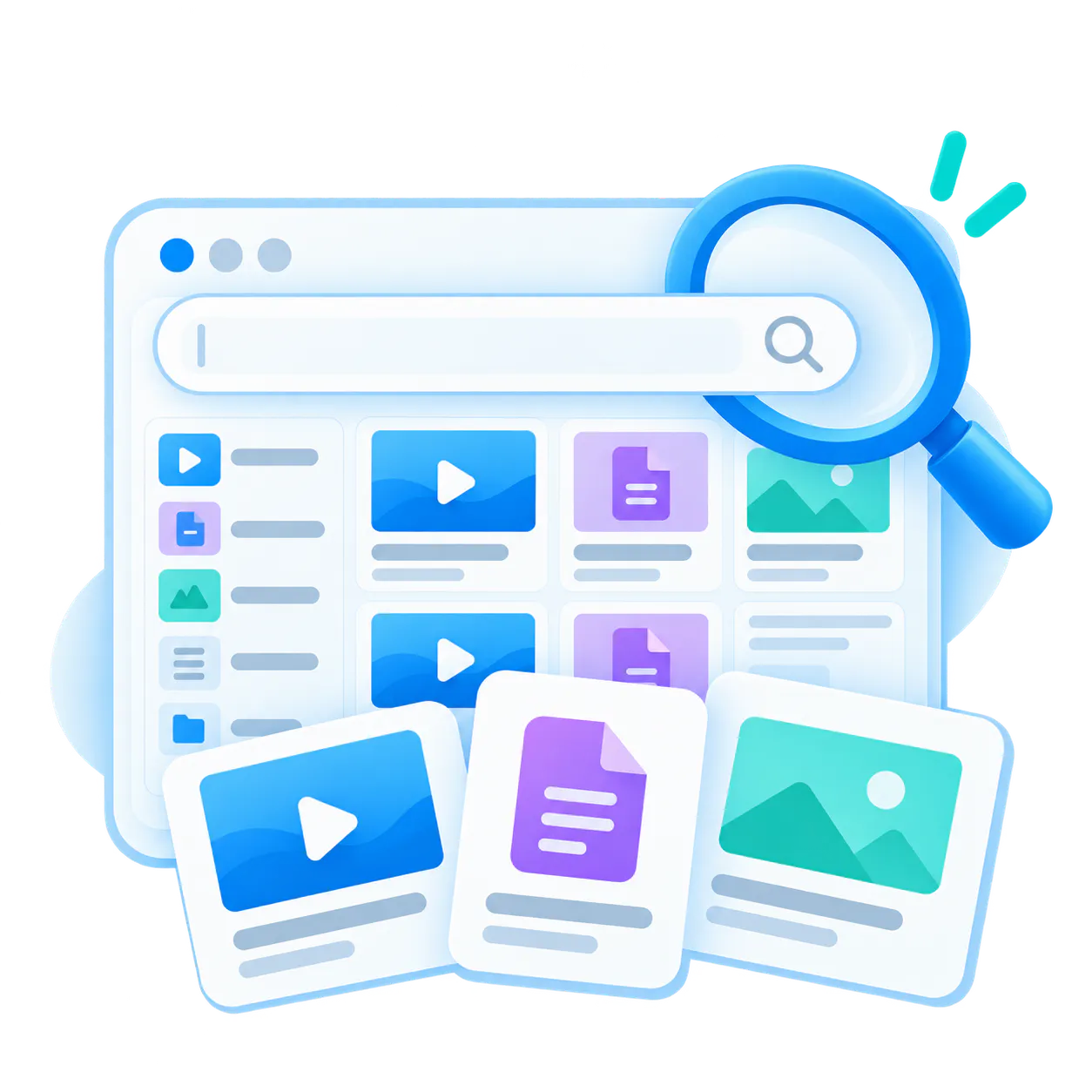
Viewers cannot find specific answers
A person may remember that a topic was covered, but not which episode, section, or supporting document included it.
How Cincopa helps
Publish the series first, then improve it from real questions
Cincopa helps teams activate existing educational videos, webinar recordings, documents, forms, and guides without rebuilding the whole learning experience first. Publish the series, make it searchable, and use real audience questions to see what needs a clearer lesson, follow-up video, or better resource.
Organize by sequence
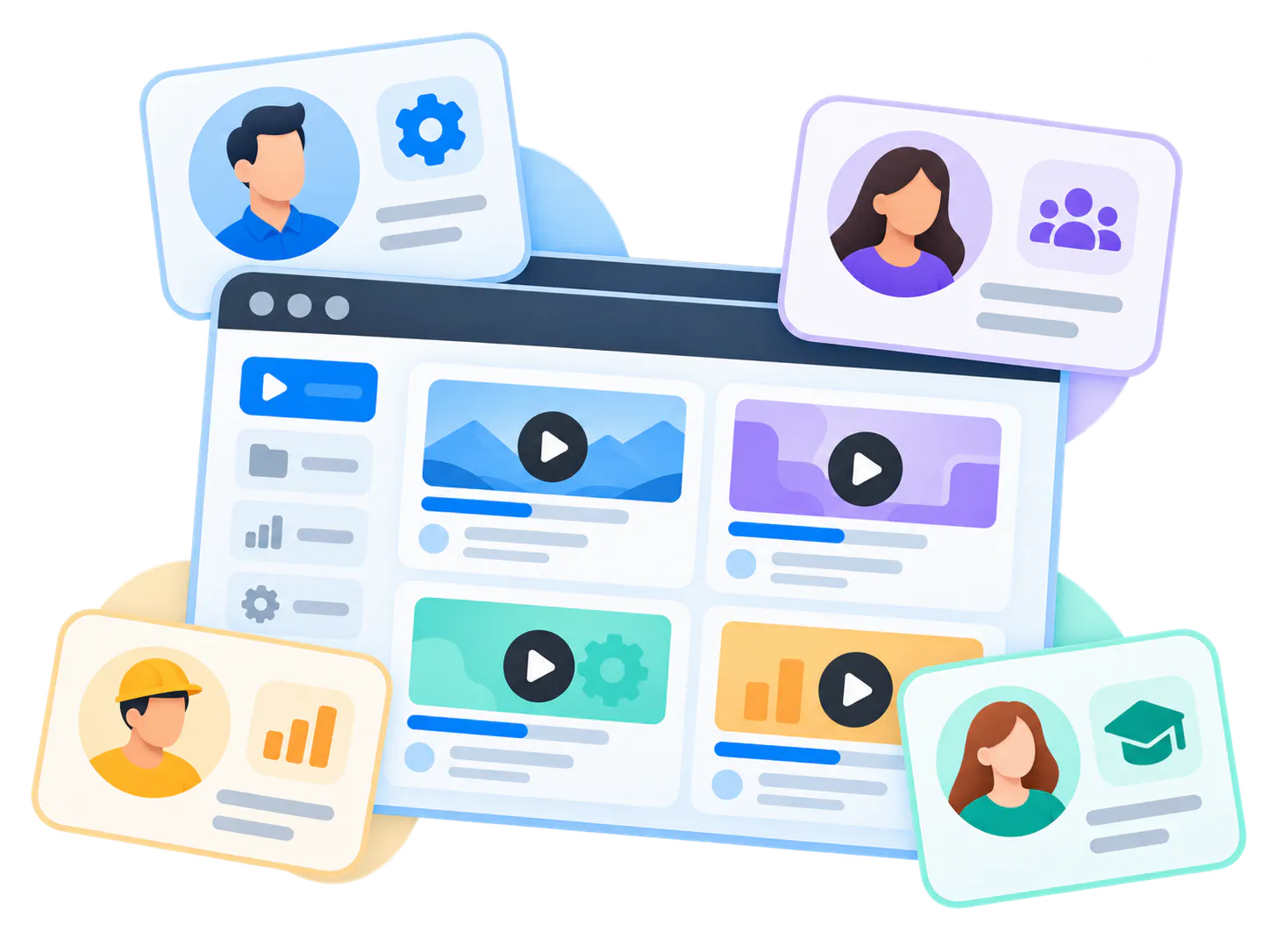
Group videos by lesson, episode, module, topic, step, audience, or learning path.
Connect supporting resources
Keep videos with PDFs, slides, forms, checklists, guides, transcripts, and related links.
Publish public or gated series
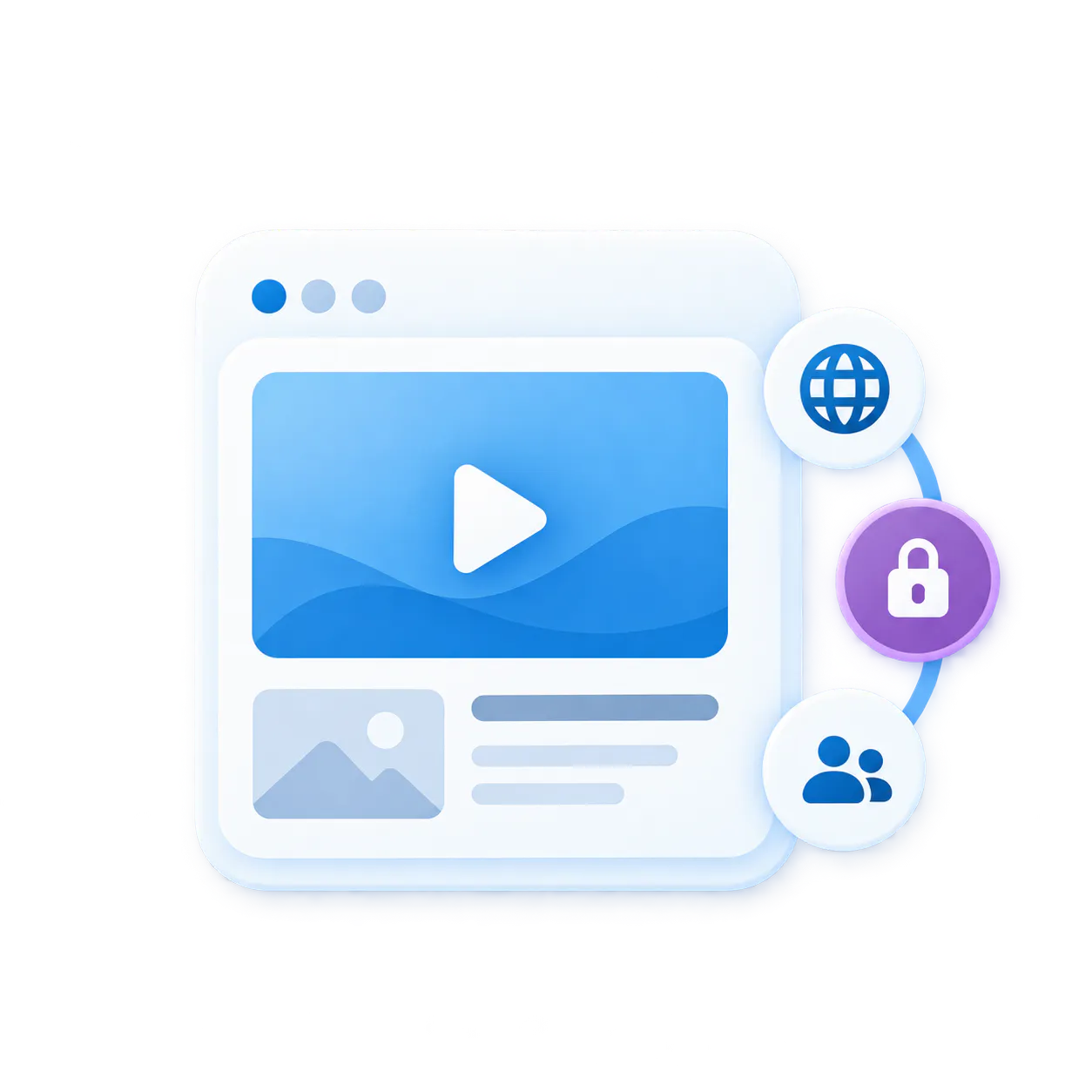
Make the series open to everyone or limit access for selected cohorts, members, clients, partners, or programs.
Make the series answerable
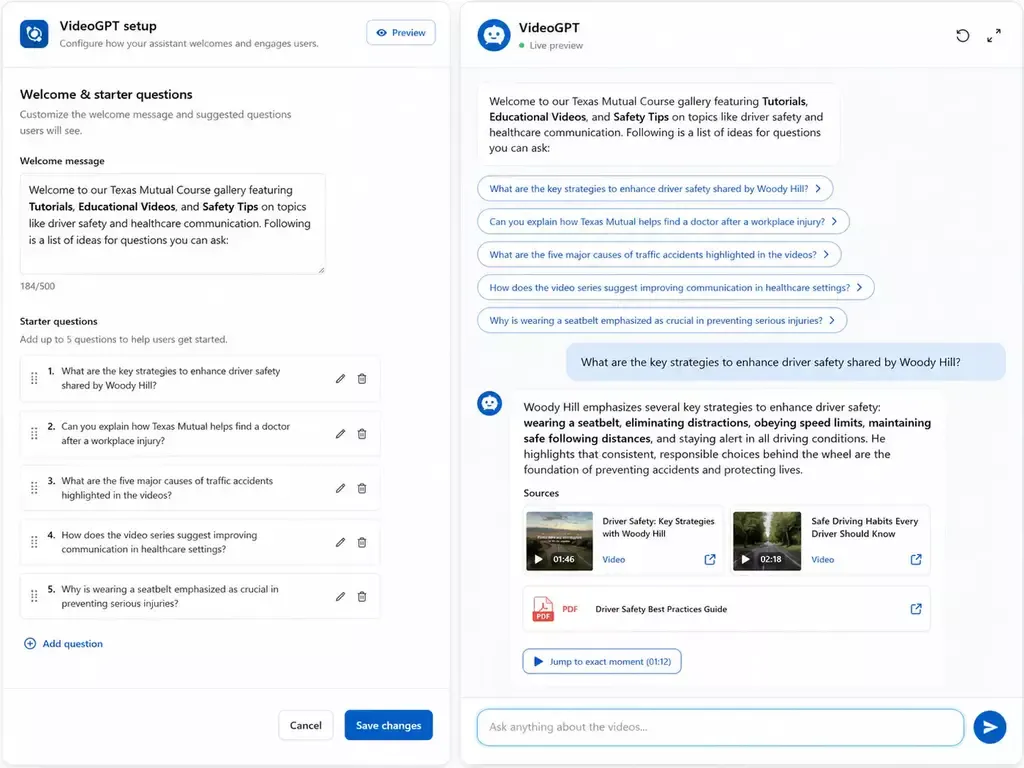
Let viewers ask across the full series and find the right episode, moment, or resource.
Pages vs. Tube
Choose between a standalone destination page and a multi-channel video portal.
Pages are stronger when
One team needs one branded, hosted, measurable destination and a flatter structure is enough.
Tube is stronger when
The audience needs channel-based navigation, ongoing portal behavior, deeper permissions, and a knowledge environment that keeps expanding without becoming a mess.
Relevant platform pieces
Structure the series, connect resources, and make every episode searchable
Use Galleries across websites, products, support, training, partner, and internal environments without moving people away from their existing workflow.
Pages
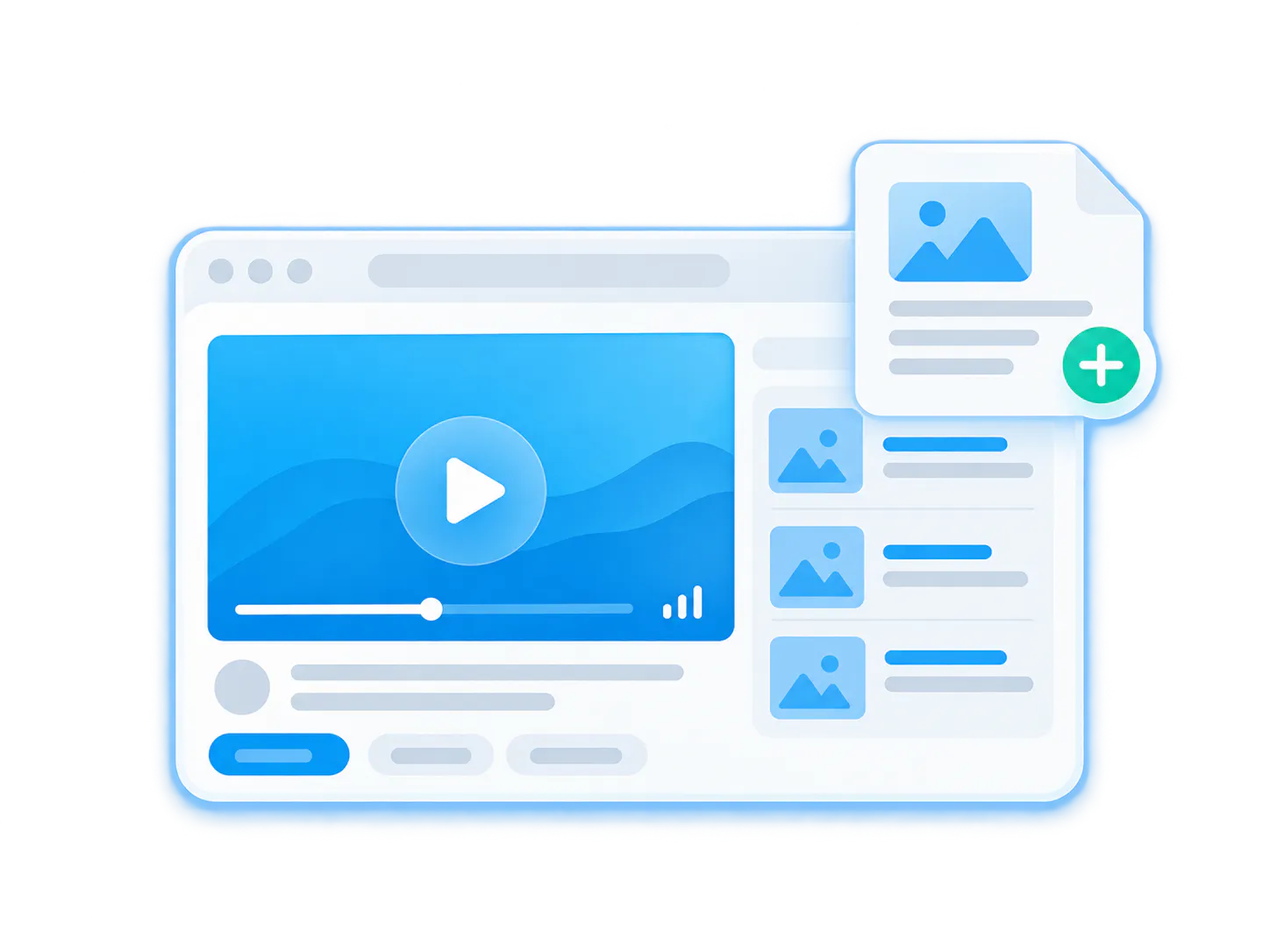
Transcription & captions
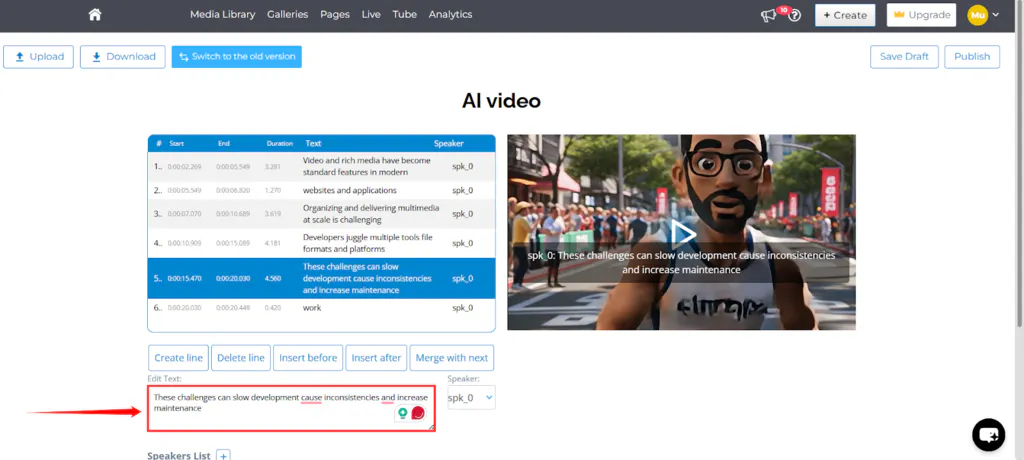
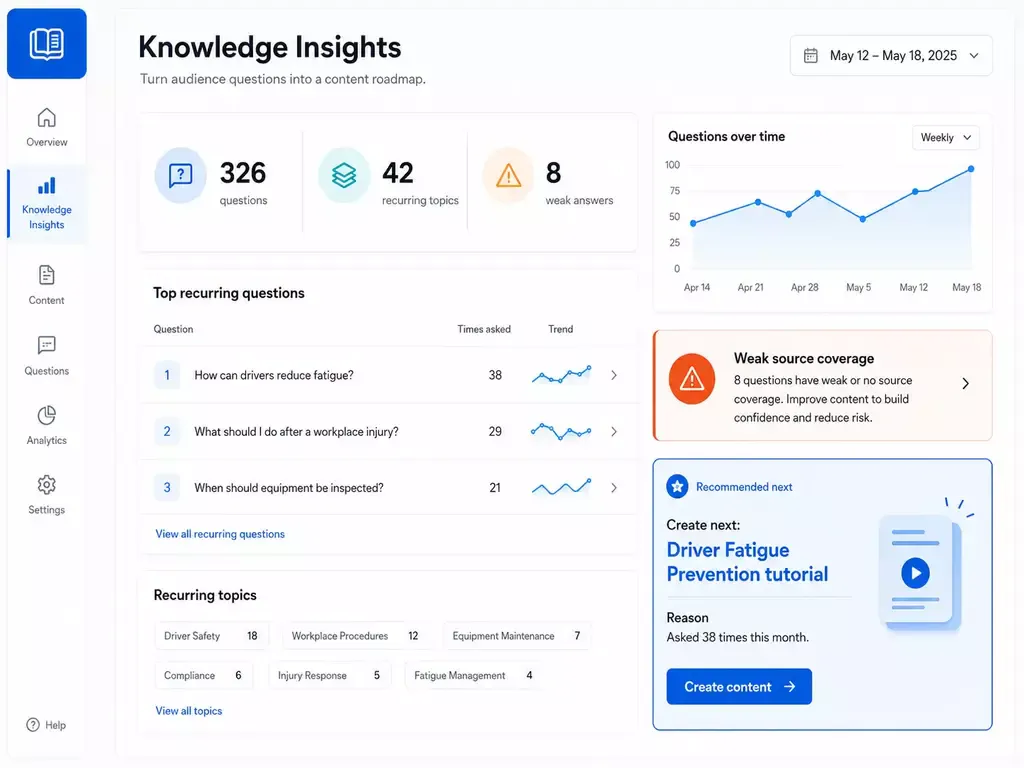
Customer proof
Proof pattern: educational series work better when videos and resources stay connected

Solution context
Public Education
Adjacent use case
Community Education Videos
FAQ
Educational video series platform FAQ
Everything you need to know about organizing, embedding, and scaling reusable video-and-document galleries across your enterprise systems.
It is a structured hub for publishing multi-part educational videos, lessons, webinars, documents, captions, and searchable answers.
Examples include public education series, customer education series, community learning tracks, program explainers, healthcare education, legal client education, nonprofit education, and member education.
A playlist orders videos. An educational video series platform connects videos with documents, captions, search, analytics, access control, and answer retrieval.
Yes. VideoGPT can help viewers ask questions across videos, transcripts, documents, FAQs, and supporting resources.
Yes. Cincopa can keep videos connected to PDFs, forms, slides, checklists, guides, transcripts, and related links.
Yes. A series can be public, embedded on a website, shared through a Page, or gated for selected audiences, cohorts, members, clients, or programs.
Related pages
Build educational video series people can search, revisit, and understand
Use Cincopa to publish structured video series, connect resources, add captions, track questions, and help viewers find the right lesson faster.