Build a video knowledge portal
people return to
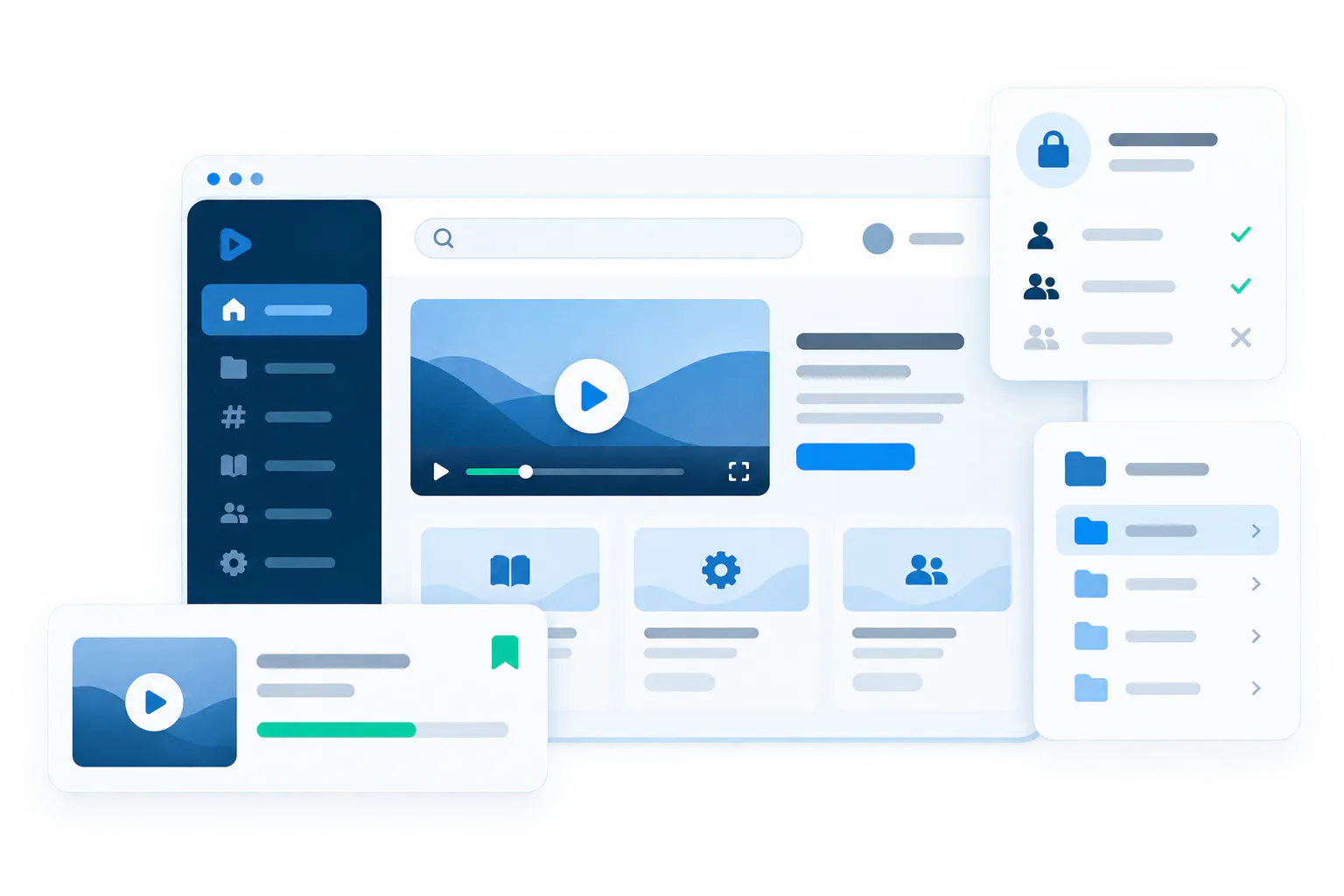
Organize training and knowledge into workspaces and channels, control who can see what, and help every viewer continue where they left off—without stitching together a portal from separate tools.
More than a page. More than a portal shell.
Tube is the portal-style product model inside Cincopa for structured video knowledge environments.
It gives one team or program a persistent destination with workspace navigation, channel structure, user identity, repeat-usage behavior, and room for the library to grow over time. VideoGPT can add a guided answer layer on top of that structure, so users can browse channels when they know the path or ask questions when they do not.

Give the knowledge a place people return to
Tube works when the rollout needs a real portal with browse paths, search, repeat visits, and ongoing content growth instead of a single page or a one-time embed.
Organize the environment the way teams actually learn
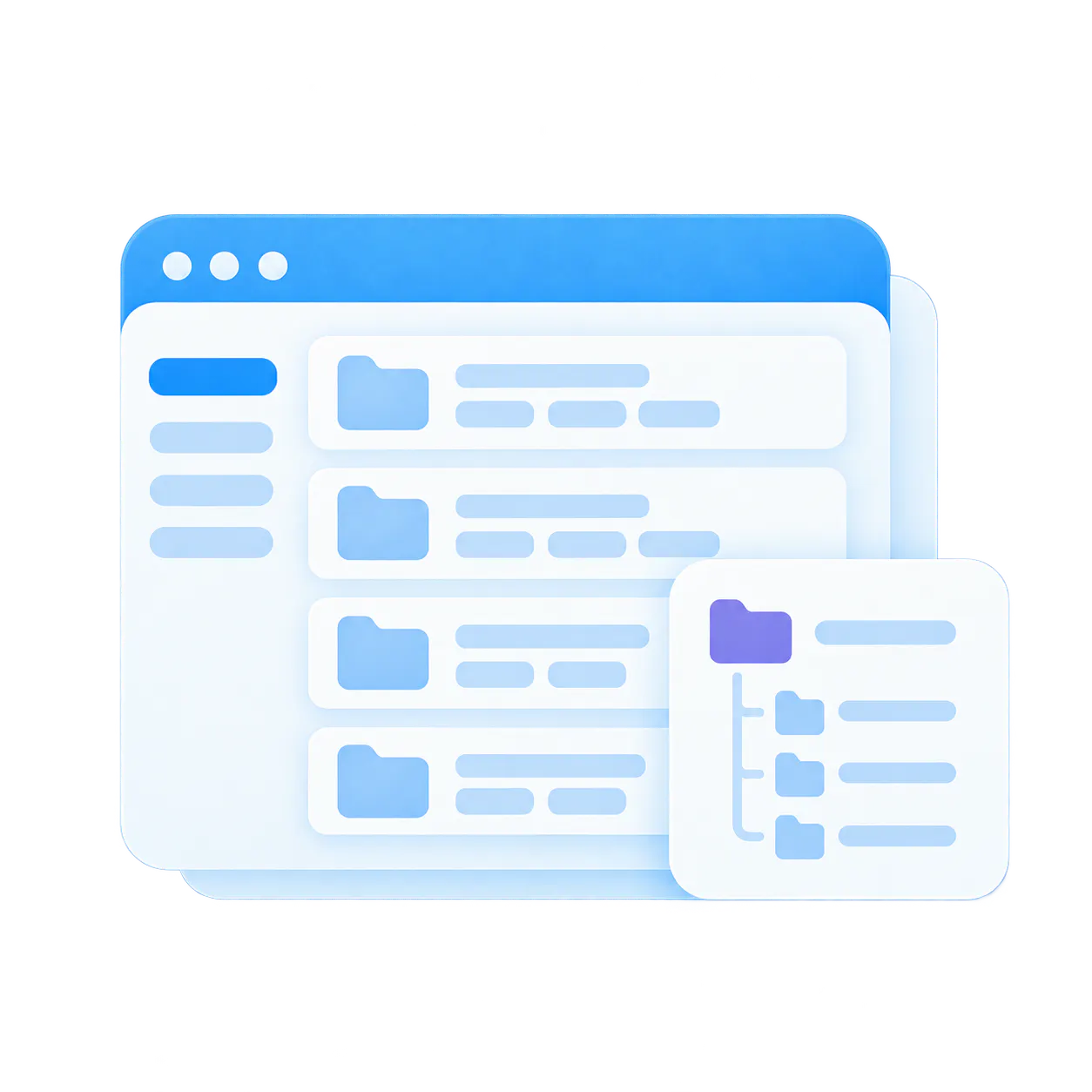
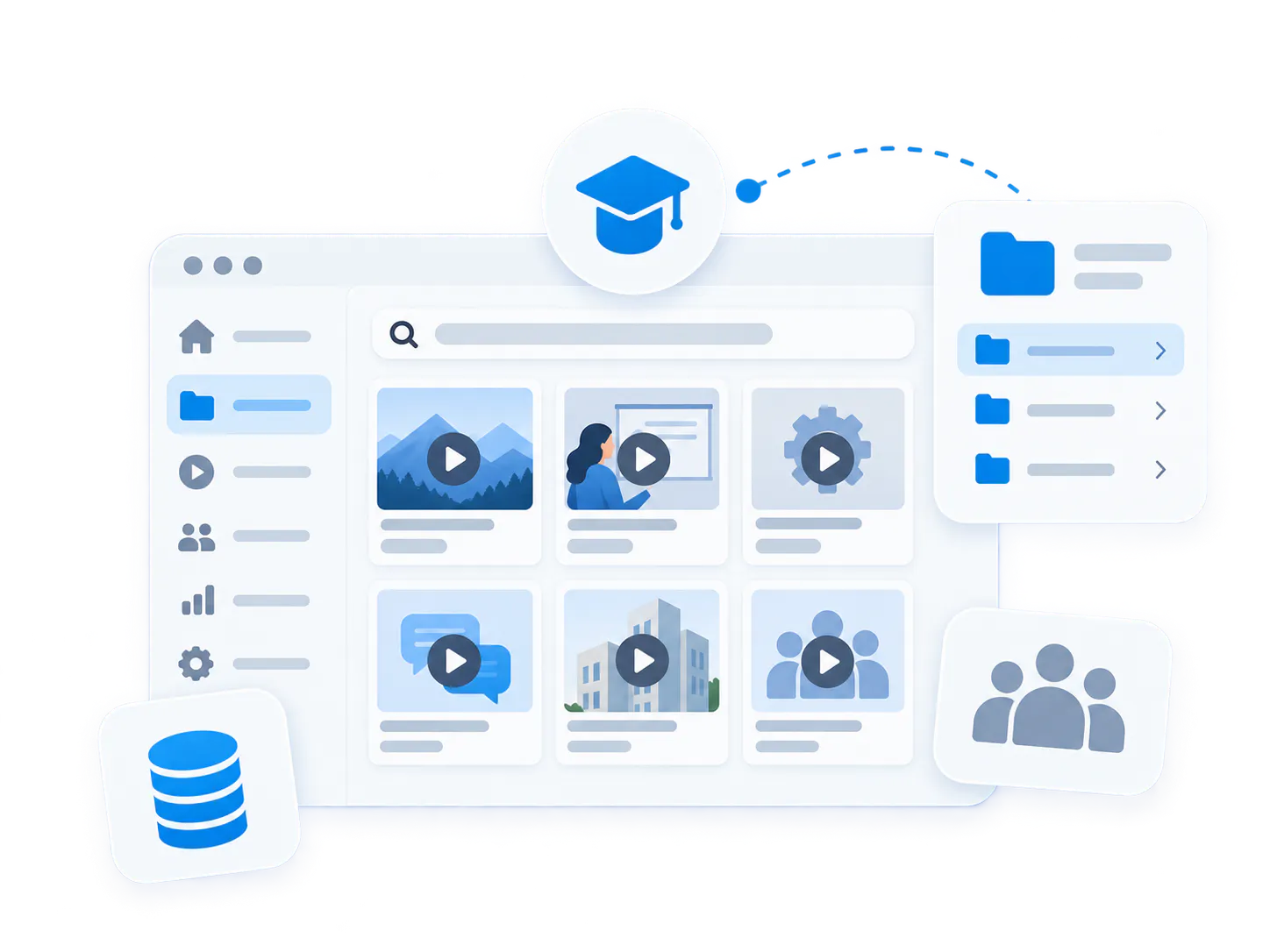
Workspaces organize the environment. Channels group content by program, product area, role, workflow, or recurring series so the library stays usable as it grows.
Keep repeat viewers in motion
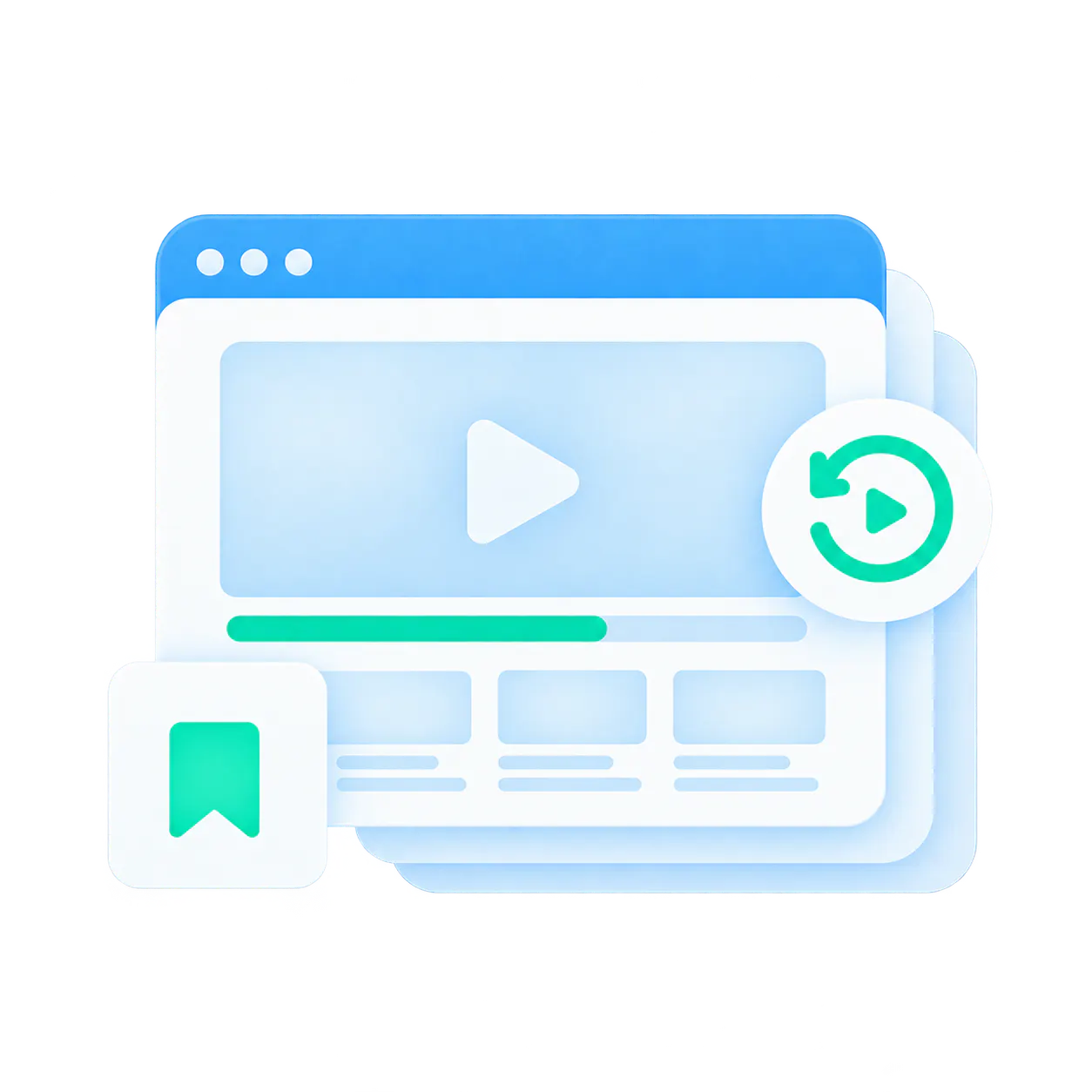
Watch history, resume watching, saved items, subscriptions, notifications, and optional sequential behavior make the portal more useful over time, not just on first visit.
From flat libraries and recurring training pain to a portal people can actually use
Many teams already have the videos. What they do not have is the right environment to keep those videos organized, controlled, reusable, and easy to return to as the audience and the library both grow.
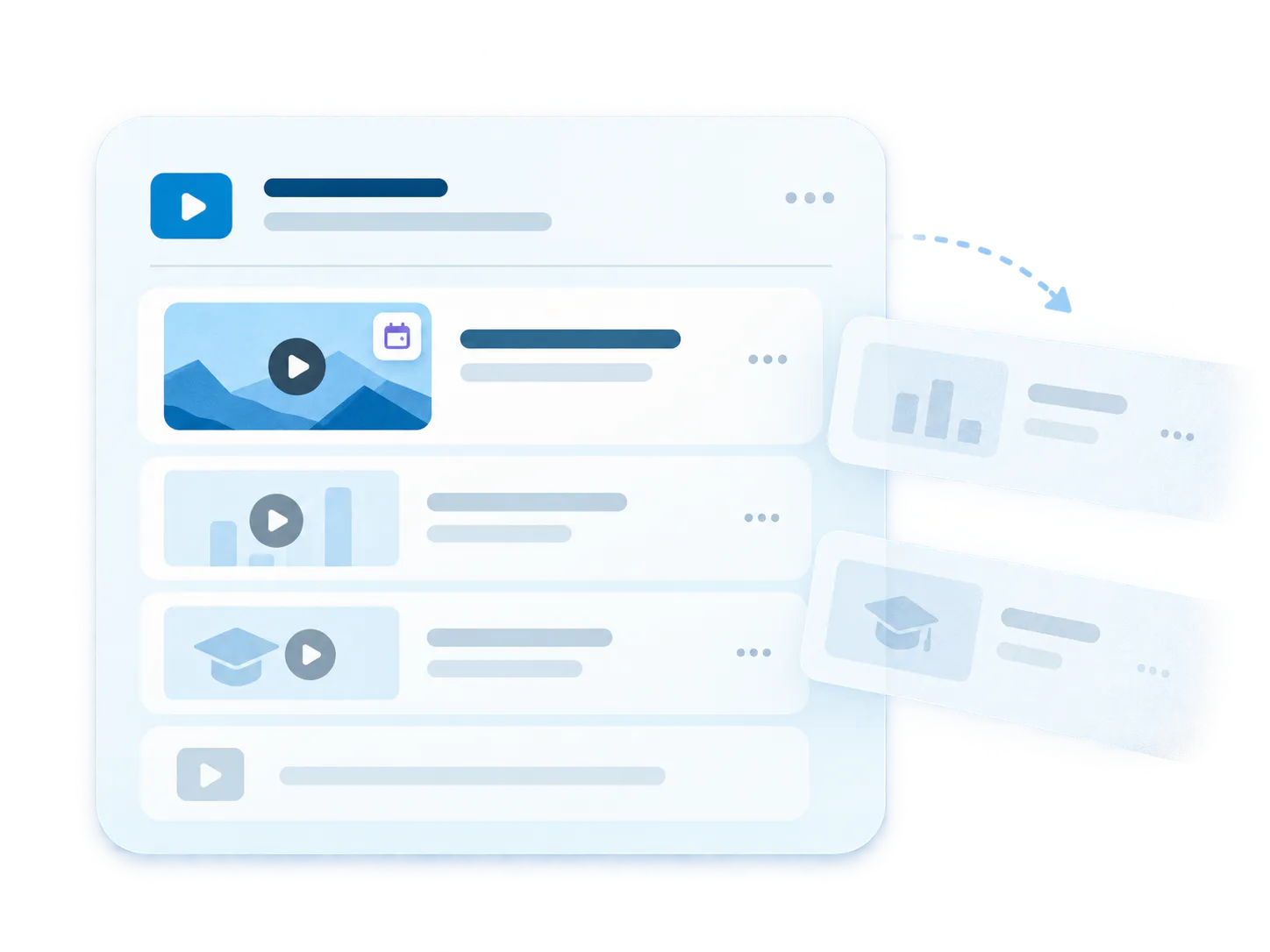
Flat libraries break at scale
Once content expands across products, modules, releases, workshops, or user groups, a flat video list becomes hard to browse and even harder to trust.
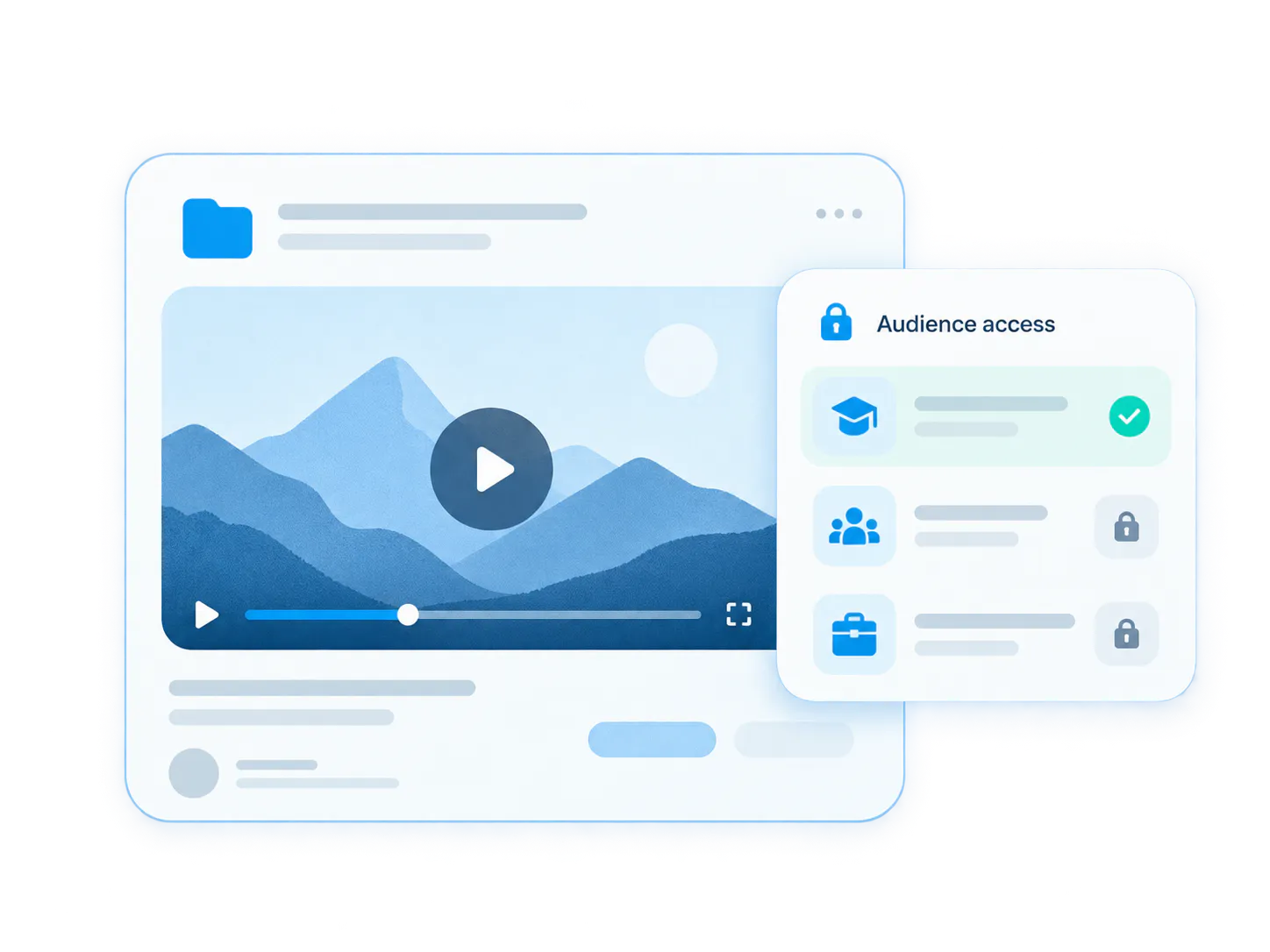
Recurring content disappears after the event
Recorded webinars, release briefings, and training sessions often exist, but they stop being usable because the environment was never built to retain and surface them.
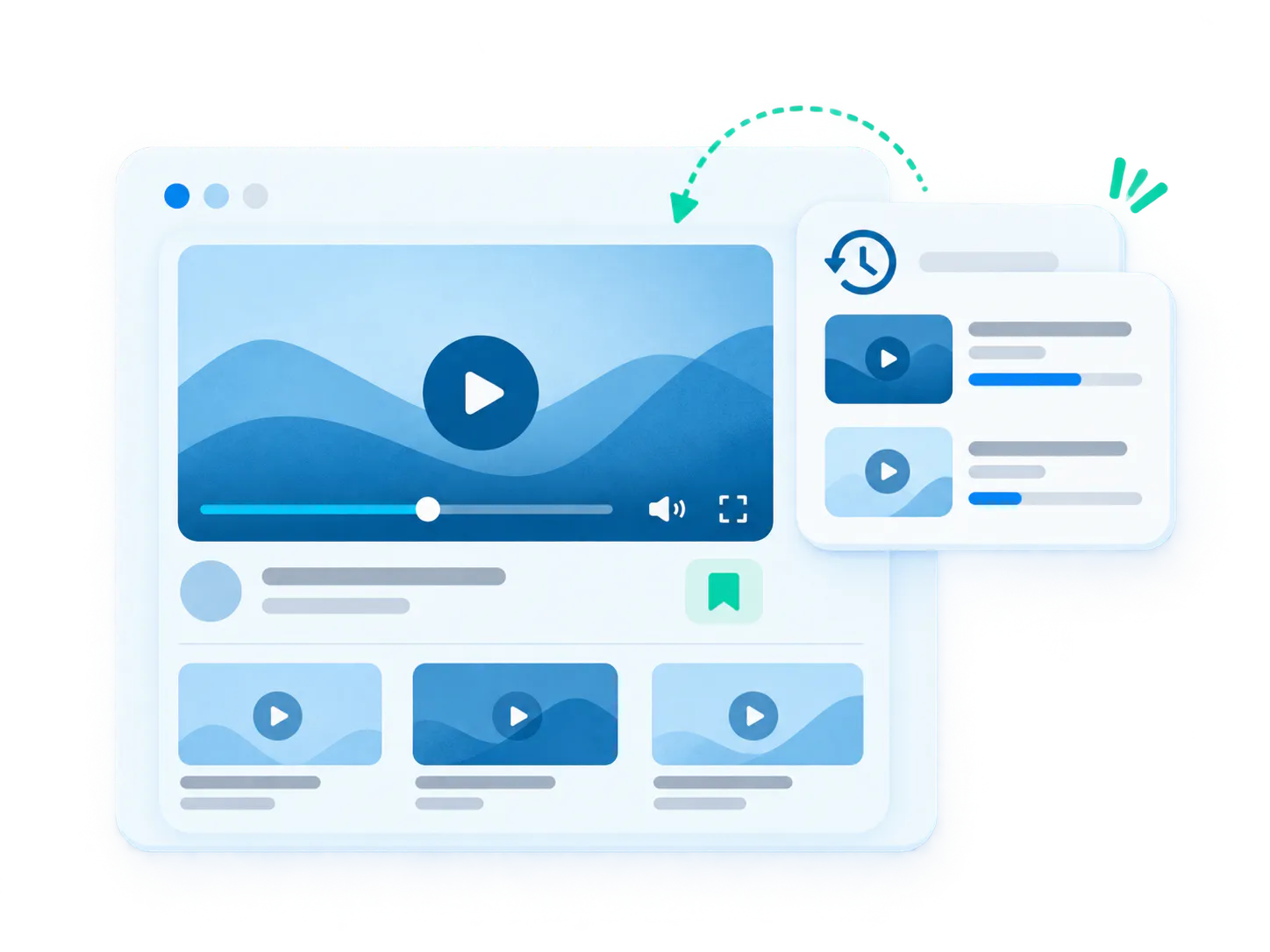
One audience should not see everything
Academy learners, internal teams, and selected partners often need different entry points, permissions, and management roles even when the knowledge lives in one broader system.
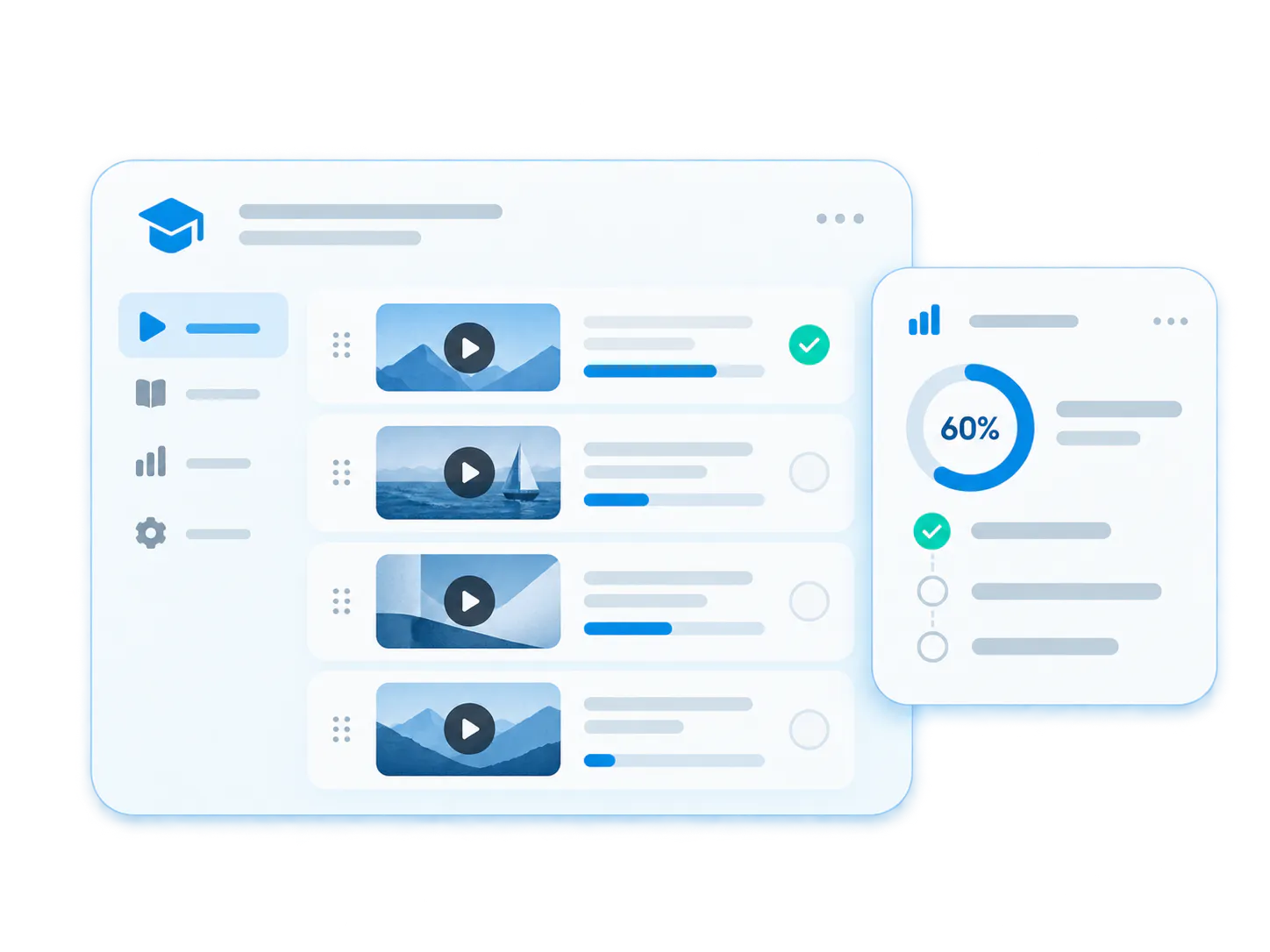
Repeat viewers need continuity
When users come back often, watch history, resume behavior, channel subscriptions, and structured navigation stop being nice extras and start becoming part of the product value.
One portal model. Many recurring knowledge environments.
Use the same Tube foundation to support customer academies, controlled team hubs, departmental portals, and recurring workshop archives without rebuilding the experience from scratch each time.
Customer academy
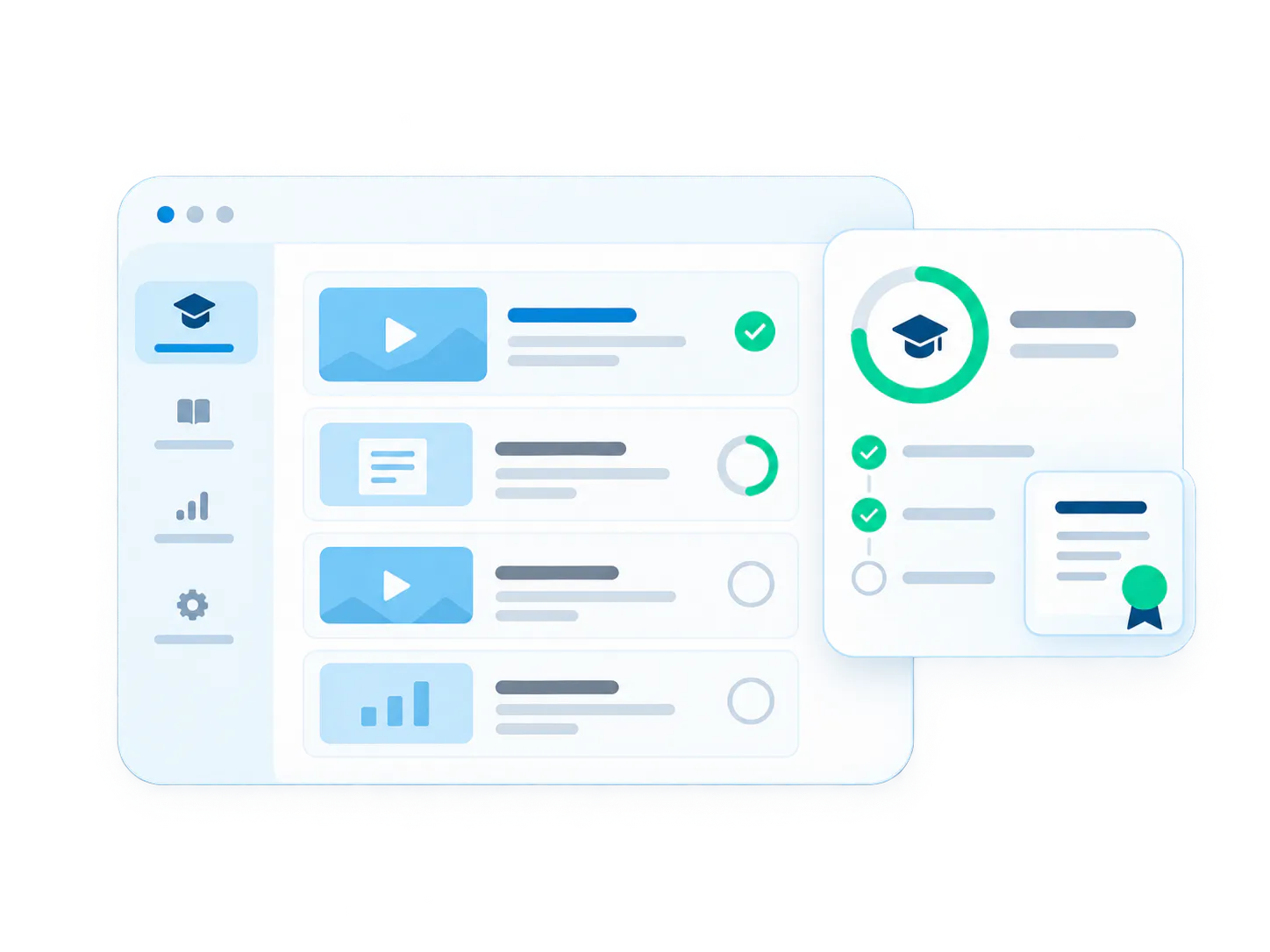
Self-paced learning with channel organization and progress tracking.
Structured training portal
Targeted curriculums for onboarding, certifications, and rollouts.
Internal knowledge hub
Central repository for company knowledge, process demos, and workshops.
Recurring webinar archive
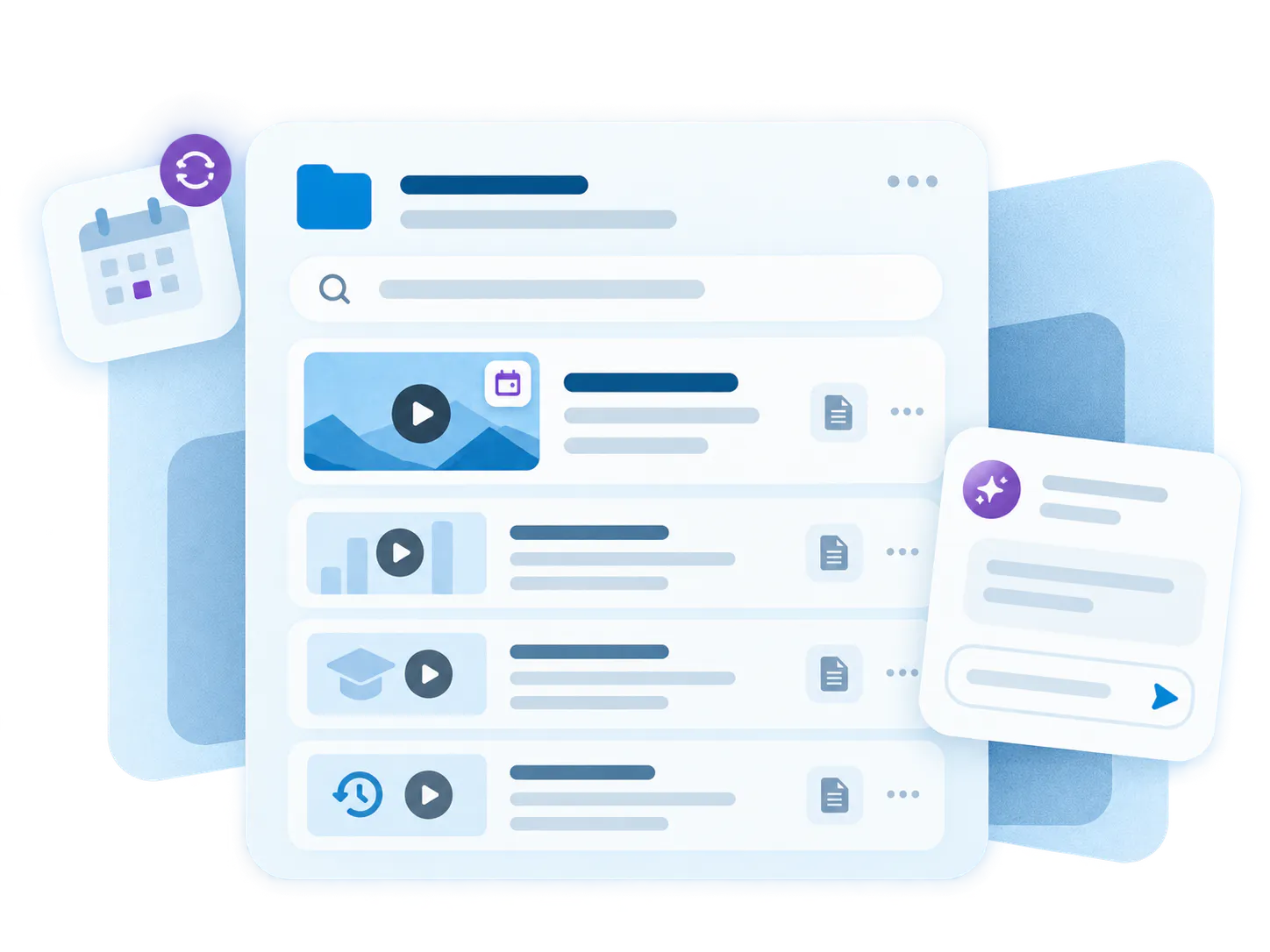
Keep post-event recordings accessible, searchable, and askable.
Choose Tube when the rollout needs more structure than a page and more destination value than an embed
Tube is the strongest fit when one environment needs multiple channels, user groups, role-based access, repeat viewer behavior, and room to keep growing without losing clarity.
More structure than a Page
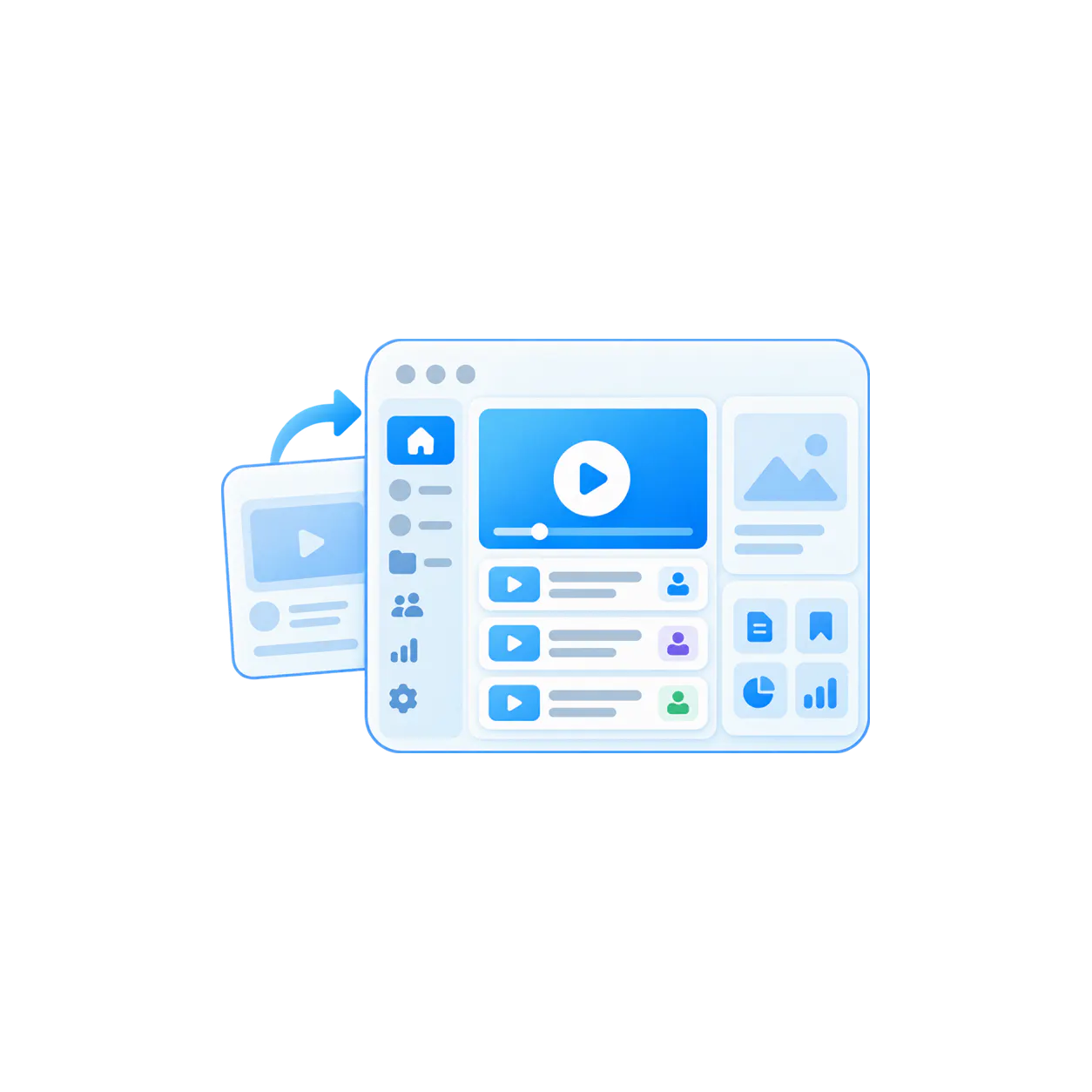
Start with Tube when one audience is not enough and the environment needs workspace navigation, channel logic, and deeper portal behavior.
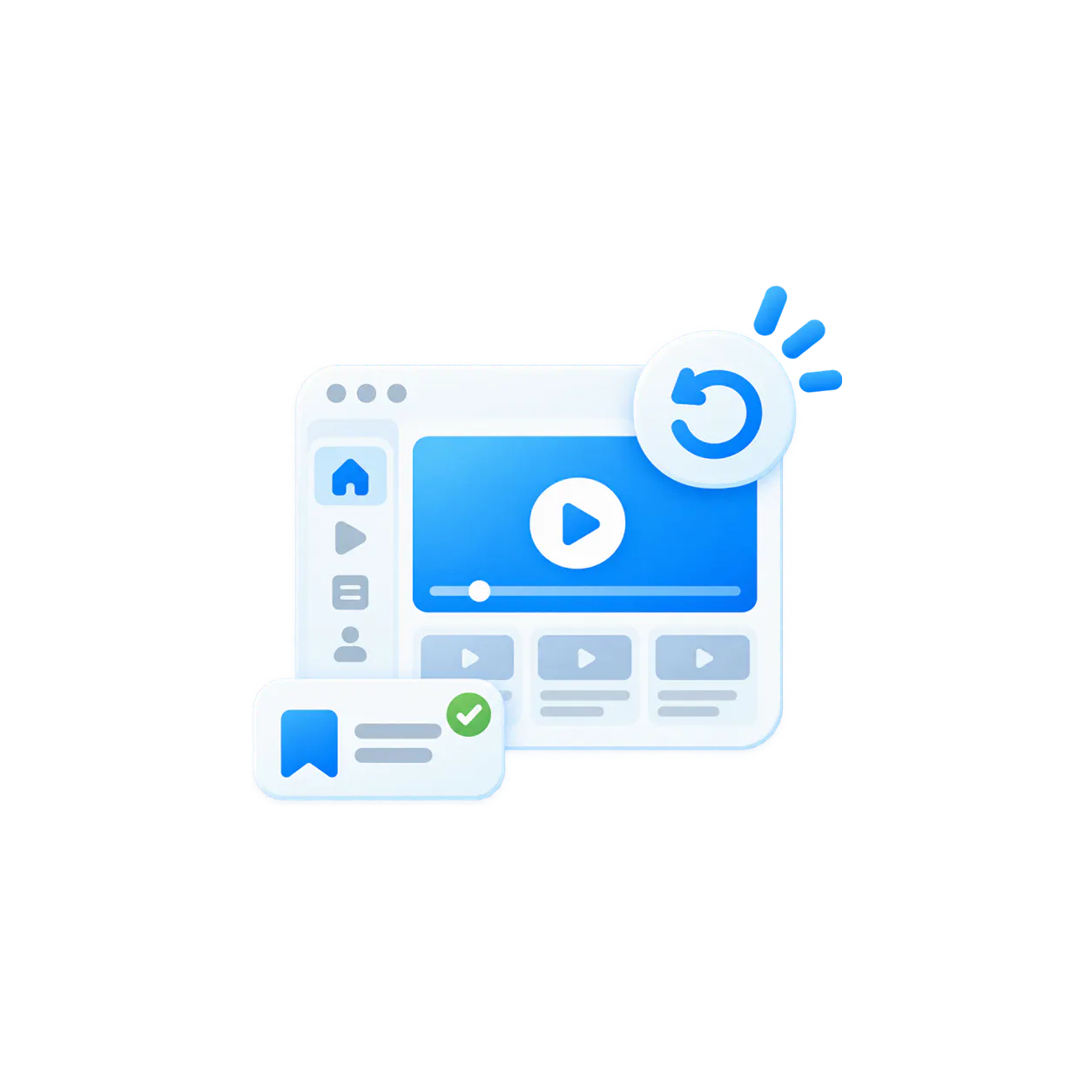
More destination value than Galleries
Use Tube when the goal is not mainly embedded delivery. Tube is for the cases where the knowledge needs its own place users return to again and again.
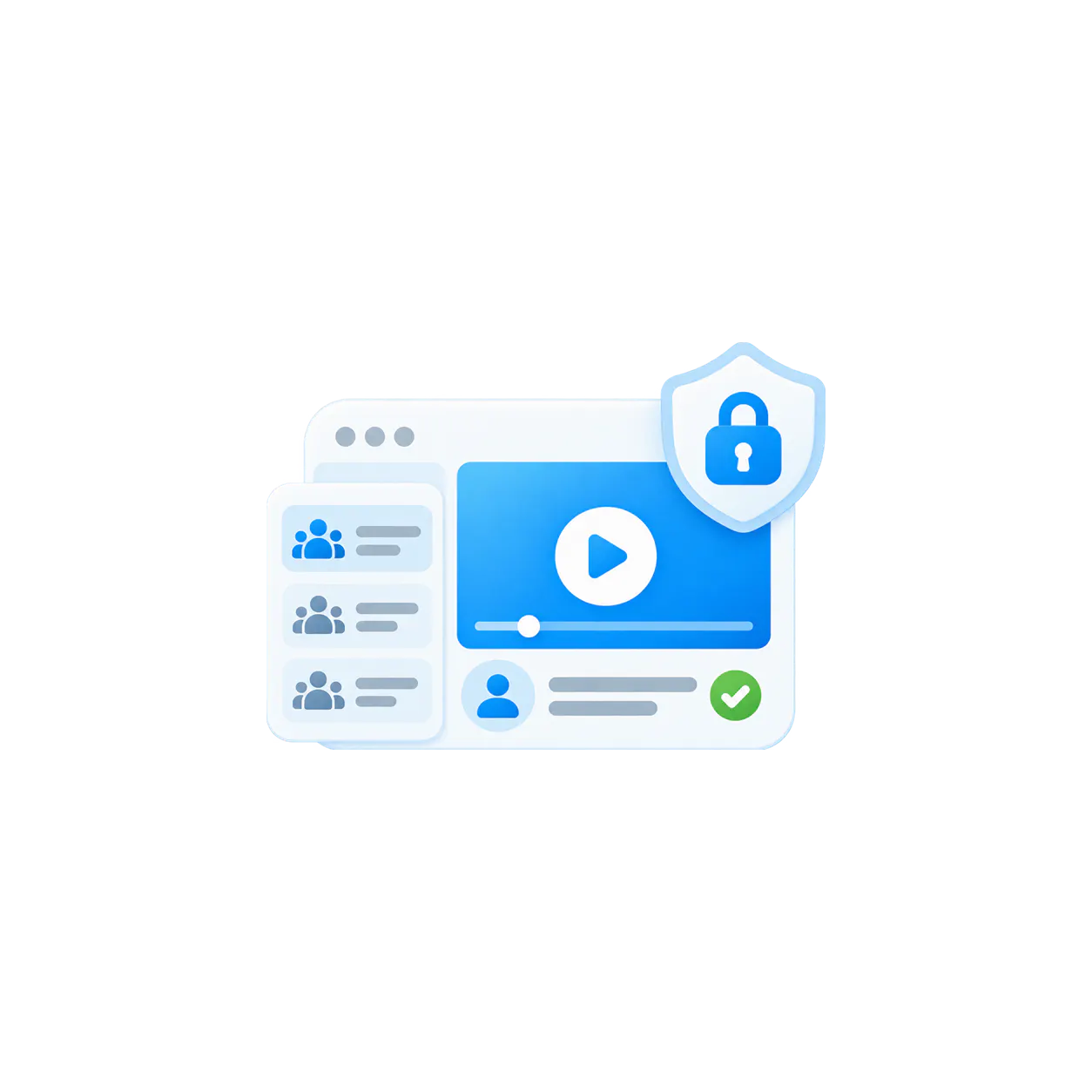
More control as the environment grows
User groups and role-based permissions help keep one portal controlled as more viewers, teams, and managers enter the environment.
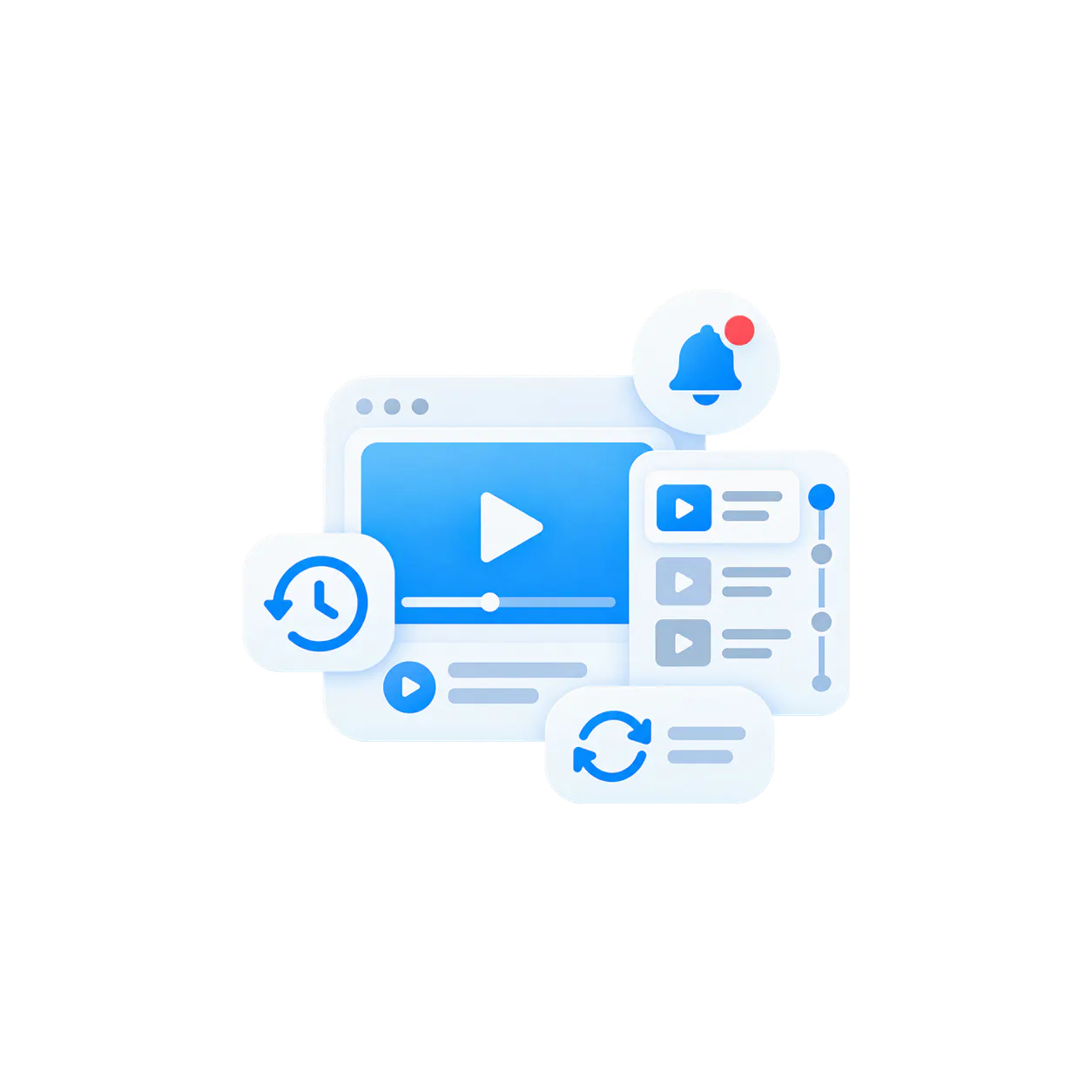
More continuity for repeat learning
Watch history, resume behavior, subscriptions, notifications, and optional sequential mode make Tube stronger for programs users revisit over time.
One portal model, clear operational logic
Tube follows a clear operating pattern: create the environment, organize the channels, match access to the audience, help users browse, ask, and continue learning, then keep the knowledge usable as it grows.
Tube · Workspace · Channel · Asset
That structure is what makes the portal readable for users and manageable for teams as the environment expands across programs, departments, or recurring content tracks.

-
01
Start with the workspace
Use workspaces to organize the environment by team, program, department, audience, or business context so the portal has clear boundaries from the start. -
02
Group content into channels people can follow
Channels can organize onboarding, product training, troubleshooting, release updates, recorded meetings, or recurring webinar series so the library behaves like a program, not a dump. -
03
Control who sees what and who manages what
User groups and role-based permissions help teams manage workspace access, channel access, and administrative responsibility as the environment becomes more shared and more important. -
04
Let users browse channels or ask inside them
Users can move between structured channel browsing and VideoGPT. The assistant can use the current channel as the primary context and automatically find relevant answers in other Tube channels. -
05
Support repeat viewers, not just first-time viewers
Watch history, resume watching, saved items, subscriptions, notifications, and optional linear learning mode help the portal behave like an environment users come back to with context still intact. -
06
Keep the environment alive as content keeps arriving
Tube can support automated ingestion such as Zoom recordings into channels, include externally hosted videos where useful, and keep VideoGPT working across the growing portal knowledge environment.
The portal works because the layers reinforce each other
Tube is strongest when structure, controlled access, and intelligence all work together. That is how one portal stays useful even as the audience, content volume, and operational demands all increase.
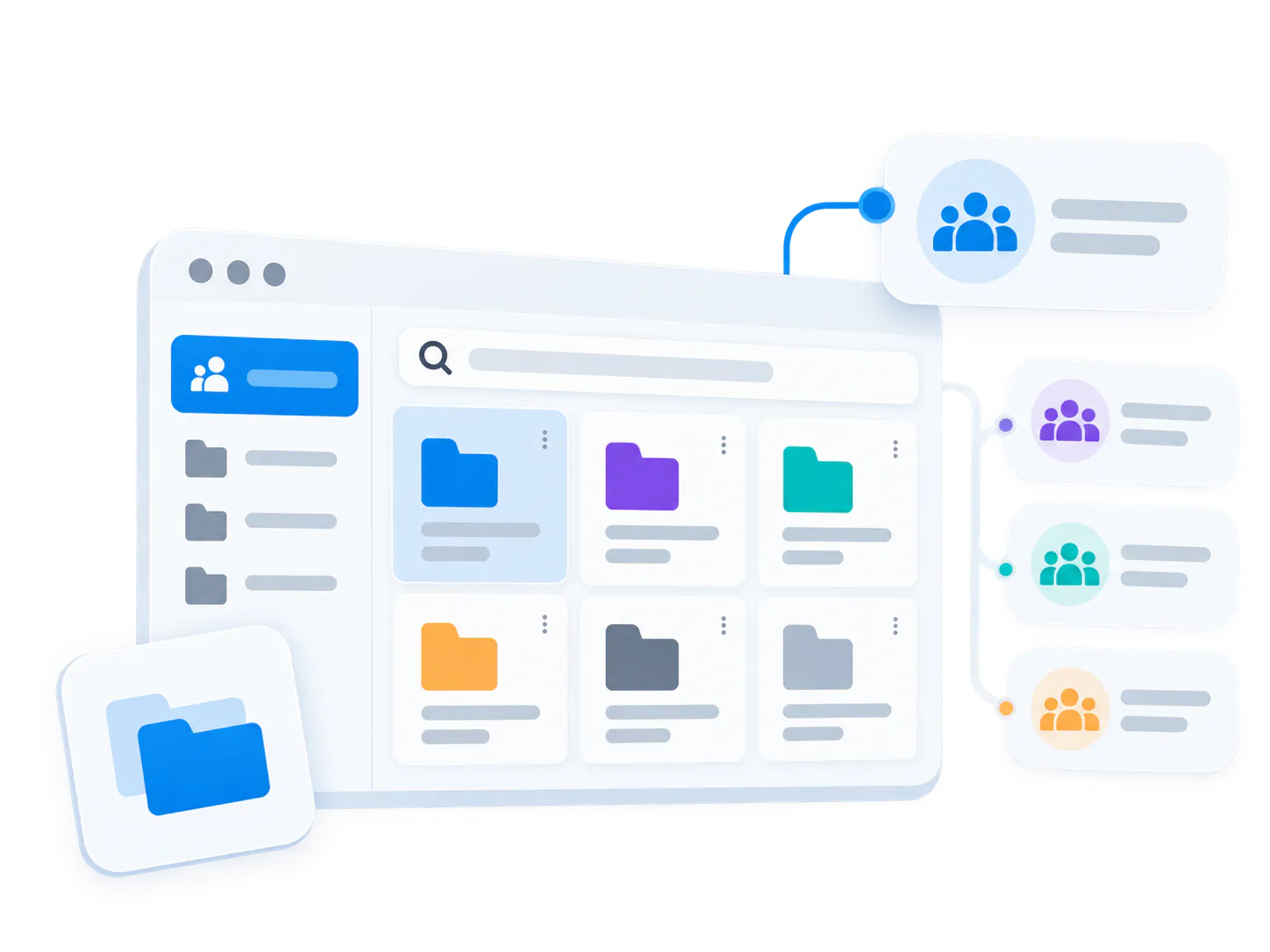
Workspaces and channels keep the portal readable
Use workspace and channel logic to organize by team, role, program, topic, product line, or recurring series instead of forcing users through one flat content path.
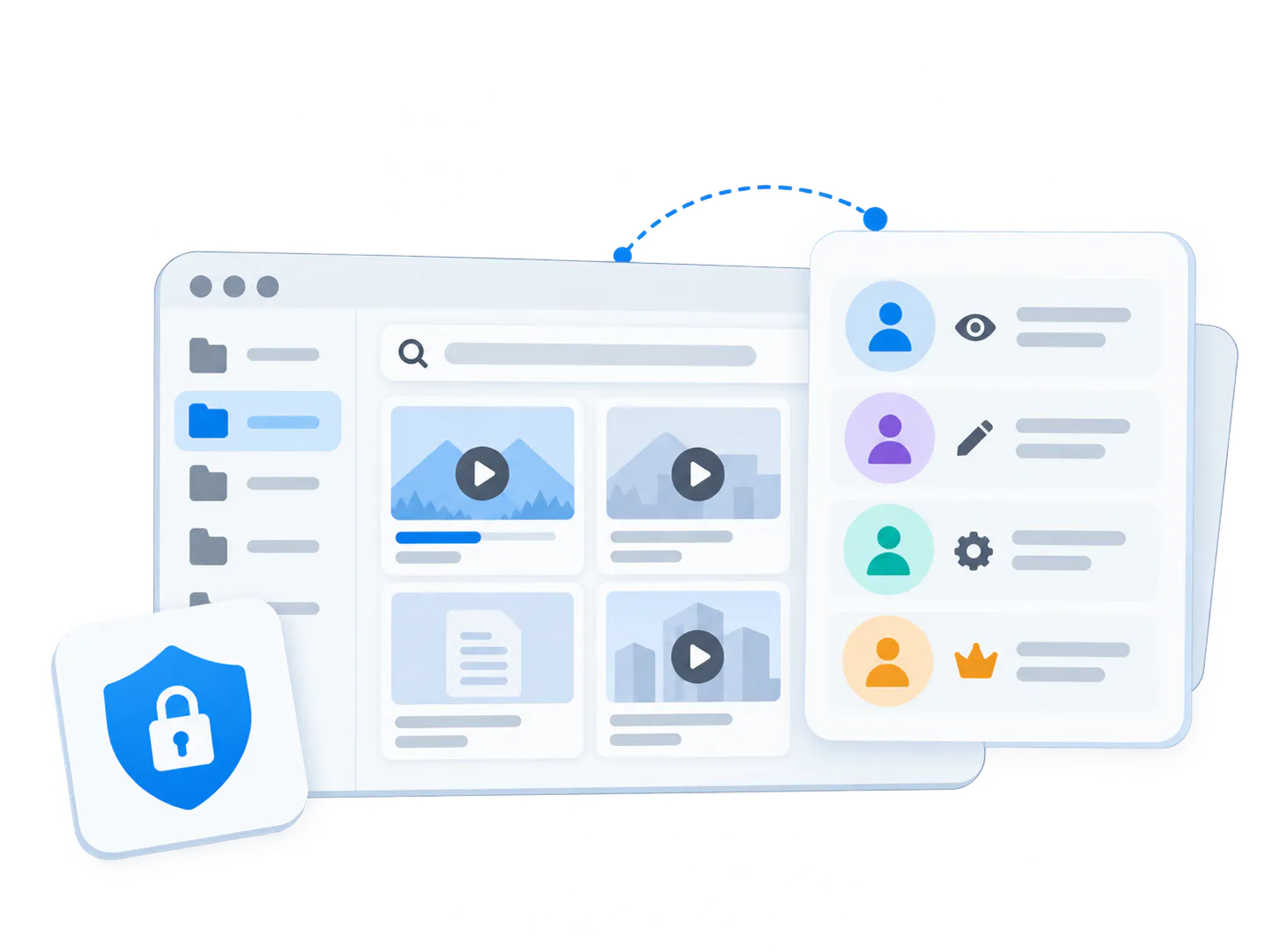
User groups and roles keep the environment controlled
Viewer, editor, admin, and owner roles can vary by workspace or channel, which makes it easier to decide who sees what, who edits what, and how the portal stays governed over time.

VideoGPT and analytics make the portal more useful every month
VideoGPT can answer in channel context and automatically find relevant knowledge across other Tube channels. Viewer analytics, recurring questions and unclear-answer signals help teams see what content should improve next.
Ask across the portal. See the content behind the answer.
In Tube, the floating VideoGPT Bubble stays available while users browse channels, videos and knowledge collections. It helps users understand what is available, ask questions and review the relevant supporting content inside the conversation.
When opened from a channel or a video inside that channel, VideoGPT can use the channel as the primary context. It also finds relevant answers across other Tube channels automatically; there is no cross-channel configuration.
Read the Tube bubble update for the announcement and examples.
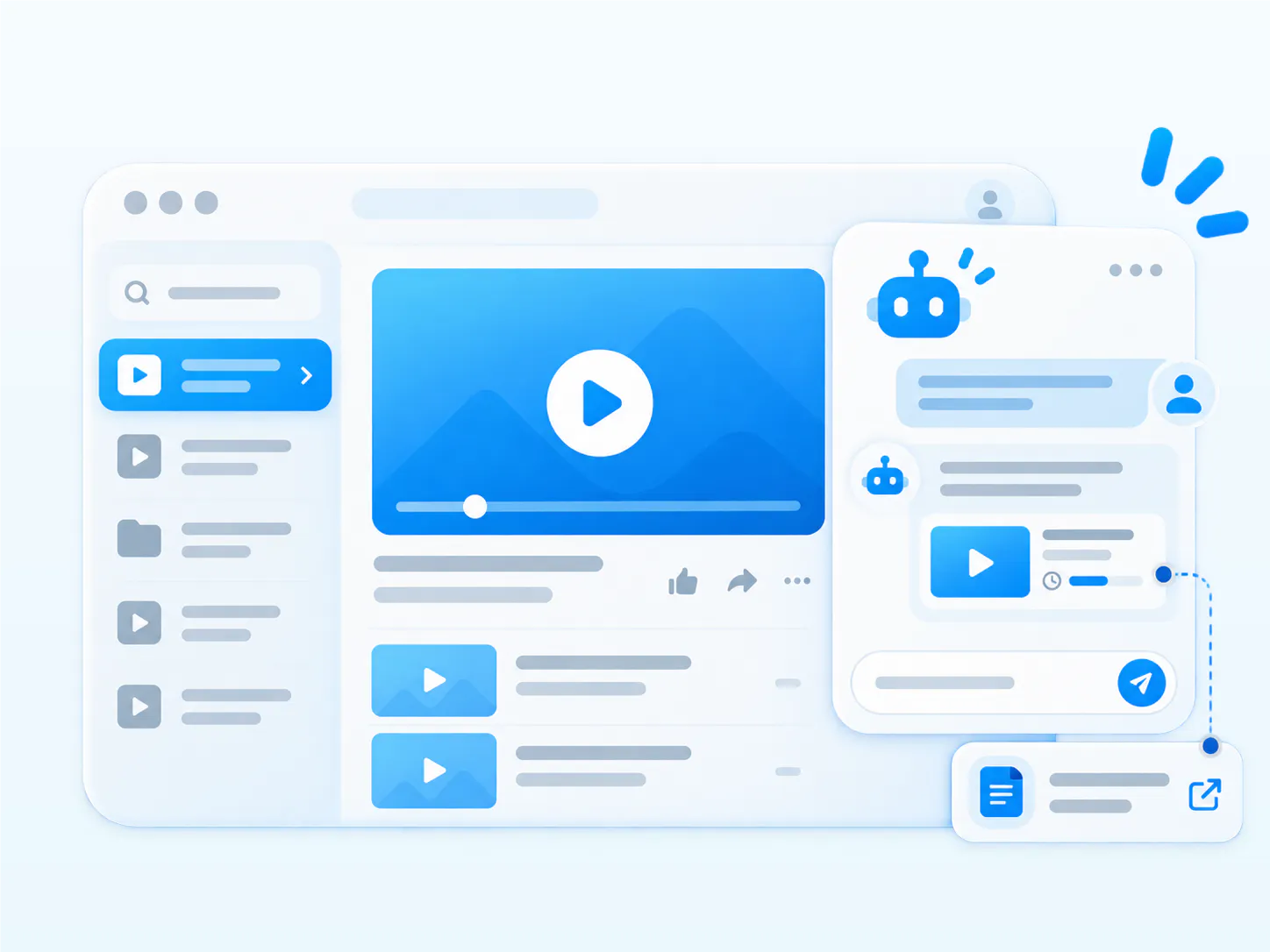
- Channel context: Ask from the channel or video you are viewing and use that learning or knowledge context as your starting point.
- Welcome messages and starter questions: Get an introduction to what the channel covers and useful questions to begin exploring.
- Automatic cross-channel discovery: Find relevant knowledge elsewhere in the Tube library without knowing which channel contains the answer.
- Answer and show: Review a supporting video inside the conversation, follow a relevant PDF link or open the source in Tube. Links to exact spoken moments require timestamped transcript data.
One product shape. Multiple practical rollout patterns.
Tube is reusable because the same portal model can support different knowledge jobs without forcing them into the same delivery logic.
Customer academy
Create a public or controlled training portal with channel-based learning, repeat viewer behavior, and VideoGPT inside the academy experience.
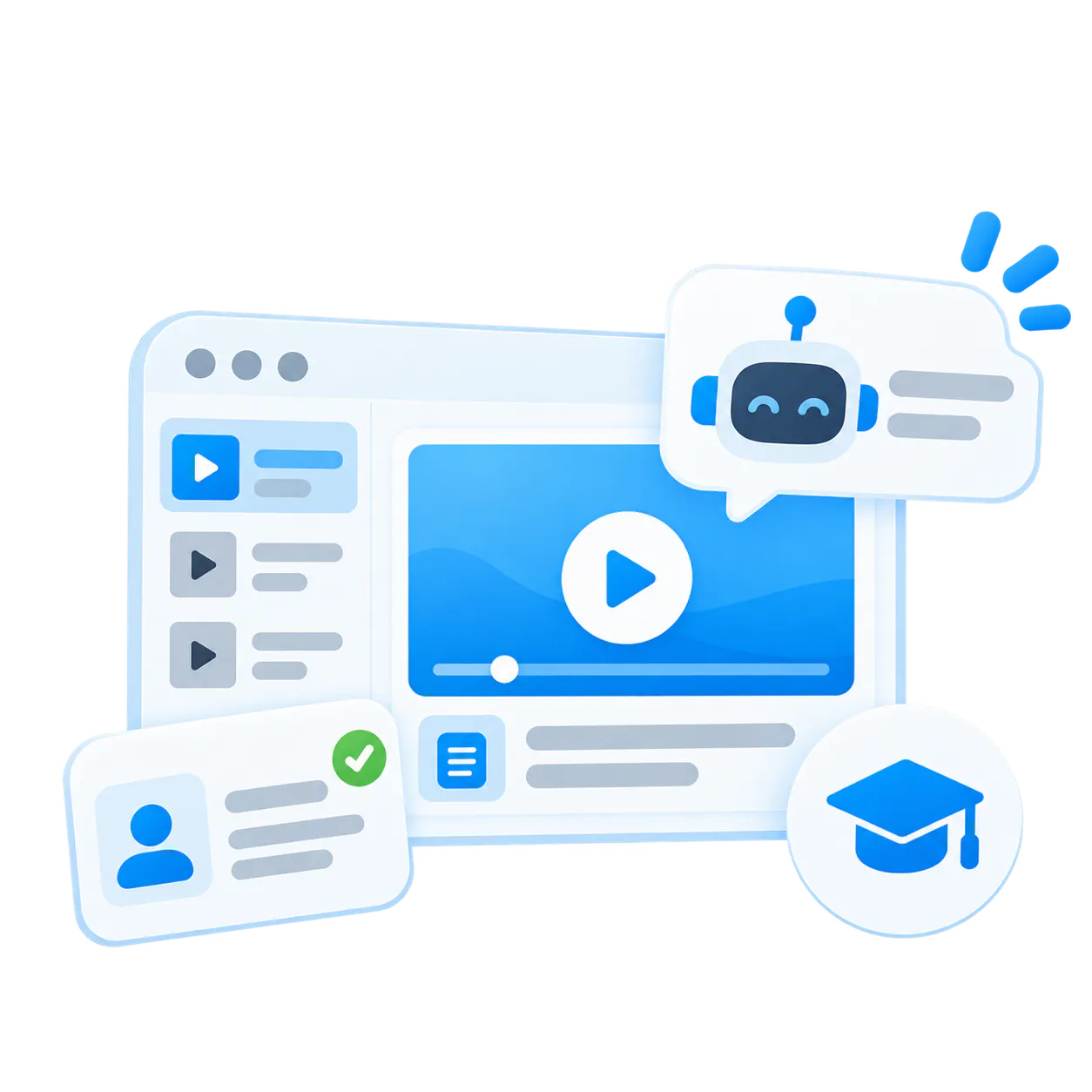
Structured training portal
Organize onboarding, certification, product training, or release education into one environment that is easier to navigate than a flat LMS video layer, with channel-aware answers when users need help.
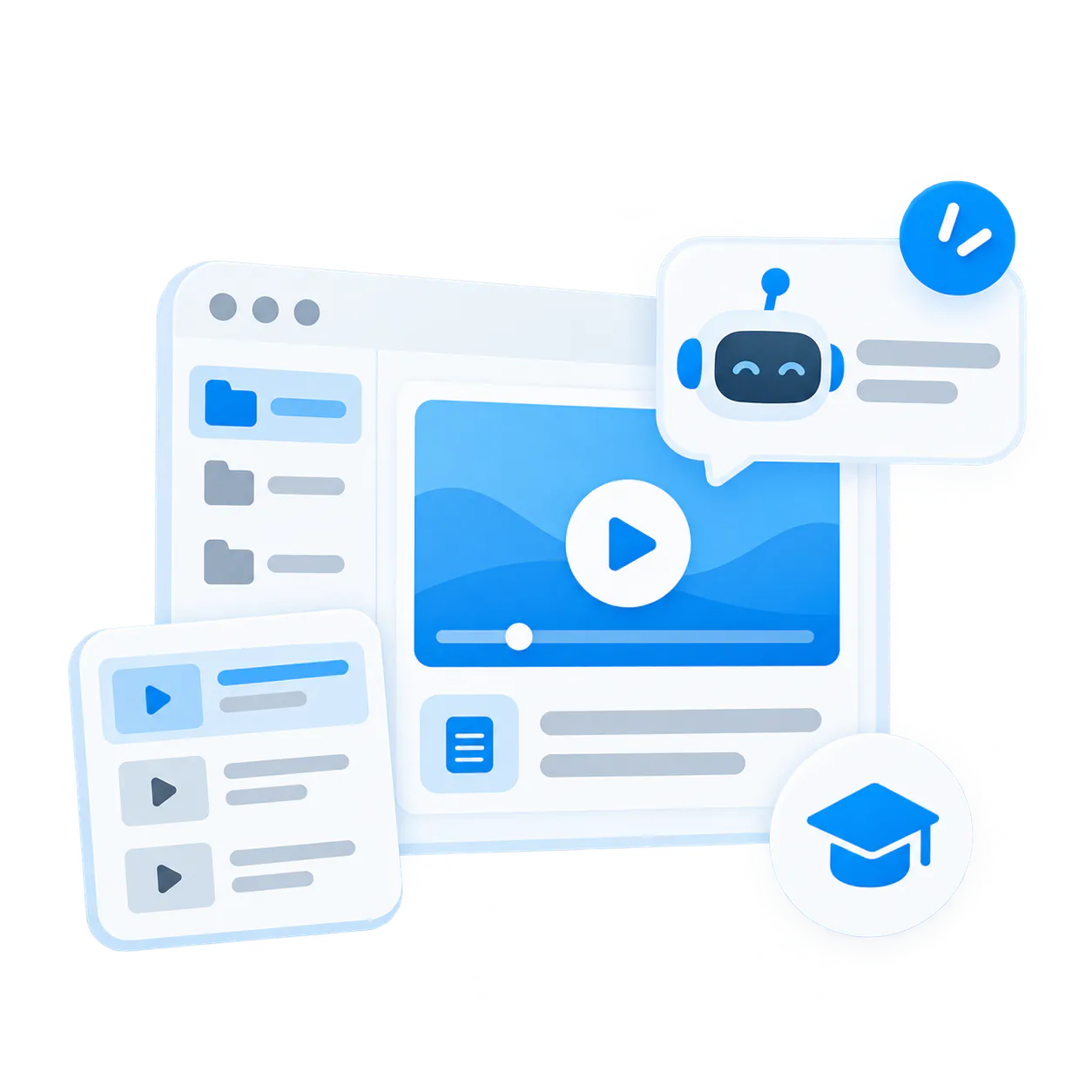
Controlled internal knowledge hub
Give teams a private portal for workshops, briefings, operational training, and reusable institutional knowledge that needs to stay searchable, askable, and controlled.
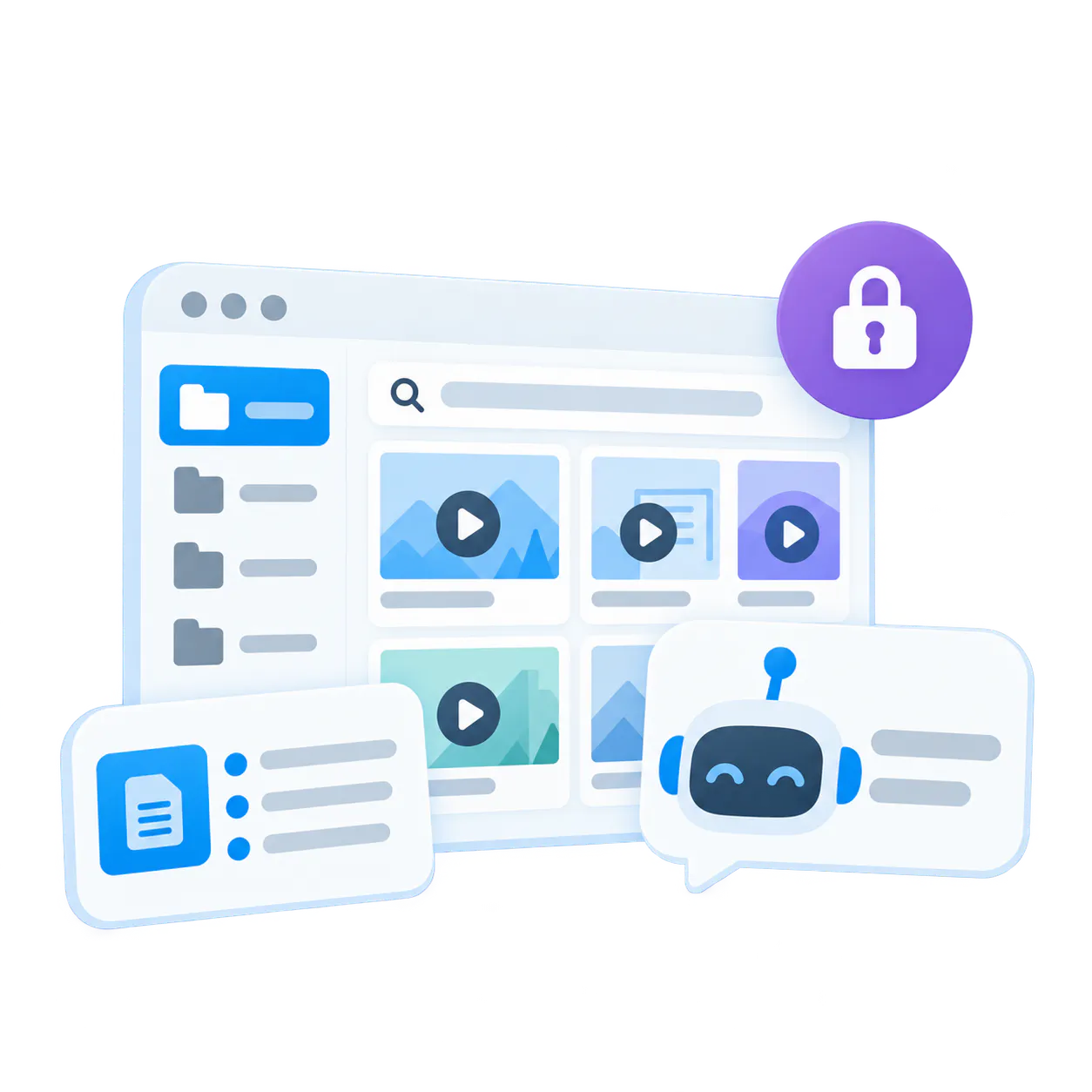
Recurring webinar and workshop archive
Keep recurring sessions usable after the event by routing them into channels, preserving watch continuity, and letting users ask for the answer later instead of searching drives.
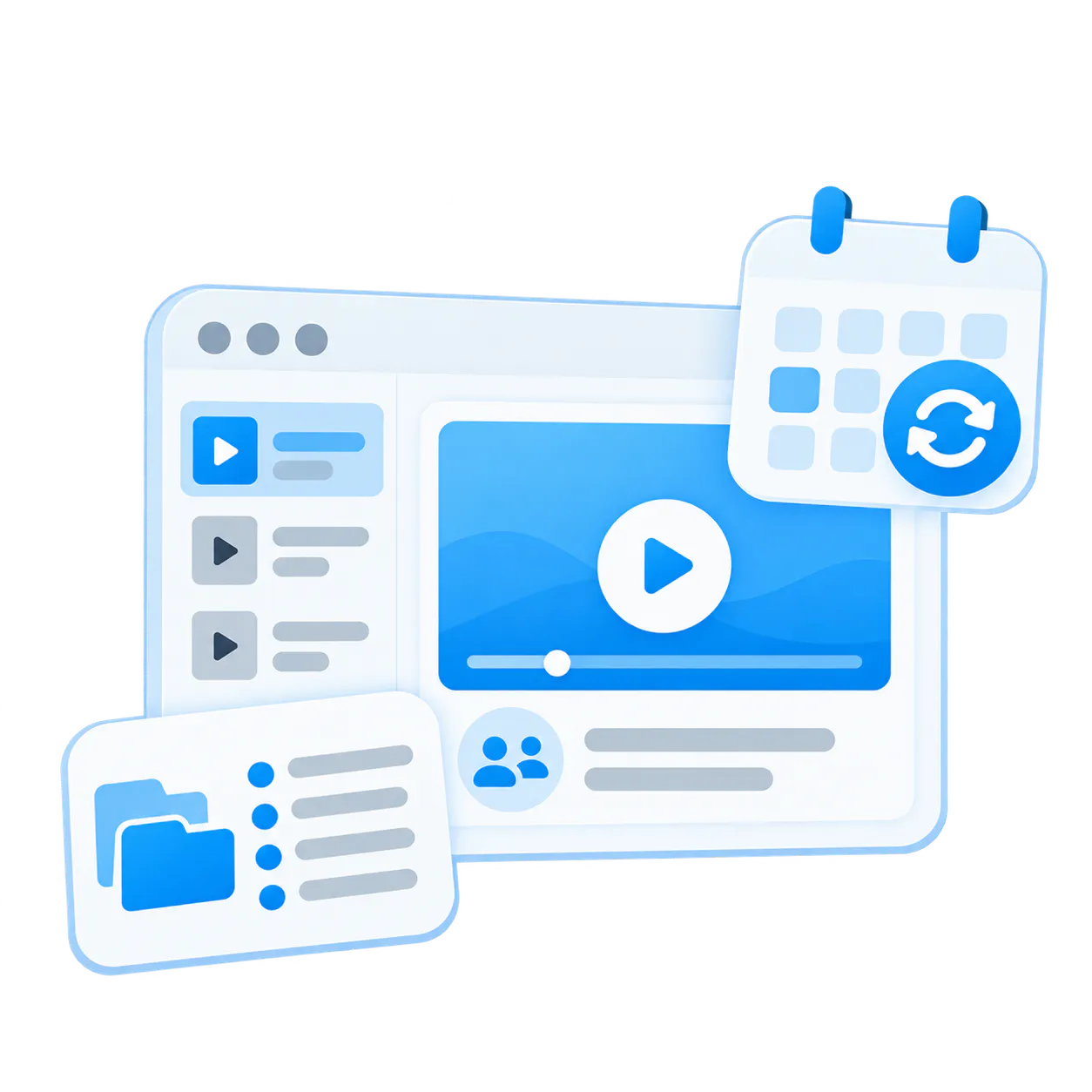
Leidos validates Tube on both sides of the model
Leidos shows how Tube can support both a public customer training portal and a controlled internal knowledge environment around the same product ecosystem.

Public customer training portal
Public portal delivery without a heavy LMS rollout, channel-based training structure for repeat learning, and VideoGPT in the training experience for faster channel-based answers.
Controlled internal knowledge hub
A large operational archive for training modules, quick tips, release updates, webinars, and workshops (~200 videos, ~30 PDFs). Supporting documents stay attached to the environment instead of getting lost in separate systems.
The same Tube model can support external training and controlled internal knowledge distribution
Tube is not limited to a single academy rollout. It is a reusable portal model for customer training, structured learning, and controlled internal knowledge hubs.
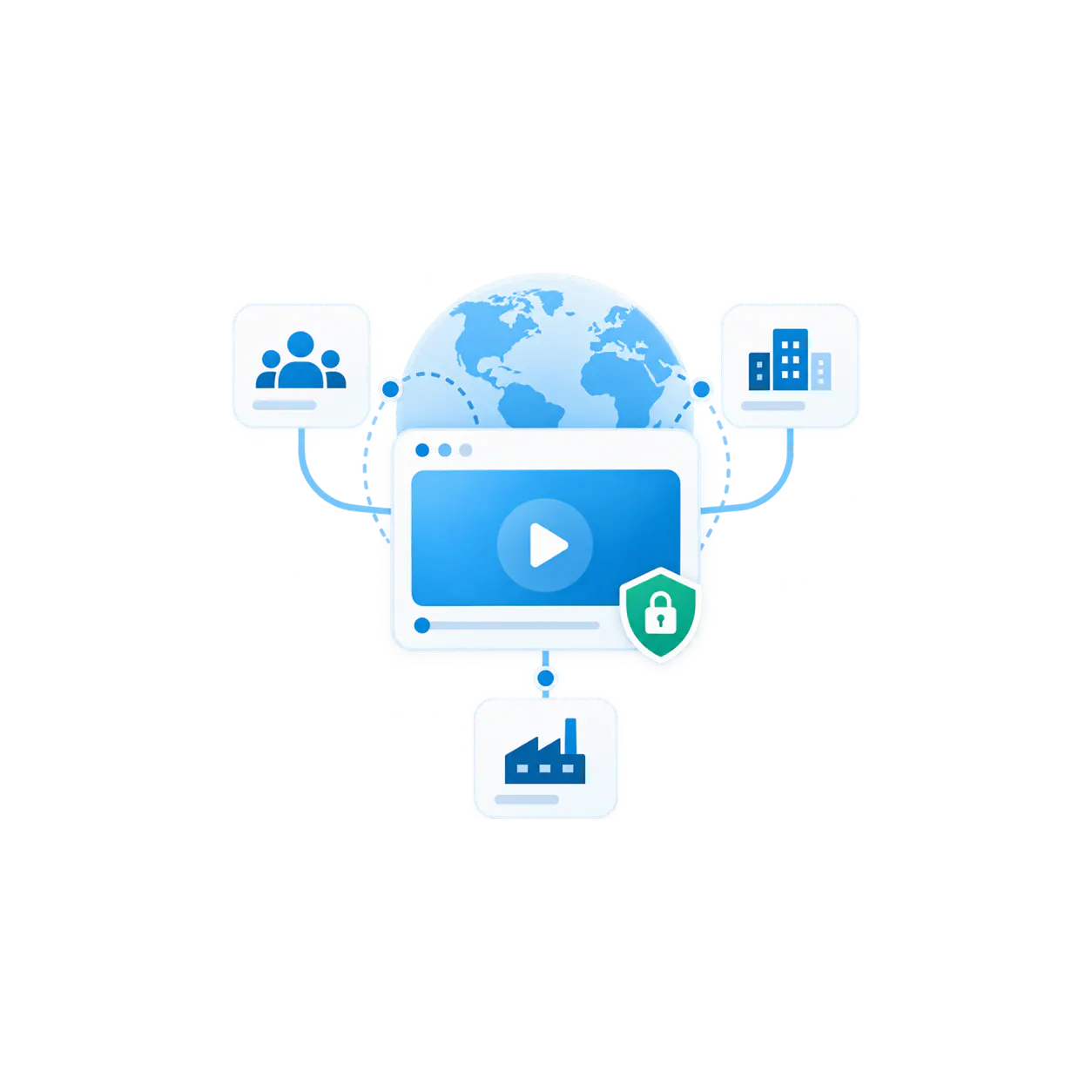
Leidos
How enterprise teams scale controlled video delivery across global operations and distributed customer environments.
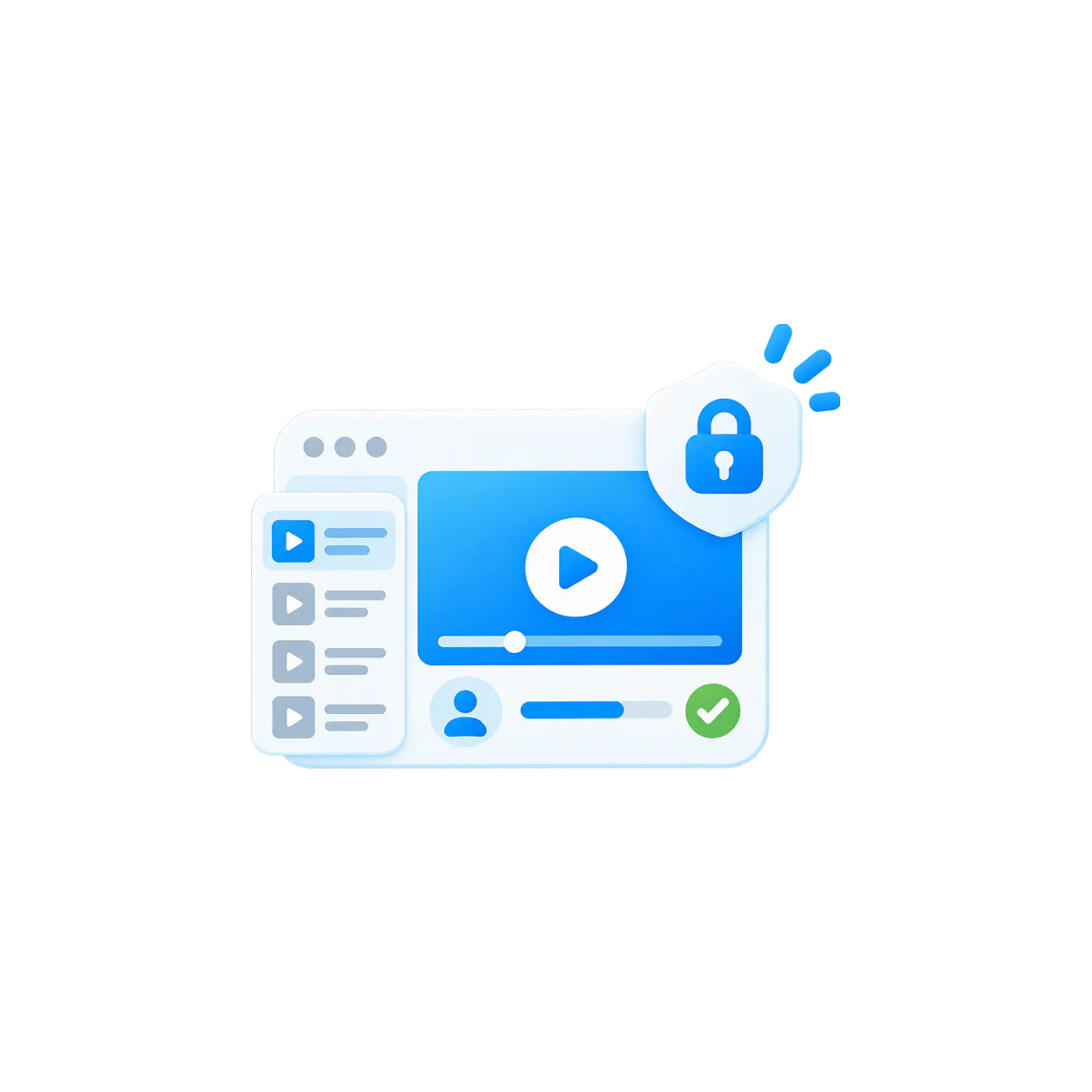
Video Training Portals
Structured learning environments with channel-based navigation, progress tracking, and granular access controls.
Common questions about Tube
The FAQ should help buyers understand the product shape fast: where Tube fits, what it is not, and when it becomes the right delivery model.
Tube is the portal-style product model for structured video knowledge environments. It organizes content through workspaces and channels and supports the repeat-viewer behavior that lighter delivery models often lack.
A Page is a focused hosted destination. Tube is deeper and more portal-like. Use Tube when one environment needs channel-based navigation, watch history, user groups, and richer portal behavior over time.
Tube can feel familiar because it gives users a portal-style browsing experience with channels, featured content, watch history, and a destination they can return to. But it is built for structured video knowledge, not consumer media. Teams use Tube for customer academies, structured training portals, and controlled internal knowledge hubs where permissions, user groups, repeat viewing, and ongoing knowledge access matter.
Galleries are the reusable collection and embedded delivery layer. Tube is the destination environment for cases where the library needs its own portal, not just an embedded knowledge surface.
Yes. Tube can support public customer academies, controlled departmental portals, and private knowledge hubs depending on the audience and the access model the rollout requires.
Yes. Channels can support optional sequential learning, while watch history and resume watching help users continue where they left off without losing context.
Yes. Tube is a strong fit for recurring webinar, workshop, and training environments because channels can keep evolving and automated ingestion such as Zoom recordings can feed new content into the portal.
VideoGPT is the intelligence layer inside Tube. The floating bubble lets users ask while browsing and view supporting videos inside the conversation. It can start with the current channel context and automatically find relevant answers across other Tube channels.
Yes. VideoGPT can welcome users with an introduction to the channel or portal area they are viewing and suggest useful starting questions. It can also be configured to open automatically when the experience should guide users immediately.
Yes. Cross-channel discovery works automatically, with no cross-channel configuration. VideoGPT can start with the current channel context and find relevant answers elsewhere in the Tube library when users do not know which channel contains the information.
Yes. Tube is the updated name for what many Cincopa customers know as CincoTube. It is Cincopa’s portal-style video knowledge environment for structured libraries, training portals, customer academies, internal knowledge hubs, and controlled video destinations. Tube supports workspaces, channels, permissions, watch history, viewer engagement, and VideoGPT across the portal so users can browse, continue watching, and ask questions across the knowledge library.
Start with one product area, one support library, or one training flow
Build a portal people can keep using as knowledge keeps growing
Start with one customer academy, one structured training portal, one controlled team hub, or one recurring knowledge archive. Give users channels they can follow, answers they can ask for, and a portal they can return to as the environment grows.