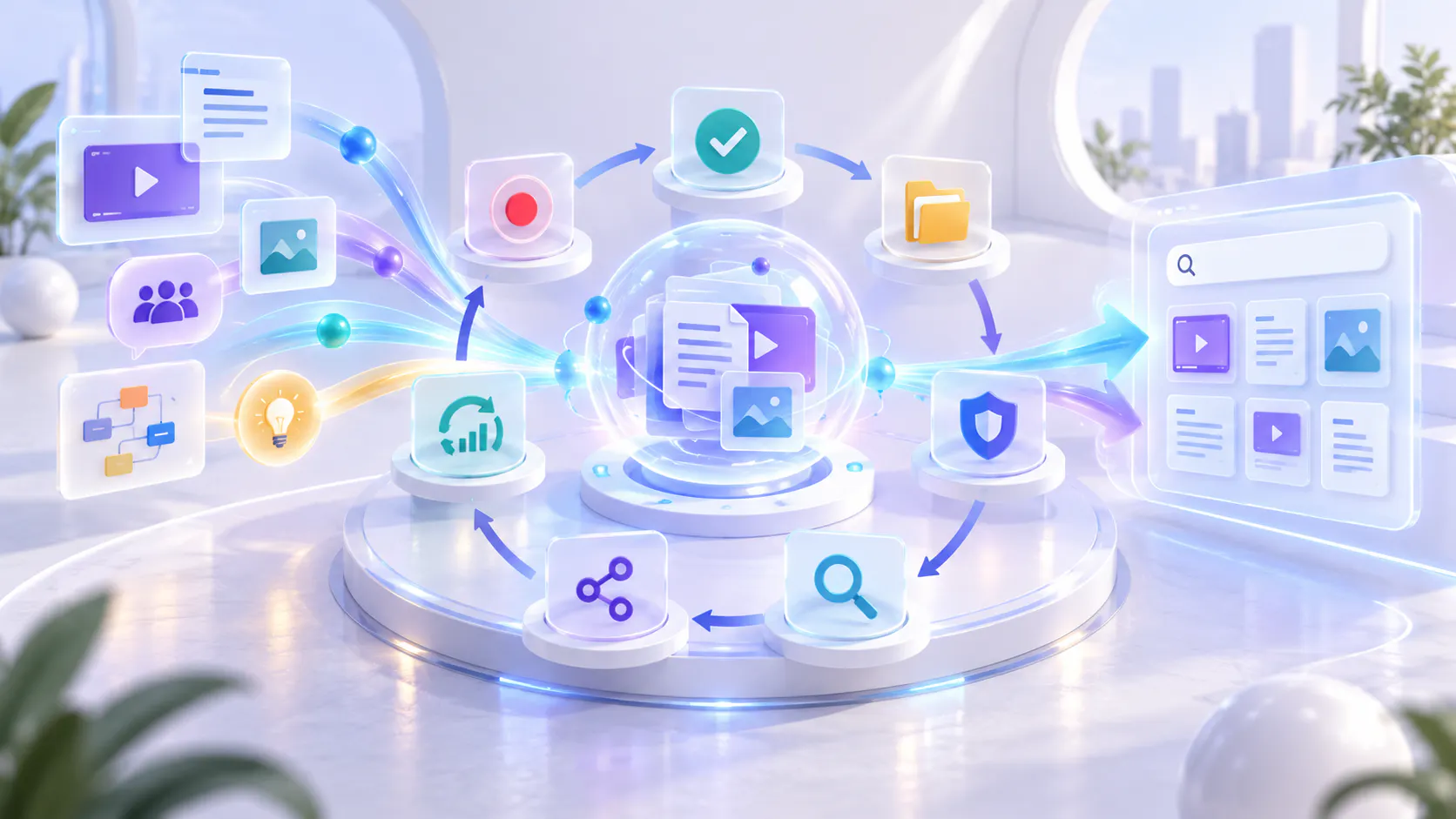
Knowledge Management Explained: Processes, Systems, and Examples

Every organization creates knowledge through projects, meetings, documents, videos, customer conversations and employee experience.

The challenge is making that knowledge easy to find, trust and reuse.

Knowledge management provides a structured way to capture important information, organize it around user needs and keep it useful over time.

Hero image

What is knowledge management?

Knowledge management is the process of capturing, reviewing, organizing, governing, retrieving, sharing and improving an organization’s knowledge.

Its purpose is to help employees, customers and partners find reliable answers without repeatedly asking the same experts or recreating existing work.

A knowledge management system can include:

Documents and help articles

Videos and screen recordings

Standard operating procedures

Training materials

Meeting notes

Policies and reference files

Search tools

Knowledge bases

Learning portals

AI-assisted answer tools

Technology supports knowledge management, but it is only one part of the system. Useful knowledge also requires clear ownership, accurate sources and regular review.

Why knowledge management matters

Important knowledge is often scattered across departments and tools.

One employee may know how to solve a recurring technical problem. A customer-success manager may explain the same workflow every week. A product team may have useful demonstrations stored inside old meeting recordings.

When this knowledge is not managed, teams can experience:

Repeated questions

Inconsistent answers

Slower onboarding

Duplicated work

Outdated instructions

Dependence on individual experts

Loss of knowledge when employees leave

Difficulty finding trusted information

Knowledge management helps turn individual experience and scattered content into a shared organizational resource.

The goal is not to store everything. It is to make important knowledge available to the people who need it.

Information is not automatically knowledge

An organization can have thousands of files and still struggle to answer basic questions.

A shared drive is not necessarily a useful knowledge system. A video library is not useful if titles are unclear. Complete documentation can still fail when users do not know where to look.

Information becomes usable knowledge when people can:

1. Find it.

2. Understand it.

3. Trust it.

4. Apply it.

5. Return to it when needed.

This means knowledge management should focus on usefulness, not content volume alone.

The knowledge management process

A practical knowledge management process has seven connected stages.

1. Capture

Record important knowledge in a reusable format.

This may involve writing a document, recording a demonstration, documenting a decision or saving a troubleshooting solution.

Capture should be simple. If the process is too difficult, valuable knowledge may remain inside private conversations or individual experience.

2. Review

Check whether the captured information is accurate, complete and appropriate for its audience.

Review should also identify outdated guidance, confidential information and conflicts with existing sources.

3. Organize

Group knowledge according to how people use it.

Useful structures may include:

Role

Product

Feature

Workflow

Department

Customer journey

Release

Problem type

The same approved source may support more than one audience. A permissions walkthrough, for example, could help new users, administrators and support teams.

4. Govern

Define who owns the knowledge and how it will be maintained.

Governance can include:

Content owners

Approval requirements

Access permissions

Review dates

Version labels

Update triggers

Archive rules

Governance should protect quality without making contribution unnecessarily difficult.

5. Retrieve

Give users practical ways to find the right information.

Retrieval may use navigation, categories, filters, keyword search, transcripts, metadata, internal links or AI-assisted questions.

Recorded knowledge requires particular attention. Users should be able to reach the relevant part of a video without watching the entire recording.

Cincopa supports this use case as a Video Knowledge Platform. It helps teams organize videos and supporting documents into structured knowledge experiences and lets users retrieve answers from available sources. This is useful when important knowledge lives inside product demonstrations, training sessions, meetings or recorded workflows.

6. Share and reuse

Make approved knowledge available across the places where people work.

A product walkthrough might appear in a help center, onboarding program, customer portal and support response. Reusing the same source reduces duplicated work and keeps guidance consistent.

7. Improve

Review how people use the system.

Repeated questions, unsuccessful searches, weak answers and outdated sources can reveal where improvements are needed.

These patterns are signals, not automatic proof that new content is required. The real problem may be poor organization, unclear wording, product friction or missing access.

Types of organizational knowledge

Knowledge generally appears in three forms.

Explicit knowledge

Explicit knowledge has already been recorded.

Examples include policies, help articles, manuals, videos, checklists and standard operating procedures.

It is usually the easiest type to store and share.

Tacit knowledge

Tacit knowledge comes from personal experience and judgement.

An experienced employee may know how to handle unusual situations or recognize the early signs of a problem. This knowledge can be difficult to document because experts may not realize which parts of their experience are valuable.

Interviews, mentoring and recorded explanations can help make tacit knowledge more accessible.

Implicit knowledge

Implicit knowledge has not been documented but could be explained.

For example, an employee may complete the same process every week without having written down the steps. A demonstration can turn that experience into a reusable resource.

Written, recorded and hybrid knowledge systems

Organizations do not need to use only one format.

Written knowledge

Written knowledge includes documentation, policies, articles, checklists and reference guides.

It works well for:

Precise instructions

Definitions

Policies

Code examples

Information that changes frequently

Content users need to scan or copy

Written content can be updated quickly, but visual workflows may be difficult to explain with text alone.

Recorded knowledge

Recorded knowledge includes videos, screen recordings, webinars and meeting recordings.

It works well for:

Product demonstrations

Visual procedures

Expert explanations

Training

Troubleshooting

Complex workflows

Video preserves visual context and the sequence of a task. However, users may struggle to find one answer inside a long recording unless transcripts, metadata or search tools are available.

Hybrid knowledge

A hybrid system combines written and recorded resources.

For example, a product workflow could include a short demonstration video, written steps, a checklist and a troubleshooting guide. This gives users more than one way to learn and provides both visual explanation and precise reference information.

Cincopa can support this hybrid approach by keeping videos, transcripts, PDFs and supporting documents connected within the same knowledge environment. However, it does not replace every documentation, learning or collaboration system. It can work alongside the tools an organization already uses.

Common knowledge management systems

Different systems support different knowledge jobs.

Document repositories

These store files and provide folders, permissions and collaboration. They are useful for storage but can become difficult to navigate as content grows.

Internal knowledge bases

These contain company policies, processes, project information and employee guidance.

Customer help centers

These provide documentation, FAQs and troubleshooting information for customers.

Learning management systems

These organize courses, assessments, learner progress and completion records. They are useful for formal training but may be too structured for everyday answer retrieval.

Video knowledge systems

Video knowledge systems organize videos, transcripts and supporting documents for browsing, search and reuse.

Cincopa is an example of this category. Its Galleries, Pages, Tube environments and VideoGPT capabilities help organizations structure, publish and retrieve knowledge from videos and related documents.

This type of system is useful when recorded demonstrations, meetings, training sessions and expert explanations have become important organizational resources rather than temporary media files.

Search and AI-answer systems

These help users retrieve information across connected sources. They can improve access, but they do not replace content ownership or source review.

Practical knowledge management examples

Employee onboarding

A company organizes policies, team introductions, system walkthroughs and process guides in one onboarding environment.

New employees can find basic information without relying on repeated live explanations.

Customer support

A support team converts recurring solutions into approved articles and troubleshooting videos.

Customers can solve common problems independently, while support agents can reuse trusted explanations.

Product education

A software company organizes onboarding videos, feature walkthroughs, release updates and supporting documents by role and workflow.

Customers can return to the material whenever they need help completing a task.

Preserving employee knowledge

Before an experienced employee leaves, the organization should identify important responsibilities, decisions and process exceptions.

The employee can record demonstrations and explanations while the team reviews and updates the related documentation.

Cincopa’s Internal Knowledge Base Software approach can help teams organize internal videos, documents, process knowledge and recorded expertise in a controlled knowledge environment. Access, ownership and source review should still be managed according to the organization’s governance requirements.

How Cincopa fits into knowledge management

Cincopa supports the recorded and hybrid parts of a broader knowledge management strategy.

Organizations often have important knowledge inside product walkthroughs, training sessions, webinars, support demonstrations, meetings and internal explanations. Cincopa helps teams organize these recordings with supporting documents and publish them through Galleries, Pages or portal-style Tube environments.

VideoGPT can provide an answer layer across available videos and documents, helping users move from a question to the relevant source or video moment. Questions and weak-answer signals can then help teams identify material that may need clarification, better organization or further review.

This does not mean Cincopa replaces every knowledge management tool. Written documentation platforms may remain the best source for detailed policies, technical references and frequently updated instructions. Learning management systems may still be needed for formal courses, assessments and certifications.

Cincopa is most relevant when video has become an important source of reusable knowledge that needs structure, controlled delivery, retrieval and supporting context.

Common knowledge management challenges

Knowledge is scattered

Information is spread across email, messaging tools, shared drives, meeting recordings and individual platforms.

Start by identifying the most valuable sources. Do not attempt to migrate everything immediately.

Content cannot be trusted

Several versions exist, or no one knows which source is current.

Assign an owner, approval status, version label and review date to important resources.

Users cannot find answers

The information exists, but its title, location or terminology does not match the user’s question.

Improve navigation, descriptions, metadata, transcripts and internal links before creating more content.

Experts do not document their work

Traditional documentation may feel too slow for busy subject-matter experts.

Allow experts to record demonstrations or explanations, then review and organize the material.

The library becomes outdated

Content is published but never reviewed.

Connect reviews to product releases, policy changes, system updates and repeated user questions.

How to build and improve a knowledge management system

Start with one important problem instead of trying to organize the entire company.

Step 1: Define the problem

Choose a specific issue, such as repeated onboarding, hard-to-find support answers or the loss of employee expertise.

Step 2: Identify the audience

Define who needs the knowledge and what they are trying to accomplish.

Step 3: Review existing sources

Find the documents, videos, notes and other materials that already address the problem.

Step 4: Select approved knowledge

Remove duplicates, resolve conflicts and confirm which sources are accurate.

Step 5: Organize around user needs

Group the approved sources by role, workflow, task or problem.

Step 6: Make retrieval practical

Use clear titles, descriptions, metadata, transcripts, navigation and search.

Step 7: Assign ownership

Identify who will approve, update and retire each important resource.

Step 8: Learn from real use

Review questions, searches, engagement and feedback.

Step 9: Improve gradually

Update the system based on verified problems instead of assumptions.

The Video Knowledge Base Loop follows a similar approach: publish useful knowledge, make it answerable, learn from real questions and improve it over time.

How to measure knowledge management

The right measurements depend on the purpose of the system.

Useful indicators may include:

Time required to find an answer

Successful searches

Repeated questions

Use of approved sources

Content reuse

Outdated-content rate

Support-ticket patterns

Onboarding time

User feedback

Task completion

Avoid relying only on page views or video views. High traffic does not automatically mean users found the information helpful.

Measurement should help teams decide what to improve next.

Build a continuous knowledge system

Knowledge management is not a one-time documentation project.

Products change. Employees move between roles. Policies are updated. Customers ask new questions and old guidance becomes inaccurate.

Cincopa’s Video Knowledge Base Loop provides one practical model for recorded knowledge: capture expertise, publish approved videos and documents, let users ask questions, learn from recurring needs and improve the library over time.

A broader knowledge management program can follow the same continuous cycle:

1. Capture valuable knowledge.

2. Review and approve it.

3. Organize it around user needs.

4. Make it easy to retrieve.

5. Share and reuse it.

6. Learn from real usage.

7. Improve the system.

The objective is not to preserve every piece of information. It is to make important knowledge trusted, findable and useful.

Whether that knowledge is written, recorded or combined, people should be able to reach it and apply it with confidence.