How to Create a Knowledge Management Strategy for Recorded and Written Content
Organizations create knowledge in many forms. Policies may live in documents, instructions in help articles, and practical expertise in product demonstrations, training sessions or recorded meetings.
The problem is rarely a complete lack of information. More often, knowledge is scattered across different systems, stored in the wrong format or left without a clear owner.
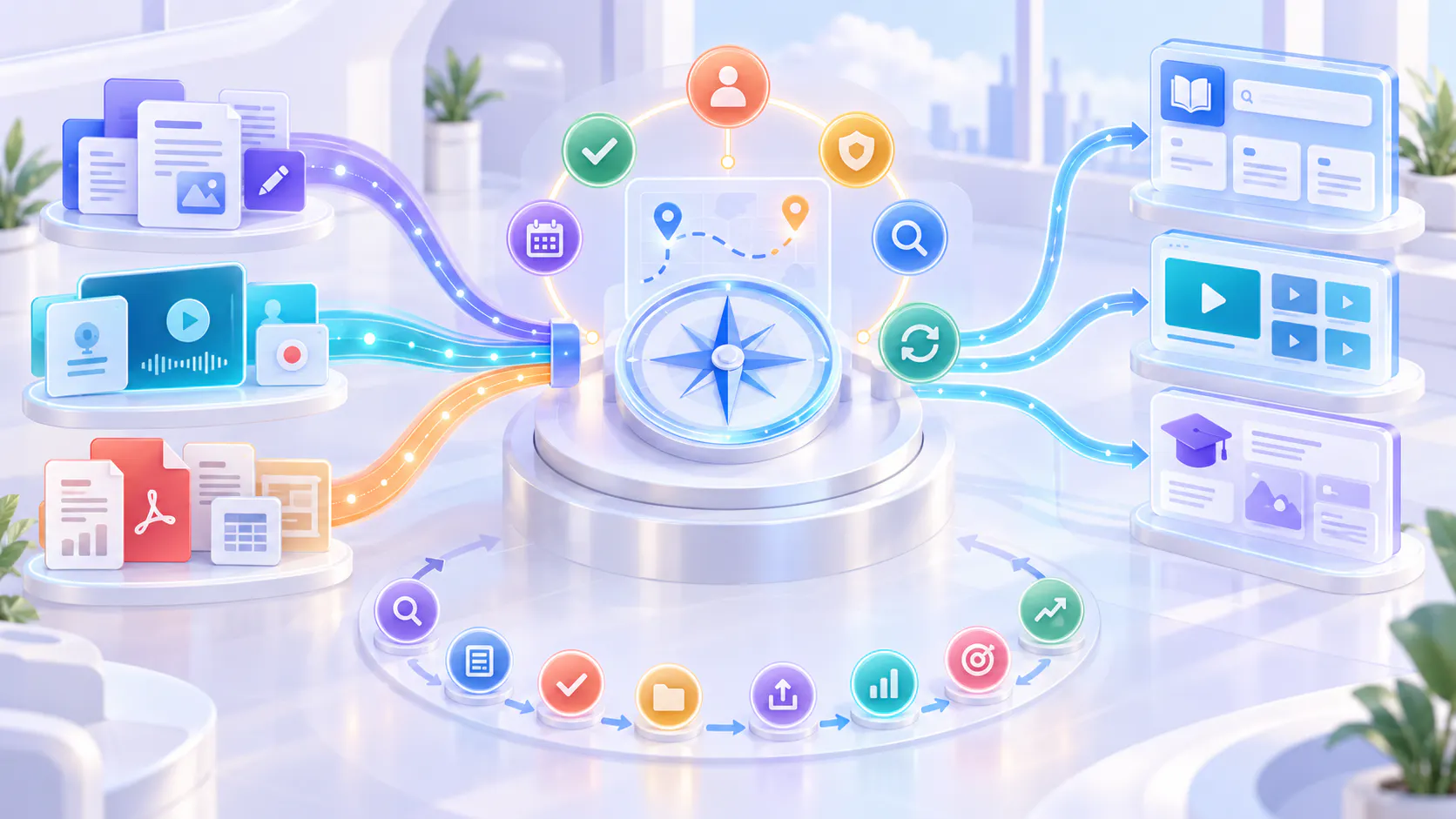
A knowledge management strategy provides a consistent way to capture, organize, govern, retrieve and improve this content. For organizations using both written and recorded resources, the strategy should explain how the two formats work together—not force everything into one format or platform.
What is a knowledge management strategy?
A knowledge management strategy is a plan for turning organizational information and expertise into reliable, accessible and reusable knowledge.
It defines:
Which knowledge should be captured
Which format should be used
Where content should be stored
Who owns and approves it
Who can access it
How users will find it
When it should be reviewed
How outdated content will be updated or retired
How success will be measured
The strategy connects people, processes and technology. It helps prevent organizational knowledge from becoming a collection of disconnected articles, files and recordings.
Start with the audience and their jobs
Before choosing tools or creating content, identify who needs the knowledge and what they are trying to accomplish.
Common audiences include:
Customers learning to use a product
New employees completing onboarding
Support teams resolving common issues
Sales teams preparing for customer conversations
Partners learning products and processes
Technical teams following operational procedures
Managers communicating policies and updates
Different audiences may need the same underlying knowledge presented in different ways. A new customer may need a short walkthrough, while a support specialist may need detailed troubleshooting instructions.
Organizing knowledge around roles, questions and workflows makes it easier to decide what should be created and where it should live.
Audit the knowledge you already have
A knowledge management strategy should begin with existing resources instead of a complete content rebuild.
Review the materials already available across:
Help centers
Shared drives
Video platforms
Learning systems
Internal wikis
Recorded meetings
Training libraries
Product documentation
Support conversations
Team collaboration tools
For each resource, record its topic, format, audience, owner, location and current status.
Classify the content as:
Accurate and ready to reuse
Useful but in need of an update
Duplicated across multiple systems
Missing an owner
Difficult to find
Outdated or no longer required
This audit helps teams improve valuable knowledge before investing time in creating something new.
Decide which format fits the knowledge
Written and recorded content serve different purposes. The best format depends on what users need to understand or do.
Use maintained articles for precise reference
Written articles are useful when information must be scanned, copied, compared or updated frequently.
Good uses include:
Policies
Product specifications
Configuration values
Troubleshooting steps
Checklists
Frequently asked questions
Short procedural instructions
Release details
Written content gives users a quick way to locate exact information without watching a complete recording.
Use recordings for visual or experience-based knowledge
Recorded content is useful when a process is easier to show than describe.
Good uses include:
Product demonstrations
Software walkthroughs
Training sessions
Operational procedures
Expert explanations
Customer examples
Complex visual workflows
Knowledge-transfer interviews
Recordings preserve the context, sequence and practical details that may be difficult to communicate through text alone.
Use supporting documents for depth and reference
Supporting documents work well for information that users may need to download, review carefully or use outside the main knowledge experience.
Examples include:
Templates
Worksheets
Technical manuals
Reference guides
Policy documents
Presentation files
Compliance materials
These documents should be connected to the relevant article or recording instead of being stored without context.
Use both when explanation and reference are required
A hybrid format is often the strongest option.
For example, a video can demonstrate a product workflow while a written article provides the main steps, important settings and related links. A transcript can make the recording searchable and help users reach the relevant section.
The purpose is not to duplicate the same information unnecessarily. Each format should contribute something useful.
Create a clear knowledge structure
Knowledge should be organized around the way users think and work.
Possible structures include:
Audience or role
Product or service
Topic
Workflow
Department
Customer journey stage
Content type
Release or version
Use consistent titles, descriptions, categories and metadata across written and recorded resources.
For example, a product update might include:
A short announcement
A feature walkthrough video
Updated documentation
A troubleshooting article
A link to the related release information
Connecting these resources creates a complete knowledge path rather than several isolated files.
A video knowledge platform can help organizations structure recordings and supporting documents as part of this wider system.
Assign ownership and approval responsibilities
Every important knowledge resource should have an owner.
The owner does not need to create all the content personally. Their responsibility is to ensure that the information remains accurate, approved and useful.
A simple ownership model should identify:
The subject-matter expert
The content creator or editor
The approver
The person responsible for future reviews
The team responsible for access and governance
Ownership can be assigned by topic, department, product or workflow.
Without clear ownership, outdated content often remains available because nobody knows who should update or remove it.
Establish governance rules
Governance defines how knowledge is controlled throughout its lifecycle.
The rules should cover the following areas.
Approval
Decide which content requires review before it becomes available. High-risk information, such as security procedures or compliance guidance, may need additional approval.
Access
Define who can view, edit, share or download each resource. Internal and confidential materials should not become publicly available simply because they are stored in the same system as public content.
Version control
Use clear product versions, release labels or dates when instructions may change over time.
Review schedules
Assign review dates based on risk and the rate of change. Frequently changing product guidance may require more regular reviews than a stable company policy.
Retention
Decide when old content should be archived, replaced or deleted. Users should not have to choose between several conflicting versions of the same answer.
Governance should protect knowledge without making contribution unnecessarily difficult.
Make written and recorded knowledge easy to retrieve
Content has little value if users cannot find it when they need it.
Retrieval can be improved through:
Clear navigation
Consistent terminology
Descriptive titles
Categories and filters
Keywords and metadata
Searchable transcripts
Captions
Links between related resources
Role-based collections
AI-assisted questions grounded in approved content
Recorded knowledge requires particular attention. A useful video library should help users reach the relevant moment instead of making them watch every recording from beginning to end.
Cincopa can support this part of a knowledge management strategy by helping teams organize videos and supporting documents into structured, searchable and reusable knowledge experiences. This video-first layer can work alongside an existing help center, internal wiki, learning platform or document-management system.
Plan the complete content lifecycle
A knowledge management strategy must cover more than content creation.
Every resource moves through a lifecycle:
1. Identify: Find a knowledge need, repeated question or important workflow.
2. Capture: Create or collect the required article, recording or supporting document.
3. Review: Confirm that the information is accurate and appropriate.
4. Organize: Apply the correct structure, metadata and access settings.
5. Publish: Make the approved resource available to its intended audience.
6. Retrieve and reuse: Help people find and apply the knowledge.
7. Measure: Review engagement, searches, repeated questions and user feedback.
8. Improve or retire: Update useful content and remove information that is no longer valid.
This creates an ongoing improvement cycle. Cincopa’s guide to the video knowledge base loop explains how repeated questions and content gaps can inform future improvements.
Use complementary platforms
A hybrid knowledge strategy may require more than one system.
Different platforms can serve different jobs:
A help center can provide customer documentation.
A wiki can support collaborative internal writing.
A learning management system can deliver structured courses.
A document-management platform can control formal files.
A video knowledge platform can organize and retrieve recorded expertise.
Collaboration tools can support daily discussion.
Search tools can help users discover information across connected sources.
The goal is not necessarily to place everything in one platform. It is to give every resource a clear home while creating useful paths between systems.
Cincopa can serve as the video knowledge layer in this environment. Teams can use it to manage recorded demonstrations, training, supporting documents and other video-based knowledge while continuing to use their established documentation and collaboration platforms.
For teams managing private videos and supporting materials, an internal knowledge base can form one part of the broader knowledge environment.
Create a practical implementation roadmap
A knowledge management strategy can be introduced in manageable stages.
Stage 1: Choose a focused use case
Begin with one important problem, such as customer onboarding, internal support or employee knowledge transfer.
Stage 2: Audit existing content
Identify useful articles, videos and documents connected to that use case.
Stage 3: Define the structure
Agree on categories, titles, metadata, audiences and access levels.
Stage 4: Assign owners
Give every important topic or collection a responsible owner.
Stage 5: Connect formats
Link recordings to articles and supporting documents. Add transcripts, summaries and related resources where appropriate.
Stage 6: Improve retrieval
Test whether users can find answers using the language they naturally use.
Stage 7: Establish review rules
Set review dates and define what should trigger an immediate update.
Stage 8: Measure and expand
Review performance, improve the process and then apply it to another knowledge area.
A focused rollout makes it easier to test the strategy before applying it across the organization.
Measure whether the strategy is working
Content volume alone does not show whether knowledge management is successful.
Useful indicators may include:
Successful and unsuccessful searches
Common search terms
Repeated questions
Content views and video engagement
Use of related documents
Time required to locate information
Content reuse across teams
Outdated or duplicated resources
Completion of scheduled reviews
User feedback
Support requests linked to known knowledge gaps
These signals require interpretation. A low-view resource may be unnecessary, difficult to find or intended for a small specialist audience.
Use measurement to investigate the cause before adding, rewriting or removing content.
Common mistakes to avoid
Converting everything into one format
Not every answer needs a video, and not every workflow can be explained clearly with text alone. Choose the format according to the job.
Creating content without ownership
Unowned content becomes difficult to trust and maintain.
Rebuilding content that is already useful
Start with approved existing materials. Improve their organization, context and retrieval before recreating them.
Storing videos without transcripts or descriptions
Recordings need enough context and metadata to become searchable knowledge.
Ignoring access boundaries
Search and AI-assisted retrieval should respect the same permissions as the original content.
Assuming one platform must do everything
Use complementary systems where they provide a better experience for a specific knowledge job.
A simple strategy checklist
Before launching or expanding the program, confirm that:
The intended audiences are defined.
Important knowledge areas have been identified.
Existing articles, recordings and documents have been audited.
Every format has a clear purpose.
Content has consistent titles and metadata.
Important resources have owners.
Approval and access rules are documented.
Review dates and update triggers are defined.
Written and recorded resources are connected.
Users can find relevant information without knowing its exact title.
Success measures have been selected.
There is a process for improving or retiring content.
If several of these elements are missing, creating more content may add volume without making knowledge easier to use.
Final takeaway
A knowledge management strategy for written and recorded content should create one coordinated system without forcing every resource into the same format or platform.
Maintained articles provide precise reference. Recordings preserve demonstrations, context and practical expertise. Supporting documents provide additional depth. Hybrid knowledge experiences connect these formats so users can find and apply the right information.
The strategy should define ownership, governance, organization, retrieval, access, review and continuous improvement. Cincopa can support the video-first part of this system by helping organizations turn videos and supporting documents into structured knowledge, while established documentation, learning and collaboration platforms continue to serve their appropriate roles.
The objective is simple: capture valuable knowledge once, maintain it responsibly and make it easy to find and reuse whenever people need it.