How to Build Role-Based Product Education Without Duplicating Content
Different users need different kinds of product education.
A new user may need help completing the initial setup. An administrator may need guidance about permissions, security and account configuration. An operator may need to understand everyday workflows.
Creating a separate copy of every video and document for each role may seem like a simple solution. Over time, however, those copies become difficult to maintain. When the product changes, teams must find and update every version.
A better approach is to create reusable source content and organize it around roles, workflows and product releases. This gives each audience a relevant learning experience without creating a separate content library for everyone.
What Is Role-Based Product Education?
Role-based product education gives users access to guidance that matches what they need to accomplish.
Instead of presenting every user with the same large collection, content can be organized for groups such as:
New users
Administrators
Operators
Managers
Customer-support teams
Partners
Advanced users
The role helps users find a useful starting point, but it should not become the only way content is organized.
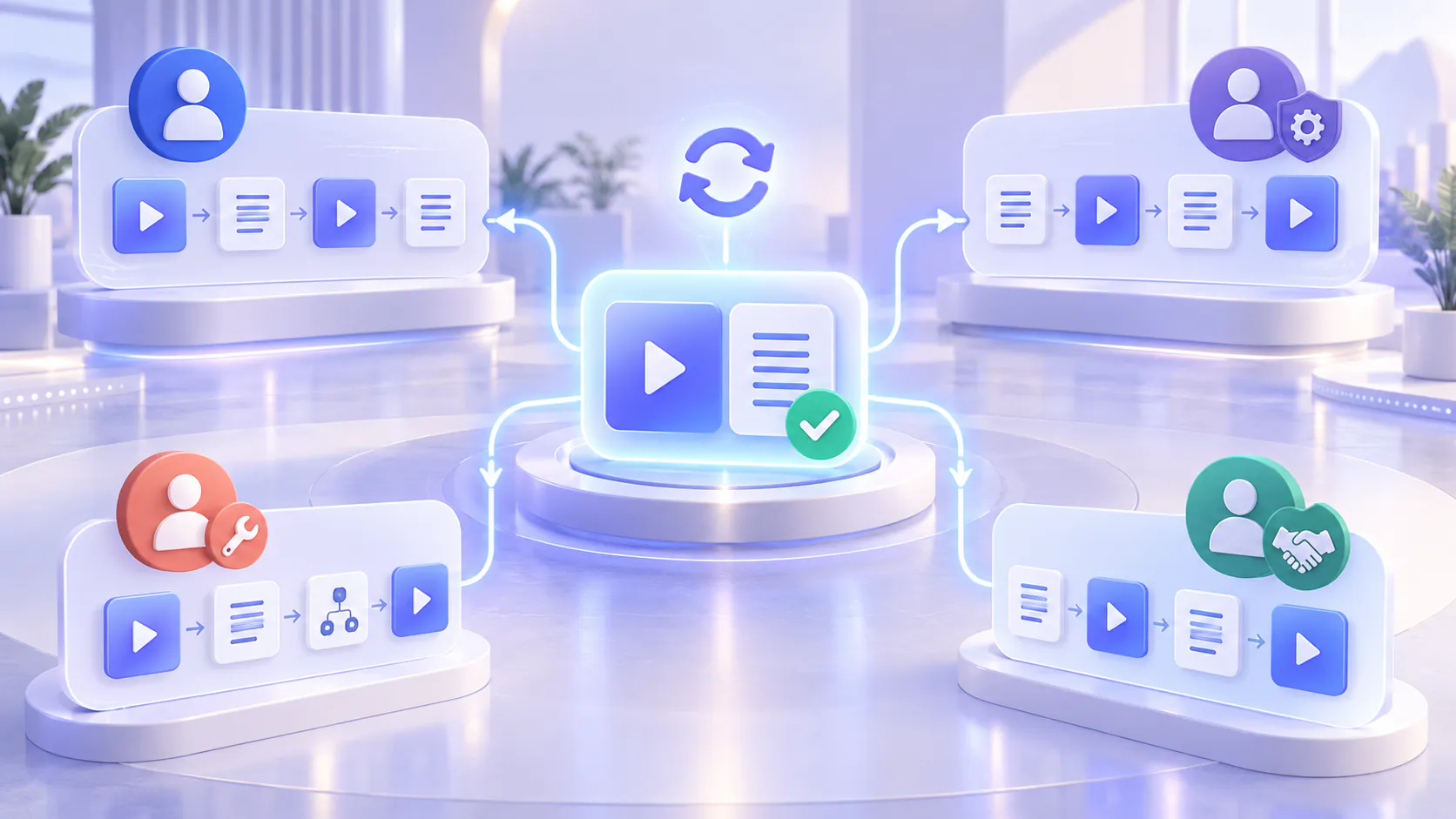
One video may be relevant to more than one audience. For example, a walkthrough about creating a workspace could help both a new user and an administrator. The source video should not need to be uploaded twice.
The same asset can appear in more than one learning collection while remaining a single source that the content team manages.
Why Duplicating Content Creates Problems
Duplicated content increases the amount of work required to keep product education accurate.
Imagine that an account setup video is copied into three separate collections:
New-user onboarding
Administrator training
Partner enablement
When the setup process changes, all three copies must be identified and updated. If one version is missed, users may receive conflicting instructions.
Duplication can create several problems:
Old versions remain available after the product changes.
Different roles receive inconsistent guidance.
Teams cannot easily identify which copy is authoritative.
Reporting is divided across several versions of the same asset.
Search may return multiple results for the same question.
Content owners spend time maintaining copies instead of improving the source.
The objective is not to avoid all overlap. Different audiences will naturally need some of the same information.
The objective is to reuse one approved source wherever that information is needed.
Start with Reusable Source Assets
A source asset is the primary video, guide, PDF or other resource maintained by the content owner.
For example, a team could create one approved walkthrough called:
How to Create and Configure a Workspace
That walkthrough might be useful in:
A new-user onboarding collection
An administrator learning path
A partner implementation page
A help-center article
A release-update collection
Each destination can introduce the asset differently, but the underlying source remains the same.
When the workflow changes, the team updates or replaces that source instead of correcting several separate copies.
Before organizing content by role, identify which assets should become the maintained sources for important features and workflows.
For every source asset, record:
The content owner
The product area
The workflow it explains
The intended audiences
The applicable product version
The review status
The next review date
This information makes reuse safer because teams can see whether an asset is still suitable for each destination.
Use Three Connected Ways to Organize Content
A practical product education structure can use three dimensions:
1. Role
2. Workflow
3. Release
These dimensions answer different questions.
A role tells you who needs the content.
A workflow tells you what the person is trying to accomplish.
A release tells you when the instructions apply.
Using all three creates a more useful structure than organizing everything by audience alone.
1. Organize by Role
Role-based groupings give each audience a clear entry point.
New users
New users usually need essential guidance that helps them reach their first successful outcome.
Their collection might include:
Account setup
Basic navigation
First project or workspace
Common everyday actions
Where to get help
Avoid showing every advanced feature during onboarding. Begin with the knowledge required to start using the product successfully.
Administrators
Administrators usually need guidance related to setup, governance and control.
Their collection might include:
User and team management
Permissions
Security settings
Integrations
Account configuration
Administrative troubleshooting
Some introductory content may overlap with the new-user collection. Reuse the same source where the workflow is identical.
Operators
Operators need practical guidance for recurring work.
Their collection might include:
Daily workflows
Process standards
Common exceptions
Reporting tasks
Troubleshooting steps
Handoffs between teams
Keep this guidance close to the work operators perform regularly.
Partners and external teams
Partners may need product knowledge without access to every internal process.
Their collection might include:
Approved implementation guidance
Product demonstrations
Customer-facing workflows
Integration instructions
Escalation procedures
Role-based organization should work with access controls. A relevant content label does not replace the permissions needed to protect restricted information.
2. Organize by Workflow
Users do not always think about their formal role when they need help. They often think about the task they are trying to complete.
Useful workflow groupings might include:
Getting started
Configuring an account
Inviting and managing users
Creating content
Reviewing and approving work
Publishing or sharing
Measuring results
Troubleshooting common problems
A workflow can serve several roles.
For example, “Inviting and managing users” may be important for administrators, team managers and implementation partners. Instead of creating three versions, use one maintained workflow asset in each relevant learning path.
Workflow labels also help users discover related guidance even when they do not know the correct product terminology.
3. Organize by Release
Product education must make it clear when guidance applies.
A video may accurately explain the workflow for one release but become misleading after the interface changes.
Add useful release information to the source asset, such as:
Current version
Original publication date
Last review date
Features affected
Older versions supported
Replacement or retirement status
Not every update requires a new video.
A small label change may only require updated supporting text. A major workflow change may require replacing the original walkthrough.
The important point is to update the maintained source and allow that correction to appear everywhere the asset is reused.
Build Learning Paths from Shared Content
A learning path is an ordered set of resources for a particular audience or goal.
It does not need to contain unique content.
For example, a new-user learning path could contain:
1. Product overview
2. Create your first workspace
3. Complete the main workflow
4. Share the result
5. Find additional help
An administrator path could contain:
1. Administrator overview
2. Create and configure a workspace
3. Manage users and permissions
4. Apply security settings
5. Review account activity
The “Create and configure a workspace” asset may appear in both paths. Each path can provide a different introduction, but both should connect to the same maintained source.
This allows the experience to feel specific without creating unnecessary copies.
Separate the Source from Its Placement
A useful way to manage product education is to distinguish between content and placement.
The source is the maintained video or document.
The placement is where that source appears, such as:
A product education gallery
A dedicated learning page
A help-center article
An onboarding path
A product page
A partner portal
This distinction allows teams to distribute the same knowledge across several environments.
If the source changes, the team can update it centrally instead of rebuilding every destination.
Cincopa supports reusable galleries, hosted Pages and embedded product education experiences. Its product education approach includes organizing videos and documents by role, feature, workflow, release or product area and reusing source content across different education surfaces. Explore Cincopa’s product education platform.
Create a Simple Content Taxonomy
A taxonomy is a consistent system for describing and grouping content.
Keep it simple enough that content owners will use it correctly.
A practical taxonomy might include:
Role: New user, administrator, operator, manager or partner
Workflow: Setup, permissions, content creation, publishing, reporting or troubleshooting
Product area: The feature or part of the product being explained
Release: The version or update to which the guidance applies
Content type: Walkthrough, overview, troubleshooting guide, release update or reference document
Status: Draft, approved, needs review, replaced or retired
Avoid creating too many labels at the beginning. Start with the fields that help users find the right content and help owners maintain it.
Add more structure only when a clear need appears.
Assign Ownership Before Scaling
Reusable content needs clear ownership.
If an asset appears in five different learning experiences, someone must still be responsible for checking whether it remains accurate.
For each important source, identify:
Who approves the content
Who updates it when the product changes
Which teams reuse it
What event should trigger a review
What should happen when it becomes outdated
Useful review triggers include:
A product release
An interface change
A change in permissions or access
Repeated support questions
Low engagement with an important resource
Reports that the instructions no longer match the product
Ownership prevents reusable content from becoming widely distributed but poorly maintained.
Make the Shared Knowledge Easy to Find
Reusing content solves the maintenance problem, but users must still be able to find the right answer.
Clear titles, descriptions, transcripts, captions and supporting documents help users understand what each resource covers.
Search should also work across the collection, not only across filenames.
Cincopa’s VideoGPT allows users to ask questions across available videos and supporting documents and move to relevant moments or source material. This can help users retrieve guidance even when the same source serves several roles or workflows. Learn how Cincopa structures searchable product education.
AI retrieval does not replace good organization or content review. The sources still need clear ownership, accurate information and appropriate access.
Measure Whether the Structure Works
Do not measure success only by how much content has been published.
Look for signs that users can find and apply the right knowledge.
Useful questions include:
Can each role identify a clear starting point?
Can users find guidance by task as well as by role?
Are the same approved assets being reused instead of copied?
Can content owners identify every place where an asset appears?
Are outdated sources replaced across all placements?
Do users still ask questions that the library already answers?
Are important workflows missing guidance?
These questions help teams improve the structure without automatically creating more content.
Start with One Product Area
You do not need to reorganize the entire product education library at once.
Start with one product area or one repeated workflow.
Identify the main roles involved. Select the maintained source assets. Add simple role, workflow and release information. Then create learning paths that reuse those sources.
Test whether users can find the right guidance and whether content owners can update it without managing several copies.
Once the structure works, expand it to another product area.
Build Relevant Experiences from One Maintained Knowledge Layer
Role-based product education does not require a separate library for every audience.
Create reliable source assets. Organize them by role, workflow and release. Reuse them across learning paths, product pages, help centers and other education environments.
This gives new users, administrators, operators and partners guidance that feels relevant while keeping maintenance under control.
The goal is not to remove every repeated topic. It is to avoid repeated source files.
One maintained knowledge layer can support many learning experiences—without allowing each experience to become a separate and outdated copy.