Visual Support vs. Text-Only Answers: When Customers Need to See the Fix
Text is an important part of customer support. It works well for policies, definitions, error codes, commands and short instructions. However, some problems are difficult to solve through words alone.
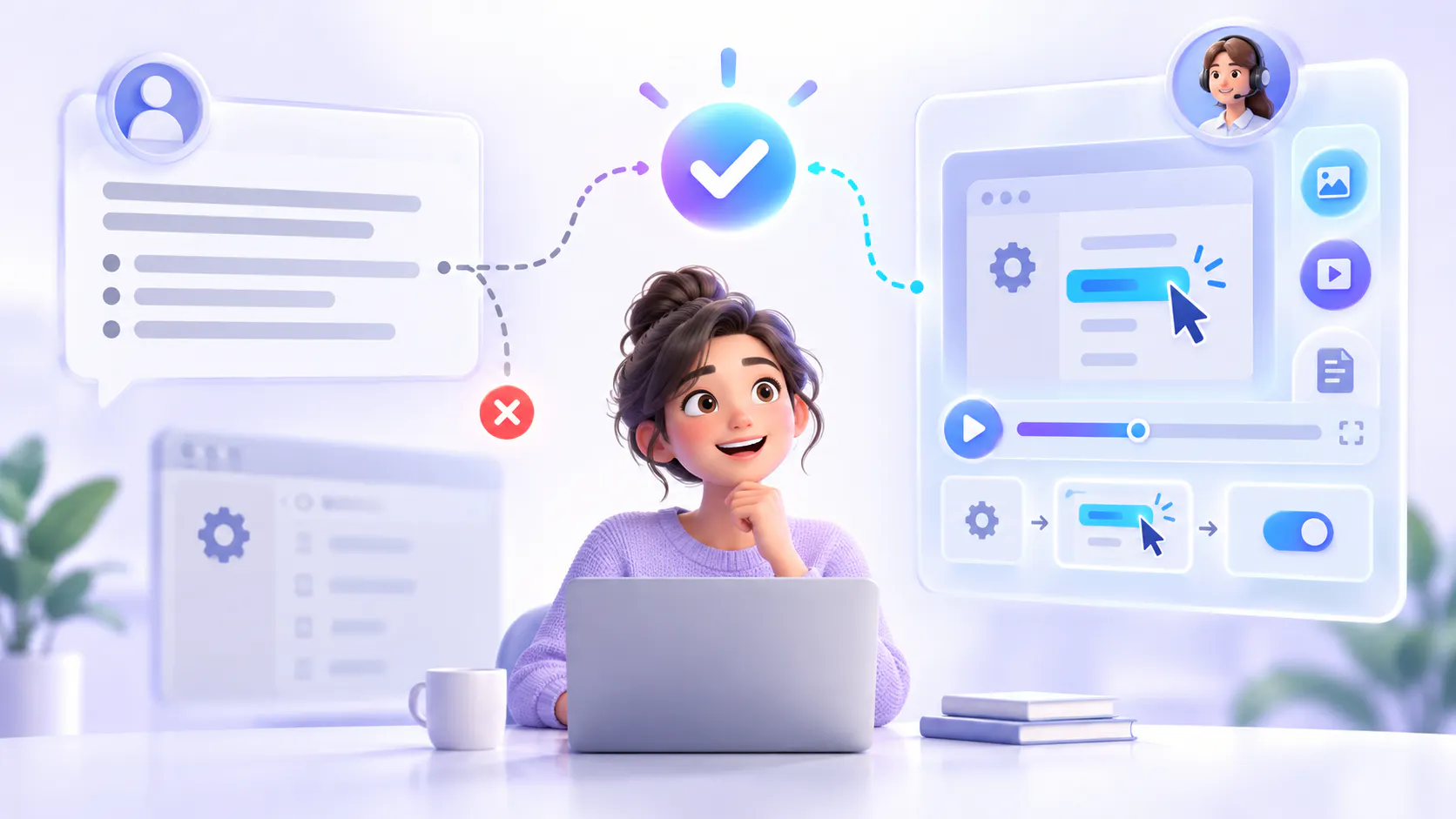
A customer may understand what an agent is saying but still be unable to locate the correct setting, recognize the right component or complete a complicated process. In these situations, showing the fix can be more useful than adding another paragraph.
Zendesk’s 2026 CX Trends research found that 76% of consumers would choose a company that lets them use text, images and video in the same conversation without restarting. It also reported that 79% of CX leaders believe customers expect the option to use video or visual sharing during support interactions. These findings suggest that customers increasingly expect support to use the format that best fits the problem—not text by default. Zendesk CX Trends 2026, Zendesk press release
Text support is still essential
Text is usually the best option when customers need information they can scan, copy or reference precisely.
For example, text works well for:
Account and billing policies
Product requirements
Error-code definitions
Configuration values
Commands and code examples
Security guidance
Short troubleshooting steps
Links to related resources
A written answer is easy to search and update. Customers can quickly find a specific term, copy a command or return to one instruction without replaying a video.
The limitation appears when the customer must translate those words into a visual action.
An instruction such as “open the advanced settings and enable the correct permission” may be technically accurate. But if the interface contains several similar menus, the customer may still not know where to click.
When customers need to see the fix
Visual support is useful when the appearance, location, movement or sequence of an action matters.
Customers may need visual guidance when they are:
Navigating an unfamiliar interface
Configuring a product with several settings
Connecting an integration
Identifying a physical component
Reproducing an error
Following a multi-step workflow
Comparing the expected result with what they see
Learning a process for the first time
A screenshot can show the location of a button. A short video can demonstrate a sequence. A screen recording can show how the interface should respond after each action.
The goal is not to make every support answer visual. It is to use visuals where they remove uncertainty that text cannot remove efficiently.
A simple task matrix
Support task: Policies, definitions and reference information
Best starting format: Text
Why: Customers can scan, search and quote precise details
Support task: Commands, codes and configuration values
Best starting format: Text
Why: Customers may need to copy the information exactly
Support task: Simple interface location
Best starting format: Screenshot with short text
Why: The image shows where to look while the text explains what to do
Support task: Visual configuration or setup
Best starting format: Short video
Why: Customers can see the correct sequence and expected result
Support task: Physical installation or maintenance
Best starting format: Video or annotated images
Why: Visuals show parts, positioning and movement
Support task: Complex troubleshooting
Best starting format: Text, video and supporting documents
Why: Customers need both an explanation and a demonstration
Support task: Long support recording
Best starting format: Searchable transcript and exact video moment
Why: Customers can reach the relevant answer without watching everything
Support task: Account-specific or sensitive issue
Best starting format: Human support with appropriate visuals
Why: The answer may depend on private account information or permissions
This matrix is a starting point. The best format also depends on the customer’s device, accessibility needs, technical experience and the complexity of the problem.
Use screenshots for simple visual clarification
Not every visual problem requires a video.
A screenshot may be enough when the customer only needs to locate a button, confirm a setting or compare their screen with the expected interface.
Useful screenshots should:
Focus on the relevant part of the interface
Remove unrelated or private information
Highlight the correct field or button
Match the current product version
Include a short written explanation
Remain readable on smaller screens
Screenshots are easier to update than complete videos, but they can become outdated after interface changes. They still require an owner and a review process.
Use video when sequence matters
Video becomes valuable when a process involves several connected actions.
For example, reconnecting an integration may require the customer to open settings, remove an old connection, authorize an account and test the result. A written article can list these steps, but a video can demonstrate how the complete process should look.
A useful support video should be focused. It should explain one problem or workflow instead of combining many unrelated topics in a long recording.
It should also include:
A clear title
A short description
Accurate captions or a transcript
Product or version information
Chapters or timestamps where appropriate
Links to relevant documentation
A review date and content owner
These elements help the video function as maintained support knowledge rather than a temporary recording.
Combine the answer with the visual moment
For complex troubleshooting, the strongest format is often a combination of text, video and supporting documentation.
The written answer can explain:
What the problem means
Which conditions must be checked
Which warnings apply
Which values or commands are required
When the customer should contact support
The video can show:
Where the relevant setting appears
How to complete the process
What a successful result looks like
How the interface behaves at each stage
The supporting document can provide detailed specifications, downloadable instructions or a complete technical reference.
Customers should not have to choose between an article and a video when both are necessary. The resources should be connected so they form one answer path.
Help customers reach the relevant moment
A common weakness of video support is that customers must watch too much content to find one answer.
A 20-minute troubleshooting recording may contain the correct solution, but that does not make the answer easy to access.
Teams can improve access by adding:
Descriptive titles
Searchable transcripts
Chapters and timestamps
Product and feature metadata
Links between videos and articles
Short summaries
Question-based search
Cincopa supports this approach by helping teams organize support videos and related documents as searchable knowledge. VideoGPT can answer questions using available sources and direct users toward the relevant source or video moment when the underlying content supports it.
This does not replace written documentation or human support. It provides a visual knowledge layer for problems that are easier to demonstrate.
Learn more about Cincopa’s support and troubleshooting solution.
Keep the source visible
AI-generated answers can help customers reach information faster, but the supporting source should remain available.
Customers may need to:
Confirm where the answer came from
Watch the original demonstration
Review the complete procedure
Check whether the guidance applies to their version
Open a related document
Ask support about an account-specific exception
An answer should not hide the underlying evidence. For technical support, transparency is especially important because incomplete or outdated guidance can create additional problems.
Know when visual content is not enough
A video cannot solve every support issue.
The underlying problem may involve:
Missing permissions
Incorrect account configuration
A product defect
Service availability
Confidential information
A workflow that is unnecessarily confusing
A situation requiring human judgment
If customers repeatedly fail at the same step after watching the guidance, the problem may not be the support content. The product interface, workflow or configuration may need improvement.
Support teams should treat repeated questions and unsuccessful searches as investigation signals—not automatic proof that another video is required.
Build support around the problem
The choice between text and visual support should begin with the customer’s task.
Ask:
1. Does the customer need an exact value or reference?
2. Do they need to see where something appears?
3. Does the order of actions matter?
4. Would a screenshot remove the uncertainty?
5. Would a short demonstration be clearer?
6. Does the customer need both explanation and evidence?
7. Can they reach the relevant part without watching a full recording?
8. Is the issue actually specific to their account or permissions?
These questions help teams select the smallest useful format.
Final takeaway
Text-only support works well when customers need precise, searchable information. Visual support works better when they need to recognize, locate or perform something.
The best support experience does not treat text and video as competing formats. It uses each format for the job it handles best.
Use text for policy and reference. Use screenshots for simple visual clarification. Use video for configuration, interfaces and physical procedures. For complex troubleshooting, combine a clear answer with the exact visual moment and supporting documentation.
The objective is simple: explain the solution and, when words are not enough, show the customer how to complete it.