Use case / Field service video support
Give field teams visual answers when they are on site
Field service video support helps technicians, installers, and partner teams find the right troubleshooting or installation answer from a phone while they are doing the work.
Cincopa helps teams publish mobile-friendly support videos, organize them by product or issue, embed them in support flows, and make them answerable with VideoGPT.
Parent solution Support & Troubleshooting
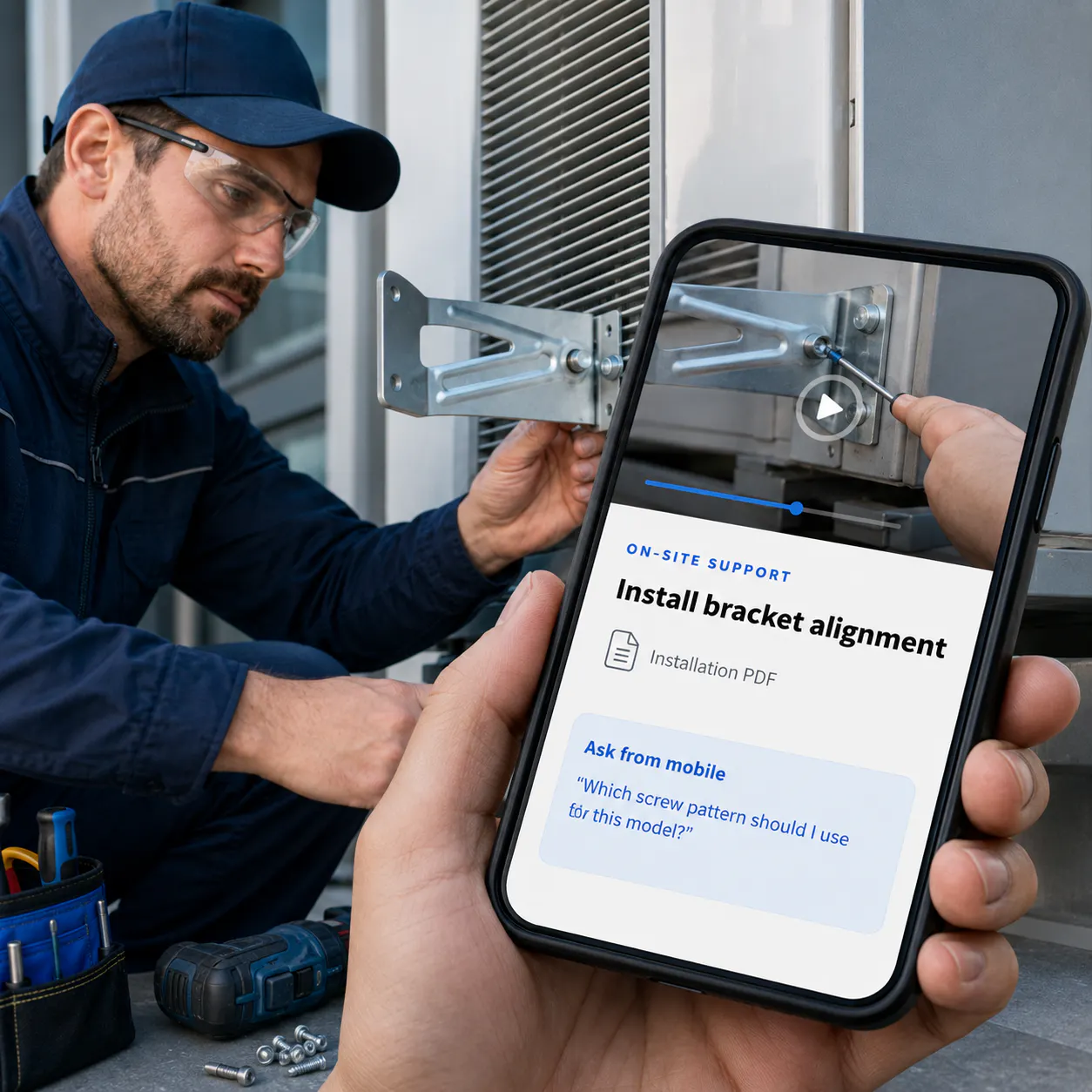
On-site support
Install bracket alignment
Step-by-step video with attached installation PDF.
Ask from mobile
“Which screw pattern should I use for this model?”
What this use case is
Field service video support is visual knowledge for the moment of work
Control what belongs together, how it appears, where it is used, and who can access it.
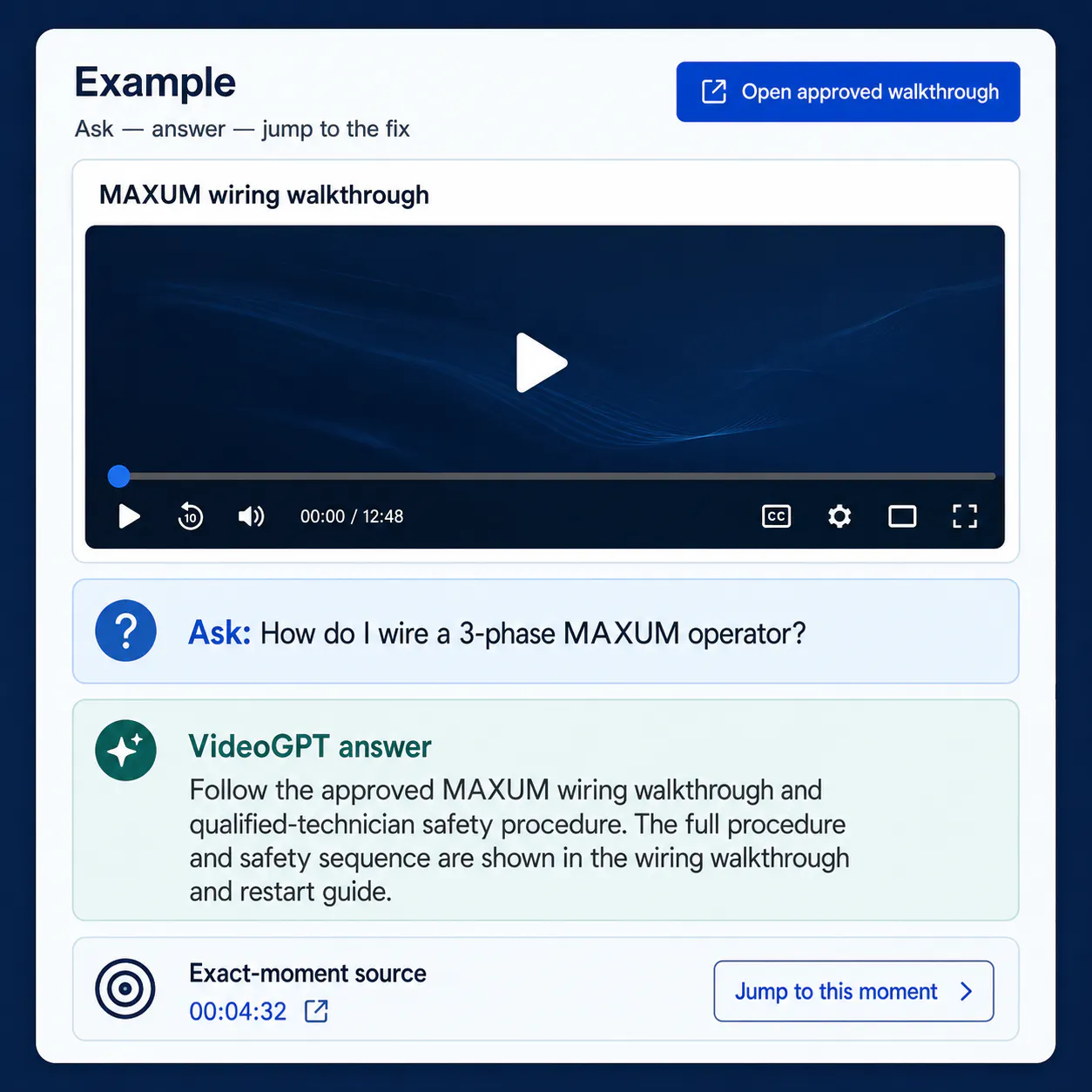
Field service video support gives technicians and installers access to short visual answers while they are on site. Instead of calling support, scrolling through manuals, or guessing which article applies, they can open a mobile-friendly support library, search by product or issue, and watch the exact procedure.
This use case sits between Support & Troubleshooting and Partner Enablement. It is especially relevant for technical products, installation teams, distributed partners, repair networks, and support teams that need to reduce avoidable escalations.
Problems it solves
Field teams need answers fast, not another portal to browse
Bring related videos and documents together, shape how people explore them, and deliver the collection inside the systems they already use.
STRUCTURE
Technicians cannot pause the job for research
When someone is on site, the answer needs to be fast, visual, and easy to use from a phone.

DELIVERY
Support calls repeat the same procedures
Installation, reset, diagnosis, and verification steps are often repeated by support because they are not easy to self-serve.
DISCOVERY
Manuals and videos are disconnected
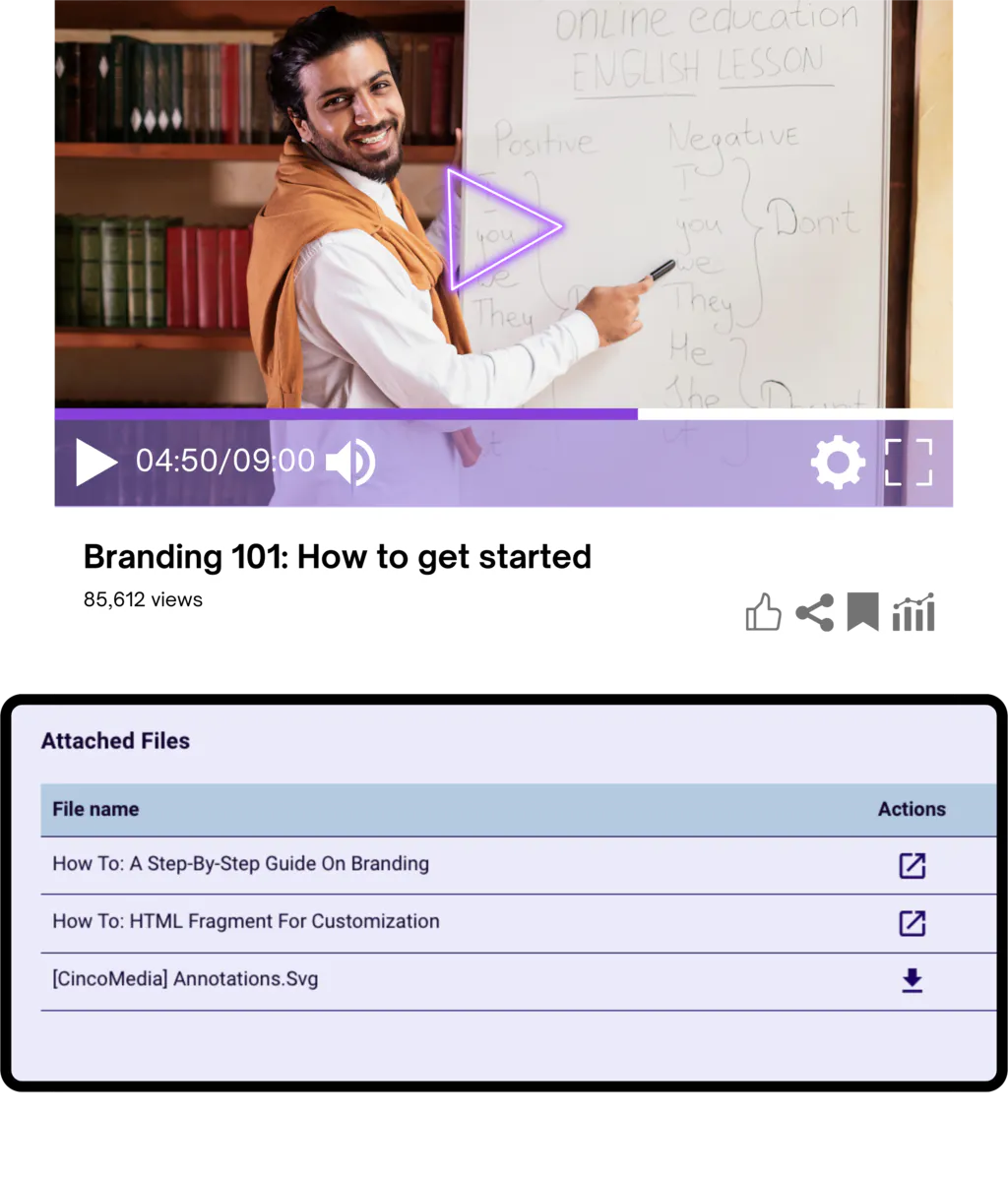
Field teams need the video, the PDF, the product context, and the answer in one practical support flow.
How Cincopa helps
Turn support videos into a mobile-ready field knowledge layer
Mobile-friendly libraries
Make support videos easy to open, browse, and use from a phone while the technician is on site.
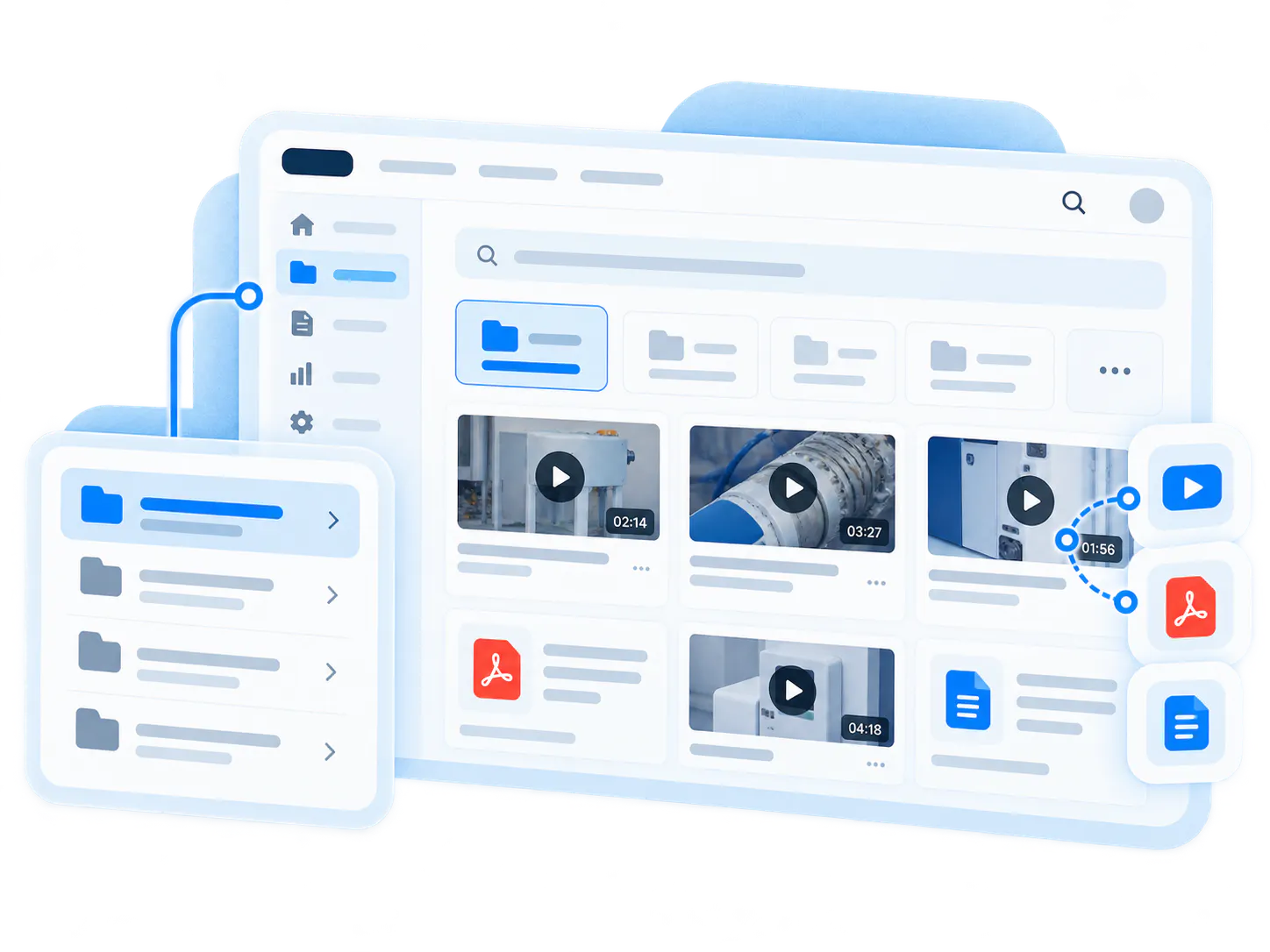
Product and issue grouping
Organize content by model, device, issue, installation step, part, or procedure.
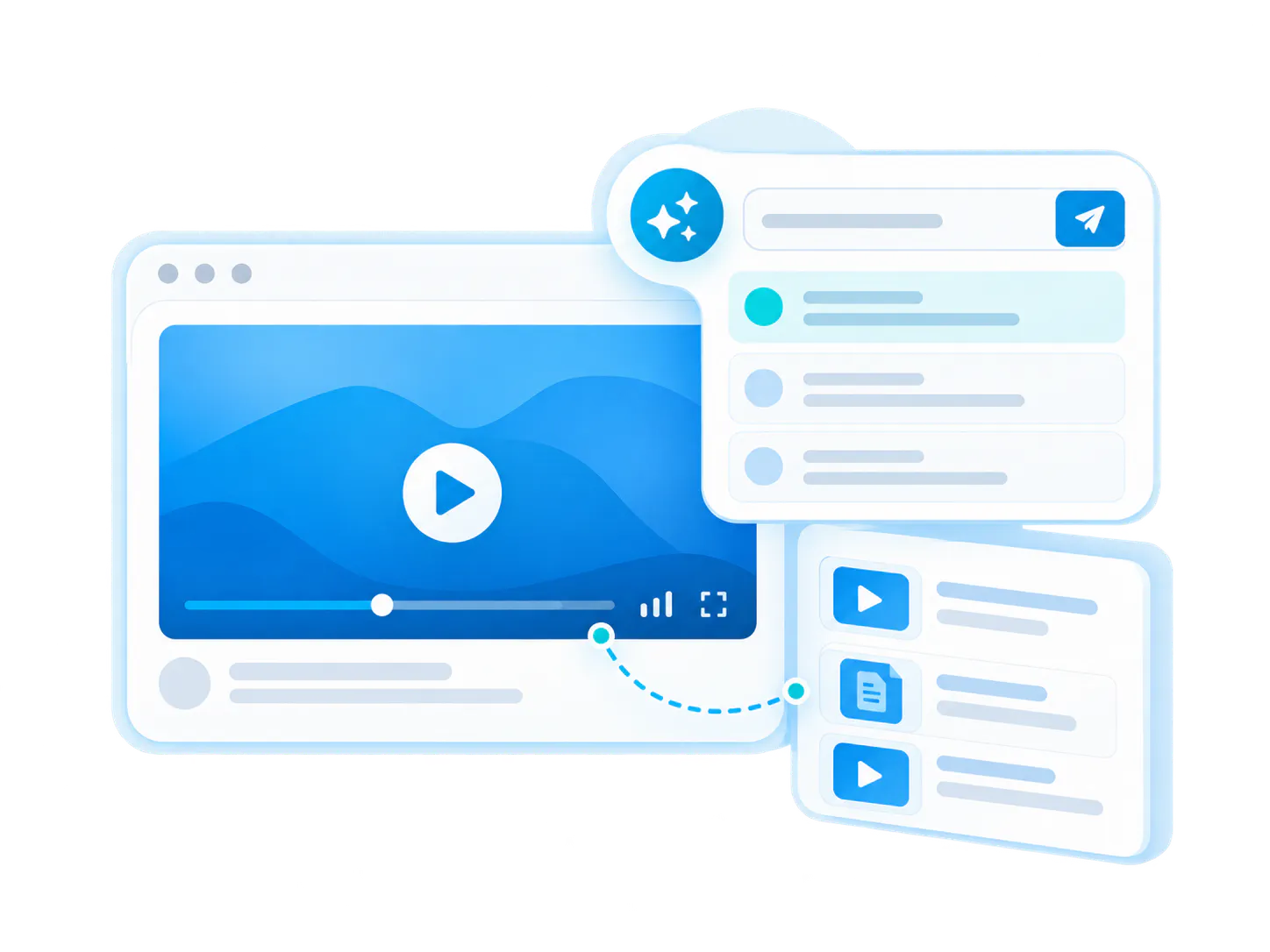
Ask instead of browse
VideoGPT helps users ask the question they have and find the best matching video or document.
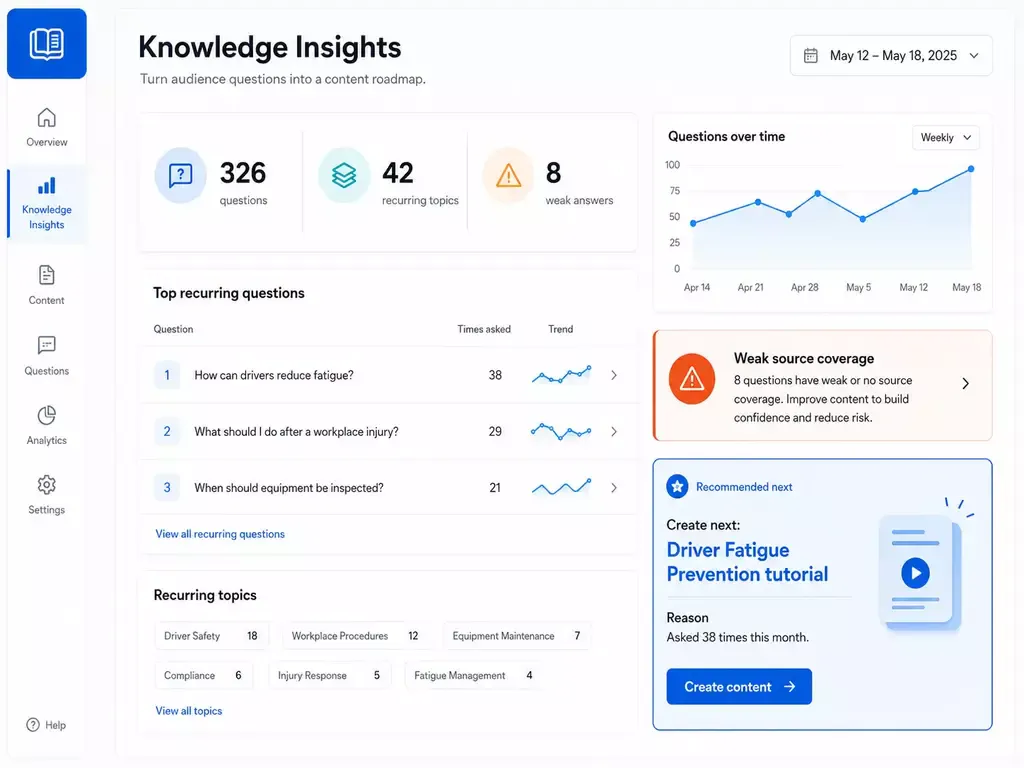
Improve support coverage
Repeated questions and unresolved searches become a roadmap for new field support content.
Pages vs. Tube
Choose between a standalone destination page and a multi-channel video portal.
Pages are stronger when
One team needs one branded, hosted, measurable destination and a flatter structure is enough.
Tube is stronger when
The audience needs channel-based navigation, ongoing portal behavior, deeper permissions, and a knowledge environment that keeps expanding without becoming a mess.
Relevant platform pieces
Support field teams with embedded, searchable video knowledge
Use Galleries across websites, products, support, training, partner, and internal environments without moving people away from their existing workflow.
Galleries
VideoGPT
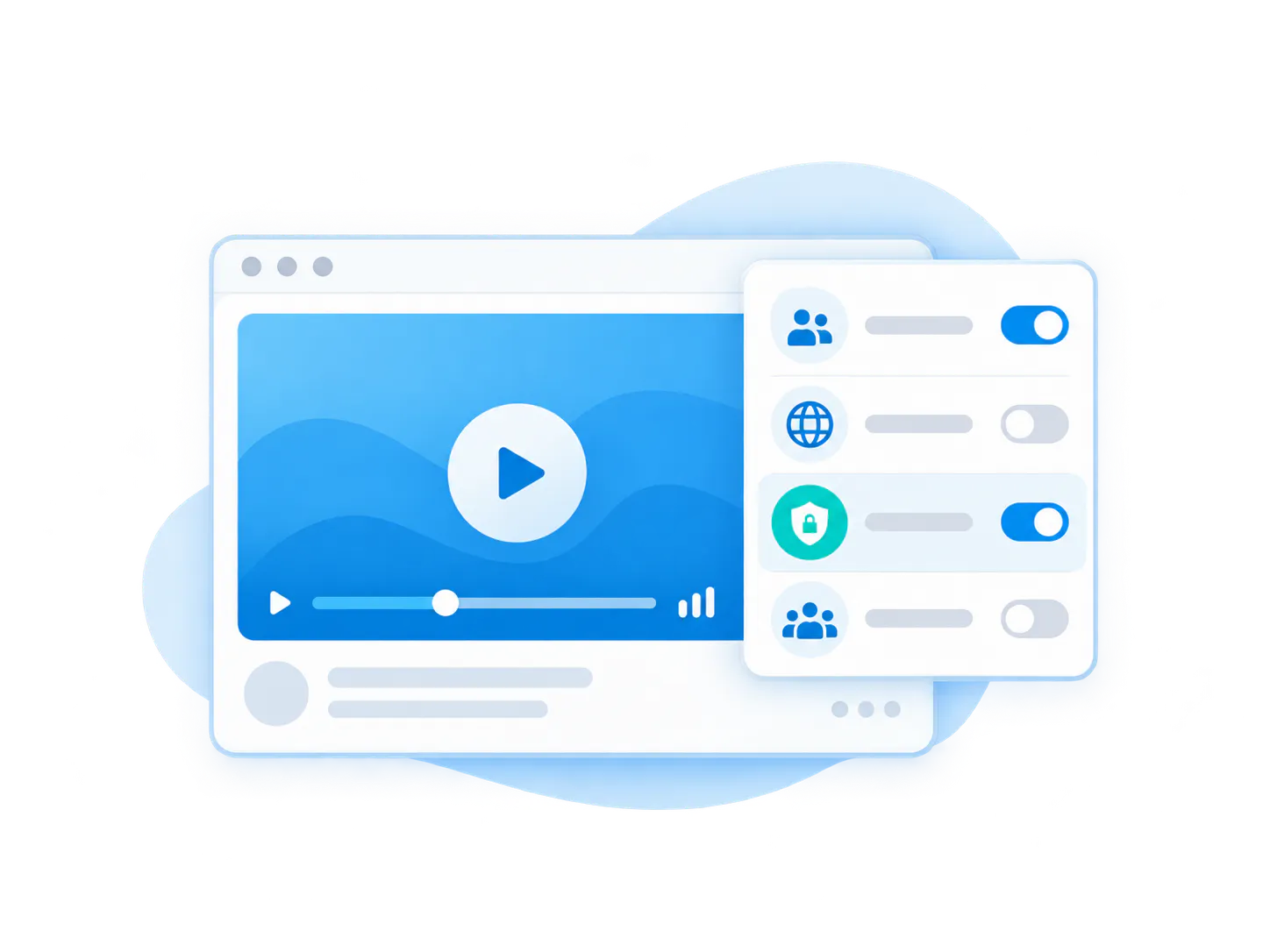
Access control

Customer proof
Proof pattern: field support depends on visual, mobile-ready knowledge


Solution context
Support & Troubleshooting
Adjacent pattern
Partner Enablement
FAQ
Field service video support FAQ
Everything you need to know about organizing, embedding, and scaling reusable video-and-document galleries across your enterprise systems.
Field service video support gives technicians and installers mobile-friendly access to troubleshooting, installation, and procedure videos while they are in the field.
Common users include field technicians, installers, support teams, service partners, contractors, and technical support managers.
Yes. VideoGPT can help users ask questions across support videos and documents when they do not know which resource contains the answer.
Yes. Cincopa Galleries can group videos by product, model, category, issue, step, procedure, or audience.
Yes. A training portal is usually for structured learning. Field service video support is for fast problem-solving at the point of work.
Related pages
Help field teams find the right answer before they call support
Use Cincopa to turn support videos and documents into searchable, mobile-friendly field knowledge.