
December 1, 2025 · Player
📣 Announcing New Feature for Audio Player
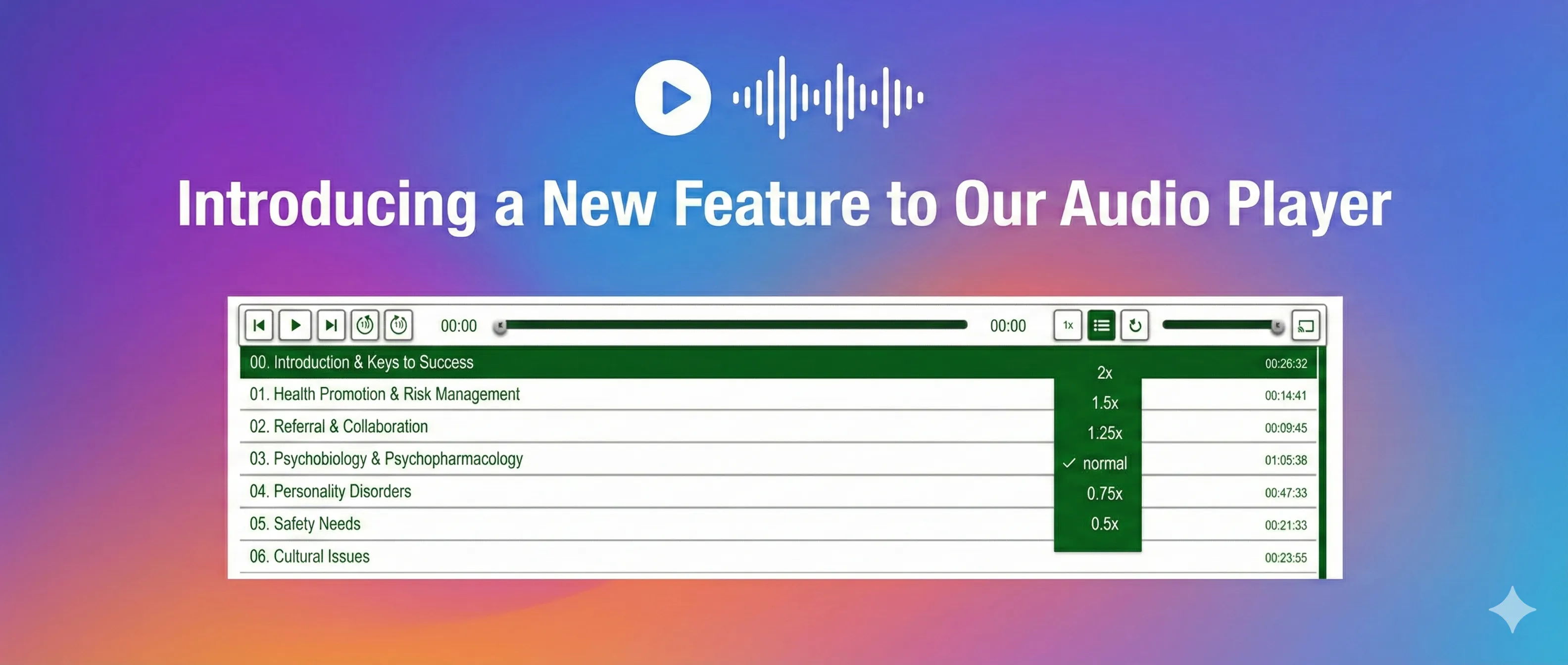
We’re excited to introduce Chapters as the latest addition to our audio player, further enhancing your ability to navigate and control your audio content.
While features like Chromecast support and the ability to skip +/− 15 seconds have been part of the player, the new Chapters feature allows you to organize and navigate through different sections of your audio.
Now, there's no need to listen to the entire audio. You can jump to specific topics or sections at any time, making the listening experience more efficient and user-friendly.
Use Cases
- Podcasts — Easily navigate through different topics with chapters.
- Webinars — Adjust the playback speed to catch up with key points faster.
- Online Courses — Speed up or slow down lectures, and jump between important chapters.
- RSS Feeds — When distributing audio via RSS feeds, chapters allow listeners to navigate episodes in supported podcast apps.
This update enhances your audio content's interactivity and user-friendliness, enabling listeners to engage with it in a manner that best suits their needs.
Learn More at Cincopa Audio Templates.
See the audio player configuration guide for chapter controls and supported templates. If you publish audio alongside videos and documents on a hosted knowledge page, explore the VideoGPT Bubble for Cincopa Pages as a way to ask questions across that wider collection.
Published December 17, 2025
NEXT STEP
Continue Exploring
Start with one product area, one documentation surface, one support library, one internal portal, or one embedded training flow. Get that collection working well, help viewers understand what is inside, then reuse the same gallery across adjacent destinations without duplicating the library.