October 14, 2025 · CincoTube · Video

📣Update: AI Summary & AI Chapters

This update enhances video usability by automatically generating AI-based summaries and chapters for videos, helping viewers quickly navigate and understand content.

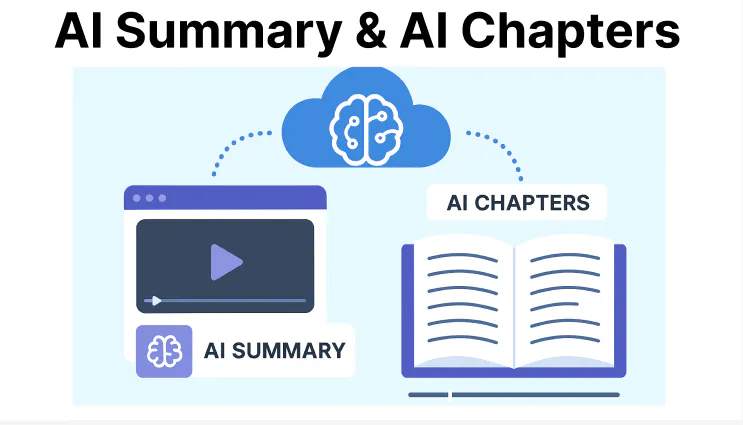
Cincopa AI Summary and AI Chapters feature illustration

AI Summary

What’s New?

AI can now automatically generate notes from a video’s subtitles and save them directly in the “Notes” field. If a video doesn’t have subtitles, a pop-up will notify the user that subtitles are required. If subtitles are missing, you can generate them by following the steps in this document.

Key Features

  • Converts subtitle content into concise notes for faster reference.
  • Automatically saves notes within the video metadata.
  • Makes it easier for learners to review important points without watching the full video.

AI Chapters

What’s New?

AI now analyzes video subtitles to automatically generate chapters based on content changes, making it easier to navigate through different sections of a video.

Key Features

  • Breaks videos into meaningful segments for easy navigation.
  • Each chapter has a timestamp, allowing users to jump to specific topics.
  • Supports better learning and content review by organizing videos into logical sections.

Related updates

For subtitle generation and publishing options, see the AI Transcribe & Subtitles controls update. VideoGPT can also use transcript content to answer questions across a gallery and link viewers to relevant moments.

Published October 14, 2025

NEXT STEP

Continue exploring

Start with one product area, one documentation surface, one support library, one internal portal, or one embedded training flow. Get that collection working well, help viewers understand what is inside, then reuse the same gallery across adjacent destinations without duplicating the library.