September 23, 2026 · Product update

PDF, PowerPoint and Audio Support in Video Galleries

Bring videos, PDFs, PowerPoint presentations and audio together in supported Cincopa gallery templates, with VideoGPT answers across the collection.

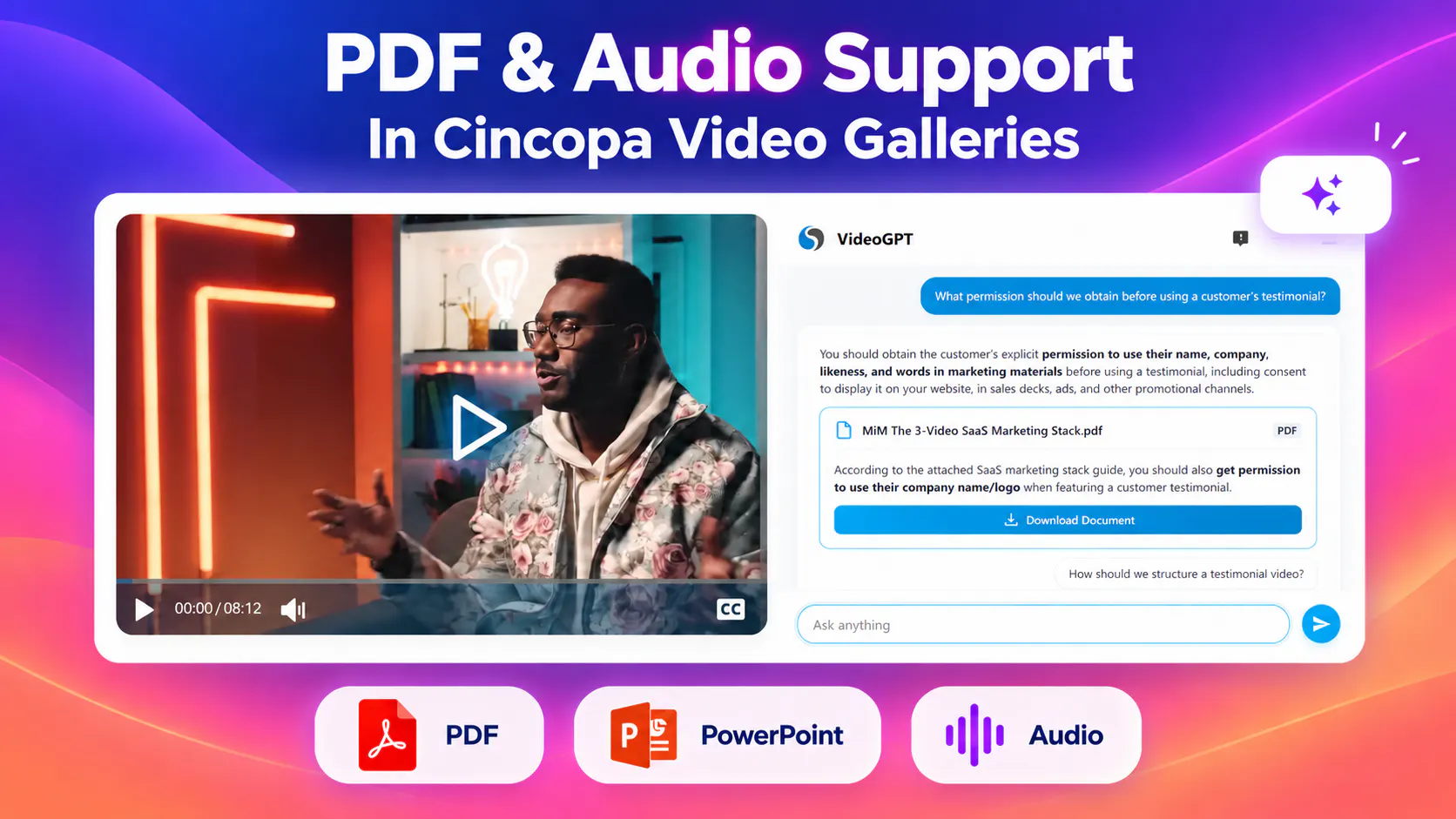
VideoGPT beside a video player, with a PDF source card and PDF, PowerPoint and audio format labels.

What’s new

Documents alongside videos

Pair a video lesson with its workbook, a product walkthrough with its PDF manual, or a recorded session with its PowerPoint slides. Viewers can use the explanation and its supporting material in the same collection.

PDF-only galleries are also available, so a document collection can use these layouts even when it does not include video.

Audio in supported gallery templates

Audio can now appear alongside videos and PDFs in supported templates. Combine a video lesson, an audio recording and a supporting document, or create a gallery dedicated to audio content. This supports podcasts, recorded discussions and audio lessons.

Answers across the collection

With VideoGPT enabled, viewers can ask questions about videos, audio, PDFs and PowerPoint presentations in the gallery. VideoGPT connects the answer with its supporting content, helping viewers find information without opening every item manually.
A missing answer was already in the PDF

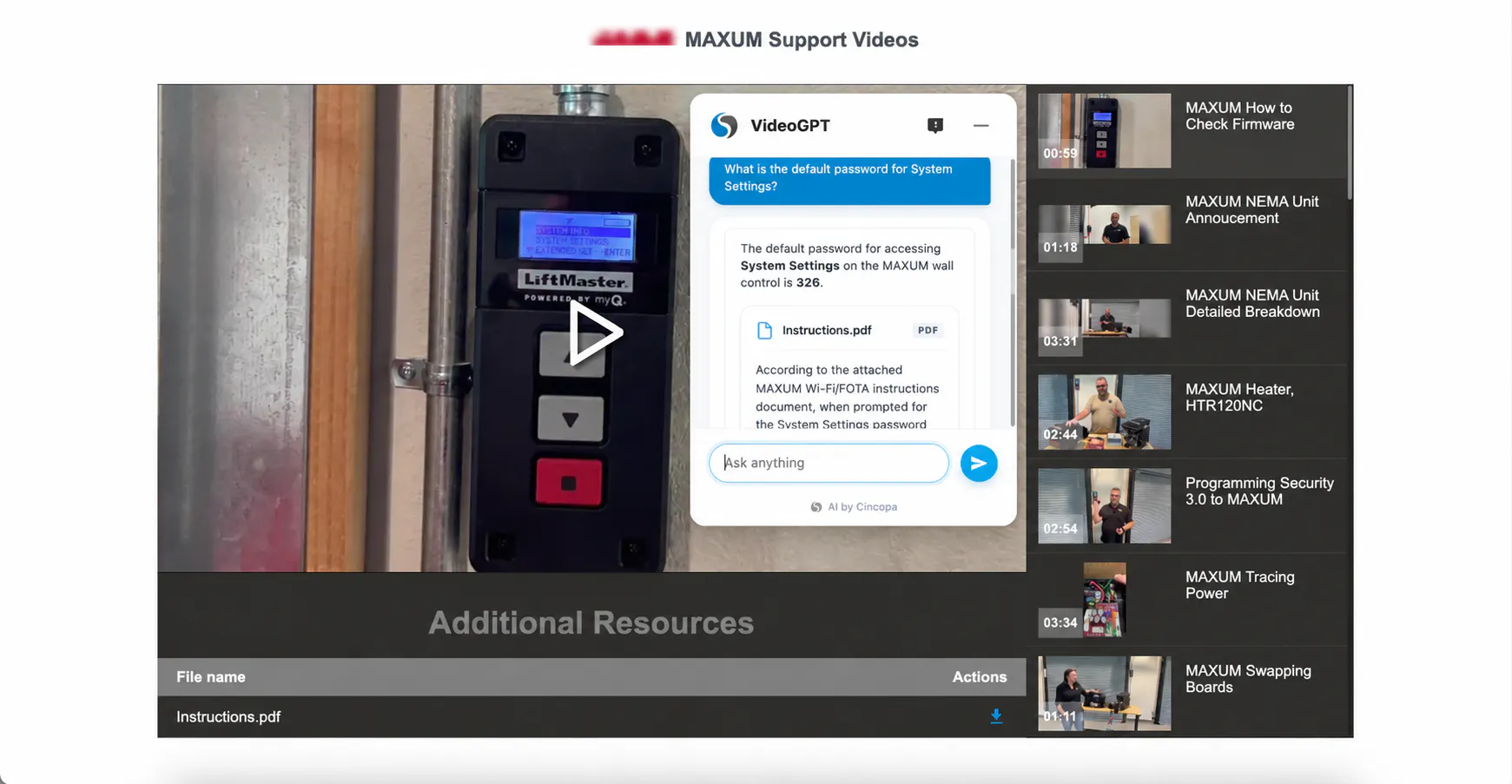
Chamberlain’s how-to videos explained the process, but did not mention the default password users needed to continue. That detail was available in the PDF documentation. VideoGPT could not answer the password question from the available video content.

VideoGPT Insights surfaced the unanswered question. The team added the PDF as a supporting asset to the existing video, and VideoGPT could then use the document to answer it. The team filled the knowledge gap without recording another video.

The example shows how questions can reveal which supporting resources to add. Explore the Chamberlain customer story for its broader support and training use case.

Chamberlain MAXUM support gallery with VideoGPT citing Instructions.pdf to answer a System Settings password question, and Instructions.pdf listed under Additional Resources.
VideoGPT answers a MAXUM System Settings question using the attached PDF alongside the support video.

Template examples included in this update

The five templates below bring together the supported content formats in different layouts. Each also supports PDF-only collections. Dedicated audio gallery layouts are available.

Online Video Course

Present video lessons with PDFs and audio, or create a PDF-only course gallery.

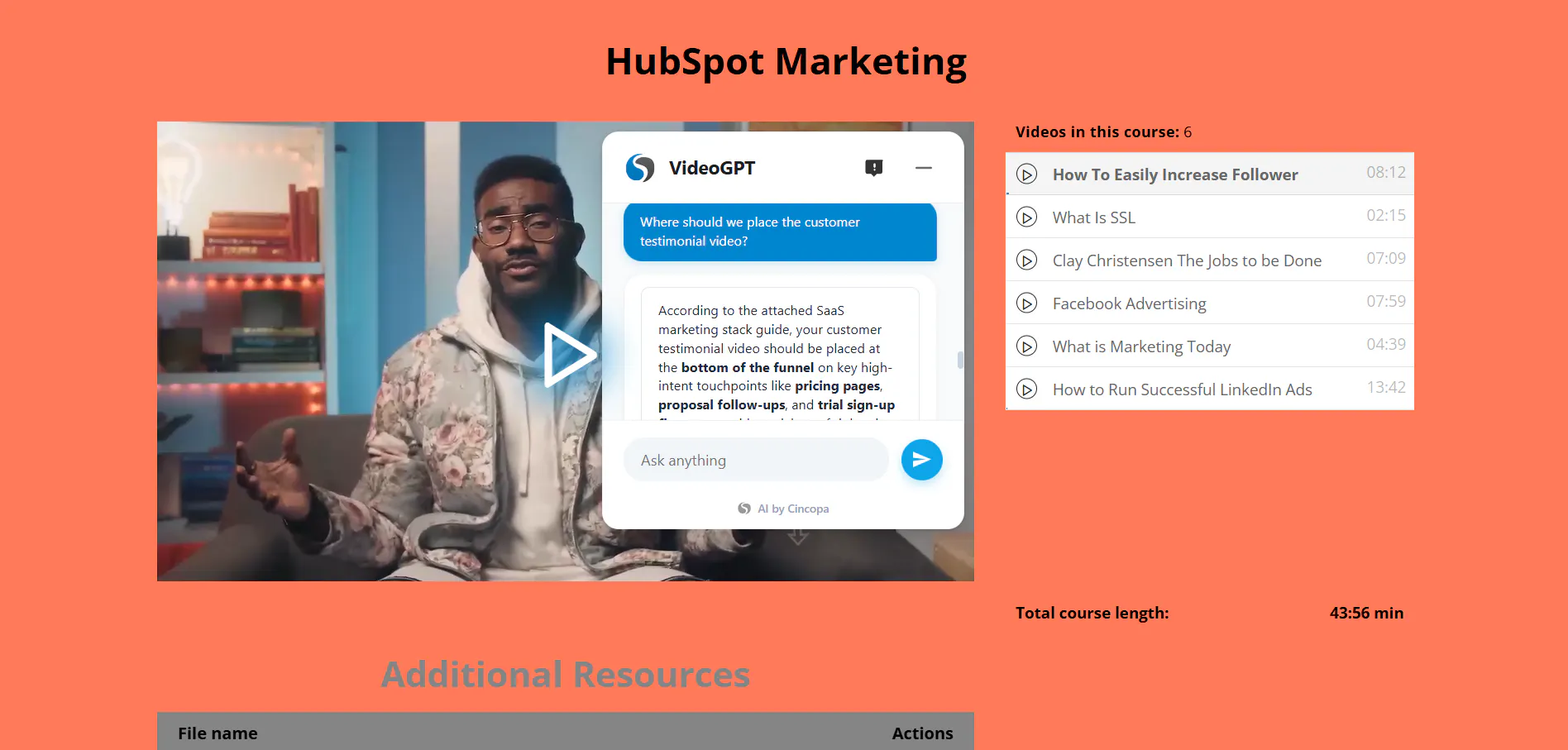
Online Video Course displaying a lesson, course playlist, VideoGPT conversation and additional resources.

Spree Video Playlist

Combine videos, PDFs and audio in a playlist, or use the template for a PDF-only collection.

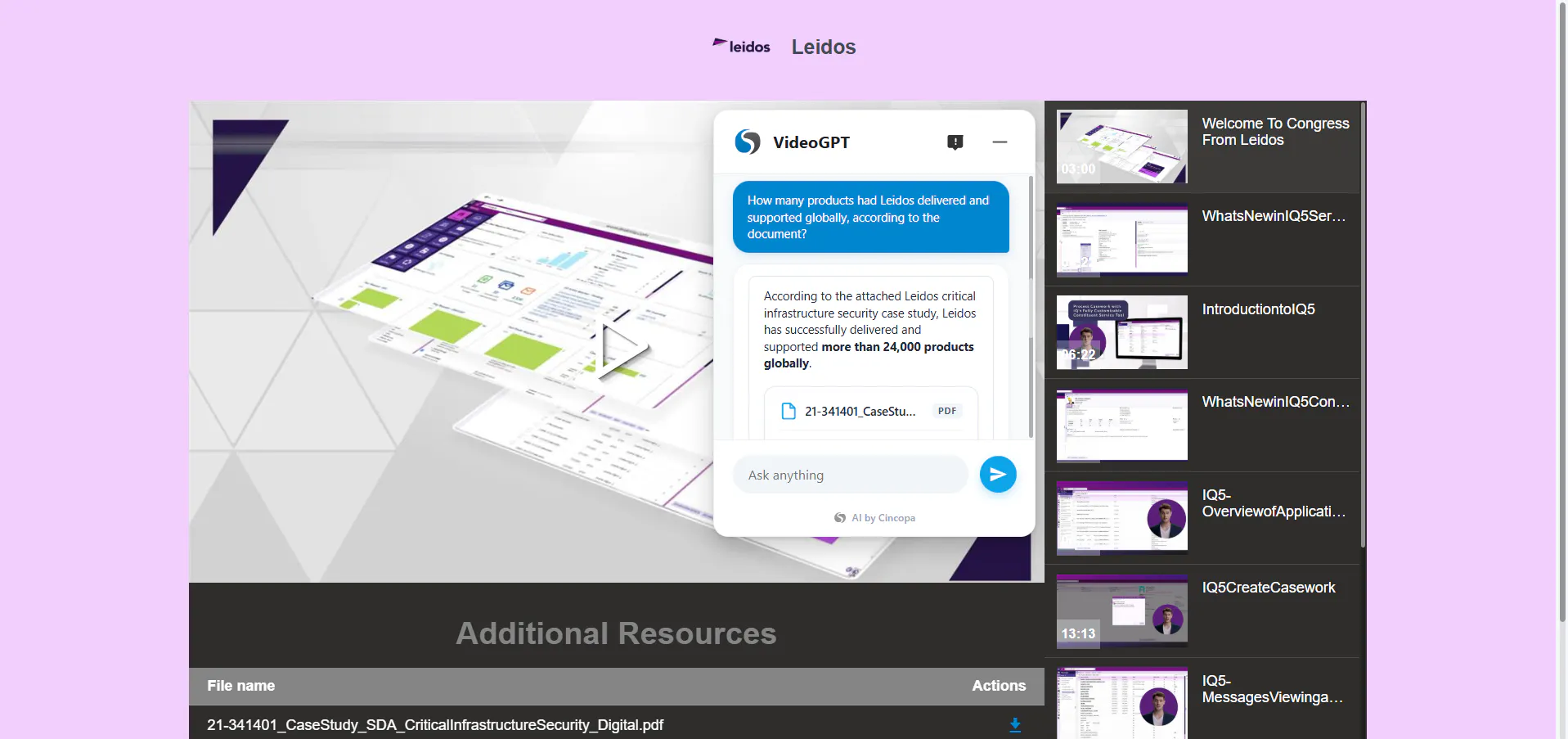
Spree Video Playlist displaying a Leidos software walkthrough with VideoGPT and additional resources.

Video and Podcast Channel

Bring videos, PDFs and audio together in a channel, or publish a PDF-only collection.

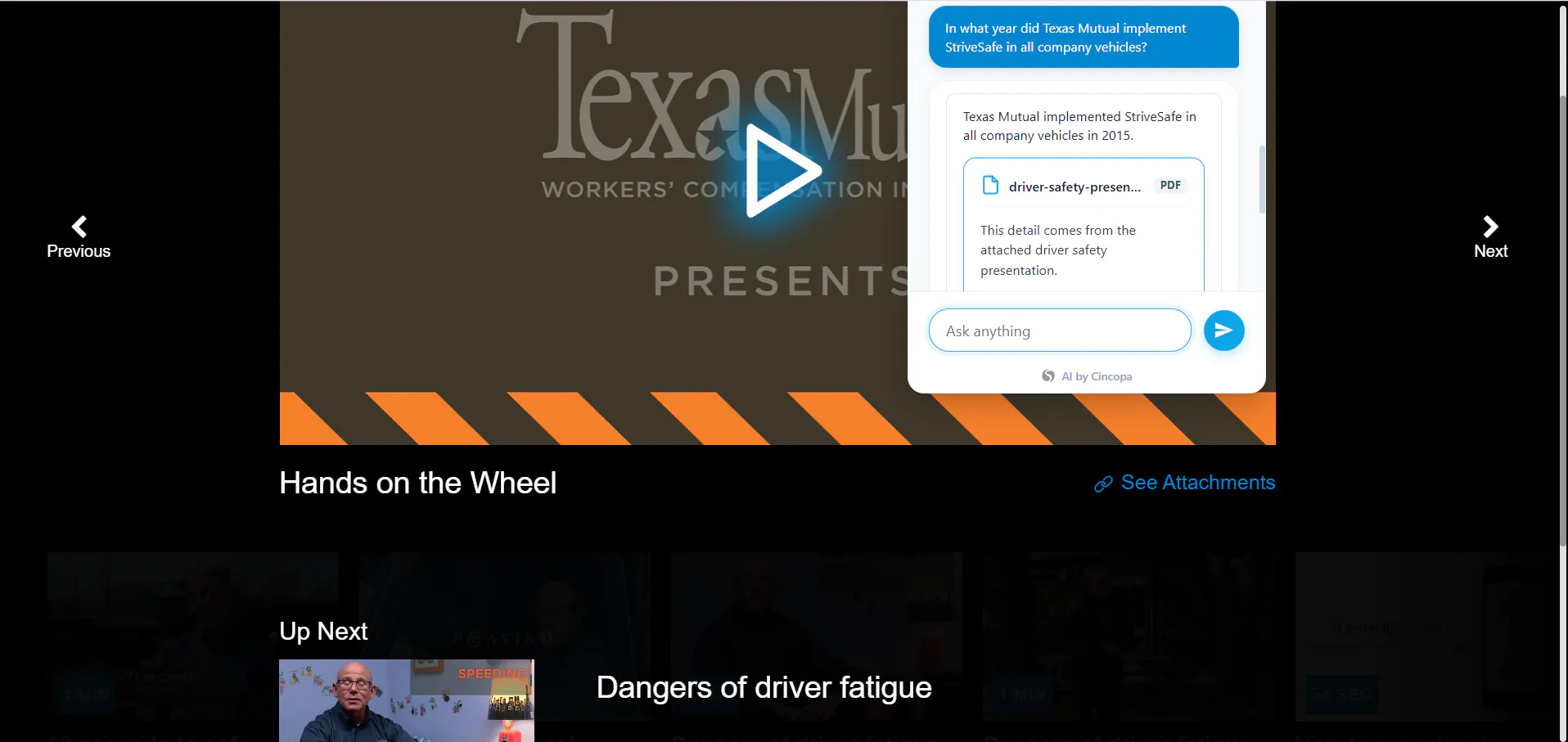
Video and Podcast Channel displaying a safe-driving lesson and VideoGPT.

Video Academy Template

Organize videos, PDFs and audio as an academy, or create a PDF-only collection.

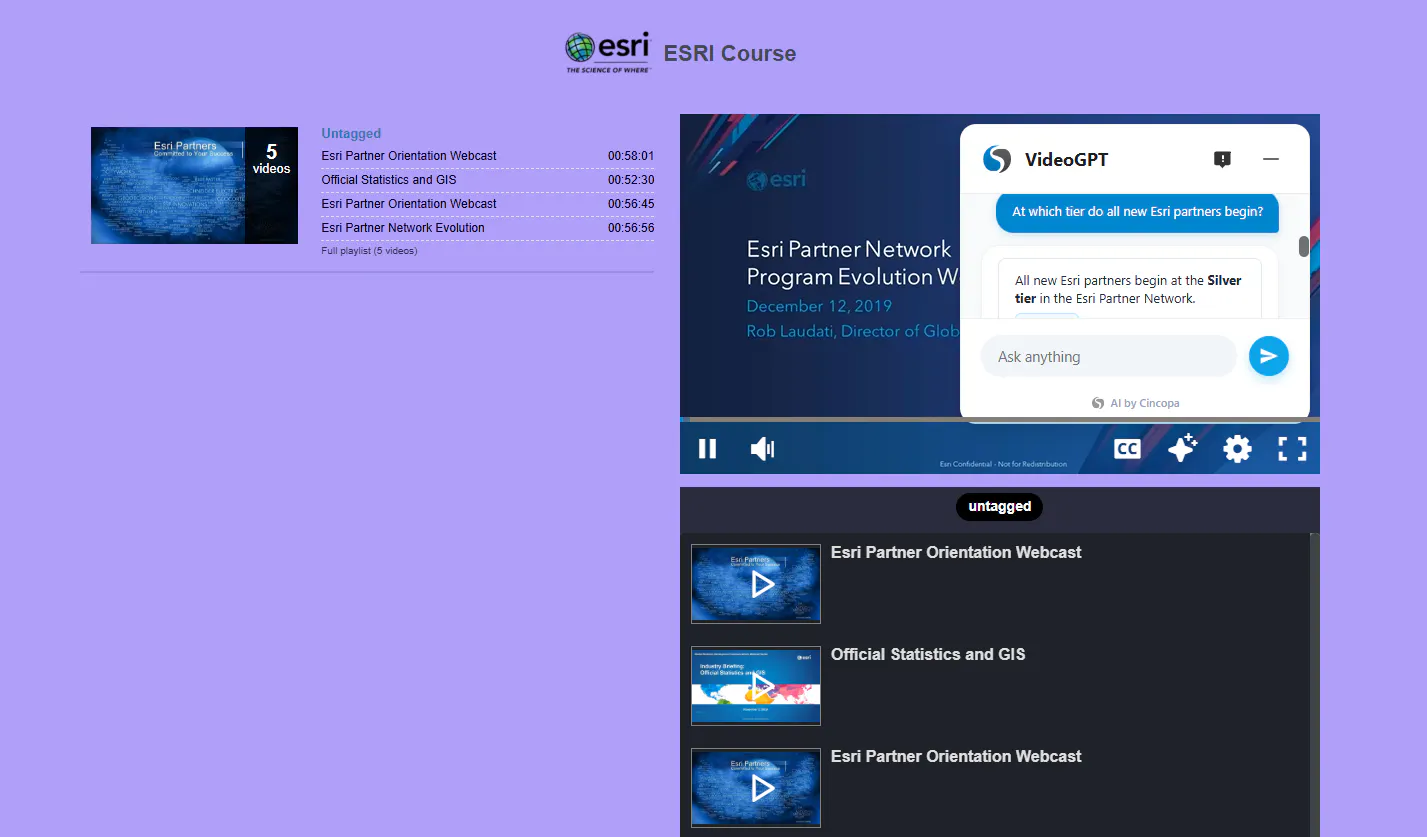
Video Academy showing an Esri course, playlist and VideoGPT conversation.

Video Portal

Present videos with PDFs, or create a PDF-only portal.

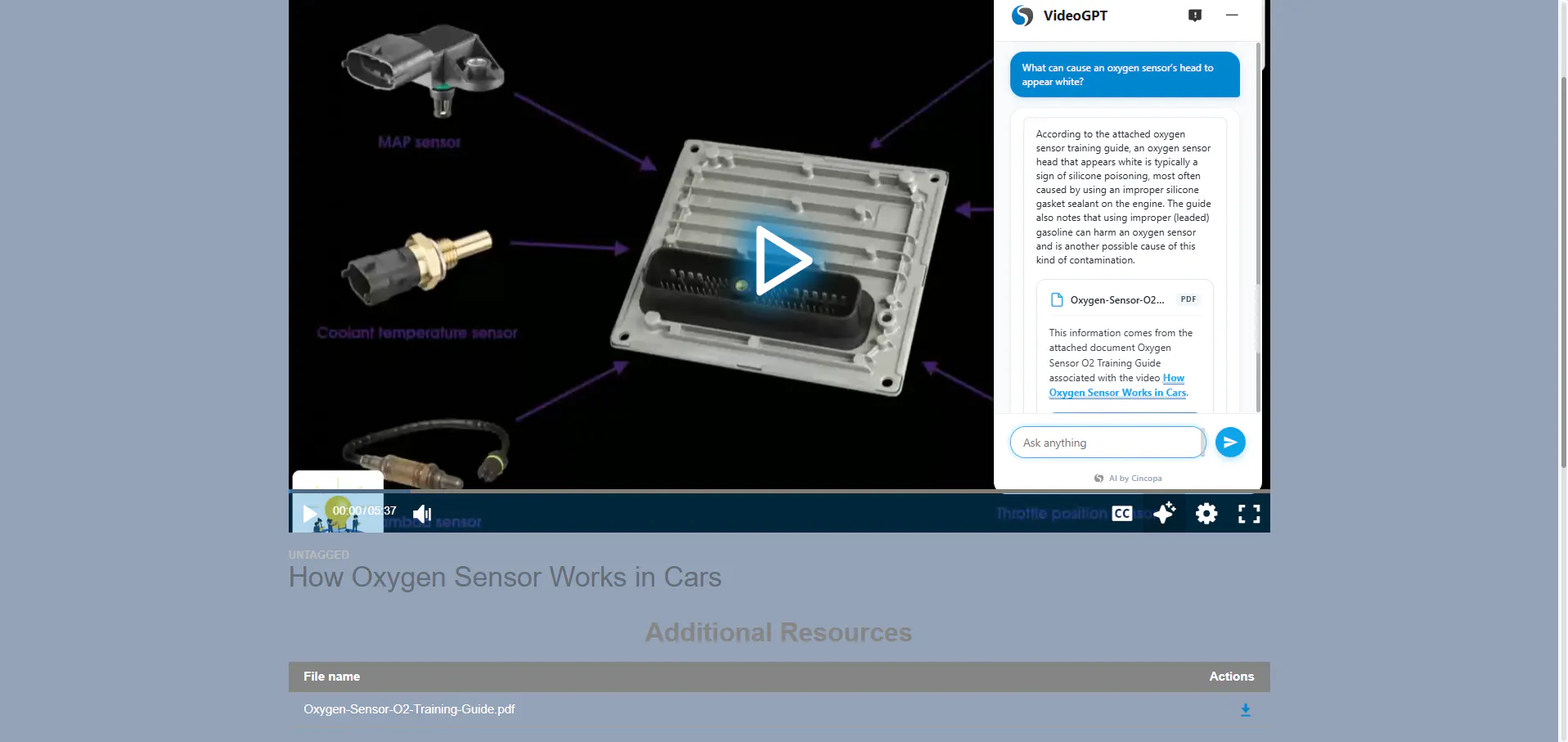
Video Portal displaying a technical demonstration, VideoGPT and an additional PDF resource.

Ways to use the new formats

Related update: open the referenced source

VideoGPT deep links now work across all gallery layouts, helping viewers move from an answer to the supporting video or document.

Frequently asked questions

Yes. Online Video Course, Spree Video Playlist, Video and Podcast Channel, and Video Academy include examples combining all three formats.

Yes. Supported gallery templates can bring PowerPoint presentations together with videos and other supporting resources.

Yes. PDF-only examples are available for all five templates listed in this update.

Yes. Dedicated audio gallery examples are available.

The Video Portal examples in this update cover video with PDFs and PDF-only collections.

Video lessons, audio recordings, workbooks, manuals, presentations and reference guides can belong in the same collection, depending on the supported template you choose.

Explore the platform

Keep the explanation and reference together

Explore Galleries for mixed-format collections and VideoGPT for questions grounded in your content.