Turn product documentation into visual, searchable product knowledge
Product documentation explains what users need to know. Video shows how the product actually works.
Cincopa helps product education and documentation teams pair docs, PDFs, screenshots, and video walkthroughs into a searchable product knowledge layer that users can browse, embed, and ask with VideoGPT.
Parent solution Product Education
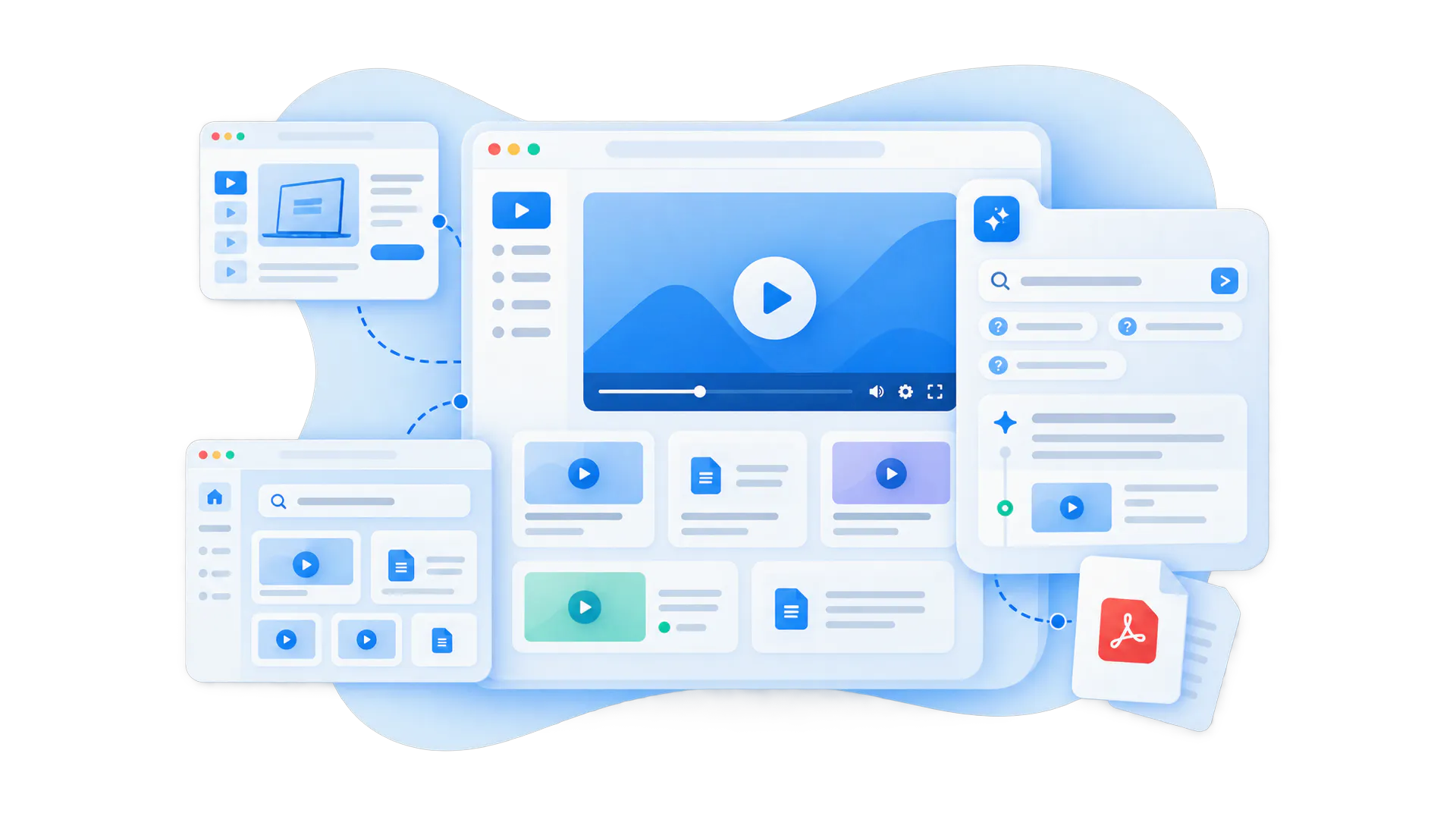
A product documentation video library adds visual guidance to the docs users already rely on
Control what belongs together, how it appears, where it is used, and who can access it.
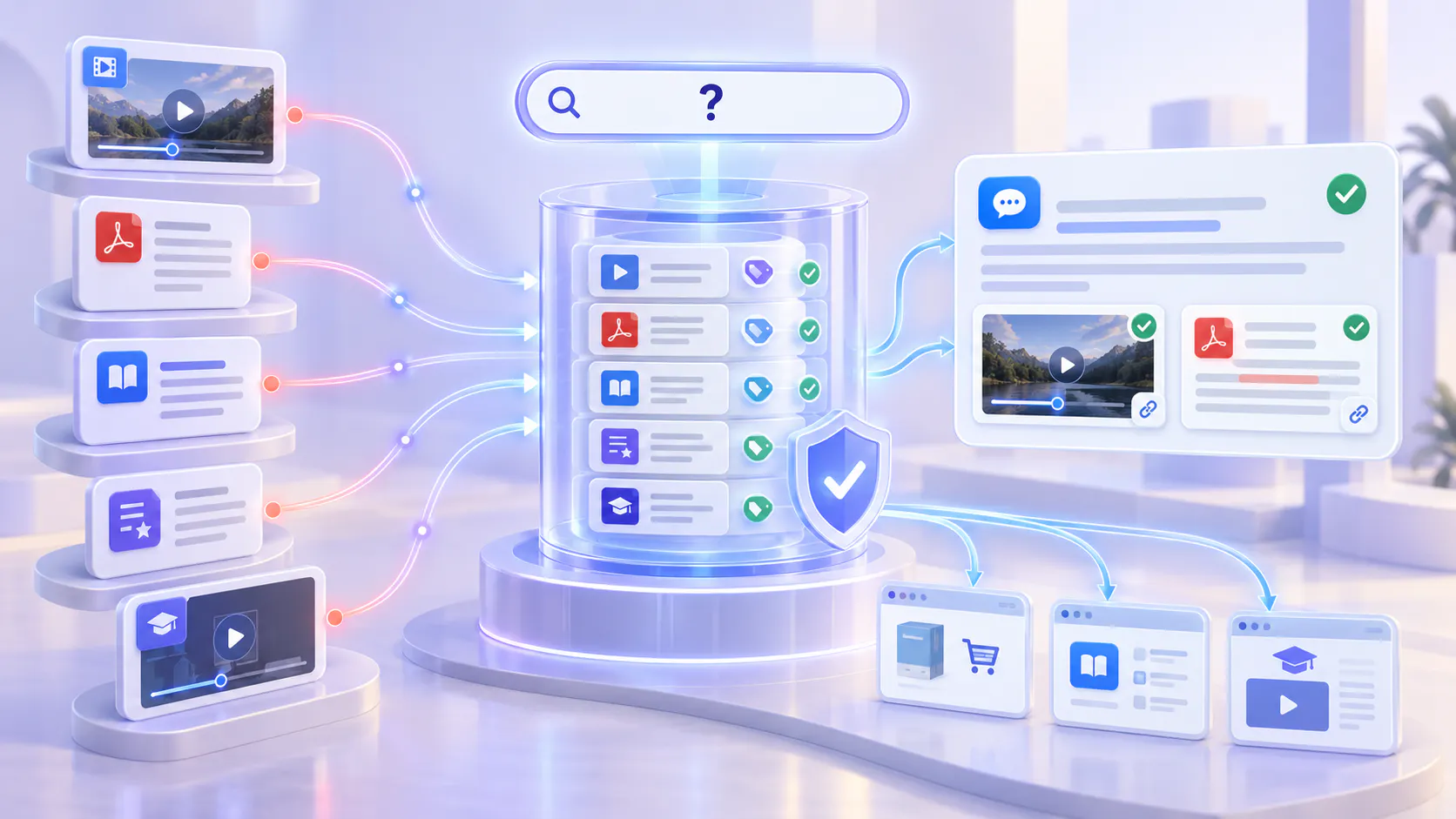
Written documentation is necessary, but many product questions are easier to answer visually. Users want to see where to click, how a workflow behaves, what a configuration changes, or what a finished setup should look like.
Cincopa helps teams turn documentation from static pages into a mixed video-and-document knowledge layer. Product docs can keep their structure, while video walkthroughs, PDFs, screenshots, release context, and related materials become searchable and reusable.
The goal is not to replace documentation. The goal is to make product documentation easier to understand, easier to navigate, and easier to ask questions against.
Best for teams that need to explain:
- Product workflows
- Feature behavior
- Admin configuration
- Setup and implementation
- Best-practice usage
- Docs plus supporting PDFs
Why written docs alone often fail product education teams
Cincopa’s gallery model helps turn product videos, guides, release materials, and supporting documents into structured knowledge systems users can navigate, search, and ask.
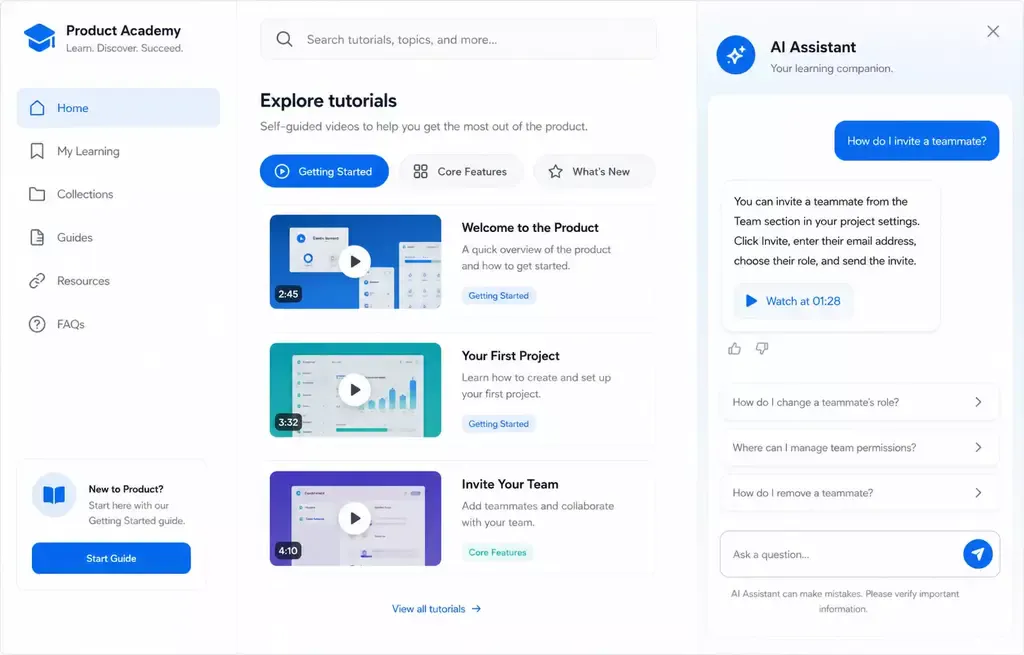
Users understand better when they can see the workflow
Some product behavior is hard to explain in text. A short video can show the interaction, result, and context faster than a long article.
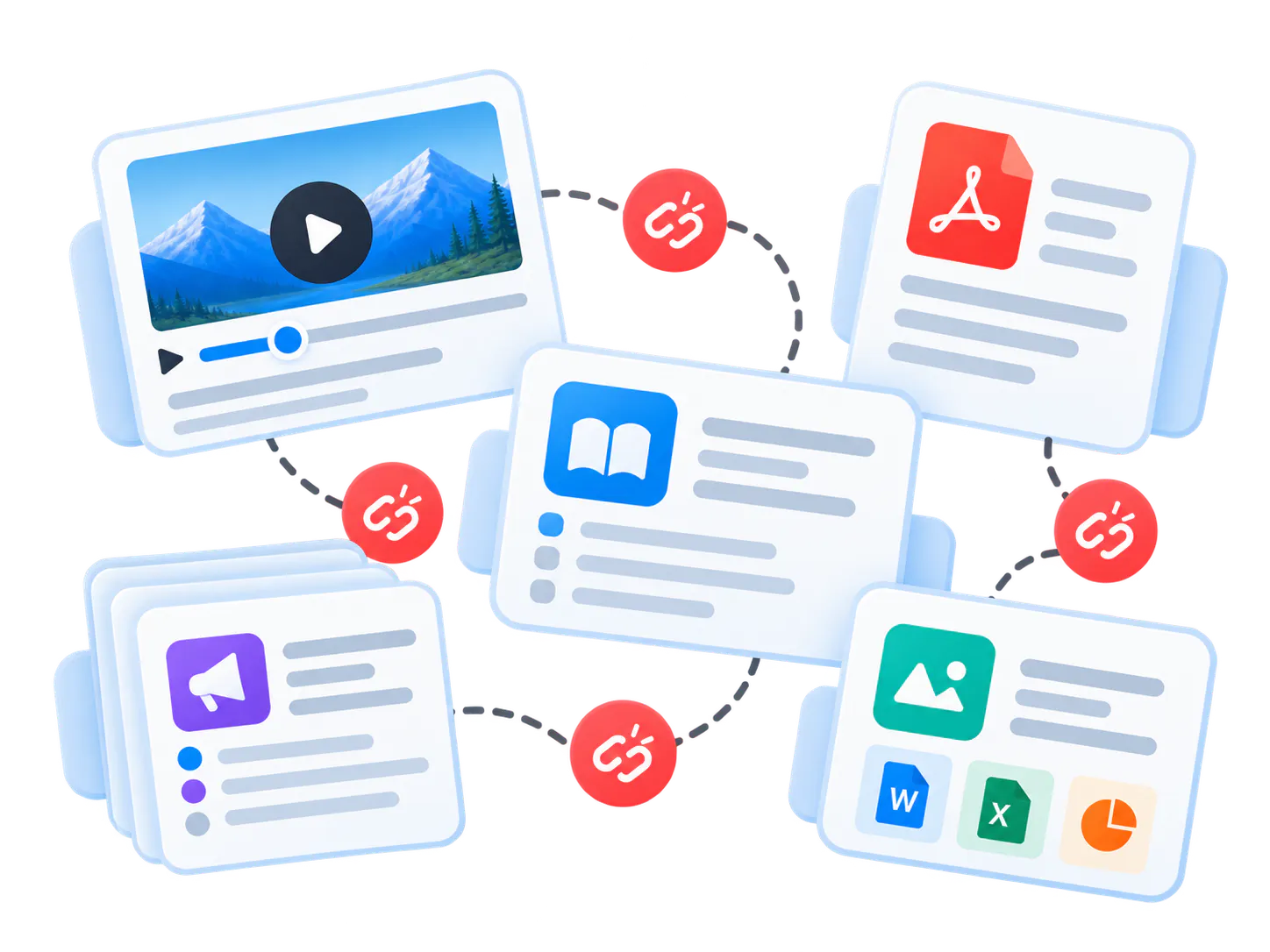
Docs and videos live in different places
When docs are in one system and videos are elsewhere, users have to search twice and product teams maintain two disconnected knowledge surfaces.
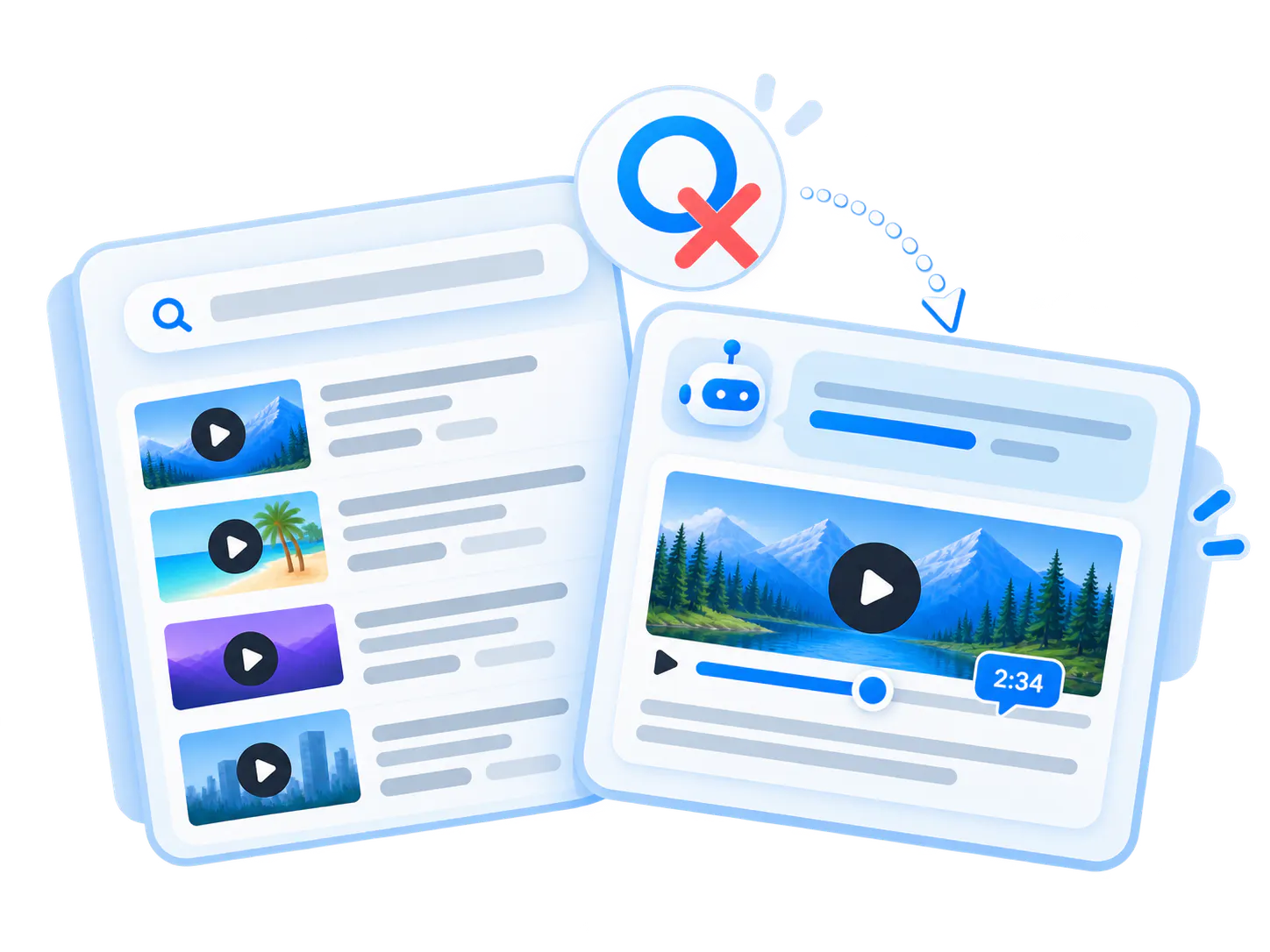
Long recordings hide short answers
A useful product explanation may exist inside a webinar or training video, but users need the exact answer, not a thirty-minute replay.
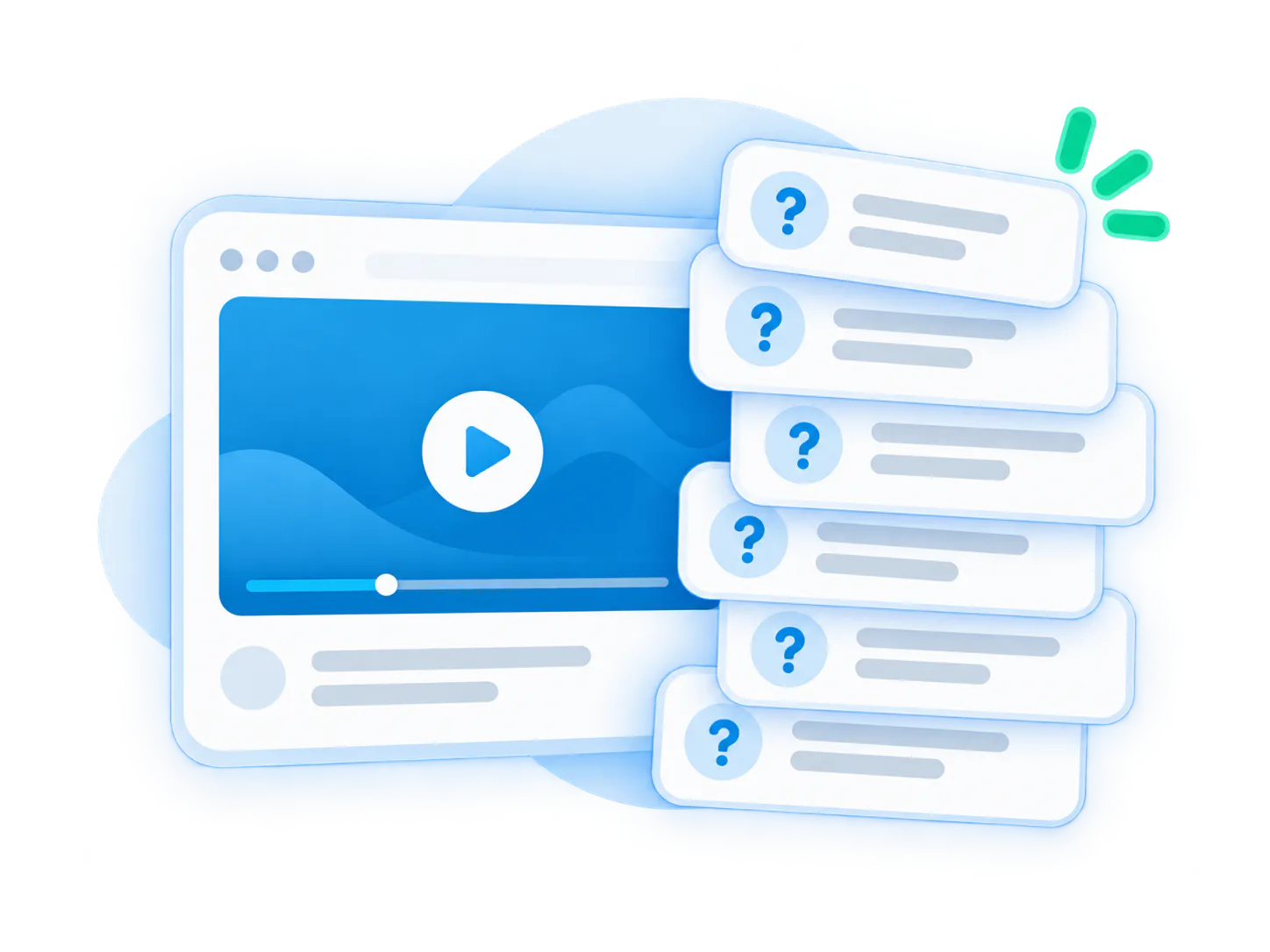
Support keeps answering doc questions
If users cannot understand the written article, they open a ticket or ask customer success to explain the same workflow again.
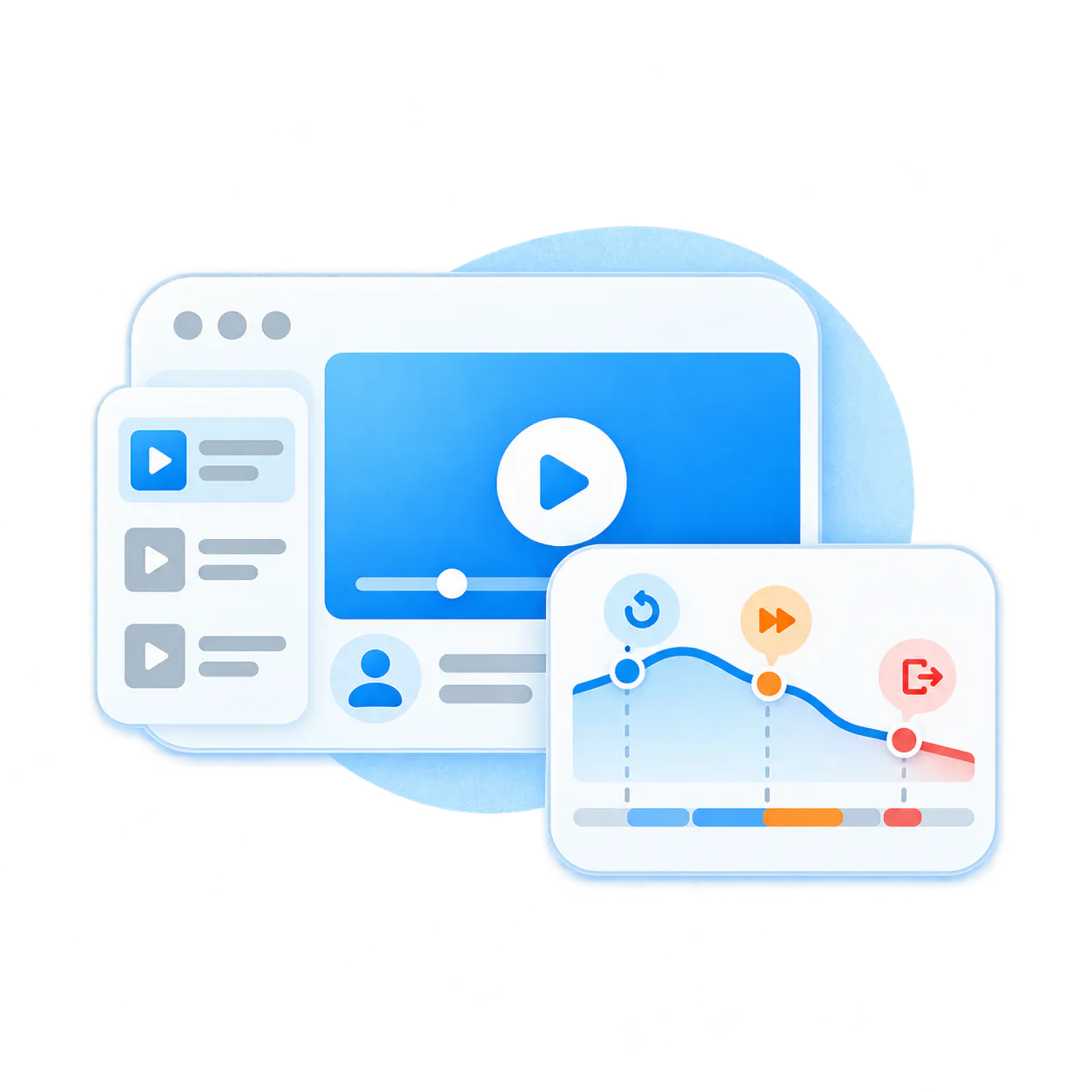
Documentation teams miss the real gaps
Page views alone do not show what users could not understand. Real user questions reveal which topics need clearer docs or better videos.
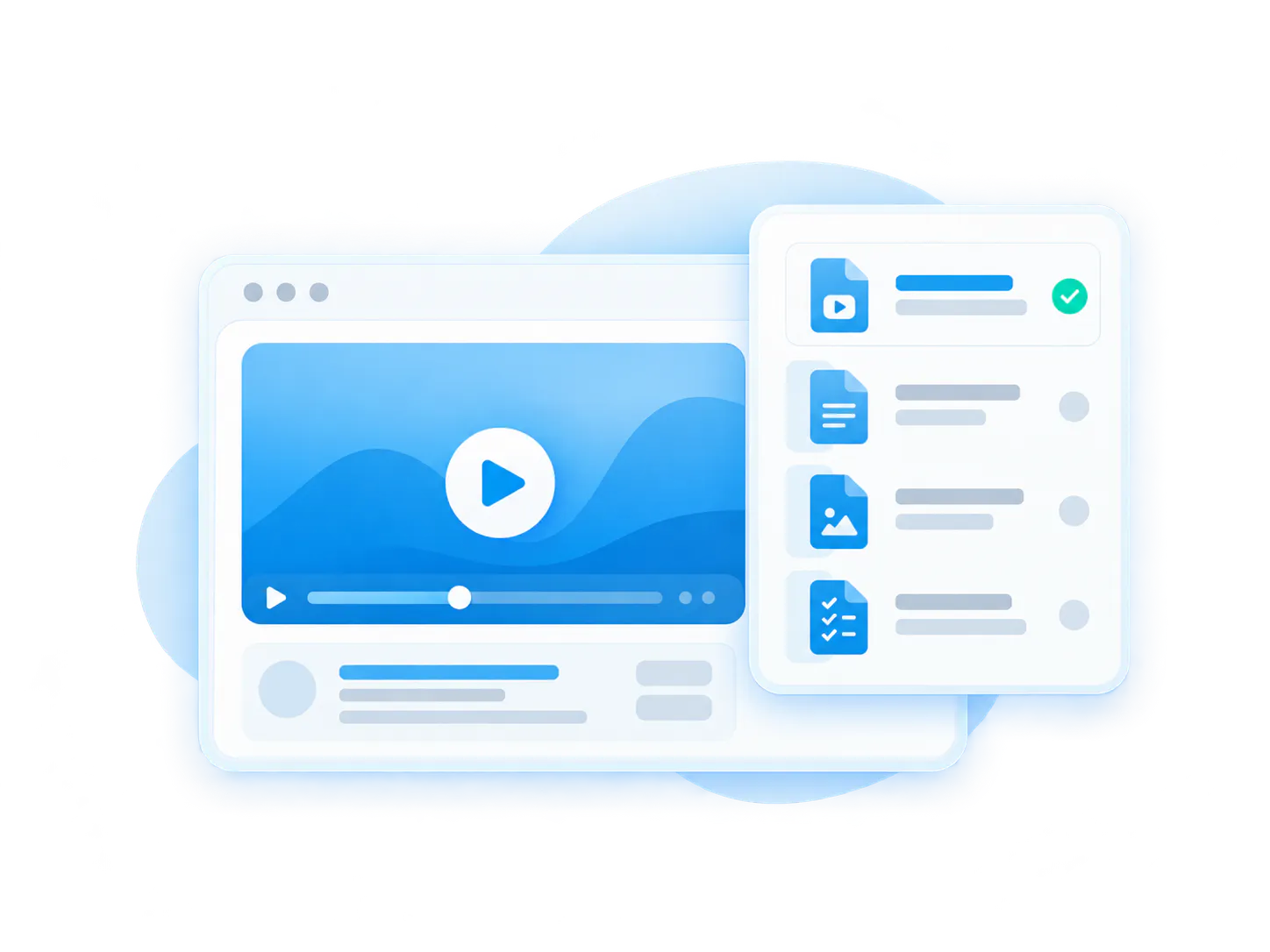
Product knowledge becomes fragmented
Release notes, guides, PDFs, screenshots, and videos often become scattered assets instead of one connected product education experience.
Add video to product docs without rebuilding your whole documentation system
Start with the documentation, videos, and PDFs you already have. Publish them in a structure users can browse, embed, and ask. Then improve the content based on what people actually ask.
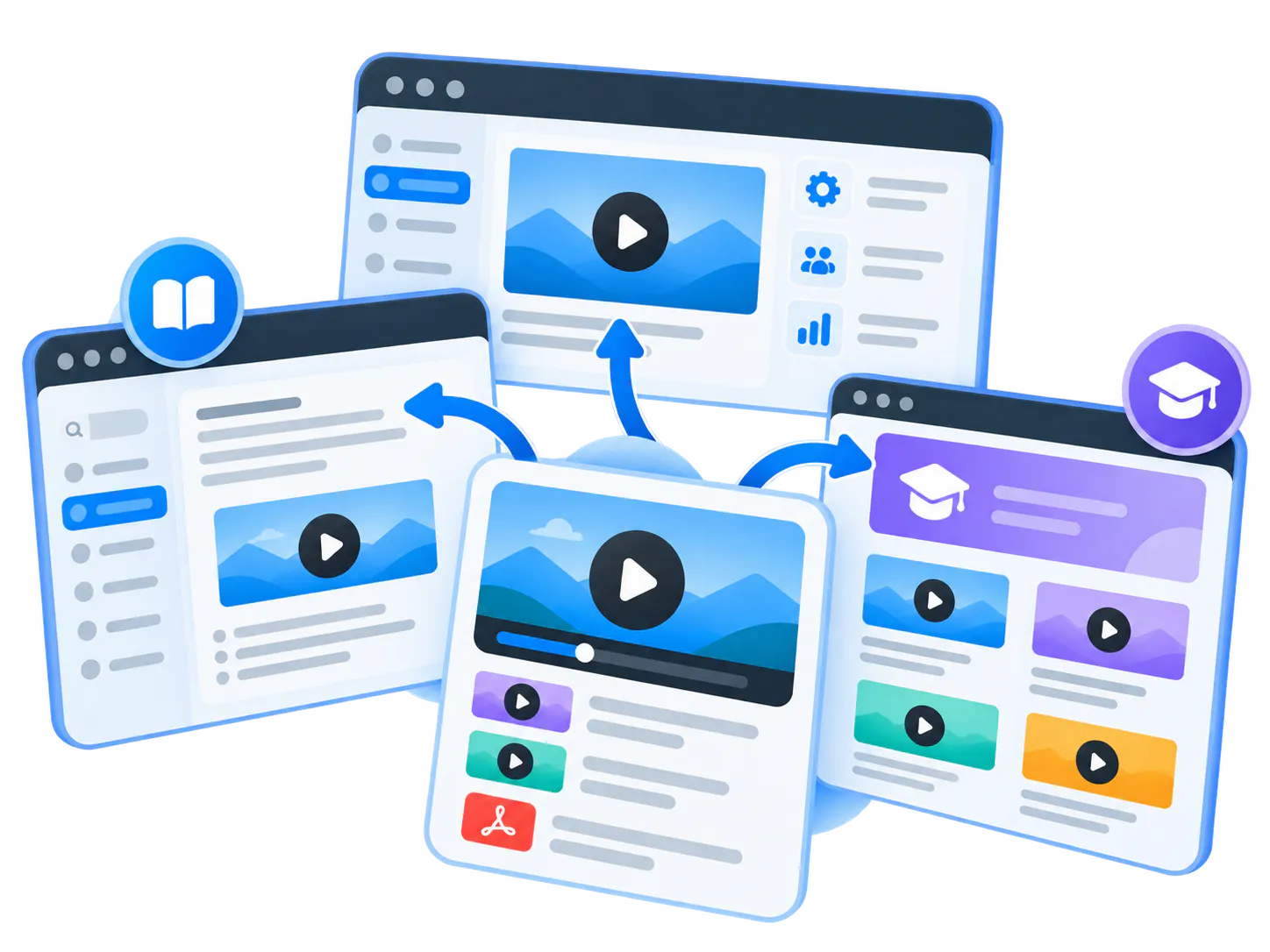
01 Embed video where the docs already live
Use Galleries to add structured video collections to documentation pages, help articles, product pages, and support surfaces.
02 Pair videos with documents and PDFs
Keep product videos, docs, release notes, screenshots, implementation guides, and PDFs connected in the same knowledge experience.
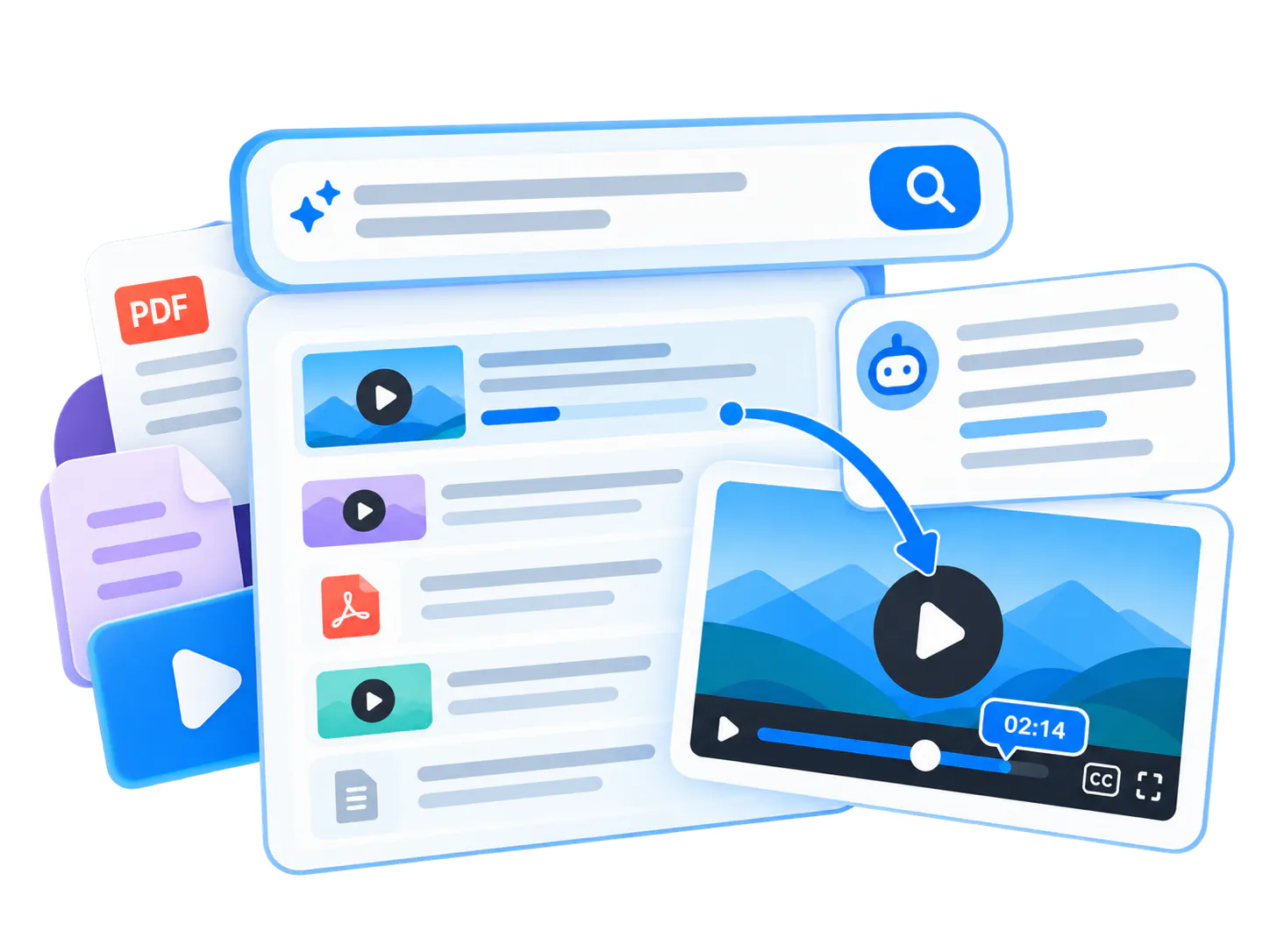
03 Let users ask across docs and videos
VideoGPT helps users ask a product question and receive a grounded answer tied to the relevant video moment or supporting document.
04 Find what documentation needs next
Repeated questions and weak answers become a practical roadmap for improving docs, creating new clips, or clarifying existing videos.
Pages vs. Tube
Choose between a standalone destination page and a multi-channel video portal.
Pages are stronger when
One team needs one branded, hosted, measurable destination and a flatter structure is enough.
Tube is stronger when
The audience needs channel-based navigation, ongoing portal behavior, deeper permissions, and a knowledge environment that keeps expanding without becoming a mess.
Documentation structure can improve over time; it does not have to block launch
Many teams already have useful product docs, recordings, feature videos, training sessions, and PDFs. Cincopa helps activate that content first, then uses real questions to show what should be improved or created next.
-
1
Publish existing docs and videos.
Start with the product knowledge assets you already have. -
2
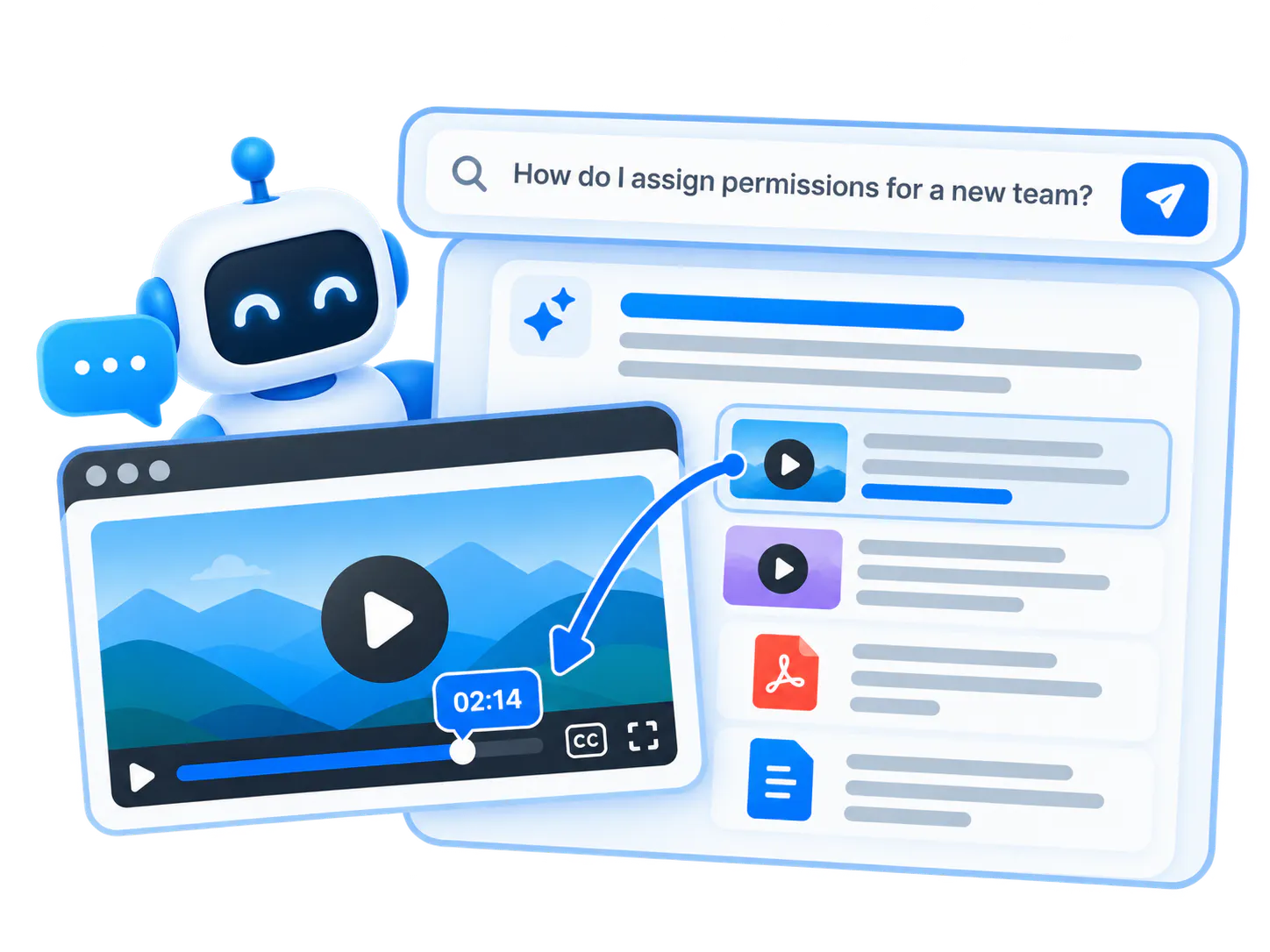
Let users ask the library.
Make docs and videos searchable and answerable with VideoGPT. -
3
See repeated questions.
Learn which docs are unclear, which videos are missing, and which workflows create confusion. -
4
Improve based on demand.
Use the question patterns to update docs, add short videos, or create new product education assets.
What to include in a product documentation video library
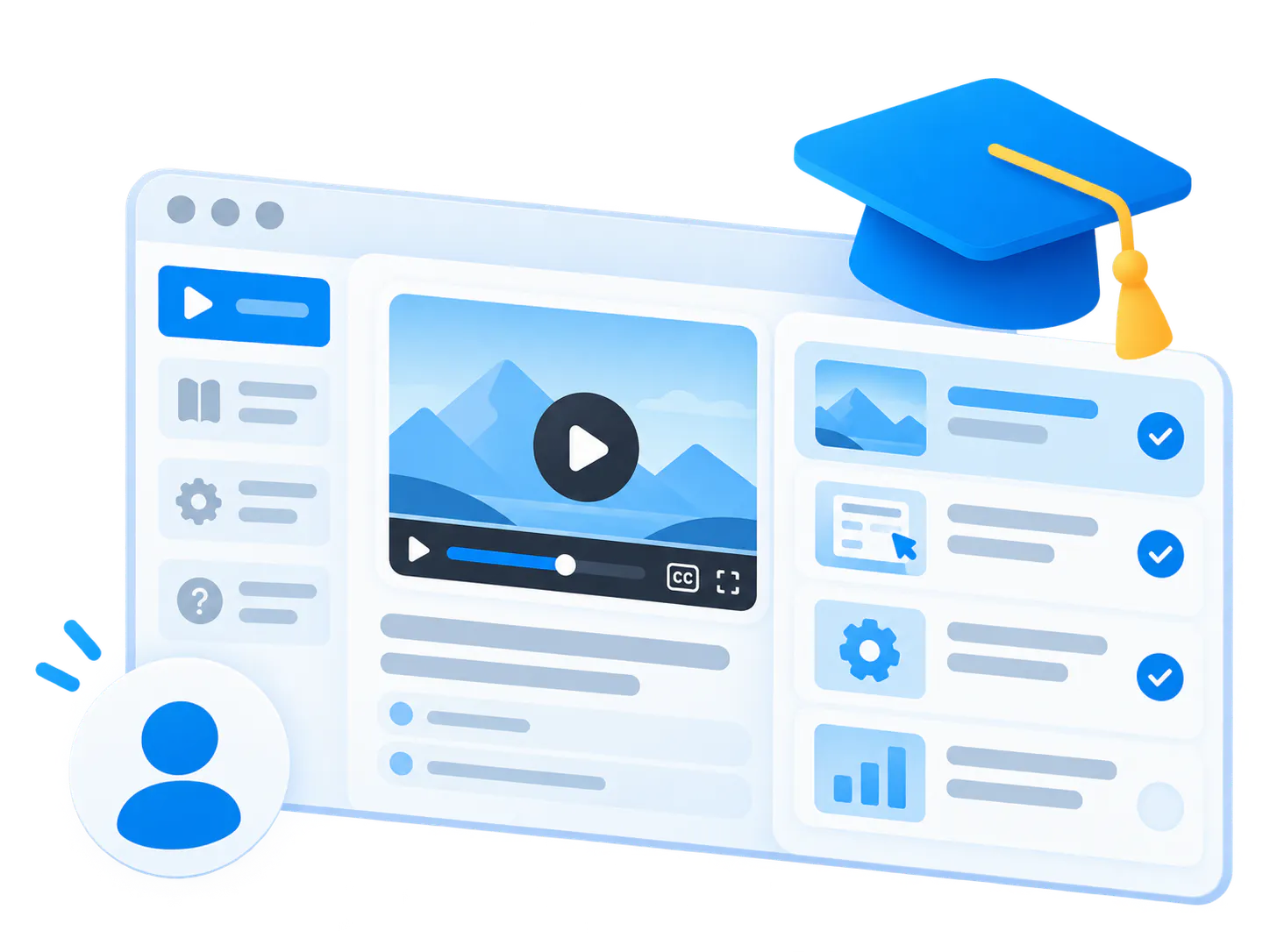
Workflow walkthroughs
Short videos that show how a user completes a specific product task from start to finish.
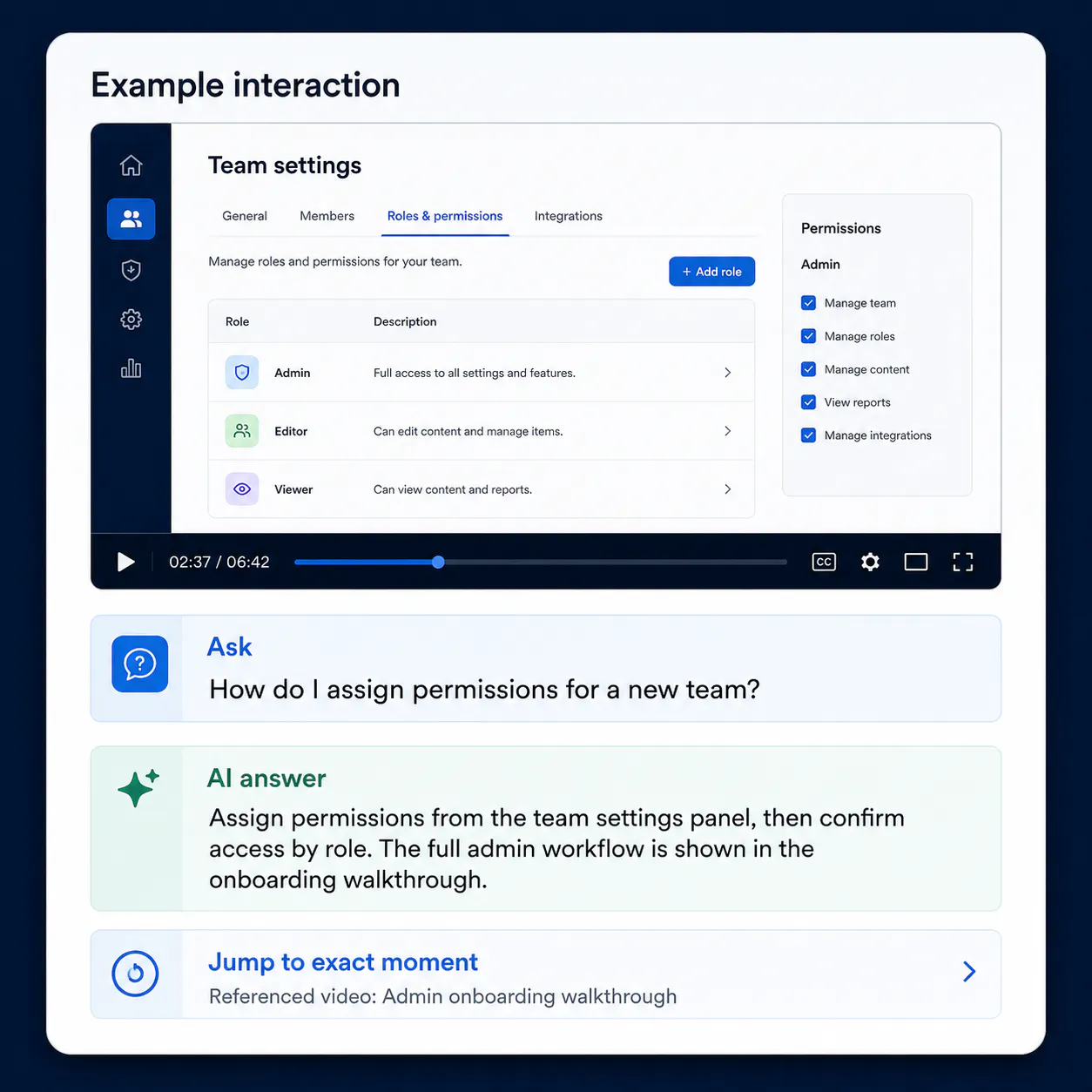
Configuration examples
Admin, setup, permissions, integrations, and implementation guidance that is easier to understand visually.
Feature behavior explainers
Videos that show what a feature does, why it behaves a certain way, and where it fits in the product workflow.
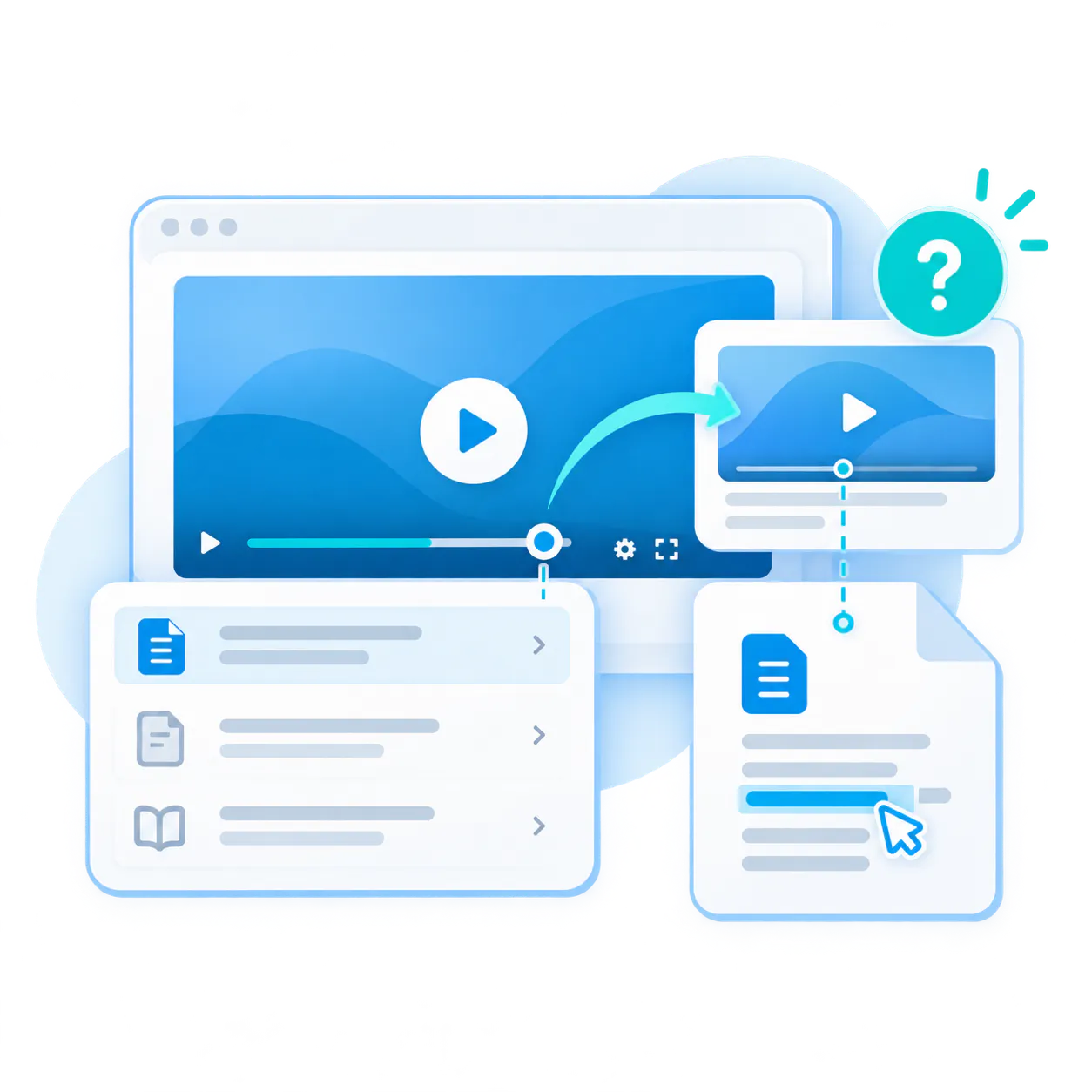
Troubleshooting references
Visual answers to recurring confusion points that appear in product docs, help articles, or support surfaces.
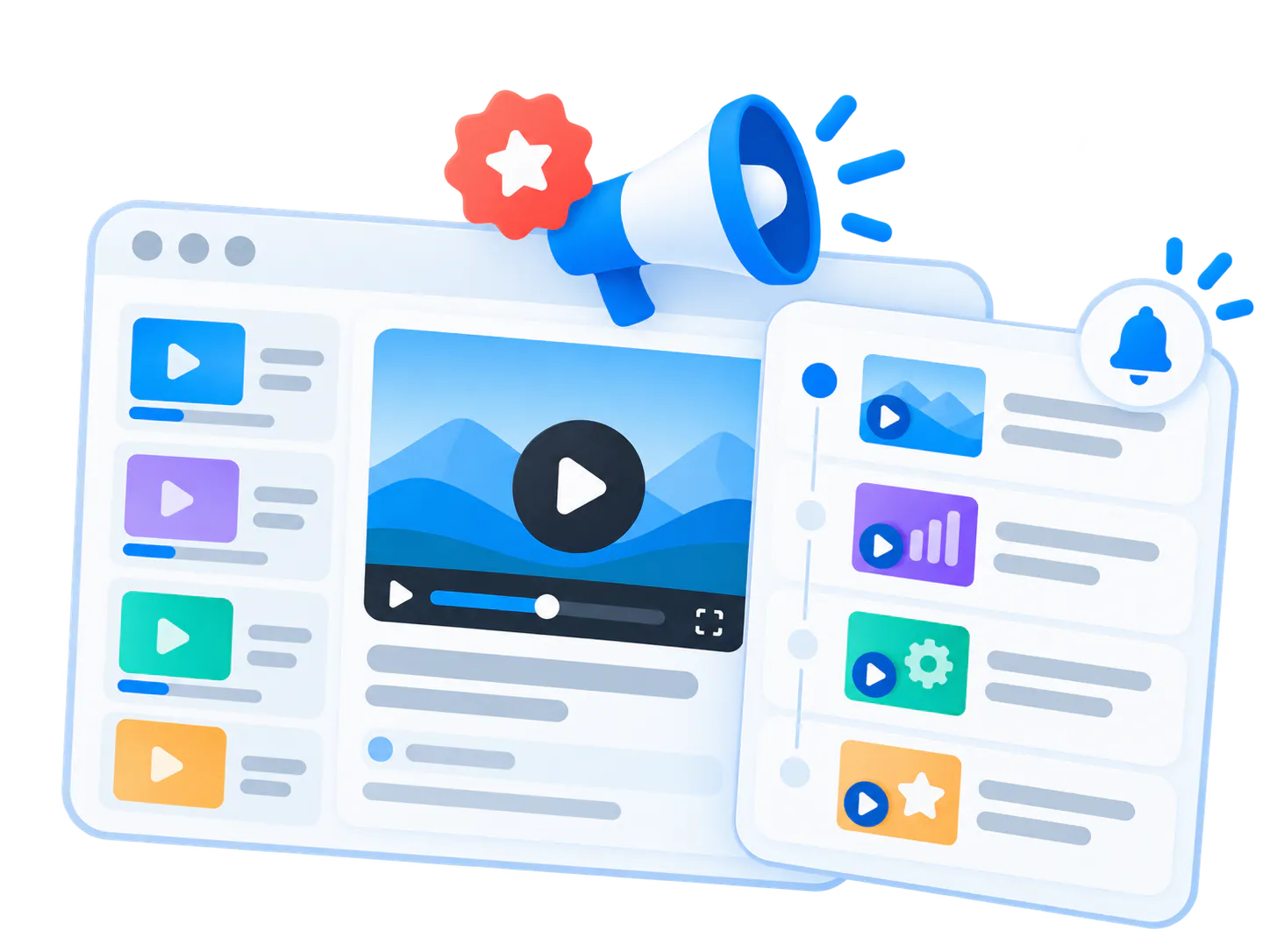
Release and update context
Videos that explain what changed and link back to the relevant documentation, release notes, and product pages.
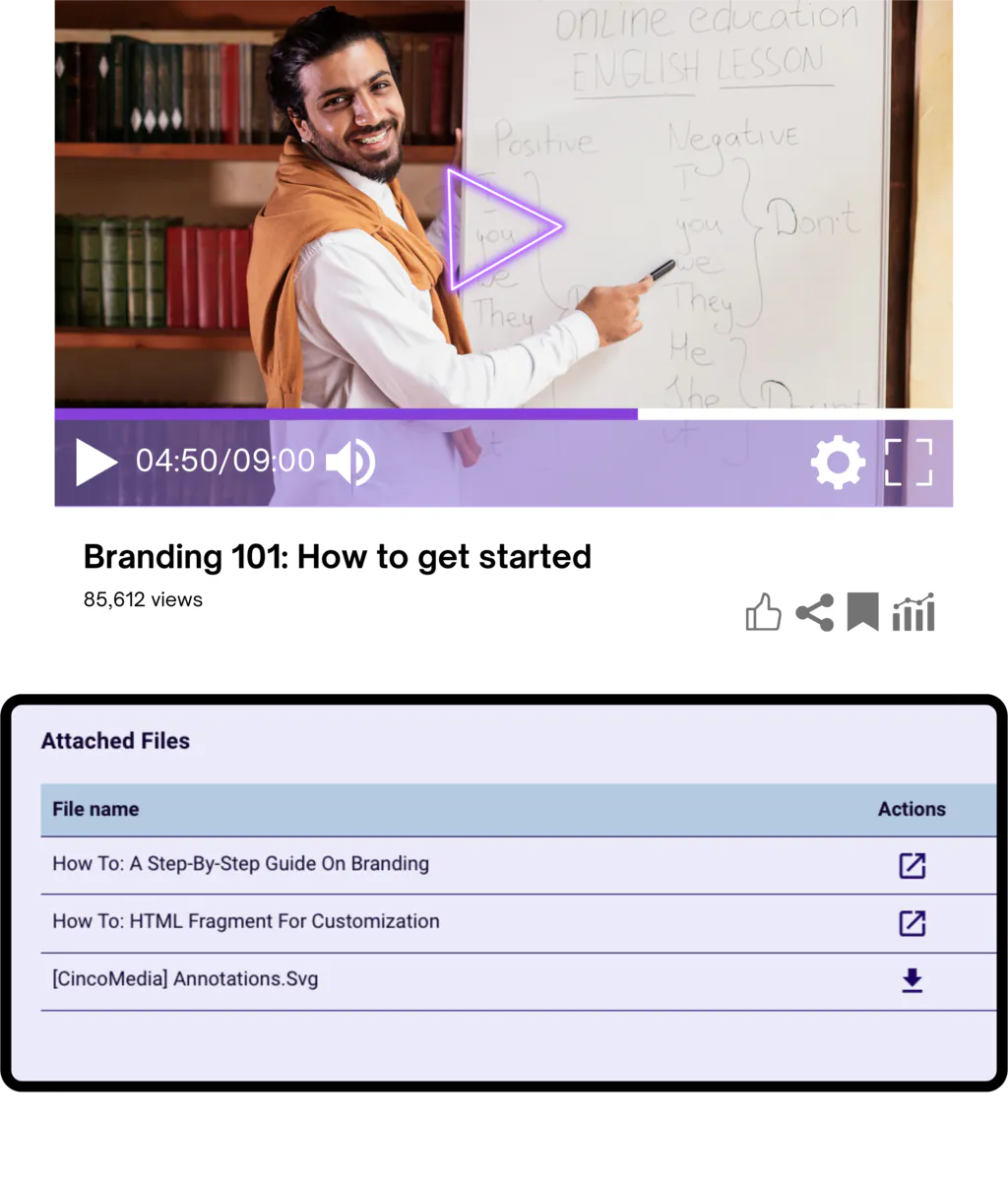
Supporting PDFs and docs
Implementation guides, checklists, specs, and reference material that should stay connected to the video explanation.
Proven in embedded product knowledge and distributed documentation environments
Product documentation video libraries are closest to the Product Education proof pattern: videos and documents embedded where users already learn, evaluate, or use the product.
Land motion
Start with one documentation area
The best wedge is usually one product area, one feature set, one help-center category, or one set of recurring questions. Prove value there, then expand into broader Product Education.

Leidos-style product education library
Leidos validates the pattern of product education that combines embedded galleries, training pages, videos, attached documents, workflow guidance, and searchable retrieval.

Verily-style embedded documentation layer
Verily validates a distributed knowledge pattern where video and documents are embedded across product UI, help documentation, LMS, internal systems, and development environments.
Best product fit: Galleries inside docs, Pages for hosted documentation hubs, VideoGPT for answer retrieval
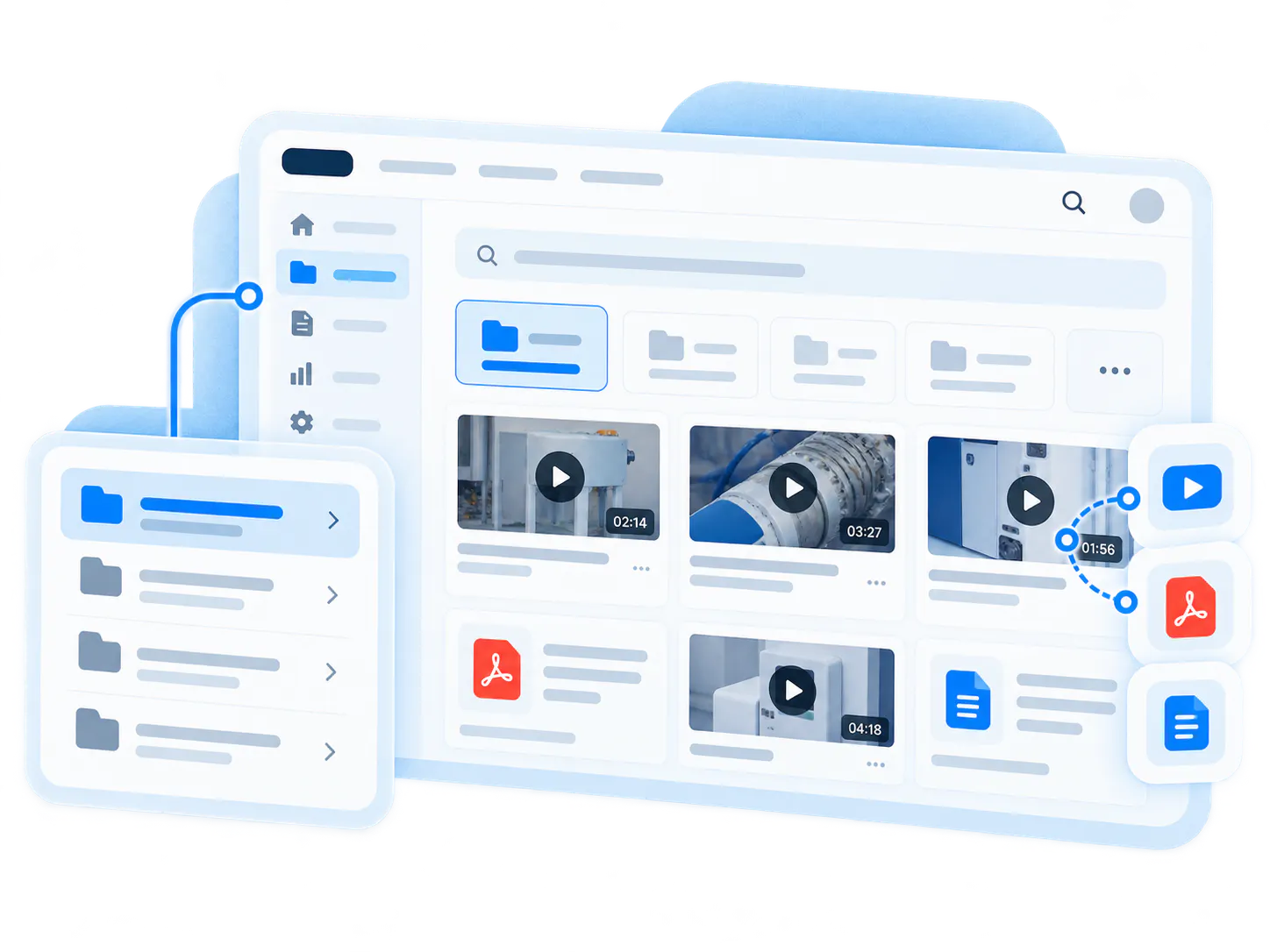
Galleries
Best for embedded video collections inside product documentation, help centers, knowledge articles, and support pages.
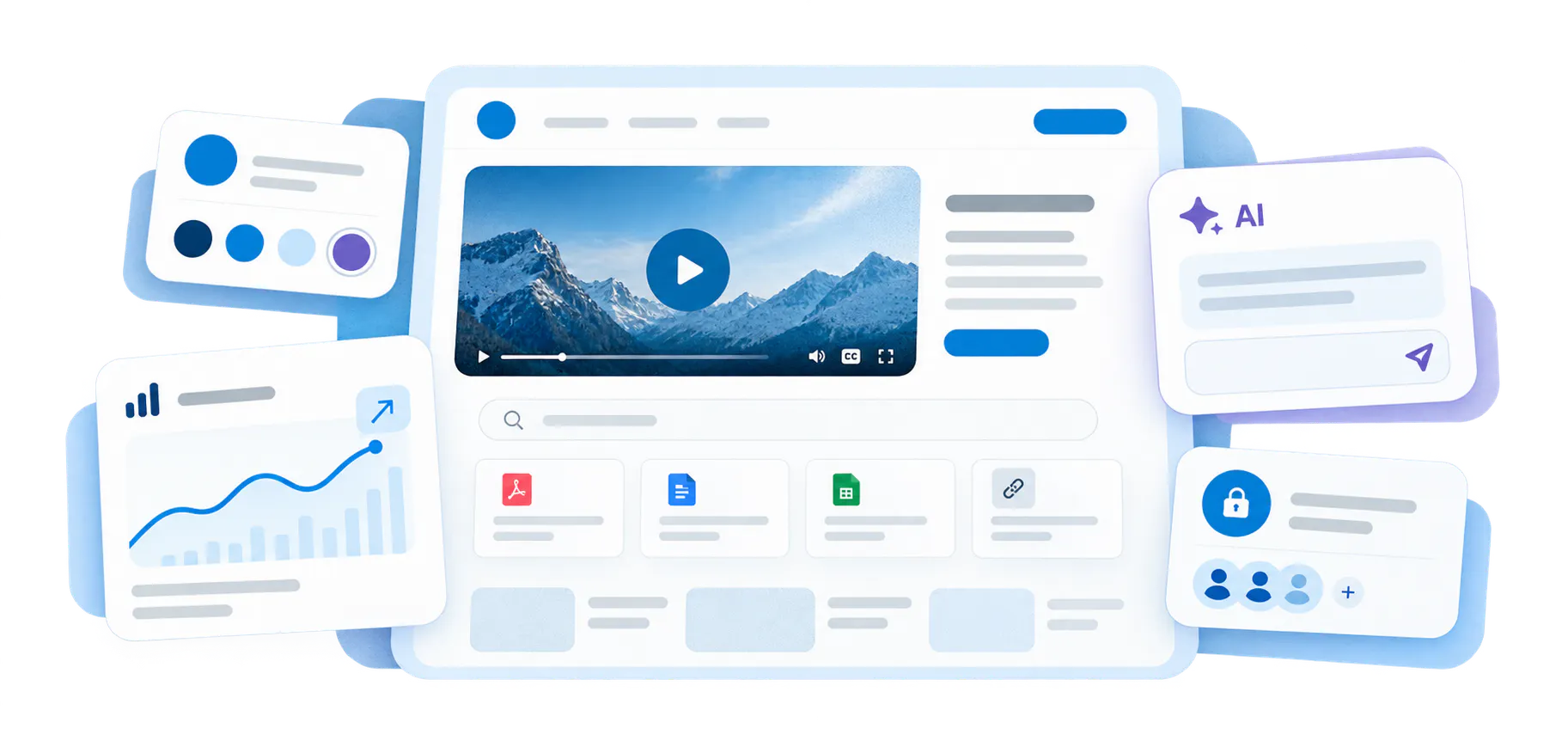
Pages
Best for hosted product documentation hubs, guided resource pages, and branded education destinations outside the main docs site.
VideoGPT
Best for asking across product docs and videos, then jumping to the exact answer or supporting source.
Attachments and documents
Best for keeping PDFs, reference guides, release notes, and supporting documents connected to the video explanation.
Build a stronger Product Education system around your documentation
A product documentation video library works best when it connects to onboarding, feature walkthroughs, product updates, AI video search, customer proof, and embedded Galleries.
Product Onboarding Videos
Feature Walkthrough Video Library
Product Update Video Library
Galleries
Common questions about product documentation video libraries
Everything you need to know about organizing, embedding, and scaling reusable video-and-document galleries across your enterprise systems.
It is a structured collection of product docs, videos, PDFs, and supporting resources that helps users understand product workflows visually and ask questions across the library.
No. The goal is to strengthen written documentation by pairing it with visual walkthroughs, searchable video, supporting documents, and AI answer retrieval.
They can be embedded in product docs, help centers, support articles, product pages, hosted Pages, training pages, and customer education environments.
VideoGPT lets users ask across product videos and documents, get a grounded answer, and jump to the exact video moment or supporting source that explains the answer.
Start with existing docs, high-value walkthroughs, recurring support questions, feature explanations, and PDFs that already answer common product questions.
Turn documentation into a product knowledge layer users can watch, read, and ask
Start with one documentation category, one product area, or one set of recurring user questions. Publish the docs and videos you already have, make them answerable with VideoGPT, and improve from real demand.