September 28, 2026 · Product update

VideoGPT Deep Links Now Work Across All Gallery Layouts

Open the video or document referenced in a VideoGPT answer directly in its gallery, including player, lightbox, image-list and Files layouts.

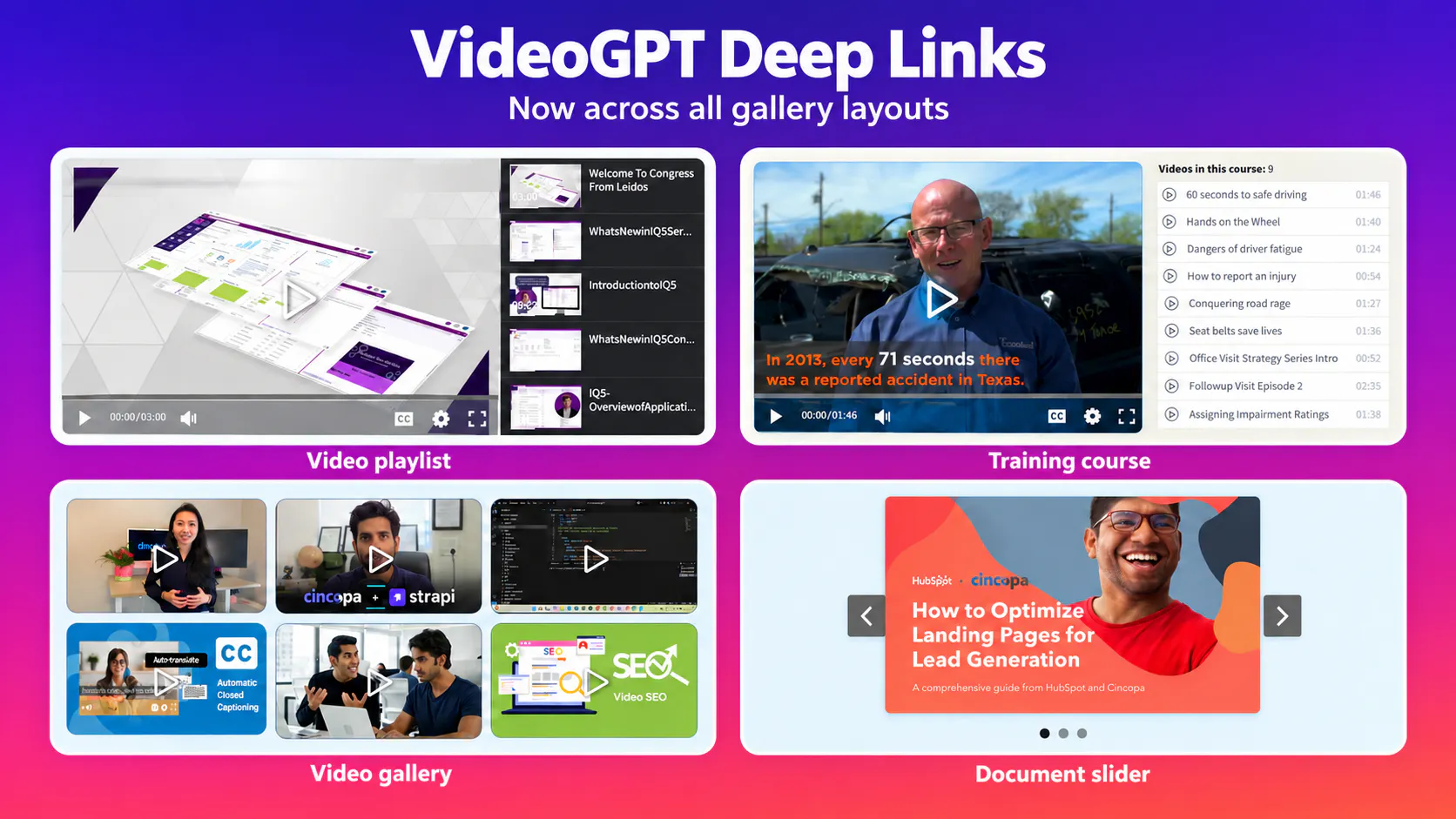
Video playlist, training course, video grid and document slider layouts covered by the VideoGPT deep-link update.

What’s new

Open the referenced video

When a VideoGPT answer includes a video reference, clicking it opens that specific video in the gallery. Viewers can move from the explanation to the supporting demonstration without finding the item manually.

Use lightbox and image-list galleries

Videos can appear in different gallery layouts, including image-list galleries that display videos in a lightbox. Deep links now open the referenced video in the lightbox used by that gallery.

Follow document references

Deep links also support the Files gallery layout. When an answer references a PDF or PowerPoint presentation, clicking the reference opens the corresponding file in a new tab or downloads it, depending on how the file is handled.

Consistent behavior across layouts

Deep-link support is now live across all gallery skins. This update includes improvements to MediaElement, Responsive Image List and Responsive Slider, along with support for the Files skin.
How deep links work

  • Ask VideoGPT a question about the gallery.
  • Read the answer and its supporting references.
  • Click a reference to open the corresponding video or document.

The gallery handles the item according to its layout: a video opens in the player or lightbox, while a document opens or downloads. Opening a video at an exact spoken moment depends on available timestamped transcript data.

Where this helps

Customer support and troubleshooting

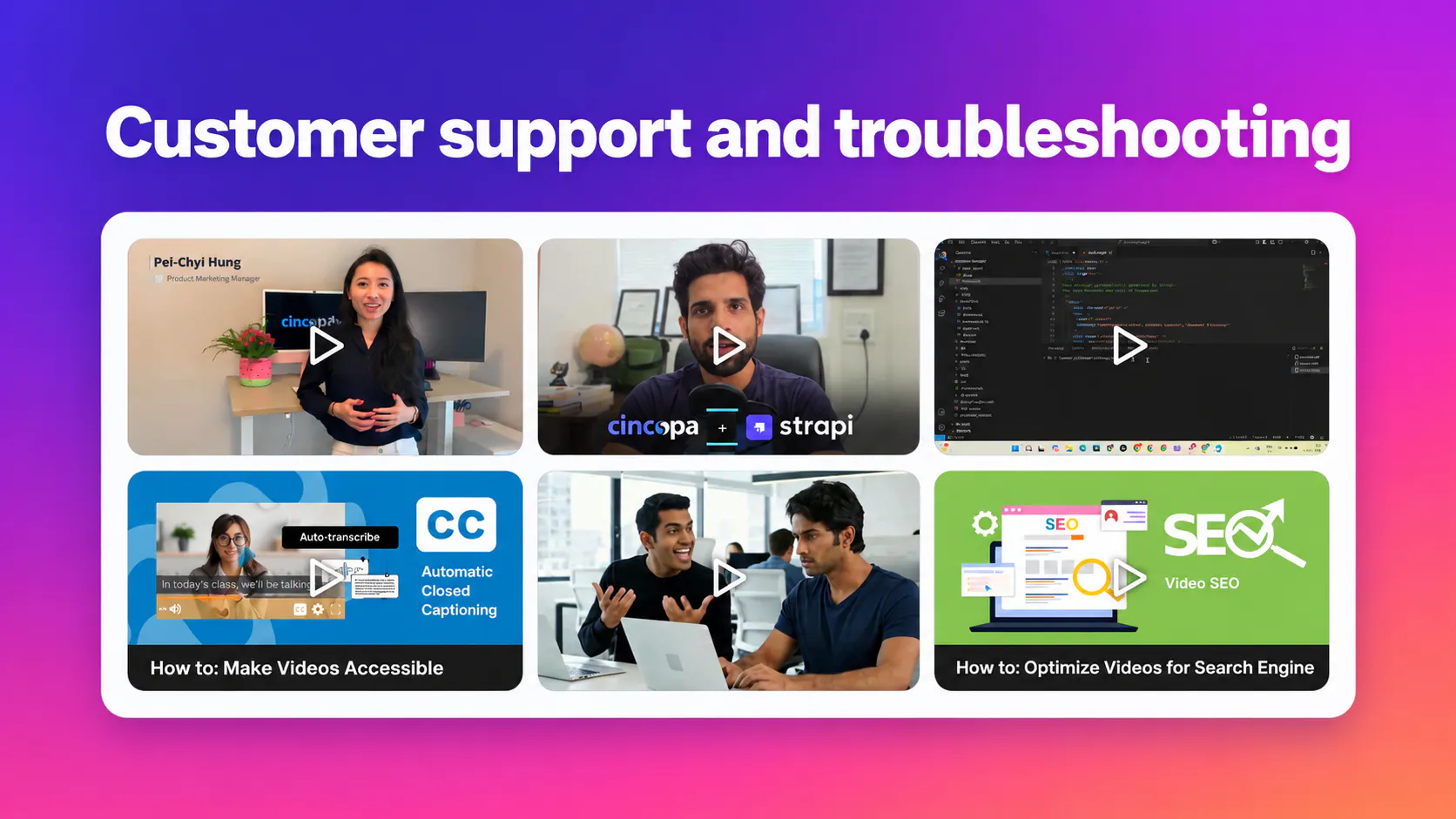
Customers can ask how to resolve an issue and open the video or document referenced in the answer. Explore technical troubleshooting videos for related support workflows.

Video grid containing software and product tutorials for support and troubleshooting.
An example gallery layout for a collection of support videos.

Employee onboarding and training

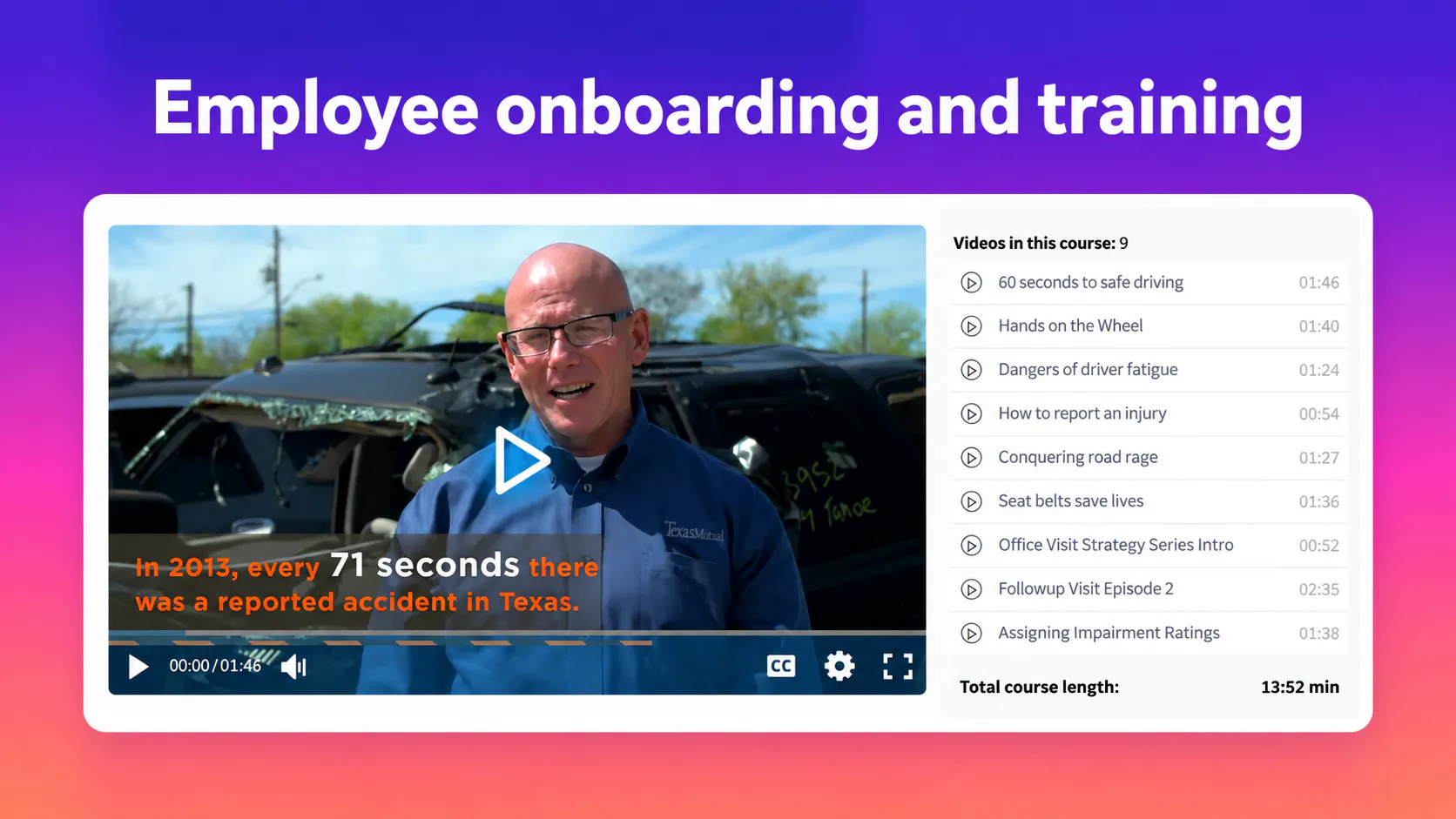
Employees can ask about a process and return to the supporting training resource without remembering its title or location. See internal knowledge base software for this use case.

Training-course player and lesson list displaying a workplace safe-driving video.
A course layout keeps the selected lesson beside the training playlist.

Product education

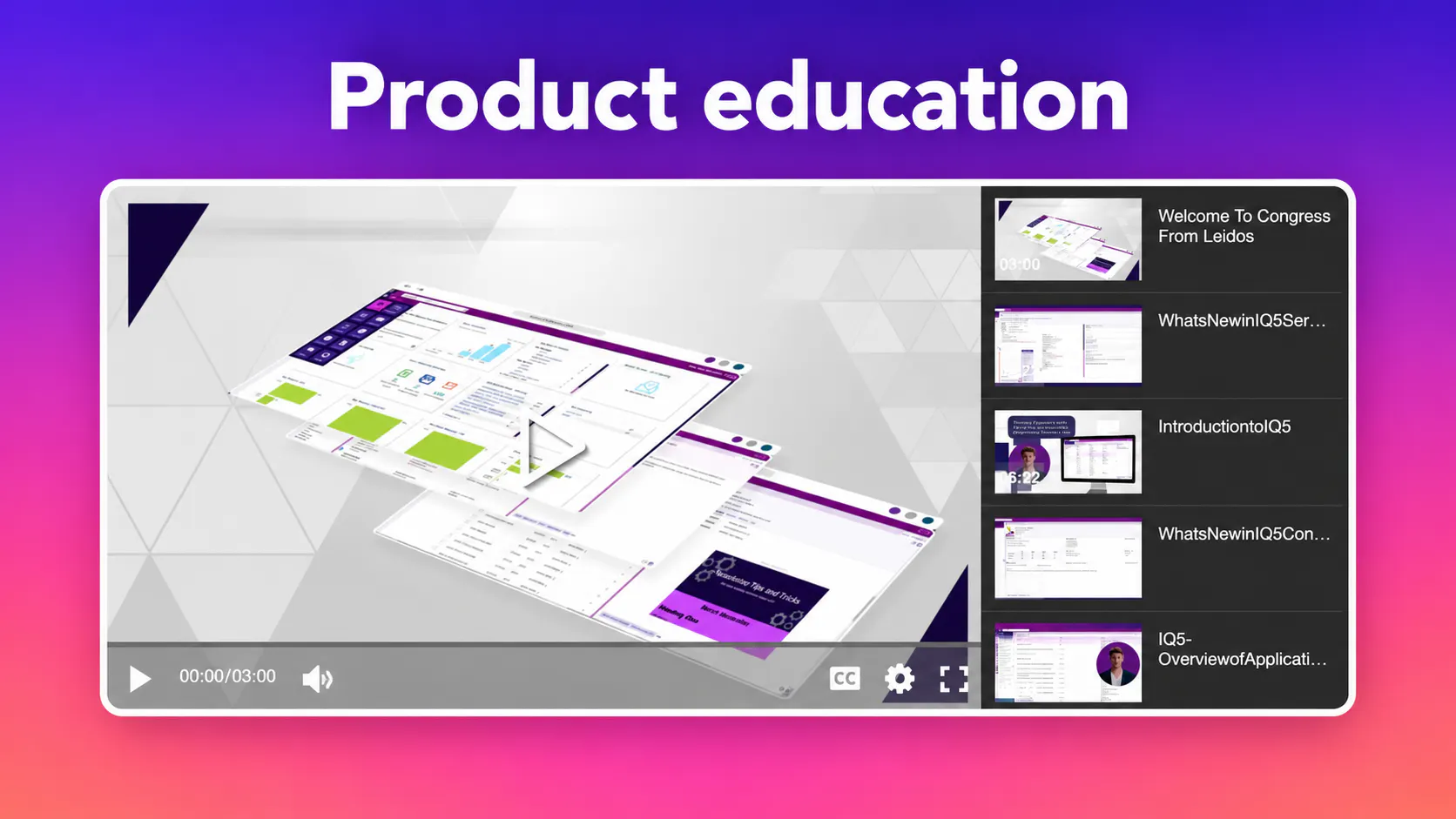
Users can move from a VideoGPT explanation to the referenced product walkthrough in the gallery’s player or lightbox. Learn more about product education.

Leidos software walkthrough shown beside a playlist of product education videos.
A playlist layout for software walkthroughs and product education.

Technical and document libraries

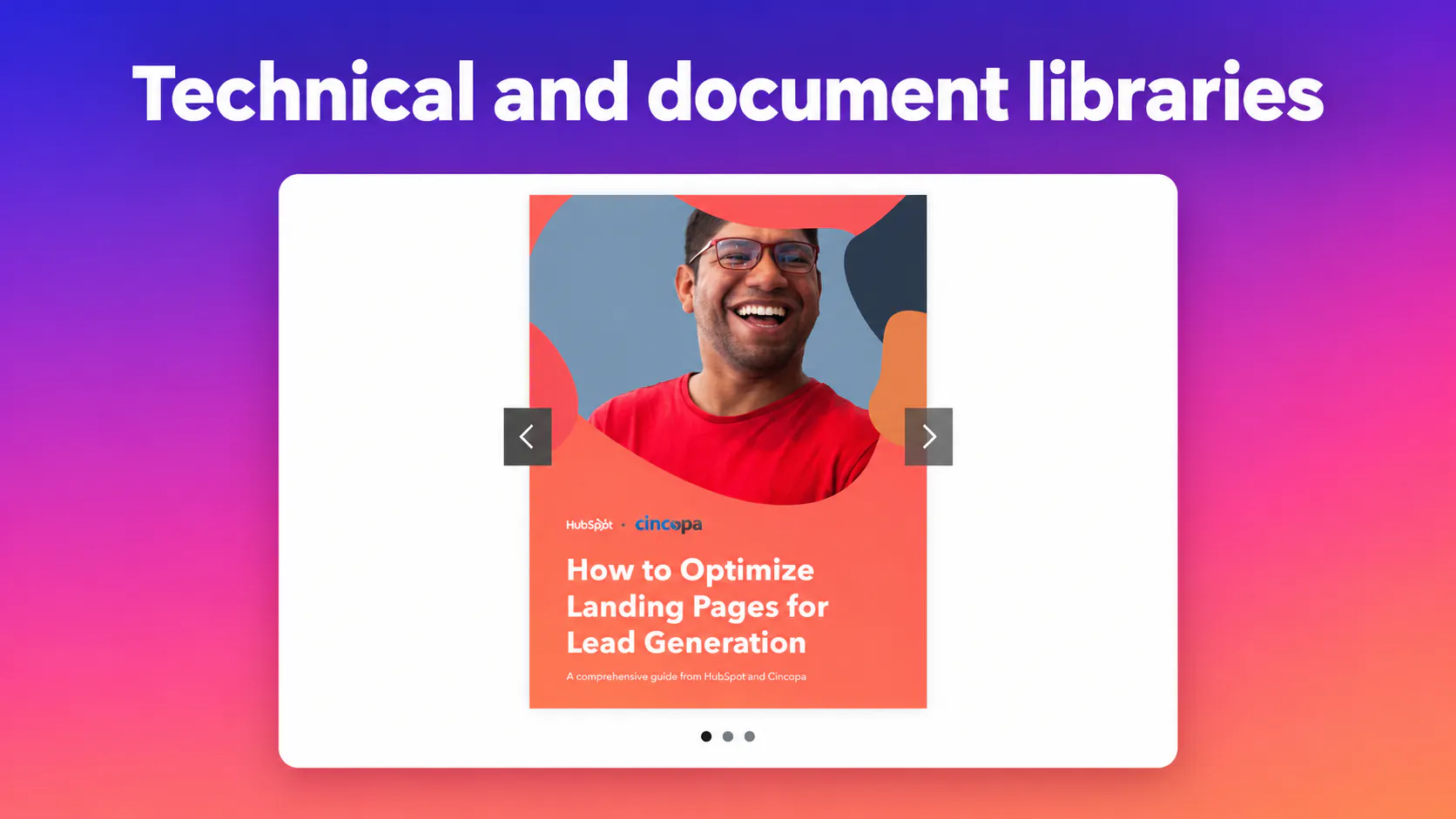
Teams can reach the source material behind an answer, whether it is a video demonstration or a document. Read the video knowledge base guide for ways to organize the wider collection.

Document slider displaying a Cincopa and HubSpot guide to landing pages.
A document slider provides another way to present source material.

Related update: more content formats

The PDF, PowerPoint and audio gallery update explains how supported templates bring videos and supporting resources into the same collection.

Frequently asked questions

A clickable reference in a VideoGPT answer that opens the specific gallery item supporting that answer.

Deep-link support is now live across all gallery skins, including video-player, image-list, responsive-slider and Files layouts.

Yes. If the gallery presents the video in a lightbox, clicking the reference opens the correct video in that lightbox.

Clicking the reference opens the corresponding document in a new tab or downloads it, depending on how the file is handled.

This update ensures that the correct item opens across gallery layouts. Opening a video at an exact spoken moment depends on available timestamped transcript data.

Explore the platform

Go from an answer to its source

Explore how VideoGPT connects questions with the videos and documents in your knowledge collection.