Turn ERP workflows into training videos employees can find when the task comes up
ERP knowledge is usually learned through repetition, shadowing, and asking the same few experts for help.
Cincopa helps operations, finance, and systems teams document ERP workflows as searchable video guides with attached documents, controlled access, and VideoGPT answers tied to exact moments in the walkthrough.
Parent solution Workflow Documentation
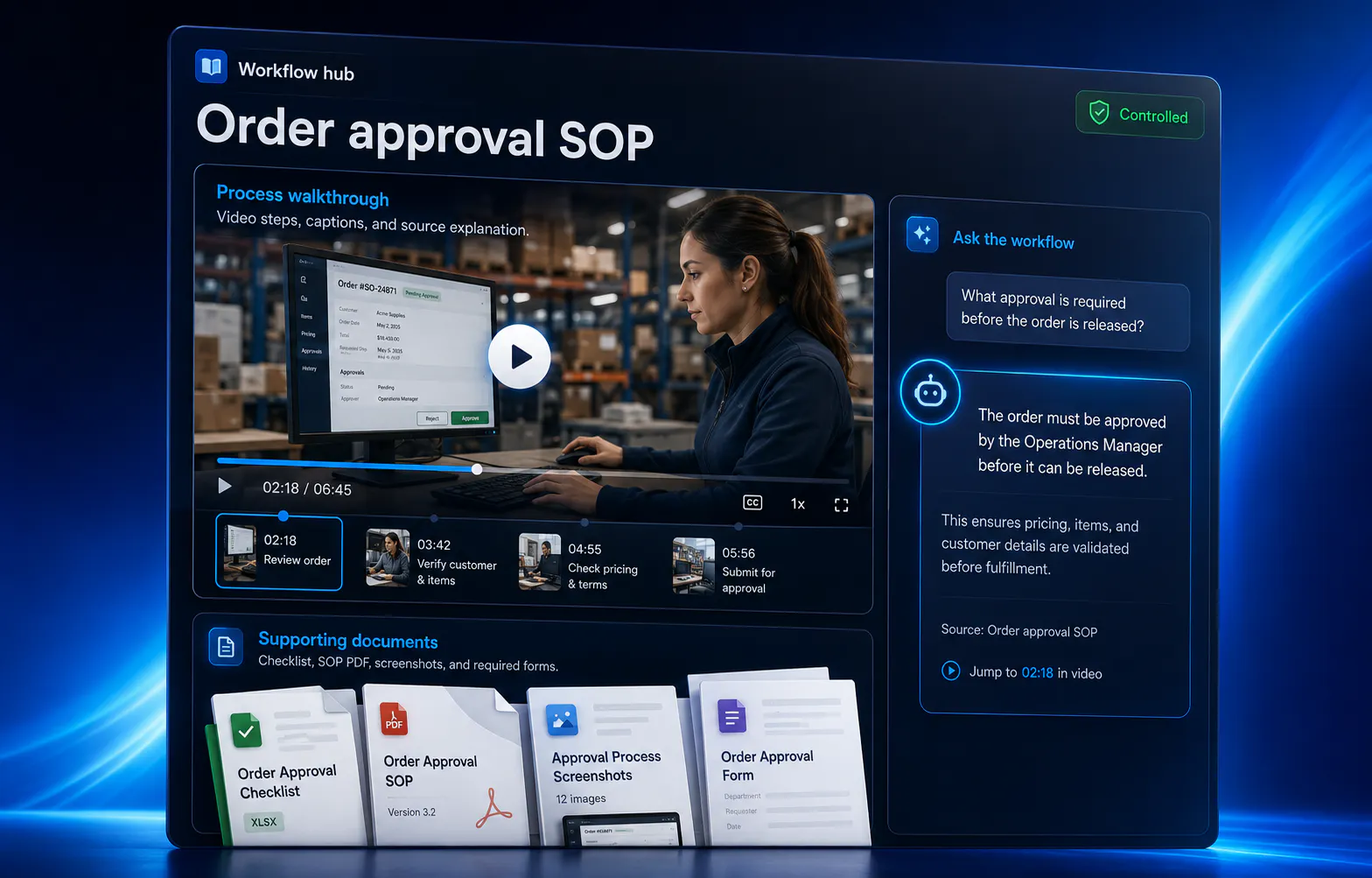
ERP training flow
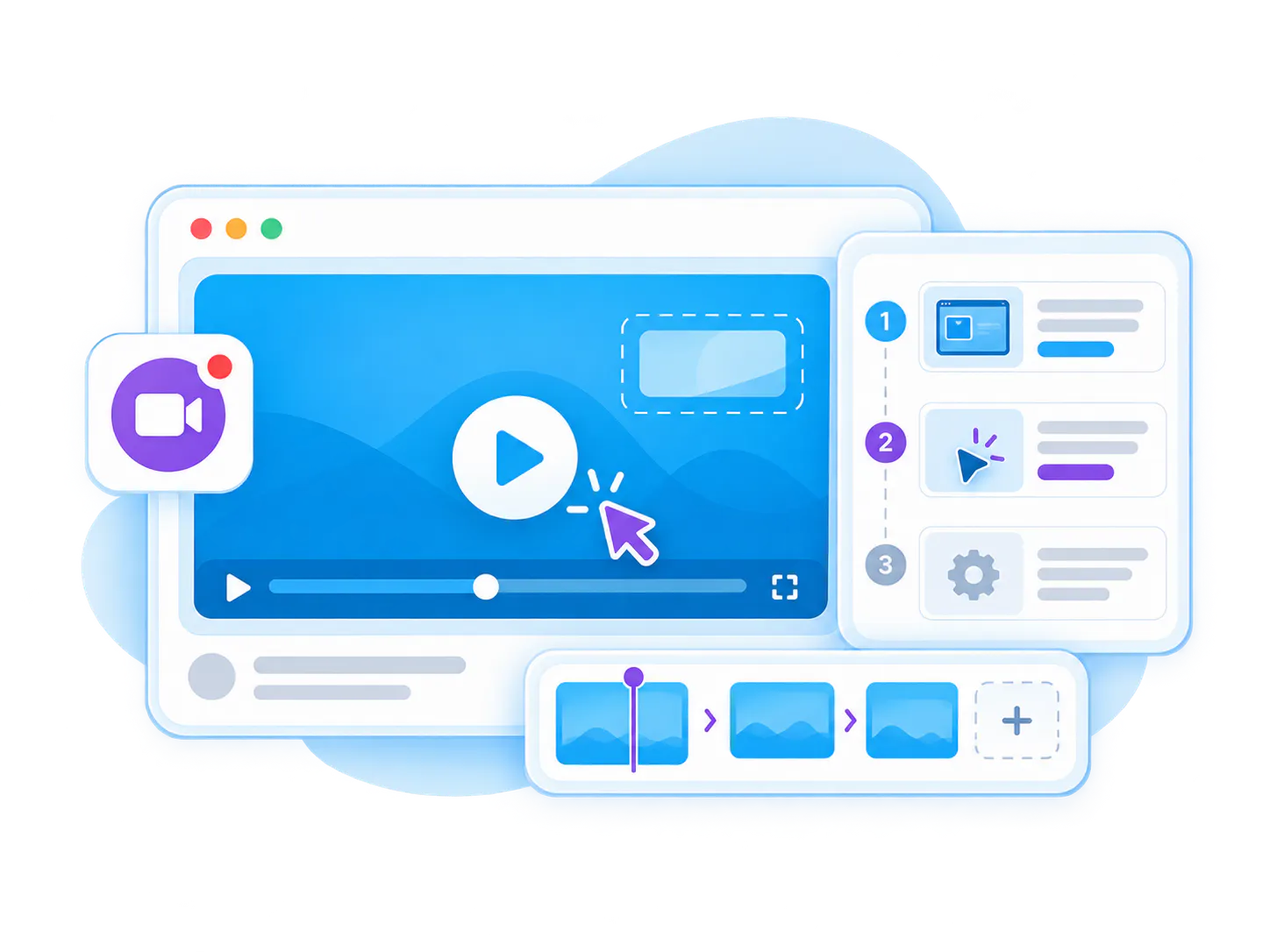
The workflow is simple: structure the collection, choose the right view, deploy it where the work happens, help people understand what is inside, then improve the library over time.
-
1
Capture the ERP workflow
Record the transaction, report, approval, inventory step, pricing update, or system procedure. -
2
Add operating context
Attach SOPs, field definitions, PDFs, screenshots, templates, and policy notes. -
3
Group by module or task
Organize training by ERP module, department, role, process, or recurring operation. -
4
Answer at the moment of need
VideoGPT helps employees ask a task question and jump to the exact ERP step that explains it.
ERP training videos show employees how to complete business-critical system workflows
ERP training videos are internal walkthroughs for systems such as JD Edwards, SAP, Oracle, NetSuite, Microsoft Dynamics, or custom operational systems. They teach employees how to complete transactions, update records, manage inventory, handle pricing, run reports, and follow approval workflows.
This page should be treated as a Workflow Documentation use case, not a generic LMS page. The key job is to document operational system knowledge so teams can perform ERP tasks correctly and consistently.
The strongest version combines screen walkthroughs, SOPs, PDFs, module-based organization, controlled access, and VideoGPT so employees can find the exact ERP step without interrupting a systems expert.

Best fit for
- Operations teams using ERP or business-management systems
- Finance, inventory, pricing, order management, and back-office teams
- Companies with JD Edwards, SAP, Oracle, NetSuite, Microsoft Dynamics, or custom ERP workflows
- Organizations where ERP knowledge is concentrated in a few expert users
ERP training is hard because the work is specific, procedural, and easy to forget
Bring related videos and documents together, shape how people explore them, and deliver the collection inside the systems they already use.

Expert users become bottlenecks
A small number of people usually know the ERP workflows well, so everyone asks them for help.

ERP tasks are not intuitive
Employees may understand the business process but still struggle with the exact screens, fields, approvals, and exceptions.
Vendor training is too generic
Generic ERP courses rarely match the company’s configured workflows, permissions, terminology, and operating rules.
Mistakes are expensive
Errors in pricing, inventory, orders, reports, or finance workflows can create downstream operational problems.
Written steps are not enough
ERP tasks often require visual context: where to click, what a field means, what to check before saving, and what to do when something looks wrong.
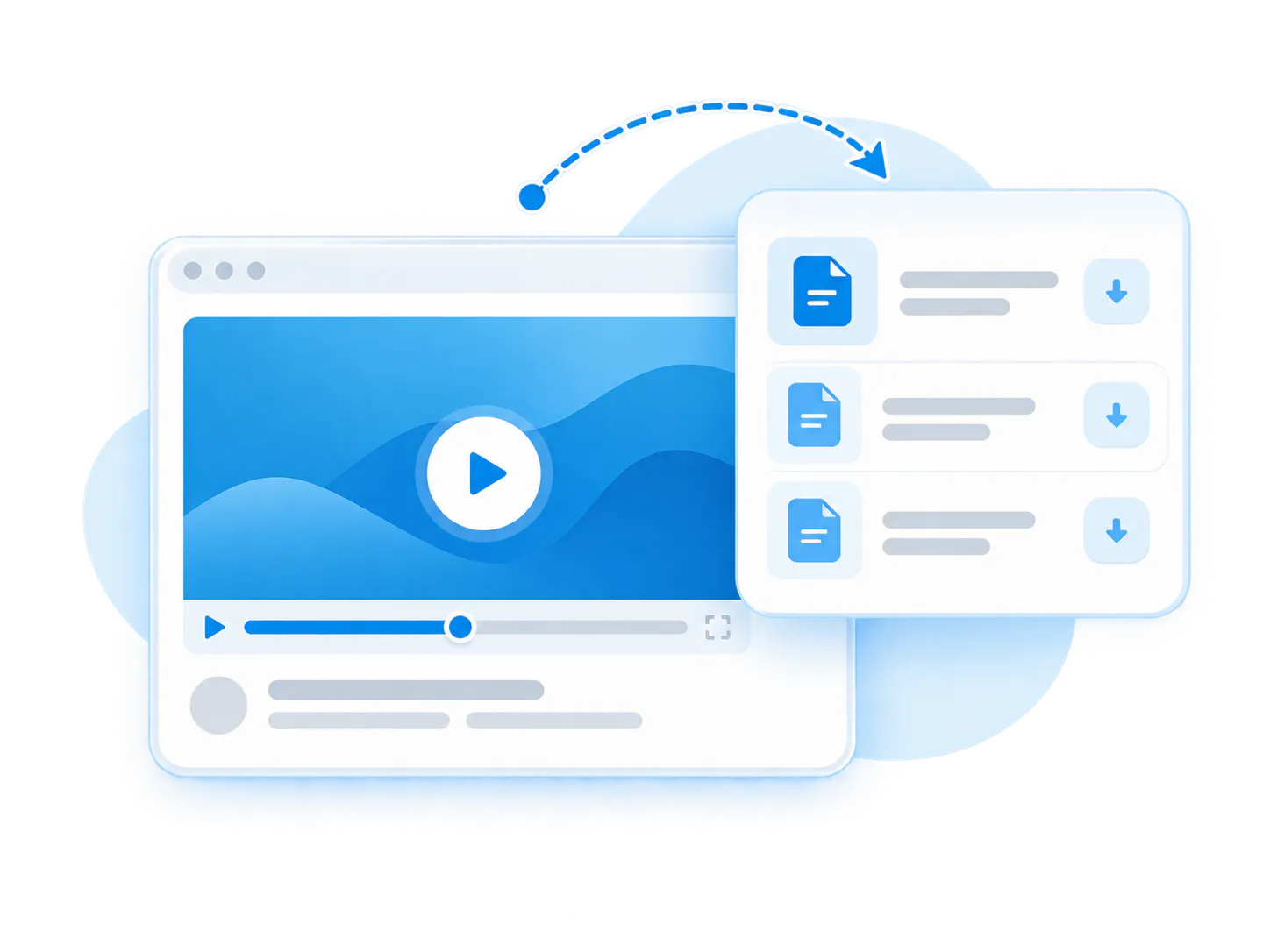
Process changes are hard to communicate
When ERP workflows change, old documents and informal instructions can keep circulating.
Make ERP knowledge searchable, visual, and reusable
Cincopa helps teams turn ERP know-how into organized video knowledge. Record the workflow, attach supporting documents, publish it to the right audience, and use VideoGPT to help employees find precise answers when they are inside the task.

ERP workflow libraries
Group training by module, department, role, process, transaction, or task.
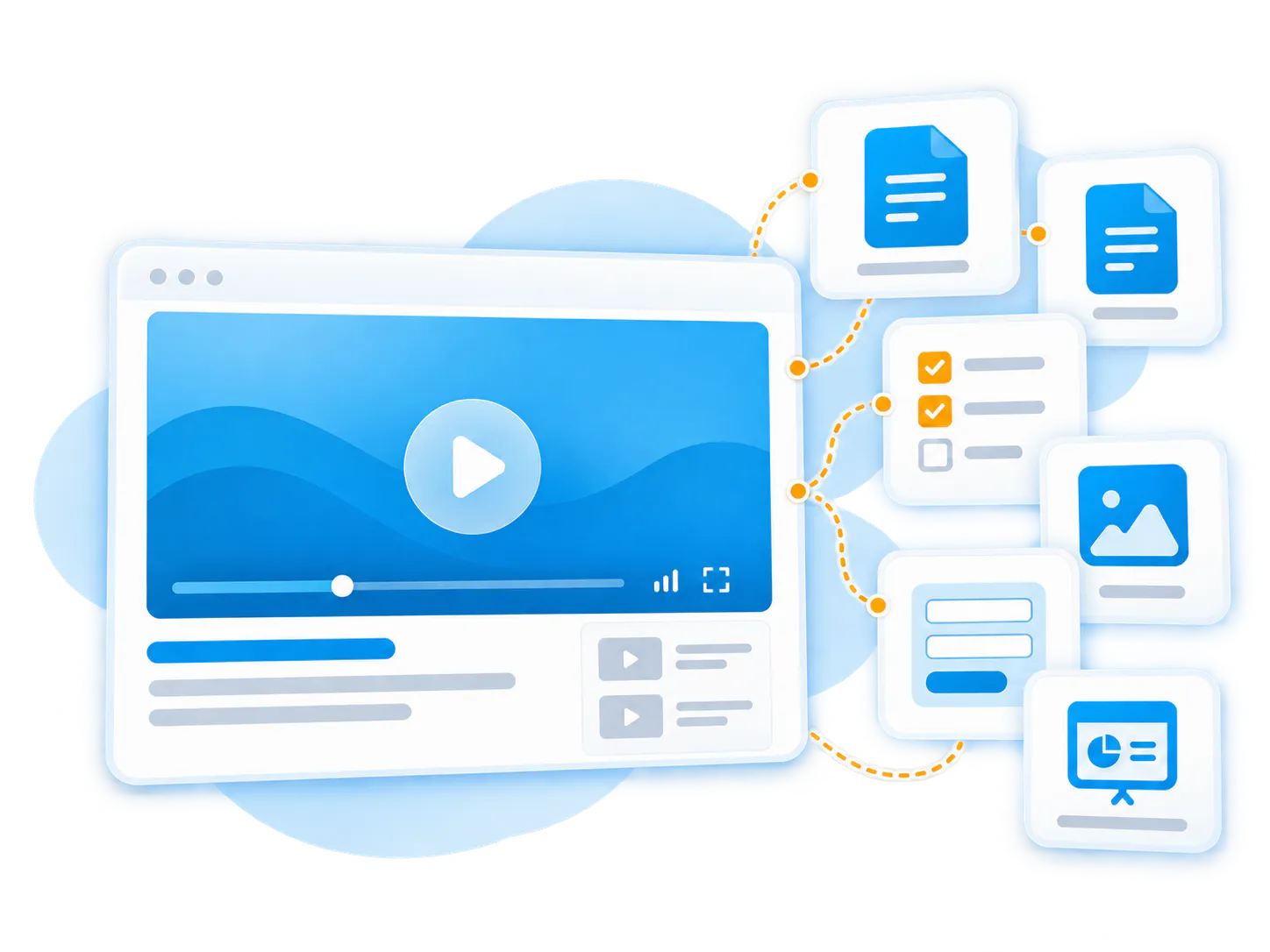
Video plus documentation
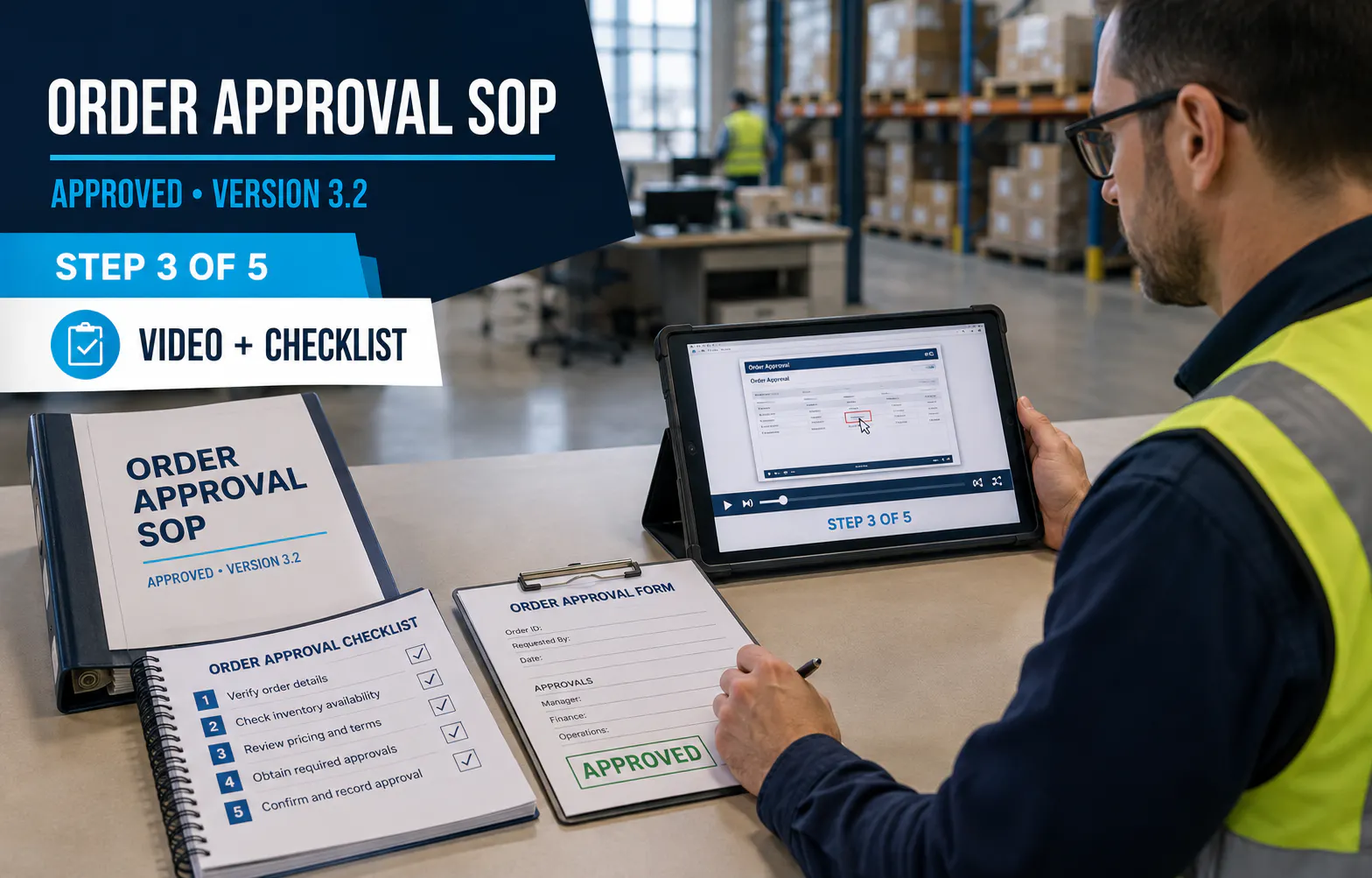
Pair walkthroughs with SOPs, PDFs, field definitions, screenshots, templates, and policy documents.
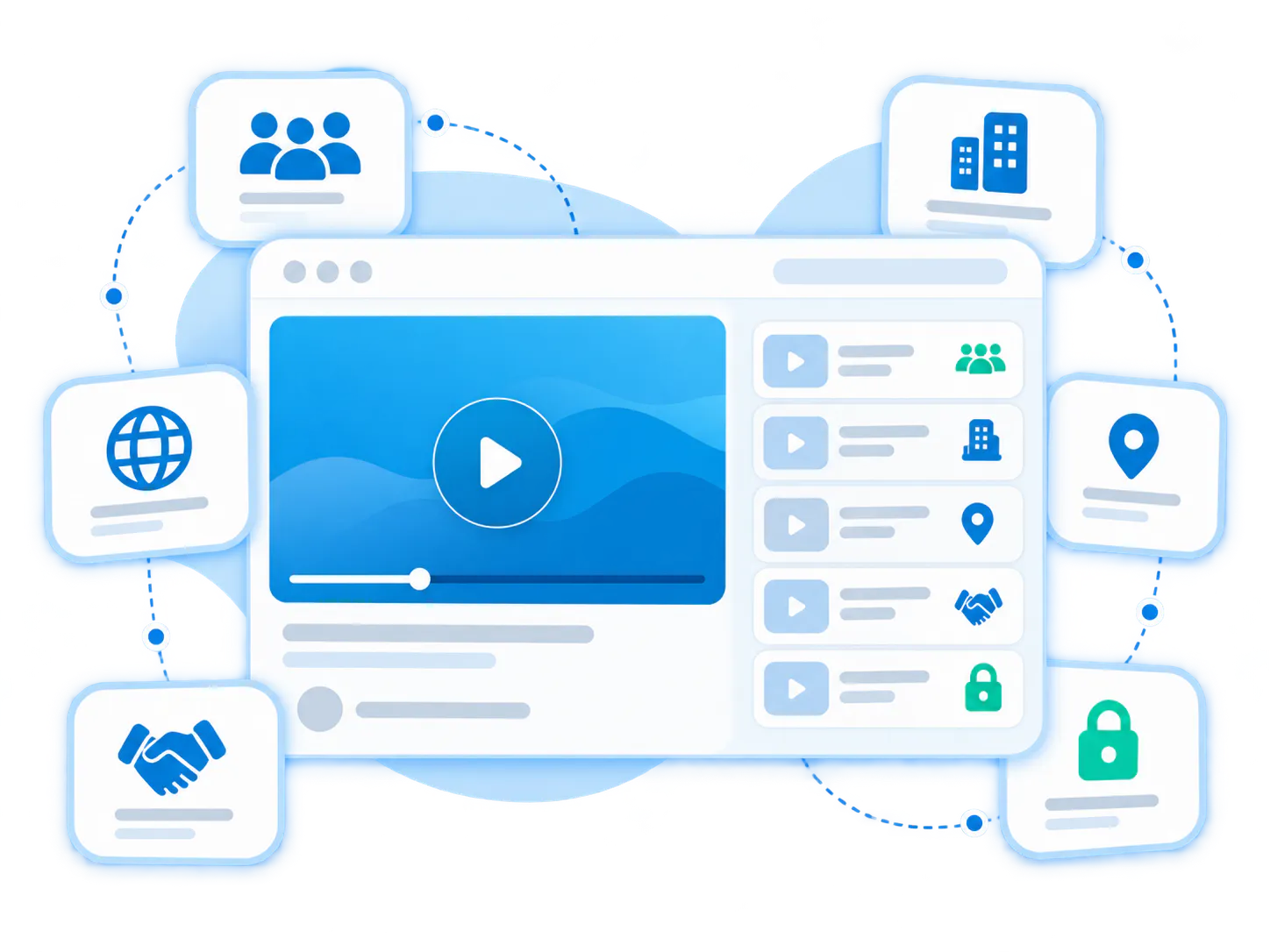
Secure internal delivery
Publish ERP training privately through Pages, Tube channels, or controlled internal knowledge hubs.

Exact-step retrieval
VideoGPT helps employees ask a task question and jump to the exact step in the relevant walkthrough.
Reusable operational training
Reduce one-off explanations and preserve knowledge from ERP experts before it disappears.
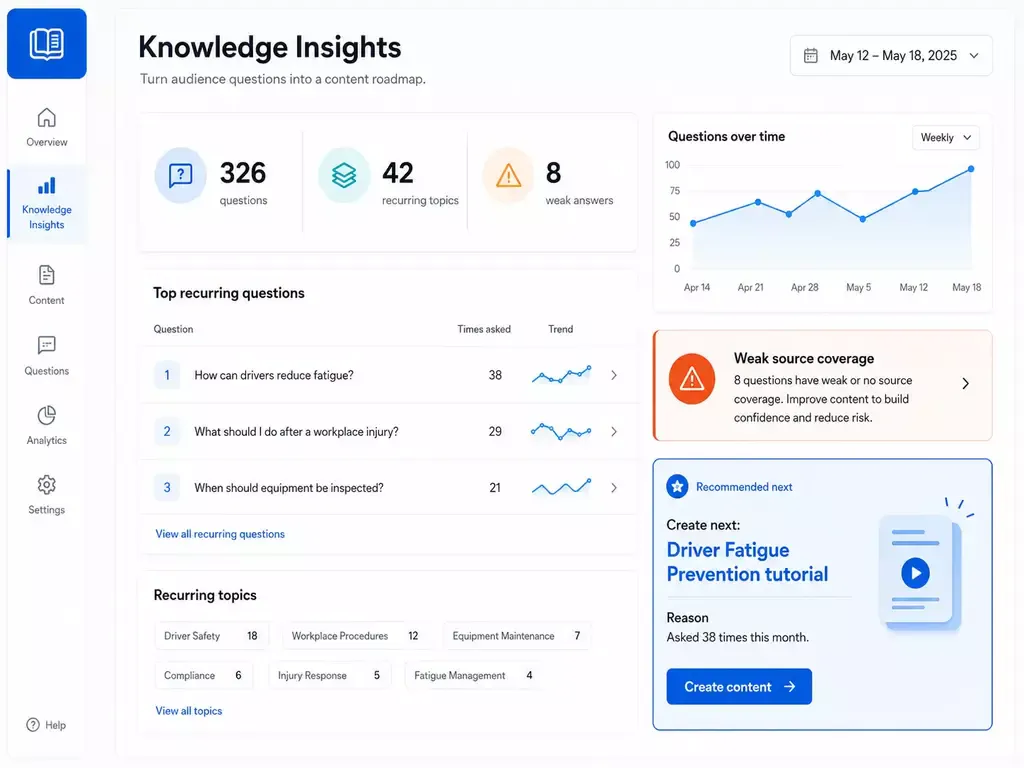
Gap-driven improvement
Use repeated questions to see which ERP tasks need clearer guidance or new videos.
Pages vs. Tube
Choose between a standalone destination page and a multi-channel video portal.
Pages are stronger when
One team needs one branded, hosted, measurable destination and a flatter structure is enough.
Tube is stronger when
The audience needs channel-based navigation, ongoing portal behavior, deeper permissions, and a knowledge environment that keeps expanding without becoming a mess.
ERP training videos should map to the way employees actually use the system
Bring related videos and documents together, shape how people explore them, and deliver the collection inside the systems they already use.
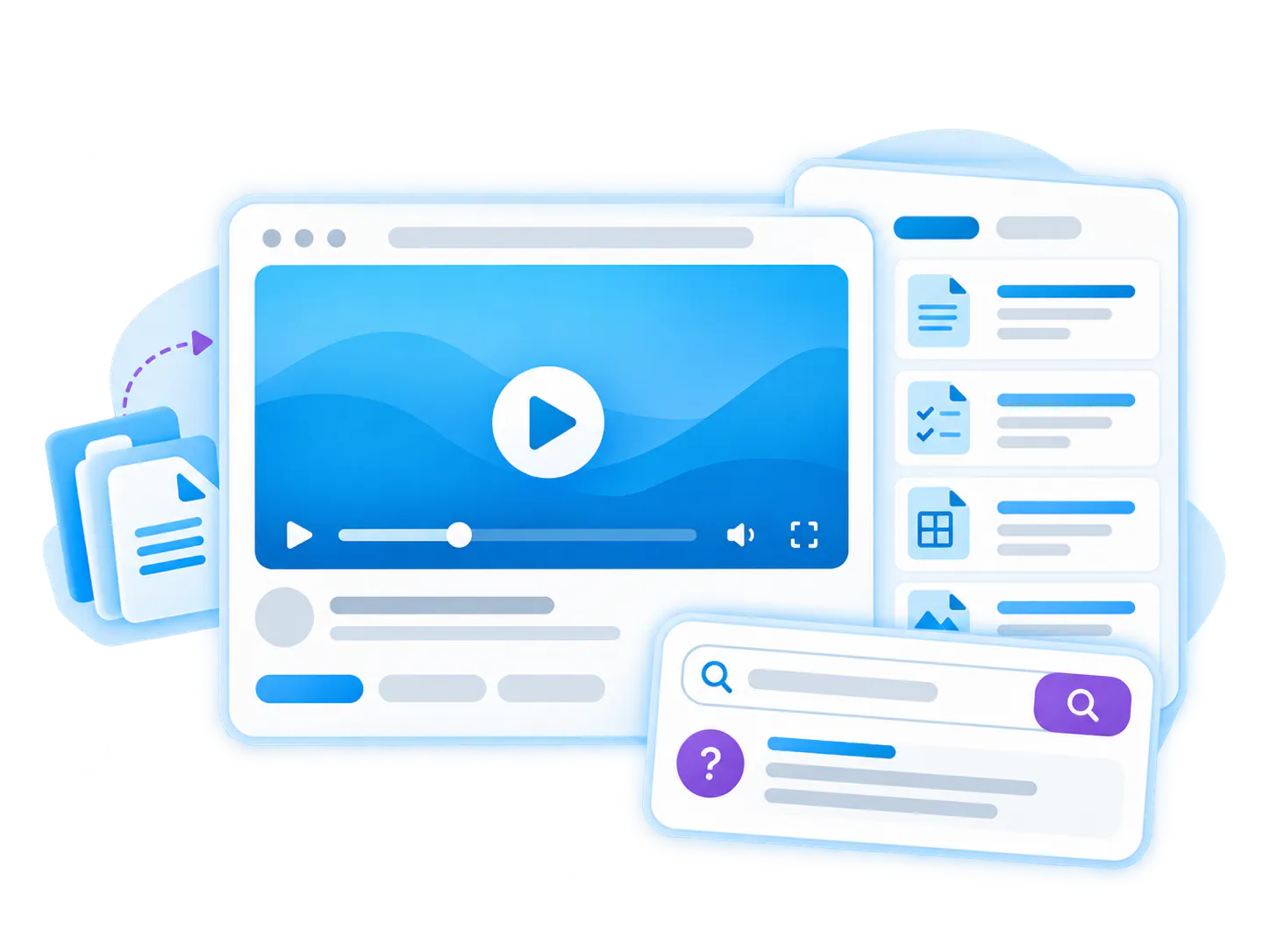
Inventory workflow training
Show how to check stock, update item data, handle inventory adjustments, and follow approval rules.
Pricing management training
Explain how pricing is entered, reviewed, updated, and validated inside the ERP workflow.
Order management training
Walk through order entry, status checks, exceptions, shipping steps, and customer-related updates.
Finance and approval training
Show invoice handling, purchase approvals, account coding, reconciliation, or month-end procedures.
Reporting workflow training
Teach employees how to run reports, apply filters, export results, and interpret operational data.
JD Edwards workflow training
Document JDE-specific tasks, screens, fields, and company-specific procedures for internal teams.
ERP training is already validated by operational customer use
See how enterprise education, healthcare, and engineering teams organize hundreds of videos and documents into structured, reusable knowledge galleries.

Emerson Swan
JDE workflow and operational training
Emerson Swan is the clearest proof case for ERP training videos. Its internal training modules cover JD Edwards workflows, inventory management, pricing management, and operational procedures.

Leidos
Structured internal knowledge and training
Leidos supports the broader pattern of structured internal training and knowledge retention, showing how large teams can preserve complex operational knowledge in searchable environments.
Connect ERP training to workflow documentation and internal knowledge
ERP training videos are a focused workflow documentation use case. They work best when connected to internal software training, process walkthroughs, SOPs, and secure knowledge hubs.
Workflow Documentation
Use Cincopa to document business workflows through video and supporting documents.
Internal Software Training Videos
Teach employees how to use internal tools, systems, and applications.
Internal Process Walkthrough Videos
Capture cross-team processes, approvals, handoffs, and recurring operations.
SOP Video Guides
Turn operating procedures into visual step-by-step guides.
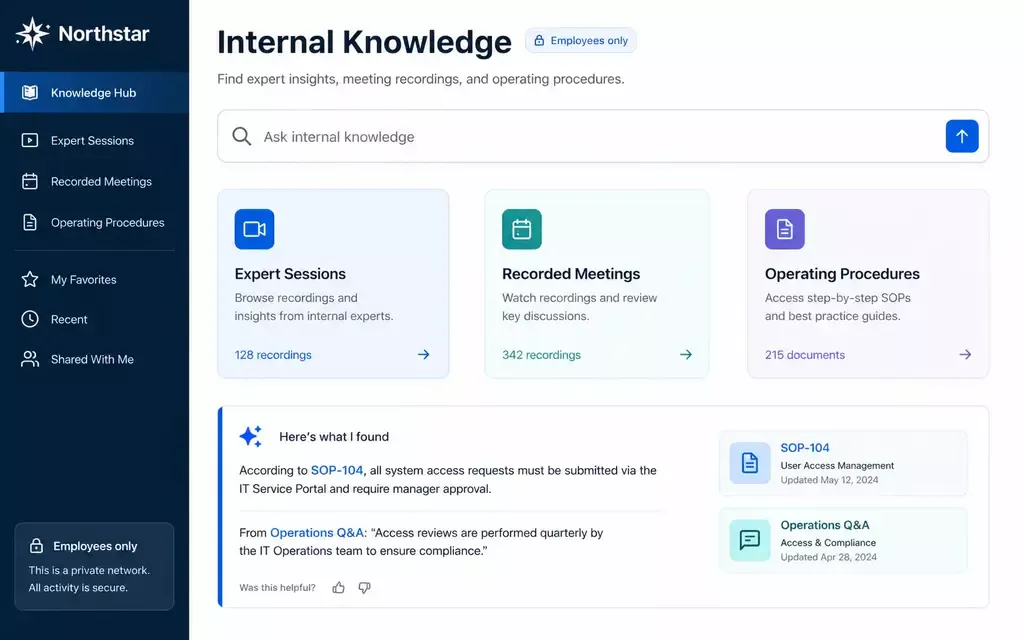
Internal Knowledge Hubs
Publish ERP and operations knowledge inside secure internal hubs.
Questions about ERP training videos
Everything you need to know about organizing, embedding, and scaling reusable video-and-document galleries across your enterprise systems.
ERP training videos are internal walkthroughs that show employees how to complete tasks inside ERP systems such as JD Edwards, SAP, Oracle, NetSuite, Microsoft Dynamics, or custom operational systems.
ERP tasks are visual and procedural. Video shows the exact screens, fields, clicks, checks, and exceptions that are often hard to explain in a static document.
Yes. ERP training can be published through controlled Pages, private libraries, Tube channels, or internal knowledge hubs for the right team or role.
VideoGPT helps employees ask a task-specific ERP question and jump to the exact moment or supporting document that explains the step.
Document ERP workflows before they become bottlenecks
Use Cincopa to turn ERP expertise into searchable video training that employees can revisit exactly when the task comes up.