Help employees learn internal software without repeating live walkthroughs
Most employees do not need a full course. They need to know how to complete the task in the tool they use for work.
Cincopa helps teams turn software walkthroughs, system demos, how-to recordings, PDFs, and support docs into a searchable internal training library employees can revisit whenever they need the next step.
Parent solution Workflow Documentation
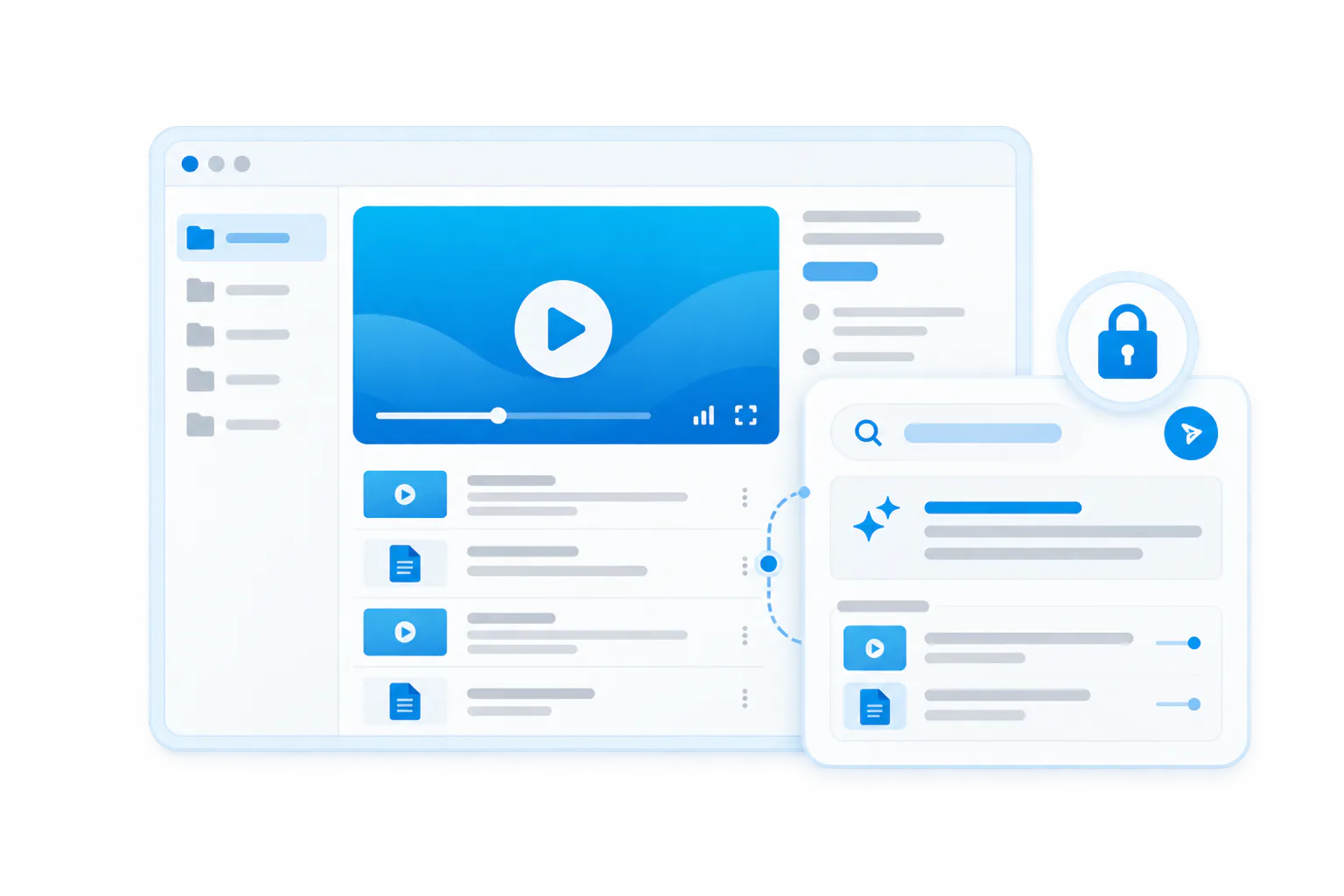
Software training flow
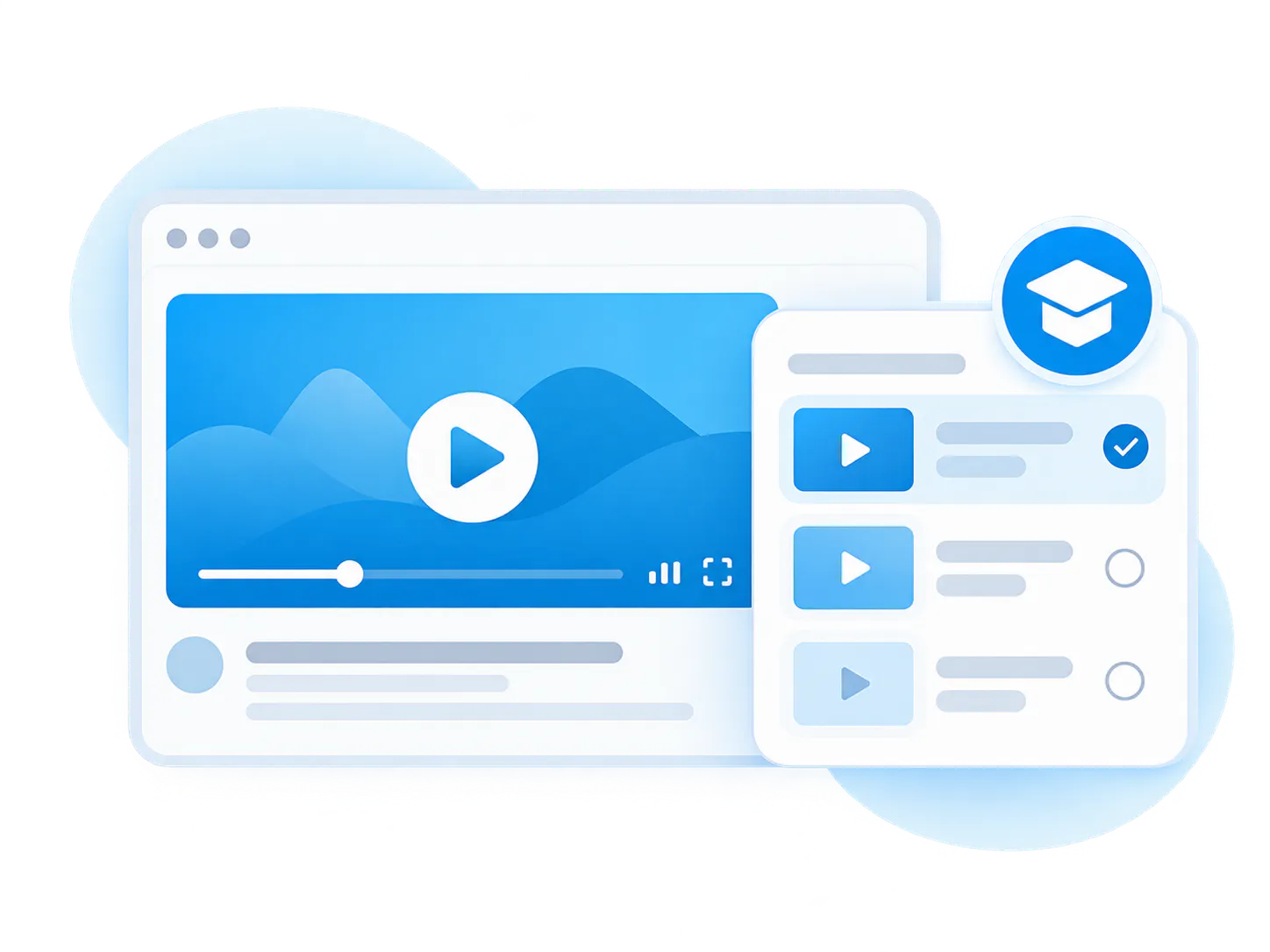
The workflow is simple: structure the collection, choose the right view, deploy it where the work happens, help people understand what is inside, then improve the library over time.
-
1
Record the software task
Capture the exact clicks, settings, screens, reports, forms, or workflows employees need to understand. -
2
Pair with support material
Attach job aids, checklists, internal docs, field definitions, screenshots, or policy notes. -
3
Organize by tool and role
Group training by system, department, task, workflow, or employee role. -
4
Let employees ask later
VideoGPT helps employees ask how to complete a task and jump to the right moment in the walkthrough.
Internal software training videos teach employees how to use the systems behind their daily work
Internal software training videos are walkthroughs that show employees how to use internal applications, business systems, admin tools, CRM screens, reporting dashboards, ticketing systems, ERP modules, or custom software workflows.
This use case is not about selling a product feature to customers. It is about helping employees complete real internal tasks without waiting for a teammate, manager, or systems owner to explain the same screen again.
The strongest version combines screen recordings, task-based organization, attached job aids, controlled access, and VideoGPT so employees can ask a specific software question and get to the exact answer.
Best fit for
- Teams rolling out new internal tools or system changes
- Operations and enablement teams supporting software-heavy workflows
- Finance, support, RevOps, HR, and back-office teams using complex systems
- Organizations with custom software, ERP, CRM, or admin workflows
Software training fails when employees cannot find the exact task they need
Bring related videos and documents together, shape how people explore them, and deliver the collection inside the systems they already use.
Live demos do not scale
A systems owner may train each team live, but employees still forget steps once they start doing the work alone.
Generic courses are too broad
Employees often need a specific task answer, not a full course on the entire software platform.
Screens change over time
When fields, reports, permissions, or workflows change, old guidance becomes unreliable quickly.
Knowledge is trapped with experts
The person who knows the system becomes the default help desk for every repeated software question.
Docs do not show the real experience
A written guide may not show timing, screen context, errors, dropdowns, or decision points clearly enough.
Employees waste time searching
Software answers may be spread across docs, videos, chats, support tickets, and old training decks.
Turn software know-how into a searchable internal training layer
Cincopa lets teams publish internal software walkthroughs as structured video knowledge instead of scattered recordings. Employees can browse by tool or task, open supporting documents, and ask VideoGPT for the exact step they need.
Task-based video libraries
Organize videos by system, workflow, department, role, or recurring task.
Docs beside walkthroughs
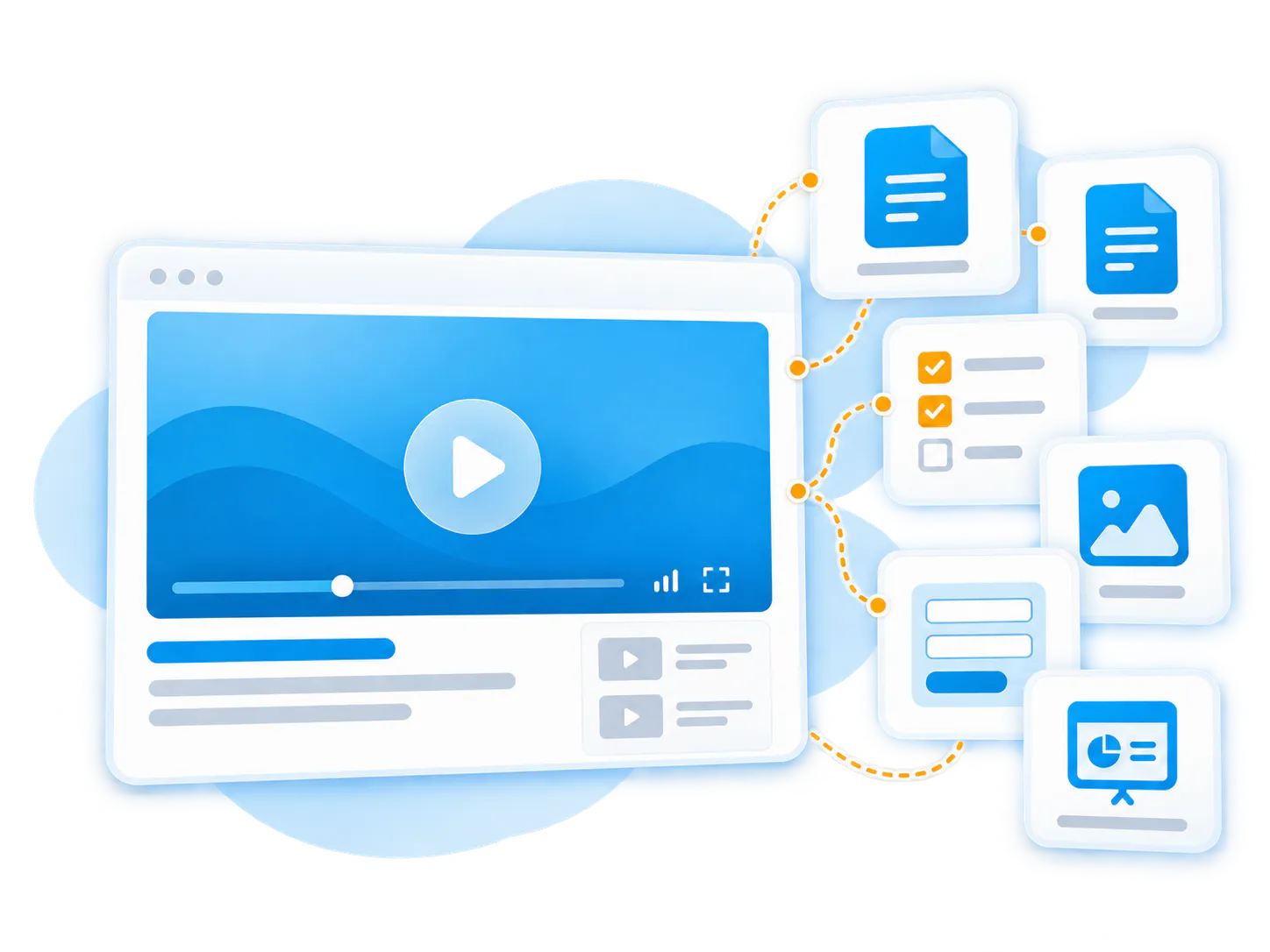
Attach job aids, PDFs, screenshots, field definitions, templates, and internal policies.
Pages and Tube delivery
Publish software training through Pages for simpler hubs or Tube for channel-based internal environments.
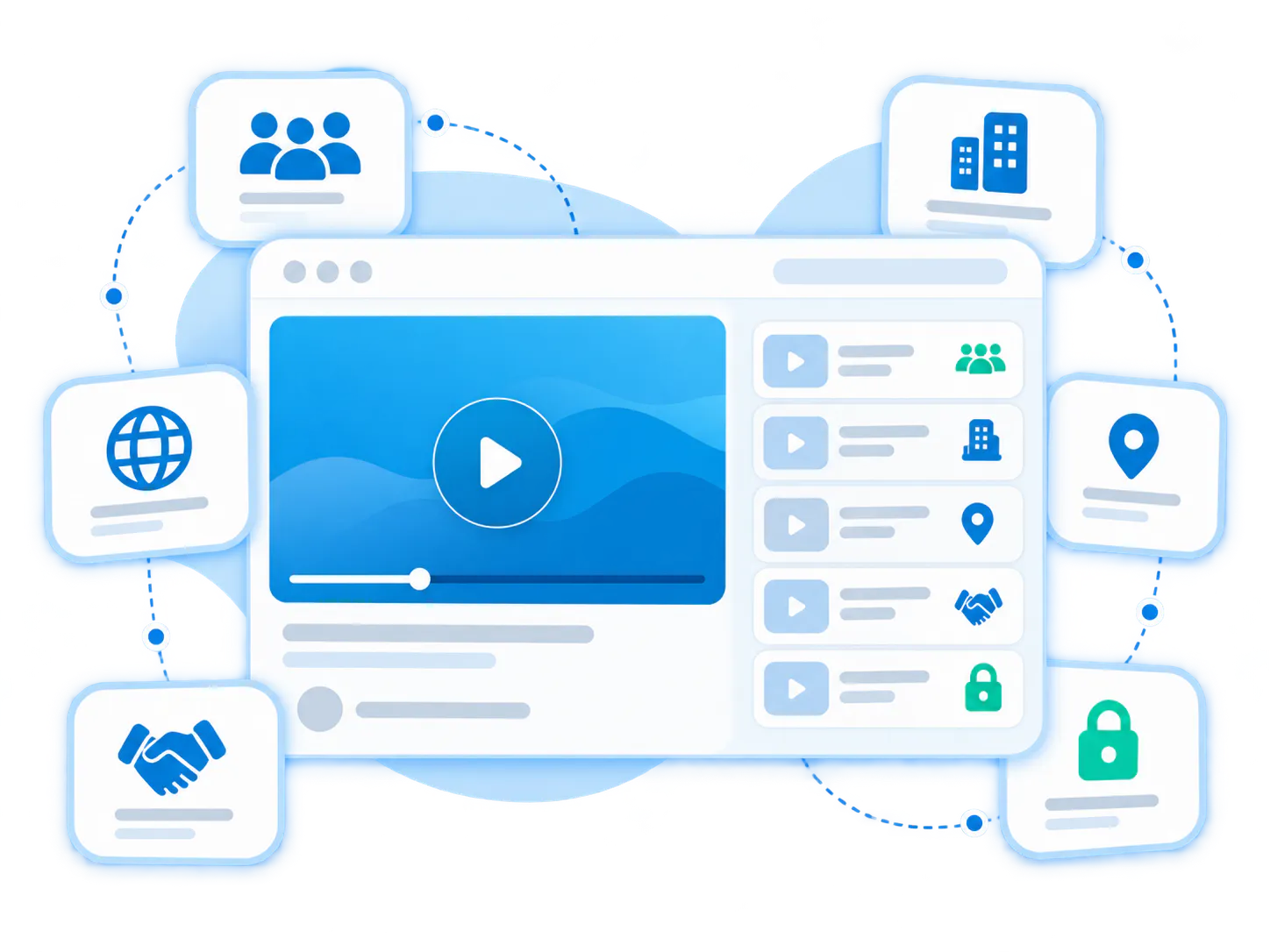
Controlled access
Keep system-specific training private to the right team, role, or audience.
VideoGPT answers
Let employees ask how to complete a task and jump to the exact screen or moment.
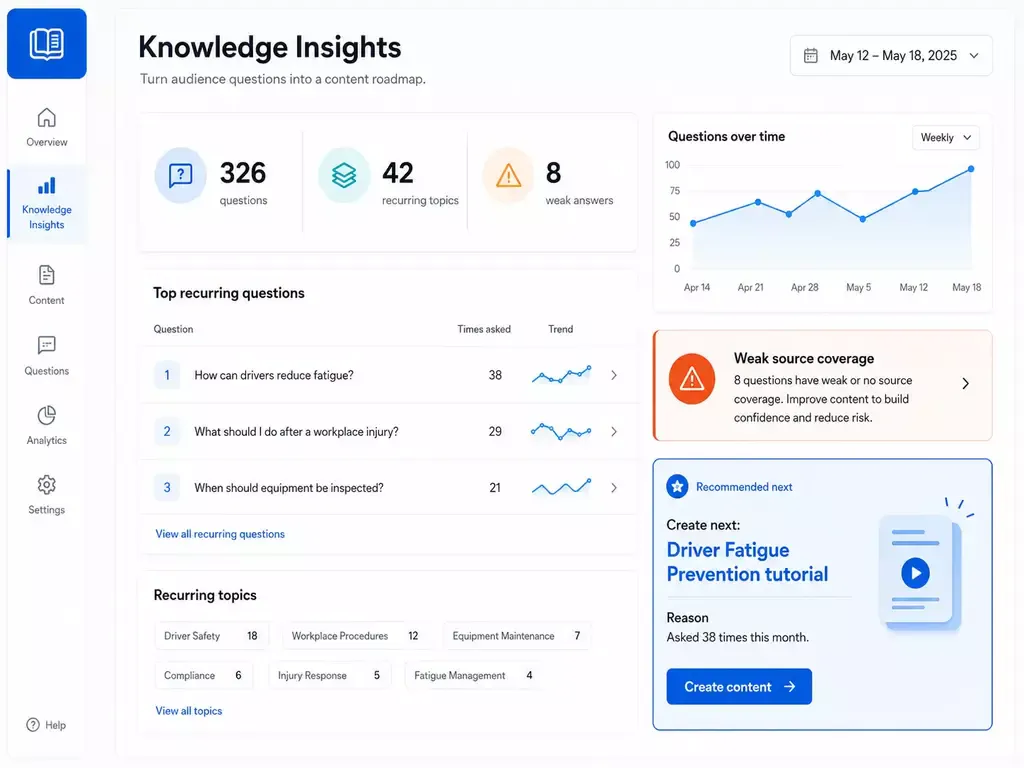
Training gap signals
Use repeated questions to find missing walkthroughs or unclear steps that need better documentation.
Pages vs. Tube
Choose between a standalone destination page and a multi-channel video portal.
Pages are stronger when
One team needs one branded, hosted, measurable destination and a flatter structure is enough.
Tube is stronger when
The audience needs channel-based navigation, ongoing portal behavior, deeper permissions, and a knowledge environment that keeps expanding without becoming a mess.
Internal software training should be organized around real tasks, not just tool names
Bring related videos and documents together, shape how people explore them, and deliver the collection inside the systems they already use.
CRM workflow training
Show how to update records, move opportunities, create reports, or complete customer handoffs.
Ticketing system training
Explain triage, escalation, status changes, queues, macros, or resolution workflows.
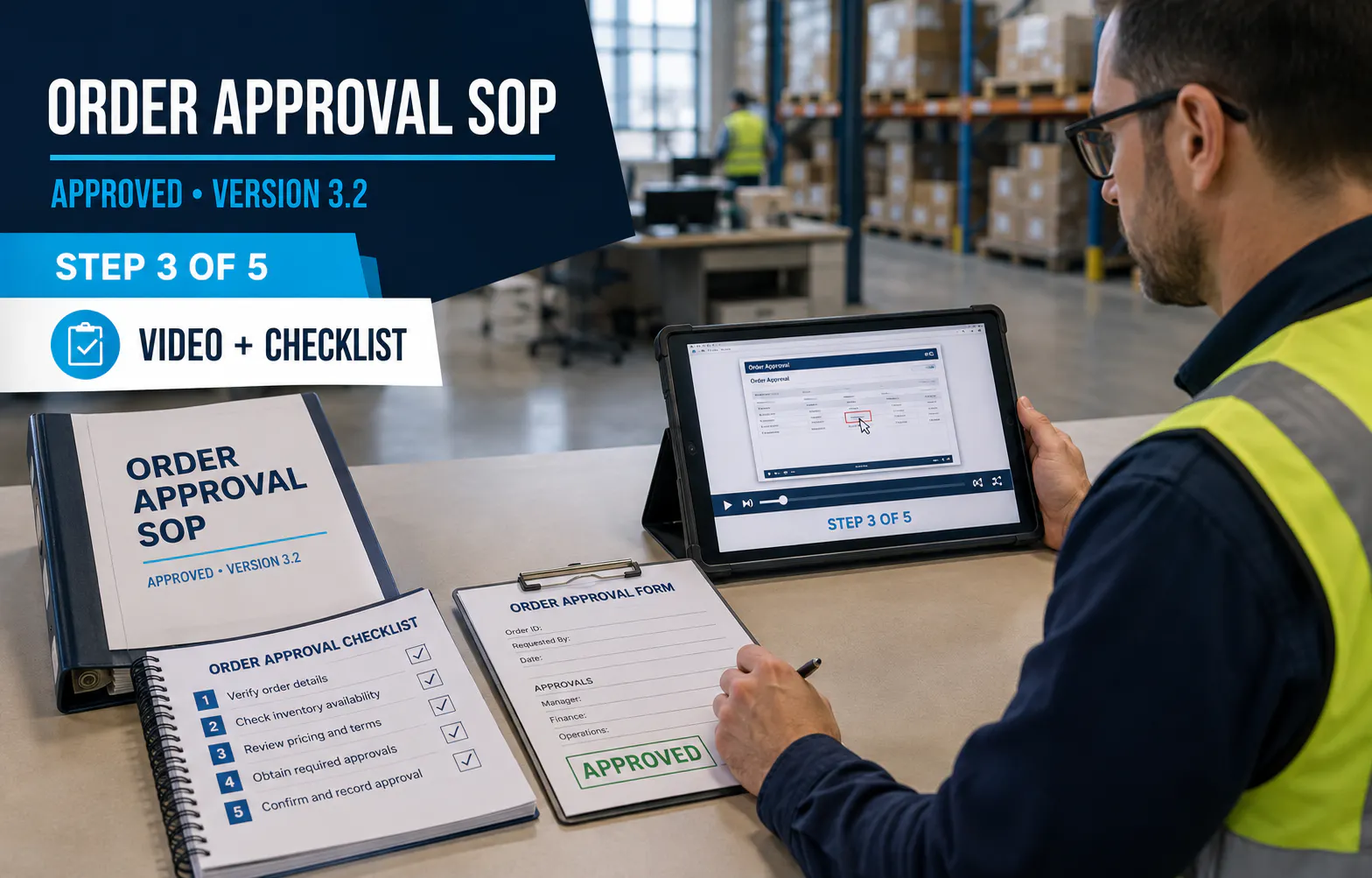
Finance system training
Walk through purchase requests, invoice handling, approvals, budget coding, and reconciliation tasks.
HR system training
Show employee setup, permissions, onboarding tasks, benefits workflows, or manager approvals.
Reporting dashboard training
Teach employees how to filter data, read reports, export views, and interpret metrics.
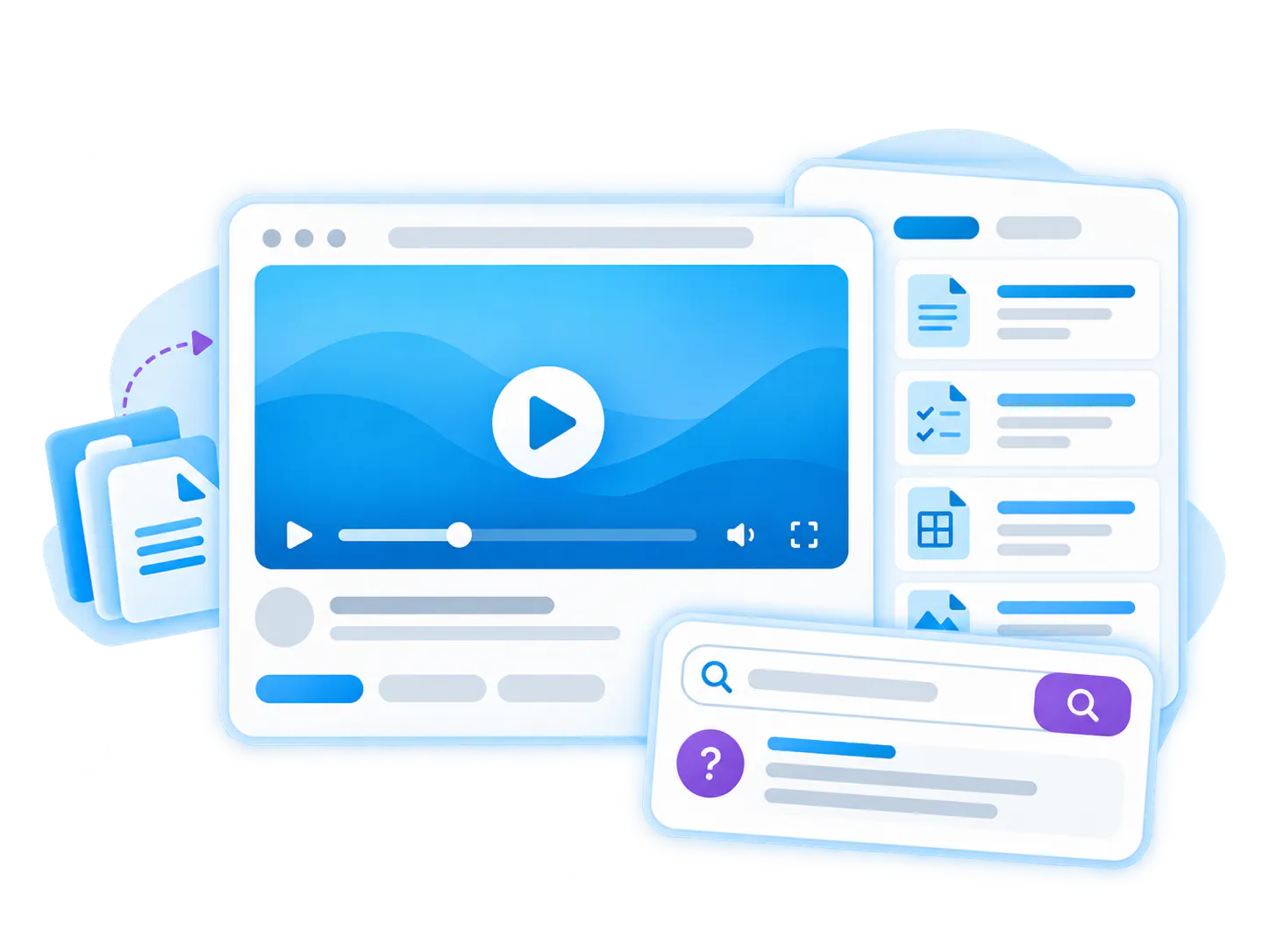
Custom admin tool training
Document internal software that has no public help center or vendor-provided training.
Internal software training becomes more valuable when it is connected to operational workflows
See how enterprise education, healthcare, and engineering teams organize hundreds of videos and documents into structured, reusable knowledge galleries.
Emerson Swan
JDE and internal software workflow training
Emerson Swan validates this pattern through internal software and ERP workflow training around JD Edwards, inventory, pricing, and operational procedures.

Verily
Distributed internal and workflow knowledge
Verily shows how video and document knowledge can be embedded across internal systems and workflow environments rather than living in one separate media destination.
Build internal software training into the larger workflow documentation system
Internal software training videos often connect naturally to process walkthroughs, SOP guides, ERP training, and secure internal knowledge hubs.
Workflow Documentation
Create reusable video guides that show how internal work gets done.
Internal Process Walkthrough Videos
Document cross-team processes and recurring workflows beyond a single application.
ERP Training Videos
Teach ERP tasks, JDE workflows, inventory, pricing, approvals, and operations.
SOP Video Guides
Create visual SOPs for repeatable procedures and compliance workflows.
Internal Knowledge Hubs
Put internal training and operational knowledge in a secure team hub.
Questions about internal software training videos
Everything you need to know about organizing, embedding, and scaling reusable video-and-document galleries across your enterprise systems.
They are task-based walkthrough videos that teach employees how to use internal systems, business applications, admin tools, dashboards, or software workflows.
Product education videos teach customers or users how a product works. Internal software training videos teach employees how to use the tools and systems behind their own work.
Yes. Training can be grouped by tool, workflow, department, role, task, or audience using Galleries, Pages, or Tube.
Yes. VideoGPT can help employees ask a question across videos and supporting documents and jump to the relevant moment or source.
Make internal software knowledge easier to find and reuse
Use Cincopa to publish software walkthroughs, supporting job aids, and searchable answers for the systems employees use every day.