Turn product updates into clear customer education, not buried release notes
Product updates only create value when users understand what changed, why it matters, and how to use the new capability in their workflow.
Cincopa helps product and customer education teams publish update videos, release notes, walkthroughs, and supporting documents as a searchable product knowledge layer users can browse, embed, and ask with VideoGPT.
Parent solution Product Education
Update education flow
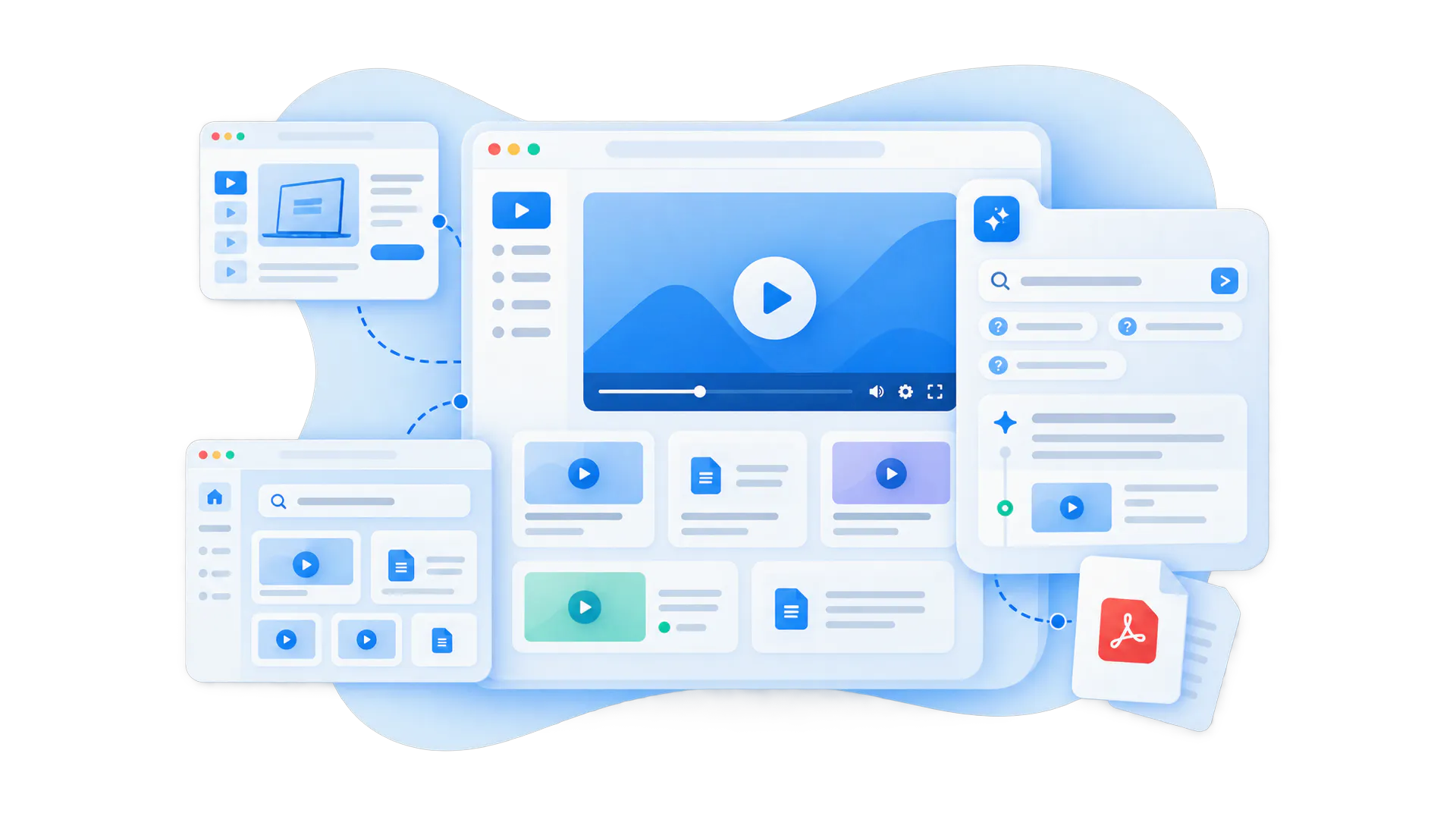
A product update video library explains changes in a format users can actually understand
Control what belongs together, how it appears, where it is used, and who can access it.
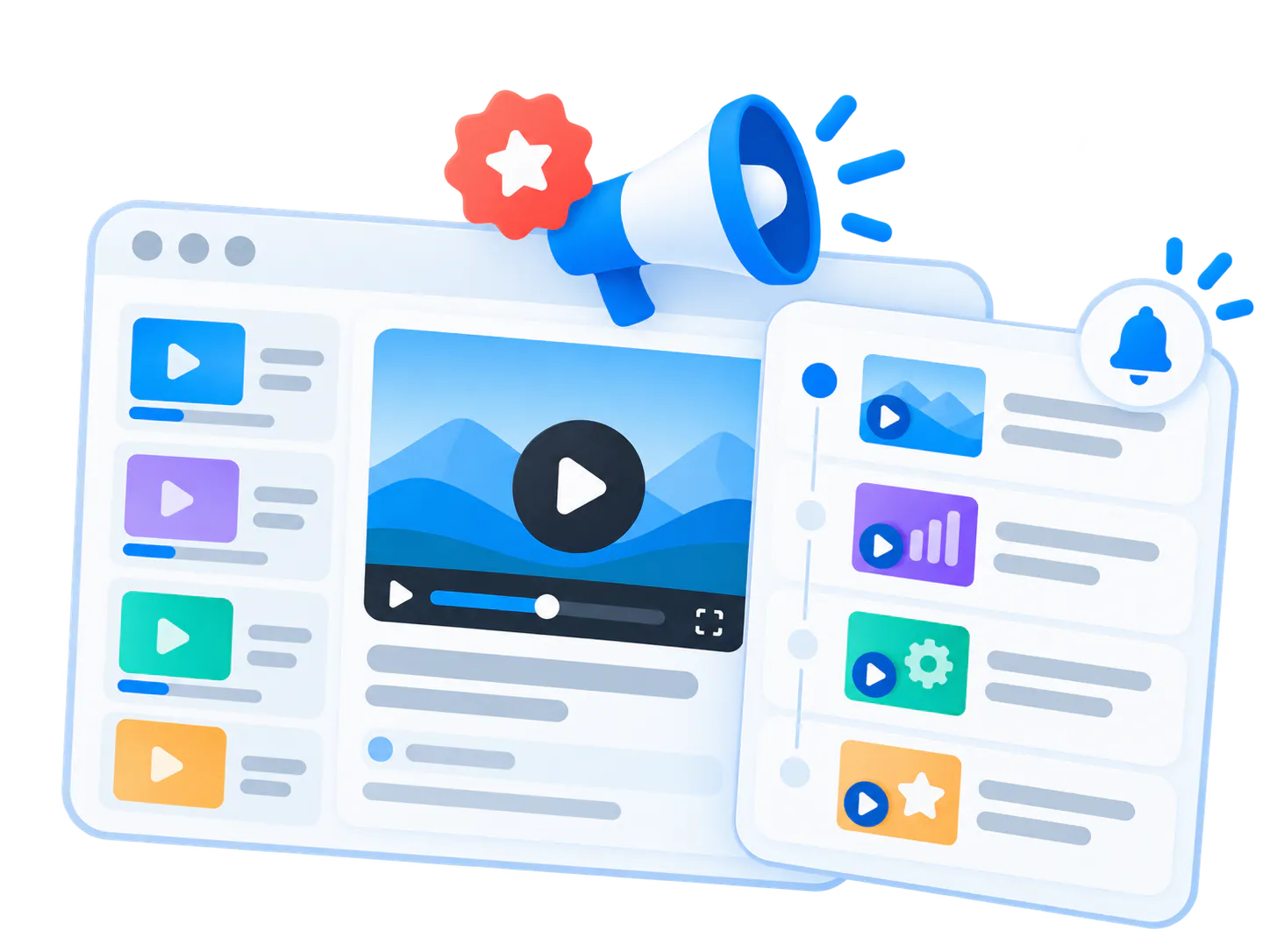
A product update video library is a structured collection of videos and supporting materials that explain new features, workflow changes, release improvements, configuration updates, and product behavior changes.
Release notes are useful, but they often assume the user already understands the context. Update videos show what changed visually, explain why it matters, and guide users through the next action.
The strongest version combines short update videos, feature walkthroughs, release notes, PDFs, documentation, and AI answer retrieval so users can ask a specific question and jump to the exact update explanation.
Best fit for
- Product teams shipping regular releases or feature improvements
- Customer education teams responsible for feature adoption
- Customer success teams explaining new workflows after launch
- Software, SaaS, healthcare, public-sector, manufacturing, or technical products with frequent changes
Product changes fail when users hear about them but do not understand how to use them
Bring related videos and documents together, shape how people explore them, and deliver the collection inside the systems they already use.
Release notes are easy to miss
Users may not read changelogs, emails, or documentation updates, especially when the change affects a workflow they use only occasionally.
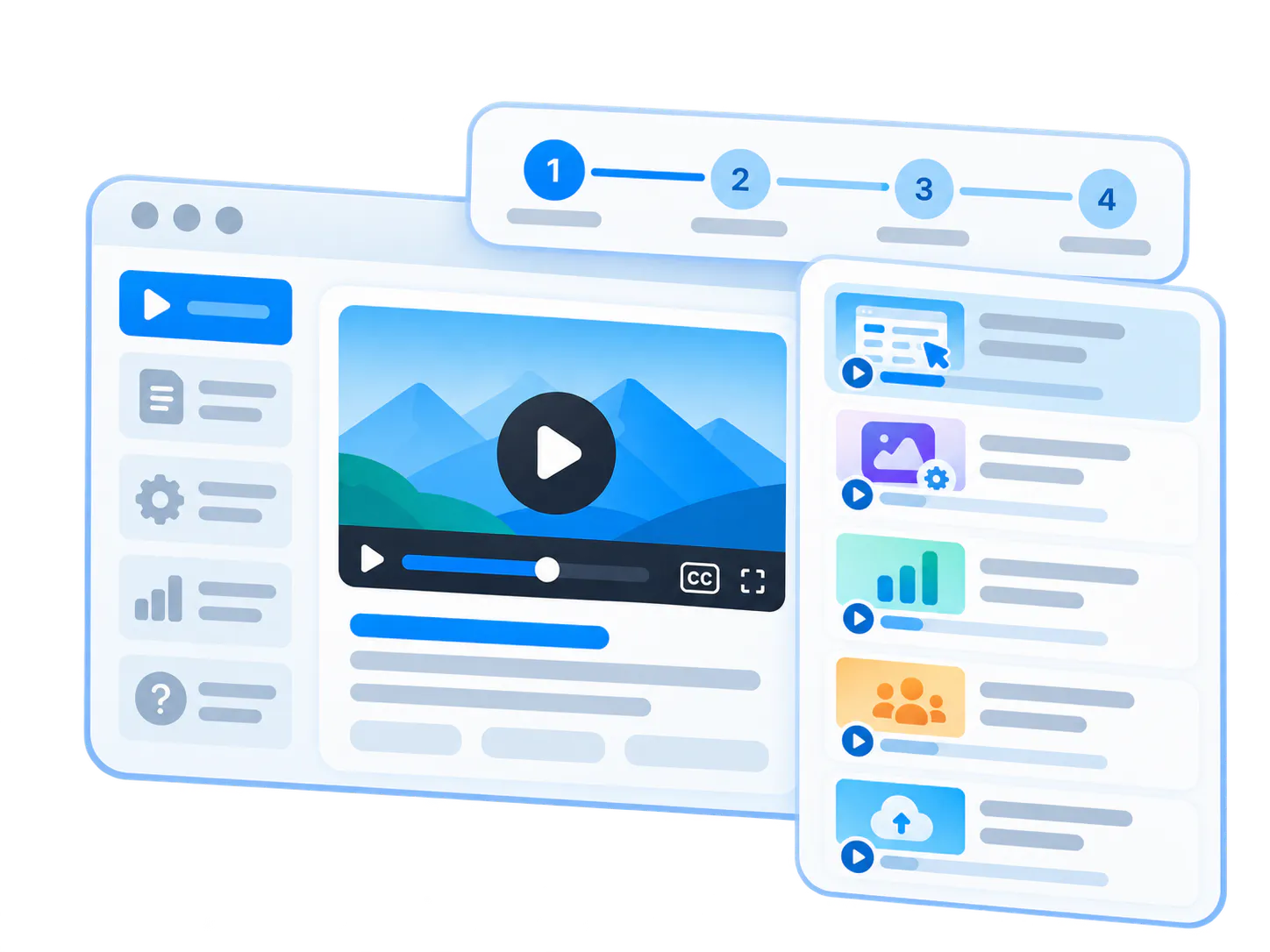
New features do not get adopted
A feature can be shipped and announced but still go unused if users do not understand the practical value or the first step.
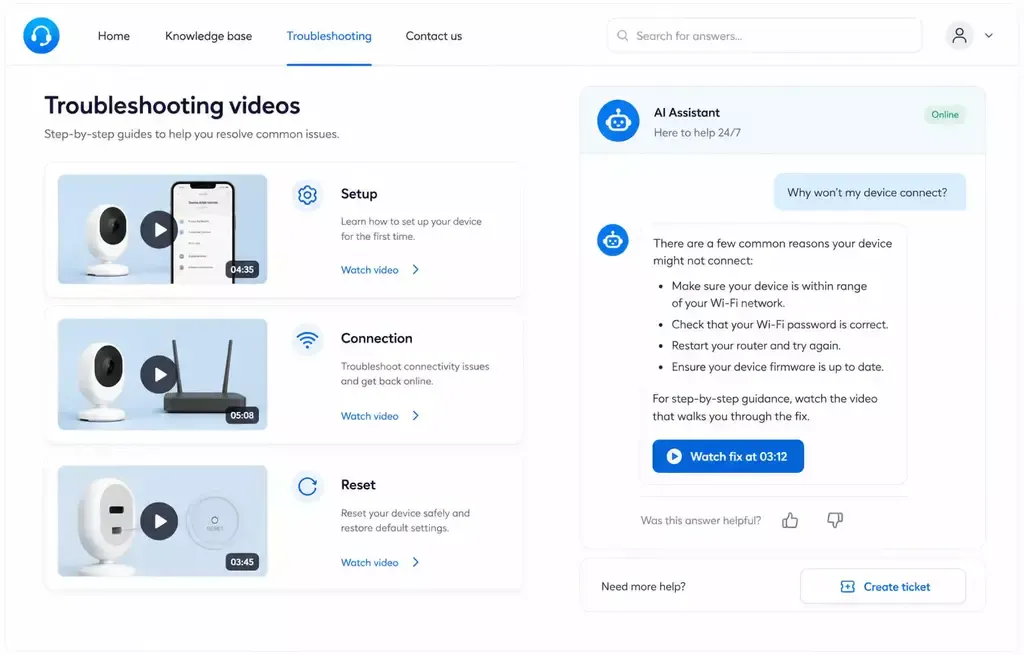
Changes create support questions
When an interface, setting, report, workflow, or permission model changes, support and customer success teams often get the same questions repeatedly.
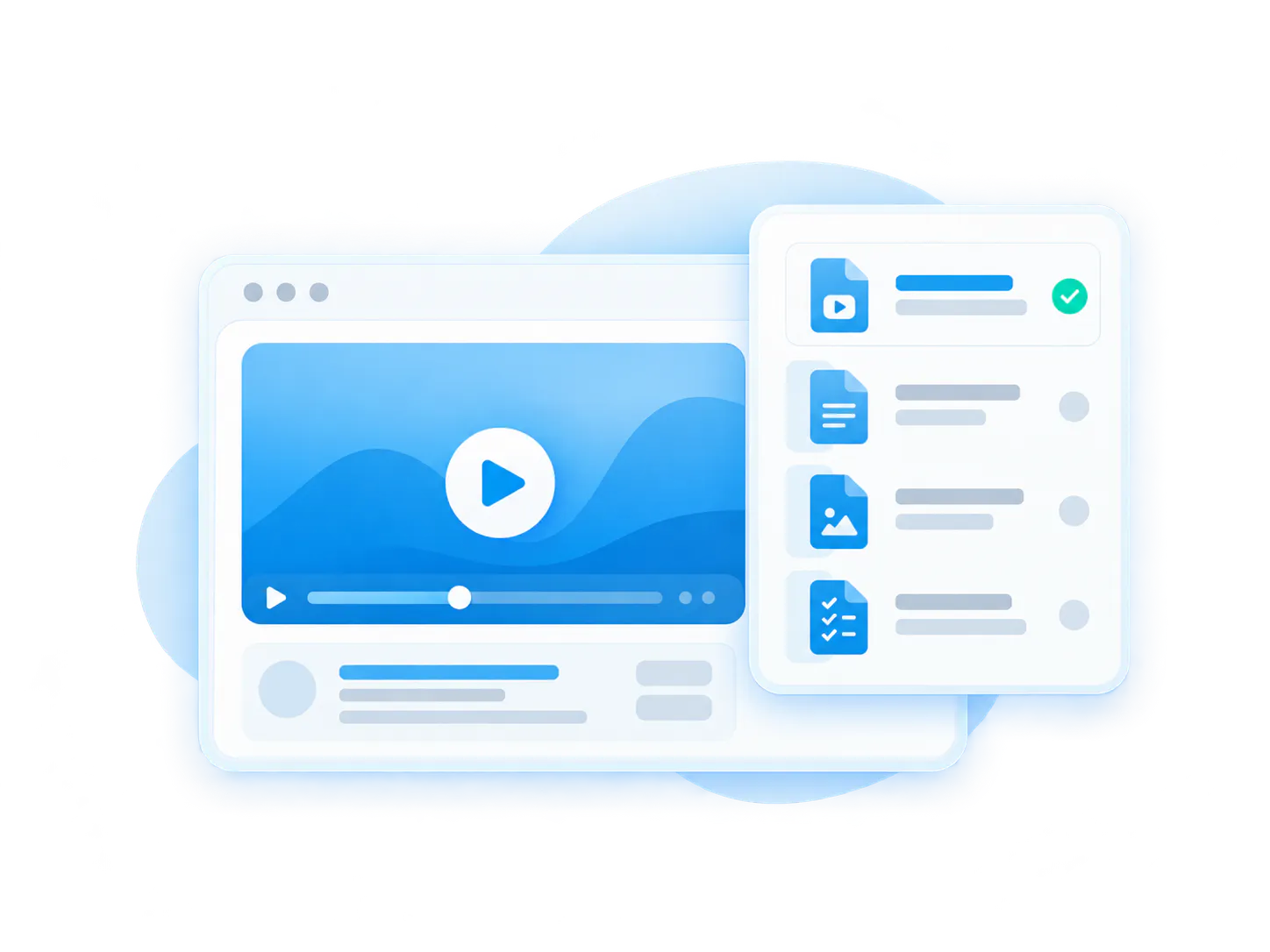
Context gets separated from the update
Videos, release notes, docs, PDFs, and screenshots often live in different places, so users cannot see the full explanation in one flow.
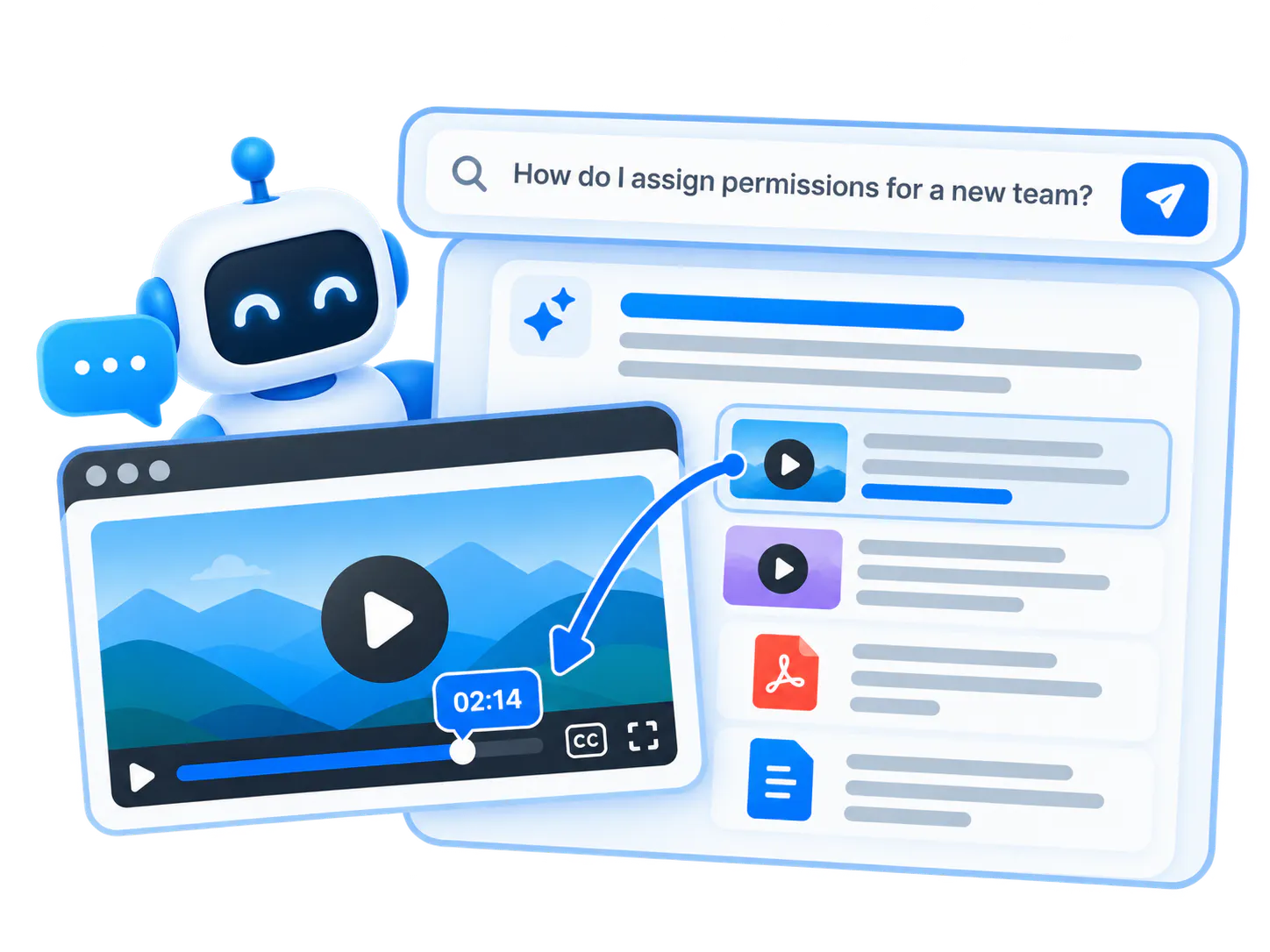
Long webinars hide short answers
Users do not want to rewatch a launch webinar to find the exact minute that explains one new setting or workflow step.
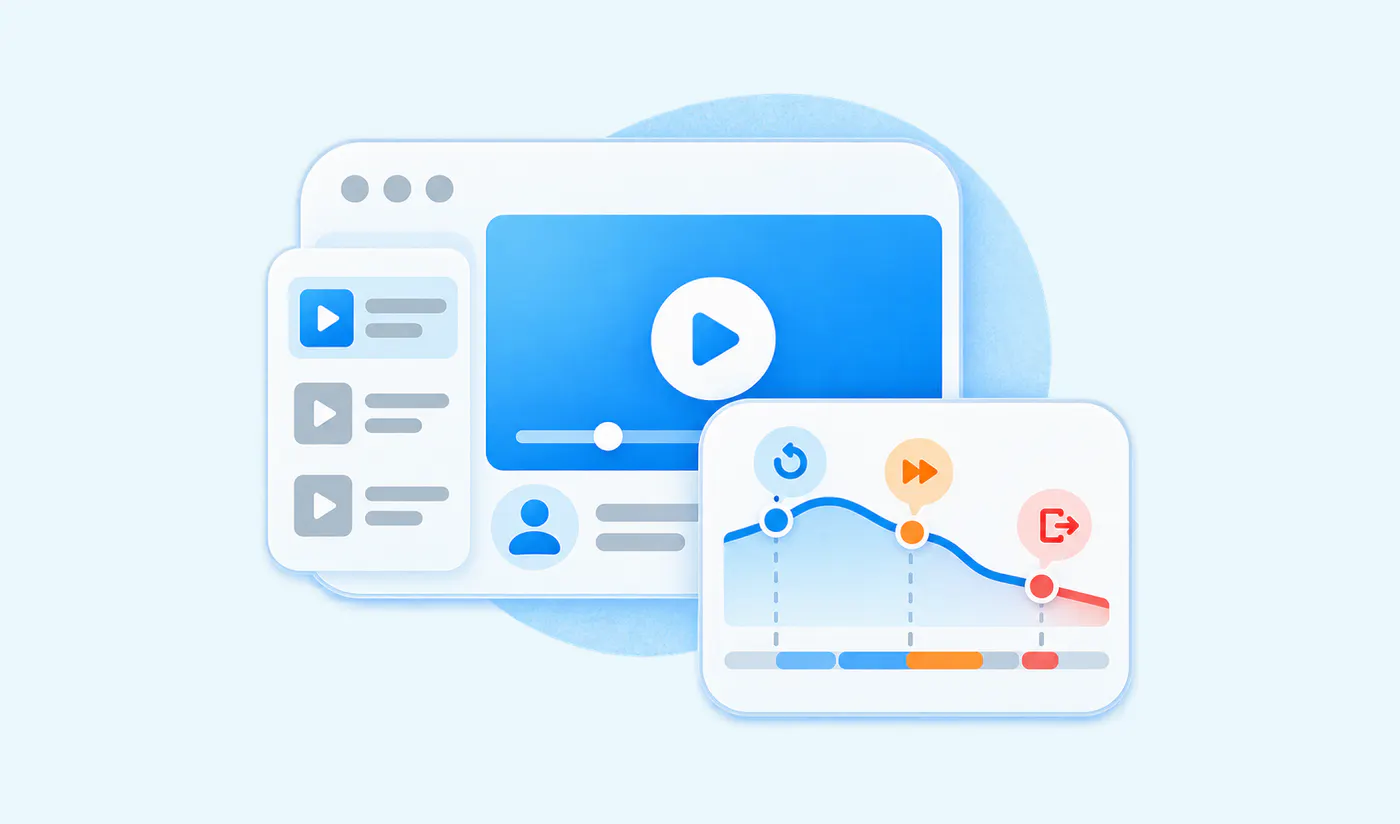
Teams guess what needs clarification
Repeated questions, failed searches, and weak answers show which updates need better explanation or follow-up education.
Publish update knowledge quickly, then let real questions show what needs more explanation
Cincopa lets teams start with the update assets they already have: release videos, recorded launch sessions, feature demos, release notes, support docs, PDFs, screenshots, and customer enablement materials. Publish them through Galleries or Pages, make the content searchable with VideoGPT, and improve the library from repeated user questions.
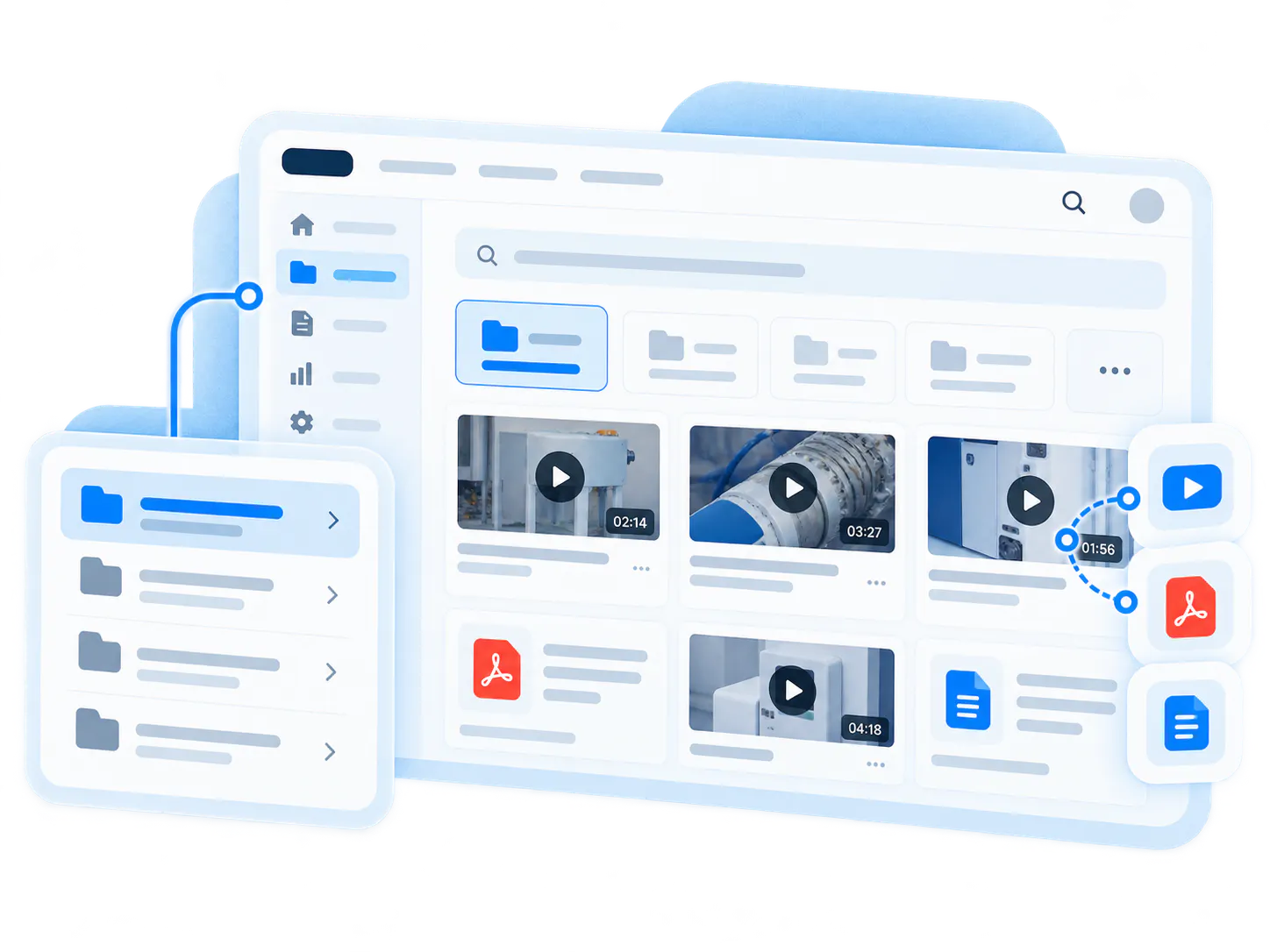
Publish update videos fast
Turn release demos, product walkthroughs, and launch recordings into a structured update library without waiting for a full documentation rebuild.
Pair videos with release materials
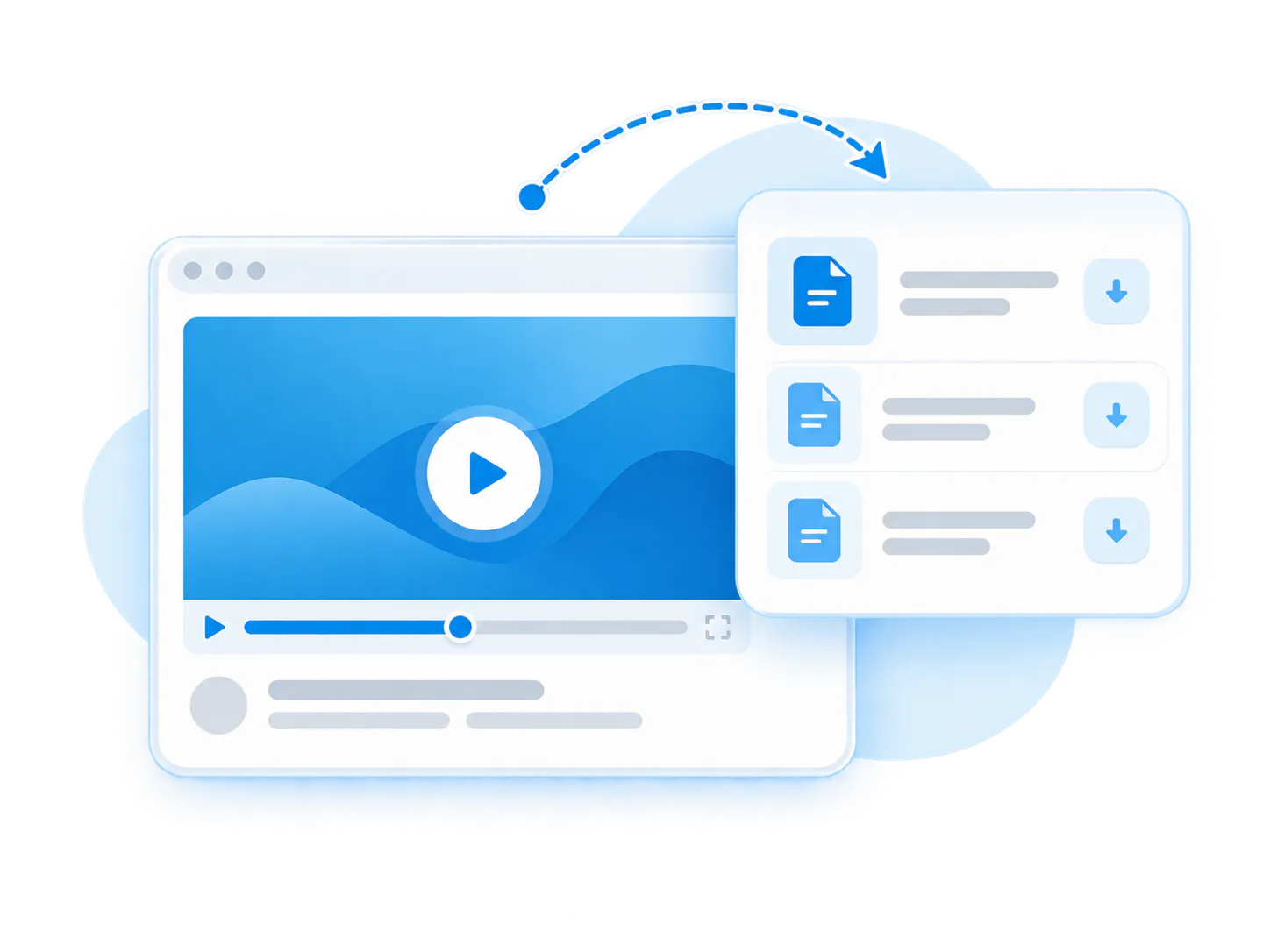
Keep videos, release notes, PDFs, screenshots, configuration notes, and support docs connected around the same product change.
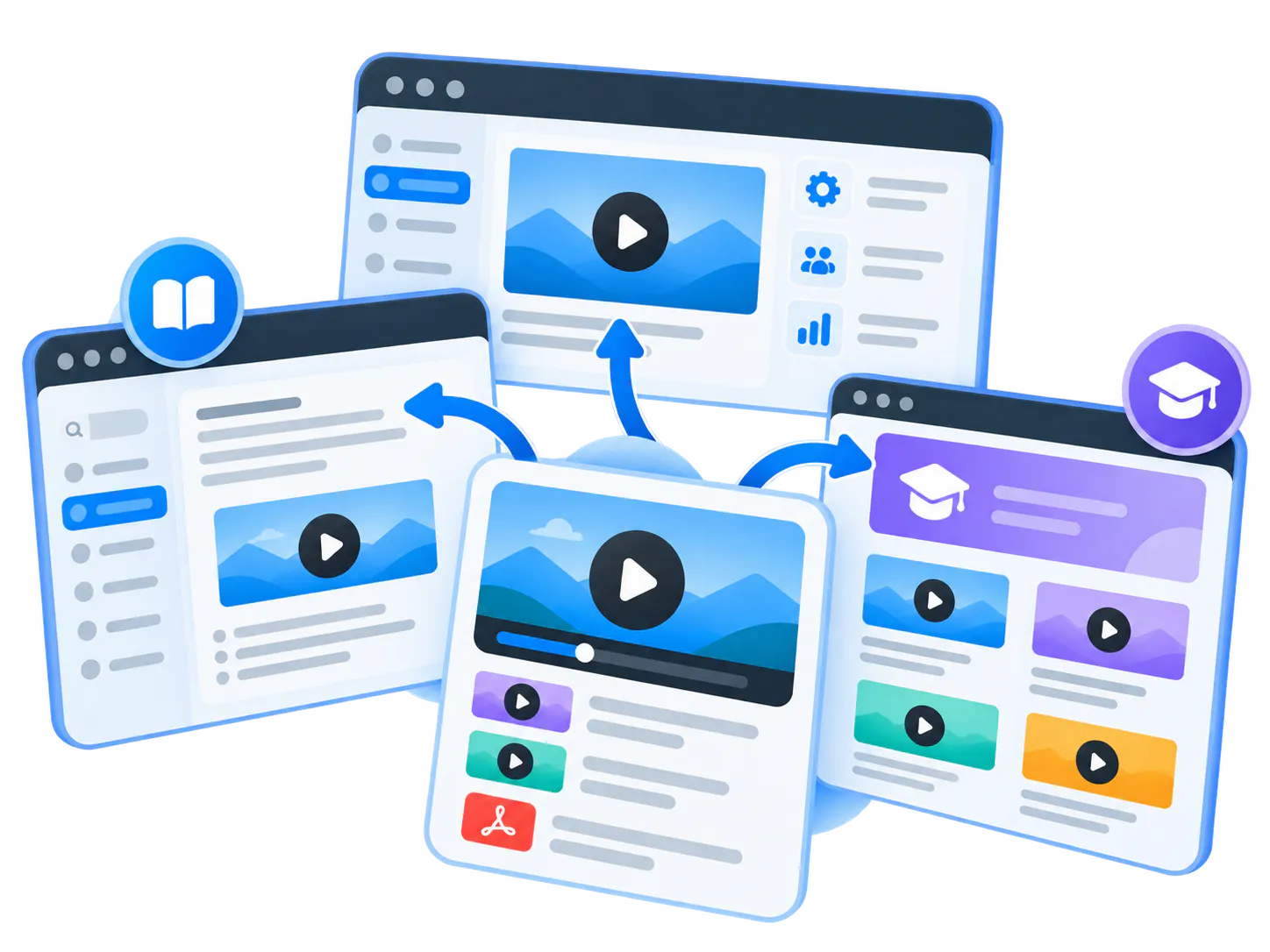
Embed updates where users look
Place update Galleries in product docs, help centers, release pages, customer academies, product education Pages, or support surfaces.
Make updates answerable
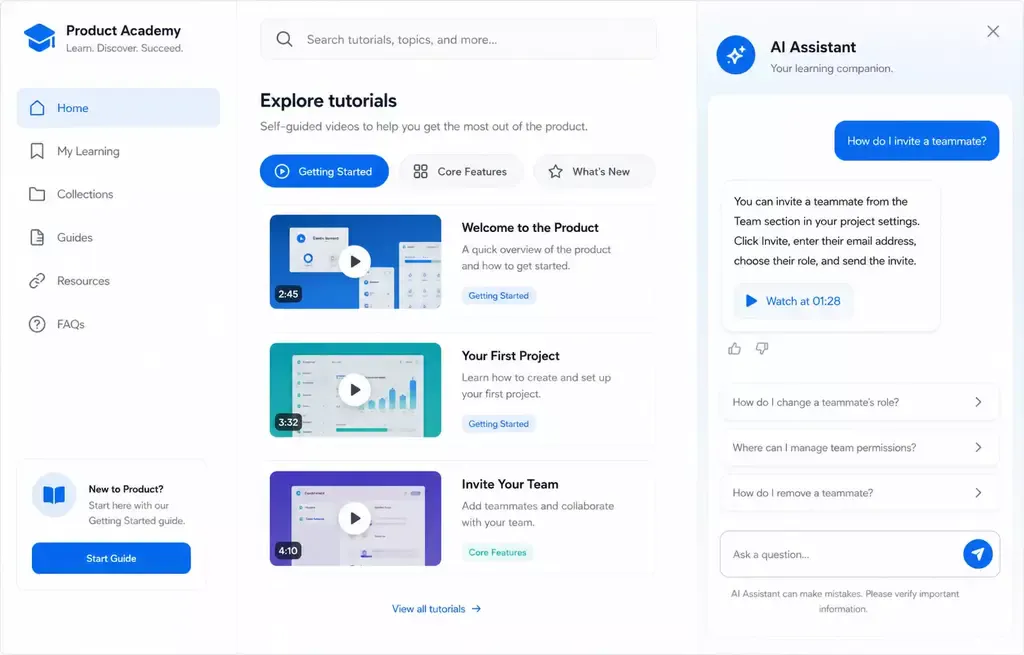
VideoGPT helps users ask what changed, how it affects them, and where to find the exact moment or document that explains it.
Spot unclear changes
Repeated questions and weak answers reveal which updates need clearer videos, stronger examples, or better supporting docs.
Reuse update knowledge later
Update content becomes part of the ongoing product education layer, not a one-week launch asset that disappears after release day.
Pages vs. Tube
Choose between a standalone destination page and a multi-channel video portal.
Pages are stronger when
One team needs one branded, hosted, measurable destination and a flatter structure is enough.
Tube is stronger when
The audience needs channel-based navigation, ongoing portal behavior, deeper permissions, and a knowledge environment that keeps expanding without becoming a mess.
What belongs in a product update video library
Bring related videos and documents together, shape how people explore them, and deliver the collection inside the systems they already use.
New feature explainers
Short videos that introduce a new capability, explain why it matters, and show the first workflow users should try.
Release walkthroughs
Release-by-release collections that show the key changes, affected product areas, and important steps for users or admins.
UI and workflow change videos
Videos that explain what moved, what changed, and how users should complete the updated workflow.
Admin and configuration updates
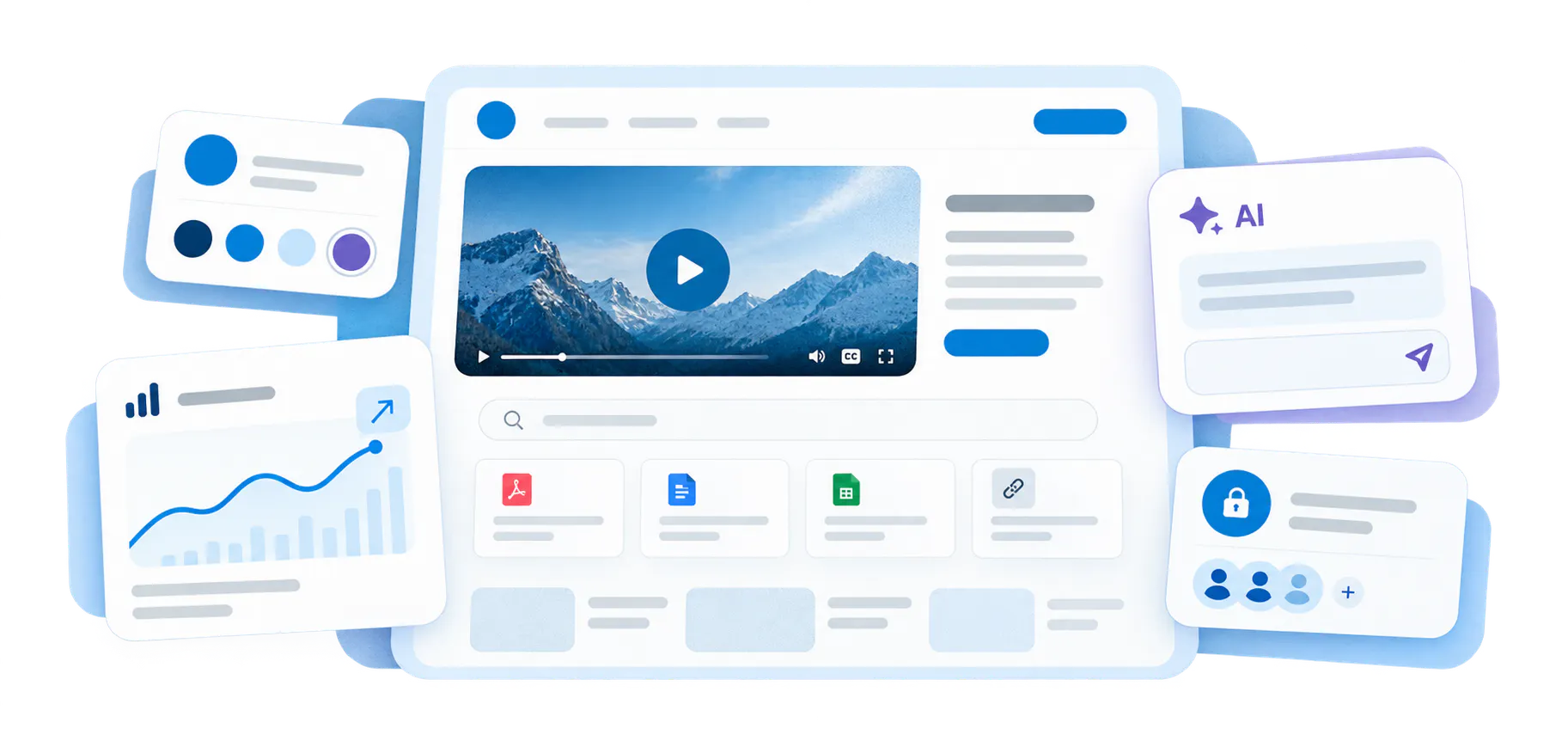
Guidance for settings, permissions, integrations, reports, templates, account controls, and other admin-facing changes.
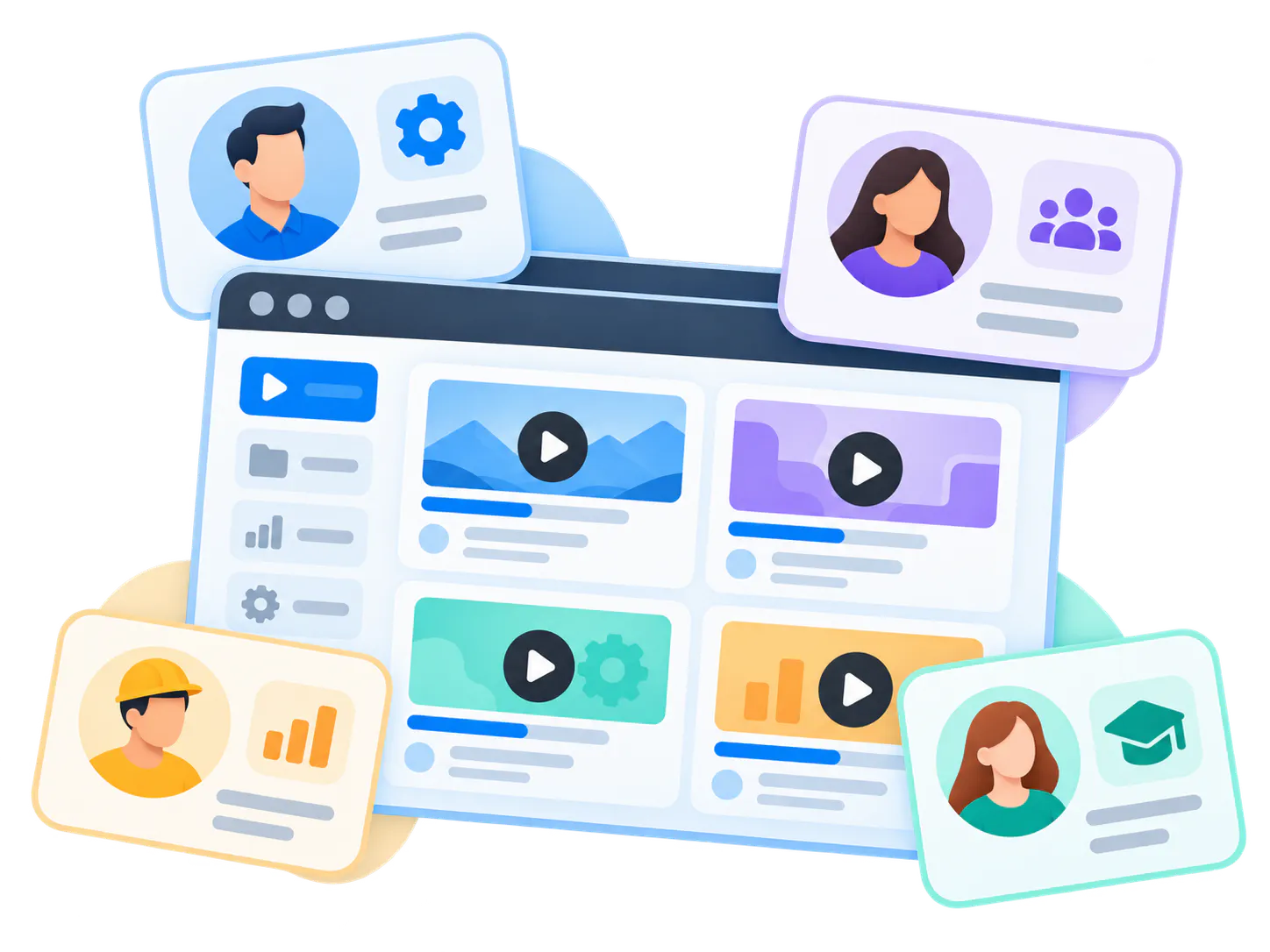
Role-specific update guidance
Different update paths for admins, end users, managers, partners, technicians, or customer-facing teams.
Release notes and supporting docs
Written release notes, PDFs, screenshots, checklists, known issues, setup notes, and adoption guides paired with videos.
This fits the same Product Education pattern as embedded product knowledge and release guidance
The strongest fit is product education where videos, documents, and updates need to live close to the product experience. Cincopa is strongest when update knowledge is not just announced once, but remains searchable and usable when users need it later.
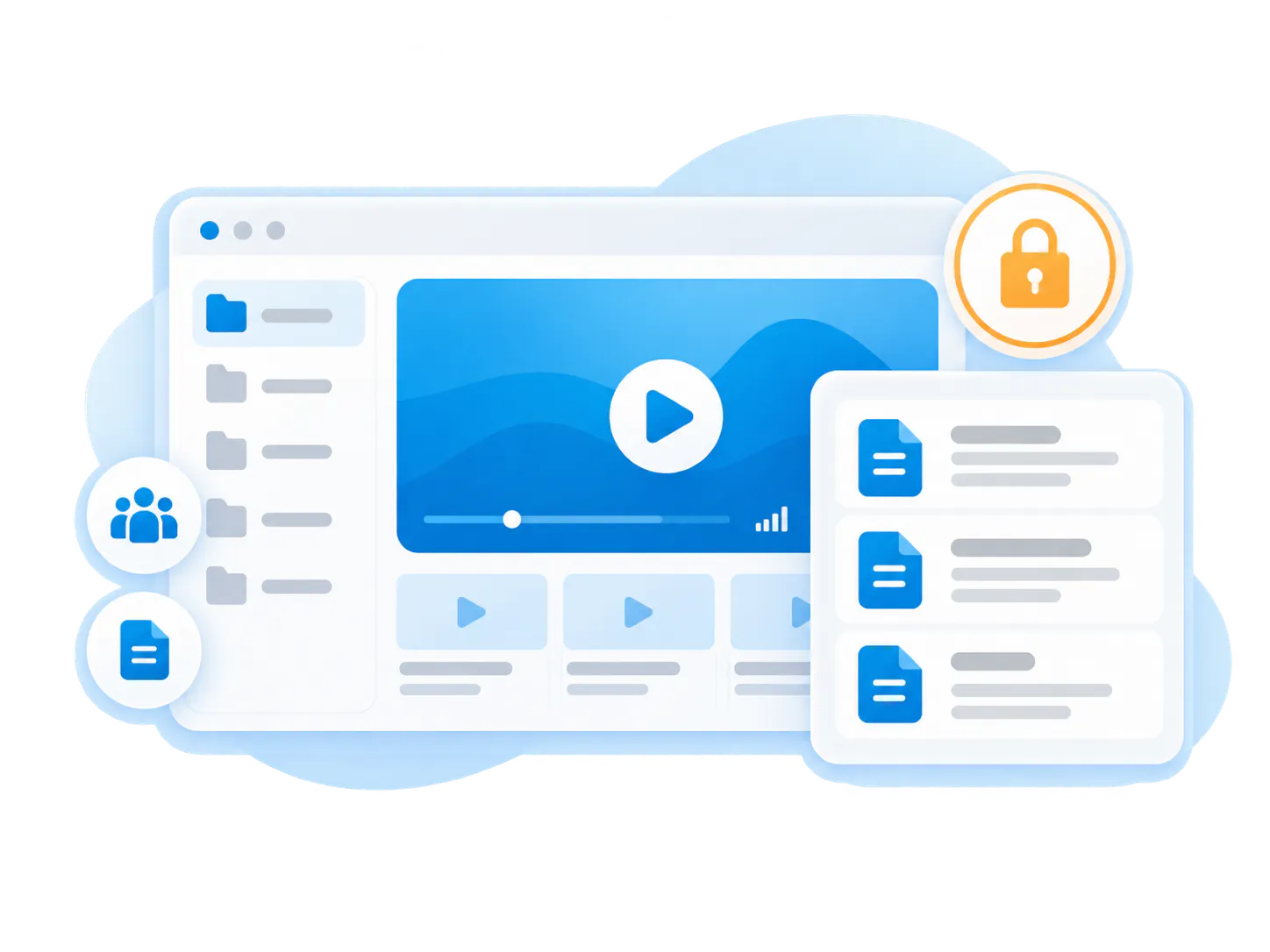
Leidos-style product education and software updates
A product education environment can combine onboarding tutorials, workflow guidance, software updates, attached documents, embedded galleries, and branded training pages.
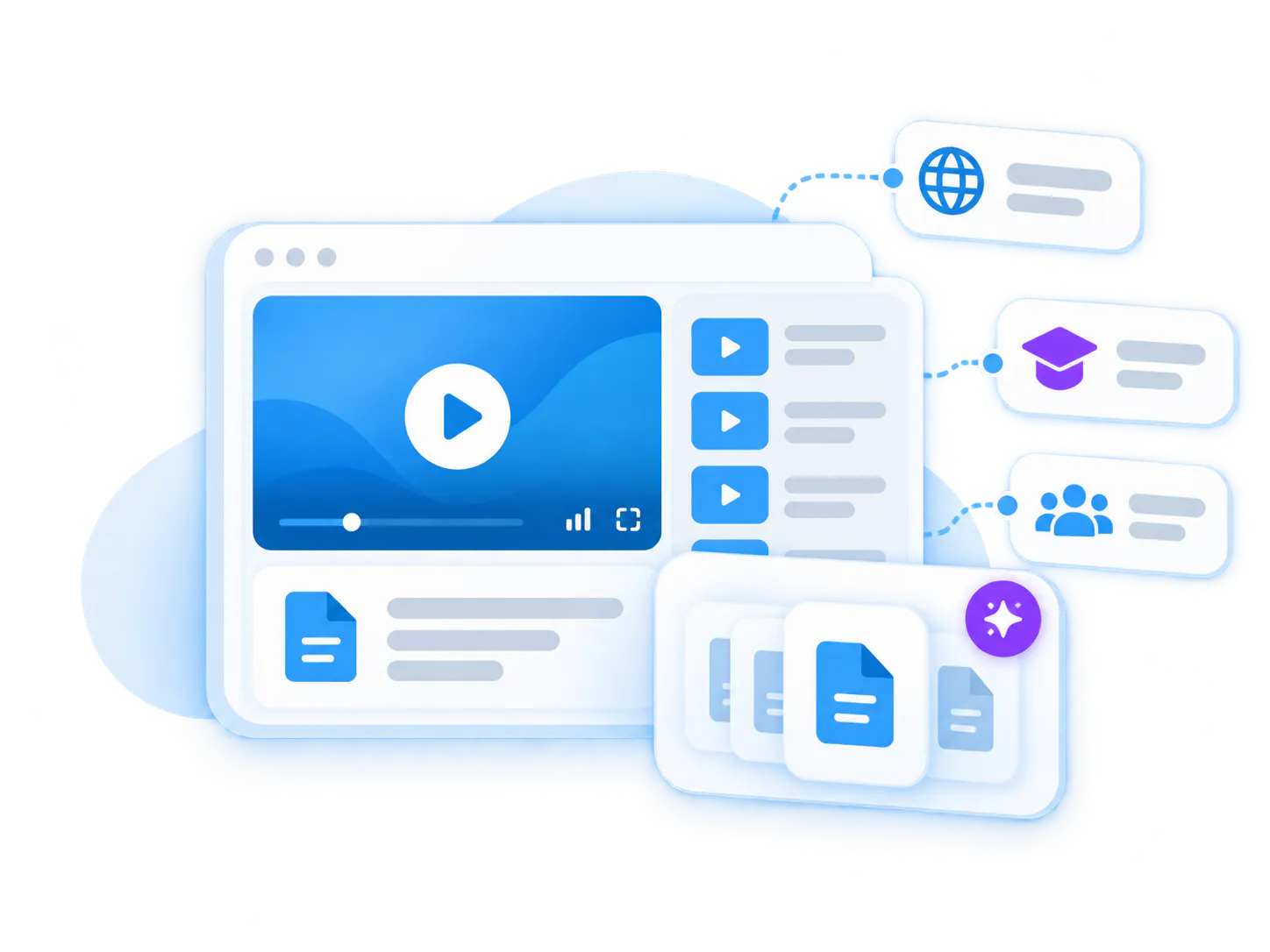
Verily-style distributed product knowledge
Product and operational knowledge can be embedded across product UI, help documentation, LMS environments, internal systems, and other workflow surfaces.
Land with one release or product area
Start with one release cycle, one feature set, or one customer segment. Expand as the team sees which update questions users actually ask.
Best product fit: Galleries for embedded update collections, Pages for launch and release hubs
Galleries
Best for embedded update libraries inside product docs, help centers, release notes, and support surfaces.
Pages
Best for branded release hubs, product update pages, launch education, and gated customer update collections.
VideoGPT
Best for letting users ask what changed, what it means, and where the exact update explanation lives.
Insights and analytics
Best for seeing which update videos are watched, which questions repeat, and which changes need better education.
Connect product updates to the full Product Education path
Product update videos work best when they connect to onboarding, feature walkthroughs, AI video search, customer proof, and embedded Galleries. The goal is not only to announce changes, but to make them understandable and retrievable over time.
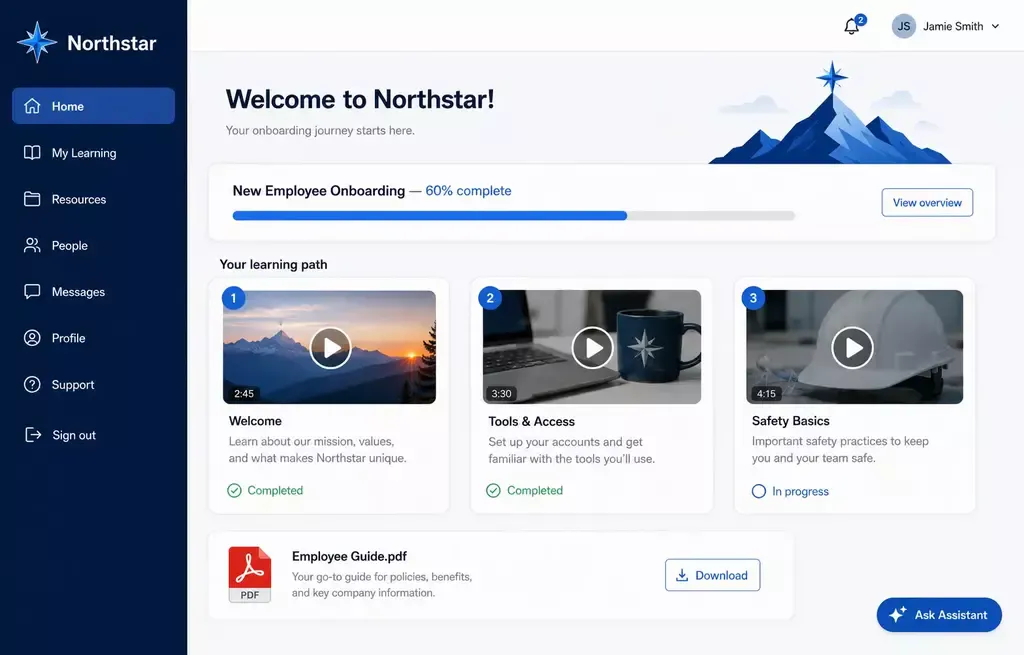
Product Onboarding Videos
Feature Walkthrough Video Library
AI Video Search
Galleries
Common questions about product update video libraries
Everything you need to know about organizing, embedding, and scaling reusable video-and-document galleries across your enterprise systems.
It is a structured collection of videos and supporting materials that explain new features, release changes, workflow updates, and product behavior changes.
Written release notes document what changed. Product update videos show how the change works, why it matters, and what users should do next.
Yes. Cincopa can pair update videos with release notes, PDFs, screenshots, help documents, configuration notes, and other supporting materials so users can search and ask across the library.
They can be published through embedded Galleries, hosted Pages, help centers, product documentation, release pages, support surfaces, and customer education environments.
VideoGPT lets users ask what changed, how it affects them, and where to find the exact video moment or supporting source that explains the update.
Turn every release into a searchable product education asset
Start with one release, one product area, or one feature set. Publish the update videos and documents you already have, make them answerable with VideoGPT, and improve the library from real user questions.