KNOWLEDGE OPERATIONS

How to Keep a Knowledge Base Current as Your Product Changes

Connect product changes to the articles, recordings and documents they affect. Use accountable owners and real questions to keep the knowledge people rely on current.

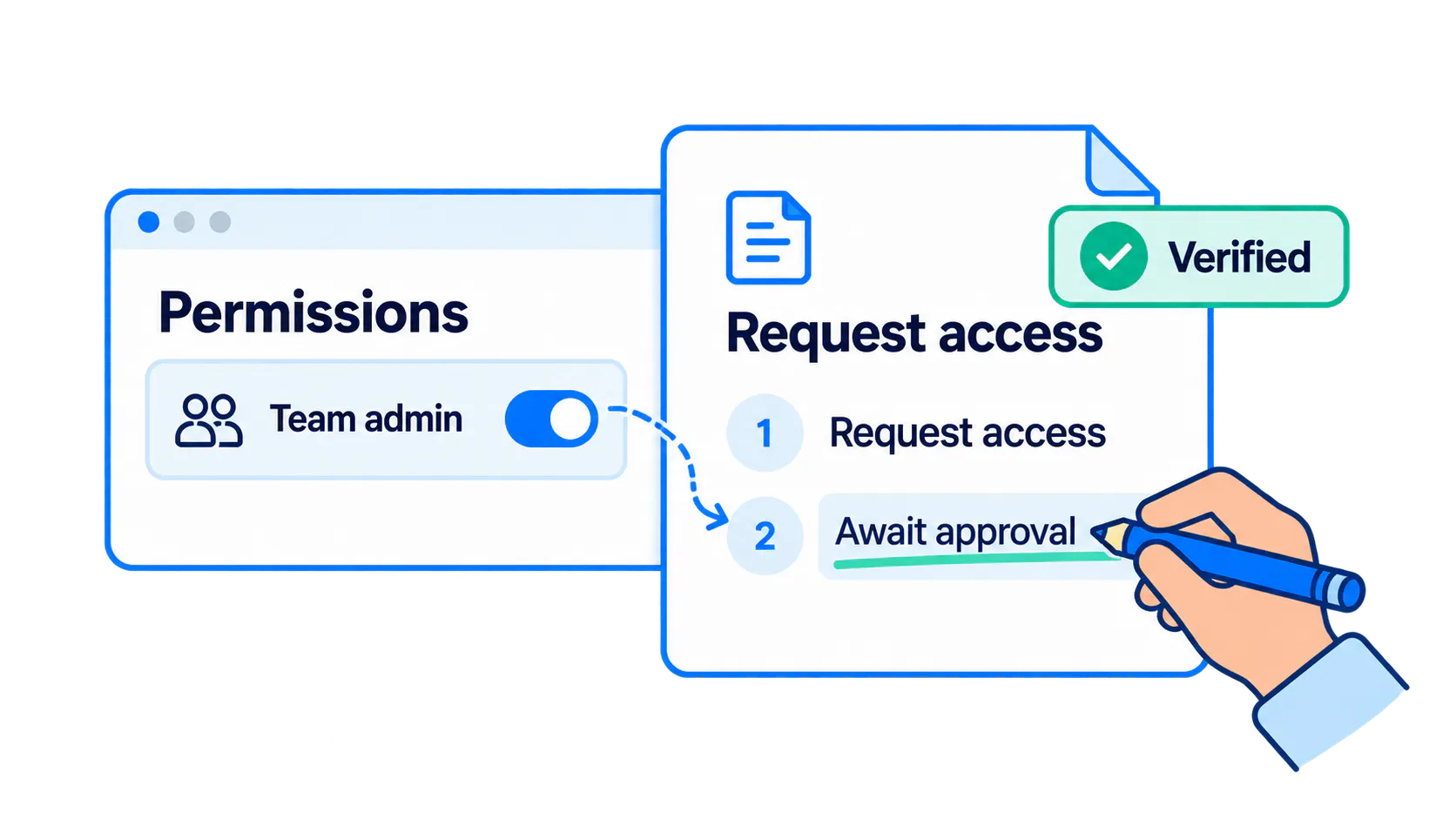
Conceptual permissions setting compared with verified request-access instructions awaiting approval.

A product update can make a correct answer wrong

A product team introduces an access-approval workflow, but its help article still tells users to grant access directly. The onboarding recording shows the old control. Customers follow yesterday's correct instructions and contact support when the setting is missing.

The problem is the broken connection between the product change and its explanations. Written articles remain valuable; publishing them once is not enough. Review the complete task and the related content whenever behavior, permissions or expected results change.

Identify which product changes affect knowledge

Check changes to controls, navigation, prerequisites, permissions, defaults, integrations and retired features. Ask whether a person following the current guidance can still finish the task and recognize success.

A cosmetic change may need no urgent revision, while a renamed control or new approval requirement can invalidate the sequence. In the hypothetical access example, record who can act, who approves the request and what the user should expect before deciding which content needs revision.

Connect product changes to affected content

Maintain a lightweight change-impact record alongside release planning. Connect each change to the relevant articles, walkthroughs, FAQs, PDFs and support procedures, with an owner and a required action.

Start with a focused knowledge audit if dependencies are unclear. A shared task identifier or authoritative source link can connect related resources. This can be a manual editorial process; do not assume a platform detects every impact. The example table shows how one permissions change affects several explanations.

Product change
Affected guidance
User consequence
Required content action
New approval requirement
Access article and FAQ
Users cannot enable access themselves.
Rewrite request and approval steps.
Administrator-only controls
Internal support procedure
Agents may advise users to find unavailable settings.
Add role prerequisites and escalation route.
Staged availability
Onboarding walkthrough and PDF
Some accounts still follow the old path.
Label applicability; coordinate revised resources.
New approval requirement
Affected guidance
Access article and FAQ
User consequence
Users cannot enable access themselves.
Required content action
Rewrite request and approval steps.
Administrator-only controls
Affected guidance
Internal support procedure
User consequence
Agents may advise users to find unavailable settings.
Required content action
Add role prerequisites and escalation route.
Staged availability
Affected guidance
Onboarding walkthrough and PDF
User consequence
Some accounts still follow the old path.
Required content action
Label applicability; coordinate revised resources.

Give each important answer an owner

Give each important answer an accountable owner. A product expert verifies behavior and exceptions; a reviewer checks whether the intended audience can follow the explanation. Shared ownership still needs a clear handoff.

Transfer responsibility when someone changes roles. Distinguish the last edit from the last meaningful verification, recording the relevant version, environment and permissions. For the access example, test both the ordinary user's request and the administrator's approval path.

Make documentation part of release readiness

Assess content impacts during planning, prepare revisions before launch and verify them against the released behavior. Make the content check part of release readiness rather than promising to repair guidance later.

Coordinate publication with availability. During a staged rollout, identify which version, role or rollout group the instructions cover. A temporary notice can explain a transition, but it cannot repair a walkthrough that demonstrates fundamentally wrong steps.

Choose whether to edit, replace, merge, or retire

Choose the smallest change that restores a dependable answer: edit a label, replace an obsolete demonstration, merge overlapping guidance or retire a superseded resource. Avoid creating a competing article for every change.

Before removing content, check links from product screens, support templates, onboarding messages and related articles. Consider retention needs and whether a replacement serves the same task. The decision matrix below is a review aid, not an automatic deletion rule.

Content action
When it fits
Verification
Update a label or screenshot
Task remains the same; wording or appearance changed.
Check the label and screenshot in the current interface.
Rewrite a procedure
Sequence, prerequisites, or expected result changed.
Complete the task with the intended role.
Add an exception or version note
A valid alternate path applies to a defined audience.
Test both paths and label their applicability.
Merge overlapping answers
Several resources duplicate one maintained task.
Confirm scope and repair references to old copies.
Replace an obsolete walkthrough
The on-screen demonstration teaches the wrong action.
Review the new recording against the revised procedure.
Retire superseded guidance
No intended audience should use it as current instructions.
Check dependencies, retention, and replacement links.
Update a label or screenshot
When it fits
Task remains the same; wording or appearance changed.
Verification
Check the label and screenshot in the current interface.
Rewrite a procedure
When it fits
Sequence, prerequisites, or expected result changed.
Verification
Complete the task with the intended role.
Add an exception or version note
When it fits
A valid alternate path applies to a defined audience.
Verification
Test both paths and label their applicability.
Merge overlapping answers
When it fits
Several resources duplicate one maintained task.
Verification
Confirm scope and repair references to old copies.
Replace an obsolete walkthrough
When it fits
The on-screen demonstration teaches the wrong action.
Verification
Review the new recording against the revised procedure.
Retire superseded guidance
When it fits
No intended audience should use it as current instructions.
Verification
Check dependencies, retention, and replacement links.

Keep videos and supporting documents aligned

Treat the article, walkthrough, PDF, captions and description as one content set. They can describe different product versions even when they sit beside each other. Check the actual instructions and their supporting links together.

A note can explain a harmless visual difference. It cannot correct a recording that teaches users to grant access when they must now request approval. Replace the affected segment or walkthrough, then verify it with the revised written steps. In Cincopa, related videos and documents can be published in one collection while editorial owners remain responsible for accuracy.

When the interface changes, use the walkthrough maintenance playbook to decide whether a recording needs a clarification, a replacement or retirement.

Explore ways to organize supporting documents alongside video, then assign one owner to review the collection when its underlying workflow changes.

Use questions and failed searches to find missed updates

Recurring support questions, failed searches and weak answers reveal updates that release planning missed. Ask what the user tried and which source they reached before deciding whether the problem is stale content, missing context or access.

With VideoGPT, people can ask across the available video and document collection. Review those questions, inspect the supporting sources and improve the material behind an unhelpful answer. This is a practical question-to-improvement loop, not automatic detection or rewriting of product changes.

Combine change-triggered updates with scheduled reviews

Use change-triggered checks for known product updates and scheduled reviews for what slips through: abandoned ownership, changed dependencies or accumulated exceptions. Neither replaces the other.

Prioritize by usage, importance, change frequency and the consequences of error. Record the next review date and events that require an earlier check. A reminder helps only when an owner has the responsibility and capacity to act on it.

Measure whether guidance remains reliable

Track owner coverage, overdue reviews and the time from a relevant product change to verified guidance. Define what counts as a completed check so the numbers remain comparable.

Pair those measures with real find-and-use tasks. Can the intended user locate the right version, act with their permissions and recognize the outcome? Product education analytics can help frame useful questions. Article counts and fresh modification dates describe activity; they do not establish that guidance works.

Frequently asked questions

Use a risk-based schedule that considers change frequency, usage, and consequences of error. Meaningful product changes should trigger an earlier check rather than waiting for the next scheduled review.

Name an accountable content owner, with a product subject expert to verify behavior and a reviewer to test clarity. Define handoffs when several teams maintain resources for the same task.

Every release should receive a brief content-impact assessment. Only affected resources need substantive review; an unrelated technical change does not justify rewriting the whole knowledge base.

Re-record or replace the affected segment when the demonstration teaches an incorrect workflow, permission requirement, or outcome. Minor harmless differences may be addressed with an accurate note.

Label applicability clearly, provide a way to select the relevant version, and maintain genuinely different task paths. Avoid copying entire guides when a short, unambiguous exception is sufficient.

AI can assist with supported discovery, drafting, or review tasks, but cannot establish product truth by itself. Owners still need to verify sources, permissions, exceptions, and current behavior before approving updates.

A practical takeaway

Keep product changes connected to the explanations people use. Assign owners, check the full video-and-document collection, and turn recurring questions into specific improvements. The goal is a dependable answer after the next release, not simply a recently edited page.

NEXT STEP

Keep your video knowledge useful

See how an existing collection of videos and documents can become answerable with VideoGPT, then use real questions to guide improvements.