How Repeated Product Questions Reveal Education Gaps

When customers ask the same product question repeatedly, the pattern deserves attention.

It may mean that an important topic is missing from your product education. It could also mean that the answer exists but is difficult to find, unclear, outdated or disconnected from the place where users need it.

A repeated question is therefore a useful signal—but it is not proof of the root cause.

Before creating another video or help article, teams should review the question, examine the existing knowledge and determine what is actually preventing users from reaching the answer.

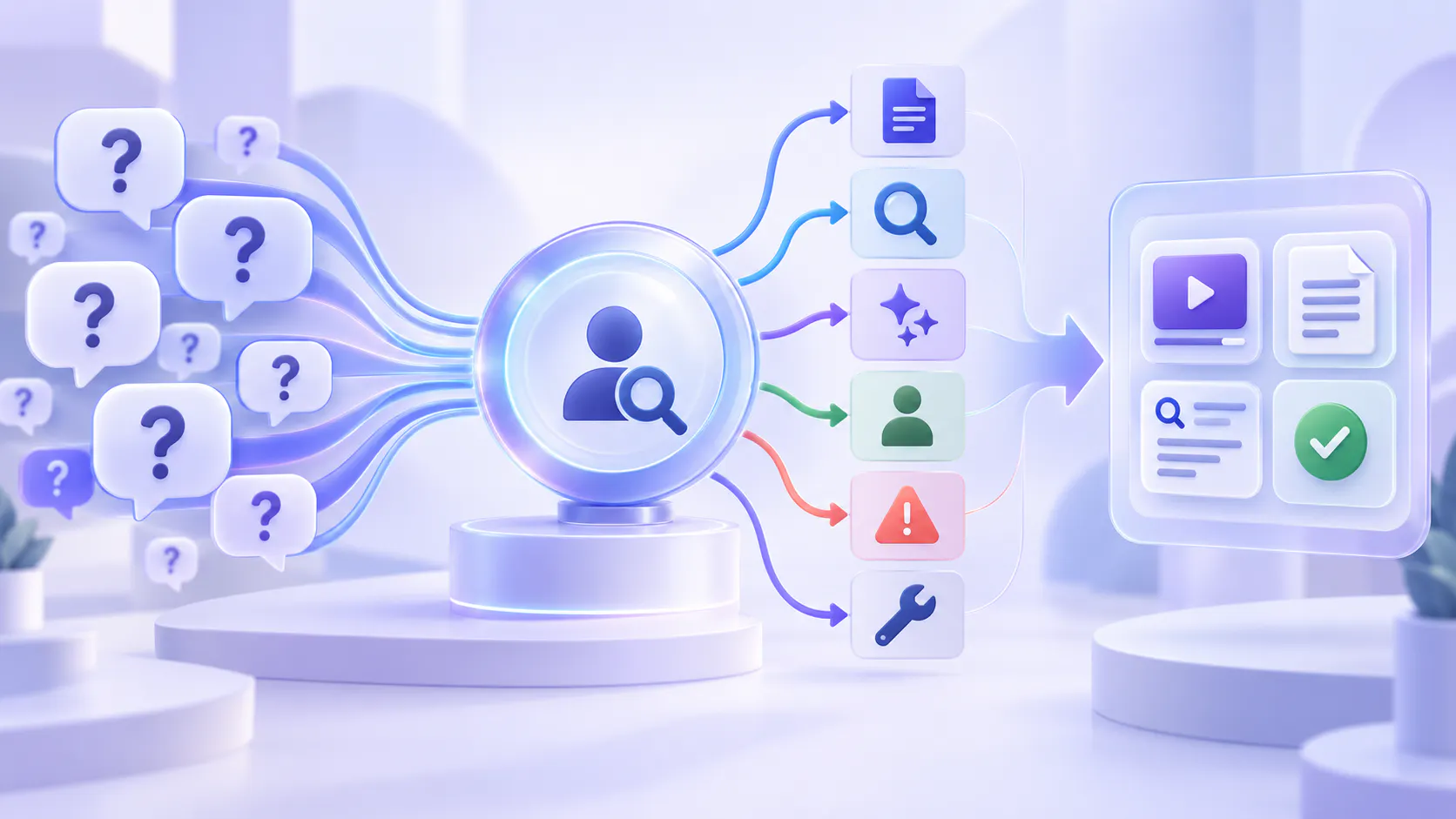
This turns recurring questions into a practical content-improvement workflow rather than an automatic request for more content.

Hero image

Why Repeated Questions Matter

Product education is often planned before users begin asking questions.

Teams create onboarding videos, feature walkthroughs, help articles, release updates and training materials based on what they believe users will need.

That planning is necessary, but it cannot predict every real-world problem.

Once customers begin using the product, their questions reveal:

Which features are difficult to understand

Which workflows are difficult to complete

Which product terms are unfamiliar

Which instructions are hard to find

Which explanations are incomplete

Which content may be outdated

Which topics matter more than the team expected

These questions provide direct evidence of where users need help.

However, the question alone does not explain why the problem exists. A person must still review the pattern and classify the likely cause.

A Repeated Question Is a Signal, Not a Diagnosis

Imagine that customers repeatedly ask:

“How do I give another user access to my workspace?”

It may be tempting to conclude that the product education library needs a new permissions video.

But several different issues could be creating the same question:

No permissions guide exists.

A guide exists but uses different terminology.

The guide is difficult to find.

The instructions apply only to administrators.

The product interface has changed.

The answer is buried inside a long onboarding video.

Customers can find the guide but do not trust that it is current.

The product itself does not make the workflow clear.

The user does not have permission to complete the action.

Creating another general permissions video would solve only some of these problems.

The first step is not content creation. The first step is classification.

Collect Questions from More Than One Source

Product questions can appear across many channels.

Useful sources include:

Support tickets

Customer-success calls

Onboarding sessions

Training events

Product community discussions

Help-center searches

Product feedback

Sales and implementation conversations

Questions asked inside a video or document knowledge experience

Bring these questions into one review process where possible.

Preserve the user’s original wording. Do not immediately replace it with your internal feature terminology.

The words customers use can reveal why existing content is not being discovered. For example, customers may search for “invite my team” while the documentation uses “workspace member administration.”

Grouping those phrases under one topic helps the team see that several apparently different questions may represent the same underlying need.

Build a Simple Question-Classification Process

A practical review workflow can use six categories:

1. Missing content

2. Findability problem

3. Clarity problem

4. Applicability problem

5. Outdated or conflicting content

6. Product or service problem

These categories help teams choose an appropriate response.

1. Missing Content

A genuine content gap exists when the available education does not answer an important user question.

For example, the library may explain how to create a report but not how to share it with another team.

Before classifying the question as missing content, search across:

Help articles

Product videos

Training recordings

Release notes

Attached documents

Internal support guidance

Existing onboarding materials

The answer may already exist in a different format or location.

If no current and approved source answers the question, creating new content is appropriate.

The new asset should address the real question directly. Avoid producing a broad overview when users need one specific workflow or explanation.

2. Findability Problem

Sometimes the answer exists, but users cannot reach it.

The resource may have an unclear title, sit in the wrong collection or use terminology customers do not recognize.

A video called “Administrator Training Session 3” may contain the correct explanation, but its title gives users no reason to open it.

Findability problems can often be improved through:

Clearer titles

Better descriptions

Consistent terminology

Improved categories

Relevant metadata

Links from related help content

Placement inside the product

Search across spoken video content and supporting documents

In this situation, creating another source may make the library more crowded. Improving access to the existing answer is usually the better first action.

3. Clarity Problem

Users may find the correct resource and still ask the question because the explanation is difficult to understand.

The instructions may assume previous knowledge, skip an important step or explain the feature without showing how it fits into a real workflow.

Review whether the content clearly explains:

What the user is trying to accomplish

Who can perform the task

What must happen first

Which steps to follow

What a successful result looks like

What to do when the expected result does not appear

A clarity problem may require a rewritten paragraph, a shorter demonstration or a supporting visual.

It does not always require replacing the complete resource.

4. Applicability Problem

The existing answer may be accurate but not applicable to every user.

A guide might describe an administrator workflow while operators ask the same question. Instructions may apply to one configuration, account type or product version but not another.

Check whether the resource makes its scope clear.

Useful applicability information includes:

Intended role

Required permissions

Product version

Account configuration

Prerequisites

Known exceptions

If users repeatedly ask whether guidance applies to them, the content may need stronger context rather than additional steps.

5. Outdated or Conflicting Content

Repeated questions can also reveal that users have found more than one answer.

An older video may show a previous interface. A help article may describe the current workflow while a recorded webinar presents an outdated process.

Users may contact support because they do not know which source to trust.

When sources conflict:

Identify the authoritative source.

Confirm the current workflow with the responsible team.

Update or replace outdated guidance.

Remove obsolete content from active learning paths.

Add version information where older material must remain available.

Check every location where the affected source appears.

Do not simply publish another answer while leaving the conflicting guidance in place.

6. Product or Service Problem

Not every repeated question is an education gap.

Users may understand the instructions but still be unable to complete the task because the product is confusing, an error message is unclear or the workflow requires unnecessary effort.

Ask:

“If the user received the correct explanation immediately, could they complete the task?”

If the answer is no, the issue may need to be routed to product, engineering, design, operations or customer support.

Product education can explain how a workflow works. It should not be used to hide a product problem that requires a different solution.

Add Human Review Before Taking Action

Automated reports can identify repeated words, topics and question patterns. They cannot always determine why those patterns exist.

A human reviewer should examine:

The original question

The user’s role and situation

The answers already available

The sources supporting those answers

The product experience connected to the question

Related support or product feedback

The likely consequence of giving incomplete guidance

This review prevents teams from treating every repeated question as a request for a new article or video.

It also helps separate a true knowledge gap from problems involving discovery, permissions, product design or account-specific conditions.

Prioritize Patterns Instead of Isolated Questions

Not every question requires a content project.

A single unusual question may reflect one customer’s configuration. A recurring pattern across several users, roles or channels is more likely to justify investigation.

Consider:

How often the question appears

How many users are affected

Which roles are asking

Whether the question blocks an important task

Whether incorrect action could create risk

Whether an approved answer already exists

How much effort is required to resolve the issue

Whether the product or process is changing soon

Frequency matters, but frequency should not be the only priority.

A rare question involving security, permissions or an important business process may deserve attention before a common low-impact question.

Choose the Smallest Useful Improvement

Once the cause is understood, select the smallest change that can improve the experience.

The right action may be to:

Create a missing walkthrough

Rewrite an unclear explanation

Add a prerequisite

Improve a title or description

Connect a video with a supporting document

Link an existing resource from the product

Add role or version information

Replace an outdated source

Improve the structure of a learning collection

Route a product issue to the responsible team

Do not assume that a new asset is always the best response.

Sometimes the highest-value change is making an existing answer easier to find and trust.

Test the Original Question Again

After making an improvement, return to the original question.

Test whether a representative user can:

1. Find the relevant guidance.

2. Recognize that it answers the question.

3. Understand the explanation.

4. Confirm that it applies to their situation.

5. Complete the intended task.

6. Return to the source when they need it again.

Continue monitoring the question after the change.

If the same pattern continues, the first diagnosis may have been incomplete. Review the wording, placement, source quality and product experience again.

This creates a repeatable cycle:

1. Collect questions.

2. Group related patterns.

3. Review the existing knowledge.

4. Classify the likely cause.

5. Make the smallest useful improvement.

6. Test the original question.

7. Monitor what users ask next.

How Cincopa Supports the Improvement Loop

Cincopa’s Video Knowledge Base Loop connects knowledge creation with real user questions.

Teams can capture practical knowledge, publish videos and supporting documents, make that library answerable and learn from repeated questions, weak-answer signals and missing topics. They can then decide what to update, clarify, record, attach, restructure or retire. Explore the Video Knowledge Base Loop.

VideoGPT Insights can help teams review question patterns and identify areas that may need attention. These patterns support investigation; they do not independently prove why a user is struggling.

The team must still review the source content, understand the user’s situation and classify the likely cause before deciding what to change.

Cincopa is especially relevant when important knowledge lives in videos and supporting documents. It can work alongside an article-first knowledge base rather than replacing written documentation or the people responsible for maintaining it.

Turn Questions into Better Knowledge Decisions

Repeated product questions are valuable because they show where users continue to need help.

But the same question can point to many different problems: missing guidance, weak search, unfamiliar terminology, incomplete context, outdated content or a confusing product experience.

Treat the pattern as a reason to investigate—not as automatic proof that more content is required.

Collect the questions. Preserve the user’s language. Review the available sources. Classify the likely cause. Then make the smallest improvement that helps users reach a clear, current and applicable answer.

The goal is not simply to publish more product education.

It is to build a knowledge system that listens to real questions and improves through careful human review.