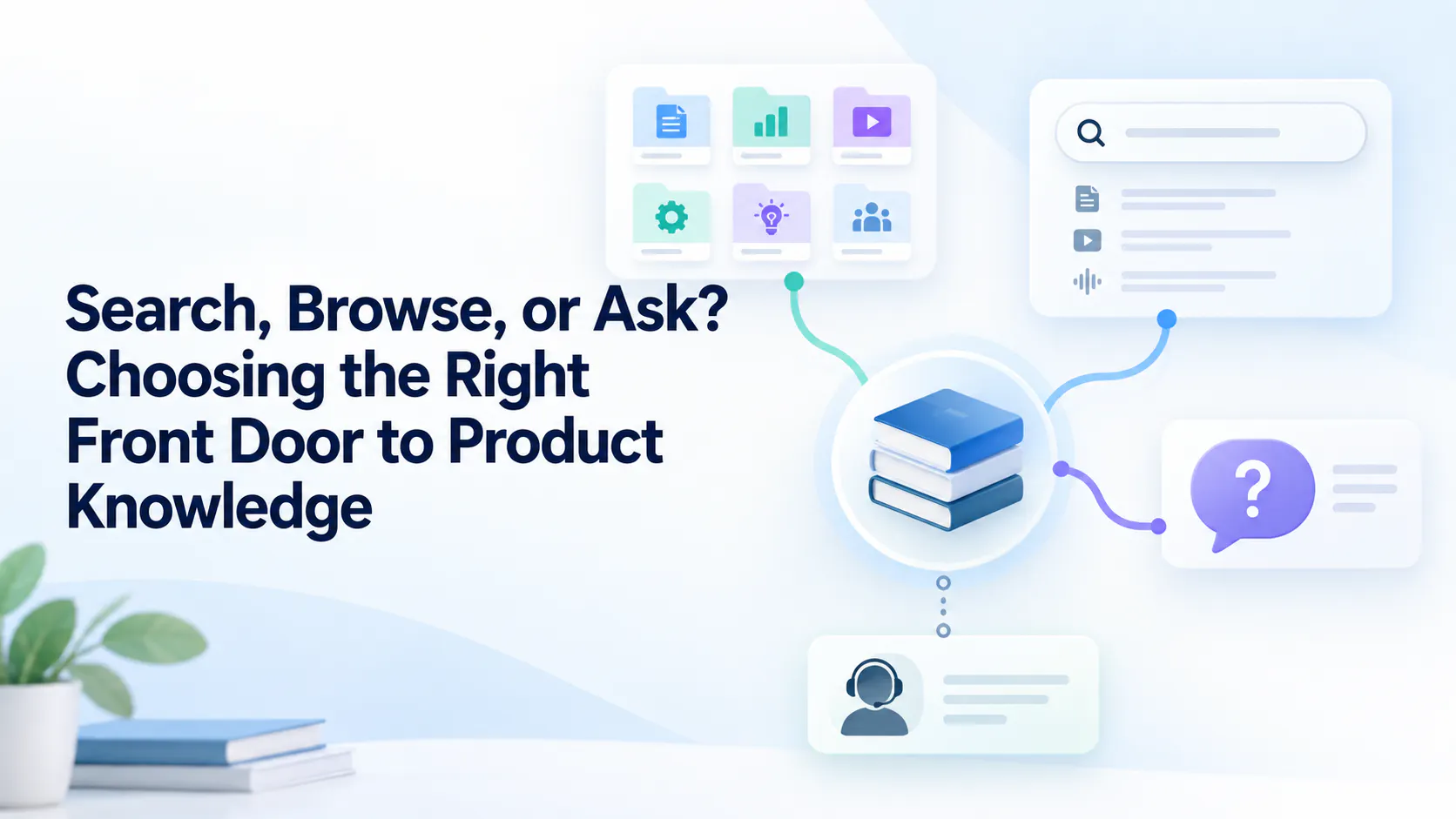
What each approach does best
No single approach works for every question. The aim is to let users start where they feel comfortable and move to another route when needed.
A user knows they need help with an integration, but cannot remember its name. Another knows the exact error code. A third wants to see the full setup process before starting.
These users may need the same product knowledge, but they will look for it in different ways. A useful knowledge library gives them more than one way in: they can browse a clear structure, search for a known term, look inside a recording, ask a question, or contact a person when the answer requires judgment.
No single approach works for every question. The aim is to let users start where they feel comfortable and move to another route when needed.
Browsing helps someone who is new to a product or wants to understand a complete workflow. A small set of clear categories, such as “Get started,” “Manage access” and “Connect integrations,” gives users a place to begin.
Categories become less helpful when a library grows without a clear structure. If one guide could reasonably sit in three places, a user may have trouble guessing where the team put it. Keep category names close to the words users use, and link related resources across sections.
Keyword search is useful when a user can name what they need. Someone with an error code or an exact setting name should be able to paste it into search and reach a relevant guide quickly.
It is less reliable when users and product teams use different words for the same issue. A customer might search for “cannot invite teammate” while the article is titled “Configure workspace access.” Titles, descriptions and article text should include natural customer language alongside official product terms.
Search results also need maintenance. An old guide that matches a keyword but describes a retired interface can be more frustrating than no result at all.
A video title may describe a broad topic even though the answer appears only briefly in the recording. Transcript search can help users find a spoken term or step without watching the whole video.
This works best when transcripts accurately capture product names, commands and technical terms. Teams should review those details and keep recordings current as the interface changes. Cincopa describes transcript search and navigation to relevant video moments as part of its AI video search approach.
Sometimes users can explain their problem but cannot name the feature or document that contains the answer. A question such as “Why can’t my new teammate see this project?” may be a better starting point than a keyword.
AI retrieval can connect that question to relevant material across a knowledge library. Cincopa’s VideoGPT, for example, lets users ask across videos and supporting documents and follow an answer back to its source. The answer is only as useful as the content behind it: outdated instructions and unclear source material still need human review.
Keep the source visible. Users should be able to open the guide, document or video behind an answer when they need exact steps or want to check whether it applies to their situation.
Some questions need more than retrieval. An account-specific failure may require someone to inspect permissions. A security exception may require an authorized decision. A customer may also have followed the available instructions and still be stuck.
In those cases, give users a clear escalation path. Let them share the guide they tried, the error they saw and the step where the result differed from the instructions. That context helps support continue the investigation.
A practical knowledge library can connect these approaches in a simple sequence. Users browse when they are exploring, search when they know a term, and ask when they can describe a need but cannot locate the right resource. Relevant answers lead back to maintained articles, documents or video moments. Human support remains available when the content does not resolve the issue.
Review the questions that lead to poor results. They may reveal a missing guide, inconsistent terminology, a weak transcript or an outdated resource. The search route is a signal to investigate, not proof that more content is always needed.
Browsing, search and AI question answering solve different discovery problems. Keep each one useful, connect answers to current sources, and make escalation easy. The right front door is the one that helps a user reach a reliable answer from the information they have at that moment.